
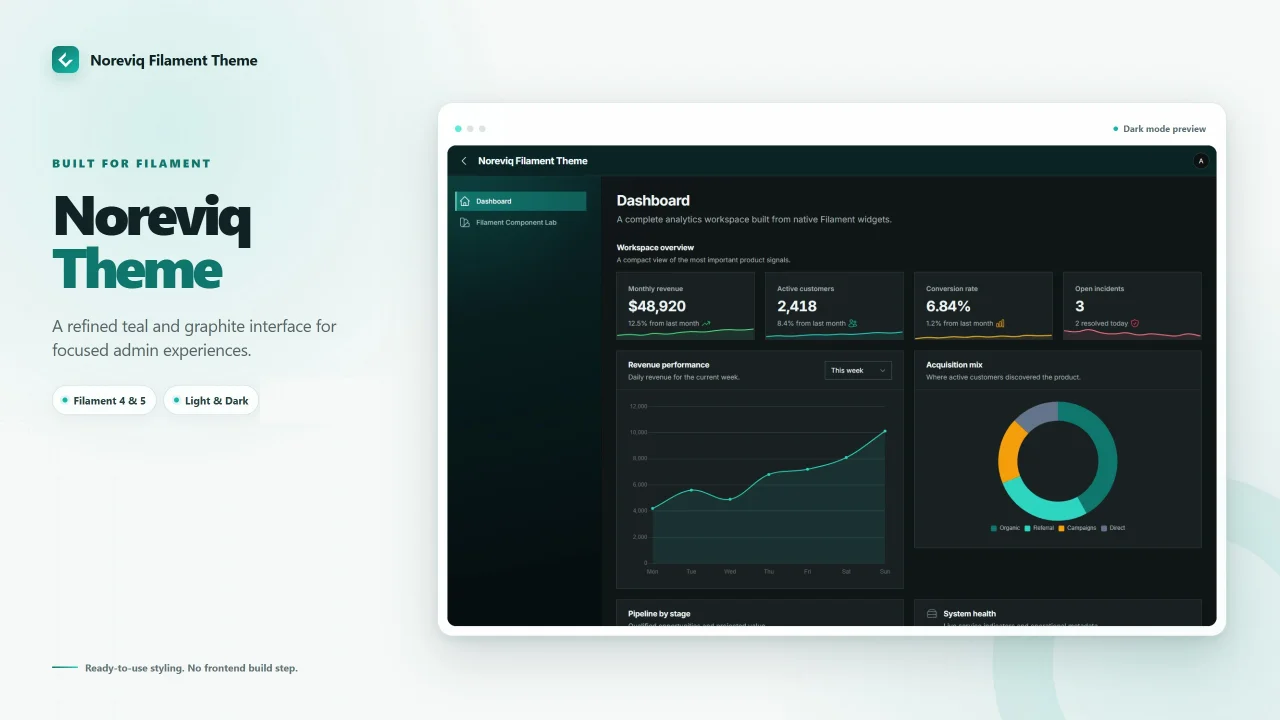
Noreviq Theme by Yousef Al-Jallad
CommunityA modern and customizable theme for Filament panels, featuring a teal and graphite color palette, light and dark modes, and multiple styling presets.
 Author:
Yousef Al-Jallad
Author:
Yousef Al-Jallad
Package health
Automated checks of this plugin's Composer package
15 checks
- Passed: GitHub Actions pinned to SHA
- Skipped: GitLab CI includes pinned to SHA
- Passed: Open security advisories
- Passed: Dependabot PR responsiveness — No open Dependabot PRs.
- Skipped: Renovate MR responsiveness
- Passed: Dependabot or Renovate configured
- Passed: Dependency update cooldown configured
- Passed: Provides a security policy
- Passed: Abandoned or archived — No consulted source marks the package abandoned (packagist, github).
- Passed: Commit and release recency — Active: last commit 0 days ago; last release 0 days ago.
-
Passed:
composer.lock not committed by library
—
composer.lockis absent from the released dist archive. - Passed: Dist archive is lean
-
Passed:
Current Laravel version supported
—
Package dependencies resolve together with current Laravel
13.0. -
Passed:
Current PHP version supported
—
Constraint
^8.2supports current PHP8.5. - Skipped: Current Symfony version supported
filament/
namespace. Review the source and install at your own risk. Found
malware or an unresolved security issue the author won't
address?
Report it
.
Documentation
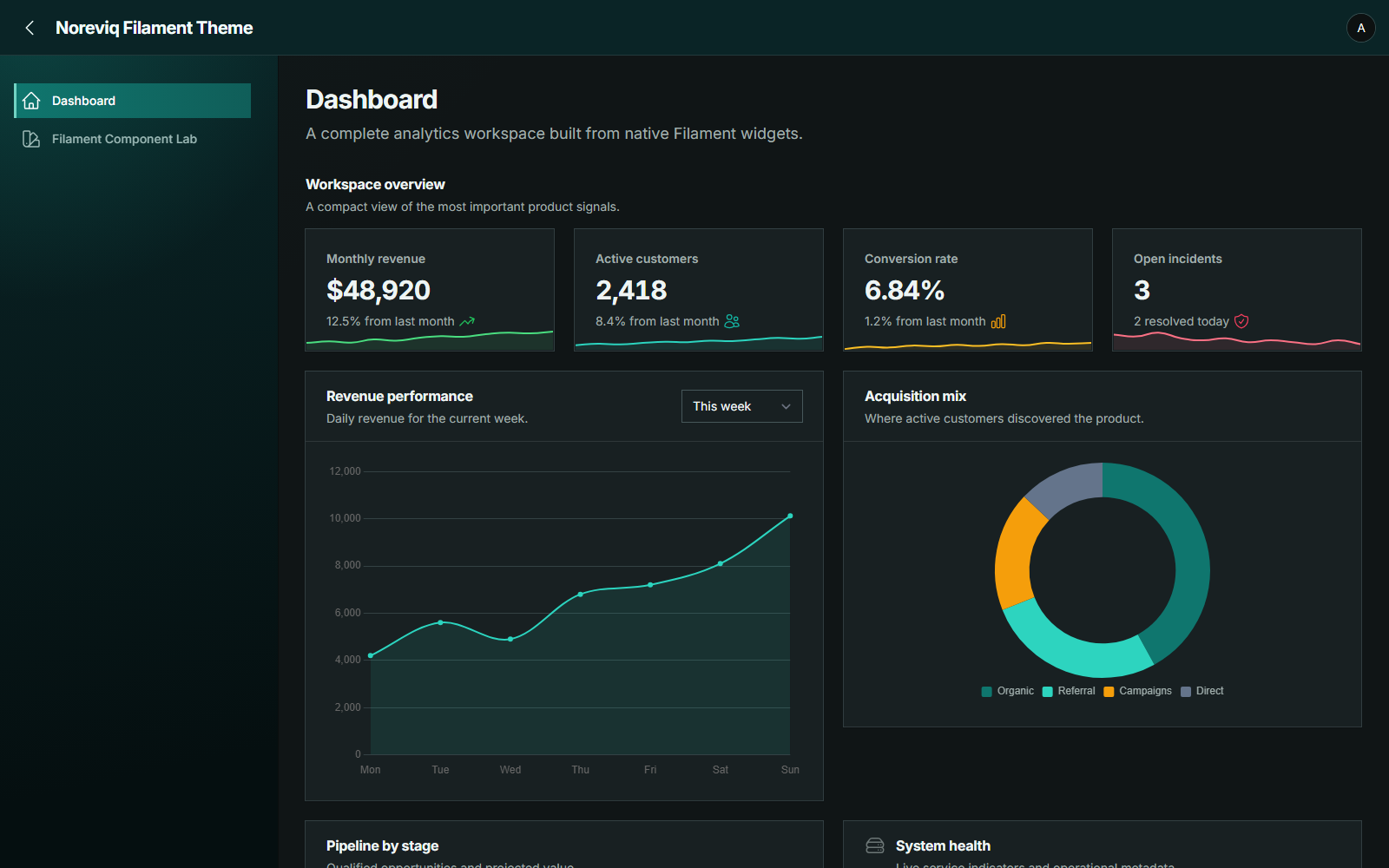
Noreviq dashboard · Dark mode
Noreviq is a teal and graphite theme plugin for Filament panels. It ships as ready-to-use CSS with no frontend build step in the consuming application.
#Preview
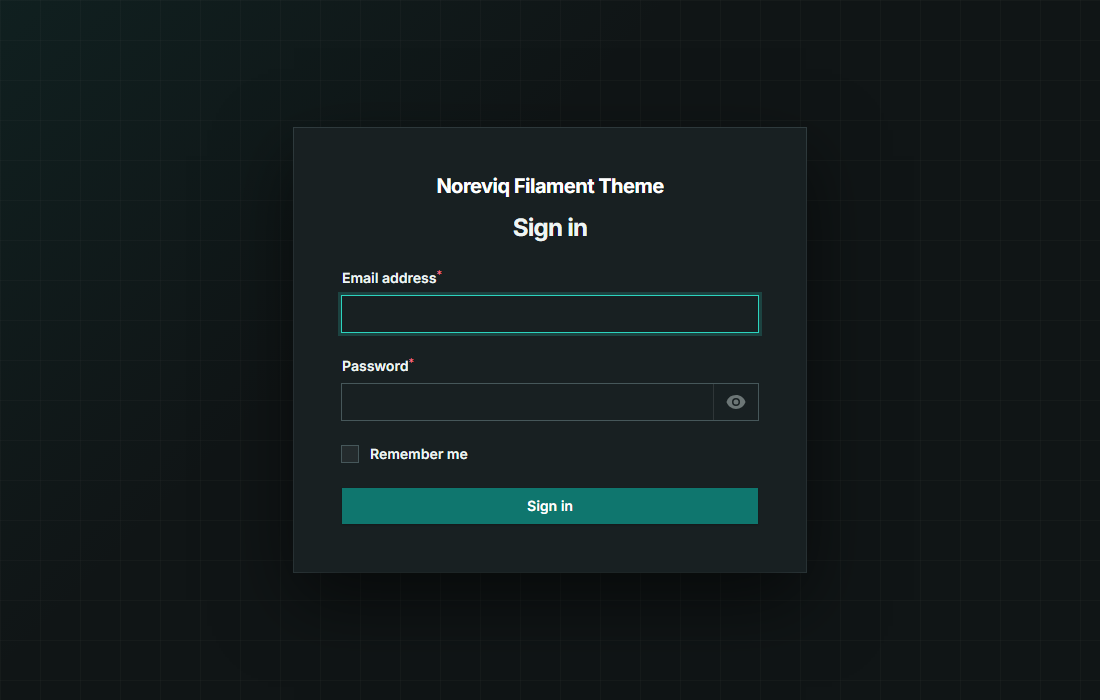
Authentication · Dark mode
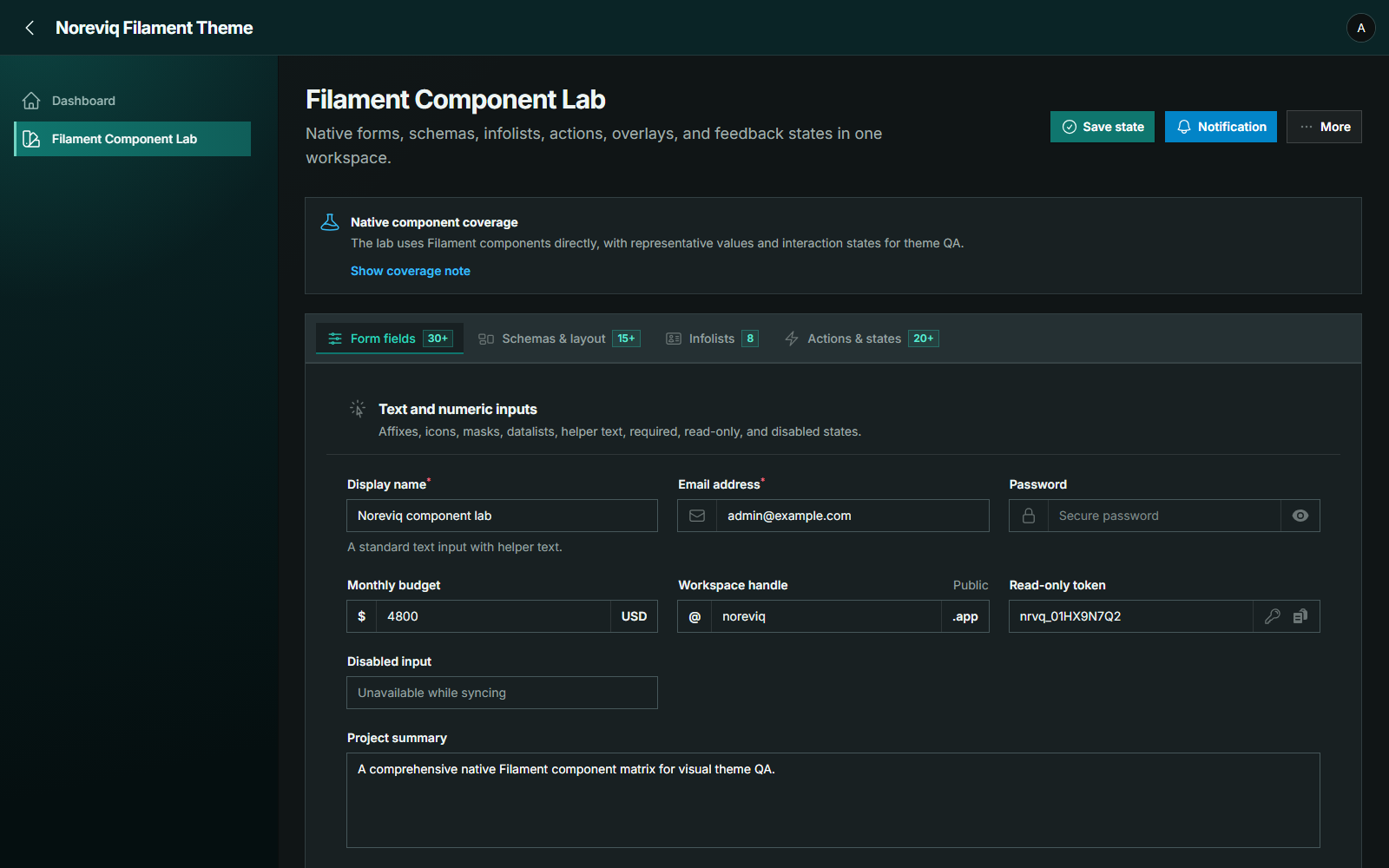
Native Filament components · Dark mode
#Light mode
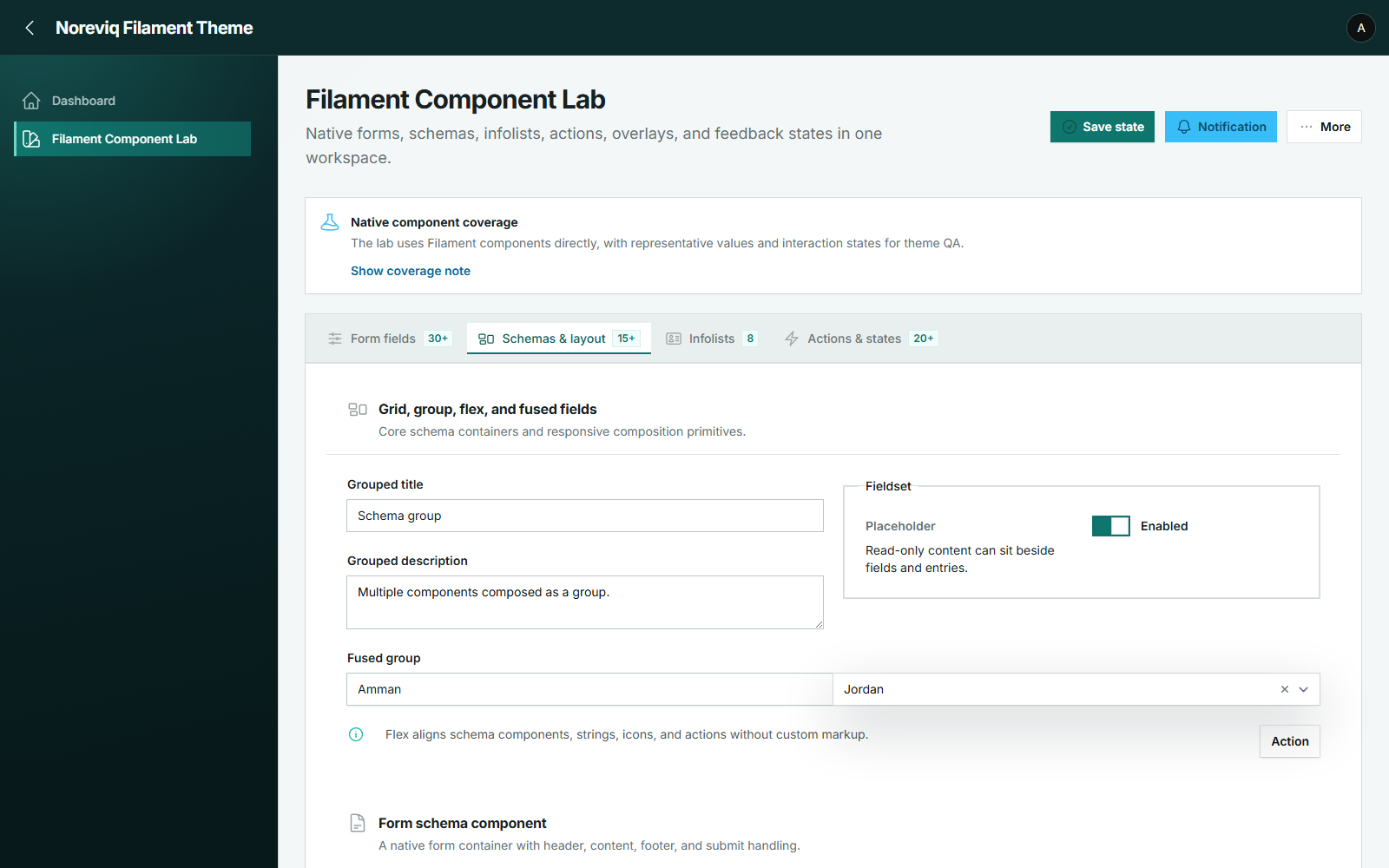
Native Filament components · Light mode
#Compatibility
| Filament | PHP |
|---|---|
| 4.x | 8.2+ |
| 5.x | 8.2+ |
#Installation
#1. Install the package
composer require noreviq/filament-theme
#2. Register the plugin
Register the plugin on each panel that should use Noreviq:
use Filament\Panel;
use Noreviq\FilamentTheme\NoreviqThemePlugin;

public function panel(Panel $panel): Panel
{
    return $panel
        // Keep your normal panel configuration here.
        ->plugin(NoreviqThemePlugin::make());
}
#3. Publish the assets
Important
Register the plugin before running the asset command. Filament discovers Noreviq's panel assets from the registered plugin, so running the command before registration will not publish the theme styles.
After registering the plugin and choosing any presets, publish the theme assets:
php artisan filament:assets
No configuration file or frontend build is required.
#Options
Noreviq exposes three typed visual options:
use Noreviq\FilamentTheme\Enums\AuthStyle;
use Noreviq\FilamentTheme\Enums\CornerStyle;
use Noreviq\FilamentTheme\Enums\ShadowStyle;

NoreviqThemePlugin::make()
    ->corners(CornerStyle::Sharp)
    ->shadows(ShadowStyle::Balanced)
    ->authStyle(AuthStyle::Noreviq);
| Option | Values | Default |
|---|---|---|
| Corners | Sharp, Subtle, Native |
Sharp |
| Shadows | Flat, Balanced, Elevated |
Balanced |
| Auth | Noreviq, Native |
Noreviq |
Run php artisan filament:assets again after changing a preset or upgrading the
package.
The palette is part of the theme and is intentionally fixed. Noreviq does not change panel navigation, dimensions, content width, branding, font, routes, authentication, authorization, responsiveness, or component behavior.
#Troubleshooting
If the default Filament theme still appears:
- Confirm that the plugin is registered on the active panel.
- Run
php artisan filament:assetsafter registration. - Hard refresh the browser.
#License
MIT. Created by Yousef Al-Jallad ([email protected]).
Featured Plugins
A selection of plugins curated by the Filament team

Custom Dashboards
Let your users build and share their own dashboards with a drag-and-drop interface. Define your data sources in PHP and let them do the rest.
 Filament

Spotlight Pro
Browse your Filament Panel with ease. Filament Spotlight Pro adds a Spotlight like Command Palette to your Filament Panel.
 Dennis Koch

Compact Theme
A theme that makes data-heavy panels easier to scan by fitting more useful information on each screen.
Filament

