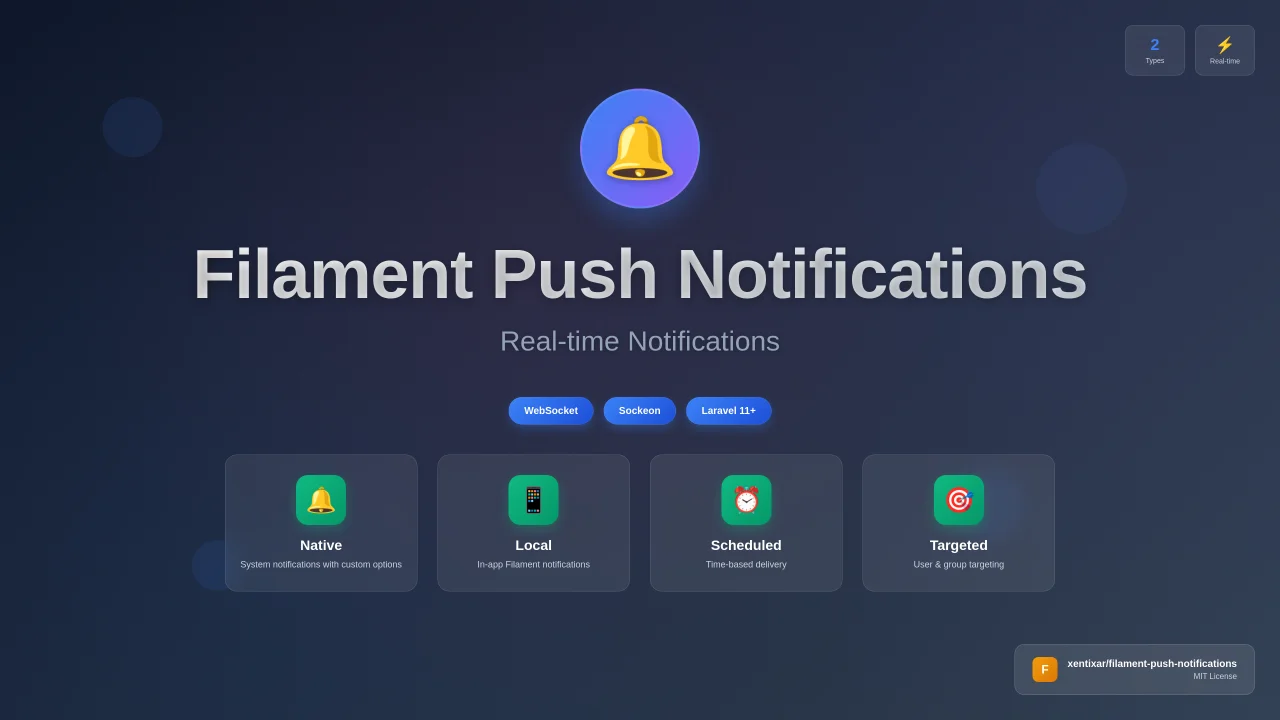
Push Notifications
CommunityA feature-rich plugin designed to enhance your push notification experience on your website. It comes with a variety of powerful features to help you manage and customize your push notifications effectively.
 Author:
Pawan Raj Bhatta
Author:
Pawan Raj Bhatta
Package health
BetaAutomated checks of this plugin's Composer package
15 checks
- Skipped: GitHub Actions pinned to SHA
- Skipped: GitLab CI includes pinned to SHA
- Passed: Open security advisories
- Passed: Dependabot PR responsiveness — No open Dependabot PRs.
- Skipped: Renovate MR responsiveness
- Failed: Dependabot or Renovate configured — No dependency updater configuration found. View details on Plumb
- Skipped: Dependency update cooldown configured
- Failed: Provides a security policy — View details on Plumb
- Passed: Abandoned or archived — No consulted source marks the package abandoned (packagist, github).
- Passed: Commit and release recency — Active: last commit 75 days ago; last release 327 days ago.
-
Passed:
composer.lock not committed by library
—
composer.lockis absent from the released dist archive. - Passed: Dist archive is lean
-
Passed:
Current Laravel version supported
—
Package dependencies resolve together with current Laravel
13.0. - Passed: Current PHP version supported — No PHP constraint declared; package imposes no version restriction.
- Skipped: Current Symfony version supported
filament/
namespace. Review the source and install at your own risk. Found
malware or an unresolved security issue the author won't
address?
Report it
.
Documentation
- ✨ Features
- 🚀 Installation
- 🔧 Configuration
- 📱 Usage
- 🎯 Notification Types
- 🗄️ Database Structure
- 🔌 Frontend Integration
- 📚 API Reference
- 🔧 Troubleshooting
- 🤝 Contributing
- 📄 License
- 🙏 Acknowledgments
- 📞 Support



A comprehensive Laravel package that provides real-time push notifications for Filament applications with support for both native notifications and in-app local notifications. Built with WebSocket technology for instant delivery and seamless user experience.
#✨ Features
- Real-time Notifications: Instant push notifications using WebSocket technology
- Dual Notification Types: Support for both native notifications and in-app local notifications
- Scheduled Notifications: Schedule notifications to be sent at specific times
- User Targeting: Send notifications to specific users or groups
- Filament Admin Panel: Complete admin interface for managing notifications
- Native Notification Support: System notifications with customizable options
- WebSocket Integration: Built-in WebSocket server using Sockeon
- Queue Support: Background job processing for better performance
- Customizable Configuration: Extensive configuration options for all aspects
- Migration Ready: Automatic database setup and migrations
#🚀 Installation
#Prerequisites
- Laravel 11.x or higher
- PHP 8.2 or higher
- Filament 4.x
- Composer
#Step 1: Install the Package
composer require xentixar/filament-push-notifications
#Step 2: Publish Configuration and Migrations
php artisan vendor:publish --tag=filament-push-notifications-config
php artisan vendor:publish --tag=filament-push-notifications-migrations
#Step 3: Run Migrations
php artisan migrate
#Step 4: Add Plugin to Admin Panel Provider
Add the push notifications plugin to your app/Providers/Filament/AdminPanelProvider.php:
use Xentixar\FilamentPushNotifications\PushNotification;

class AdminPanelProvider extends PanelProvider
{
    public function panel(Panel $panel): Panel
    {
        return $panel
            // ... other configuration
            ->plugins([
                // ... other plugins
                PushNotification::make(),
            ]);
    }
}
#Step 5: Configure Environment Variables
Add the following variables to your .env file:
# WebSocket Server Configuration
SOCKEON_HOST=localhost
SOCKEON_PORT=8080
SOCKEON_KEY=your-secret-key
SOCKEON_DEBUG=true

# Notification Configuration (Optional)
NOTIFICATION_FAVICON=https://your-domain.com/favicon.ico
NOTIFICATION_DEFAULT_URL=https://your-domain.com
NOTIFICATION_TAG=default
NOTIFICATION_REQUIRE_INTERACTION=false
NOTIFICATION_SILENT=false
NOTIFICATION_BADGE=https://your-domain.com/badge.ico
NOTIFICATION_DIR=auto
NOTIFICATION_LANG=en
NOTIFICATION_RENOTIFY=false
NOTIFICATION_TIMEOUT=5000
#🔧 Configuration
The package configuration file is located at config/filament-push-notifications.php. Here's an overview of the main configuration sections:
#Socket Configuration
'socket' => [
    'host' => env('SOCKEON_HOST', 'localhost'),
    'port' => env('SOCKEON_PORT', 8080),
    'key' => env('SOCKEON_KEY', 'secret'),
    'debug' => env('SOCKEON_DEBUG', true),
    'allowed_origins' => ['http://127.0.0.1:8000', 'http://localhost:8000'],
],
#Native Notification Configuration
'native_notification' => [
    'favicon' => env('NOTIFICATION_FAVICON', 'https://example.com/favicon.ico'),
    'url' => env('NOTIFICATION_DEFAULT_URL', 'https://example.com'),
    'tag' => env('NOTIFICATION_TAG', 'default'),
    'require_interaction' => env('NOTIFICATION_REQUIRE_INTERACTION', false),
    'vibrate' => [100, 100, 100],
    'silent' => env('NOTIFICATION_SILENT', false),
    'badge' => env('NOTIFICATION_BADGE', 'https://example.com/badge.ico'),
    'dir' => env('NOTIFICATION_DIR', 'auto'),
    'lang' => env('NOTIFICATION_LANG', 'en'),
    'renotify' => env('NOTIFICATION_RENOTIFY', false),
    'timeout' => env('NOTIFICATION_TIMEOUT', 5000),
],
#📱 Usage
#Starting the WebSocket Server
php artisan sockeon:start
#🎯 Notification Types
#Native Notifications
Native notifications appear as system notifications and support:
- Custom icons and badges
- Vibration patterns (mobile devices)
- Click actions and URL navigation
- Sound and interaction requirements
- Language and direction settings
#Filament Notifications
In-app notifications that appear within the Filament admin panel:
- Toast-style notifications
- Customizable appearance
- Auto-dismiss functionality
- Progress indicators
- Dark mode support
#🗄️ Database Structure
The package creates a push_notifications table with the following structure:
Schema::create('push_notifications', function (Blueprint $table) {
    $table->id();
    $table->string('title');
    $table->text('message');
    $table->enum('type', ['native', 'local']);
    $table->json('receivers');
    $table->timestamp('scheduled_at')->nullable();
    $table->timestamps();
});
#🔌 Frontend Integration
The package automatically injects the notification system into your Filament admin panel. The JavaScript handles:
- WebSocket connections
- Real-time notification delivery
- Native notification permissions
- Notification display and management
- Auto-dismiss and progress tracking
#Customization
You can customize the notification appearance by publishing and modifying the view:
php artisan vendor:publish --tag=filament-push-notifications-views
#📚 API Reference
#Models
#PushNotification
class PushNotification extends Model
{
    protected $fillable = [
        'title',
        'message',
        'type',
        'receivers',
        'scheduled_at',
    ];

    protected $casts = [
        'receivers' => 'array',
        'type' => PushNotificationType::class,
        'scheduled_at' => 'datetime',
    ];
}
#Enums
#PushNotificationType
enum PushNotificationType: string
{
    case NATIVE = 'native';
    case LOCAL = 'local';
}
#Events
#NotificationPushedEvent
class NotificationPushedEvent
{
    public function __construct(
        public array $notification
    ) {}
}
#🔧 Troubleshooting
#Common Issues
-
WebSocket Connection Failed
- Ensure the Sockeon server is running
- Check host and port configuration
- Verify firewall settings
-
Native Notifications Not Working
- Check native notification permissions
- Ensure HTTPS is used (required for notifications)
- Verify favicon and badge URLs are accessible
- Notifications Not Appearing
- Check WebSocket connection status
- Verify user authentication
- Check browser console for errors
#Debug Mode
Enable debug mode in your .env file:
SOCKEON_DEBUG=true
#🤝 Contributing
We welcome contributions! Please see our Contributing Guide for details.
#Development Setup
- Fork the repository
- Clone your fork
- Install dependencies:
composer install - Submit a pull request
#📄 License
This package is open-sourced software licensed under the MIT License.
#🙏 Acknowledgments
- Filament for the amazing admin panel framework
- Sockeon for WebSocket server implementation
- Laravel for the robust PHP framework
#📞 Support
- Documentation: GitHub Wiki
- Issues: GitHub Issues
- Discussions: GitHub Discussions
- Email: xentixar@gmail.com
Made with ❤️ by xentixar
The author
I am a passionate System Architect and Full-Stack Developer with over 3 years of experience building scalable systems and innovative solutions. Specializing in Laravel, Livewire, and FilamentPHP. My expertise spans modern web technologies, cloud architecture, and emerging technologies, with a focus on creating maintainable, scalable solutions that solve complex problems elegantly. I believe in writing clean code and building systems that not only work today but are designed to scale for tomorrow's challenges.
From the same author
Featured Plugins
A selection of plugins curated by the Filament team

Blueprint
Filament Blueprint is a premium Laravel Boost extension that helps AI agents produce accurate, detailed implementation plans and security reports for Filament apps.
 Filament

Spotlight Pro
Browse your Filament Panel with ease. Filament Spotlight Pro adds a Spotlight/Raycast like Command Palette to your Filament Panel.
 Dennis Koch

Custom Fields
Eliminate custom field migrations forever. Let your users create and manage form fields directly in Filament admin panels with 20+ built-in field types, validation, and zero database changes.
 Relaticle
