

Social Share Action by Tapp Network
CommunityLet your users easily share content via social media platforms, email, or using the native Web Share API all through a fully customizable action.
 Author:
Tapp Network
Author:
Tapp Network
Package health
Automated checks of this plugin's Composer package
15 checks
- Skipped: GitHub Actions pinned to SHA
- Skipped: GitLab CI includes pinned to SHA
- Passed: Open security advisories
- Passed: Dependabot PR responsiveness — No open Dependabot PRs.
- Skipped: Renovate MR responsiveness
- Skipped: Dependabot or Renovate configured
- Skipped: Dependency update cooldown configured
- Failed: Provides a security policy — View details on Plumb
- Passed: Abandoned or archived — No consulted source marks the package abandoned (packagist).
- Passed: Commit and release recency — Active: no commit date available; last release 0 days ago.
-
Passed:
composer.lock not committed by library
—
composer.lockis absent from the released dist archive. - Passed: Dist archive is lean
-
Passed:
Current Laravel version supported
—
Package dependencies resolve together with current Laravel
13.0. -
Passed:
Current PHP version supported
—
Constraint
^8.3supports current PHP8.5. - Skipped: Current Symfony version supported
filament/
namespace. Review the source and install at your own risk. Found
malware or an unresolved security issue the author won't
address?
Report it
.
Documentation
- Appareance
- Dependencies
- Installation
- Usage
- Testing
- Changelog
- Contributing
- Security Vulnerabilities
- Credits
- License




An action that allows users to share the current URL (or provide a custom one) on social media platforms, through email, or copy the link. It could be also used the web share API (supported by certain browsers).
Important
The web share API and copy to clipboard require HTTPs to work.
#Appareance


#Dependencies
- owenvoke/blade-fontawesome for default social icons
#Installation
You can install the package via composer:
composer require tapp/filament-social-share
You can publish the config using:
php artisan vendor:publish --tag="filament-social-share-config"
This is the contents of the published config file:
return [

    'action' => [
        'icon' => 'heroicon-m-share',
    ],

];
To apply the plugin styles, add to the your Filament theme.css file:
@source '../../../../vendor/tapp/filament-social-share';
#Usage
The share action can open the native browser share or a Filament modal with options to share on X, Facebook, Linkedin, Reddit, or Email.
Using Native Browser Web Share API
Add the ->nativeBrowserShare() to display the native browser share:
use Tapp\FilamentSocialShare\Actions\SocialShareAction;

SocialShareAction::make()
    ->nativeBrowserShare()
Using modal with social plataform options
When ->nativeBrowserShare() is not provided a modal will be opened with options to share on social plataforms or email. The social plataforms available are in the example below:
use Tapp\FilamentSocialShare\Actions\SocialShareAction;

SocialShareAction::make()
    ->x()
    ->facebook()
    ->linkedin()
    ->reddit()
    ->email()
#Options available
Below you can see all the options available to the SocialShareAction.
Note
Any icon supported by Blade UI kit can be used for the social share icons.
#URL to Share
Default is current URL.
Provide a custom URL to share:
use Tapp\FilamentSocialShare\Actions\SocialShareAction;

SocialShareAction::make()
    ->urlToShare('https://github.com/TappNetwork/filament-social-share')
#Text
Default is the title.
Provide the text to share:
use Tapp\FilamentSocialShare\Actions\SocialShareAction;

SocialShareAction::make()
    ->text('Social Share Filament Plugin')
#Twitter/X
To add X share button, add the x method providing the user:
use Tapp\FilamentSocialShare\Actions\SocialShareAction;

SocialShareAction::make()
    ->x()

// With custom icon, tooltip, and color
SocialShareAction::make()
    ->x(
        enabled: true,
        icon: 'fab-x',
        tooltip: 'Share on X',
        color: '#000000'
    )

// Using dedicated methods
SocialShareAction::make()
    ->x()
    ->xIcon('fab-x')
    ->xTooltip('Share this post on X')
    ->xColor('#000000')
To add Facebook share button:
use Tapp\FilamentSocialShare\Actions\SocialShareAction;

SocialShareAction::make()
    ->facebook()

// With custom icon, tooltip, and color
SocialShareAction::make()
    ->facebook(
        enabled: true,
        icon: 'fab-facebook-f',
        tooltip: 'Share on Facebook',
        color: '#1877f2'
    )

// Using dedicated methods
SocialShareAction::make()
    ->facebook()
    ->facebookIcon('fab-facebook-f')
    ->facebookTooltip('Share this post on Facebook')
    ->facebookColor('#1877f2')
To add LinkedIn share button:
use Tapp\FilamentSocialShare\Actions\SocialShareAction;

SocialShareAction::make()
    ->linkedin()

// With custom icon, tooltip, and color
SocialShareAction::make()
    ->linkedin(
        enabled: true,
        icon: 'fab-linkedin-in',
        tooltip: 'Share on LinkedIn',
        color: '#0077b5'
    )

// Using dedicated methods
SocialShareAction::make()
    ->linkedin()
    ->linkedinIcon('fab-linkedin-in')
    ->linkedinTooltip('Share on LinkedIn network')
    ->linkedinColor('#0077b5')
To add Reddit share button:
use Tapp\FilamentSocialShare\Actions\SocialShareAction;

SocialShareAction::make()
    ->reddit()

// With custom icon, tooltip, and color
SocialShareAction::make()
    ->reddit(
        enabled: true,
        icon: 'fab-reddit-alien',
        tooltip: 'Share on Reddit',
        color: '#ff4500'
    )

// Using dedicated methods
SocialShareAction::make()
    ->reddit()
    ->redditIcon('fab-reddit-alien')
    ->redditTooltip('Post to Reddit')
    ->redditColor('#ff4500')
To add Email share button:
use Tapp\FilamentSocialShare\Actions\SocialShareAction;

SocialShareAction::make()
    ->email()

// With custom icon, tooltip, and color
SocialShareAction::make()
    ->email(
        enabled: true,
        icon: 'heroicon-o-envelope',
        tooltip: 'Share via Email',
        color: '#6b7280'
    )

// Using dedicated methods
SocialShareAction::make()
    ->email()
    ->emailIcon('heroicon-o-envelope')
    ->emailTooltip('Send via Email')
    ->emailColor('#6b7280')
#Native Browser Share
Enable native browser Web Share API:
use Tapp\FilamentSocialShare\Actions\SocialShareAction;

SocialShareAction::make()
    ->nativeBrowserShare()
#Process Customization
Add custom logic before or after the sharing process:
use Tapp\FilamentSocialShare\Actions\SocialShareAction;
use Filament\Notifications\Notification;

SocialShareAction::make()
    ->before(function () {
        // Execute before sharing modal opens
        Notification::make()
            ->title('Opening share options...')
            ->info()
            ->send();
    })
    ->after(function () {
        // Execute after sharing process
        \Log::info('User opened social share modal');
    })
    ->facebook()
    ->linkedin()
#Default Colors
The plugin comes with sensible default colors for each platform:
- X (Twitter):
#000000(Black) - Facebook:
#3b82f6(Blue) - LinkedIn:
#1d4ed8(Dark Blue) - Reddit:
#ea580c(Orange) - Email:
#000000(Black)
#Different Approaches to Define Configurations
Using named parameters in main social plataform method
SocialShareAction::make()
    ->facebook(
        enabled: true,
        icon: 'fab-facebook-f',
        tooltip: 'Share this post on Facebook',
        color: '#1877f2'
    )
    ->linkedin(
        icon: 'fab-linkedin-in',
        color: '#0077b5',
        tooltip: 'Share on LinkedIn network'
    )
    ->reddit(
        color: '#ff4500',
        tooltip: 'Post to Reddit'
    )
Using pure dedicated methods
SocialShareAction::make()
    ->facebook()
        ->facebookIcon('fab-facebook-f')
        ->facebookTooltip('Share this amazing post on Facebook')
        ->facebookColor('#1877f2')
    ->linkedin()
        ->linkedinColor('#0077b5')
        ->linkedinTooltip('Share on LinkedIn network')
    ->reddit()
        ->redditColor('#ff4500')
Mixed approach (Maximum Flexibility)
SocialShareAction::make()
    ->facebook(icon: 'fab-facebook-f')  // Named parameter for icon
        ->facebookTooltip('Custom tooltip')  // Dedicated method for tooltip
        ->facebookColor('#1877f2')           // Dedicated method for color
    ->linkedin(color: '#0077b5')        // Named parameter for color
        ->linkedinIcon('fab-linkedin-in')    // Dedicated method for icon
    ->reddit()                          // Enable with all defaults
        ->redditColor('#ff4500')
Conditional/Dynamic Configuration
$action = SocialShareAction::make()
    ->facebook()
    ->linkedin();

// Conditionally customize based on user preferences
if ($user->prefers_custom_colors) {
    $action->facebookColor('#custom-color')
           ->linkedinColor('#another-color');
}

if ($user->is_premium) {
    $action->reddit()
           ->redditTooltip('Premium user sharing');
}
#Customizing the action
Any method available to Filament action can be used, for example, to use an icon instead of button for share action:
use Tapp\FilamentSocialShare\Actions\SocialShareAction;

 SocialShareAction::make()
    ->facebook()
    ->iconButton(),
#Executing code before or after the action
The before() and after() methods could be used to execute some extra logic before or after the action:
-
before() - Runs code before the main sharing action occurs.
-
after() - Runs code after the sharing modal is displayed/processed.
Example: Send Notification After Sharing
use Filament\Notifications\Notification;
use Tapp\FilamentSocialShare\Actions\SocialShareAction;

SocialShareAction::make()
    ->facebook()
    ->linkedin()
    ->after(function () {
        // Send notification after user opens share modal
        Notification::make()
            ->title('Share options displayed')
            ->body('The social sharing options have been presented to the user.')
            ->success()
            ->send();
    }),
Example: Log Sharing Activity
use Illuminate\Support\Facades\Log;
use Tapp\FilamentSocialShare\Actions\SocialShareAction;

SocialShareAction::make()
    ->facebook()
    ->linkedin()
    ->before(function () {
        // Log that user initiated sharing
        Log::info('User opened social share modal', [
            'user_id' => auth()->id(),
            'timestamp' => now(),
            'url' => request()->url()
        ]);
    })
    ->after(function () {
        // Log completion
        Log::info('Social share modal displayed successfully');
    })
Example: Custom Authorization Check
use Filament\Notifications\Notification;
use Tapp\FilamentSocialShare\Actions\SocialShareAction;

SocialShareAction::make()
    ->facebook()
    ->linkedin()
    ->before(function () {
        // Check if user has permission to share
        if (!auth()->user()->can('share_content')) {
            Notification::make()
                ->title('Permission Denied')
                ->body('You do not have permission to share content.')
                ->danger()
                ->send();

            throw new \Exception('Unauthorized sharing attempt');
        }
    })
Example: Track Analytics
use Tapp\FilamentSocialShare\Actions\SocialShareAction;

SocialShareAction::make()
    ->facebook()
    ->linkedin()
    ->before(function () {
        // Track sharing intent in analytics
        event('social_share_initiated', [
            'user_id' => auth()->id(),
            'content_type' => 'article',
            'content_id' => request()->route('id')
        ]);
    })
#Testing
composer test
#Changelog
Please see CHANGELOG for more information on what has changed recently.
#Contributing
Please see CONTRIBUTING for details.
#Security Vulnerabilities
Please review our security policy on how to report security vulnerabilities.
#Credits
Inspired by PenguinUI.
#License
The MIT License (MIT). Please see License File for more information.
The author
From the same author
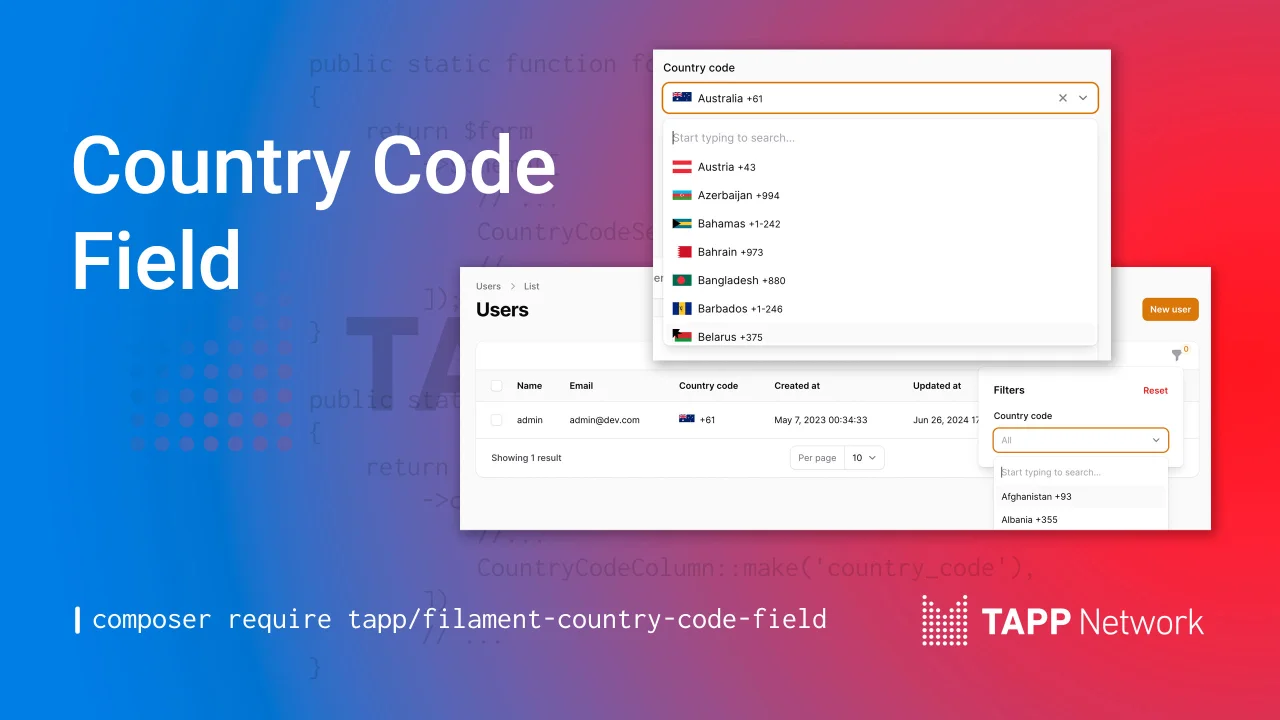
Country Code Field
A country code select field, filter, and table column.
Author:
Tapp Network
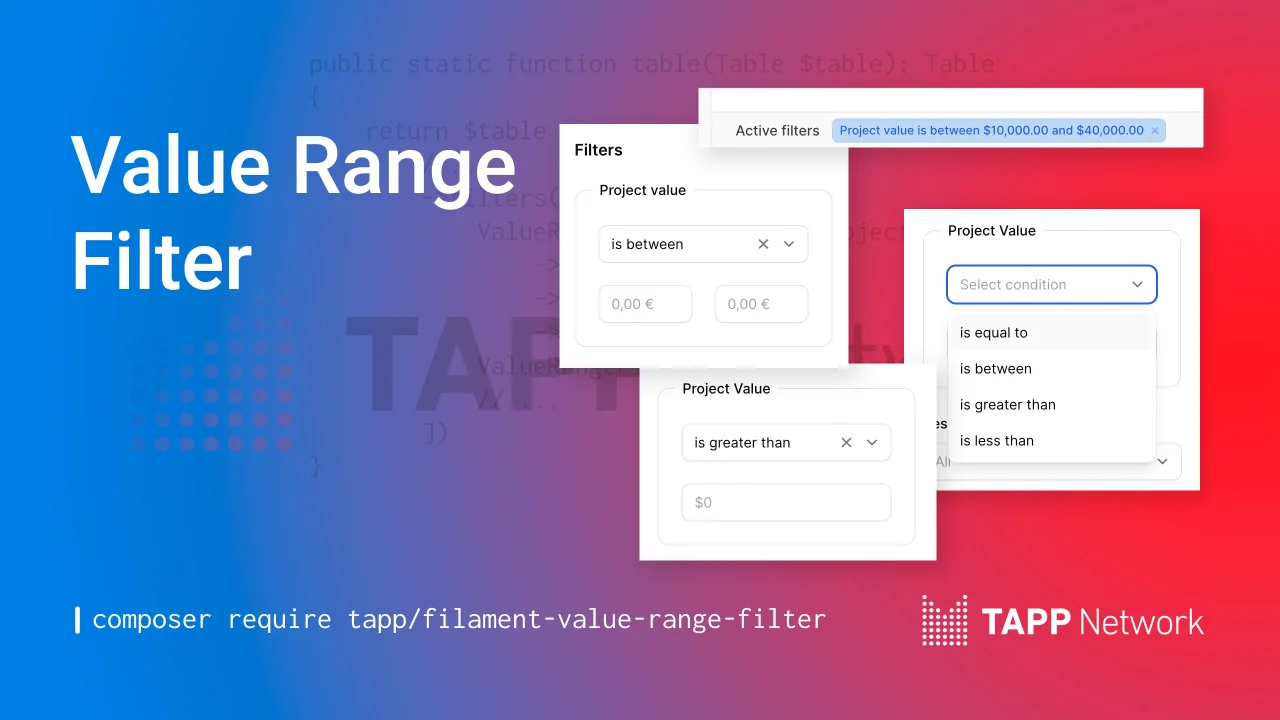
Value Range Filter
A value range filter for Filament table builder.
Author:
Tapp Network
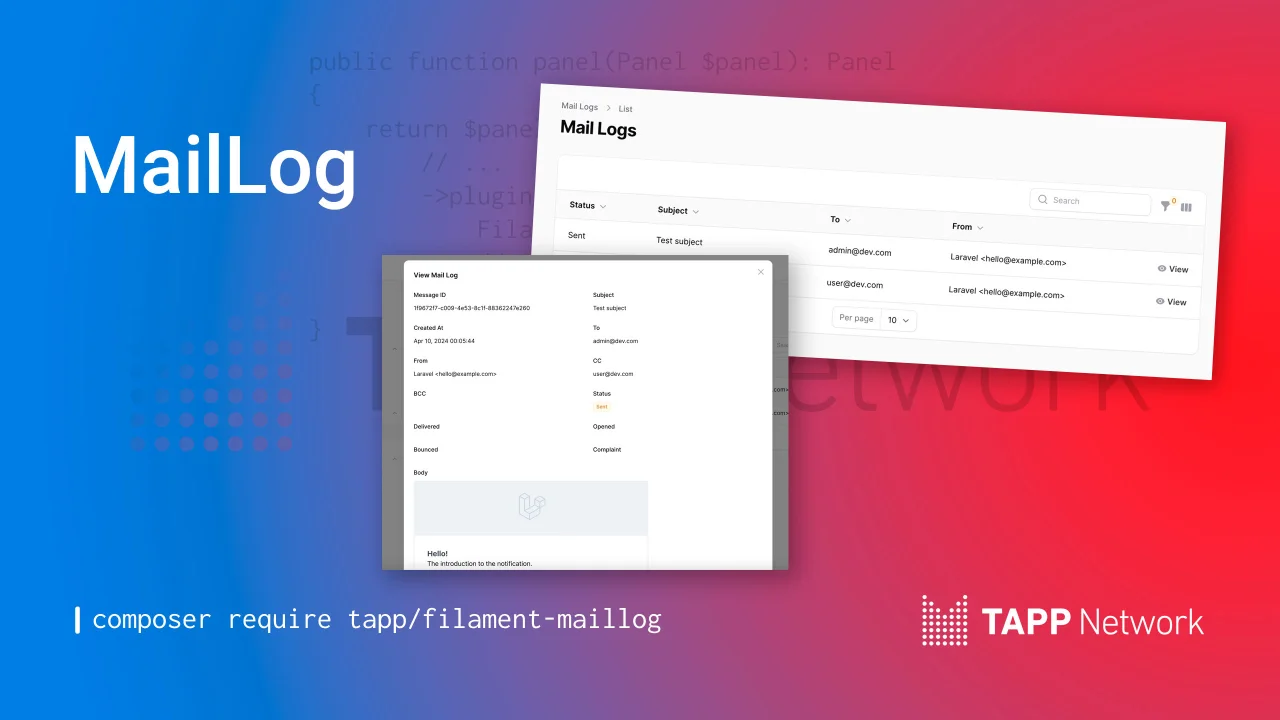
Mail Log
View outgoing mail in a resource.
Author:
Tapp Network
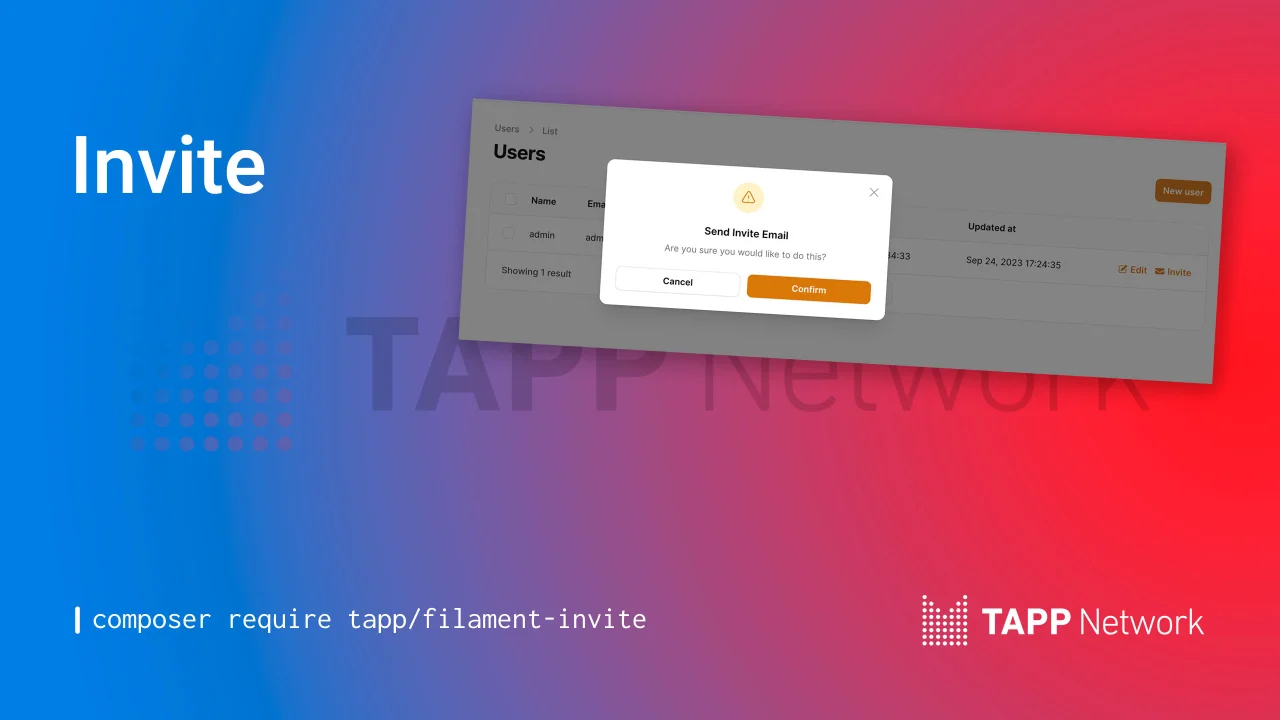
Invites
Invite Users with a table action or a header action.
Author:
Tapp Network
Featured Plugins
A selection of plugins curated by the Filament team

Blueprint
Filament Blueprint is a premium Laravel Boost extension that helps AI agents produce accurate, detailed implementation plans and security reports for Filament apps.
 Filament

Soft Theme
A theme that gives panels a warm, approachable look with rounded shapes, gentle colors, and serif headings.
Filament

Spotlight Pro
Browse your Filament Panel with ease. Filament Spotlight Pro adds a Spotlight like Command Palette to your Filament Panel.
 Dennis Koch

