
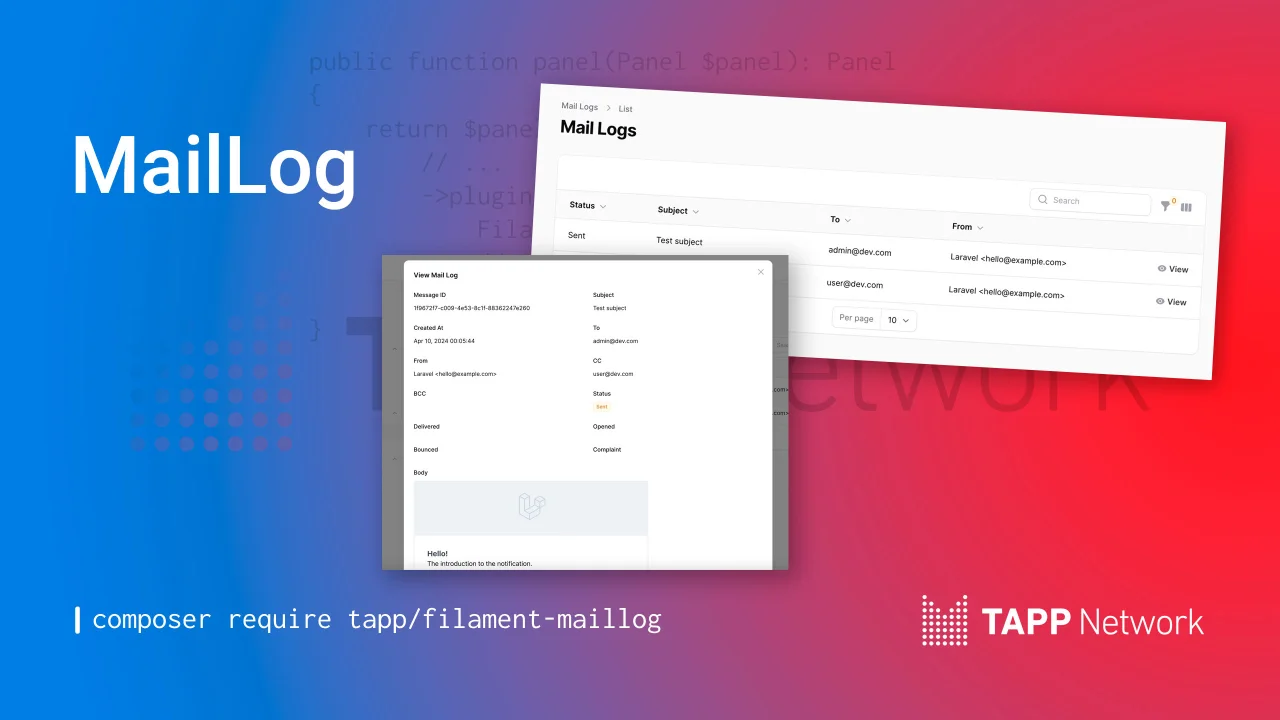
Mail Log
CommunityView outgoing mail in a resource.
 Author:
Tapp Network
Author:
Tapp Network
Package health
BetaAutomated checks of this plugin's Composer package
15 checks
- Failed: GitHub Actions pinned to SHA — View details on Plumb
- Skipped: GitLab CI includes pinned to SHA
- Passed: Open security advisories
- Passed: Dependabot PR responsiveness — No open Dependabot PRs.
- Skipped: Renovate MR responsiveness
- Passed: Dependabot or Renovate configured
-
Failed:
Dependency update cooldown configured
—
No cooldown configured in
.github/dependabot.yml. View details on Plumb - Passed: Provides a security policy
- Passed: Abandoned or archived — No consulted source marks the package abandoned (packagist, github).
- Passed: Commit and release recency — Active: last commit 0 days ago; last release 35 days ago.
-
Passed:
composer.lock not committed by library
—
composer.lockis absent from the released dist archive. - Passed: Dist archive is lean
-
Passed:
Current Laravel version supported
—
Package dependencies resolve together with current Laravel
13.0. -
Passed:
Current PHP version supported
—
Constraint
^8.3supports current PHP8.5. - Skipped: Current Symfony version supported
filament/
namespace. Review the source and install at your own risk. Found
malware or an unresolved security issue the author won't
address?
Report it
.
Documentation
- Version Compatibility
- Installation
- Using the Resource
- Multi-Tenancy Support
- Testing
- Changelog
- Contributing
- Security Vulnerabilities
- Credits
- License




This plugin adds an event listener to log emails sent on mail_logs database table. It also adds a Filament resource to view the mail logs.
#Version Compatibility
| Filament | Filament MailLog | Documentation |
|---|---|---|
| 4.x/5.x | 2.x | Current |
| 3.x | 1.x | Check the docs |
#Installation
You can install the package via Composer:
composer require tapp/filament-maillog:"^2.0"
You can publish the config file with:
php artisan vendor:publish --tag="filament-maillog-config"
This is the contents of the published config file:
return [
    'amazon-ses' => [
        'configuration-set' => null,
    ],

    'resources' => [
        'MailLogResource' => \Tapp\FilamentMailLog\Resources\MailLogResource::class,
    ],

    'navigation' => [
        'maillog' => [
            'register' => true,
            'sort' => 1,
            'icon' => 'heroicon-o-rectangle-stack',
        ],
    ],

    'sort' => [
        'column' => 'created_at',
        'direction' => 'desc',
    ],

    'tenancy' => [
        'enabled' => env('FILAMENT_MAILLOG_TENANCY_ENABLED', false),
        'model' => null, // e.g. \App\Models\Team::class
        'relationship_name' => env('FILAMENT_MAILLOG_TENANCY_RELATIONSHIP_NAME', null),
        'column' => env('FILAMENT_MAILLOG_TENANCY_COLUMN', null),
        'nullable' => env('FILAMENT_MAILLOG_TENANCY_NULLABLE', true),
        'foreign_key' => [
            'on_delete' => env('FILAMENT_MAILLOG_TENANCY_ON_DELETE', 'cascade'),
            'on_update' => env('FILAMENT_MAILLOG_TENANCY_ON_UPDATE', 'cascade'),
        ],
        'auto_assign' => env('FILAMENT_MAILLOG_TENANCY_AUTO_ASSIGN', true),
    ],
];
You can publish and run the migrations with:
php artisan vendor:publish --tag="filament-maillog-migrations"
php artisan migrate
Warning: If you use multi-tenancy, configure tenancy before publishing and running migrations. See "Multi-Tenancy Support" below.
Optionally, you can publish the translations files with:
php artisan vendor:publish --tag="filament-maillog-translations"
#Using the Resource
Add this plugin to a panel on plugins() method.
E.g. in app/Providers/Filament/AdminPanelProvider.php:
use Tapp\FilamentMailLog\FilamentMailLogPlugin;

public function panel(Panel $panel): Panel
{
    return $panel
        // ...
        ->plugins([
            FilamentMailLogPlugin::make(),
            //...
        ]);
}
#Multi-Tenancy Support
Mail log entries can be scoped to a tenant (e.g. team or organization) when your Filament panel uses tenancy.
#Setup
-
Configure tenancy before migrations
Publish the config and set in
config/filament-maillog.php:'tenancy' => [ 'enabled' => true, 'model' => \App\Models\Team::class, 'relationship_name' => 'team', 'column' => 'team_id', 'nullable' => true, 'auto_assign' => true, ],Or use env vars:
FILAMENT_MAILLOG_TENANCY_ENABLED=true,FILAMENT_MAILLOG_TENANCY_COLUMN=team_id, etc. -
Publish and run migrations
The
mail_logstable will get the tenant foreign key when tenancy is enabled:php artisan vendor:publish --tag="filament-maillog-migrations" php artisan migrate -
Panel
Ensure your panel uses the same tenant model, e.g.
->tenant(\App\Models\Team::class).
When tenancy is enabled, the resource is scoped to the current tenant and new mail logs are associated with the current tenant. The current Filament tenant is captured into Laravel's context so queued notifications still get a tenant id after the HTTP request ends.
Notifications can also provide a tenant by implementing Tapp\FilamentMailLog\Contracts\ProvidesMailLogTenant, or by exposing a public property that is an instance of the configured tenant model.
The tenant column is nullable by default so emails sent before a tenant context exists, such as registration or verification messages, can still be logged.
#Testing
composer test
#Changelog
Please see CHANGELOG for more information on what has changed recently.
#Contributing
Please see CONTRIBUTING for details.
#Security Vulnerabilities
Please review our security policy on how to report security vulnerabilities.
#Credits
#License
The MIT License (MIT). Please see License File for more information.
The author
From the same author
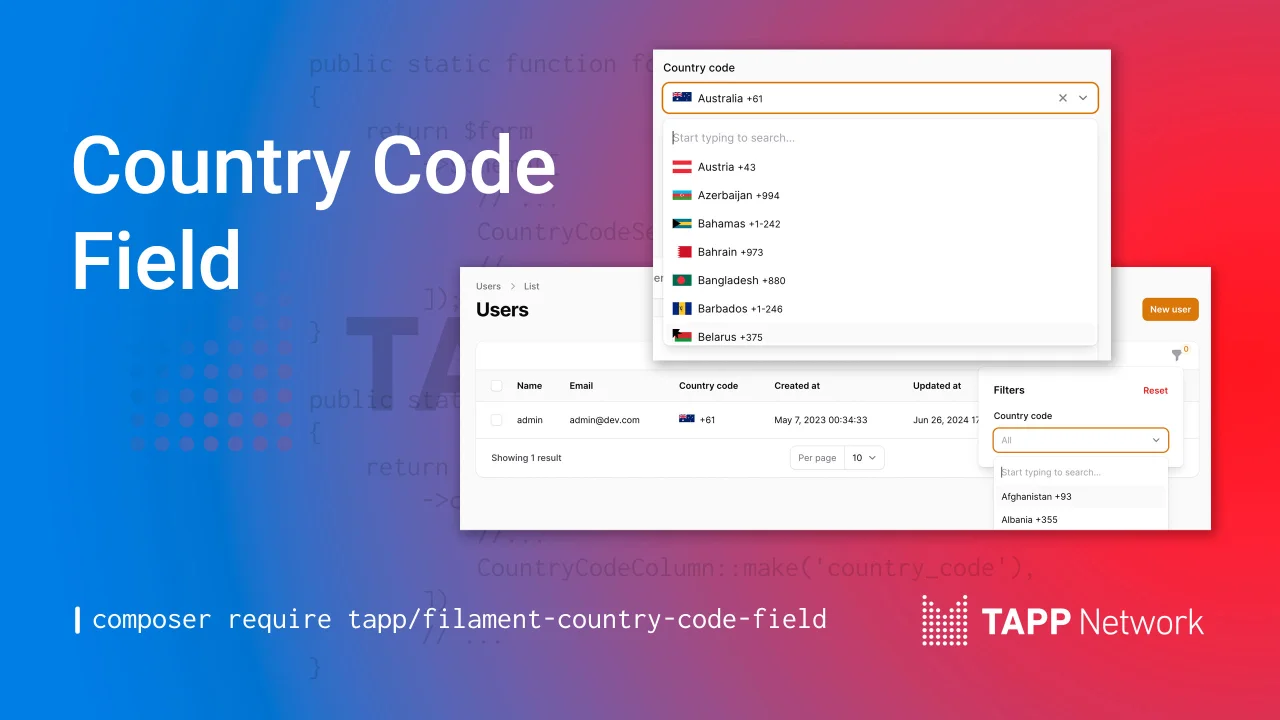
Country Code Field
A country code select field, filter, and table column.
Author:
Tapp Network

Social Share Action
Let your users easily share content via social media platforms, email, or using the native Web Share API all through a fully customizable action.
Author:
Tapp Network
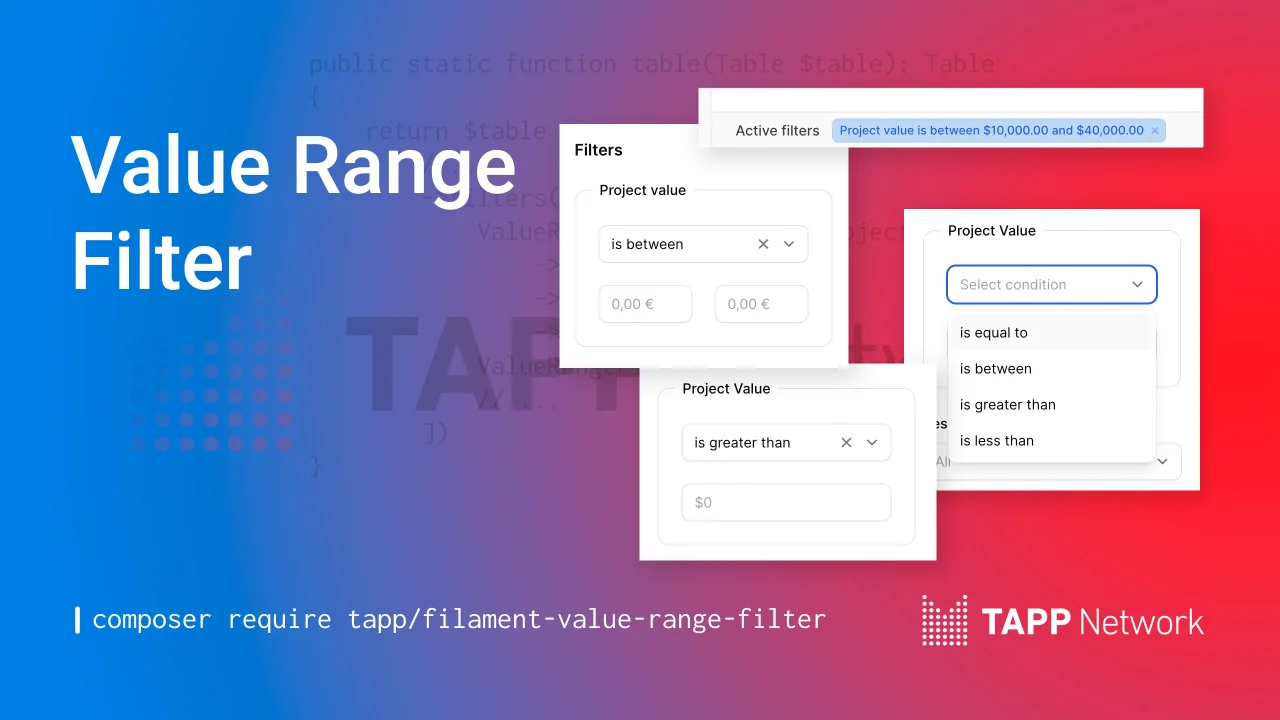
Value Range Filter
A value range filter for Filament table builder.
Author:
Tapp Network
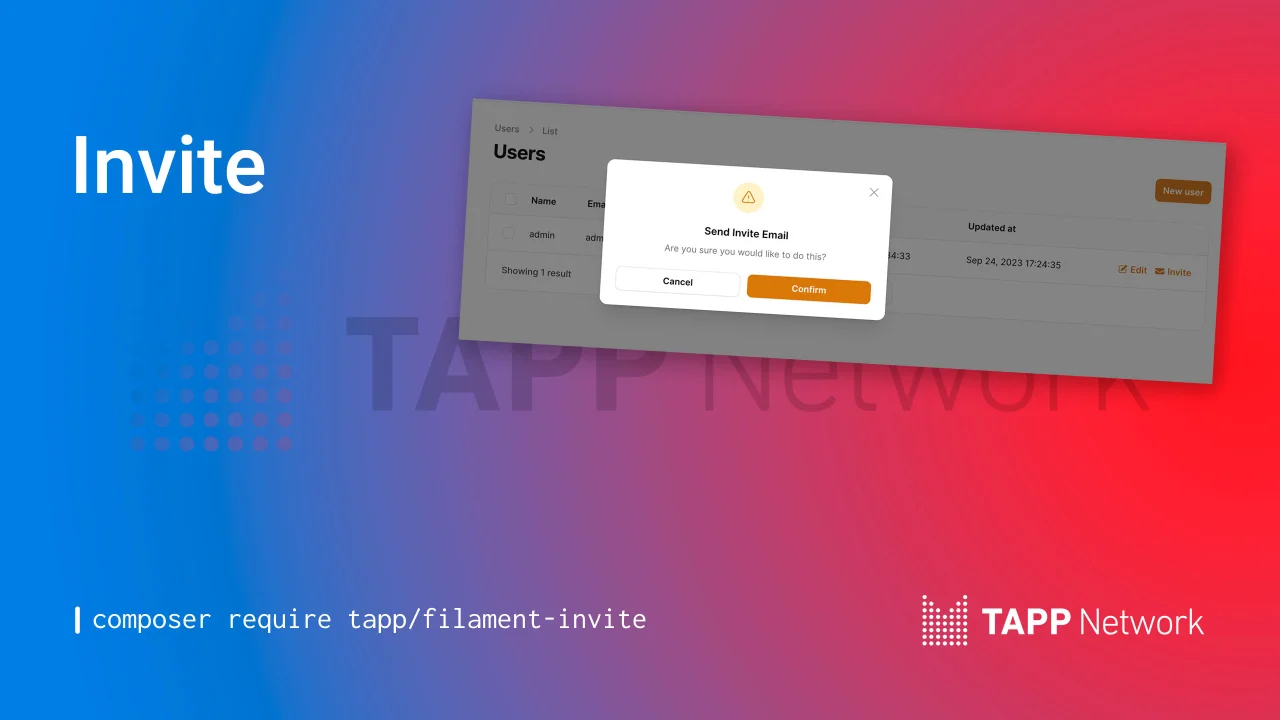
Invites
Invite Users with a table action or a header action.
Author:
Tapp Network
Featured Plugins
A selection of plugins curated by the Filament team

Compact Theme
A theme that makes data-heavy panels easier to scan by fitting more useful information on each screen.
 Filament

Advanced Tables (formerly Filter Sets)
Supercharge your tables with powerful features like user-customizable views, quick filters, multi-column sorting, advanced table searching, convenient view management, and more. Compatible with Resource Panel Tables, Relation Managers, Table Widgets, and Table Builder!
 Kenneth Sese

Blueprint
Filament Blueprint is a premium Laravel Boost extension that helps AI agents produce accurate, detailed implementation plans and security reports for Filament apps.
Filament

