
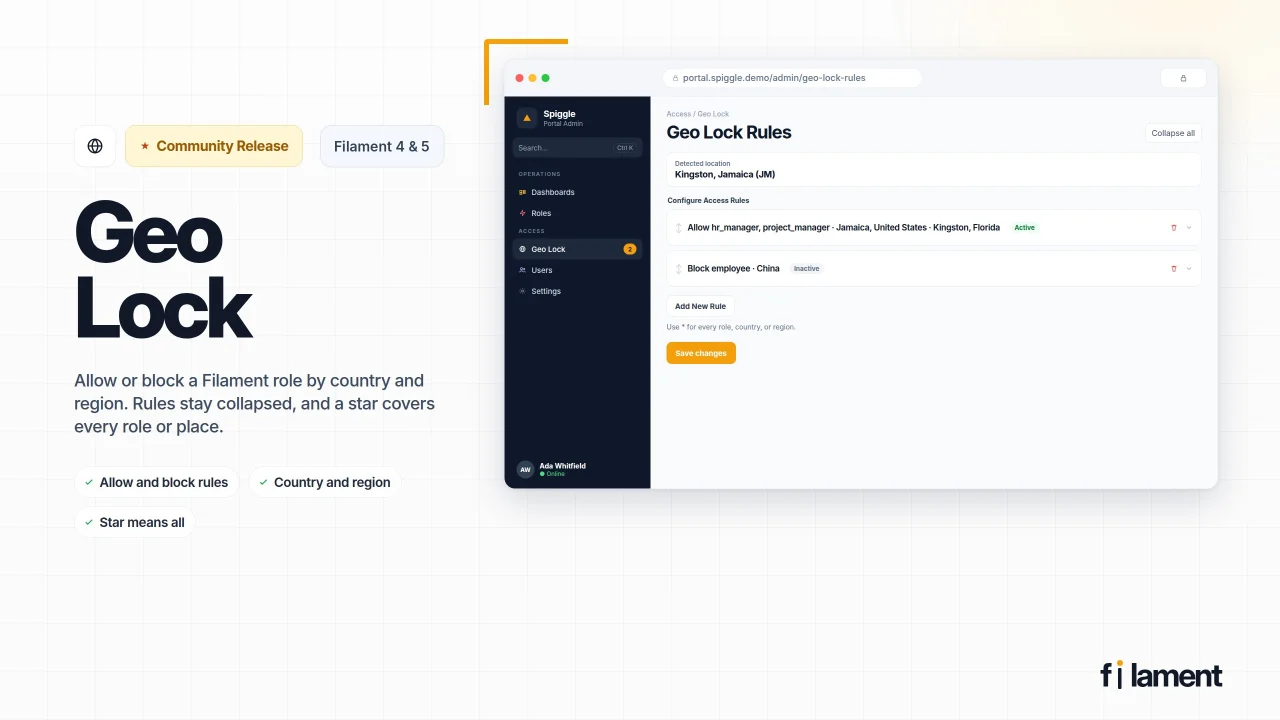
Geo Lock by Spiggle
CommunitySpiggle Geo Lock adds location-aware access control to your application, allowing you to restrict features, content, or entire areas based on a user's geographic location. Simple to configure, flexible to extend, and designed to integrate seamlessly into modern Filament panels.
 Author:
Spiggle
Author:
Spiggle
Package health
Automated checks of this plugin's Composer package
15 checks
- Passed: GitHub Actions pinned to SHA
- Skipped: GitLab CI includes pinned to SHA
- Passed: Open security advisories
- Passed: Dependabot PR responsiveness — No stale Dependabot PRs.
- Skipped: Renovate MR responsiveness
- Passed: Dependabot or Renovate configured
- Passed: Dependency update cooldown configured
- Passed: Provides a security policy
- Passed: Abandoned or archived — No consulted source marks the package abandoned (packagist, github).
- Passed: Commit and release recency — Active: last commit 0 days ago; last release 1 days ago.
-
Passed:
composer.lock not committed by library
—
composer.lockis absent from the released dist archive. - Passed: Dist archive is lean
-
Passed:
Current Laravel version supported
—
Package dependencies resolve together with current Laravel
13.0. -
Passed:
Current PHP version supported
—
Constraint
^8.2supports current PHP8.5. - Skipped: Current Symfony version supported
filament/
namespace. Review the source and install at your own risk. Found
malware or an unresolved security issue the author won't
address?
Report it
.
Documentation
- Install
- How a visit is decided
- Denial log
- Local and proxied locations
- Features
- Spiggle plugins
- Sponsors
- Contact
- License
| Package | spiggle/geo-lock v1.1.1 |
Decide which roles can open a Filament panel, and from where. A rule can allow a role only from chosen countries and regions, or block a role from them.
#Install
composer require spiggle/geo-lock
php artisan migrate
The package requires spatie/laravel-permission. The user model needs its HasRoles trait, so a rule can name the same roles the rest of the panel uses. Filament Shield is not required. The plugin supports Filament 4 and 5.
Register the plugin on the panel:
use Spiggle\GeoLock\Filament\GeoLockPlugin;

$panel->plugin(GeoLockPlugin::make());
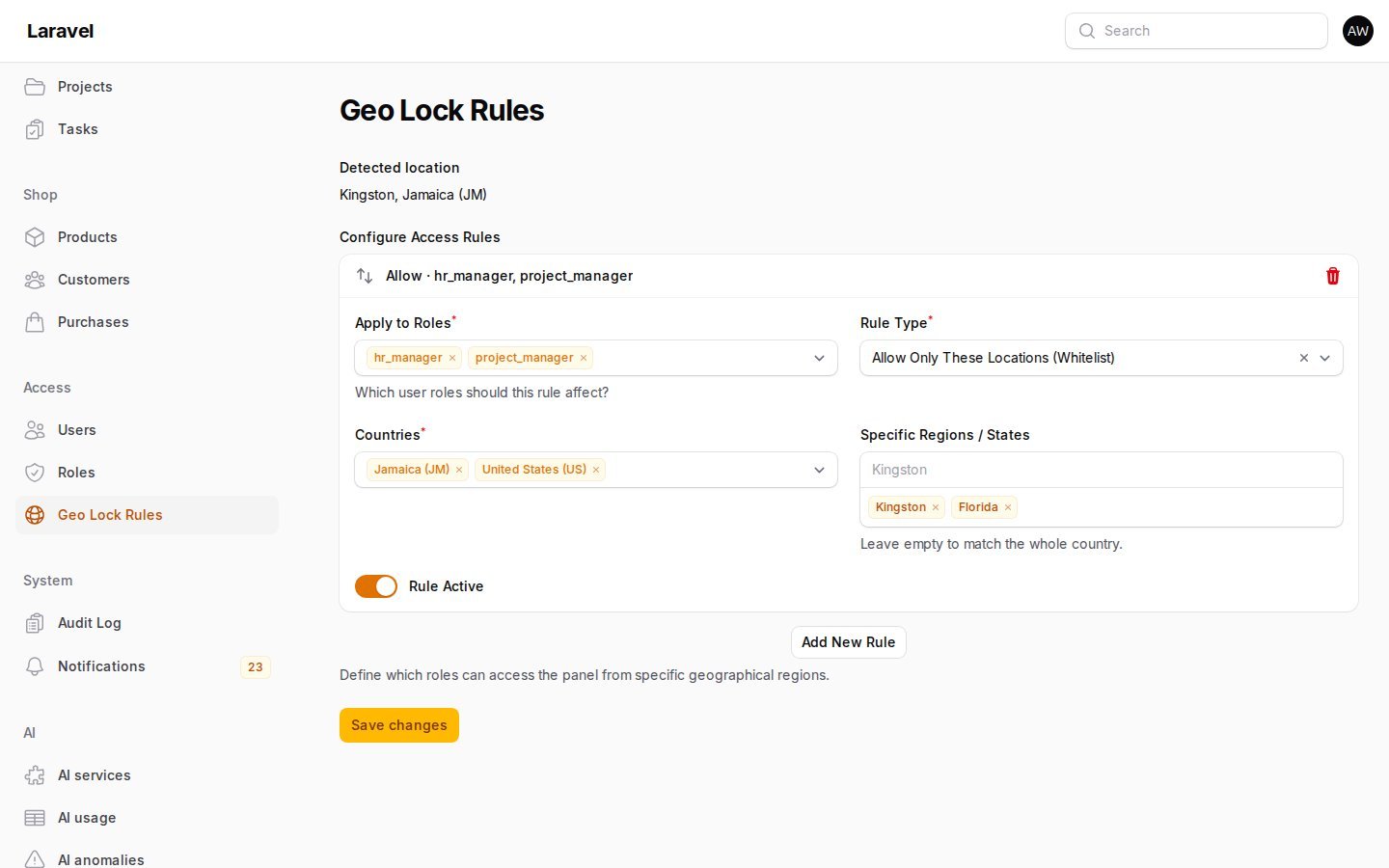
Open Geo Lock Rules. Add a rule, choose the roles, then save.
#How a visit is decided
Saved rules start collapsed. The header shows whether the rule is active and what it allows or blocks. Open a rule to edit it.
Active rules that name one of the signed-in user's roles are the only rules that apply. A user with no matching rule is unchanged. Use * for every role, every country, or every region. A star matches a visit even when that part of the location is unknown.
- Allow only these locations. The visit must match at least one allow rule for that role. A country matches the whole country unless the rule lists regions. A listed region matches that region only.
- Block these locations. A matching visit is denied. A block does not apply when the country or region is unknown.
- Unknown location. An allow rule fails closed. A block rule does not fire.
- Bypass roles.
super_admincan always open the panel, including when a rule names that role. Changebypass_rolesinconfig/geo-lock.php. - The rules page stays open. A manager who is outside an allow list can still open Geo Lock Rules and fix it.
manager_roles controls who can see and save the rules, and who can open the denial log. The default is super_admin.
#Denial log
A denied visit is stored in geo_lock_events and shown on Geo Lock Log. The row keeps the user, roles, IP, country, region, and whether the visit was blocked or outside an allow list. Allowed visits are not stored. Rows older than log_days (default 90) are removed the next time a visit is denied. Set GEO_LOCK_LOG_DAYS=0 to keep every row.
When spatie/laravel-activitylog is installed, the same denial is also written to that log under the name geo-lock. The package does not require it.
#Local and proxied locations
Loopback and private addresses have no public country. Set a local stand-in when you want this machine to count as a region:
GEO_LOCK_LOCAL_COUNTRY=JM
GEO_LOCK_LOCAL_REGION=Kingston
Public addresses are looked up at ipwho.is and cached for 12 hours. The visitor IP is sent to that service. Trust X-Geo-Country, X-Geo-Region, or Cloudflare's CF-IPCountry only when a proxy you control sets those headers and strips client-supplied copies:
GEO_LOCK_TRUST_HEADERS=true
#Features
- Rules page — roles, allow or block, countries, optional regions, and an active switch
- Role list — the Spatie roles already used by the panel
- Lock page — a denied visit shows the detected location
- Denial log — who was turned away, from where, and why
- Lockout protection — bypass roles, and the rules page itself, stay reachable
#Spiggle plugins
- Visual Dashboards — chart the records already in the app and publish the page.
- FilaWarden Core — deployment checks, queue and cron health, and production diagnostics inside Filament.
- Form Builder Core — public forms, submissions, and CSV export.
- Dynamic Fields Core — custom fields on any Eloquent model.
- Rules Engine — event triggers you design in the panel.
- List View — switch a Filament table to an alphabetical list.
- Portal Snapshot — schedule, restore, and export database snapshots, including demo resets.
#Sponsors
Support the plugins at github.com/sponsors/skillbobby.
#Contact
#License
All rights reserved. You can review this repository and install the package in your own Laravel application. See LICENSE.
The author
From the same author
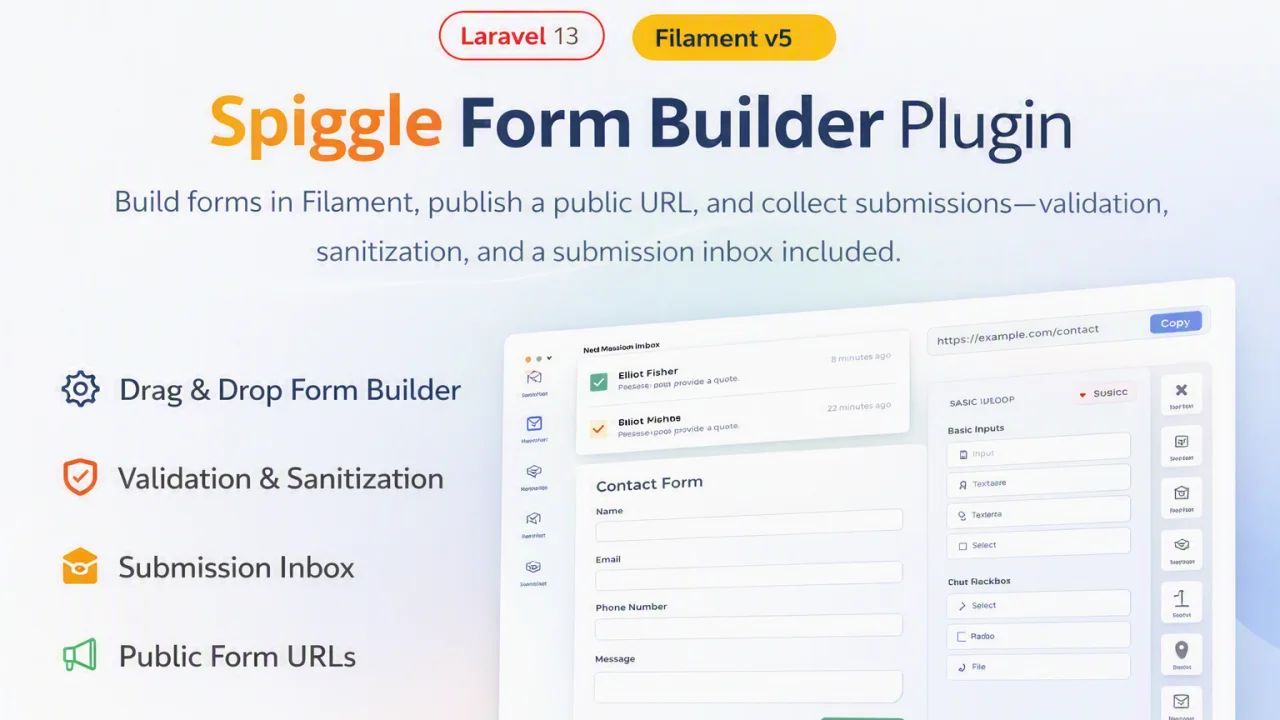
Form Builder
A lightweight, open-source package that brings powerful, database-driven form generation to your Laravel and Filament applications.
Author:
Spiggle
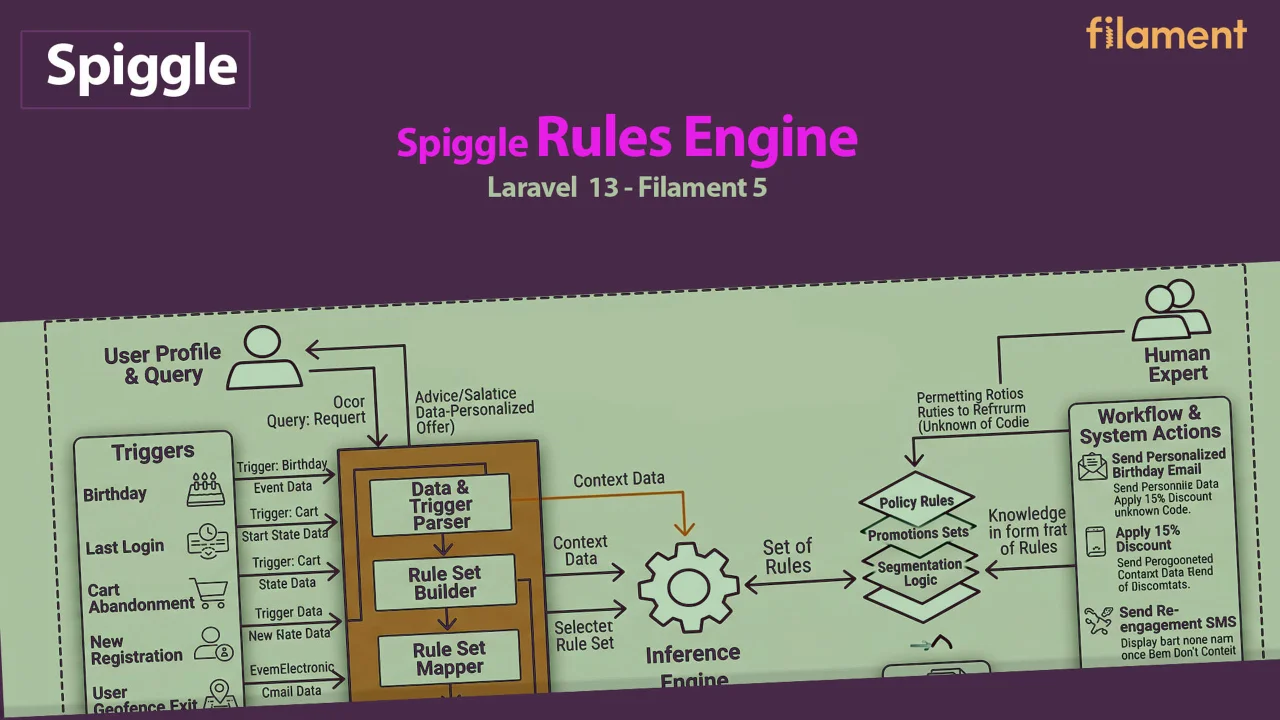
Rules Engine
Tenant-scoped lifecycle rules for Laravel Filament — fire actions when members hit age milestones, tenure, inactivity, or spend thresholds.
Author:
Spiggle
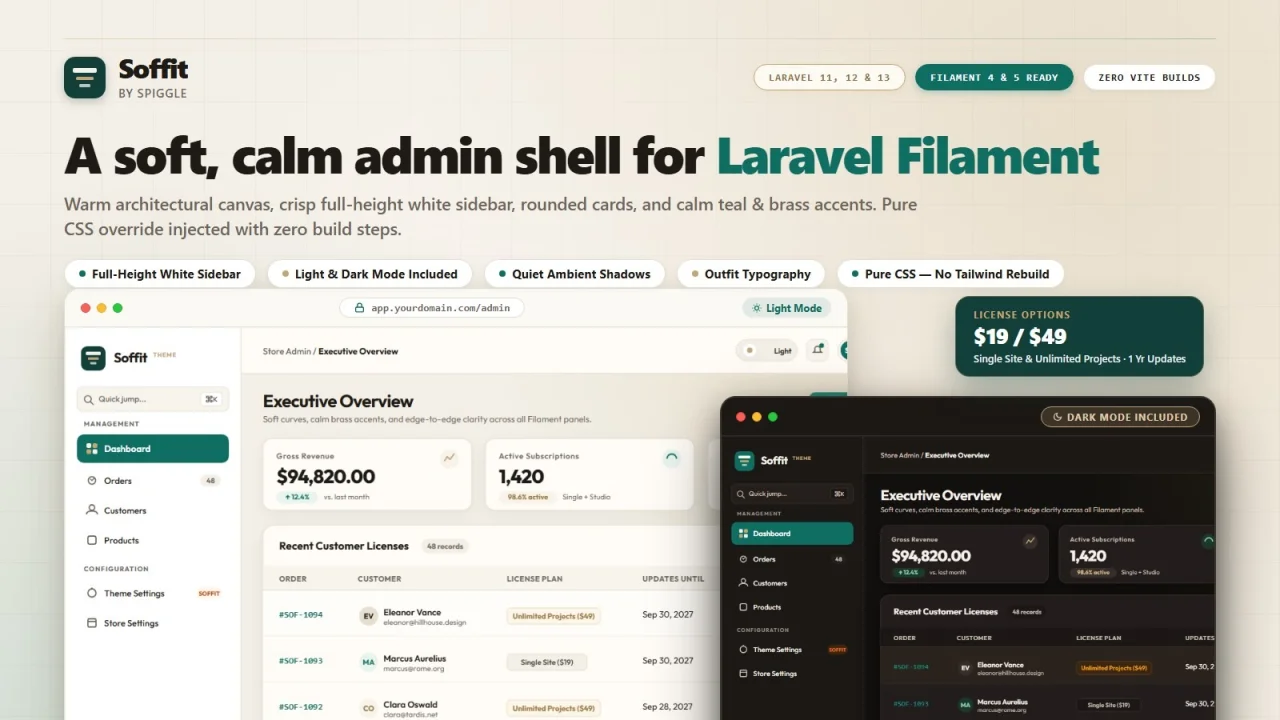
Soffit Theme
A soft, calm admin shell for Laravel Filament. Soffit softens the Filament experience with a full-height white sidebar, rounded cards, quiet ambient shadows, and warm teal & brass accents.
Author:
Spiggle
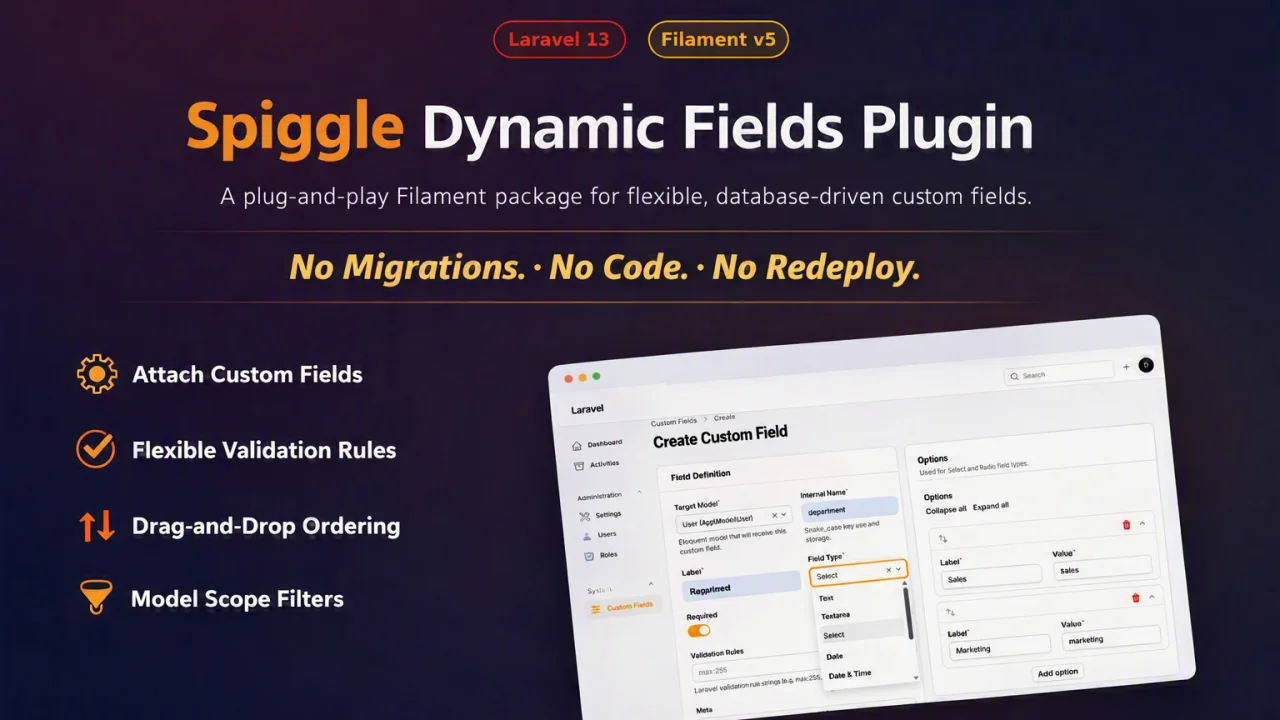
Dynamic Fields
A plug-and-play Filament package that attaches custom fields and validation rules to any Eloquent model.
Author:
Spiggle
Featured Plugins
A selection of plugins curated by the Filament team

Blueprint
Filament Blueprint is a premium Laravel Boost extension that helps AI agents produce accurate, detailed implementation plans and security reports for Filament apps.
 Filament

Custom Fields
Eliminate custom field migrations forever. Let your users create and manage form fields directly in Filament admin panels with 20+ built-in field types, validation, and zero database changes.
 Relaticle

Sharp Theme
A theme that gives panels a precise, technical look with square corners, strong borders, and clear contrast.
Filament

