AI-Kit
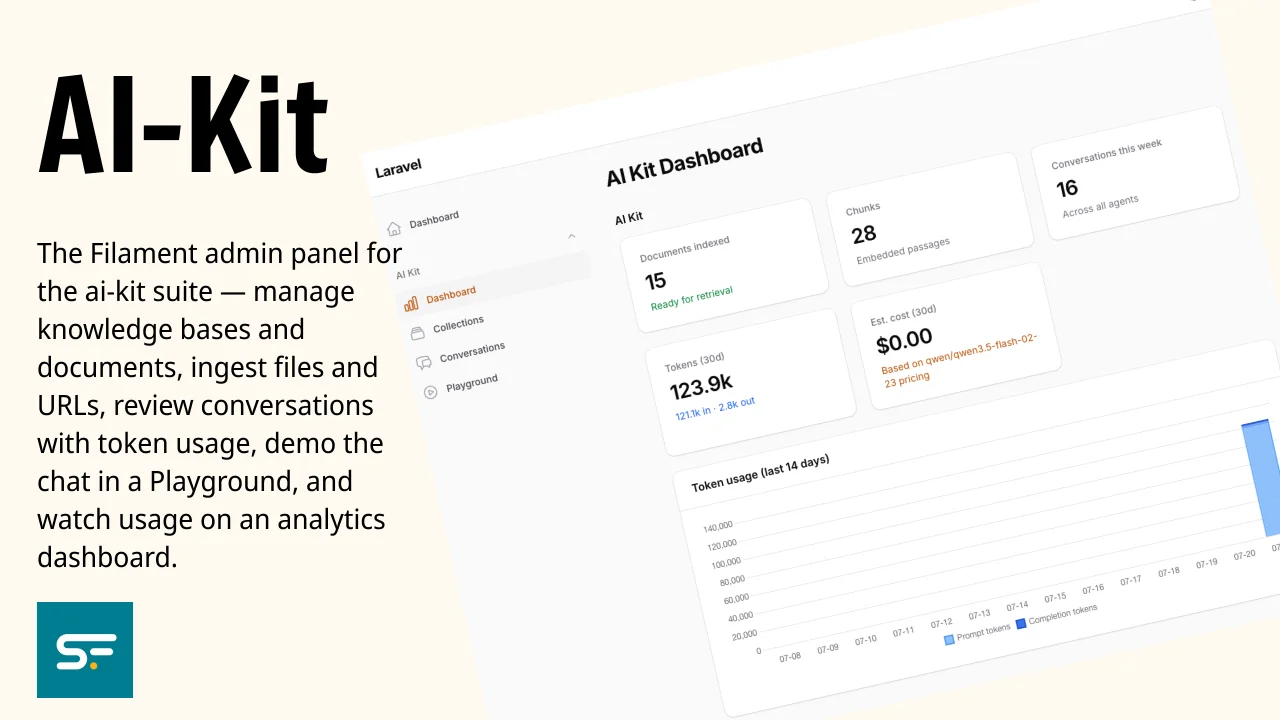
CommunityThe Filament admin panel for the ai-kit suite — manage knowledge bases and documents, ingest files and URLs, review conversations with token usage, demo the chat in a Playground, and watch usage on an analytics dashboard.
filament/
namespace. Review the source and install at your own risk. Found
malware or an unresolved security issue the author won't
address?
Report it
.
 Author:
Solution Forest
Author:
Solution Forest
Documentation
- Why this package?
- Requirements
- Install
- What you get
- Optional features
- The ai-kit suite
- Continuous integration
- License




The Filament admin panel for the ai-kit suite — manage knowledge bases and documents, ingest files and URLs, review conversations with token usage, demo the chat in a Playground, and watch usage on an analytics dashboard.
#Why this package?
Give your team (or clients) a no-code way to run the whole RAG pipeline: create
knowledge bases, upload PDFs/Word/Excel or add URLs, watch documents get indexed,
inspect the actual chunks, replay conversations with token usage, demo the chat
live, and track cost — all inside your existing Filament panel. One ->plugin()
call, no controllers or Blade to write.
#Requirements
- PHP 8.3+, Laravel 12 or 13
- Filament v5 (Livewire 4)
solution-forest/ai-kit-coreandsolution-forest/ai-kit-ui-livewire
#Install
composer require solution-forest/ai-kit-filament
Register the plugin on your panel:
use SolutionForest\AiKit\Filament\AiKitPlugin;

public function panel(Panel $panel): Panel
{
    return $panel
        // ...
        ->plugin(AiKitPlugin::make());
}
Everything appears under an AI Kit navigation group.
#What you get
#Collections + Documents (inline)
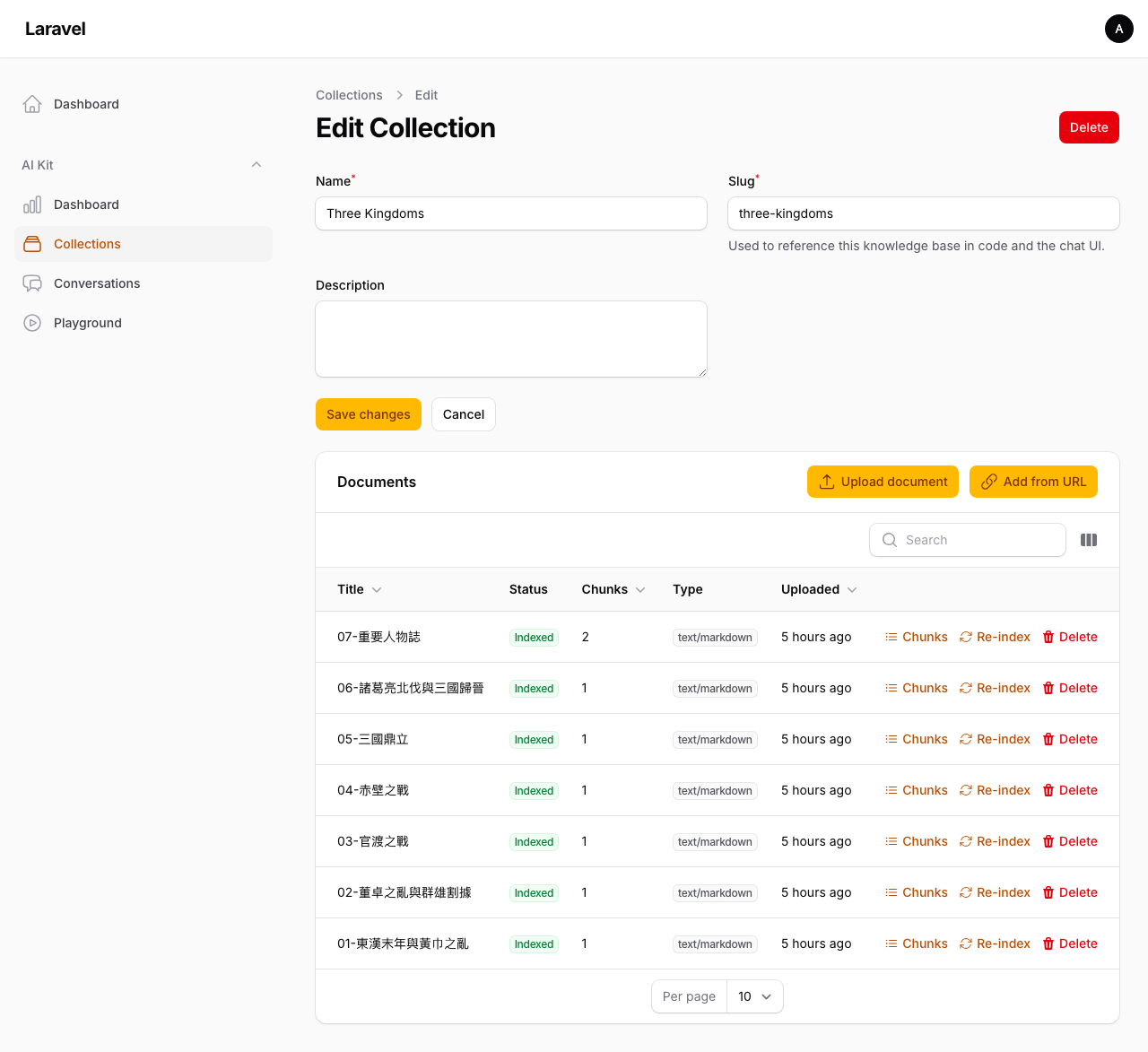
A Collections resource. Open a collection to manage its Documents inline (relation manager):
- Upload — pdf, txt, md, html, Word (.docx), Excel (.xlsx)
- Add from URL — fetch + ingest a web page
- View chunks — inspect the embedded passages of any document
- Re-index / Delete
- status badge (pending / processing / indexed / failed) + chunk count
#Conversations (read-only) with token usage
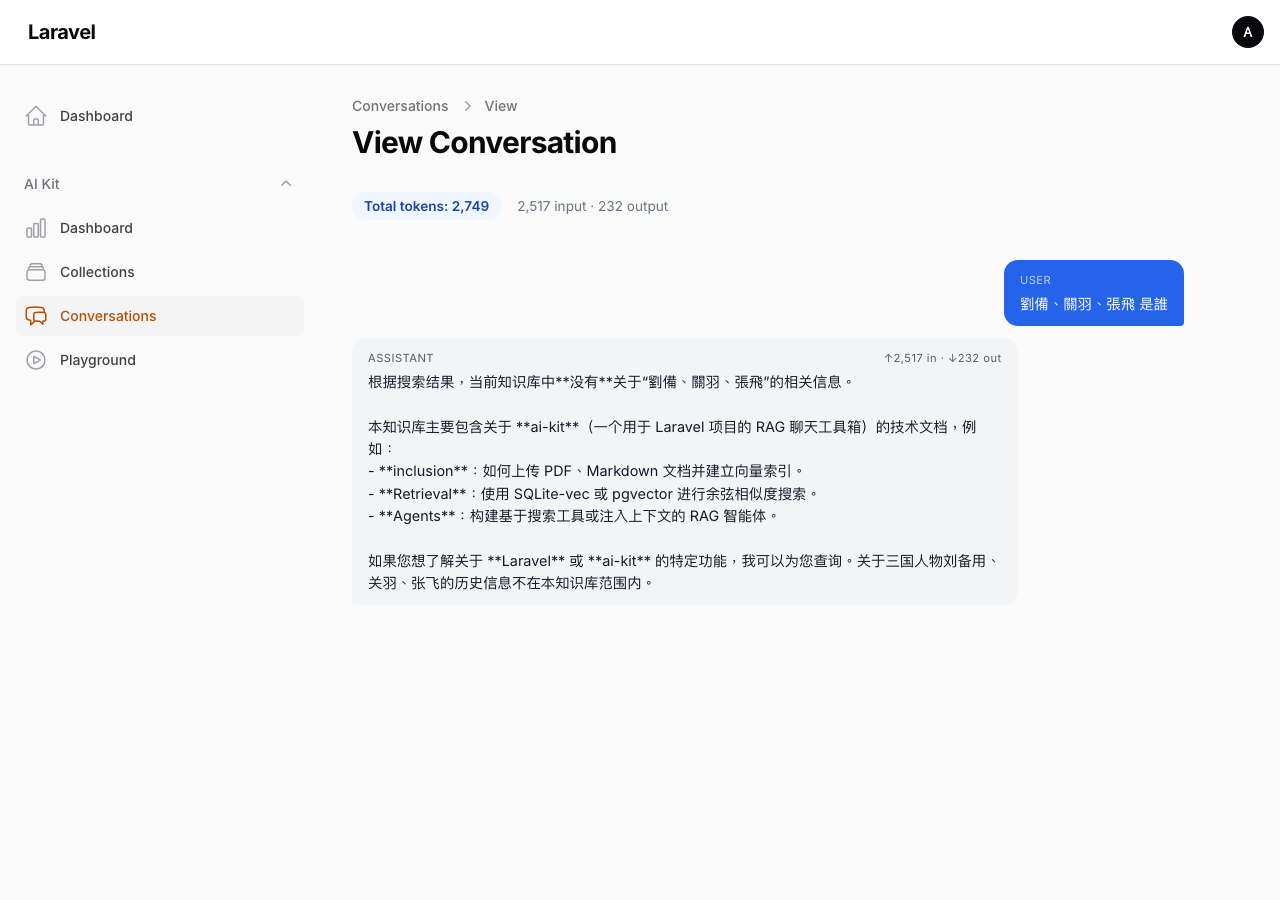
A log viewer of every conversation. The list shows total tokens (in / out) per conversation; open one to see the message thread with per-message input/output tokens.
#Playground
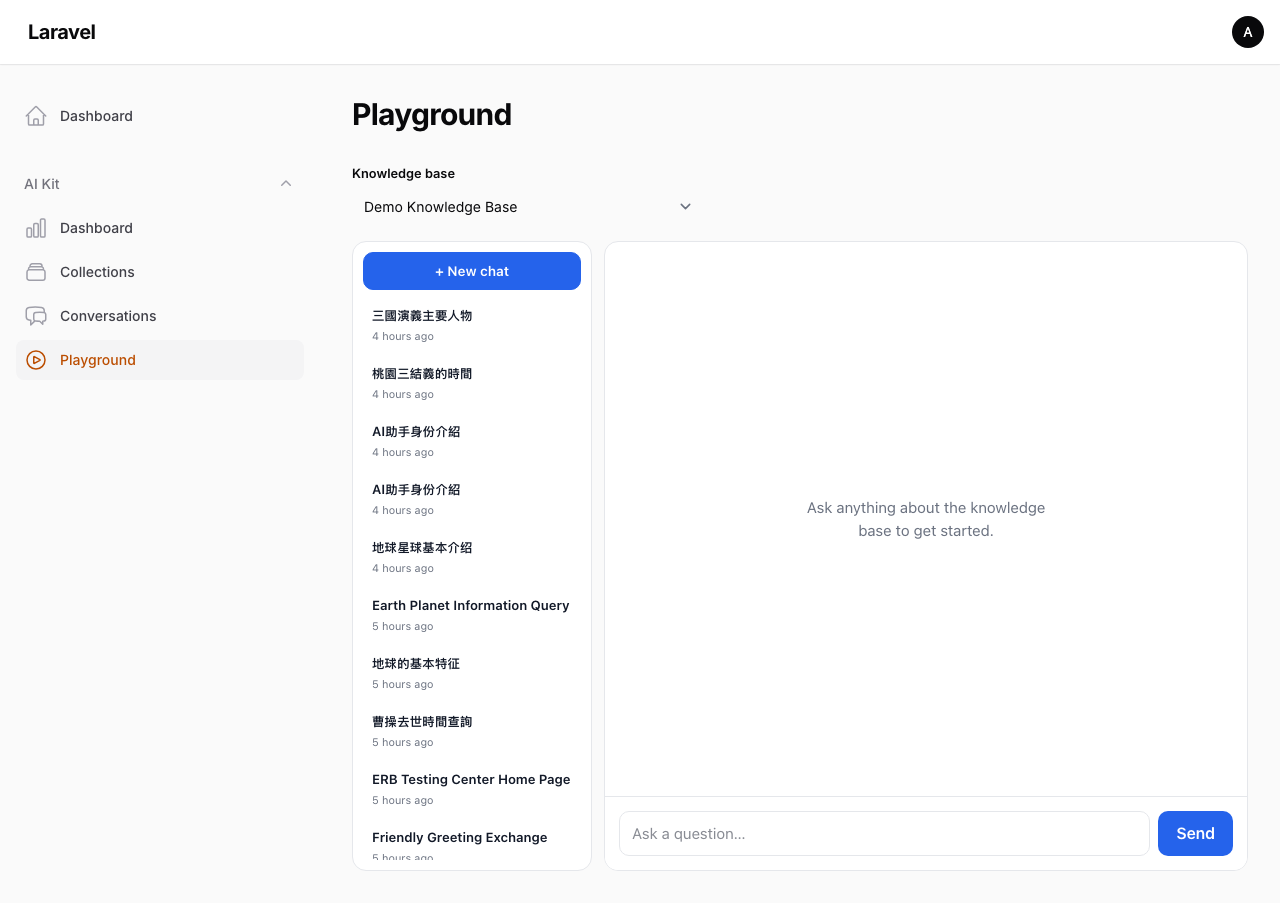
A demo page: pick a knowledge base and chat live against it — the same Livewire component your app embeds. Ideal for client demos.
#Analytics dashboard
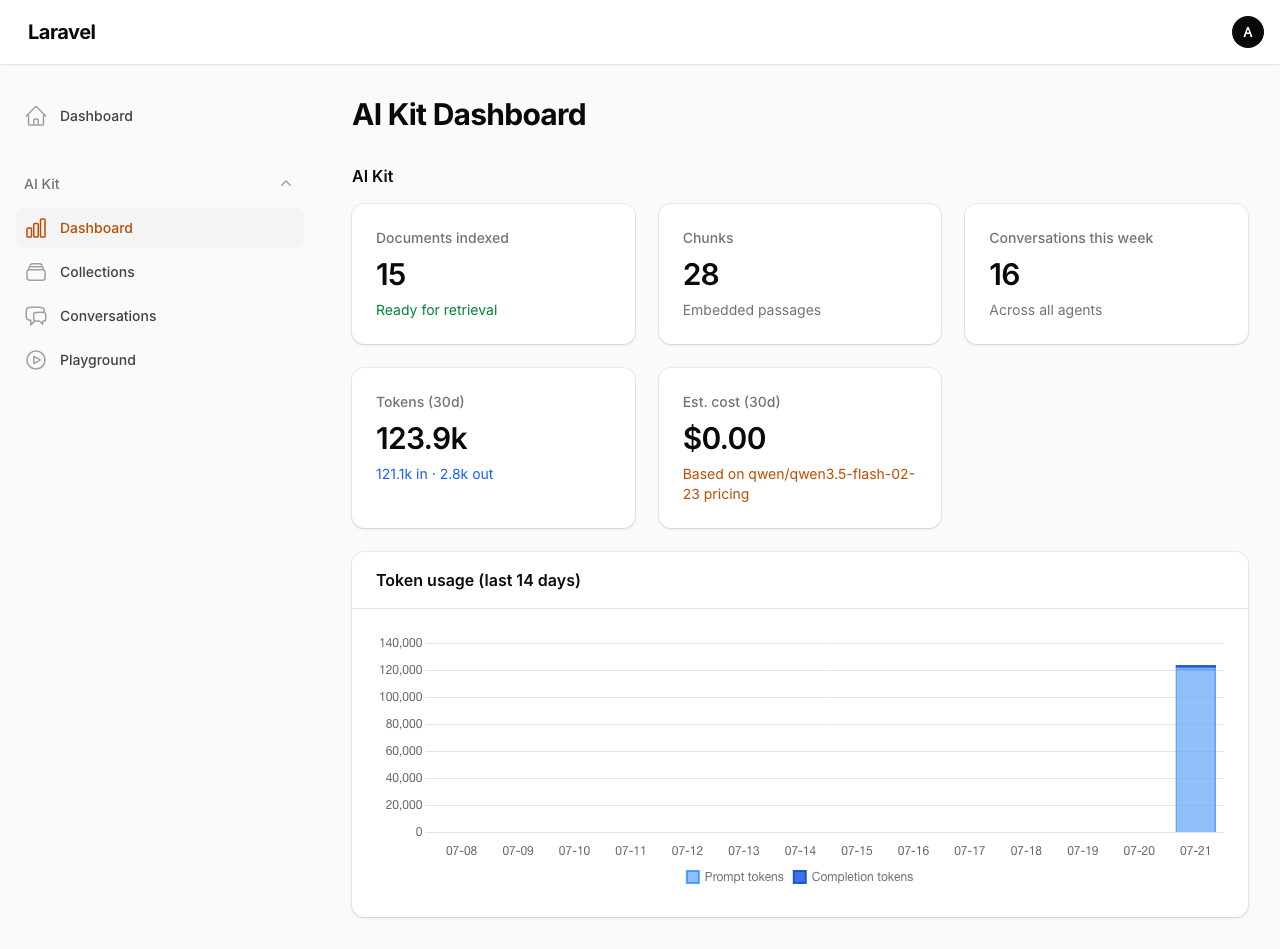
A dedicated Dashboard page (under AI Kit, not the panel's default dashboard): documents indexed, chunks, conversations this week, tokens (30d), estimated cost (30d), and a prompt vs. completion tokens-per-day chart.
#Optional features
Toggle in config/ai-kit.php (or .env):
'features' => [
    'dashboard'   => env('AI_KIT_DASHBOARD', true),    // register the Dashboard page
    'token_usage' => env('AI_KIT_TOKEN_USAGE', true),  // token columns, per-message tokens, dashboard token stats + chart + cost
],
dashboard=false→ the Dashboard page + route are not registered.token_usage=false→ all token/cost UI is hidden (conversation column, per-message tokens, dashboard token stats and chart).
#Cost estimates
Cost = logged tokens × config('ai-kit.pricing') ($ per 1M input / output, per model), based on the active chat model. Add a rate entry for the model you use:
'pricing' => [
    'google/gemini-2.5-flash' => ['input' => 0.30, 'output' => 2.50],
    // unlisted models → 'default' (0)
],
#The ai-kit suite
| Package | Purpose |
|---|---|
| solution-forest/ai-kit-core | Ingestion, retrieval, agents + CLI, HTTP API, MCP |
| solution-forest/ai-kit-ui-livewire | Livewire 4 chat component |
| solution-forest/ai-kit-filament (this) | Filament v5 admin panel |
The panel is one of four faces over the same core — everything here is also
scriptable via the CLI, callable over the HTTP API, or exposed to AI agents via
MCP (all in ai-kit-core).
#Continuous integration
.github/workflows/tests.yml runs the suite on a GitHub release (and manual
dispatch) — not on every push. This package has local path dependencies on
ai-kit-core and ai-kit-ui-livewire, so CI clones both (public) sibling repos
first. Once the packages are on Packagist, drop the clone steps.
#License
MIT © SolutionForest
The author
From the same author
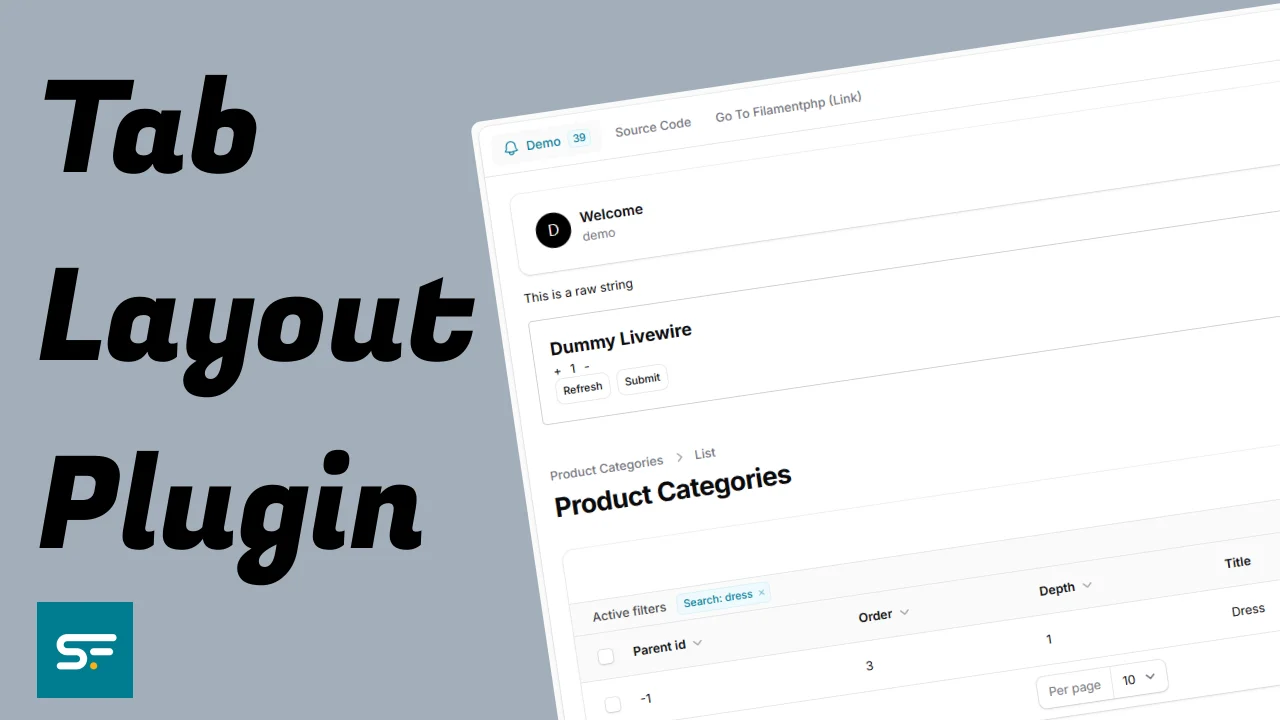
Tab Layout Plugin
This plugin provides a flexible tab layout system for Filament Admin panels, enabling you to organize content into clean, navigable tabbed interfaces.
Author:
Solution Forest

Translate Field
Filament Translate Field is a library for Filament CMS that simplifies managing multiple translatable fields in different languages.
Author:
Solution Forest

Inspire CMS
InspireCMS is a flexible, un-opinionated content engine for Laravel, built on Filament.
Author:
Solution Forest
Simple Lightbox
A simple and lightweight solution for implementing a lightbox feature in your Filament admin panel
Author:
Solution Forest
Featured Plugins
A selection of plugins curated by the Filament team

Blueprint
Filament Blueprint is a premium Laravel Boost extension that helps AI agents produce accurate, detailed implementation plans and security reports for Filament apps.
 Filament

Advanced Tables (formerly Filter Sets)
Supercharge your tables with powerful features like user-customizable views, quick filters, multi-column sorting, advanced table searching, convenient view management, and more. Compatible with Resource Panel Tables, Relation Managers, Table Widgets, and Table Builder!
 Kenneth Sese
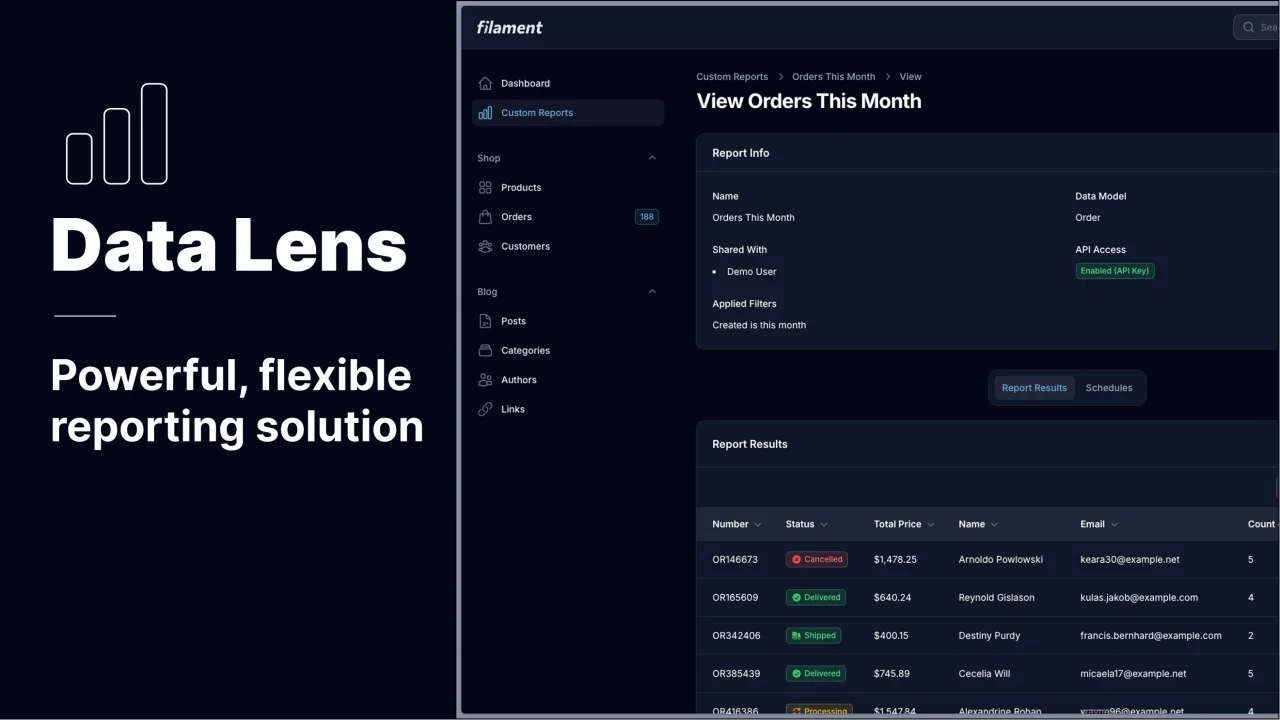
Data Lens
Advanced Data Visualization for Laravel Filament - a premium reporting solution enabling custom column creation, sophisticated filtering, and enterprise-grade data insights within admin panels.
 Padmission

