FullCalendar by Saade
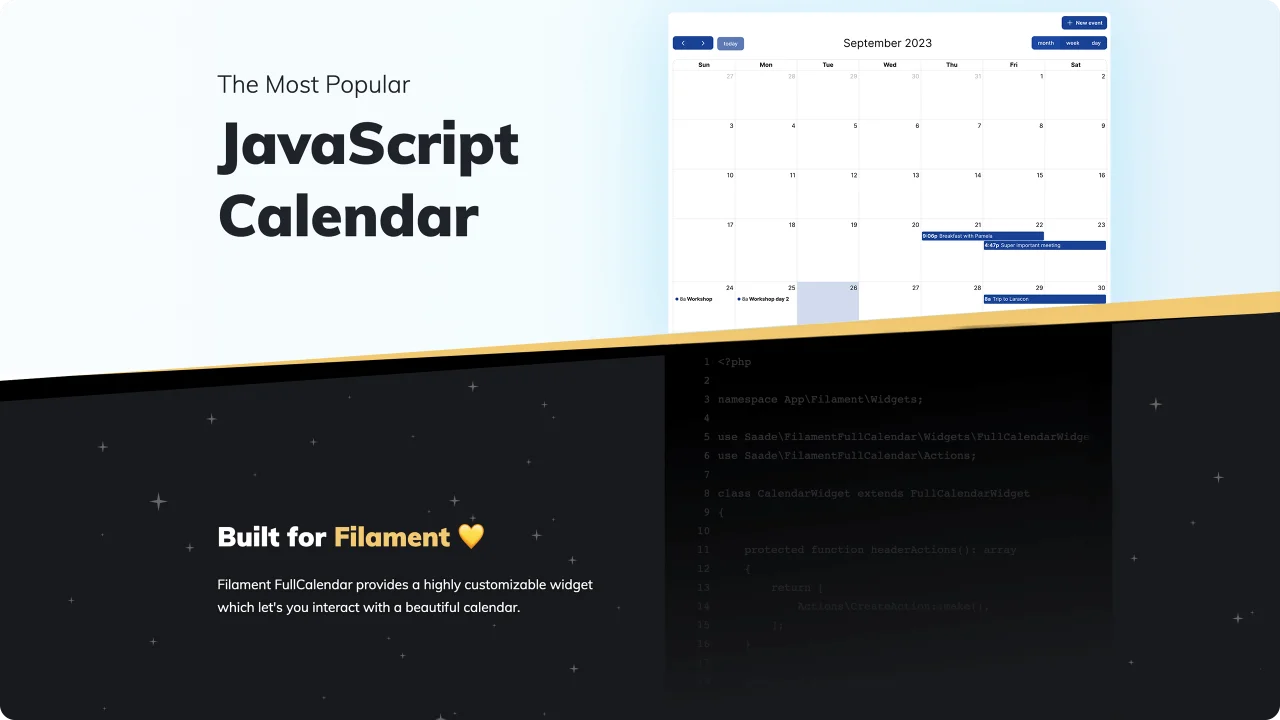
CommunityThe most popular JavaScript calendar as a Filament widget.
 Author:
Saade
Package health
Automated checks of this plugin's Composer package
15 checks
- Passed: GitHub Actions pinned to SHA
- Skipped: GitLab CI includes pinned to SHA
- Passed: Open security advisories
- Passed: Dependabot PR responsiveness — No open Dependabot PRs.
- Skipped: Renovate MR responsiveness
- Passed: Dependabot or Renovate configured
- Passed: Dependency update cooldown configured
- Passed: Provides a security policy
- Passed: Abandoned or archived — No consulted source marks the package abandoned (packagist, github).
- Passed: Commit and release recency — Active: last commit 0 days ago; last release 20 days ago.
-
Passed:
composer.lock not committed by library
—
composer.lockis absent from the released dist archive. - Passed: Dist archive is lean
-
Passed:
Current Laravel version supported
—
Package dependencies resolve together with current Laravel
13.0. -
Passed:
Current PHP version supported
—
Constraint
^8.2supports current PHP8.5. - Skipped: Current Symfony version supported
filament/
namespace. Review the source and install at your own risk. Found
malware or an unresolved security issue the author won't
address?
Report it
.
Documentation
- Returning events
- The EventData class
- Showing the calendar on its own page
- Plugin methods
- Configuring a single widget
- Premium plugins and licensing
- Customizing actions
- Authorizing actions
- Filling the form from a date selection
- Filling the form after dragging or resizing
- Saving extra data when creating
- Coloring events
- Event tooltip on hover
- Recurring events
- Share your recipes


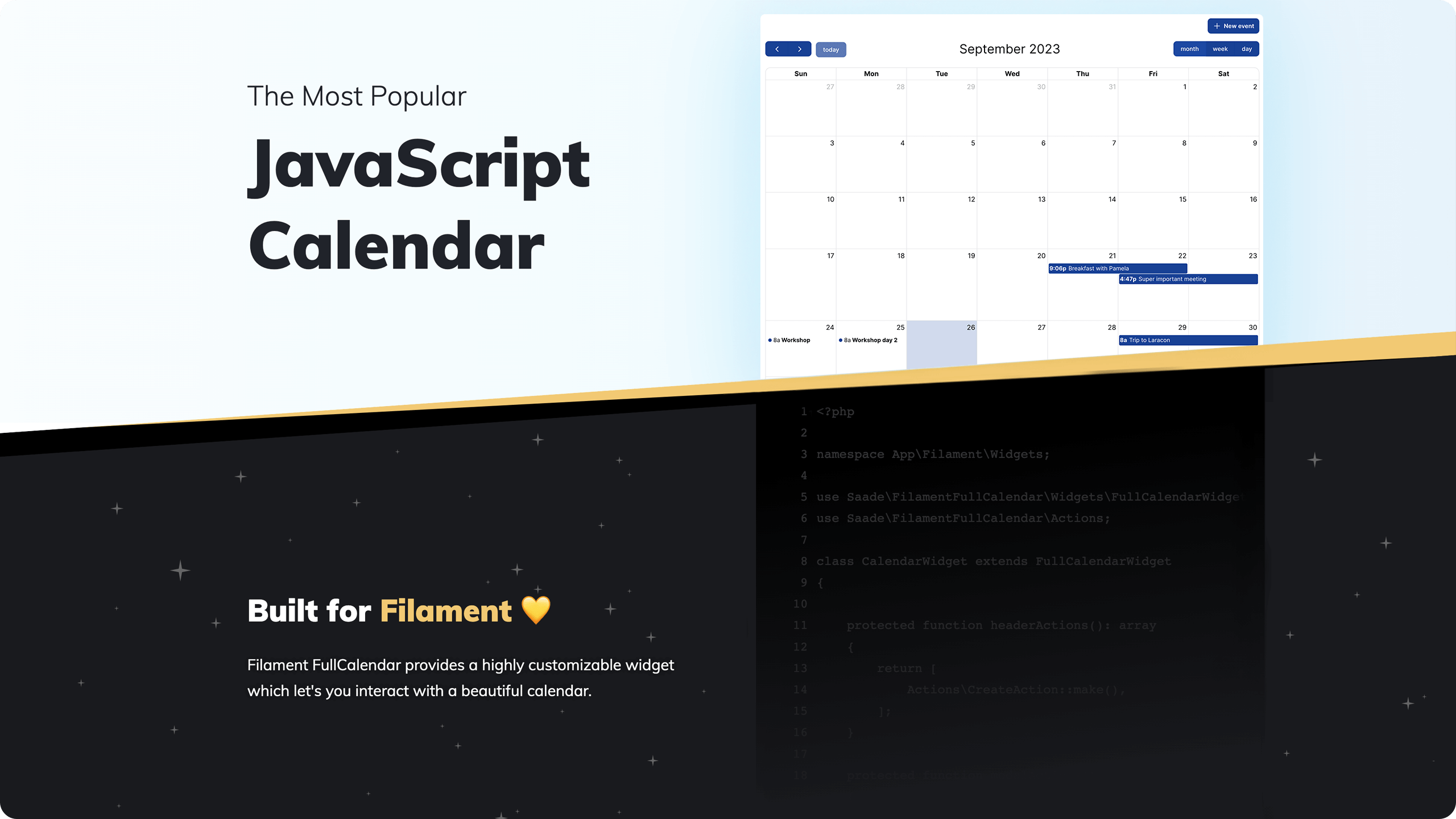
FullCalendar for Filament panels: show your models on a calendar and view, create, edit, drag and resize them with Filament actions.
| Plugin | Filament | FullCalendar | Install |
|---|---|---|---|
| 4.x | 4.x, 5.x | 6.x | composer require saade/filament-fullcalendar:"^4.0" |
| 3.x | 3.x | 6.x | composer require saade/filament-fullcalendar:"^3.0" |
| 2.x | 2.x | 5.x | composer require saade/filament-fullcalendar:"^2.0" |
Upgrading from 3.x? Read the upgrade guide.
- Installation
- Usage
- Configuration
- Interacting with actions
- Intercepting events
- Controlling the calendar
- Render hooks
- Recipes
- Changelog
- Contributing
- Security Vulnerabilities
- Credits
- License
- Install the package via composer:
composer require saade/filament-fullcalendar:"^4.0"
- Add the plugin's styles to your panel's custom theme. If the panel does not have a custom theme yet, create one first by following the Filament docs.
@import '../../../../vendor/saade/filament-fullcalendar/resources/css/filament-fullcalendar.css';

@source '../../../../vendor/saade/filament-fullcalendar/resources/views/**/*.blade.php';
Then rebuild your assets with npm run build.
- Register the plugin on every panel that shows a calendar. The widget does not work on a panel without it.
use Filament\Panel;
use Saade\FilamentFullCalendar\FilamentFullCalendarPlugin;

public function panel(Panel $panel): Panel
{
    return $panel
        // ...
        ->plugin(FilamentFullCalendarPlugin::make());
}
- Create a widget and choose the Custom type when asked:
php artisan make:filament-widget CalendarWidget
- Make it extend
Saade\FilamentFullCalendar\Widgets\FullCalendarWidget, and remove the$viewproperty and the Blade view that the command generated:
<?php

namespace App\Filament\Widgets;

use Saade\FilamentFullCalendar\Widgets\FullCalendarWidget;

class CalendarWidget extends FullCalendarWidget
{
    /**
     * FullCalendar calls this whenever it needs events, such as when the
     * user clicks prev/next or switches views.
     *
     * @param  array{start: string, end: string, timezone: string}  $info
     */
    public function fetchEvents(array $info): array
    {
        return [];
    }
}
#Returning events
fetchEvents() returns an array of FullCalendar event objects. $info holds the visible range, so only the events that overlap it need to be loaded:
<?php

namespace App\Filament\Widgets;

use App\Models\Event;
use Saade\FilamentFullCalendar\Widgets\FullCalendarWidget;

class CalendarWidget extends FullCalendarWidget
{
    public function fetchEvents(array $info): array
    {
        return Event::query()
            ->where('starts_at', '<', $info['end'])
            ->where('ends_at', '>', $info['start'])
            ->get()
            ->map(fn (Event $event): array => [
                'id' => $event->id,
                'title' => $event->name,
                'start' => $event->starts_at,
                'end' => $event->ends_at,
            ])
            ->all();
    }
}
Note
Compare the range with an overlap test like the one above. Filtering with starts_at >= start and ends_at <= end hides every event that begins before or ends after the visible range.
Note
FullCalendar treats the end of an event as exclusive. An all-day event that should cover October 6th to 8th needs 2026-10-09 as its end.
#The EventData class
Saade\FilamentFullCalendar\Data\EventData is a fluent way to build the same event objects:
use App\Filament\Resources\Events\EventResource;
use App\Models\Event;
use Saade\FilamentFullCalendar\Data\EventData;

public function fetchEvents(array $info): array
{
    return Event::query()
        ->where('starts_at', '<', $info['end'])
        ->where('ends_at', '>', $info['start'])
        ->get()
        ->map(fn (Event $event): EventData => EventData::make()
            ->id($event->id)
            ->title($event->name)
            ->start($event->starts_at)
            ->end($event->ends_at))
        ->all();
}
| Method | Description |
|---|---|
id(int | string $id) |
Identifies the event. Required for the view, edit and delete actions to find the record. |
title(string $title) |
The text shown on the event. |
start(DateTimeInterface | string $start) |
When the event begins. |
end(DateTimeInterface | string | null $end) |
When the event ends (exclusive). |
allDay(bool $allDay = true) |
Shows the event in the all-day section, without a time. |
url(string $url, bool $shouldOpenUrlInNewTab = false) |
Visits a URL when the event is clicked, instead of opening the view action. |
backgroundColor(string $color), borderColor(string $color), textColor(string $color) |
Colors for this event. Any CSS color works. |
groupId(int | string $groupId) |
Events sharing a group are dragged and resized together. |
resourceId(int | string $resourceId), resourceIds(array $resourceIds) |
Associates the event with resources. |
extendedProps(array $props) |
Your own data, available to the render hooks as event.extendedProps. |
extraProperties(array $properties) |
Any other event property, such as display, classNames, editable or rrule. |
#Showing the calendar on its own page
The widget can be used anywhere a Filament widget can. To give it a page of its own, create a custom page and return the widget from getHeaderWidgets():
<?php

namespace App\Filament\Pages;

use App\Filament\Widgets\CalendarWidget;
use Filament\Pages\Page;

class Calendar extends Page
{
    protected function getHeaderWidgets(): array
    {
        return [
            CalendarWidget::class,
        ];
    }
}
Filament adds every discovered widget to the default dashboard. If your dashboard does not define its own getWidgets(), keep the calendar off it by registering your widgets explicitly on the panel with ->widgets([...]).
#Plugin methods
Options set on the plugin apply to every calendar in the panel:
use Saade\FilamentFullCalendar\FilamentFullCalendarPlugin;

$panel->plugin(
    FilamentFullCalendarPlugin::make()
        ->selectable()
        ->editable()
        ->timezone('America/Sao_Paulo')
        ->locale('pt-br')
        ->plugins(['multiMonth'])
        ->config([
            'firstDay' => 1,
        ]),
);
| Method | Default | Description |
|---|---|---|
selectable(bool $selectable = true) |
false |
Lets users click or drag over dates to create an event. See selectable. |
editable(bool $editable = true) |
false |
Lets users drag and resize events. See editable. |
timezone(string | Closure $timezone) |
config('app.timezone') |
The time zone dates are displayed in. See timeZone. |
locale(string | Closure $locale) |
The app locale | The language of the calendar. See locale. |
plugins(array $plugins, bool $merge = true) |
interaction, dayGrid, timeGrid, list, moment, momentTimezone |
FullCalendar plugins to enable. Pass false as the second argument to replace the defaults. |
schedulerLicenseKey(?string $key) |
null |
Your FullCalendar Premium license key. See Premium plugins and licensing. |
config(array $config) |
[] |
Any other FullCalendar option. |
Available plugins: interaction, dayGrid, timeGrid, list, multiMonth, rrule, moment, momentTimezone, and the premium scrollGrid, timeline, adaptive, resource, resourceDayGrid, resourceTimeline, resourceTimeGrid.
#Configuring a single widget
Override config() on a widget to set FullCalendar options for that calendar only. It is merged over the plugin's config():
public function config(): array
{
    return [
        'initialView' => 'timeGridWeek',
        'headerToolbar' => [
            'left' => 'prev,next today',
            'center' => 'title',
            'right' => 'dayGridMonth,timeGridWeek,timeGridDay,listWeek',
        ],
        'firstDay' => 1,
        'slotMinTime' => '08:00:00',
        'slotMaxTime' => '20:00:00',
    ];
}
The toolbar shows the title and the navigation buttons by default. Set headerToolbar as above to let users switch between views.
Options people ask about most often:
| Goal | Option |
|---|---|
| Choose which views the toolbar offers | headerToolbar, with view names such as dayGridMonth, timeGridWeek, timeGridDay, listWeek or multiMonthYear (needs the multiMonth plugin) |
| Choose the first view | initialView |
| Start the week on Monday | firstDay |
| Limit the events shown per day | dayMaxEvents |
| Stop users navigating or selecting outside a range, such as the past | validRange, selectConstraint |
| Highlight working hours | businessHours |
| 24-hour times | eventTimeFormat, slotLabelFormat |
config() is sent to the browser as JSON, so it cannot hold JavaScript functions. For event rendering callbacks, use the render hooks.
#Premium plugins and licensing
The standard views (month, week, day, list, multi-month) are free and MIT licensed. The timeline, resource*, scrollGrid and adaptive plugins are part of FullCalendar Premium and need a license from FullCalendar, which is separate from this package. They are only enabled on a calendar when you add them to plugins().
FilamentFullCalendarPlugin::make()
    ->plugins(['resourceTimeline'])
    ->schedulerLicenseKey(config('services.fullcalendar.license_key'))
FullCalendar also publishes keys for evaluation, registered non-profits and open-source projects. Which one applies to you is defined by the FullCalendar license terms, so check them before going to production.
The calendar uses Filament Actions to view, create, edit and delete events. Tell the widget which model it works with and which fields the modals show:
<?php

namespace App\Filament\Widgets;

use App\Models\Event;
use Filament\Forms\Components\DateTimePicker;
use Filament\Forms\Components\TextInput;
use Filament\Schemas\Components\Grid;
use Illuminate\Database\Eloquent\Model;
use Saade\FilamentFullCalendar\Widgets\FullCalendarWidget;

class CalendarWidget extends FullCalendarWidget
{
    public Model | string | null $model = Event::class;

    public function getFormSchema(): array
    {
        return [
            TextInput::make('name')
                ->required(),

            Grid::make()
                ->schema([
                    DateTimePicker::make('starts_at')
                        ->required(),

                    DateTimePicker::make('ends_at')
                        ->required(),
                ]),
        ];
    }
}
That is all it takes: a "New event" button appears above the calendar, clicking an event opens it, and the modal offers Edit and Delete. The form does not have to match the FullCalendar event object; add whichever fields your model has.
Important
Each event returned from fetchEvents() needs an id that matches the model's key, so the actions can find the record.
#Customizing actions
The actions are regular Filament actions, so they can be customized the same way. Override these methods to change them:
use Filament\Actions\Action;
use Saade\FilamentFullCalendar\Actions;

protected function headerActions(): array
{
    return [
        Actions\CreateAction::make(),
    ];
}

protected function modalActions(): array
{
    return [
        Actions\EditAction::make(),
        Actions\DeleteAction::make(),
    ];
}

protected function viewAction(): Action
{
    return Actions\ViewAction::make();
}
Important
Use the actions from Saade\FilamentFullCalendar\Actions, not Filament\Actions. They are wired to the widget's model, record and form schema.
#Authorizing actions
The calendar does not check policies on its own. Any user who can see the widget can view, create, edit and delete the model's records through it, so authorize the actions that need it with authorize():
use Filament\Actions\Action;
use Saade\FilamentFullCalendar\Actions;

protected function headerActions(): array
{
    return [
        Actions\CreateAction::make()
            ->authorize('create'),
    ];
}

protected function modalActions(): array
{
    return [
        Actions\EditAction::make()
            ->authorize('update'),

        Actions\DeleteAction::make()
            ->authorize('delete'),
    ];
}

protected function viewAction(): Action
{
    return Actions\ViewAction::make()
        ->authorize('view');
}
Dragging and resizing open the edit action, and selecting dates opens the create action, so they follow the same rules.
Records are looked up through getEloquentQuery(), which is not scoped to the user or, in a panel with tenancy, to the current tenant. Override it to limit which records can be opened at all:
use Filament\Facades\Filament;
use Illuminate\Database\Eloquent\Builder;

protected function getEloquentQuery(): Builder
{
    return parent::getEloquentQuery()->whereBelongsTo(Filament::getTenant());
}
The widget has a method for each calendar interaction. Override one to change what it does, and call the parent to keep the default behavior:
| Method | Called when | Default |
|---|---|---|
onEventClick(array $event) |
An event is clicked | Opens the view action |
onEventDrop(array $event, array $oldEvent, array $relatedEvents, array $delta, ?array $oldResource, ?array $newResource) |
An event is dragged to another date | Opens the edit action |
onEventResize(array $event, array $oldEvent, array $relatedEvents, array $startDelta, array $endDelta) |
An event is resized | Opens the edit action |
onDateSelect(string $start, ?string $end, bool $allDay, ?array $view, ?array $resource) |
A date is clicked or a range is selected | Opens the create action |
onEventDrop() and onEventResize() return a boolean. Return true to move the event back to where it was.
Call refreshRecords() on the widget to make the calendar fetch its events again. The built-in actions already do this after saving.
From any Livewire component or from JavaScript, dispatch these browser events:
| Event | Effect |
|---|---|
filament-fullcalendar--refresh |
Fetches the events again |
filament-fullcalendar--prev, filament-fullcalendar--next, filament-fullcalendar--today |
Navigates |
filament-fullcalendar--goto with date |
Moves to a date |
filament-fullcalendar--view with view |
Switches view |
$this->dispatch('filament-fullcalendar--goto', date: '2026-12-01');
$this->dispatch('filament-fullcalendar--view', view: 'timeGridWeek');
FullCalendar's event render hooks eventClassNames, eventContent, eventDidMount and eventWillUnmount are available as methods that return JavaScript:
public function eventDidMount(): string
{
    return <<<'JS'
        function ({ event, timeText, isStart, isEnd, isMirror, isPast, isFuture, isToday, el, view }) {
            // Write your custom implementation here
        }
    JS;
}
#Filling the form from a date selection
Enable selectable(), then fill the create form with the selected dates:
use Filament\Schemas\Schema;
use Saade\FilamentFullCalendar\Actions;

protected function headerActions(): array
{
    return [
        Actions\CreateAction::make()
            ->mountUsing(function (Schema $schema, array $arguments): void {
                $schema->fill([
                    'starts_at' => $arguments['start'] ?? null,
                    'ends_at' => $arguments['end'] ?? null,
                ]);
            }),
    ];
}
#Filling the form after dragging or resizing
Enable editable(). Dragging or resizing an event opens the edit action, which can be filled with the event's new dates:
use App\Models\Event;
use Filament\Schemas\Schema;
use Saade\FilamentFullCalendar\Actions;

protected function modalActions(): array
{
    return [
        Actions\EditAction::make()
            ->mountUsing(function (Event $record, Schema $schema, array $arguments): void {
                $schema->fill([
                    ...$record->attributesToArray(),
                    'starts_at' => $arguments['event']['start'] ?? $record->starts_at,
                    'ends_at' => $arguments['event']['end'] ?? $record->ends_at,
                ]);
            }),

        Actions\DeleteAction::make(),
    ];
}
#Saving extra data when creating
use Saade\FilamentFullCalendar\Actions;

protected function headerActions(): array
{
    return [
        Actions\CreateAction::make()
            ->mutateDataUsing(fn (array $data): array => [
                ...$data,
                'user_id' => auth()->id(),
            ]),
    ];
}
#Coloring events
EventData::make()
    ->id($event->id)
    ->title($event->name)
    ->start($event->starts_at)
    ->end($event->ends_at)
    ->backgroundColor($event->status->isConfirmed() ? '#16a34a' : '#f59e0b')
    ->borderColor('transparent')
#Event tooltip on hover
public function eventDidMount(): string
{
    return <<<'JS'
        function ({ event, el }) {
            el.setAttribute('x-tooltip.raw', event.title)
        }
    JS;
}
#Recurring events
Enable the rrule plugin and pass an rrule with the event:
EventData::make()
    ->id($event->id)
    ->title($event->name)
    ->extraProperties([
        'rrule' => [
            'freq' => 'weekly',
            'byweekday' => ['mo', 'we'],
            'dtstart' => '2026-10-05T10:00:00',
        ],
        'duration' => '01:00',
    ])
#Share your recipes
If you have a recipe to share, please open a PR and add it to this section.
Please see CHANGELOG for more information on what has changed recently.
Please see CONTRIBUTING for details.
Please review our security policy on how to report security vulnerabilities.
The MIT License (MIT). Please see License File for more information.
The author
CTO & Backend Engineer at a Brazilian startup. Creating top-tier technology for public sector applications, making information and services universally accessible.
From the same author
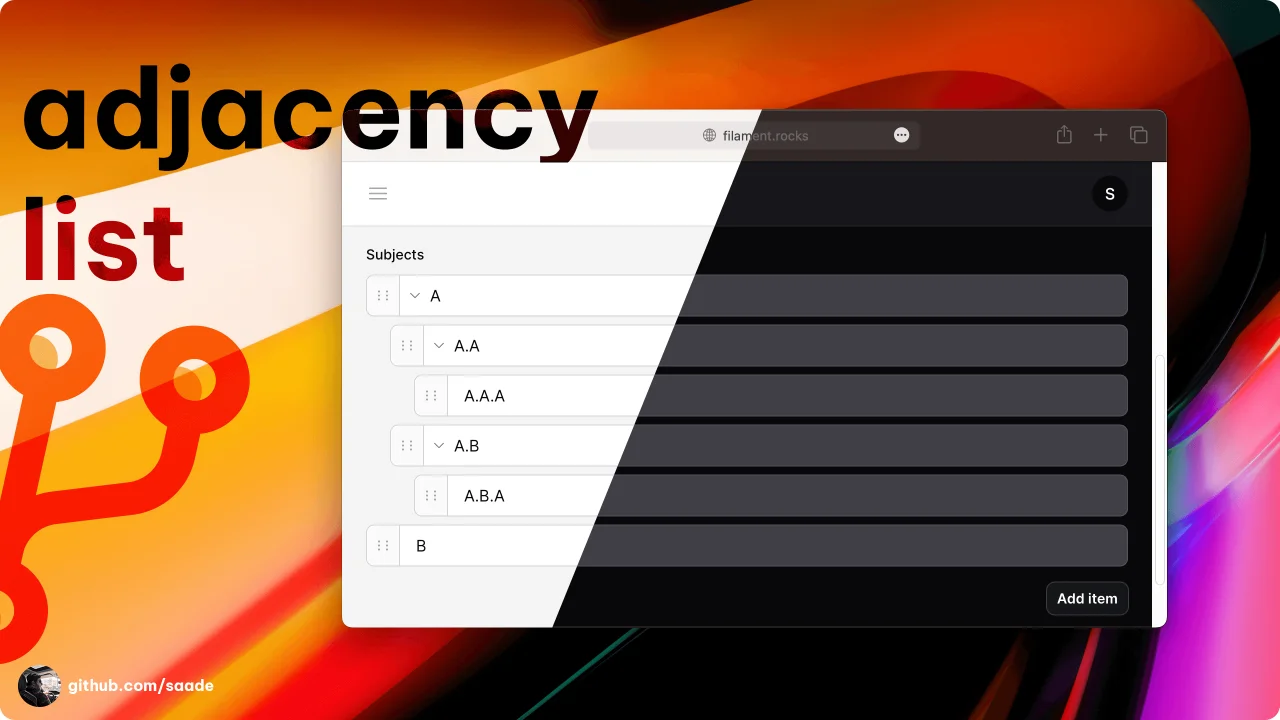
Adjacency List
A package to manage adjacency lists.
Author:
Saade
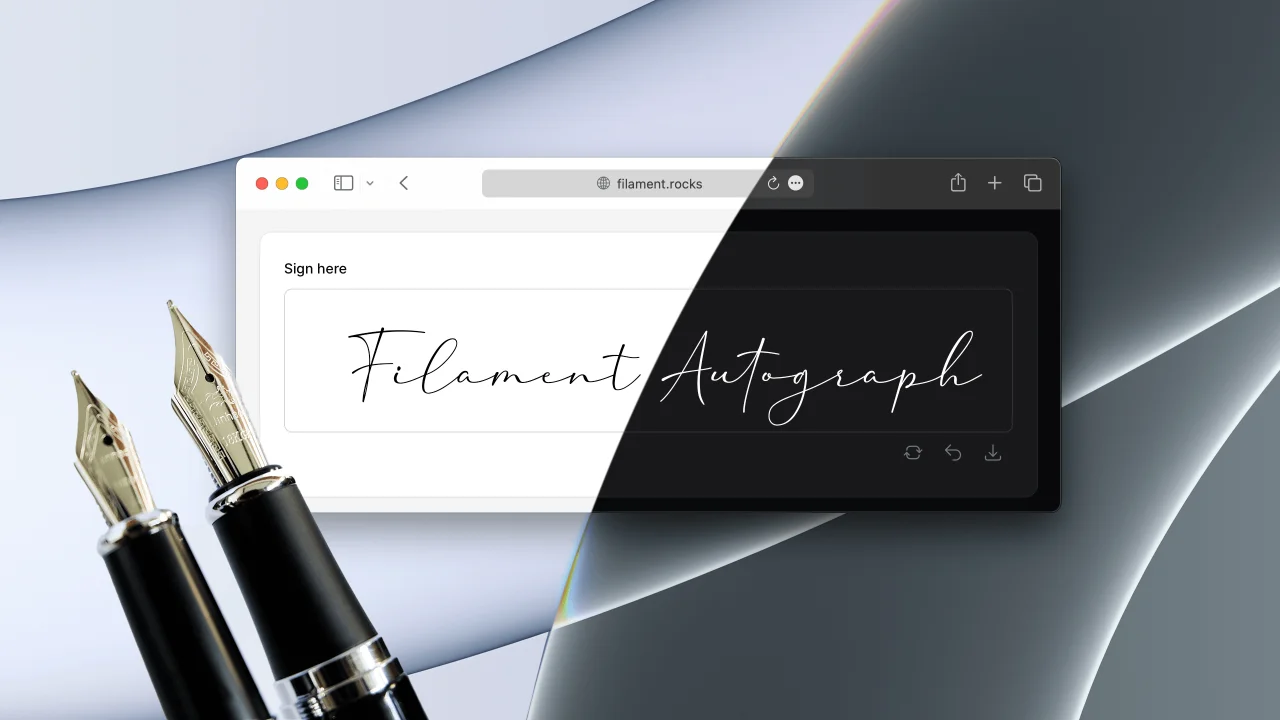
Autograph
A signature pad form field. Collect handwritten signatures with mouse, touch or pen.
Author:
Saade
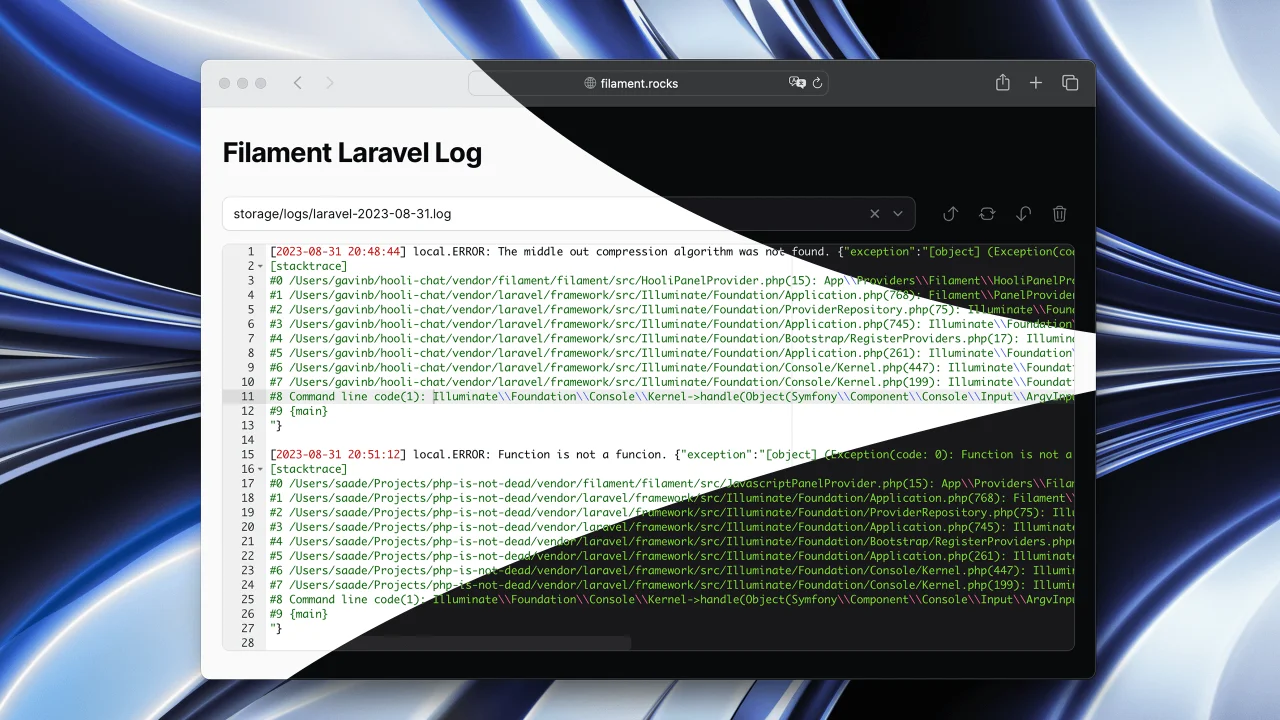
Laravel Log
Read Laravel logs from the Filament admin panel.
Author:
Saade
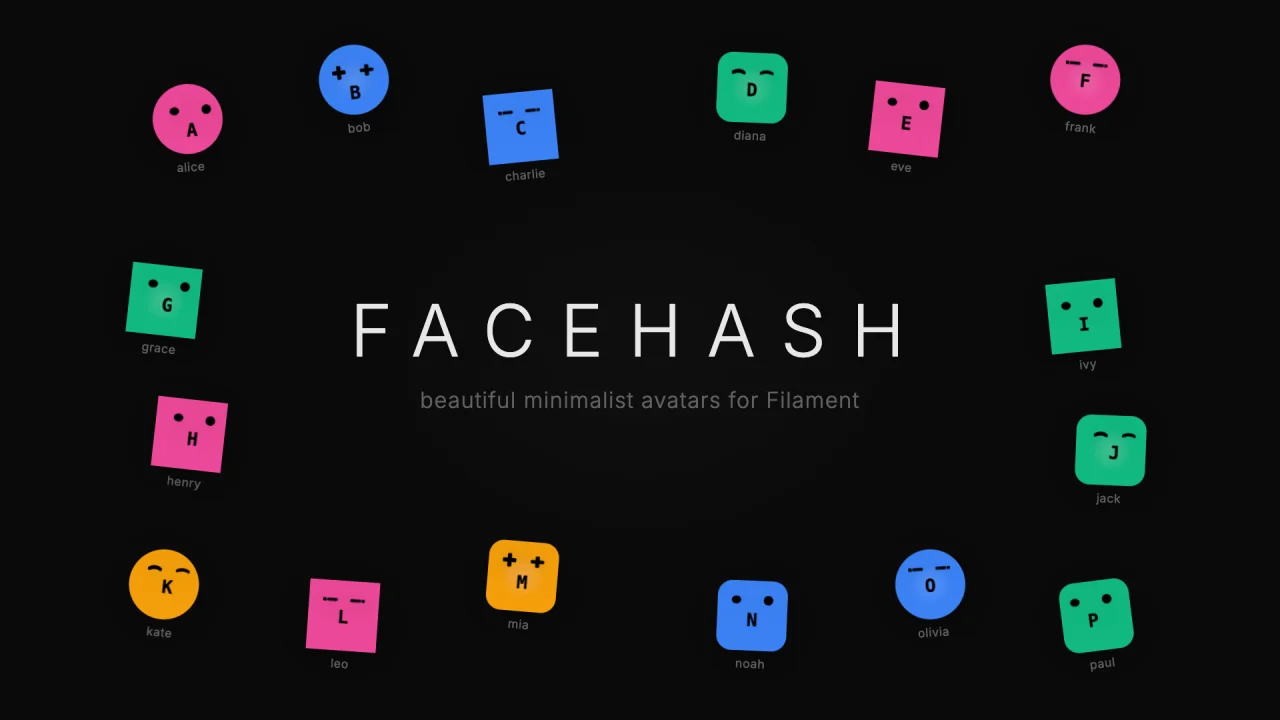
Facehash
Generate unique, deterministic avatar faces for your Filament panels.
Author:
Saade
Featured Plugins
A selection of plugins curated by the Filament team

Blueprint
Filament Blueprint is a premium Laravel Boost extension that helps AI agents produce accurate, detailed implementation plans and security reports for Filament apps.
 Filament
Compact Theme
A theme that makes data-heavy panels easier to scan by fitting more useful information on each screen.
Filament
Custom Fields
Eliminate custom field migrations forever. Let your users create and manage form fields directly in Filament admin panels with 20+ built-in field types, validation, and zero database changes.
 Relaticle