
Autograph by Saade
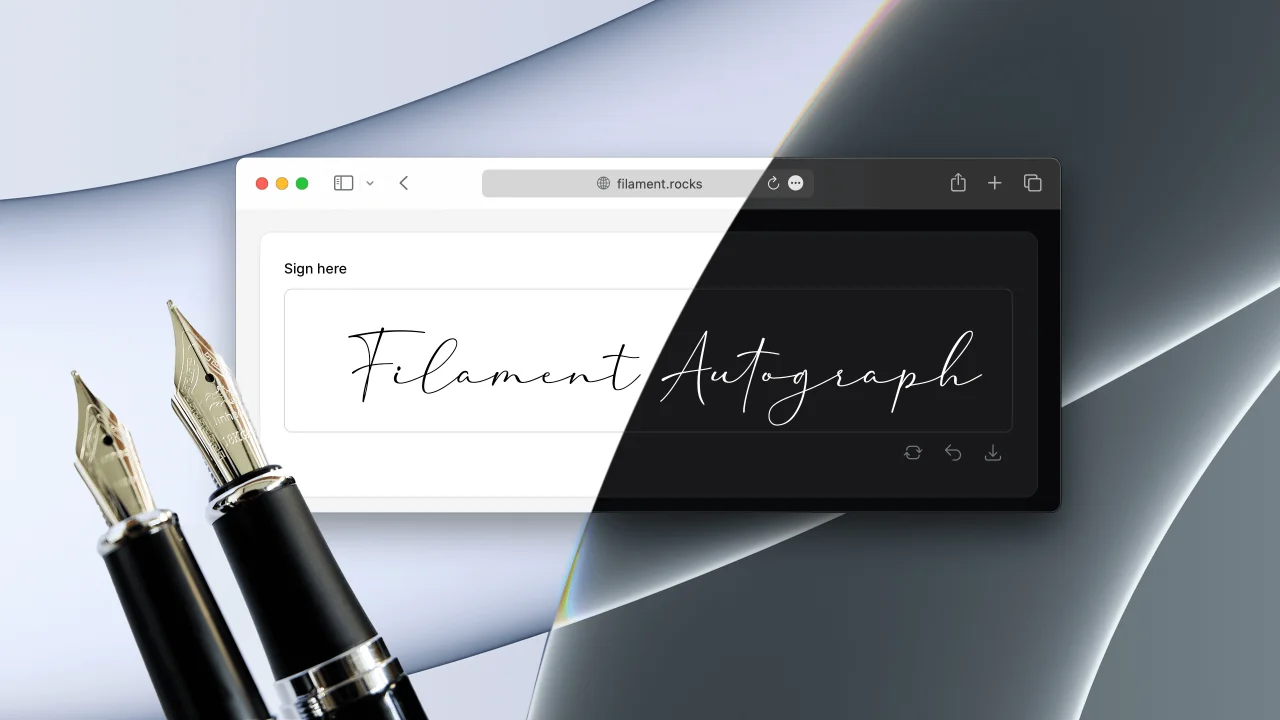
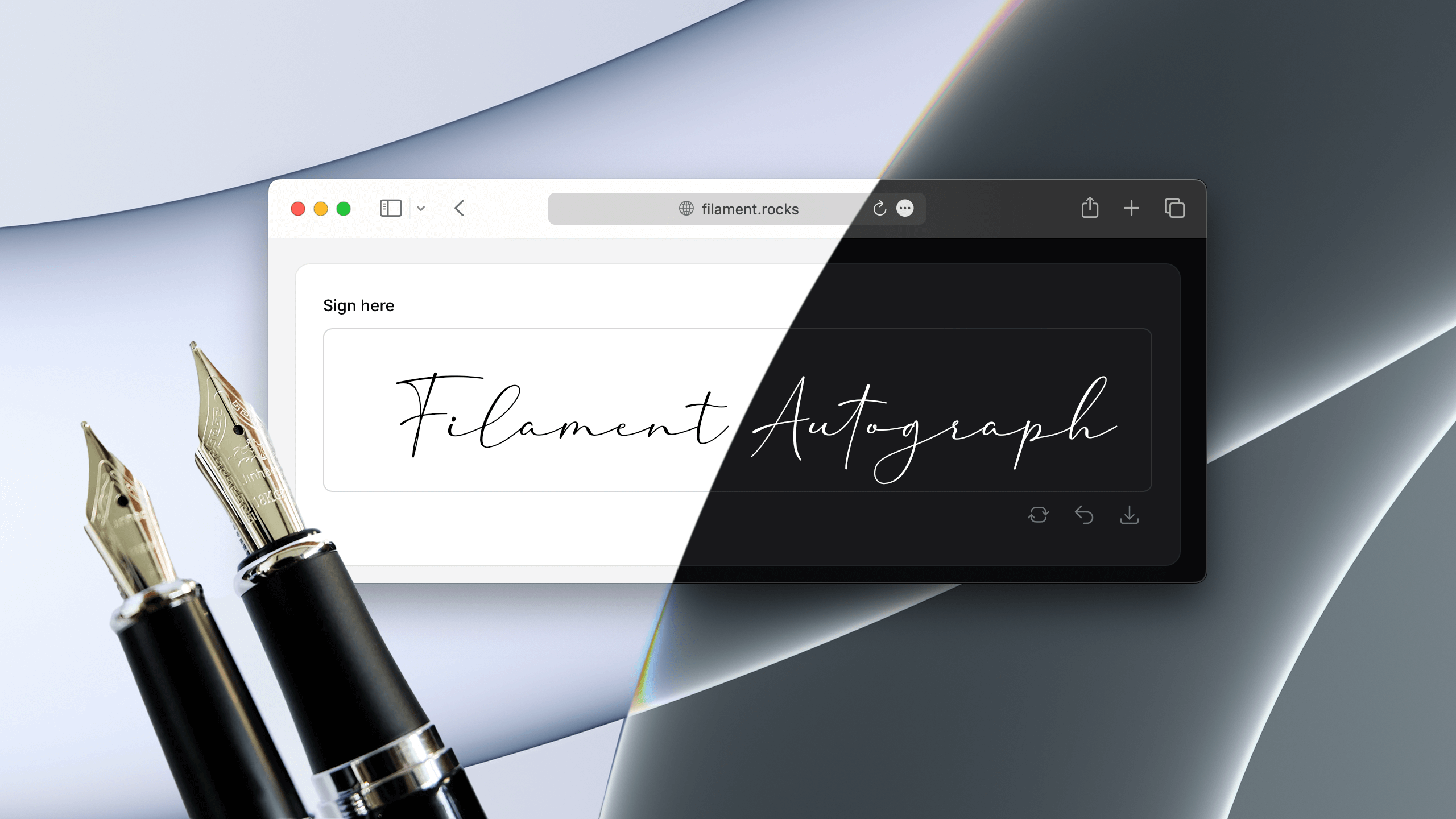
CommunityA signature pad form field. Collect handwritten signatures with mouse, touch or pen.
 Author:
Saade
Author:
Saade
Package health
Automated checks of this plugin's Composer package
15 checks
- Passed: GitHub Actions pinned to SHA
- Skipped: GitLab CI includes pinned to SHA
- Passed: Open security advisories
- Passed: Dependabot PR responsiveness — No open Dependabot PRs.
- Skipped: Renovate MR responsiveness
- Passed: Dependabot or Renovate configured
- Passed: Dependency update cooldown configured
- Passed: Provides a security policy
- Passed: Abandoned or archived — No consulted source marks the package abandoned (packagist, github).
- Passed: Commit and release recency — Active: last commit 0 days ago; last release 0 days ago.
-
Passed:
composer.lock not committed by library
—
composer.lockis absent from the released dist archive. - Passed: Dist archive is lean
-
Passed:
Current Laravel version supported
—
Package dependencies resolve together with current Laravel
13.0. -
Passed:
Current PHP version supported
—
Constraint
^8.2supports current PHP8.5. - Skipped: Current Symfony version supported
filament/
namespace. Review the source and install at your own risk. Found
malware or an unresolved security issue the author won't
address?
Report it
.
Documentation



#Installation
#1. You can install the package via composer:
composer require saade/filament-autograph
#2. Setup the plugin styles:
Important
If you have not set up a custom theme and are using Filament Panels follow the instructions in the Filament Docs first.
After setting up a custom theme add the plugin's views to your theme css file or your app's css file if using the standalone packages.
@source '../../../../vendor/saade/filament-autograph/resources/views/**/*.blade.php';
#Usage
use Saade\FilamentAutograph\Forms\Components\SignaturePad;

SignaturePad::make('signature')
#Outside a panel
The field works in any Livewire component that uses Filament's forms, not only in a panel. It needs what every Filament form needs there: Filament's styles and scripts in your layout, as described in the Filament docs, and the @source line above in your app's CSS file.
The pad is dark when the page is: it follows the dark class on the <html> element, like Filament's own components, and not the operating system's preference.
#What is saved
The state of the field is the signature as a PNG data URL: a string that starts with data:image/png;base64,. It is usually tens of kilobytes and grows with the size of the pad and the density of the screen, so store it in a longText column, not a string:
$table->longText('signature')->nullable();
The signature is saved in the light-mode pen and background colors, whatever theme the person signing uses, so it reads the same everywhere. Change that with exportPenColor() and exportBackgroundColor().
Like any field, it can be required:
SignaturePad::make('signature')
    ->required()
#Editing a saved signature
When the field is filled with a signature that was saved before, it shows that signature and stays locked until the user clears it. This keeps a stray touch on an edit page from replacing it. A pad with clearable(false) cannot be cleared, so there the first stroke replaces the saved signature.
#Showing a saved signature
Filament's own image components display a data URL, so a saved signature needs nothing from this package:
use Filament\Infolists\Components\ImageEntry;
use Filament\Tables\Columns\ImageColumn;

ImageEntry::make('signature')

ImageColumn::make('signature')
The saved background is transparent by default, with a dark pen. To keep it readable in dark mode, save it on white with ->exportBackgroundColor('#fff'), or give the image a white background where you show it.
#Configuration
#SignaturePad options.
For reference: https://github.com/szimek/signature_pad#options
use Saade\FilamentAutograph\Forms\Components\SignaturePad;

SignaturePad::make('signature')
    ->label(__('Sign here'))
    ->dotSize(2.0)
    ->lineMinWidth(0.5)
    ->lineMaxWidth(2.5)
    ->throttle(16)
    ->minDistance(5)
    ->velocityFilterWeight(0.7)
#Customizing the pad background and pen color.
use Saade\FilamentAutograph\Forms\Components\SignaturePad;

SignaturePad::make('signature')
    ->backgroundColor('rgba(0,0,0,0)')  // Background color on light mode
    ->backgroundColorOnDark('#f0a')     // Background color on dark mode (defaults to backgroundColor)
    ->exportBackgroundColor('#f00')     // Background color of the saved signature (defaults to backgroundColor, in light and dark mode)
    ->penColor('#000')                  // Pen color on light mode
    ->penColorOnDark('#fff')            // Pen color on dark mode (defaults to white, whatever penColor is)
    ->exportPenColor('#0f0')            // Pen color of the saved signature (defaults to penColor, in light and dark mode)
#Allow download of the signature.
use Saade\FilamentAutograph\Forms\Components\SignaturePad;
use Saade\FilamentAutograph\Forms\Components\Enums\DownloadableFormat;

SignaturePad::make('signature')
    ->filename('autograph')             // Filename of the downloaded file (defaults to 'signature')
    ->downloadable()                    // Allow download of the signature (defaults to false)
    ->downloadableFormats([             // Available formats for download (defaults to all)
        DownloadableFormat::PNG,
        DownloadableFormat::JPG,
        DownloadableFormat::SVG,
    ])
    ->downloadActionDropdownPlacement('center-end')     // Dropdown placement of the download action (defaults to 'bottom-start')
#Disabling clear, download, undo and done actions.
use Saade\FilamentAutograph\Forms\Components\SignaturePad;

SignaturePad::make('signature')
    ->clearable(false)
    ->downloadable(false)
    ->undoable(false)
    ->confirmable(false)
#Requiring confirmation (Done button).
SignaturePad::make('signature')
    ->confirmable()                 // Requires user to click on 'Done' (defaults to false)
A confirmable pad is also made required. Pass shouldMakeComponentRequired: false to keep it optional:
SignaturePad::make('signature')
    ->confirmable(shouldMakeComponentRequired: false)
#Customizing actions
use Saade\FilamentAutograph\Forms\Components\SignaturePad;
use Filament\Actions\Action;

SignaturePad::make('signature')
    ->clearAction(fn (Action $action) => $action->button())
    ->downloadAction(fn (Action $action) => $action->color('primary'))
    ->undoAction(fn (Action $action) => $action->icon('heroicon-o-arrow-uturn-left'))
    ->doneAction(fn (Action $action) => $action->iconButton()->icon('heroicon-o-hand-thumb-up'))
#Changelog
Please see CHANGELOG for more information on what has changed recently.
#Contributing
Please see CONTRIBUTING for details.
#Security Vulnerabilities
Please review our security policy on how to report security vulnerabilities.
#Credits
#License
The MIT License (MIT). Please see License File for more information.

The author
CTO & Backend Engineer at a Brazilian startup. Creating top-tier technology for public sector applications, making information and services universally accessible.
From the same author
Adjacency List
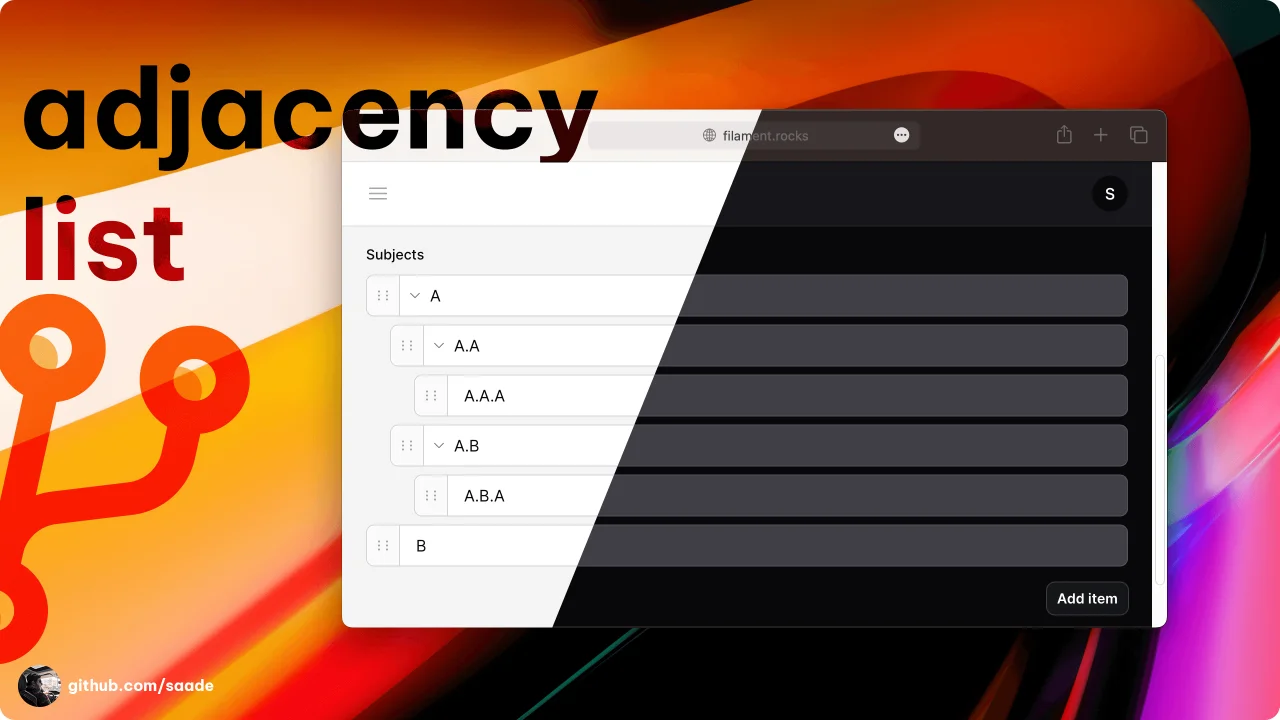
A package to manage adjacency lists.
Author:
Saade
Laravel Log
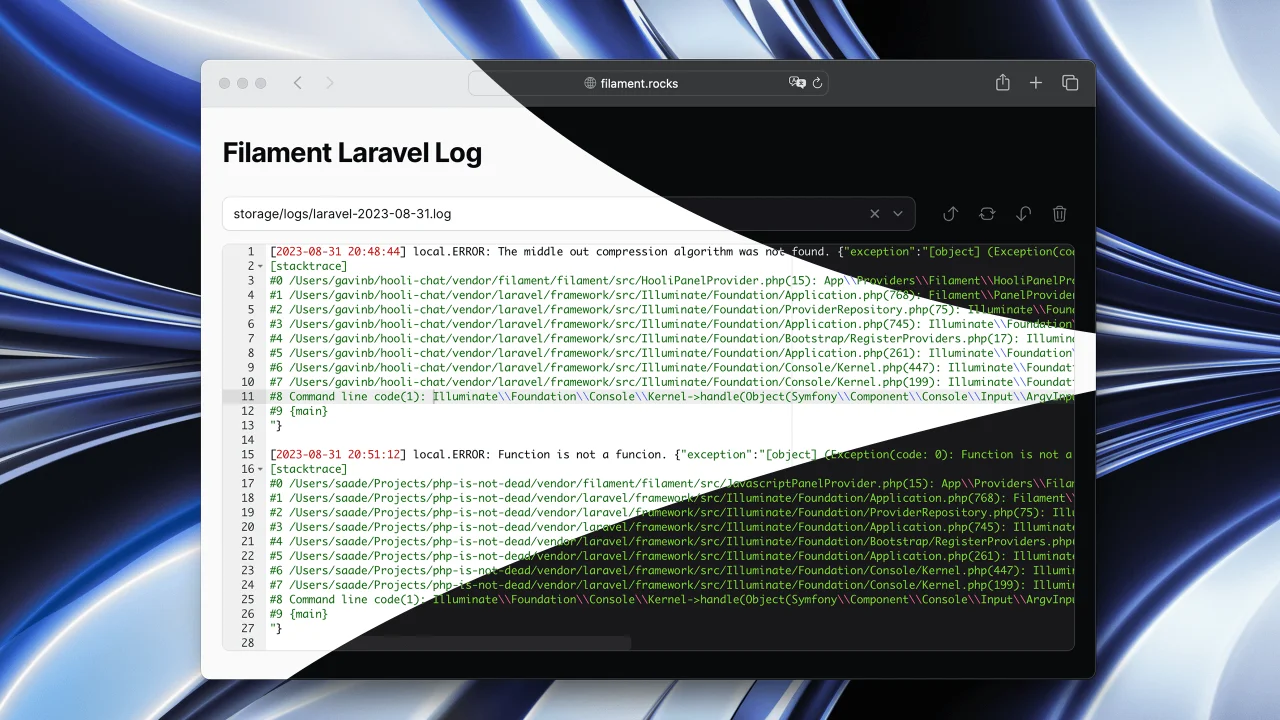
Read Laravel logs from the Filament admin panel.
Author:
Saade
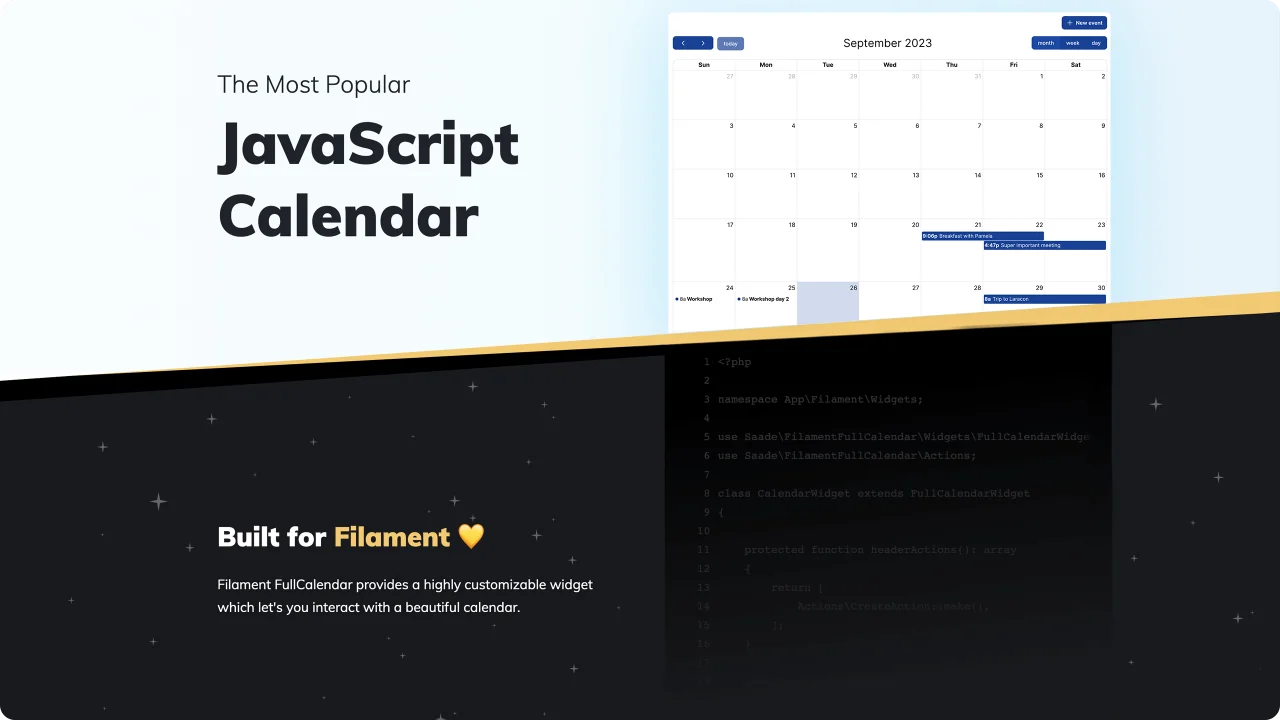
FullCalendar
The most popular JavaScript calendar as a Filament widget.
Author:
Saade

Facehash
Generate unique, deterministic avatar faces for your Filament panels.
Author:
Saade
Featured Plugins
A selection of plugins curated by the Filament team

Noir Theme
A theme that gives panels a focused, refined look with near-black surfaces, crisp actions, and restrained color.
 Filament

Sharp Theme
A theme that gives panels a precise, technical look with square corners, strong borders, and clear contrast.
Filament

Advanced Tables (formerly Filter Sets)
Supercharge your tables with powerful features like user-customizable views, quick filters, multi-column sorting, advanced table searching, convenient view management, and more. Compatible with Resource Panel Tables, Relation Managers, Table Widgets, and Table Builder!
 Kenneth Sese

