BenRiadh Theme
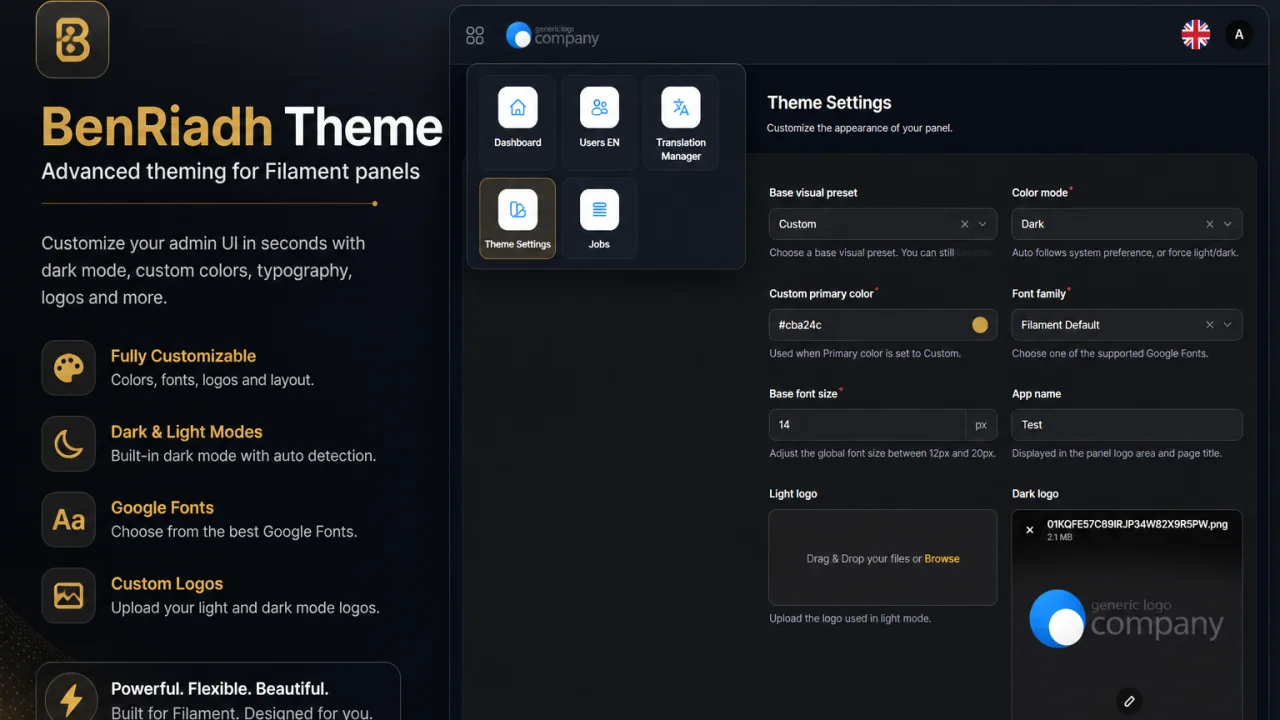
A modern and customizable theme package for Filament, designed to enhance the visual experience of your admin panels with clean styling, flexible configuration, and seamless integration.
 Author:
Riadh Ben Ali
Author:
Riadh Ben Ali
Documentation
- ✨ Features
- Requirements
- Installation
- Fluent Plugin API
- Theme Settings Page
- Configuration Reference
- Example Config
- Config Model
- Localization
- Panel + Tenancy Support
- Extension API
- Commands
- Theme Settings Page
- Changelog
- Contributing
- License


A modern and customizable theme package for Filament, designed to enhance the visual experience of your admin panels with clean styling, flexible configuration, and seamless integration.
Designed for teams who want more than the default look, this package delivers a polished UI layer with runtime customization, flexible layout options, and seamless integration into any Filament project.
#✨ Features
- 🎨 ERP-inspired design system for a clean, professional admin experience
- 🌗 Dark & light mode support
- 🧭 Flexible navigation layouts
- Optional hidden sidebar
- Topbar apps dropdown
- 💾 Persistent customization (stored in database):
accent_colorshow_left_sidebarcompact_sidebar
- 🪶 Lightweight & developer-friendly — no heavy overrides, clean integration
- 📦 Publishable assets, config, and migrations
#Requirements
| Requirement | Version |
|---|---|
| PHP | ^8.2 |
| Laravel | ^11.0 ^12.0 ^13.0 |
| Filament | ^5.0 |
#Installation
#1. Install via Composer
composer require benriadh1/filament-benriadh-theme
php artisan filament-benriadh-theme:install --migrate
#2. Publish config, assets, and migrations
php artisan vendor:publish --tag="filament-benriadh-theme-config"
php artisan vendor:publish --tag="filament-benriadh-theme-assets"
php artisan vendor:publish --tag="filament-benriadh-theme-lang"
php artisan vendor:publish --tag="filament-benriadh-theme-migrations"
#3. Run migrations
php artisan migrate
#4. Register plugin in your panel
use Benriadh1\FilamentBenriadhTheme\FilamentBenriadhThemePlugin;

public function panel(Panel $panel): Panel
{
    return $panel->plugins([
        FilamentBenriadhThemePlugin::make(),
    ]);
}
#Fluent Plugin API
FilamentBenriadhThemePlugin::make()
    ->accentColor('#cba24c')
    ->sidebarGradient('#0f172a', '#111827')
    ->showLeftSidebar(true)     // or ->hideLeftSidebar()
    ->compactSidebar(false)
    ->cardRadius('0.9rem')
    ->softShadows(true);
#Theme Settings Page
When enabled, the package automatically registers a panel page:
- Navigation:
Settings > Theme Settings - Route (admin panel default):
/admin/theme-settings
The page stores values in filament_theme_settings and the theme uses them at runtime.
#Configuration Reference
Publish config if needed:
php artisan vendor:publish --tag="filament-benriadh-theme-config"
| Key | Default | Description |
|---|---|---|
asset_path |
vendor/filament-benriadh-theme/theme.css |
Published CSS asset path |
accent_color |
#cba24c |
Default accent color |
sidebar_from |
#0f172a |
Sidebar gradient start |
sidebar_to |
#111827 |
Sidebar gradient end |
show_left_sidebar |
true |
Show the left sidebar |
compact_sidebar |
false |
Use compact sidebar spacing |
card_radius |
0.9rem |
Global card corner radius |
soft_shadows |
true |
Enable soft panel shadows |
show_theme_settings_page |
true |
Show/hide the in-panel Theme Settings page |
#Example Config
return [
    'asset_path' => 'vendor/filament-benriadh-theme/theme.css',

    'accent_color' => '#cba24c',
    'sidebar_from' => '#0f172a',
    'sidebar_to' => '#111827',

    'show_left_sidebar' => true,
    'compact_sidebar' => false,
    'card_radius' => '0.9rem',
    'soft_shadows' => true,

    'show_theme_settings_page' => true,
];
#Config Model
Main config file: config/filament-benriadh-theme.php
Core keys:
schema_versionasset_pathmodepresetpresetstokenslayoutbreadcrumbsbrandingapps_dropdownpanel_overridestenantextensionsa11yshow_theme_settings_page
Legacy keys are still supported and mapped into v1 schema for backward compatibility.
#Apps Dropdown
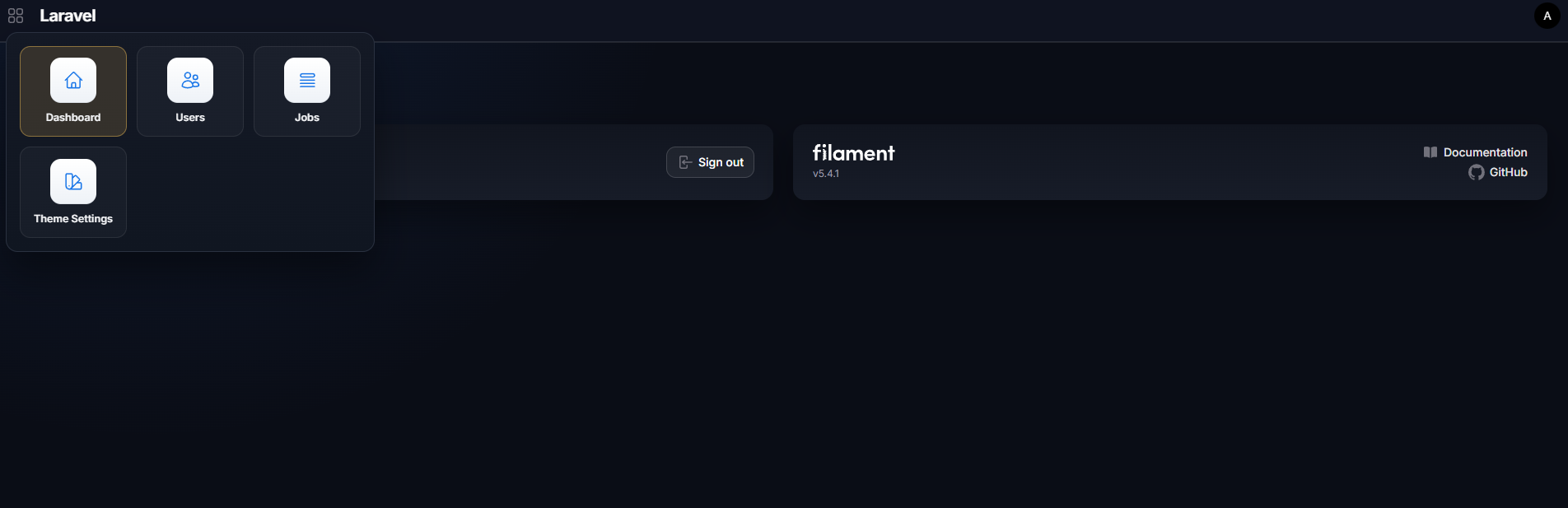
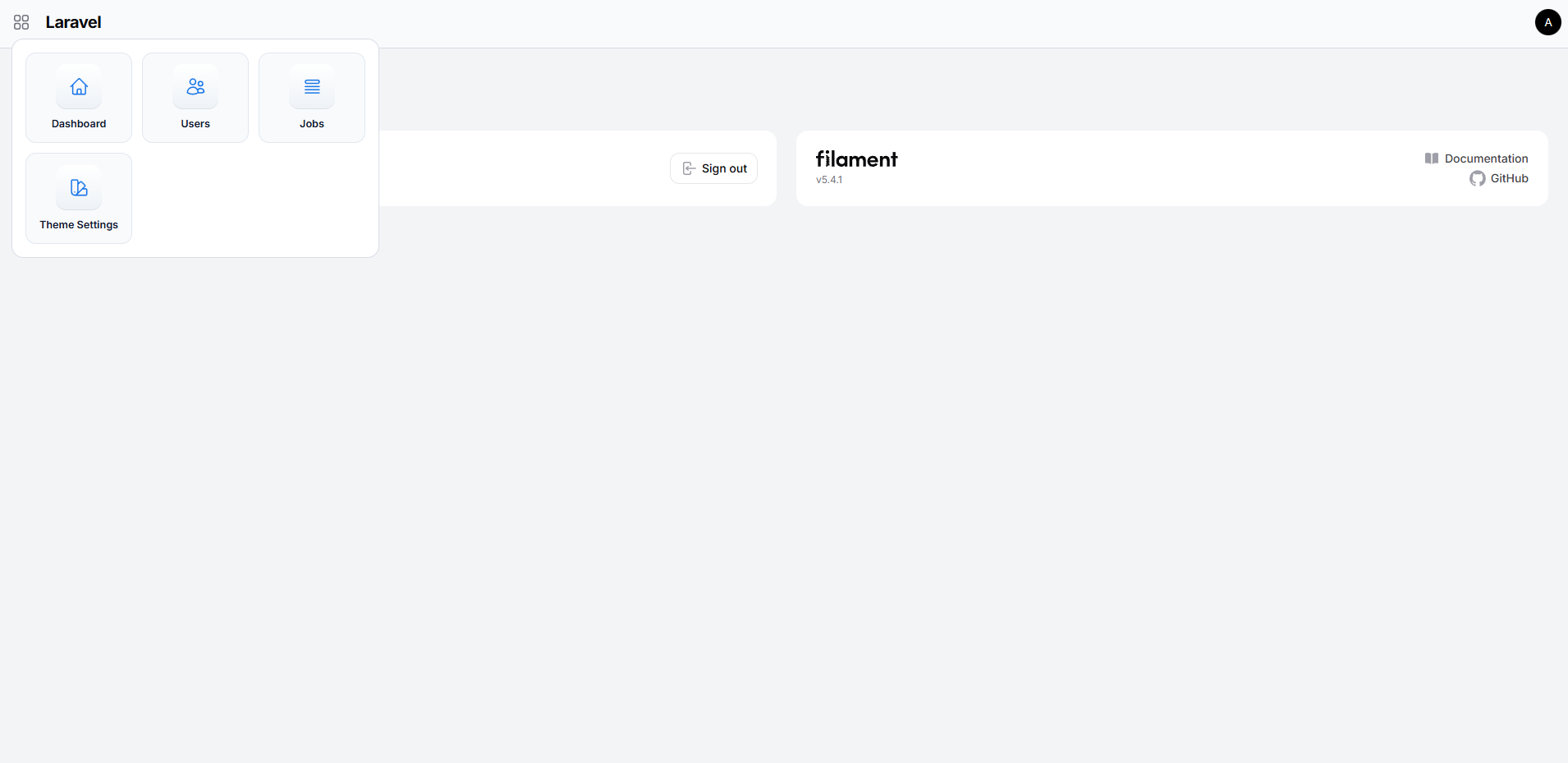
Controls the navigation grid shown in the topbar when the sidebar is hidden:
'apps_dropdown' => [
    'max_items' => 15, // Maximum navigation items shown in the grid
],
#Localization
The Theme Settings page is translated into 6 languages out of the box:
| Code | Language |
|---|---|
en |
English |
fr |
French |
ar |
Arabic |
de |
German |
es |
Spanish |
pt |
Portuguese |
Publish the language files to customize or add new locales:
php artisan vendor:publish --tag="filament-benriadh-theme-lang"
Files are placed under lang/vendor/filament-benriadh-theme/{locale}/messages.php.
#Panel + Tenancy Support
- Use
panel_overridesto provide per-panel visual behavior. - Use
tenant.enabled+tenant.resolverto inject tenant branding at runtime. - Tenant resolver contract:
Benriadh1\FilamentBenriadhTheme\Contracts\TenantThemeResolver
#Extension API
Implement these contracts to extend without forking:
Benriadh1\FilamentBenriadhTheme\Contracts\ThemeTokenTransformerBenriadh1\FilamentBenriadhTheme\Contracts\PluginThemeAdapterBenriadh1\FilamentBenriadhTheme\Contracts\TenantThemeResolver
#Plugin Adapter Example
The package ships with TranslationManagerAdapter as a reference implementation. It bridges the optional benriadh1/filament-translation-manager package by mapping its CSS variables to theme tokens. To activate it (or any custom adapter), register it in your config:
'extensions' => [
    'plugin_adapters' => [
        \Benriadh1\FilamentBenriadhTheme\Adapters\TranslationManagerAdapter::class,
        // or your own adapter:
        App\Theme\MyPluginAdapter::class,
    ],
],
The adapter is automatically skipped when the target plugin is not installed.
#Commands
php artisan filament-benriadh-theme:install --migrate
php artisan filament-benriadh-theme:migrate-schema
php artisan filament-benriadh-theme:preset-export corporate
php artisan filament-benriadh-theme:preset-import ./preset.json my_custom --overwrite
php artisan filament-benriadh-theme:a11y-check --panel=admin
#Theme Settings Page
When enabled, the package registers:
- Navigation:
Settings > Theme Settings - Route (default admin panel):
/admin/theme-settings
Values are stored in filament_theme_settings and merged with config + runtime overrides.
#Changelog
See CHANGELOG.md.
#Contributing
Contributions and design improvements are welcome via PRs.
#License
MIT. See LICENSE.md.
The author
From the same author
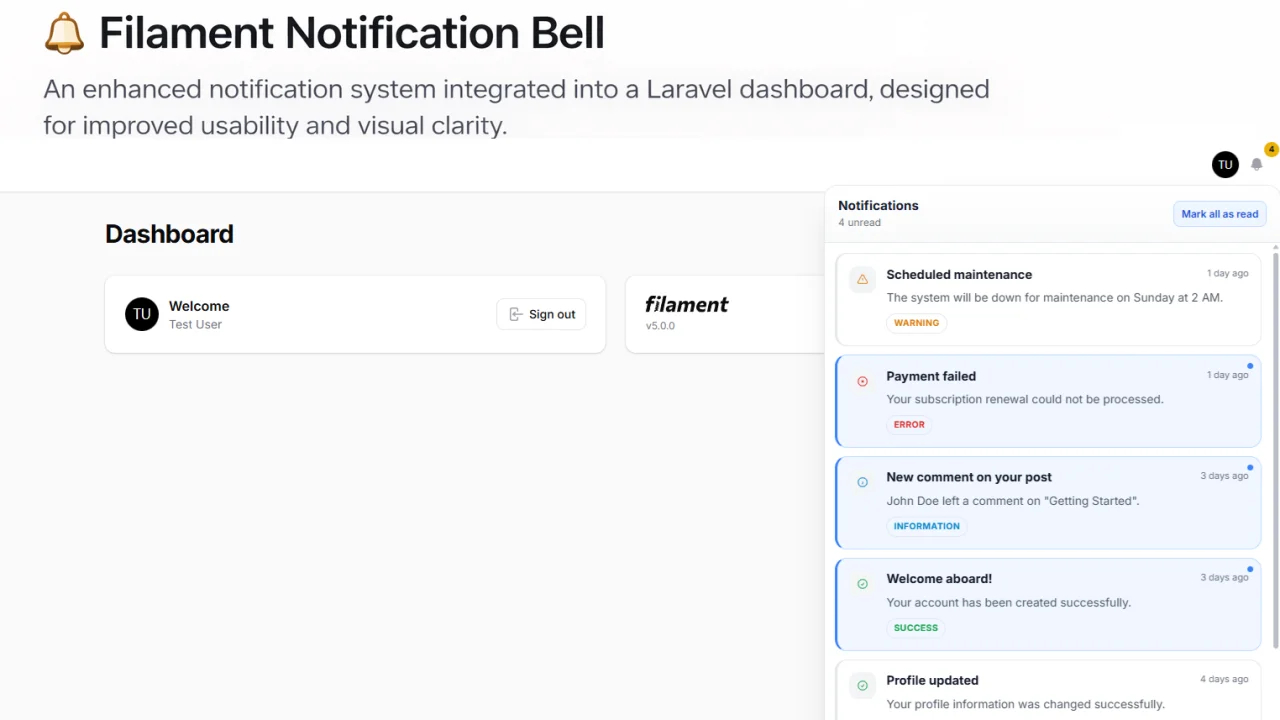
Featured Plugins
A selection of plugins curated by the Filament team
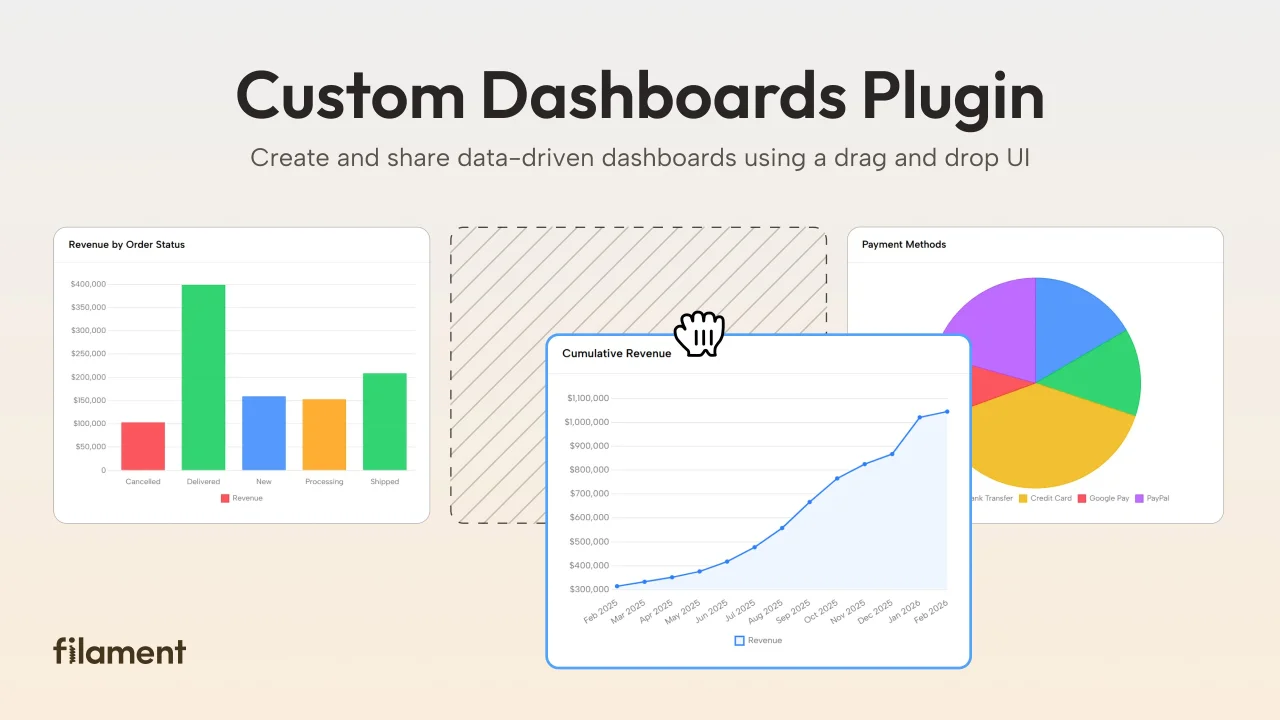
Custom Dashboards
Let your users build and share their own dashboards with a drag-and-drop interface. Define your data sources in PHP and let them do the rest.
 Filament
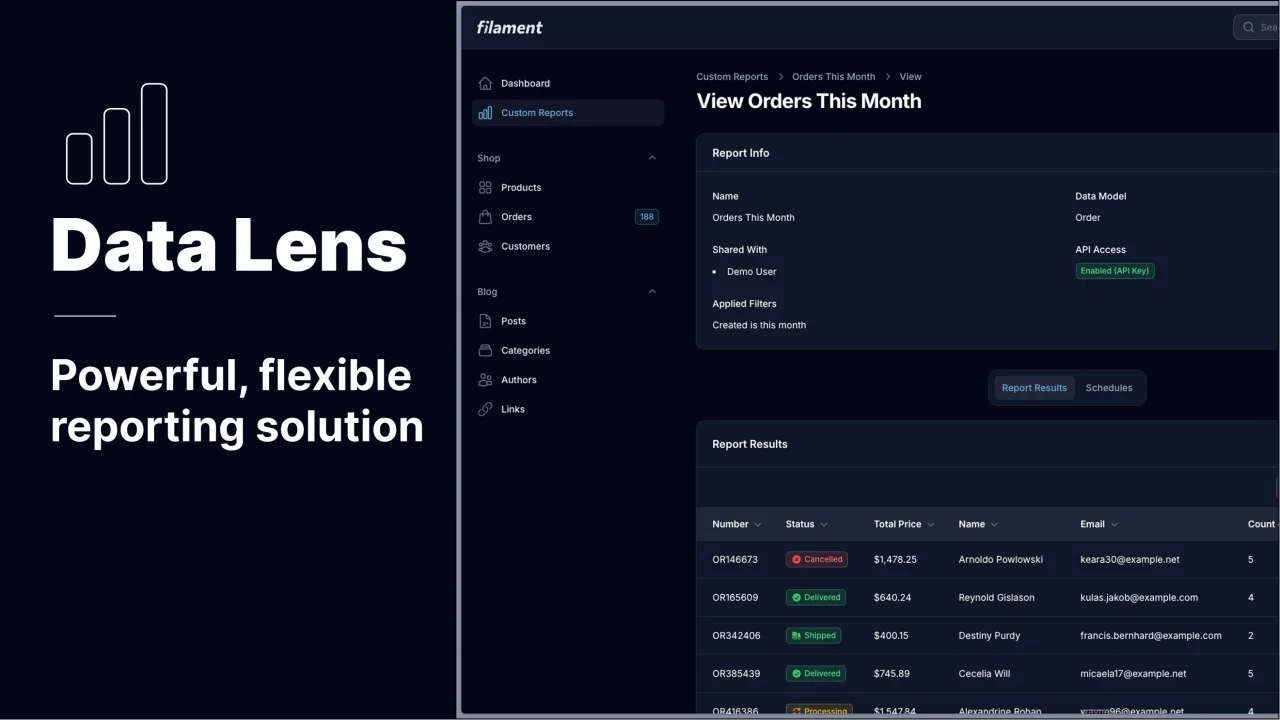
Data Lens
Advanced Data Visualization for Laravel Filament - a premium reporting solution enabling custom column creation, sophisticated filtering, and enterprise-grade data insights within admin panels.
 Padmission

Custom Fields
Eliminate custom field migrations forever. Let your users create and manage form fields directly in Filament admin panels with 20+ built-in field types, validation, and zero database changes.
 Relaticle