Splitbutton by Problemli
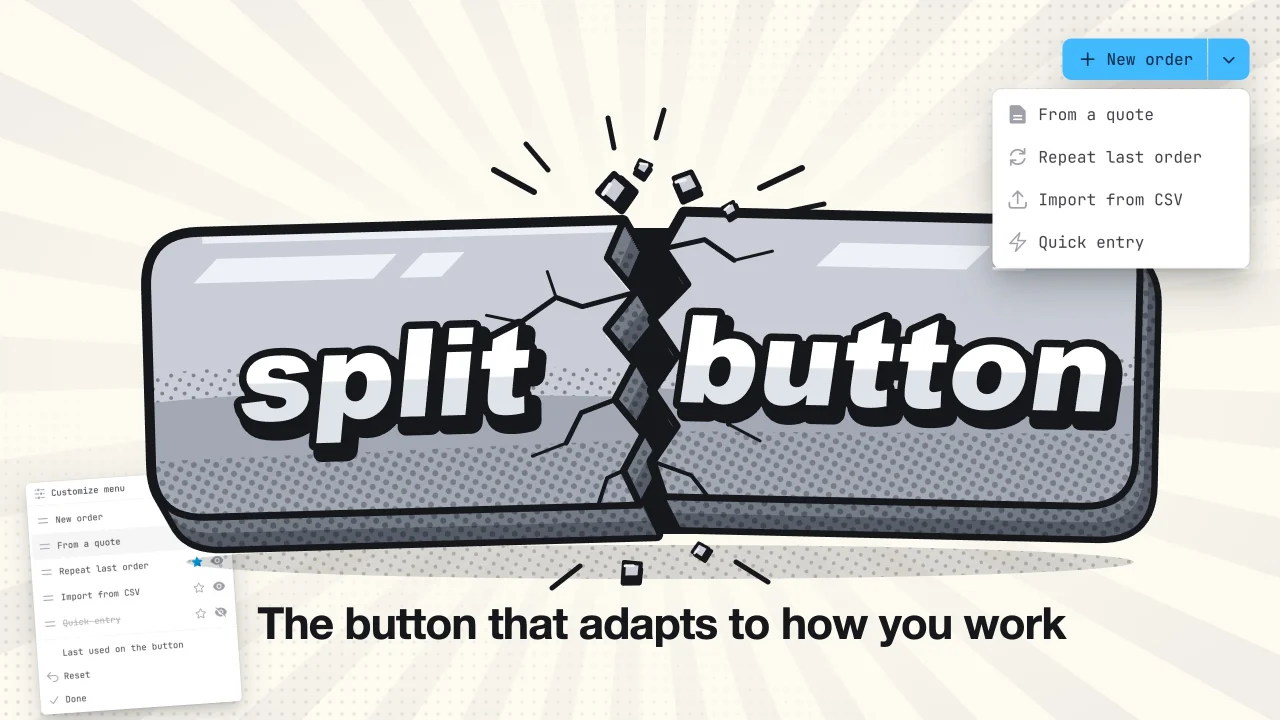
CommunityThe button that adapts to how you work.
 Author:
Problemli
Package health
Automated checks of this plugin's Composer package
15 checks
- Passed: GitHub Actions pinned to SHA
- Skipped: GitLab CI includes pinned to SHA
- Passed: Open security advisories
- Passed: Dependabot PR responsiveness — No stale Dependabot PRs.
- Skipped: Renovate MR responsiveness
- Passed: Dependabot or Renovate configured
- Passed: Dependency update cooldown configured
- Passed: Provides a security policy
- Passed: Abandoned or archived — No consulted source marks the package abandoned (packagist, github).
- Passed: Commit and release recency — Active: last commit 0 days ago; last release 0 days ago.
-
Failed:
composer.lock not committed by library
—
composer.lockis present in the released dist archive. View details on Plumb - Passed: Dist archive is lean
-
Passed:
Current Laravel version supported
— Package dependencies resolve together with current Laravel
13.0. -
Passed:
Current PHP version supported
— Constraint
^8.2supports current PHP8.5. - Skipped: Current Symfony version supported
filament/
namespace. Review the source and install at your own risk. Found
malware or an unresolved security issue the author won't
address?
Report it
.
Documentation
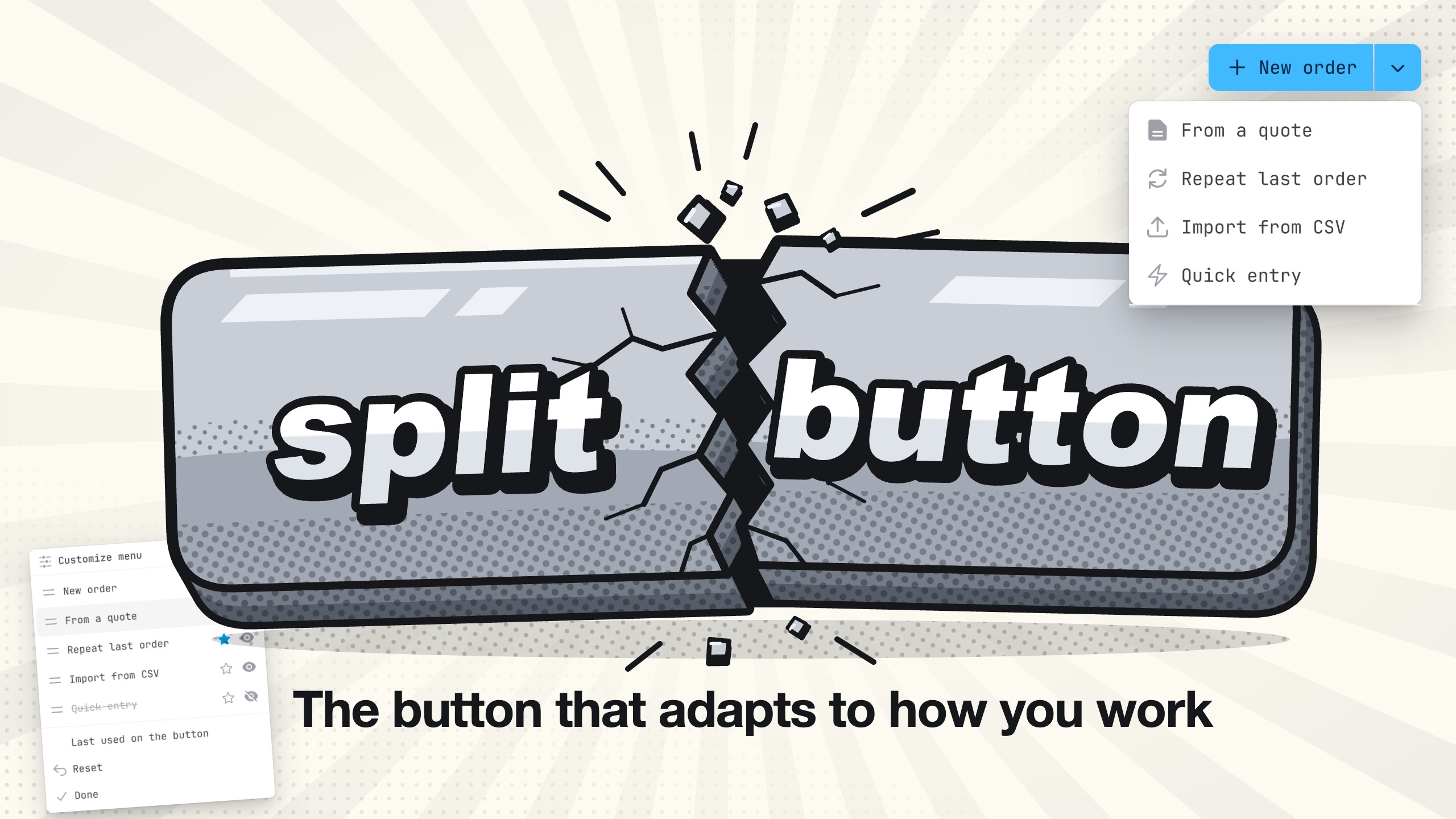
The button that adapts to how you work.



Lets your Action Buttons have Options and lets your users customize those Options.
Important
PRs, Issues and Agents are welcome 🤗. Let's make this package very nice together
#Features
users rearrange the menu · drag to reorder · hide entries · pin any entry onto the button · or the button follows you: last used, most used or most used lately · one-tap reset · share customizations across devices · entries from records by convention, e.g. your 3 most used templates · or from a closure · use formsettings quick create / quick edit presets · run filament-flow workflows from the menu · works with filament-mouseless · overflow mode: a few buttons + "More" · menu sections · every entry is a real Filament action · use everywhere you can use an actiongroup · completely respects your app style · chevron at start or end · collapses to a plain button when there is nothing to choose · optional long press to customize · clean vs. discoverable modes · adjustable long-press time · customizing only for some users (gate) · keyboard shortcuts can be switched off · ->split() & -> overflow() macros for existing Buttons and Groups· everything opt-in · panel-wide defaults, per-button overrides · no script loaded for static buttons · stateless mode without migrations · supports filament-shield permissions · Mobile Friendly · Filament Native Style · dark mode · translated to en, de, es, fr, it · Filament 4 & 5 · RTL · no dependencies · 2-lines install · headless install · uninstall command
#Installation
composer require blemli/splitbutton-for-filament
php artisan splitbutton:install
#Usage
SplitButton::make([CreateAction::make(), Action::make('import')])   // first action = the button, the rest = its menu
    ->options(SomeModel::query()->latest()->limit(3))   // … records as entries (see Advanced Usage)
    ->editable()            // … users can customize the menu
    ->editableWithLongPress()   // … also by holding the menu, like a phone's home screen, clean but not discoverable
    ->editableWithKeyboard(false)   // no shortcuts inside the edit menu (arrows and Esc stay)
    ->editable(fn () => auth()->user()->can('customize-menus'))   // let only certain users customize the button
    ->autoPin()             // … the button follows the user: what they pick most lately sits on it
    ->autoPin(AutoPin::Recent)   // … use a different strategy: AutoPin::Recent (latest) or Frequent (most used)
    ->offerAutoPin([AutoPin::Recent, AutoPin::Frequent])   // … or let each user switch on and choose how
    ->renamed(['import' => 'importShoots'])   // for when an action got renamed
    ->formSettingsPresets() // shows formsettings-for-filament presets in the dropdown. (mark them as quickcreate)
    ->workflows()           // lists filament-flow workflows that can be started by hand (asks before running)
    ->overflow(2)           // multiple buttons instead of a dropdown
    ->chevronPosition('start')   // … chevron first
    ->filterUnauthorized();      // … drop unauthorized entries instead of disabling them
#Limits
What it can't do
- Can't use it in field actions (
->suffixAction(),->hintAction(), …): Filament takes single actions there. - Can't use in notifications: Filament rebuilds their actions from arrays
- Modal footers take it through
->extraModalFooterActions(); Filament's->modalFooterActions()accepts single actions only. - Only real actions can sit on the button, not a submenu.
- Tables:
->options(fn () => …)runs once for the whole table.->options(fn ($record) => …)runs once per row, but may only return links (->url()): Filament finds a clicked row action by name before it knows the row. Entries that run code or open a modal are declared up front and switched per row with->visible(fn ($record) => …). - Layouts are per button, not per record, and gone after logout unless you
->persist(). Two split buttons on one page that start with the same action need->key(). - Entries are remembered by action name: rename an action and users lose its place, unless you tell the button with
->renamed(['old' => 'new']). Give closure entries stable names (template-{id}). - formsettings presets need formsettings-for-filament 0.5+ with
->presets(). Edit presets need a record, and create and edit forms keep separate presets unless formsettings runs->perResource().
#Advanced Usage
Records as entries · existing buttons · your own components · keyboard · filament-mouseless · uninstall
#Records as entries
Hand ->options() records instead of actions — a query, a collection, models, or a closure returning any of them — and each becomes an entry by convention:
| Convention | |
|---|---|
| name | model and key: template-7 (stable, so users keep its place) |
| label | the record's title in its resource, else its name / title / label |
| icon | the navigation icon of the record's resource |
URL behind a CreateAction |
the page's create form with the record in the query: …/create?template=7 |
| URL anywhere else | the record itself in its resource (edit, or view) |
SplitButton::make([CreateAction::make()])
    ->options(Template::query()->latest()->limit(3));           // "new shoot from this template"

    ->options(Template::query()->latest()->limit(3),            // … replace single conventions (each closure gets the record)
        url: fn (Template $template) => ShootResource::getUrl('create', ['from' => $template->slug]),
        label: fn (Template $template) => "From {$template->name}",
        icon: fn () => 'heroicon-o-sparkles',
        name: fn (Template $template) => "from-{$template->id}");

    ->options(fn () => Template::mostUsed(3)->map(              // … or decide everything: return actions
        fn (Template $template) => Action::make("template-{$template->id}")->label($template->name)->action(...)));
A record nothing can be derived for (no resource, no create page) throws and asks for url:. The query runs once the button is on its page, not when it is declared.
#From a button or group you already have
CreateAction::make()->split([Action::make('import')]);   // an action and its menu
ActionGroup::make([...])->split();                       // a group, first action on the button
ActionGroup::make([...])->overflow(2);                   // two buttons out front, the rest under "More"
#On your own Livewire component
Widgets and custom page sections have no header to put actions in. Use the trait next to Filament's InteractsWithActions:
use InteractsWithSplitButtonActions;

protected function getSplitButtons(): array
{
    return ['create' => SplitButton::make([...])];
}
{{ $this->getSplitButton('create') }}
<x-filament-actions::modals />
#Keyboard
| Key | What it does |
|---|---|
E |
enter edit mode (on the open or focused menu) |
↑ ↓ |
walk the entries |
Ctrl ↑↓ (⌘ ↑↓ on a Mac) |
move the entry |
H |
hide or show it |
D |
put it on the button, or take it off |
Esc |
done |
Switch the shortcuts off with ->editableWithKeyboard(false). Works with filament-mouseless.
#With filament-mouseless
The shortcuts for new, edit and view always mean the action you declared first — a CreateAction, EditAction or ViewAction — whatever a user's layout or ->autoPin() put on the button. The split button marks that entry (data-mouseless="crud.create"), also while it sits in the closed menu, and filament-mouseless looks for the mark first.
#"Create & create another" from a record entry
A record entry behind a CreateAction opens the create form with ?template=7. Filament's "create another" fills that form again without the query string, so keep the record on the page if the next one should start from it too:
#[Locked]
public ?int $fromTemplate = null;

public function mount(): void
{
    $this->fromTemplate = request()->integer('template') ?: null;

    parent::mount();
}

protected function afterFill(): void   // runs on mount and again for "create another"
{
    if ($template = Template::find($this->fromTemplate)) {
        $this->form->fill([...$this->form->getRawState(), ...$template->defaults()]);
    }
}
#Uninstall
php artisan splitbutton:uninstall
#To-Do
Open points
- translate to more languages
- Touch long press is built in but not yet tested on a real touch device.
#Ideas for the Future
Maybe later
- Use Tutorial to inform users of possibilities
- Export / Share?
- Custom Images on options?
- translate to more languages (beyond en, de, es, fr, it)
- a keyboard shortcut that follows the button (opt-in), next to the fixed new / edit shortcuts of filament-mouseless
#License
Unlicense
Unlicense: public domain, do what you like.
The author
From the same author
Form Settings
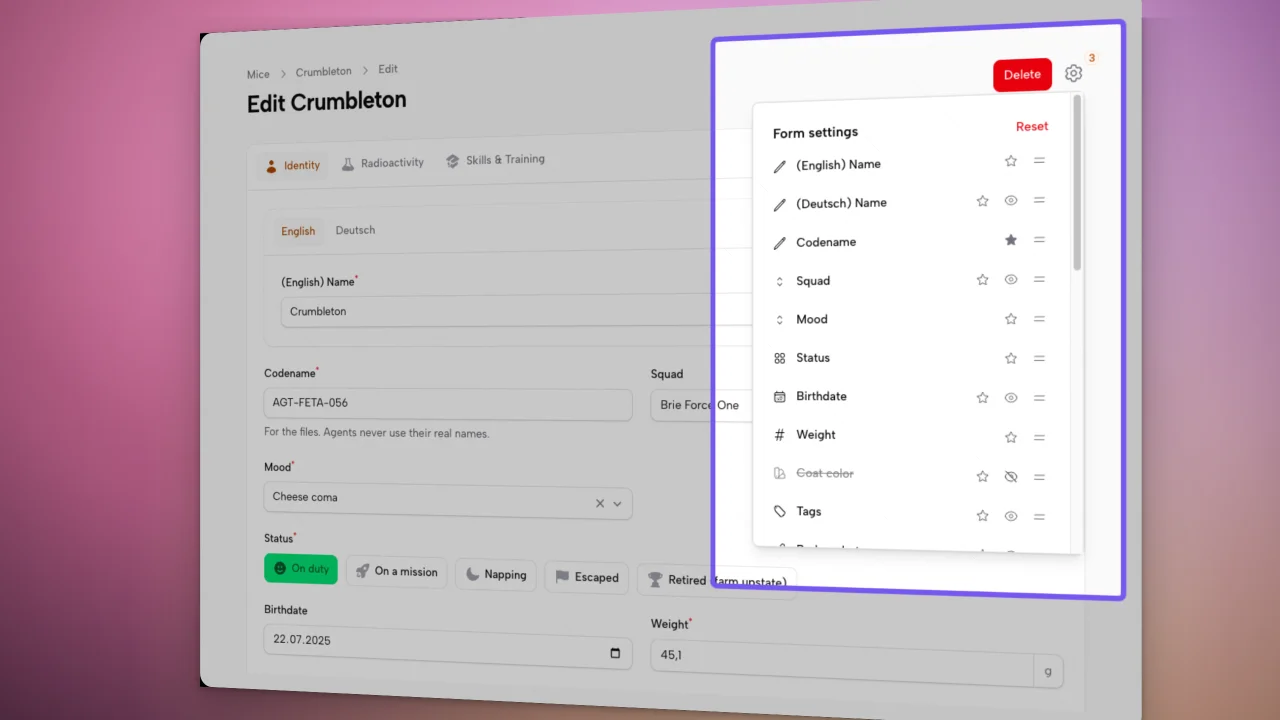
Rule your Forms - Create presets for your form entry sessions with field, order, hidden fields and different tabbing entry-points.
Author:
Problemli
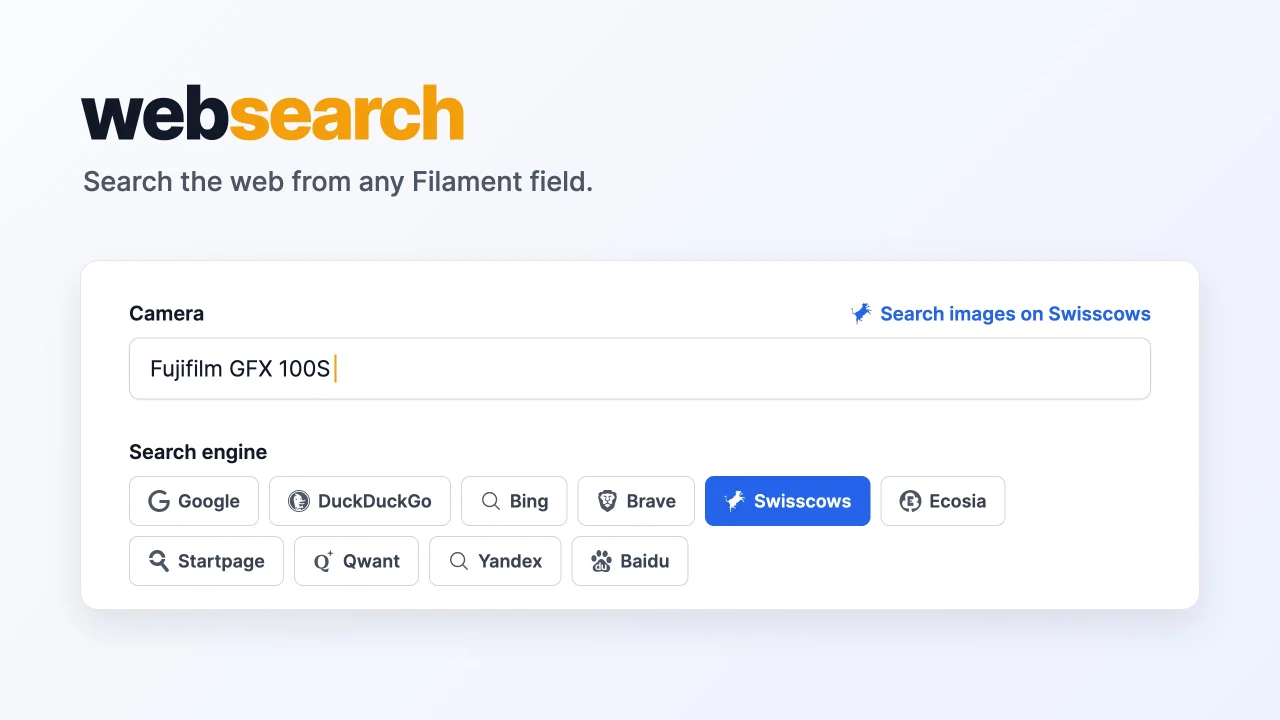
Websearch
Search the web from any Filament field.
Author:
Problemli
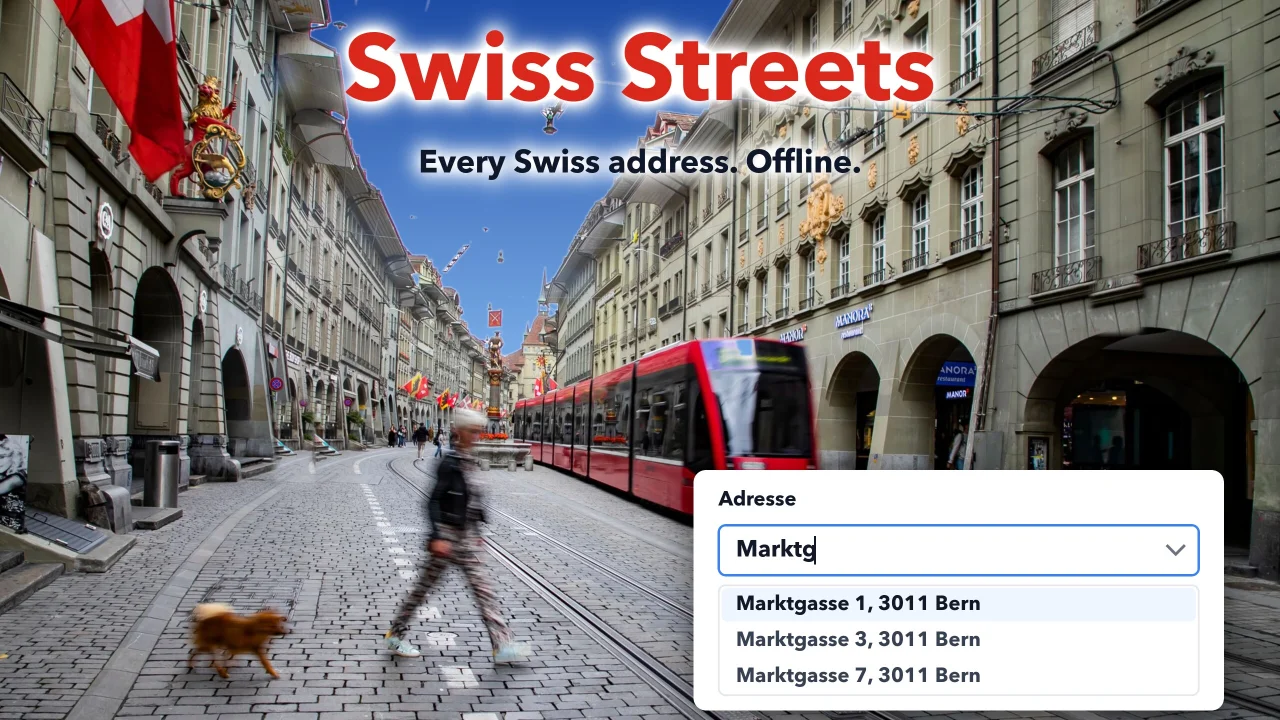
Swissstreets
An address field backed by the official Swiss building register, imported nightly and searched offline, with vicinity sorting, a map picker and support for foreign addresses.
Author:
Problemli
Featured Plugins
A selection of plugins curated by the Filament team
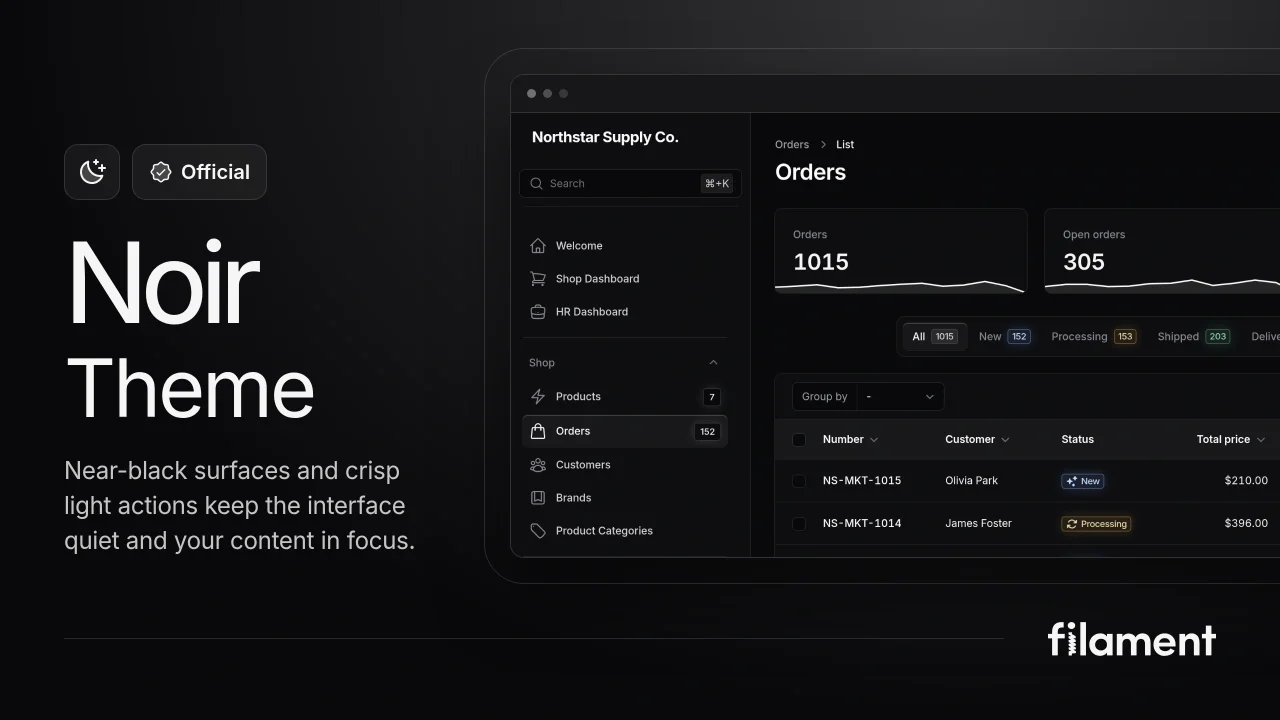
Noir Theme
A theme that gives panels a focused, refined look with near-black surfaces, crisp actions, and restrained color.
 Filament
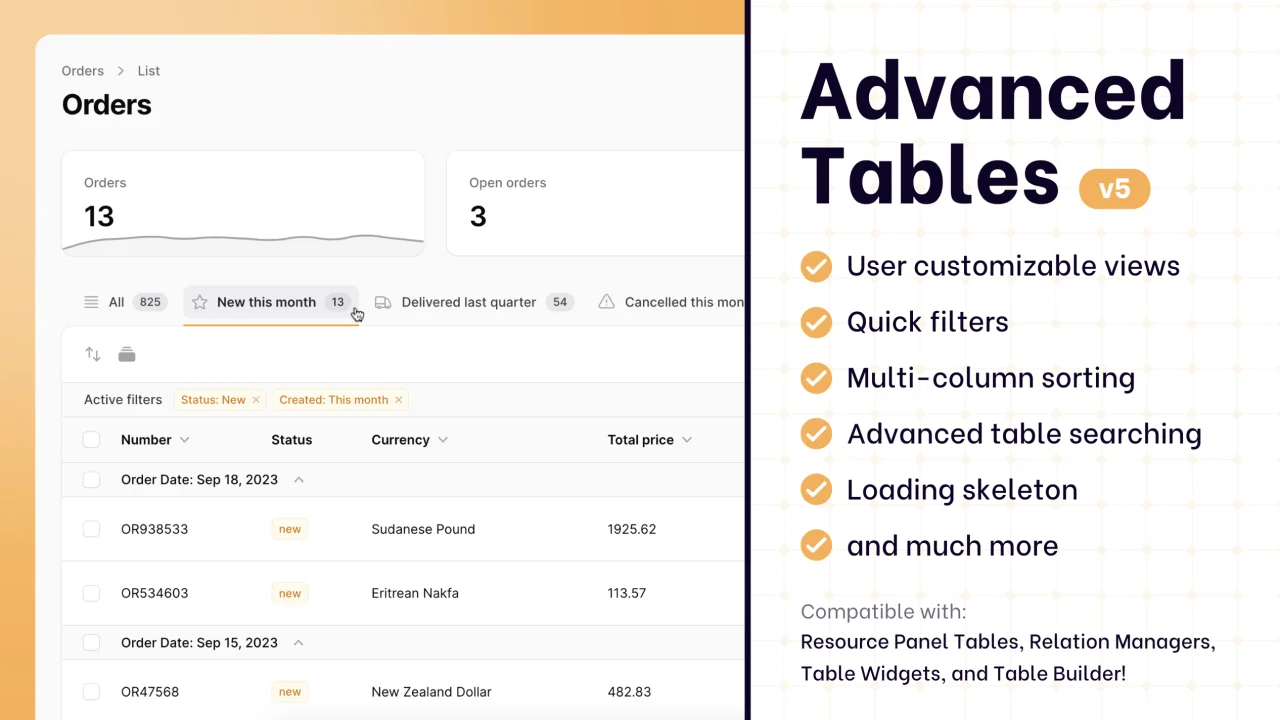
Advanced Tables (formerly Filter Sets)
Supercharge your tables with powerful features like user-customizable views, quick filters, multi-column sorting, advanced table searching, convenient view management, and more. Compatible with Resource Panel Tables, Relation Managers, Table Widgets, and Table Builder!
 Kenneth Sese
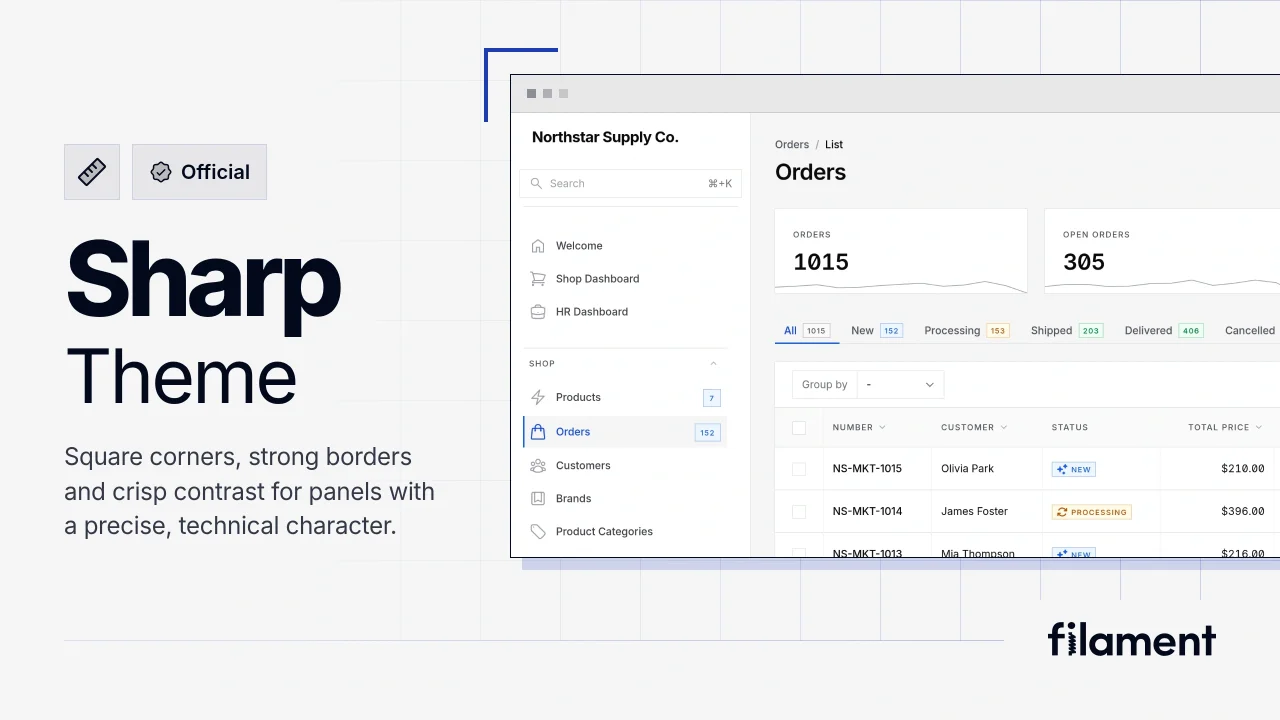
Sharp Theme
A theme that gives panels a precise, technical look with square corners, strong borders, and clear contrast.
Filament