

Shadcn Theme by Openplain
CommunityShadcn UI theme for Filament with adaptive colors that change between light and dark modes - 8 beautiful official themes included
 Author:
Openplain
Author:
Openplain
Package health
Automated checks of this plugin's Composer package
15 checks
- Skipped: GitHub Actions pinned to SHA
- Skipped: GitLab CI includes pinned to SHA
- Passed: Open security advisories
- Passed: Dependabot PR responsiveness — No open Dependabot PRs.
- Skipped: Renovate MR responsiveness
- Skipped: Dependabot or Renovate configured
- Skipped: Dependency update cooldown configured
- Failed: Provides a security policy — View details on Plumb
- Passed: Abandoned or archived — No consulted source marks the package abandoned (packagist, github).
- Warning: Commit and release recency — Low activity: last commit 188 days ago; last release 188 days ago.
-
Passed:
composer.lock not committed by library
—
composer.lockis absent from the released dist archive. - Passed: Dist archive is lean
-
Passed:
Current Laravel version supported
—
Package dependencies resolve together with current Laravel
13.0. -
Passed:
Current PHP version supported
—
Constraint
^8.2|^8.3|^8.4supports current PHP8.5. - Skipped: Current Symfony version supported
filament/
namespace. Review the source and install at your own risk. Found
malware or an unresolved security issue the author won't
address?
Report it
.
Documentation
- Why This Package?
- Screenshots
- Installation
- Basic Usage
- All 8 Official Themes
- Advanced: Custom Adaptive Colors
- Requirements
- License
The only Filament theme that changes colors between light and dark modes — just like Shadcn UI.


#Why This Package?
Filament's built-in themes keep the same colors in both light and dark modes. A blue button stays blue. Always.
Shadcn changes the game — the Default theme creates sophisticated contrast with inverted colors:
- Light mode: Dark charcoal buttons that command attention
- Dark mode: Light gray buttons that feel native
This is the Shadcn magic. Now available for Filament.
#Screenshots
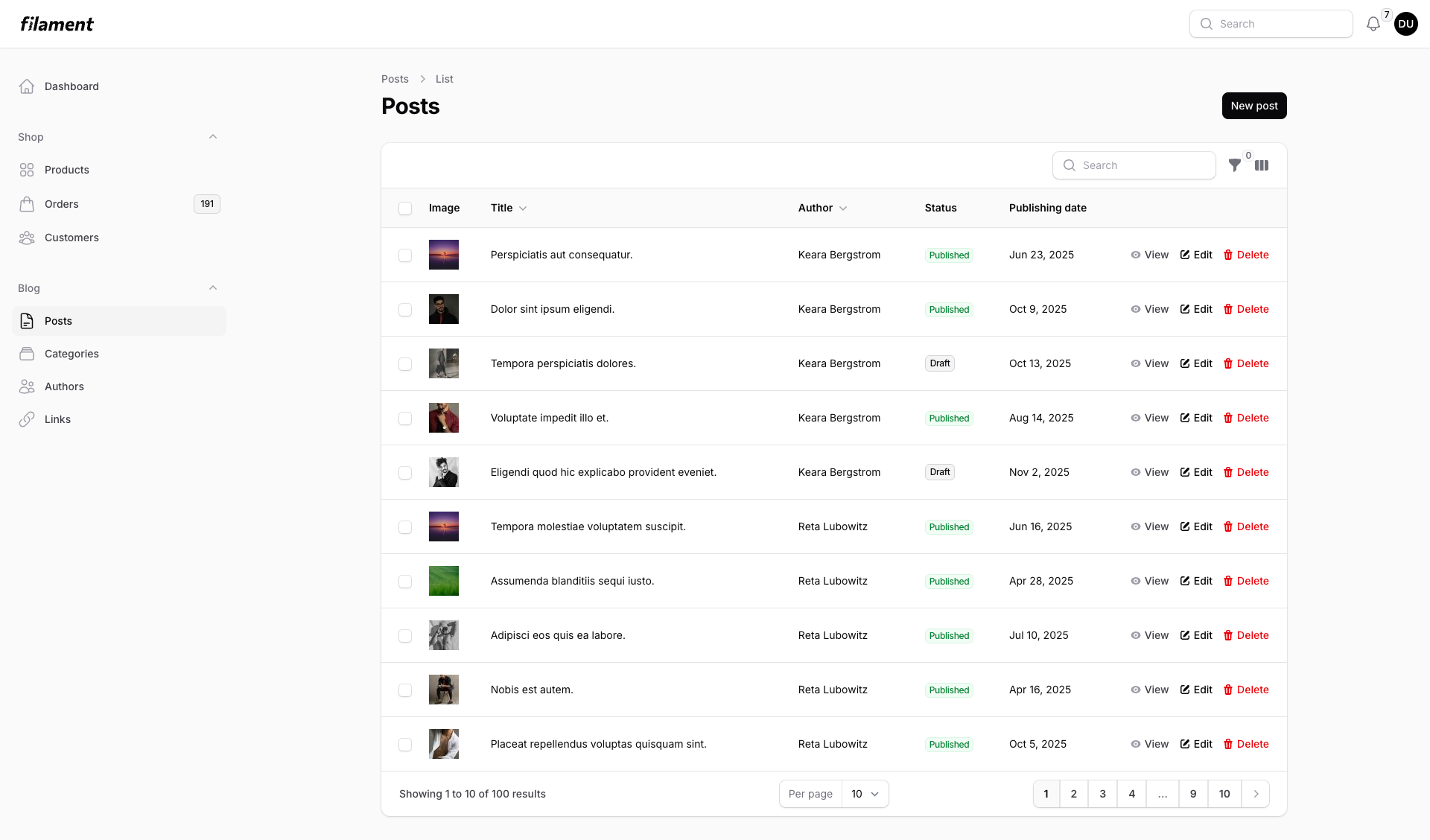
Light Mode - Dark buttons on light background |
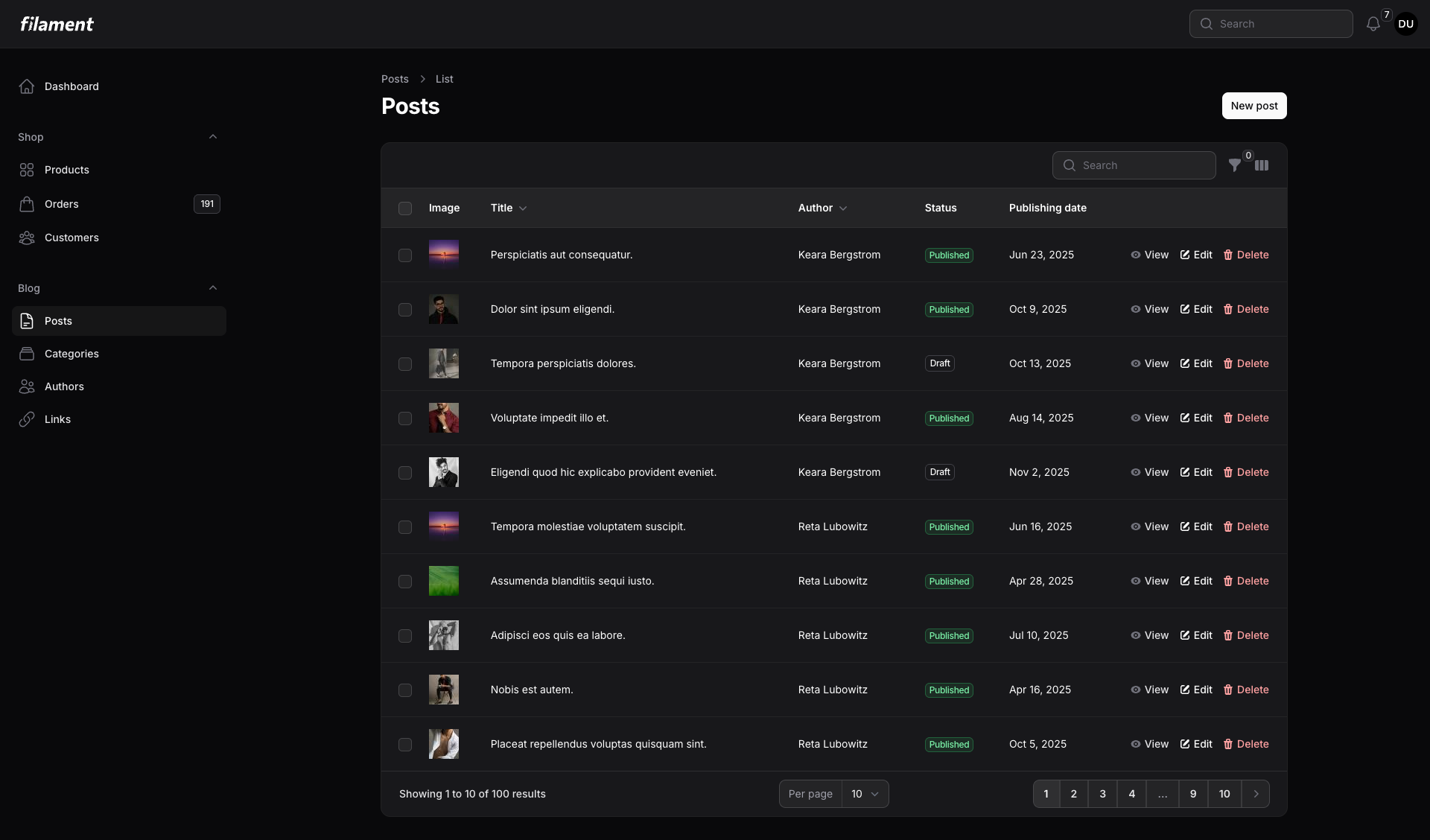
Dark Mode - Light buttons on dark background |
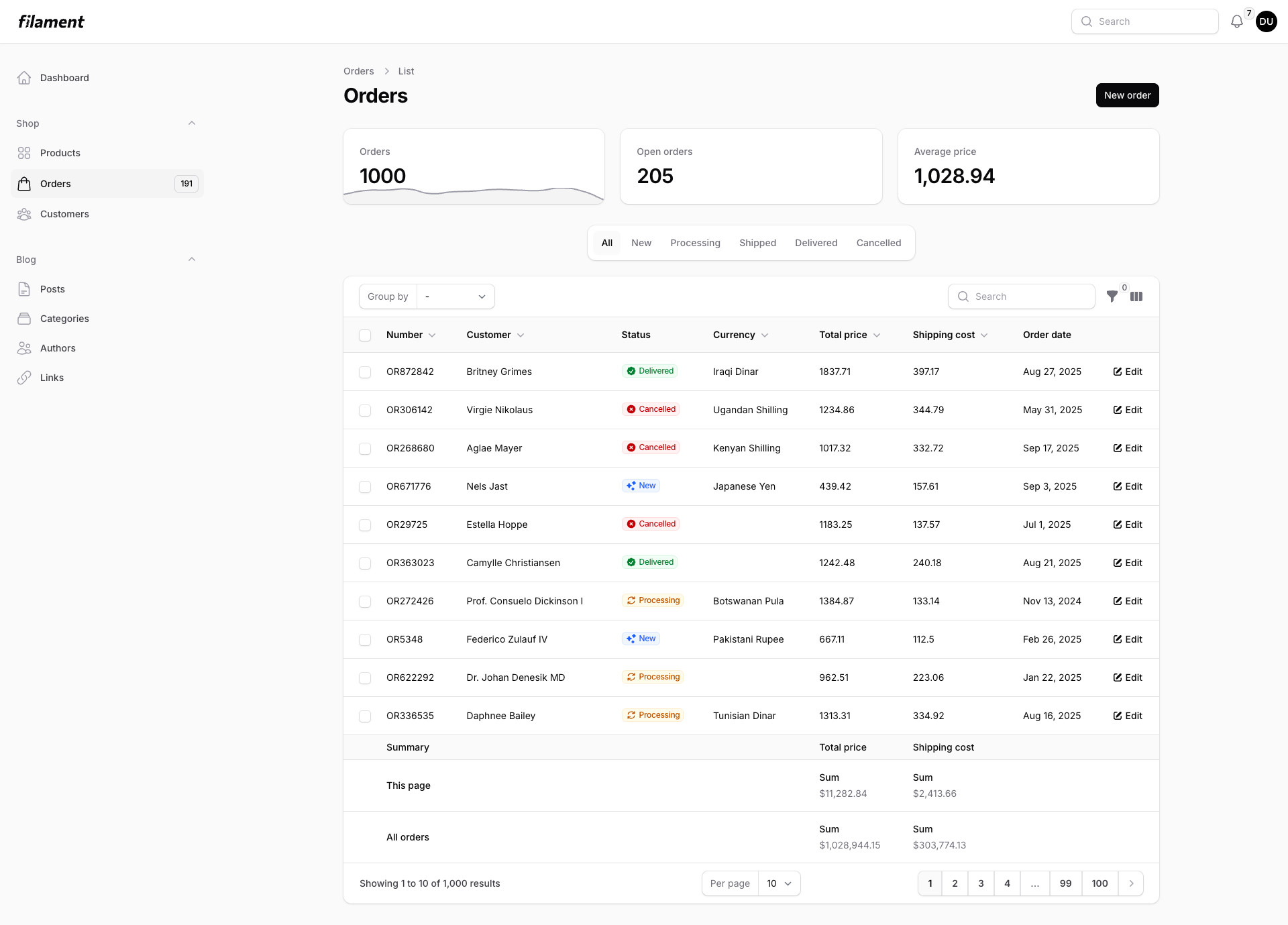
Orders List - With stats and filters |
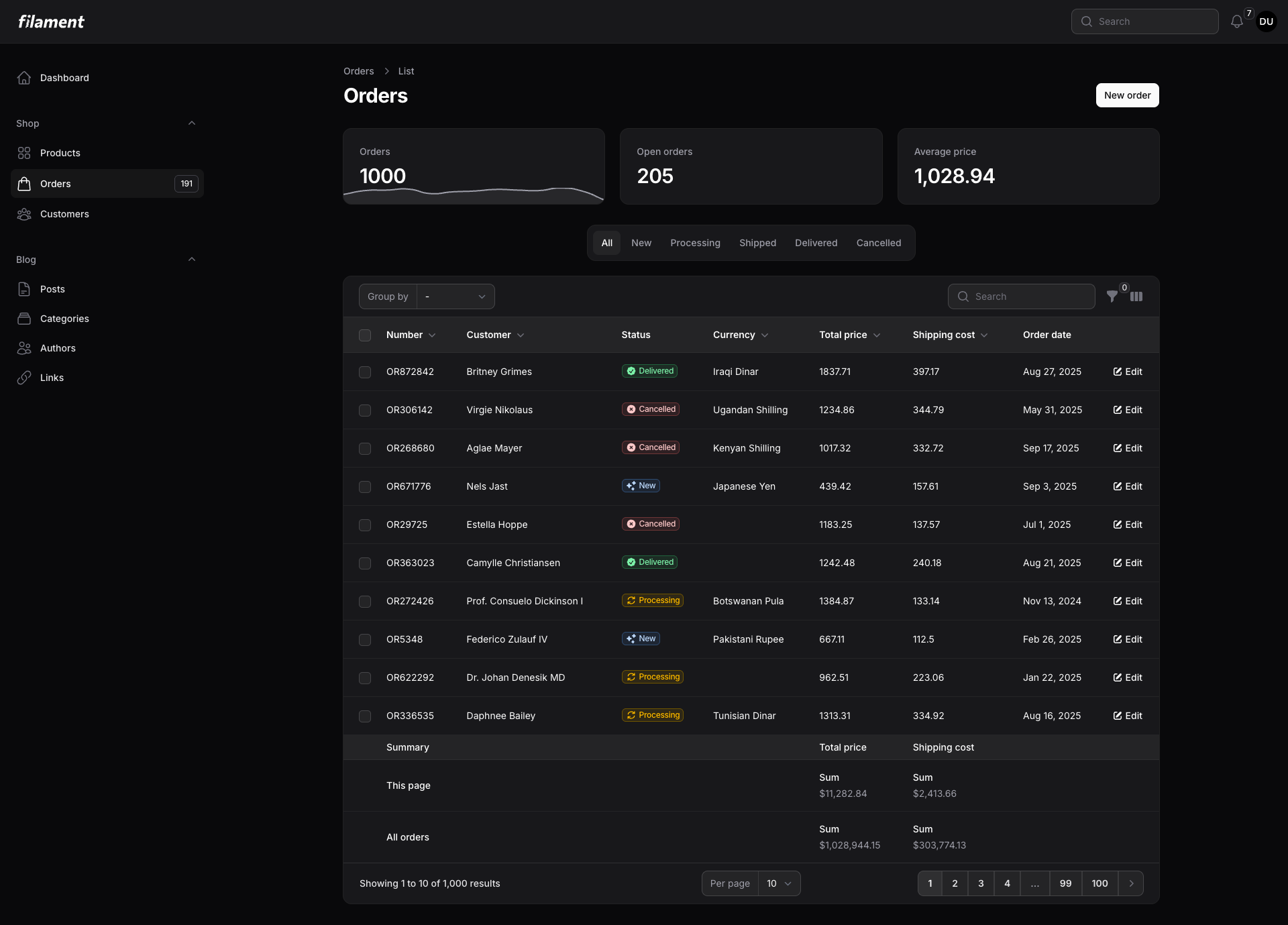
Perfect contrast - In both modes |
#Installation
composer require openplain/filament-shadcn-theme
#Basic Usage
Add to your Panel Provider (e.g., app/Providers/Filament/AdminPanelProvider.php):
use Openplain\FilamentShadcnTheme\Color;

public function panel(Panel $panel): Panel
{
    return $panel
        ->colors([
            'primary' => Color::Default,  // The Shadcn effect
        ]);
}
#All 8 Official Themes
Color::Default  // Inverted grays (Shadcn's signature)
Color::Red      // Vibrant red
Color::Rose     // Soft rose
Color::Orange   // Warm orange
Color::Green    // Fresh green
Color::Blue     // Classic blue
Color::Yellow   // Bright yellow
Color::Violet   // Rich violet
Based on the official themes from ui.shadcn.com/themes.
#Advanced: Custom Adaptive Colors
Want your brand blue in light mode but teal in dark mode? Use the adaptive() method:
use Filament\Support\Colors\Color as FilamentColor;

'primary' => Color::adaptive(
    lightColor: FilamentColor::Blue,
    darkColor: FilamentColor::Teal
)
Perfect for:
- Brands requiring specific contrast ratios
- Seasonal color changes
- Multi-tenant applications with theme requirements
#Requirements
- PHP 8.1+
- Filament 4.0+
#License
The MIT License (MIT). Please see License File for more information.
The author
From the same author

Featured Plugins
A selection of plugins curated by the Filament team

Compact Theme
A theme that makes data-heavy panels easier to scan by fitting more useful information on each screen.
 Filament

Spotlight Pro
Browse your Filament Panel with ease. Filament Spotlight Pro adds a Spotlight like Command Palette to your Filament Panel.
 Dennis Koch

Custom Fields
Eliminate custom field migrations forever. Let your users create and manage form fields directly in Filament admin panels with 20+ built-in field types, validation, and zero database changes.
 Relaticle
