
Passport UI by Ilya Beliaev
CommunityAdmin UI for managing Laravel Passport OAuth clients, tokens, and scopes.
 Author:
Ilya Beliaev
Package health
Automated checks of this plugin's Composer package
15 checks
- Failed: GitHub Actions pinned to SHA — View details on Plumb
- Skipped: GitLab CI includes pinned to SHA
- Passed: Open security advisories
- Passed: Dependabot PR responsiveness — No open Dependabot PRs.
- Skipped: Renovate MR responsiveness
- Passed: Dependabot or Renovate configured
-
Failed:
Dependency update cooldown configured
—
No cooldown configured in
.github/dependabot.yml. View details on Plumb - Passed: Provides a security policy
- Passed: Abandoned or archived — No consulted source marks the package abandoned (packagist, github).
- Passed: Commit and release recency — Active: last commit 0 days ago; last release 47 days ago.
-
Passed:
composer.lock not committed by library
—
composer.lockis absent from the released dist archive. - Passed: Dist archive is lean
-
Passed:
Current Laravel version supported
—
Package dependencies resolve together with current Laravel
13.0. -
Passed:
Current PHP version supported
—
Constraint
^8.4|^8.5supports current PHP8.5. - Skipped: Current Symfony version supported
filament/
namespace. Review the source and install at your own risk. Found
malware or an unresolved security issue the author won't
address?
Report it
.
Documentation
- Overview
- Features
- What This Package Does NOT Do
- Why This Exists
- Requirements
- Installation
- Architecture
- Migration to v2
- Development & Testing
- Documentation & Status



Filament Passport UI provides a structured administrative interface for managing Laravel Passport OAuth resources using Filament.
This package focuses on administration, visibility, and governance not on implementing or enforcing OAuth flows.
Designed for applications that already rely on Filament as their primary admin panel and need to manage OAuth clients, tokens, scopes, and authorization concepts in a centralized, reviewable way without custom tooling or CLI workflows.
#Overview
Filament Passport UI adds an administration layer on top of Laravel Passport:
- Manage OAuth clients explicitly by grant type (authorization code, client credentials, password, personal access, implicit, device)
- View and revoke access tokens with full visibility into state and expiration
- Model scopes as structured
resource:actionpairs instead of free-form strings - Track grants and authorization relationships centrally
- Make all authorization decisions explicit and auditable
Important: Passport itself is not modified. This package operates entirely at the application and UI level.
#Features
#Central Management
- Filter and manage OAuth clients by grant type
- Enable or revoke clients via UI
- Structure scopes (not ad-hoc strings)
- Full visibility into authorization state
- Explicit client-level and user-level scope assignment
- Enforce Least Privilege: user scopes are always a strict subset of client scopes
#Filament Integration
- Native Filament Resources and Pages
- Consistent UX aligned with Filament conventions
- Multi-step wizard for client creation with contextual steps based on grant type
- No custom panels required
#Auditability & Compliance
- All administrative actions recorded via
spatie/laravel-activitylog - Full traceability of OAuth configuration changes
- Supports compliance requirements (e.g. ISO/IEC 27001)
- Audit logs remain application-owned
Note: Certification is organization-specific. This package enables auditability but does not constitute compliance by itself.
#Design Principles
- No modifications to Passport internals
- No assumptions about application architecture
- Authorization logic remains the responsibility of the application
- All administrative actions are explicit and reviewable
#What This Package Does NOT Do
- Implement OAuth flows
- Replace Passport
- Enforce authorization decisions at runtime
- Infer application-specific security rules
Authorization logic is the responsibility of the application and its developers.
#Self-Service Scope Allow-List
In self-service mode, which scopes a user may put on their own OAuth client is exactly such an
application-specific rule: it depends on roles, permissions, plan or tenant. Implement
N3XT0R\FilamentPassportUi\Contracts\SelfServiceScopeResolver and register it:
// config/passport-ui.php
'self_service_scope_resolver' => \App\Services\OAuth\YourScopeResolver::class,
public function allowedScopesFor(?Authenticatable $actor): ?Collection
{
    // null  = no restriction
    // empty = the actor is entitled to nothing, the scope selection is hidden
    return collect(['videos:read', 'videos:write']);
}
CreateClient and EditClient intersect every submitted scope with this list server-side, so the
resolver is a real boundary and not just a UI filter. Leave the config key at null to let
self-service users choose freely from the configured scope taxonomy.
#Why This Exists
Laravel Passport is standards-compliant but intentionally stays neutral on administration and governance. In real-world applications, this often results in:
- OAuth clients created via CLI and never revisited
- Scopes defined ad-hoc without structure
- No central visibility of active tokens
- Unclear ownership of integrations across teams
Filament Passport UI solves this by providing:
- Central visibility into OAuth configuration
- Structured scope modeling (resource:action)
- Explicit administrative workflows
- Single point of review and governance
Essential for systems with multiple integrations or teams managing OAuth access.
#Requirements
- PHP ^8.4 / PHP ^8.5
- Laravel ^12 / Laravel ^13
- Laravel Passport ^13
- Filament v4 / Filament v5
#Installation
composer require n3xt0r/filament-passport-ui
php artisan filament-passport-ui:install
If your application uses custom Passport models, publish the configuration file and adjust model mappings accordingly.
#Architecture
The package maintains strict separation of concerns:
- Domain Logic: Laravel Passport Authorization Core (scope and grant modeling, authorization context resolution)
- UI Layer: Filament Passport UI (administration interface, visibility, governance)
The API remains stable while authorization logic evolves in the core package.
#Migration to v2
Starting with v2, Filament Passport UI uses the Laravel Passport Authorization Core package.
Database schema and optional configuration are managed by the core package. The install command publishes the core migrations.
See Migration to v2 for detailed instructions.
#Development & Testing
composer install
composer test       # Run tests
composer serve      # Start local dev server
The workbench ships two panels against the same user, so both modes of the plugin can be exercised for real:
| Panel | URL | Mode |
|---|---|---|
| Admin | http://localhost:8000/admin |
full client and token management |
| User | http://localhost:8000/user |
->selfService(): own clients only, scope choice through the configured resolver |
Login: [email protected] / password
#Documentation & Status
- Docs: Full Documentation
- Status: Actively developed. Feedback and discussion welcome on GitHub
The author
I’m a software engineer with 15+ years of experience in backend development, system architecture, and DevOps. As a certified ISO 27001 Information Security Officer, I combine development expertise with a strong focus on security and compliance. I enjoy contributing to open-source and creating tools that make complex systems more secure and developer-friendly.
From the same author
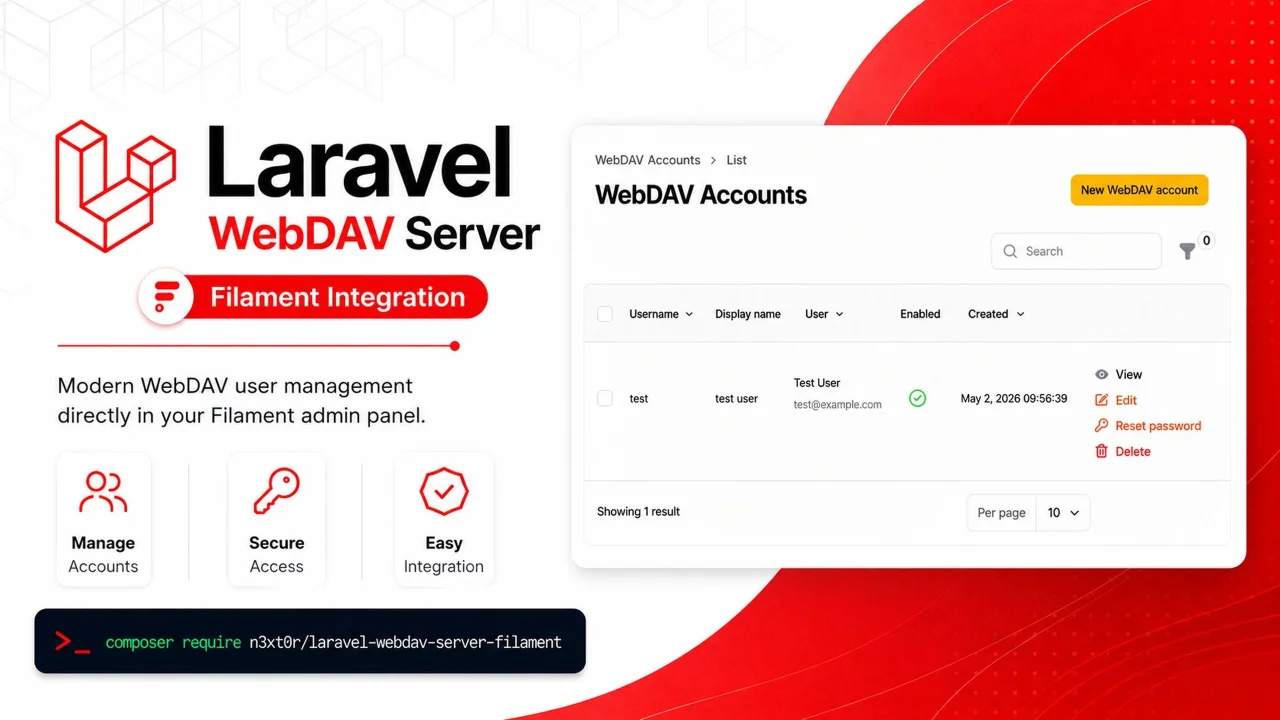
Laravel WebDAV Server
Filament admin panel integration for the Laravel WebDAV Server package.
Author:
Ilya Beliaev
Lockbox
A security addon for Filament v4 that protects sensitive fields with user-bound encryption keys (Split-Key, TOTP, crypto password or Passkeys).
Author:
Ilya Beliaev
Featured Plugins
A selection of plugins curated by the Filament team
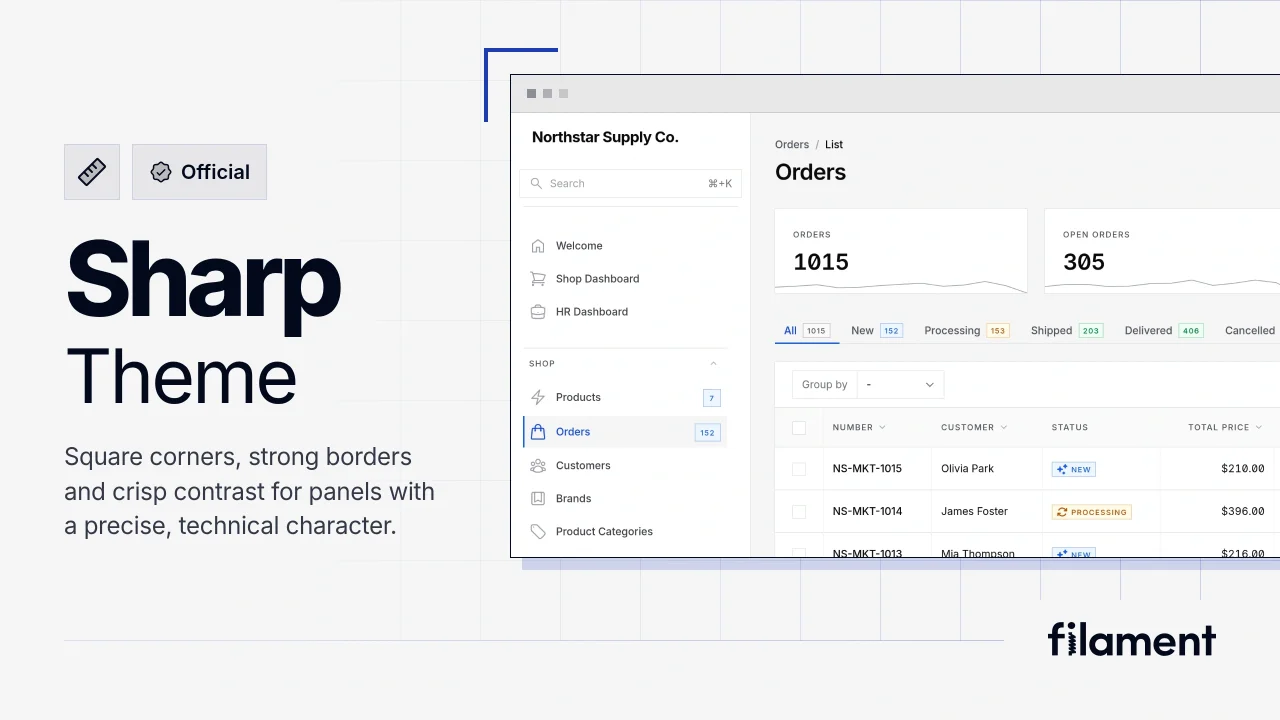
Sharp Theme
A theme that gives panels a precise, technical look with square corners, strong borders, and clear contrast.
 Filament
Custom Fields
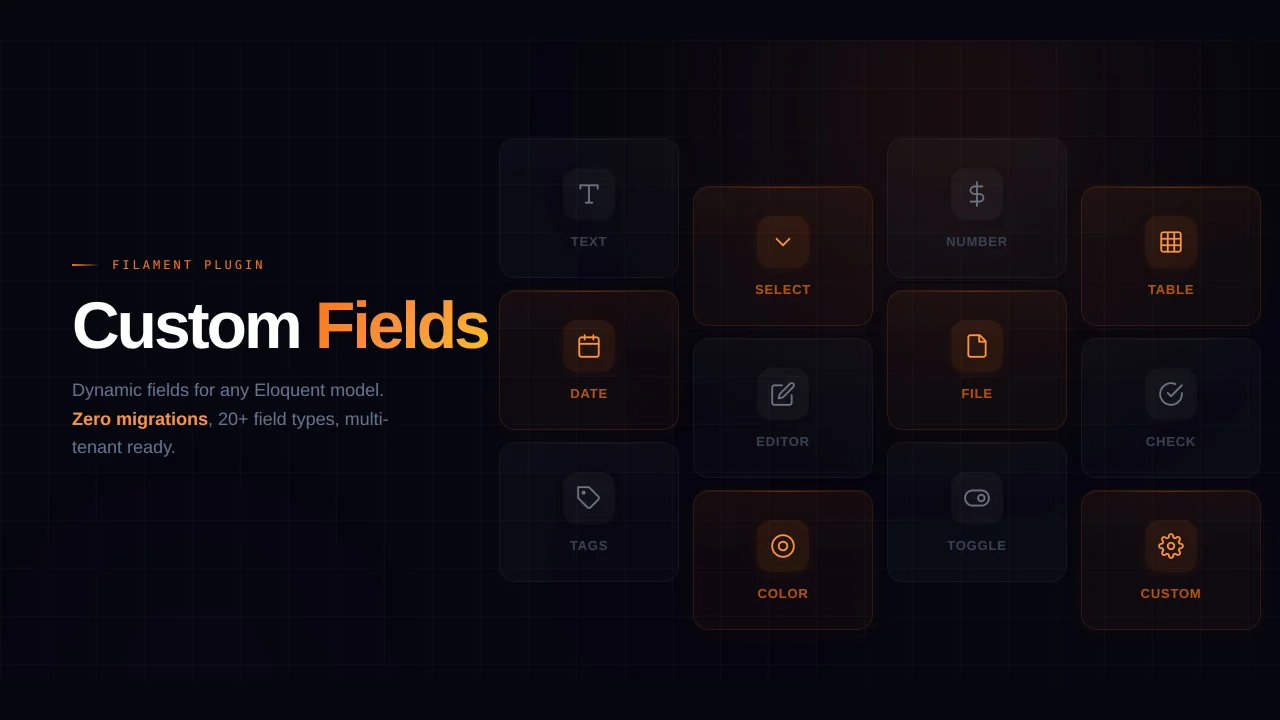
Eliminate custom field migrations forever. Let your users create and manage form fields directly in Filament admin panels with 20+ built-in field types, validation, and zero database changes.
 Relaticle
Advanced Tables (formerly Filter Sets)
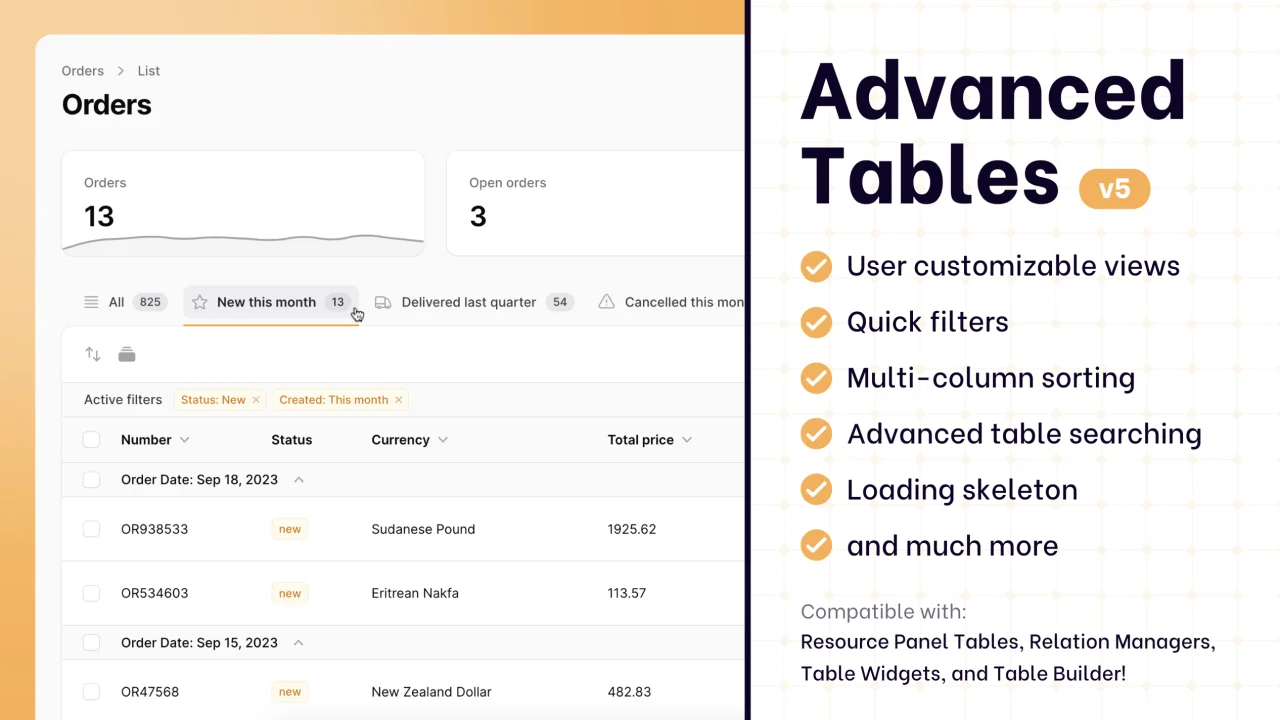
Supercharge your tables with powerful features like user-customizable views, quick filters, multi-column sorting, advanced table searching, convenient view management, and more. Compatible with Resource Panel Tables, Relation Managers, Table Widgets, and Table Builder!
 Kenneth Sese