
Panel Branding by Muazzam Ali khan
CommunityRebrand your Filament panel from a settings page — logos, colors, fonts, layout, footer, and custom CSS, with per-panel and optional per-tenant support.
 Author:
Muazzam Ali khan
Author:
Muazzam Ali khan
Package health
Automated checks of this plugin's Composer package
15 checks
- Skipped: GitHub Actions pinned to SHA
- Skipped: GitLab CI includes pinned to SHA
- Passed: Open security advisories
- Passed: Dependabot PR responsiveness — No open Dependabot PRs.
- Skipped: Renovate MR responsiveness
- Skipped: Dependabot or Renovate configured
- Skipped: Dependency update cooldown configured
- Failed: Provides a security policy — View details on Plumb
- Passed: Abandoned or archived — No consulted source marks the package abandoned (packagist, github).
- Passed: Commit and release recency — Active: last commit 32 days ago; last release 33 days ago.
-
Passed:
composer.lock not committed by library
—
composer.lockis absent from the released dist archive. - Passed: Dist archive is lean
-
Warning:
Current Laravel version supported
—
Package does not co-install with current Laravel
13.0; the newest co-installable line is12.0, which receives security patches only (until 2027-02-24). -
Passed:
Current PHP version supported
—
Constraint
^8.2supports current PHP8.5. - Skipped: Current Symfony version supported
filament/
namespace. Review the source and install at your own risk. Found
malware or an unresolved security issue the author won't
address?
Report it
.
Documentation
- Requirements
- Installation
- Setup
- Features
- Multi-panel & tenancy
- Safety & reliability
- Configuration
- How it works (short)
- Screenshots
- Testing
- Changelog mindset
- Support
- License
Total panel rebranding for Filament v5 — no code edits required for day-to-day branding. Admins configure brand identity, theme colors, fonts, layout, behavior, footer, and custom CSS from a single settings page.
Works per panel, and optionally per tenant when Filament tenancy is active.
#Requirements
| Dependency | Version |
|---|---|
| PHP | ^8.2 |
| Laravel | ^11 / ^12 |
| Filament | ^5.0 |
#Installation
composer require muazzambuilds/filament-white-label
Publish config (optional) and migrate:
php artisan vendor:publish --tag=filament-white-label-config
php artisan migrate
php artisan storage:link
The settings migration loads automatically via the package (runsMigrations). Publish config only when you need to override disks, cache, navigation, or defaults.
Link storage so uploaded logos and favicons are publicly reachable.
#Setup
#Register the plugin
use MuazzamBuilds\FilamentWhiteLabel\WhiteLabelPlugin;

public function panel(Panel $panel): Panel
{
    return $panel
        ->plugin(
            WhiteLabelPlugin::make()
                ->navigationGroup('Settings')
                ->navigationSort(99)
                ->authorize(fn (): bool => auth()->user()?->is_admin ?? true),
        );
}
Open Settings → White Label in the panel.
#Fluent options
| Method | Purpose |
|---|---|
enabled(bool | Closure) |
Toggle the entire plugin |
navigationLabel(...) |
Nav item label |
navigationGroup(...) |
Nav group |
navigationIcon(...) |
Heroicon / string icon |
navigationSort(...) |
Sort order |
registerNavigation(...) |
Show / hide nav item |
authorize(...) |
Who can open the settings page |
WhiteLabelPlugin::make()
    ->navigationLabel('Appearance')
    ->navigationIcon('heroicon-o-paint-brush')
    ->authorize(fn (): bool => auth()->user()->can('manage-branding'));
#Features
#Brand identity
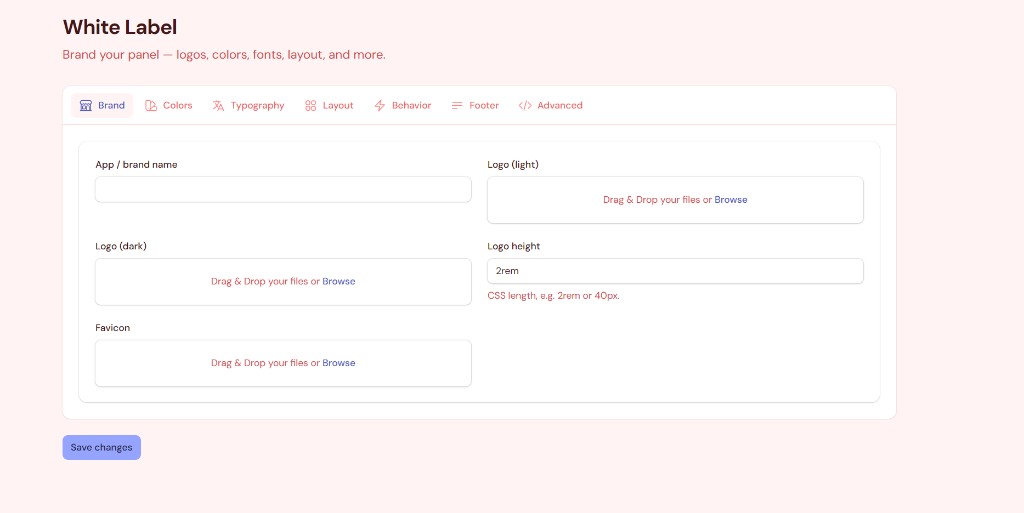
| Setting | Description |
|---|---|
| App / brand name | Overrides the panel brand name (sidebar / topbar) |
| Logo (light) | Image used in light mode |
| Logo (dark) | Image used when dark mode is active |
| Logo height | CSS length (2rem, 40px, …) |
| Favicon | Panel favicon (png, ico, svg, webp, jpeg) |
Uploads use the configured filesystem disk (public by default) under white-label/.
#Theme colors
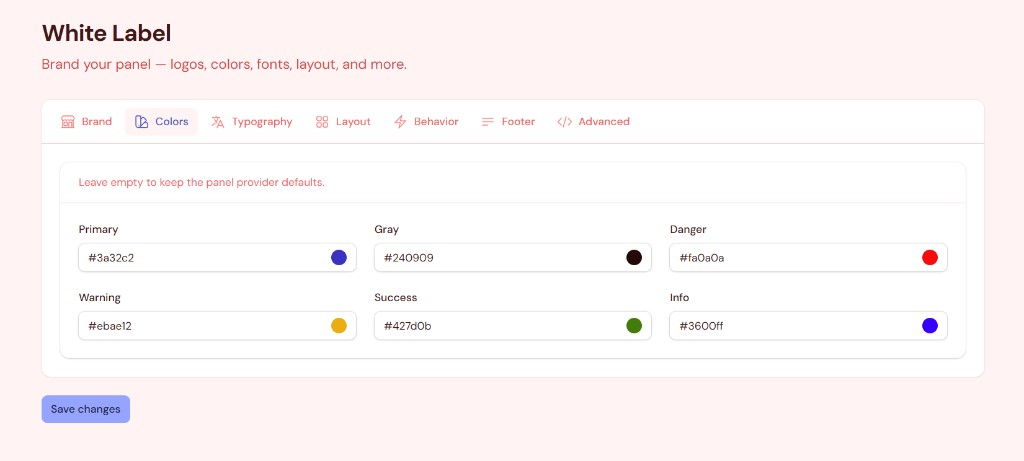
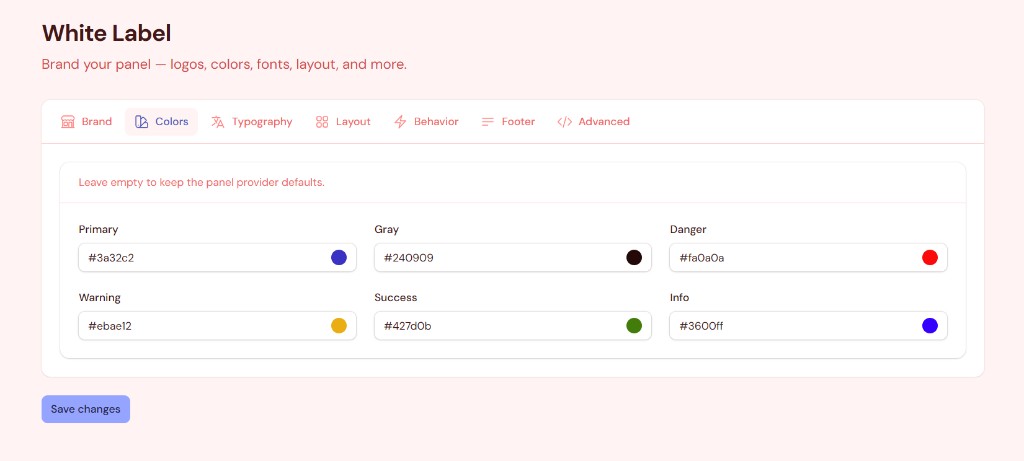
Pick hex values in the UI — Filament builds the full shade palette via FilamentColor. Leave a role empty to keep the panel provider default.
Colors register early (plugin register + FilamentColor) so they actually reach the theme CSS variables. Saving settings hard-reloads the page so new colors apply immediately.
#Typography
- Curated Bunny Fonts list (Inter, Figtree, Outfit, JetBrains Mono, Playfair Display, …)
- Dropdown options render in their own typeface so you can preview before selecting
- Selected family is applied to the panel through Filament’s Bunny font provider
#Layout
| Setting | Description |
|---|---|
| Top navigation | Switch to top nav mode |
| Top bar | Show / hide topbar |
| Breadcrumbs | Show / hide breadcrumbs |
| Collapsible sidebar | Desktop collapse behavior |
| Fully collapsible sidebar | Icon-rail collapse |
| Collapsible nav groups | Group expand / collapse |
| Sidebar width | CSS length (18rem, …) |
| Max content width | 7xl, full, screen, … or panel default |
#Behavior
| Setting | Description |
|---|---|
| SPA mode | Filament SPA navigation |
| SPA prefetching | Prefetch on hover (requires SPA) |
| Unsaved changes alerts | Warn before leaving dirty forms |
| Database notifications | Bell / DB notifications |
| Dark mode | Allow dark theme switching |
Guardrails: database notifications stay off unless the notifications table exists and the auth user model uses Notifiable. The toggle is disabled with a clear message when the environment is not ready — the panel will not crash.
#Footer
- Optional footer strip on every panel page
- HTML text supported (for short brand / copyright lines)
#Advanced — custom CSS
- Inject sanitized CSS into every panel page (
panels::styles.after) @import,javascript:,expression(), andbehavior:are stripped- Size capped via
custom_css_max_length(default 50KB)
#Multi-panel & tenancy
| Mode | Storage key | Behavior |
|---|---|---|
| Single panel | panel_id + empty tenant_key |
One settings row per panel |
| Multi-tenant | panel_id + tenant key |
Resolves current tenant; falls back to panel-global row |
Defaults from config/filament-white-label.php apply when no DB row exists yet.
#Safety & reliability
Built to stay crash-free:
- Missing settings / notifications tables → soft defaults + UI messages (no 500s)
- Invalid hex colors / media paths → ignored
- Unsafe behavior toggles → forced off on save with warning notifications
- Plugin boot wrapped in try/catch — branding failures are reported, panel still loads
- CSS sanitization on custom styles
- Aggressive caching with bust-on-save
#Configuration
// config/filament-white-label.php

return [
    'navigation_group' => 'Settings',
    'navigation_sort' => 99,
    'navigation_icon' => 'heroicon-o-swatch',

    'disk' => 'public',
    'directory' => 'white-label',

    'cache' => [
        'enabled' => true,
        'ttl' => 3600,
        'key_prefix' => 'filament-white-label',
    ],

    'custom_css_max_length' => 50000,

    'defaults' => [
        // brand_name, logos, colors, layout, behavior, footer, custom_css…
    ],
];
#How it works (short)
- Settings saved to
filament_white_label_settings(panel_id+tenant_key+ JSONdata) WhiteLabelManagermerges DB data with config defaults (cached)WhiteLabelPluginapplies values through Filament panel APIs +FilamentColor- Custom CSS / footer inject via panel render hooks
#Screenshots
| Brand | Colors |
|---|---|
|
|
#Testing
cd filament-white-label
composer install
vendor/bin/phpunit
#Changelog mindset
This package targets Filament v5 only. Panel color registration follows Filament’s boot order (FilamentColor before plugin boot) so theme colors apply correctly.
#Support
If this package helps you, consider supporting development:

#License
MIT — see LICENSE.

Built for the Muazzam Builds Filament plugin suite.
The author
AI Engineer & Laravel Developer building intelligent SaaS products, AI agents, and Filament applications. I help founders ship production-ready software — from AI automation to Laravel & Filament admin panels, SaaS platforms, and AI-powered ecommerce. I publish plugins and tutorials as Muazzam Builds.
What I'm Building
- AI Agents & business automation
- Laravel & Filament applications
- SaaS products and AI ecommerce
Tech Stack
Laravel • PHP • Filament • Livewire • MySQL • Python • Docker • OpenAI • Cloudflare • AWS
Connect
From the same author
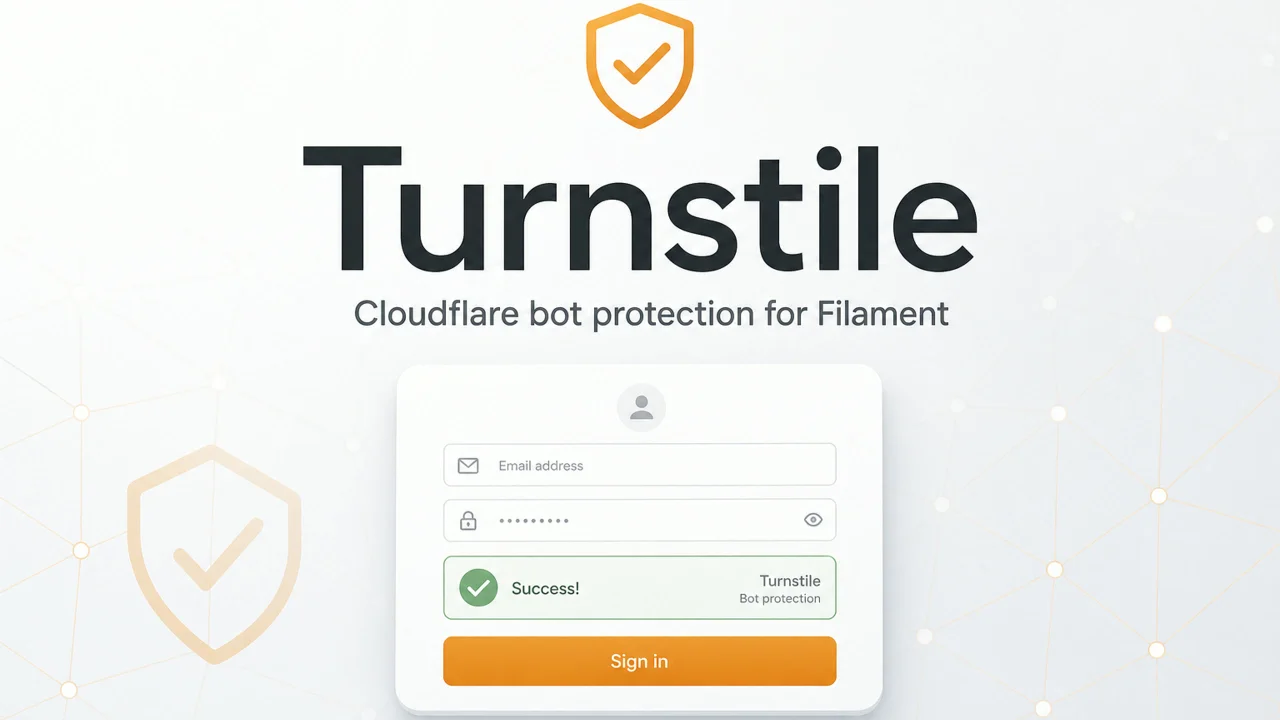
Turnstile
Cloudflare Turnstile panel plugin — register once to auto-protect login, registration, and password reset.
Author:
Muazzam Ali khan
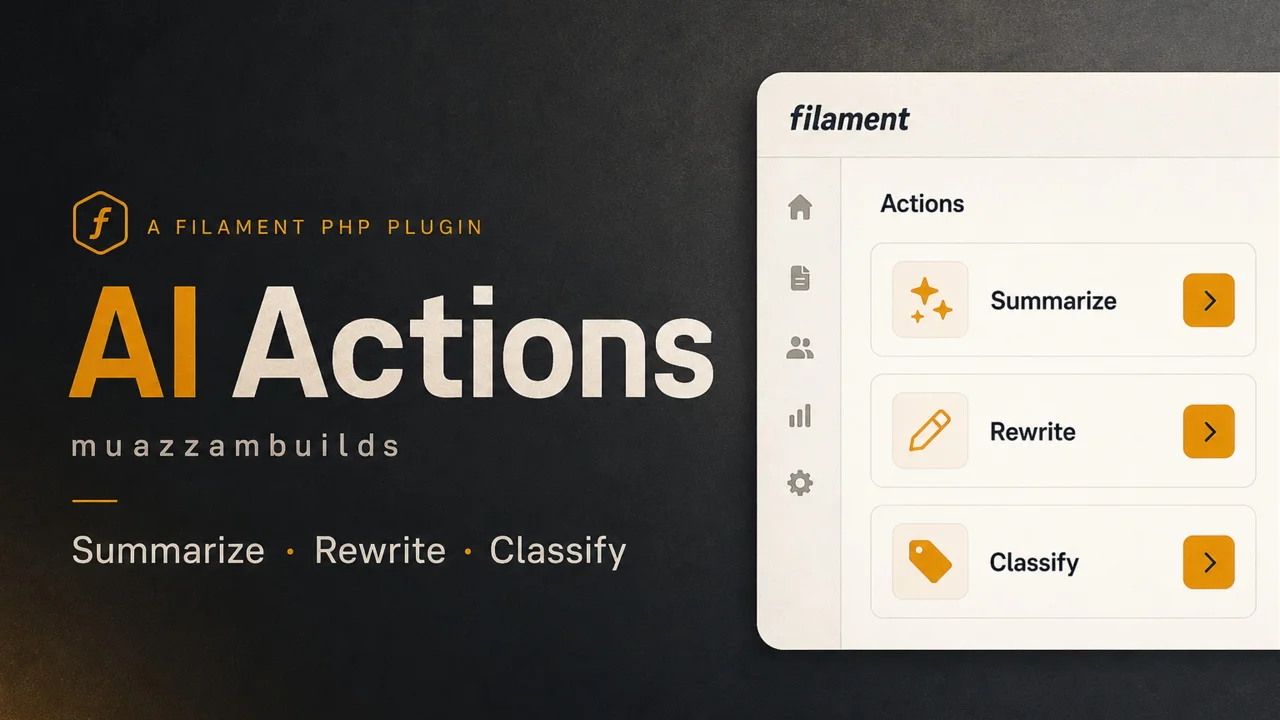
AI Actions
OpenAI-powered actions for Filament v5. Drop complete Summarize, Rewrite, and Classify actions onto tables and forms — no DIY prompt wiring. Install via Composer, set OPENAI_API_KEY, then attach actions to table record actions or page header actions. Optionally write results back to a model attribute with applyTo().
Author:
Muazzam Ali khan
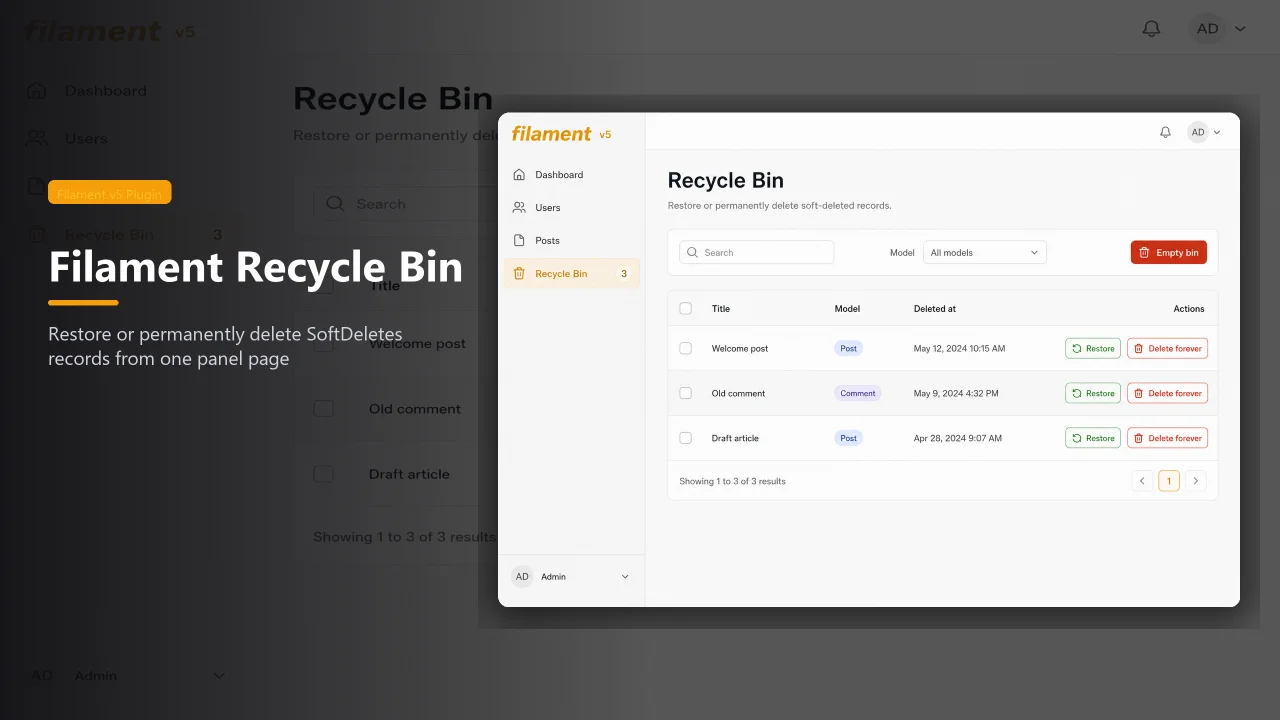
Recycle Bin
Central soft-deletes recycle bin for Filament v5. Register once, then restore or permanently delete trashed records from every SoftDeletes model in one place.
Author:
Muazzam Ali khan
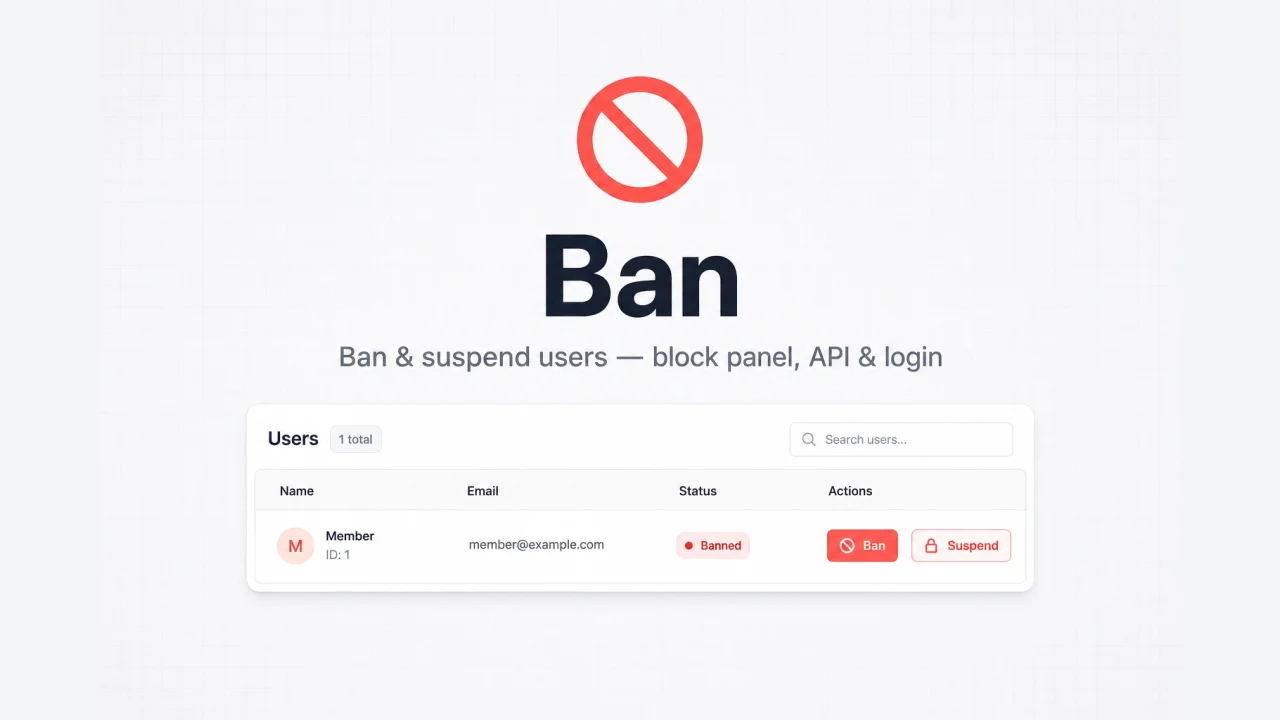
Ban Guard
Ban or suspend users from your panel, with middleware that also blocks API access and login.
Author:
Muazzam Ali khan
Featured Plugins
A selection of plugins curated by the Filament team

Blueprint
Filament Blueprint is a premium Laravel Boost extension that helps AI agents produce accurate, detailed implementation plans and security reports for Filament apps.
 Filament

Spotlight Pro
Browse your Filament Panel with ease. Filament Spotlight Pro adds a Spotlight like Command Palette to your Filament Panel.
 Dennis Koch

Custom Fields
Eliminate custom field migrations forever. Let your users create and manage form fields directly in Filament admin panels with 20+ built-in field types, validation, and zero database changes.
 Relaticle
