Analyze Website
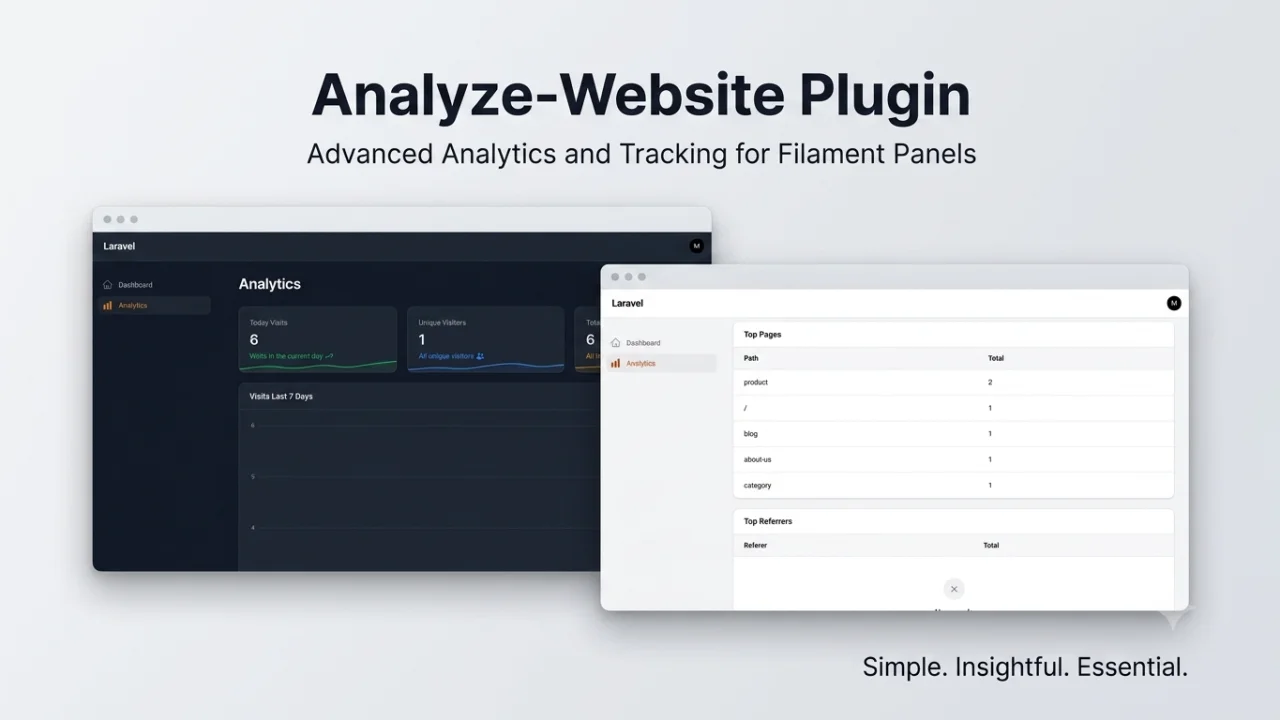
CommunityThis package provides a Filament plugin for Laravel that tracks website analytics, including visitor activity, page views, and performance insights.
filament/
namespace. Review the source and install at your own risk. Found
malware or an unresolved security issue the author won't
address?
Report it
.
 Author:
mina
Author:
mina
Documentation
#Quick Summary
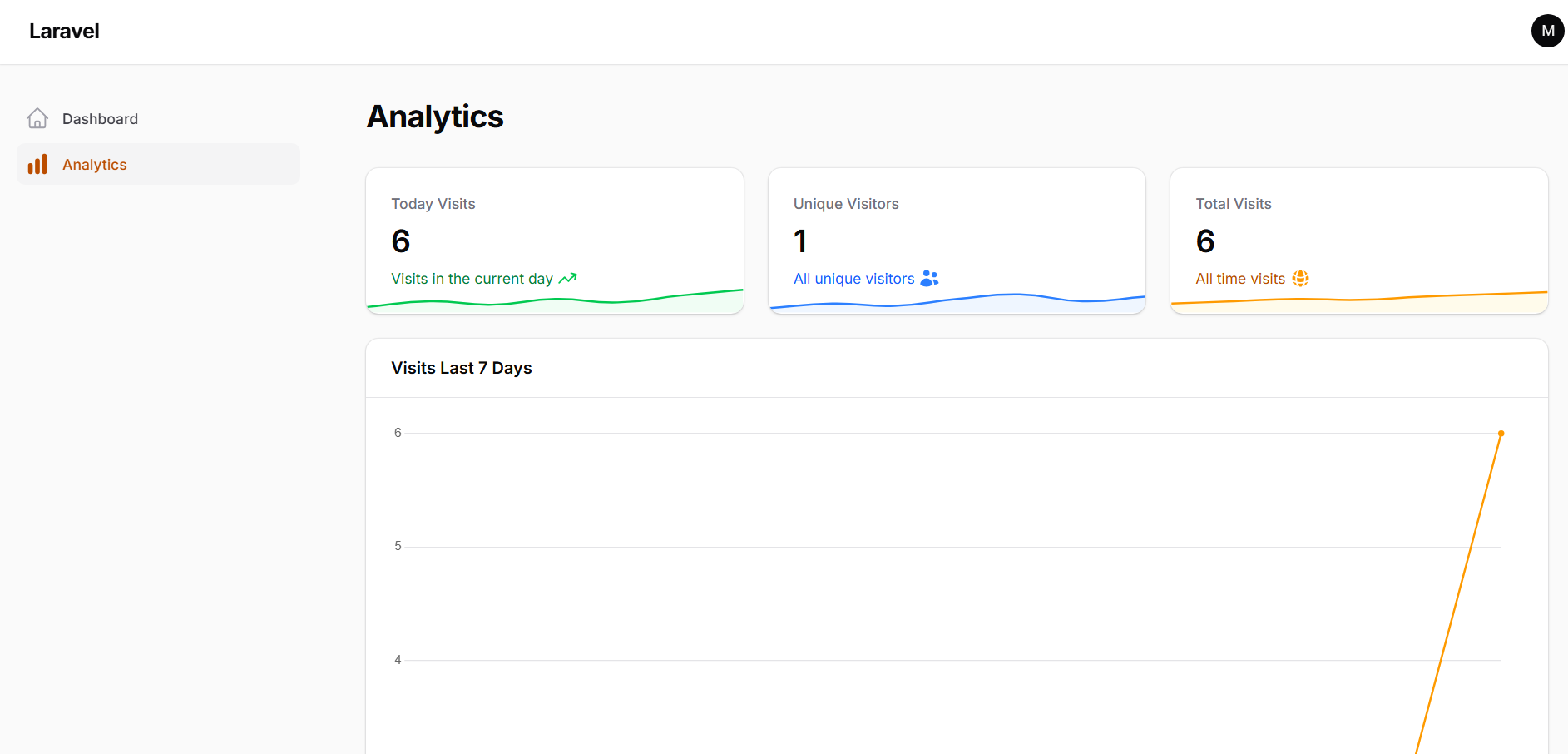
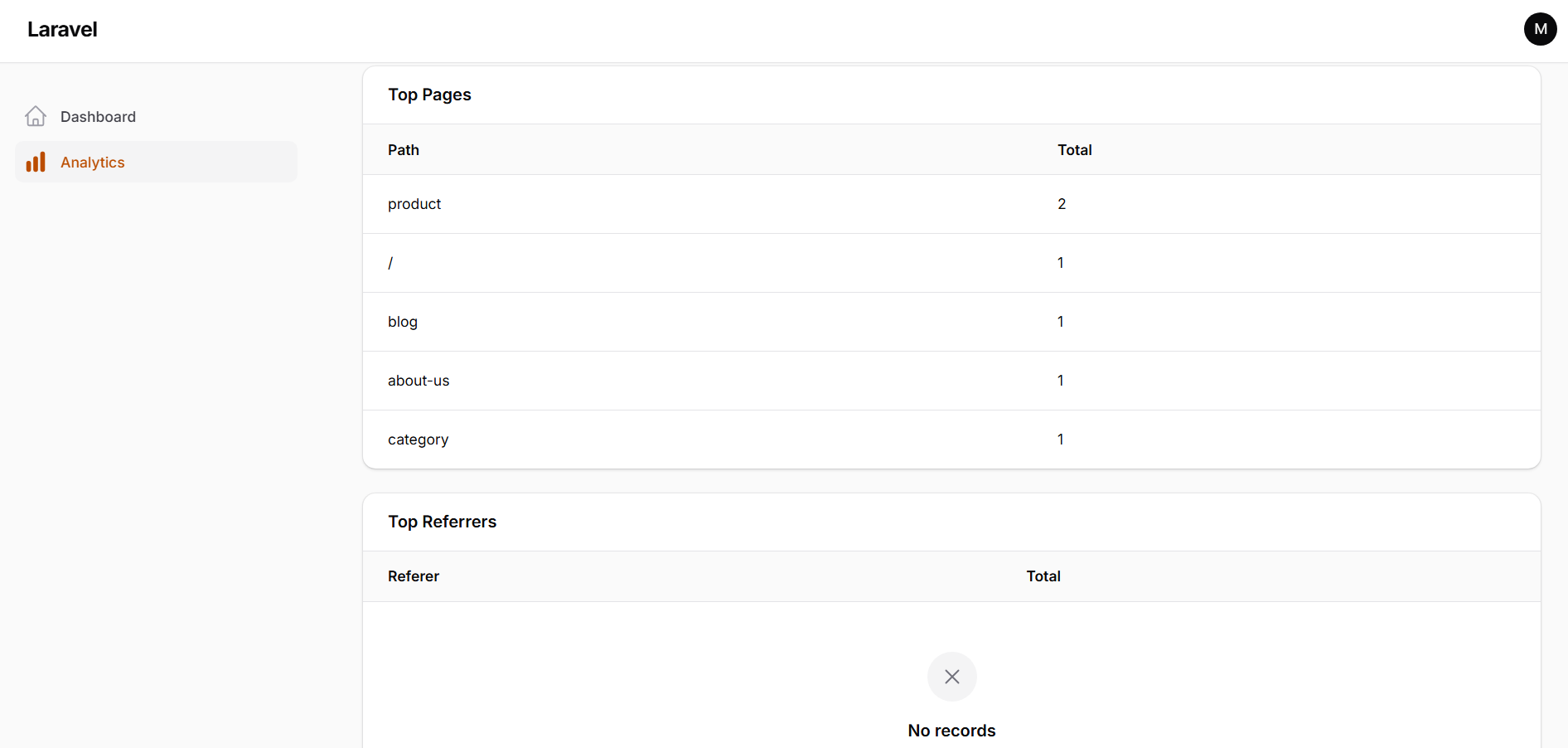
This package helps in tracking and analyzing website visits. It records information about each visit, such as the visited page, visitor information, and the browser used.
#Installation
You can install the package via composer:
composer require minabeter/analyze-website
run php artisan migrate
Publish the config file with:
php artisan vendor:publish --tag=analyze-website-config
This will create a config/analyze-website.php file in your project.
#Usage
To set up the package correctly, please follow these steps:
-
Add Service Provider: In your
bootstrap/providers.phpfile, add the following line afterAppServiceProvider::class:Mina\AnalyzeWebsite\AnalyzeWebsiteServiceProvider::class, -
Add Middleware: In your
bootstrap/app.phpfile, within thewebmiddleware group, addTrackVisit::class:->withMiddleware(function (Middleware $middleware): void { $middleware->web(append: [ \Mina\AnalyzeWebsite\Middleware\TrackVisit::class, // ... other middleware ]); }) -
Configure Driver: In your
.envfile, add the following to specify the driver for analytics. You can choose betweendatabase,queue, orredis.ANALYTICS_DRIVER=databasedatabase: (Default) Saves visit data directly to the database.queue: Pushes visit data to a queue for background processing. Make sure your queue worker is running.redis: Caches visit data in Redis for high performance.
-
Redis Driver Setup: If you choose to use the
redisdriver, you need to schedule a command to flush the cached data to the database periodically.In your
app/Console/Kernel.php, add the following to theschedulemethod:$schedule->command('analytics:flush')->everyMinute(); -
Filament Integration: To display the analytics dashboard in your Filament admin panel, you need to add the
AnalyzeWebsitePluginto your panel provider.In your panel provider file (e.g.,
app/Providers/Filament/AdminPanelProvider.php), add the following to thepluginsmethod:->plugins([ \Mina\AnalyzeWebsite\Filament\AnalyzeWebsitePlugin::make() ])This will add the analytics page to your Filament admin panel, where you can view the collected data.
The author
I am a software developer specializing in building full-stack web applications using Laravel and modern frontend technologies such as React and TypeScript. I focus on creating scalable, maintainable, and well-structured systems, with experience in API development, authentication systems, and database design.
I also work with Filament to build admin panels and custom plugins, and I enjoy extending Laravel applications with reusable packages. I am currently interested in improving my skills in system architecture, performance optimization, and real-time features.
In addition to backend development, I build frontend interfaces using React and Inertia.js, and I integrate third-party services such as payment gateways and real-time communication tools.
I am continuously learning and improving my English communication skills, as well as practicing problem-solving and software design to become a more advanced full-stack developer.
Featured Plugins
A selection of plugins curated by the Filament team

Custom Dashboards
Let your users build and share their own dashboards with a drag-and-drop interface. Define your data sources in PHP and let them do the rest.
 Filament

Blueprint
Filament Blueprint is a premium Laravel Boost extension that helps AI agents produce accurate, detailed implementation plans and security reports for Filament apps.
Filament

Advanced Tables (formerly Filter Sets)
Supercharge your tables with powerful features like user-customizable views, quick filters, multi-column sorting, advanced table searching, convenient view management, and more. Compatible with Resource Panel Tables, Relation Managers, Table Widgets, and Table Builder!
 Kenneth Sese

