CAD Blueprint by Maxim Tsatsura
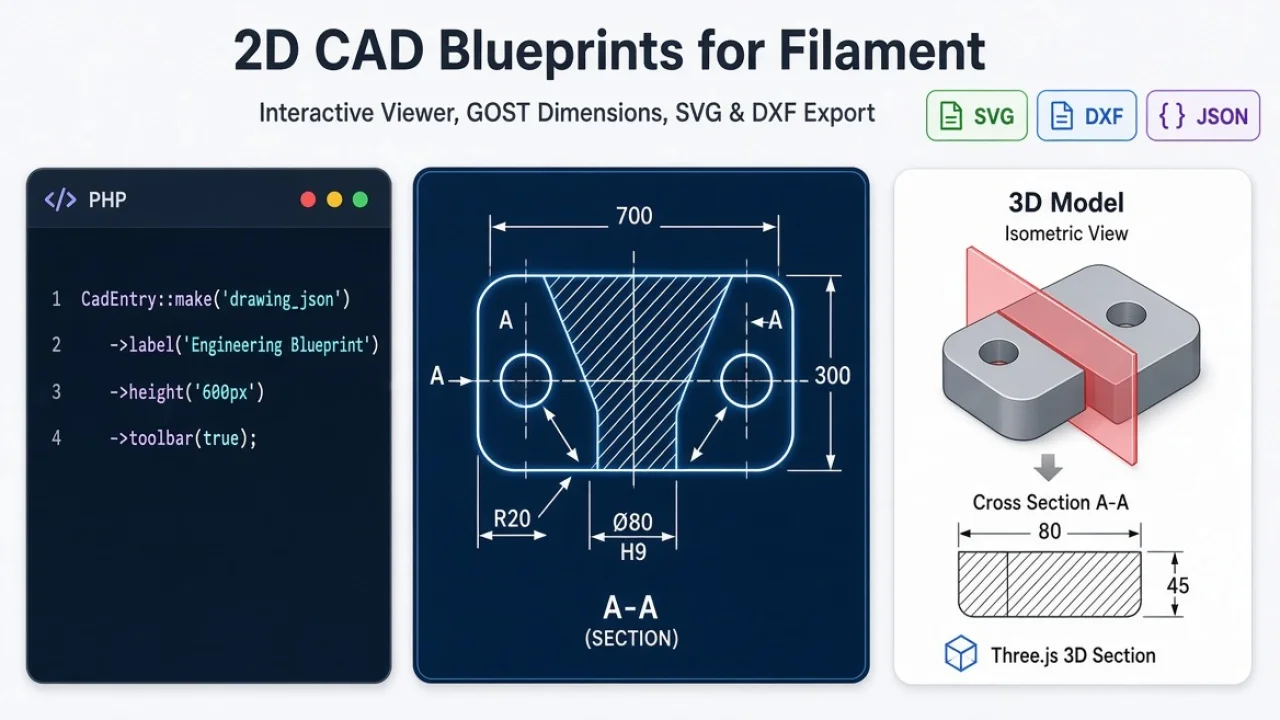
CommunityInteractive 2D CAD blueprint viewer and parametric drawing engine with layers, GOST dimensions, and SVG/DXF export.
 Author:
Maxim Tsatsura
Package health
Automated checks of this plugin's Composer package
15 checks
- Skipped: GitHub Actions pinned to SHA
- Skipped: GitLab CI includes pinned to SHA
- Passed: Open security advisories
- Passed: Dependabot PR responsiveness — No open Dependabot PRs.
- Skipped: Renovate MR responsiveness
- Failed: Dependabot or Renovate configured — No dependency updater configuration found. View details on Plumb
- Skipped: Dependency update cooldown configured
- Failed: Provides a security policy — View details on Plumb
- Passed: Abandoned or archived — No consulted source marks the package abandoned (packagist, github).
- Passed: Commit and release recency — Active: last commit 0 days ago; last release 0 days ago.
-
Passed:
composer.lock not committed by library
—
composer.lockis absent from the released dist archive. - Passed: Dist archive is lean
-
Passed:
Current Laravel version supported
— Package dependencies resolve together with current Laravel
13.0. -
Passed:
Current PHP version supported
— Constraint
^8.2supports current PHP8.5. - Skipped: Current Symfony version supported
filament/
namespace. Review the source and install at your own risk. Found
malware or an unresolved security issue the author won't
address?
Report it
.
Documentation
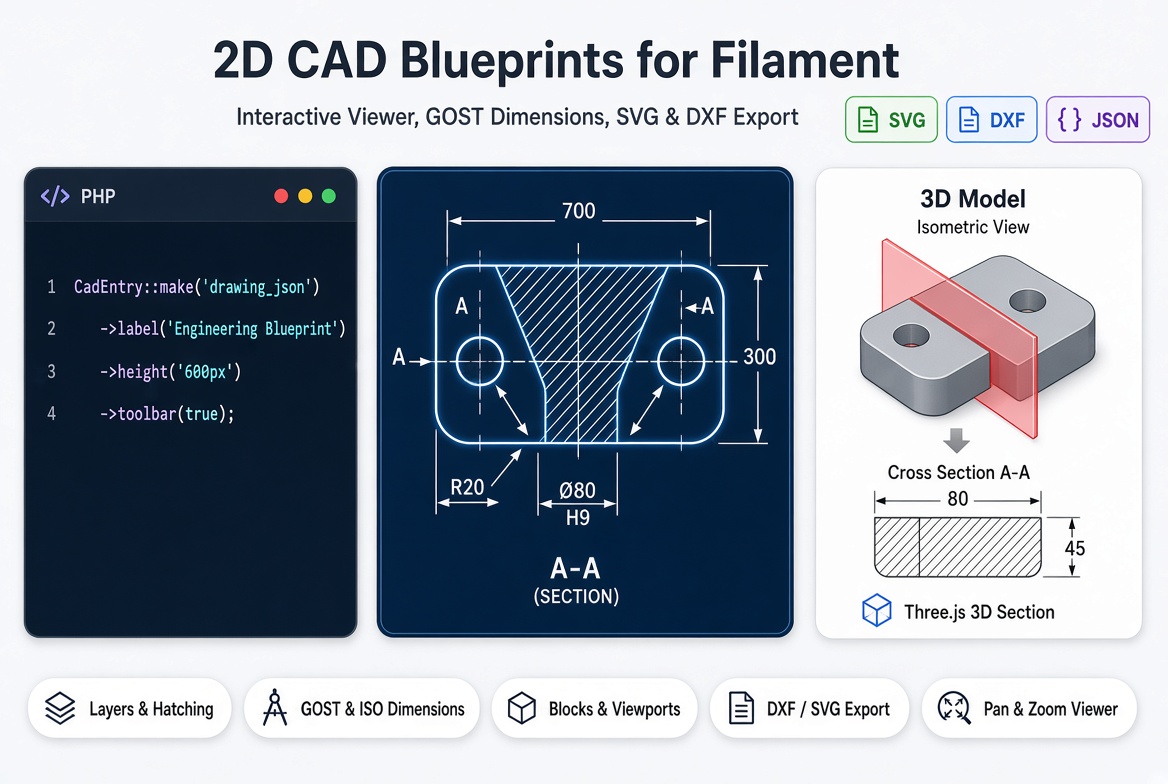




Integration of the lightweight parametric 2D CAD blueprint engine cad-blueprint for Filament.
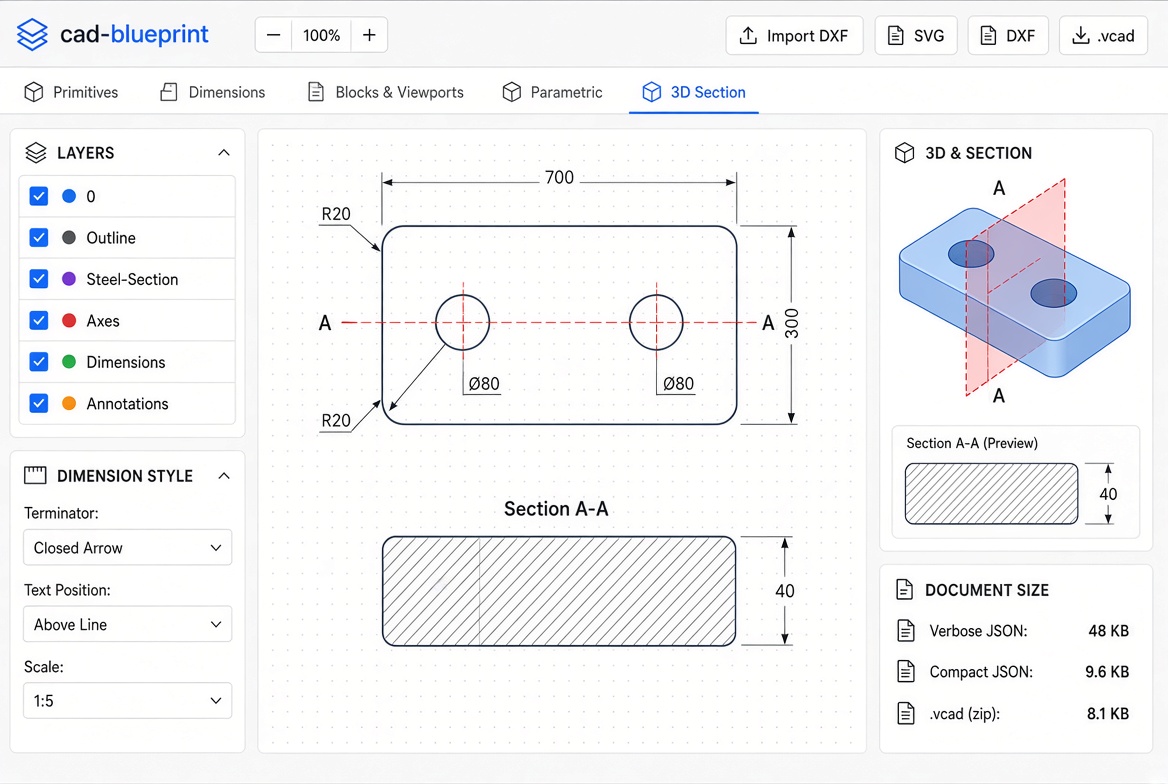
Render interactive engineering drawings, product configurator blueprints, cross-sections, and technical schemas directly inside Filament Forms and Infolists — with smooth pan & zoom, layer management, GOST & ISO dimension styles, and one-click SVG / DXF export.
#Features
- Interactive Pan & Zoom Viewer: Mouse wheel zoom to cursor, drag-to-pan, double-click to fit, and pinch-to-zoom on touch screens.
- Lazy-Loaded Assets (
x-load): The CAD engine bundle is loaded asynchronously on demand only on pages that render a blueprint. - Infolist & Form Components: Ready-to-use
CadEntryfor read-only views andCadViewerFieldfor reactive Livewire forms. - Two-Way Livewire Integration: Automatically updates the drawing when Livewire state changes (preserving current zoom/pan) and dispatches
cad-object-selectedevents when users click entities with anid. - Built-in Export: One-click download to SVG (paper-accurate millimeters) and DXF (R2007 UTF-8 / R2000).
- Layer Control: Show, hide, or isolate CAD layers (
Outline,Axes,Dimensions,Hatching) directly in the viewer. - Zero Node.js Requirement: Pre-compiled standalone ESM bundle included — works out of the box via
php artisan filament:assets.
#Installation
Install the package via Composer and publish the Filament assets:
composer require maxim-tsatsura/filament-cad-blueprint
php artisan filament:assets
Optionally, you can publish the configuration file:
php artisan vendor:publish --tag="filament-cad-blueprint-config"
#Usage
#Infolist Entry (Read-only CAD Viewer)
Use CadEntry inside your resource Infolist to display a blueprint stored as a compact JSON string (generated by stringifyDocument(doc) from cad-blueprint):
use MaximTsatsura\FilamentCadBlueprint\Infolists\Components\CadEntry;
use Filament\Infolists\Infolist;

public static function infolist(Infolist $infolist): Infolist
{
    return $infolist->schema([
        CadEntry::make('drawing_json')
            ->label('Engineering Blueprint')
            ->height('600px')
            ->toolbar(true)
            ->paperColor('#ffffff')
            ->fitMargin(16),
    ]);
}
#Form Field (Reactive CAD Viewer)
Use CadViewerField inside Filament forms. When the underlying state is updated in Livewire (for example, when recalculating a parametric drawing from form inputs), the viewer smoothly updates the blueprint while keeping the user's current zoom and pan position:
use MaximTsatsura\FilamentCadBlueprint\Forms\Components\CadViewerField;
use Filament\Forms\Form;

public static function form(Form $form): Form
{
    return $form->schema([
        CadViewerField::make('drawing_json')
            ->label('Product Blueprint')
            ->height('550px')
            ->toolbar(true)
            ->paperColor('#ffffff')
            ->fitMargin(24),
    ]);
}
#Dynamic Configuration with Closures
All configuration methods (height(), toolbar(), paperColor(), fitMargin()) accept closures that receive standard Filament utilities ($record, $get, $state):
CadEntry::make('drawing_json')
    ->height(fn ($record): string => $record->is_detailed ? '750px' : '450px')
    ->toolbar(fn (): bool => auth()->user()->can('export_blueprints'))
#Listening to Object Selection in Livewire
When a user clicks on a CAD entity that has an id assigned, the viewer dispatches a cad-object-selected Livewire event with the entity's id, layer, and model coordinates [x, y]:
use Livewire\Attributes\On;

#[On('cad-object-selected')]
public function onCadObjectSelected(string $id, ?string $layer, array $point): void
{
    // Example: highlight or open settings for the clicked part ID
    $this->selectedPartId = $id;
}
#Panel Plugin Registration (Optional)
While CadEntry and CadViewerField work as standalone components out of the box, you can optionally register the plugin in your PanelProvider to configure panel-wide defaults:
use MaximTsatsura\FilamentCadBlueprint\CadBlueprintPlugin;

public function panel(Panel $panel): Panel
{
    return $panel
        // ...
        ->plugin(
            CadBlueprintPlugin::make()
                ->defaultScale('1:10')
                ->gost(true)
        );
}
#Generating Blueprints (cad-blueprint)
Drawings can be generated on the frontend, in a Node.js worker/microservice, or imported from DXF using the cad-blueprint engine and saved as compact JSON in a database column (text / json):
import { CadDocument, CadPath, polygon, dimLinear, stringifyDocument } from 'cad-blueprint';

const doc = new CadDocument({ gost: true, settings: { scale: '1:10' } });
doc.layers.create('Outline', { color: '#0f172a', lineWeight: 0.5 });
doc.layers.create('Dimensions', { color: '#0284c7', lineWeight: 0.2 });

const part = CadPath.start(0, 0).right(700).up(300).left(700).close().filletAll(20).build();
doc.addSheet('Main', [
    polygon(part, { layer: 'Outline', id: 'plate-main' }),
    dimLinear([0, 0], [700, 0], { offset: -60, layer: 'Dimensions' }),
    dimLinear([700, 0], [700, 300], { direction: 'vertical', offset: -60, layer: 'Dimensions' }),
]);

// Save this compact string to your Eloquent model's `drawing_json` attribute:
const drawingJson = stringifyDocument(doc);
#License
Distributed under the Mozilla Public License 2.0 (MPL-2.0). See LICENSE for details.
The author
Full-stack developer specializing in Laravel, Filament, TypeScript, and 2D/3D web graphics. Creator of the cad-blueprint parametric CAD engine and engineering configurator tools.
Featured Plugins
A selection of plugins curated by the Filament team
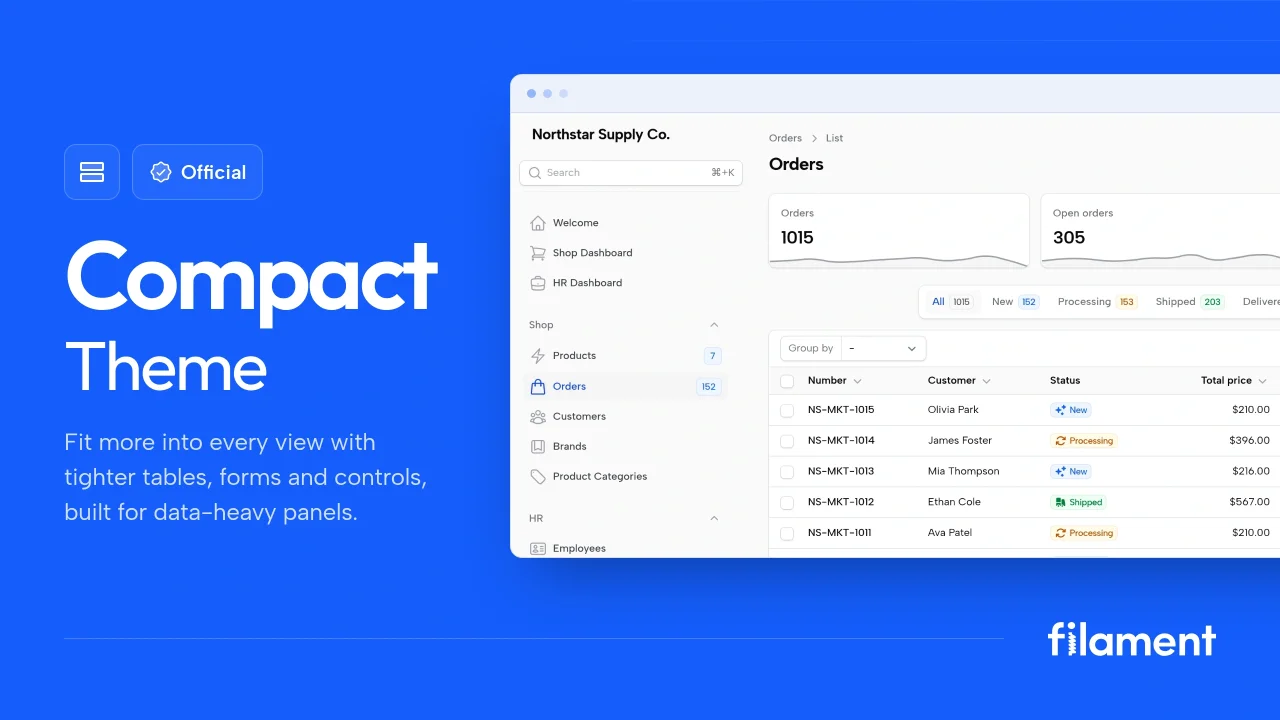
Compact Theme
A theme that makes data-heavy panels easier to scan by fitting more useful information on each screen.
 Filament
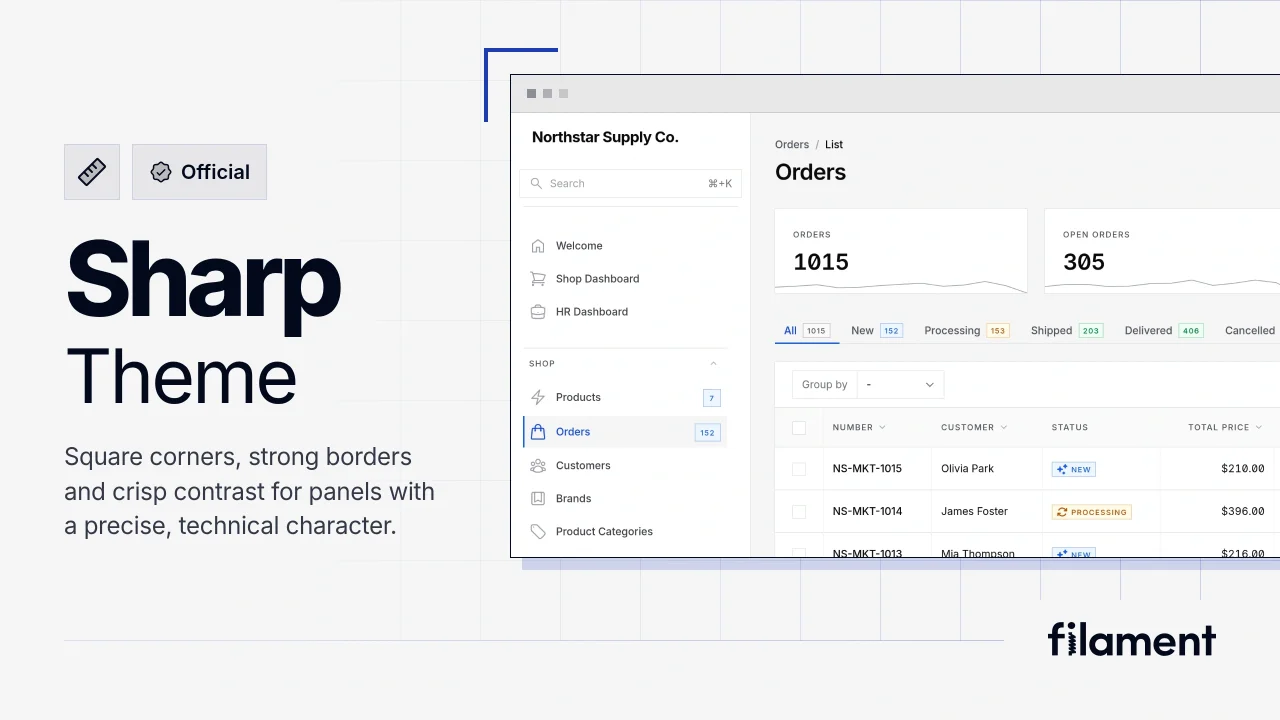
Sharp Theme
A theme that gives panels a precise, technical look with square corners, strong borders, and clear contrast.
Filament
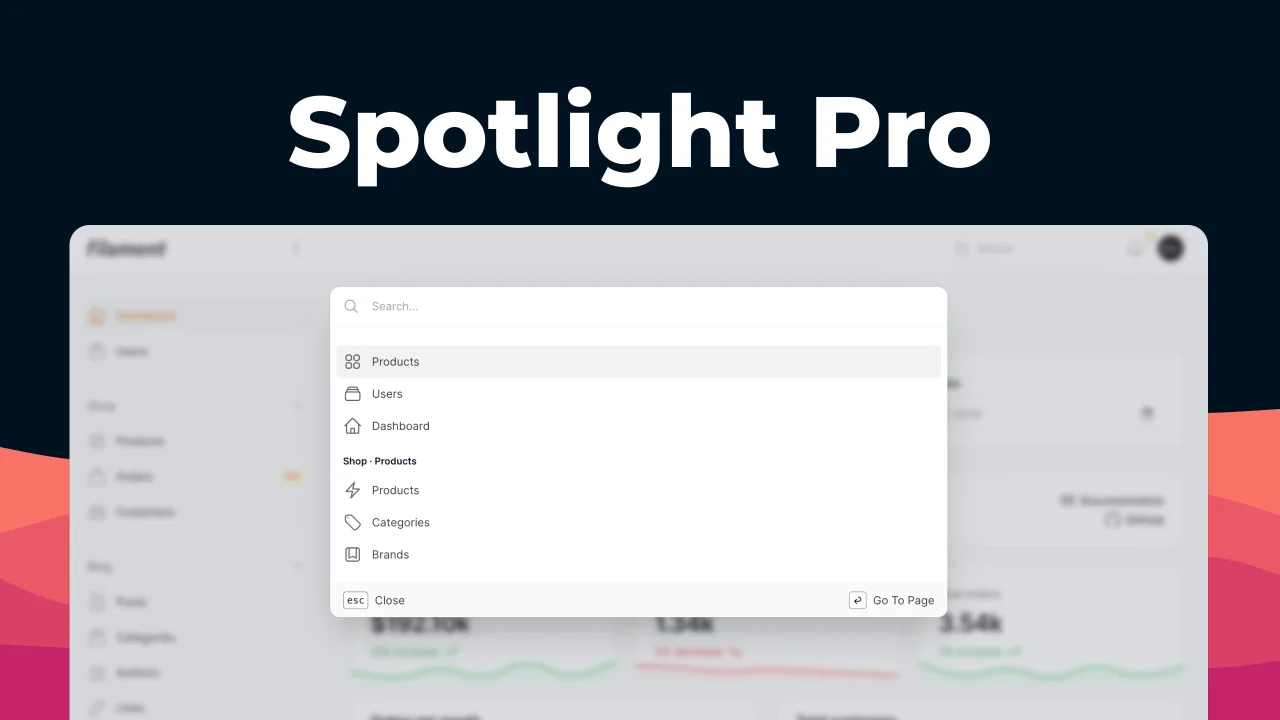
Spotlight Pro
Browse your Filament Panel with ease. Filament Spotlight Pro adds a Spotlight like Command Palette to your Filament Panel.
 Dennis Koch