

Decision Tables (Rules Engine) by Chris Jones
CommunityA visual rules engine for Filament v4 that lets users create and manage complex decision logic - no code required.
filament/
namespace. Review the source and install at your own risk. Found
malware or an unresolved security issue the author won't
address?
Report it
.
 Author:
Chris Jones
Author:
Chris Jones
Documentation
- Video
- Screenshots
- Features
- Installation
- Configuration
- Usage
- Practical Examples
- Requirements
- Changelog
- Security
- Credits
- License
A Filament plugin for creating and managing decision tables (rules engine). Empower business users to create, update, and review complex decision logic through an intuitive visual interface - no code required.
#Video
#Screenshots
#Features
- 🎛️ Visual Decision Table Builder: Create and manage decision tables with an intuitive drag-and-drop UI
- 📐 Request/Response Schemas: Define input and output field schemas with type validation
- ⚙️ Powerful Rule Engine: Execute decision logic via PHP facade or REST API
- 🔣 Multiple Operators: Support for equals, not equals, greater than, less than, in/not in, and contains operators
- ⬆️ Priority-based Execution: Control rule evaluation order with configurable priorities
- 🏢 Multi-tenancy Support: Built-in optional tenant scoping for SaaS applications
- 🧪 Built-in Testing Interface: Test decision rules directly in the UI before deployment
- 🔤 Type Support: String, number, boolean, and date field types with automatic type casting
- 🚦 Active/Inactive States: Enable or disable rules and rows without deletion
- 🔐 API Authentication: Secure API endpoints with Laravel Sanctum and rate limiting
#Installation
Add the repository to your composer.json:
{
  "repositories": [
    {
      "type": "composer",
      "url": "https://filament-decision-tables.composer.sh"
    }
  ],
}
Once the repository has been added to the composer.json file, you can install Filament Decision Tables like any other composer package using the composer require command:
composer require leek/filament-decision-tables
You will be prompted to provide your username and password.
Loading composer repositories with package information
Authentication required (filament-decision-tables.composer.sh):
Username: [licensee-email]
Password: [license-key]
The username will be your email address and the password will be equal to your license key. Additionally, you will need to append your fingerprint to your license key. For example, let's say we have the following licensee and license activation:
- Contact email: philo@anystack.sh
- License key: 8c21df8f-6273-4932-b4ba-8bcc723ef500
- Activation fingerprint: anystack.sh
This will require you to enter the following information when prompted for your credentials:
Loading composer repositories with package information
Authentication required (filament-decision-tables.composer.sh):
Username: philo@anystack.sh
Password: 8c21df8f-6273-4932-b4ba-8bcc723ef500:anystack.sh
To clarify, the license key and fingerprint should be separated by a colon (:).
Run the installation command:
php artisan filament-decision-tables:install
This will:
- Publish the configuration file
- Publish and run migrations
Alternatively, you can manually publish the config and migrations:
php artisan vendor:publish --tag="filament-decision-tables-config"
php artisan vendor:publish --tag="filament-decision-tables-migrations"
php artisan migrate
Optionally, you can publish the views:
php artisan vendor:publish --tag="filament-decision-tables-views"
#Configuration
The published config file (config/filament-decision-tables.php) contains the following options:
return [
    // Customize the model classes if you need to extend them
    'models' => [
        'decision_table_rule'  => Leek\FilamentDecisionTables\Models\DecisionTableRule::class,
        'decision_table_row'   => Leek\FilamentDecisionTables\Models\DecisionTableRow::class,
        'decision_table_field' => Leek\FilamentDecisionTables\Models\DecisionTableField::class,
    ],

    // API configuration
    'api' => [
        // Enable or disable Sanctum authentication for API endpoints
        'require_sanctum_auth' => env('DECISION_TABLES_REQUIRE_SANCTUM_AUTH', true),

        // Rate limiting (requests per minute)
        'rate_limit' => env('DECISION_TABLES_RATE_LIMIT', '60,1'),
    ],

    // Multi-tenancy configuration
    'tenancy' => [
        // Enable or disable multi-tenancy support
        'enabled' => env('DECISION_TABLES_TENANCY_ENABLED', false),

        // The column name used for tenant identification
        'column' => env('DECISION_TABLES_TENANCY_COLUMN', 'tenant_id'),

        // The tenant model (optional, for reference)
        'model' => env('DECISION_TABLES_TENANT_MODEL', 'App\\Models\\Team'),
    ],
];
#Usage
#Register the Plugin
In your Panel Provider (e.g., app/Providers/Filament/AdminPanelProvider.php):
use Leek\FilamentDecisionTables\DecisionTablesPlugin;

public function panel(Panel $panel): Panel
{
    return $panel
        // ...
        ->plugin(DecisionTablesPlugin::make());
}
#Integrate into Theme
[!IMPORTANT] Filament v4 requires you to create a custom theme to support a plugin's additional Tailwind classes. Be sure to follow those instructions before continuing with this step.
After you have created your custom theme, add this plugin's views to your new theme's theme.css file usually located in resources/css/filament/{panel}/theme.css:
@source '../../../../app/Filament';
@source '../../../../resources/views/filament';
@source '../../../../vendor/leek/filament-decision-tables'; // Add this
Next, compile your theme:
npm run build
Finally, run the Filament upgrade command:
php artisan filament:upgrade
#Creating a Decision Rule
-
Navigate to Decision Rules in your Filament panel
-
Click New Decision Rule
-
Fill in the basic information:
- Name: A human-readable name for your rule
- Slug: Used to reference this rule in code/API (auto-generated from name, but editable)
- Description: Optional description of what this rule does
- Active: Only active rules can be executed
-
Define your Request Schema (inputs):
- Add fields that will be provided when executing the rule
- Configure each field:
- Field Name: Used in code (e.g.,
customer_age) - Field Label: Human-readable label
- Field Type: string, number, boolean, or date
- Required: Whether the field must be provided
- Description: Optional field description
- Validation Rules: Additional Laravel validation rules
- Default Value: Optional default value
- Field Name: Used in code (e.g.,
-
Define your Response Schema (outputs):
- Add fields that will be returned after rule execution
- Configure the same properties as request fields
-
Build your Decision Table:
- Add rows with conditions and outputs
- Each row has:
- Priority: Lower numbers are evaluated first
- Conditions: Define when this row matches
- Outputs: Values to return when conditions match
- Active: Enable/disable the row
- The first row where all conditions match will be used
#Condition Operators
The following operators are available for defining conditions:
| Operator | Description | Example |
|---|---|---|
= |
Equals | age = 25 |
!= |
Not equals | status != "inactive" |
> |
Greater than | score > 80 |
>= |
Greater than or equal | age >= 18 |
< |
Less than | price < 100 |
<= |
Less than or equal | quantity <= 10 |
in |
In list (comma-separated) | category in "electronics,books,toys" |
not_in |
Not in list | status not_in "banned,suspended" |
contains |
String contains | email contains "@example.com" |
[!NOTE] Empty condition values are treated as "any" and will always match.
#Executing Rules via PHP
Use the DecisionTables facade to execute rules in your Laravel application:
use Leek\FilamentDecisionTables\Facades\DecisionTables;

$result = DecisionTables::evaluate('customer-discount', [
    'customer_age' => 25,
    'account_type' => 'premium',
    'purchase_amount' => 150,
]);

// Result structure:
// [
//     'success' => true,
//     'output' => ['discount_percentage' => 15, 'free_shipping' => true],
//     'error' => null,
//     'matched_row_id' => 5
// ]

if ($result['success']) {
    $discount = $result['output']['discount_percentage'];
    $freeShipping = $result['output']['free_shipping'];
    // Apply the discount...
} else {
    // Handle error: $result['error']
}
#Executing Rules via API
The plugin provides a REST API endpoint for evaluating decision rules:
POST /api/decision-tables/{slug}/evaluate
Authorization: Bearer YOUR_SANCTUM_TOKEN
Content-Type: application/json

{
    "customer_age": 25,
    "account_type": "premium",
    "purchase_amount": 150
}
Success response (200):
{
    "success": true,
    "data": {
        "discount_percentage": 15,
        "free_shipping": true
    },
    "meta": {
        "matched_row_id": 5
    }
}
Error response (404):
{
    "success": false,
    "error": "Decision rule 'customer-discount' not found or is inactive"
}
[!NOTE] By default, the API endpoint requires authentication via Laravel Sanctum and includes rate limiting (60 requests per minute). Both can be configured in the config file or via environment variables:
DECISION_TABLES_REQUIRE_SANCTUM_AUTH=false  # Disable Sanctum authentication
DECISION_TABLES_RATE_LIMIT=120,1            # Allow 120 requests per minute
#Multi-Tenancy
If you're building a multi-tenant application, you can enable tenant scoping:
- Set the environment variables in your
.env:
DECISION_TABLES_TENANCY_ENABLED=true
DECISION_TABLES_TENANCY_COLUMN=tenant_id
DECISION_TABLES_TENANT_MODEL=App\Models\Team
-
Make sure your migration includes the tenant column (already included in the published migration)
-
The plugin will automatically scope all queries to the current tenant using Filament's tenant context
All decision table rules, fields, and rows will be automatically scoped to the tenant, ensuring complete data isolation.
#Practical Examples
#Example 1: Customer Discount Calculator
Request Schema:
customer_type(string): Type of customerorder_total(number): Total order amountis_first_purchase(boolean): First time customer
Response Schema:
discount_percentage(number): Discount to applydiscount_reason(string): Reason for discount
Decision Table:
| Priority | Customer Type | Order Total | First Purchase | → Discount % | → Reason |
|---|---|---|---|---|---|
| 1 | = "vip" | - | - | 25 | VIP customer |
| 2 | = "premium" | >= 500 | - | 20 | Premium high-value |
| 3 | = "premium" | - | - | 15 | Premium customer |
| 4 | - | >= 1000 | - | 15 | High-value order |
| 5 | - | - | = true | 10 | First purchase |
| 6 | - | - | - | 0 | No discount |
#Example 2: Loan Approval System
Request Schema:
credit_score(number): Applicant's credit scoreannual_income(number): Annual incomeemployment_years(number): Years employedexisting_loans(number): Number of existing loans
Response Schema:
approved(boolean): Loan approval statusmax_loan_amount(number): Maximum loan amountinterest_rate(number): Interest rate percentagereason(string): Approval/rejection reason
Decision Table:
| Priority | Credit Score | Income | Employment | Loans | → Approved | → Max Amount | → Rate | → Reason |
|---|---|---|---|---|---|---|---|---|
| 1 | < 580 | - | - | - | false | 0 | 0 | Poor credit |
| 2 | >= 750 | >= 80000 | >= 3 | <= 1 | true | 500000 | 3.5 | Excellent profile |
| 3 | >= 700 | >= 60000 | >= 2 | <= 2 | true | 300000 | 4.5 | Good profile |
| 4 | >= 650 | >= 40000 | >= 1 | <= 2 | true | 150000 | 6.0 | Fair profile |
| 5 | - | - | - | - | false | 0 | 0 | Does not qualify |
#Example 3: Shipping Cost Calculator
Request Schema:
destination_country(string): Shipping destinationweight_kg(number): Package weightis_express(boolean): Express shipping
Response Schema:
shipping_cost(number): Shipping costestimated_days(number): Delivery timecarrier(string): Shipping carrier
Execute this rule:
$result = DecisionTables::evaluate('shipping-calculator', [
    'destination_country' => 'USA',
    'weight_kg' => 2.5,
    'is_express' => true,
]);

echo "Cost: $" . $result['output']['shipping_cost'];
echo "Delivery: " . $result['output']['estimated_days'] . " days";
echo "Carrier: " . $result['output']['carrier'];
#Requirements
- PHP 8.2 or higher
- Laravel 10.x or higher
- Filament 4.x
#Changelog
Please see CHANGELOG for more information on what has changed recently.
#Security
If you discover any security-related issues, please email leeked@gmail.com instead of using the issue tracker.
#Credits
#License
This is a commercial product. You must purchase a license to use this plugin in production.
Purchase a license at Anystack.sh
#Code Distribution
None of this plugin’s licenses permit publicly sharing its source code. As a result, you cannot build an application that uses this plugin and then publish that application’s code in an open-source repository, on hosting services, or through any other public code-distribution platform.
The author
Web Application Architect and Developer with a passion for helping businesses make sense of web-based technology and its numerous applications.
From the same author

DiceBear Avatars
DiceBear avatar provider for Filament panels with 31 avatar styles, disk caching, and per-model customization.
Author:
Chris Jones
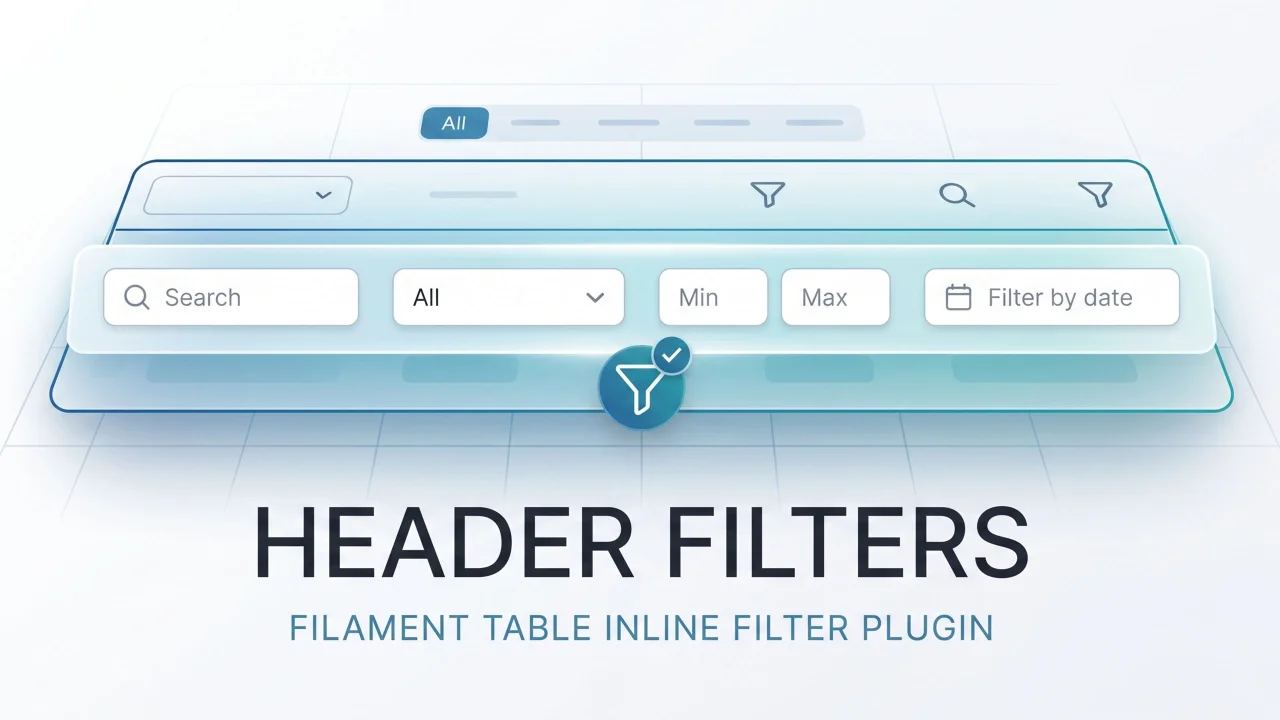
Header Filters
Inline header filters for Filament tables. Attach any BaseFilter to a column header — select dropdowns, date pickers, min/max ranges, custom multi-field schemas — as a richer alternative to searchable(isIndividual: true).
Author:
Chris Jones
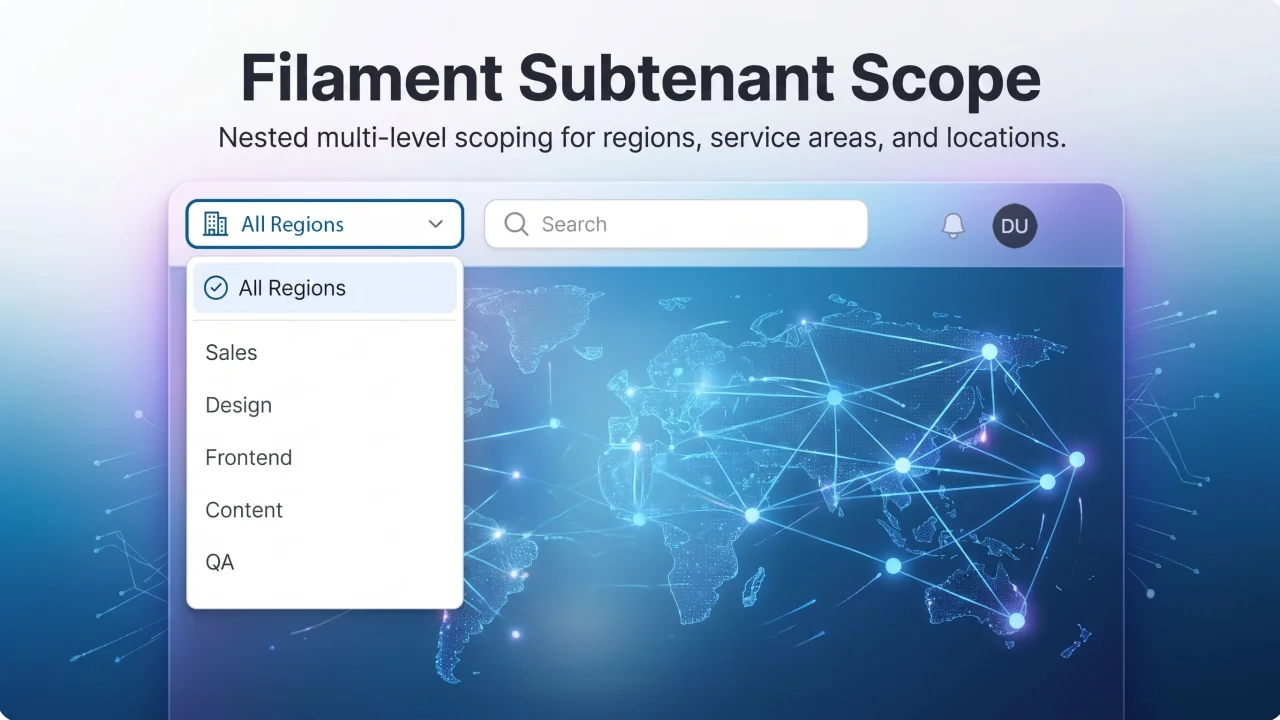
Subtenant Scope
Second-level tenancy scope (service area, region, location) for Filament panels — topnav dropdown that scopes Eloquent queries globally.
Author:
Chris Jones
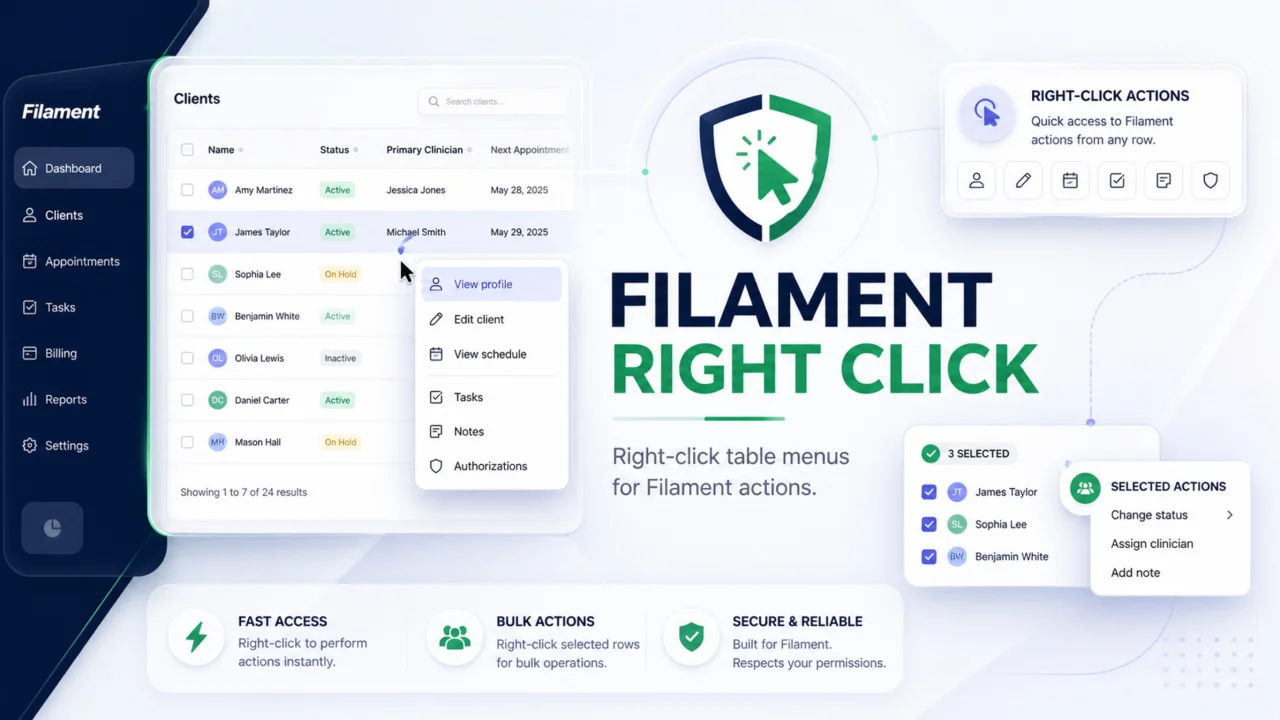
Right Click
Add native-feeling right-click menus to Filament table rows. Trigger regular Filament actions for single records, or show a separate bulk menu when users right-click selected rows. Actions stay server-enforced, so modals, authorization, validation, redirects, and notifications still work through Filament.
Author:
Chris Jones
Featured Plugins
A selection of plugins curated by the Filament team

Sharp Theme
A theme that gives panels a precise, technical look with square corners, strong borders, and clear contrast.
 Filament

Custom Fields
Eliminate custom field migrations forever. Let your users create and manage form fields directly in Filament admin panels with 20+ built-in field types, validation, and zero database changes.
 Relaticle

Custom Dashboards
Let your users build and share their own dashboards with a drag-and-drop interface. Define your data sources in PHP and let them do the rest.
Filament

