Meilisearch
CommunityA comprehensive Filament plugin for managing Meilisearch instances directly from your Filament admin panel. Inspired by meiliweb.
filament/
namespace. Review the source and install at your own risk. Found
malware or an unresolved security issue the author won't
address?
Report it
.
 Author:
Kyle Anderson
Author:
Kyle Anderson
Documentation
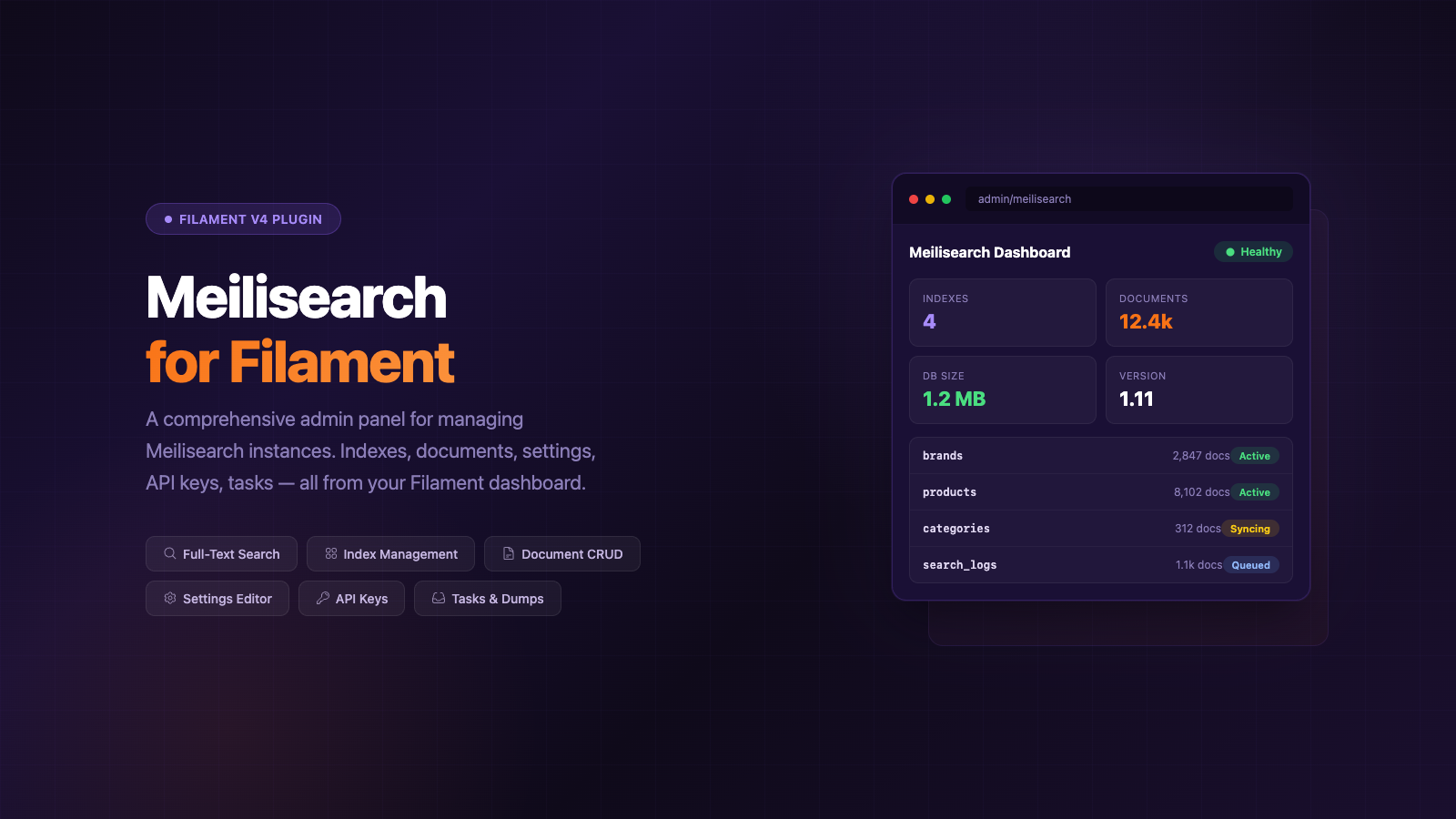
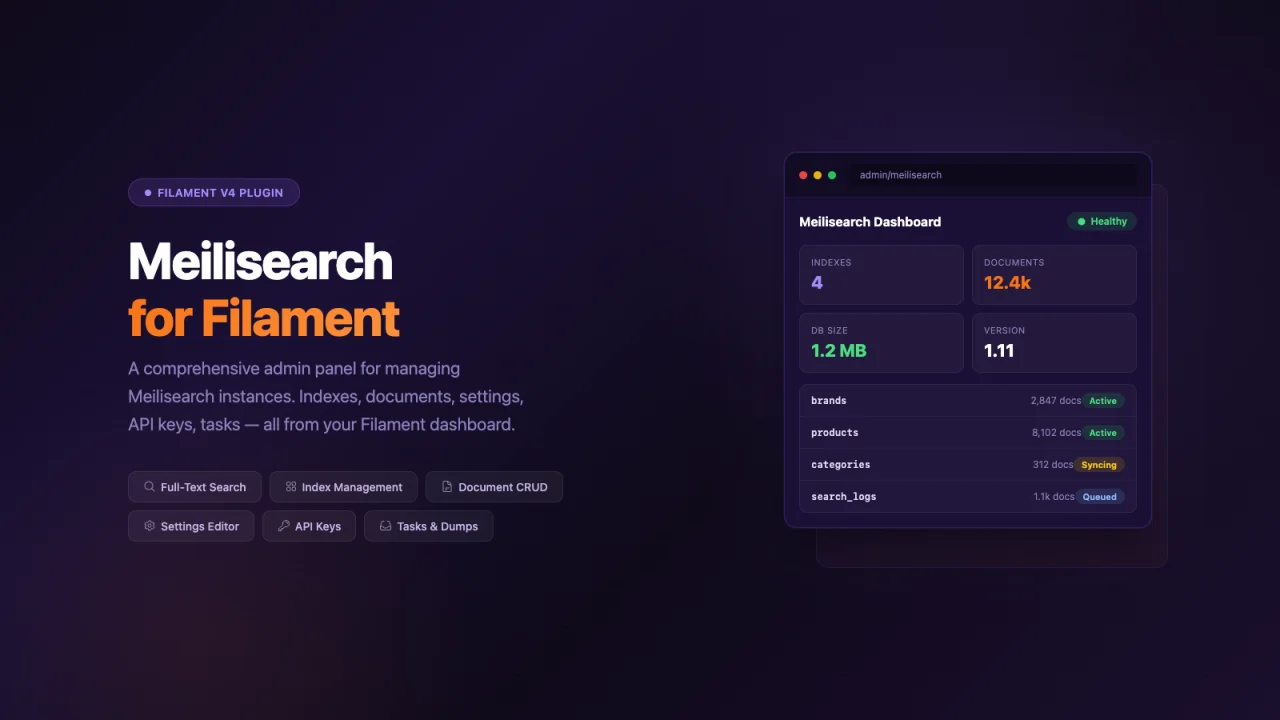
A comprehensive Filament plugin for managing Meilisearch instances directly from your Filament admin panel. Inspired by meiliweb.
#Features
- Dashboard - Overview of your Meilisearch instance health, version, and statistics
- Indexes Management - Create, view, and delete indexes
- Documents Management - Add, search, view, and delete documents
- API Keys Management - Create and manage Meilisearch API keys with granular permissions
- Tasks Monitoring - View and manage background tasks
- Dumps - Create database dumps for backup
- Snapshots - Create point-in-time snapshots
- Index Settings - View and manage index configuration
#Requirements
- PHP 8.1+
- Laravel 9.0+ | 10.0+ | 11.0+
- Filament v4.0+|v5.0+
- Meilisearch PHP SDK ^1.6
#Installation
composer require lancodev/filament-meilisearch
Publish the configuration file:
php artisan vendor:publish --tag="filament-meilisearch-config"
#Configuration
Add your Meilisearch connection details to your .env file:
MEILISEARCH_HOST=http://localhost:7700
MEILISEARCH_KEY=your-master-key
Or publish and edit the config file at config/filament-meilisearch.php:
return [
    'host' => env('MEILISEARCH_HOST', 'http://localhost:7700'),
    'key' => env('MEILISEARCH_KEY', null),

    'navigation' => [
        'group' => 'Meilisearch',
        'icon' => 'heroicon-o-magnifying-glass',
        'sort' => 0,
    ],

    'features' => [
        'indexes' => true,
        'documents' => true,
        'keys' => true,
        'tasks' => true,
        'dumps' => true,
        'snapshots' => true,
        'settings' => true,
    ],
];
#Usage
#Register the Plugin
In your Filament panel provider (typically app/Providers/Filament/AdminPanelProvider.php):
use Lancodev\FilamentMeilisearch\MeilisearchPlugin;

public function panel(Panel $panel): Panel
{
    return $panel
        // ...
        ->plugins([
            MeilisearchPlugin::make()
                ->navigationGroup('Search')
                ->navigationIcon('heroicon-o-magnifying-glass')
                ->navigationSort(10)
                ->features([
                    'indexes' => true,
                    'documents' => true,
                    'keys' => true,
                    'tasks' => true,
                    'dumps' => true,
                    'snapshots' => true,
                    'settings' => true,
                ]),
        ]);
}
#Customizing Features
You can enable or disable specific features:
MeilisearchPlugin::make()
    ->features([
        'indexes' => true,
        'documents' => true,
        'keys' => false,      // Disable API keys management
        'tasks' => true,
        'dumps' => false,     // Disable dumps
        'snapshots' => false, // Disable snapshots
        'settings' => true,
    ])
#Limiting Visible Indexes
By default, all indexes in your Meilisearch instance are shown. You can restrict which indexes are visible in the admin panel:
Via the plugin registration:
MeilisearchPlugin::make()
    ->allowedIndexes(['products', 'users', 'orders']);
Via the config file:
// config/filament-meilisearch.php
'allowed_indexes' => ['products', 'users', 'orders'],
Via the .env file:
FILAMENT_MEILISEARCH_ALLOWED_INDEXES=products,users,orders
When set, only the listed indexes will appear in the Dashboard, Indexes, and API Keys pages. Set to null (or omit) to show all indexes.
#Security
Important: Ensure your Meilisearch instance is properly secured. This plugin requires a Meilisearch API key with appropriate permissions. We recommend:
- Using environment variables for sensitive configuration
- Restricting access to the Meilisearch admin panel to authorized users only
- Using Meilisearch's built-in API key management for granular permissions
- Never committing API keys to version control
#License
MIT License. See LICENSE for details.
#Credits
Inspired by meiliweb by Benoît Polaszek.
The author
Kyle Anderson is a Senior Software Engineer with extensive experience building web and mobile applications using PHP, Laravel, Livewire, Vue, and Tailwind CSS. He specializes in architecting scalable cloud-native solutions on AWS and enjoys creating developer tools, plugins, and packages that improve the Laravel and FilamentPHP ecosystem. When he's not building software, Kyle can usually be found experimenting with new technologies, contributing to open-source projects, or working on one of his many side projects.
Featured Plugins
A selection of plugins curated by the Filament team

Custom Dashboards
Let your users build and share their own dashboards with a drag-and-drop interface. Define your data sources in PHP and let them do the rest.
 Filament

Advanced Tables (formerly Filter Sets)
Supercharge your tables with powerful features like user-customizable views, quick filters, multi-column sorting, advanced table searching, convenient view management, and more. Compatible with Resource Panel Tables, Relation Managers, Table Widgets, and Table Builder!
 Kenneth Sese

Custom Fields
Eliminate custom field migrations forever. Let your users create and manage form fields directly in Filament admin panels with 20+ built-in field types, validation, and zero database changes.
 Relaticle

