
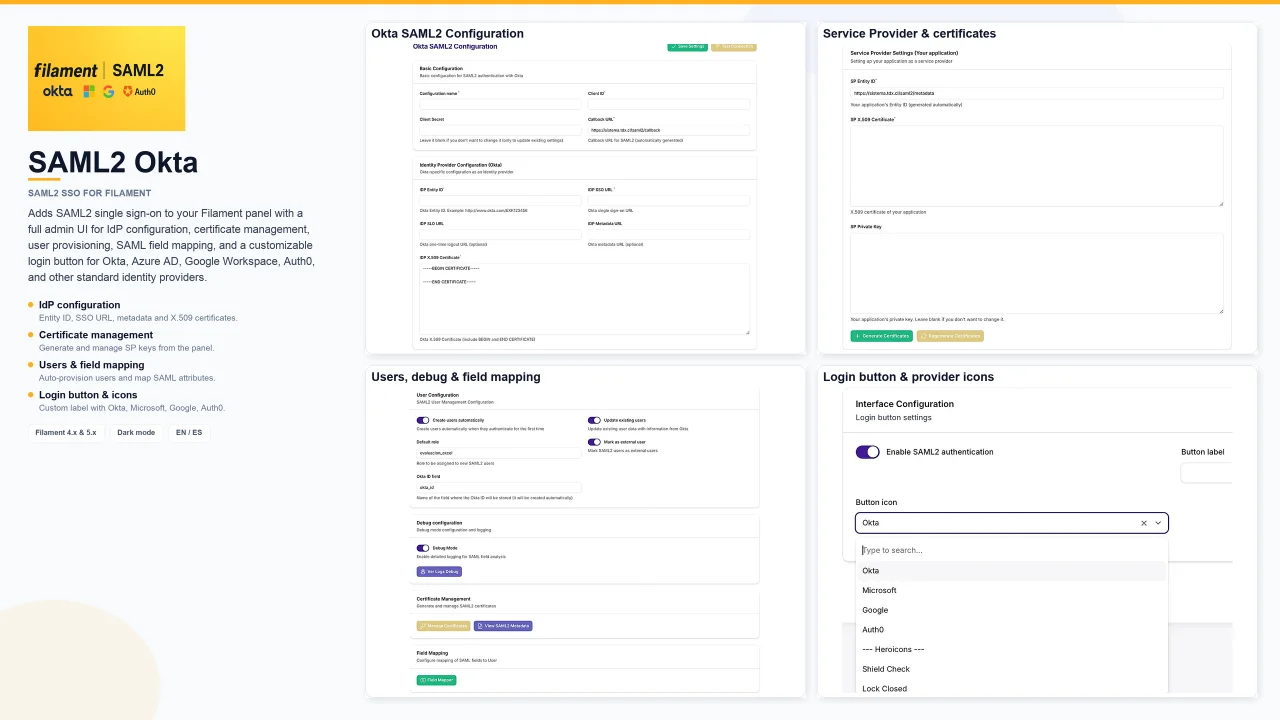
SAML2 Okta by John Michael Rivera Gonzalez
CommunityAdds SAML2 single sign-on to your Filament panel with a full admin UI for IdP configuration, certificate management, user provisioning, SAML field mapping, and a customizable login button for Okta, Azure AD, Google Workspace, Auth0, and other standard identity providers.
 Author:
John Michael Rivera Gonzalez
Author:
John Michael Rivera Gonzalez
Package health
Automated checks of this plugin's Composer package
15 checks
- Skipped: GitHub Actions pinned to SHA
- Skipped: GitLab CI includes pinned to SHA
- Passed: Open security advisories
- Passed: Dependabot PR responsiveness — No open Dependabot PRs.
- Skipped: Renovate MR responsiveness
- Skipped: Dependabot or Renovate configured
- Skipped: Dependency update cooldown configured
- Passed: Provides a security policy
- Passed: Abandoned or archived — No consulted source marks the package abandoned (packagist, github).
- Passed: Commit and release recency — Active: last commit 7 days ago; last release 7 days ago.
-
Passed:
composer.lock not committed by library
—
composer.lockis absent from the released dist archive. - Passed: Dist archive is lean
-
Passed:
Current Laravel version supported
—
Package dependencies resolve together with current Laravel
13.0. -
Passed:
Current PHP version supported
—
Constraint
^8.2supports current PHP8.5. - Skipped: Current Symfony version supported
filament/
namespace. Review the source and install at your own risk. Found
malware or an unresolved security issue the author won't
address?
Report it
.
Documentation
- Features
- Requirements
- Installation
- Configuration
- Production checklist
- Artisan commands
- Package structure
- Compatible identity providers
- Contributing
- License
- Español
Complete SAML2 SSO authentication for Filament panels — optimized for Okta, compatible with any SAML2 identity provider.




Panel plugin that adds SAML2 single sign-on to your Filament admin panel. Configure IdP credentials, certificates, user mapping, and a login button — all from the Filament UI. Database-driven configuration (no SAML secrets in .env).
Built following the official Filament plugin guidelines: PackageServiceProvider, Filament\Contracts\Plugin, and Schema-based panel pages.
#Features
| Feature | Description |
|---|---|
| SAML2 authentication | Full SP-initiated flow with Okta, Azure AD, Google Workspace, Auth0, and any standard SAML2 IdP |
| Filament admin UI | Settings, certificates, field mapper, and debug pages inside your panel |
| Auto certificates | Generate and regenerate SP X.509 certificates from the panel |
| User provisioning | Auto-create/update users, default roles, external-user flag |
| Field mapper | Visual mapping from SAML attributes to your User model |
| Login button | Injected via render hook with provider icons (Okta, Microsoft, Google, Auth0) or Heroicons |
| Debug mode | Detailed SAML logs for troubleshooting |
| Translations | English and Spanish included |
| Dark mode | Compatible with Filament light/dark themes |
#Requirements
| Branch | Filament | Laravel | PHP |
|---|---|---|---|
master / 5.x |
5.x | 11+ / 12+ | 8.2+ |
4.x |
4.x | 11+ | 8.2+ |
#Installation
#1. Install via Composer
# Filament 5.x
composer require johnriveragonzalez/saml2-okta:^2.0

# Filament 4.x
composer require johnriveragonzalez/saml2-okta:^2.0 --prefer-source
# Require branch 4.x in your composer.json if needed
#2. Publish migrations and migrate
php artisan vendor:publish --tag="saml2-okta-migrations"
php artisan migrate
#3. Register the plugin
In app/Providers/Filament/AdminPanelProvider.php:
use JohnRiveraGonzalez\Saml2Okta\Saml2OktaPlugin;

public function panel(Panel $panel): Panel
{
    return $panel
        ->plugins([
            Saml2OktaPlugin::make(),
        ]);
}
#4. Run the installer
php artisan saml2-okta:install
This command extends your User model, updates UserResource, and completes the initial setup.
#5. Optional publishes
php artisan vendor:publish --tag="saml2-okta-translations"
php artisan vendor:publish --tag="saml2-okta-config"
#Configuration
Open SAML2 → Configuración SAML2 in your Filament panel.
#Main settings
#Identity provider (Okta / IdP)
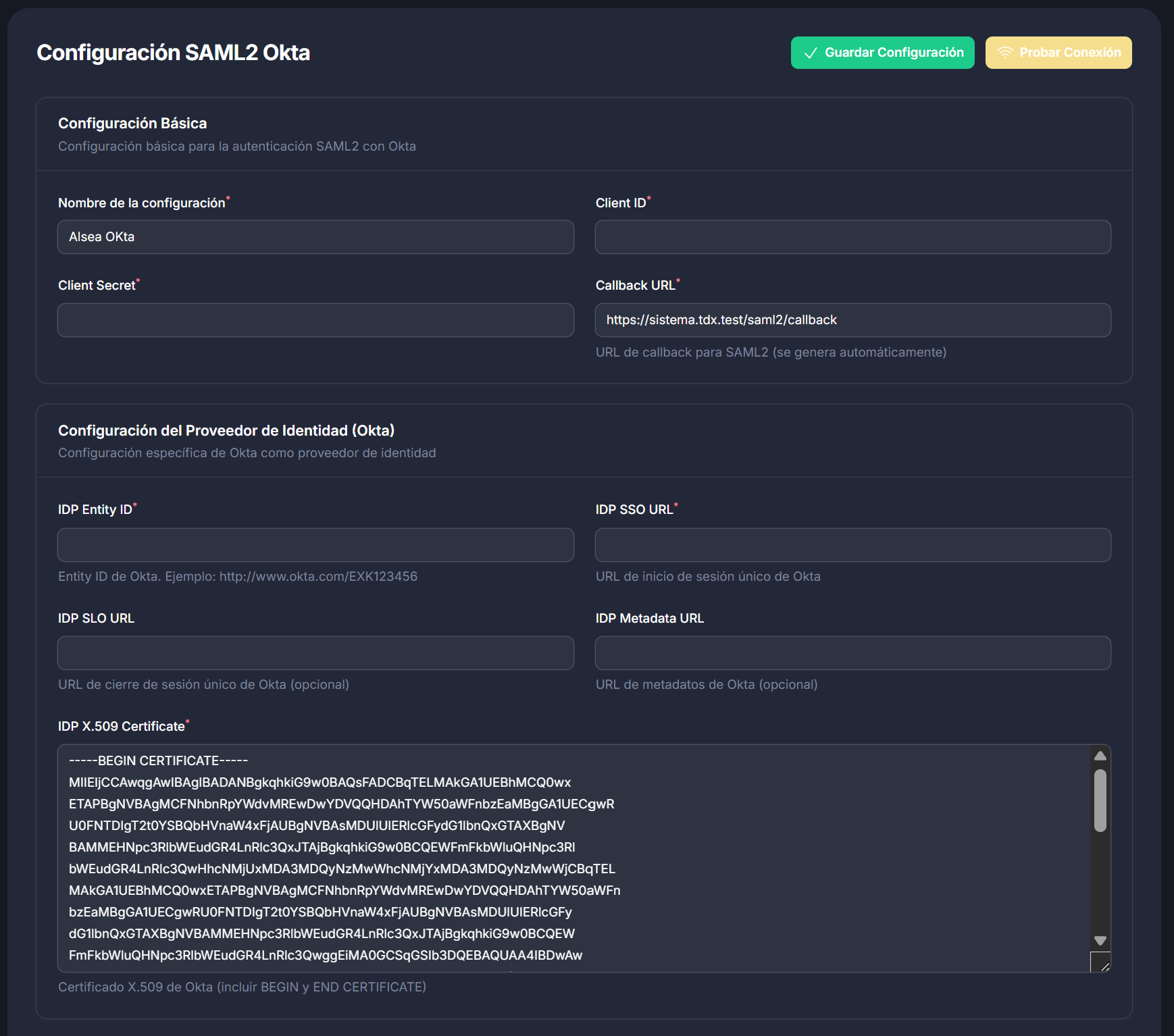
| Field | Description |
|---|---|
| Client ID | Application client ID from your IdP |
| Client Secret | Application secret (optional update on save) |
| IDP Entity ID | Entity ID from Okta or your IdP |
| IDP SSO URL | Single sign-on URL |
| IDP X.509 Certificate | IdP public certificate |
#Service provider (your app)
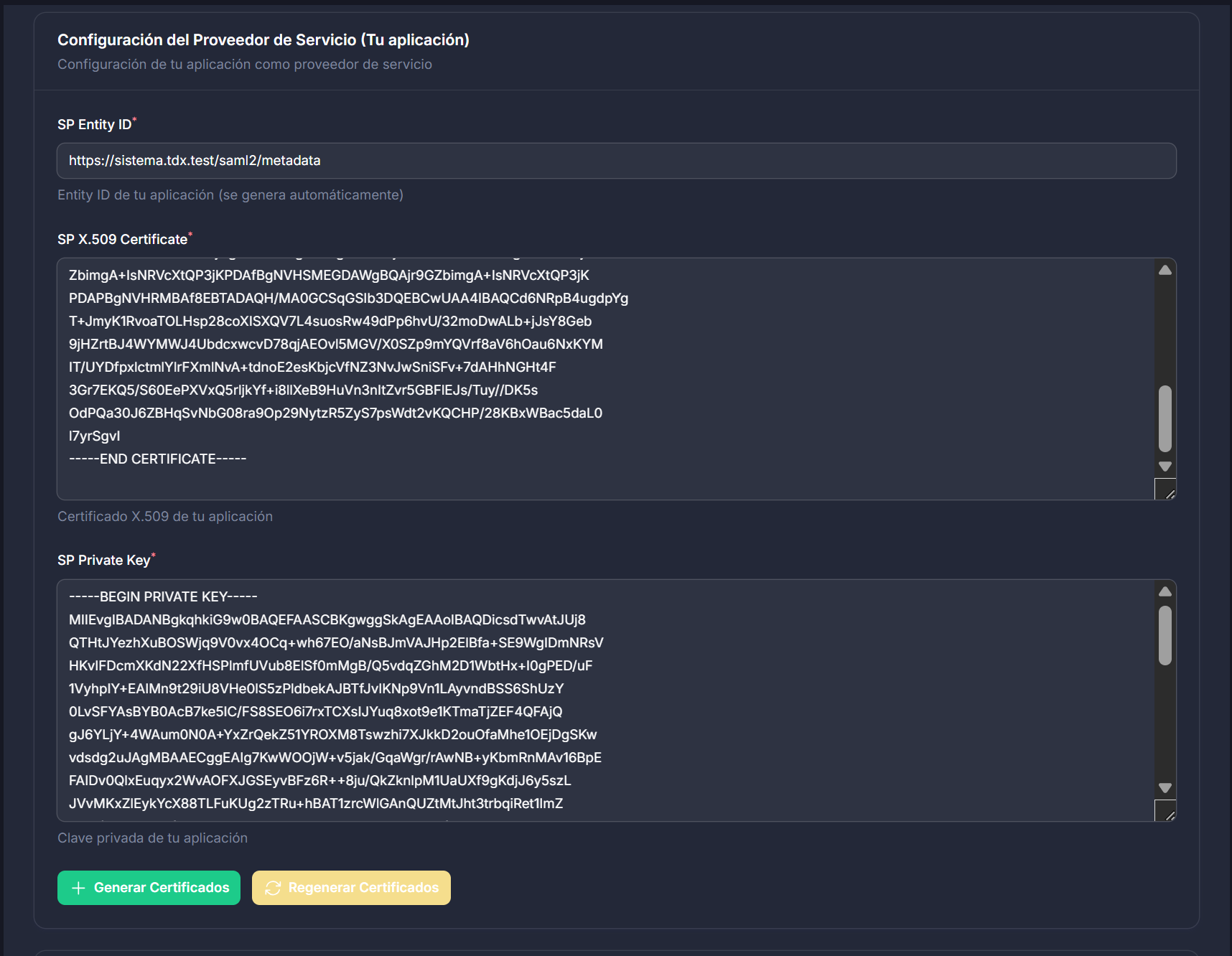
| Field | Description |
|---|---|
| SP Entity ID | Auto-generated metadata URL |
| Callback URL | https://your-domain.com/saml2/callback |
| SP Certificate / Private Key | Generate from the panel or paste your own |
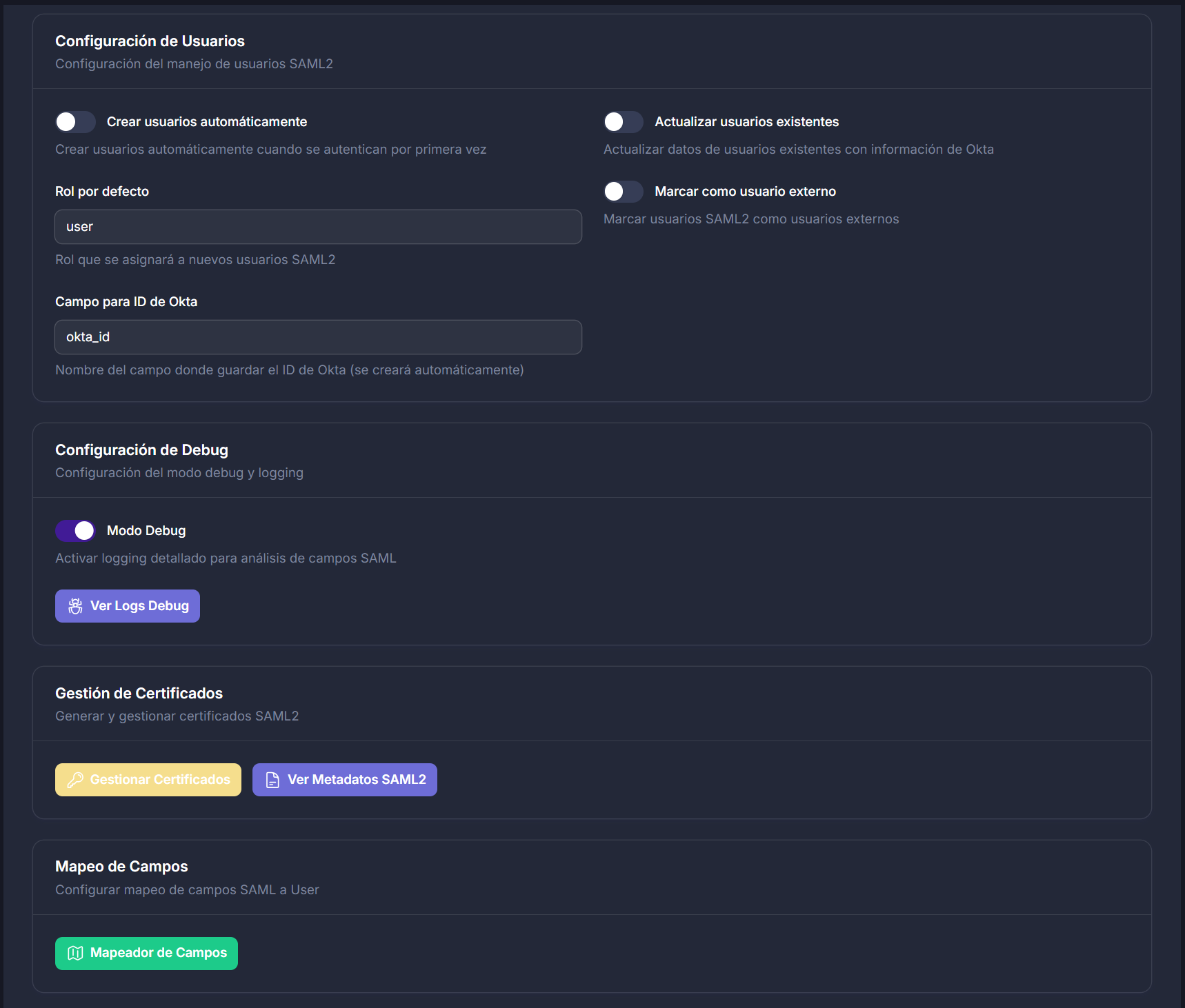
#User settings
- Auto-create users on first login
- Auto-update existing users
- Default role for new SAML users
- Mark users as external
#Login button
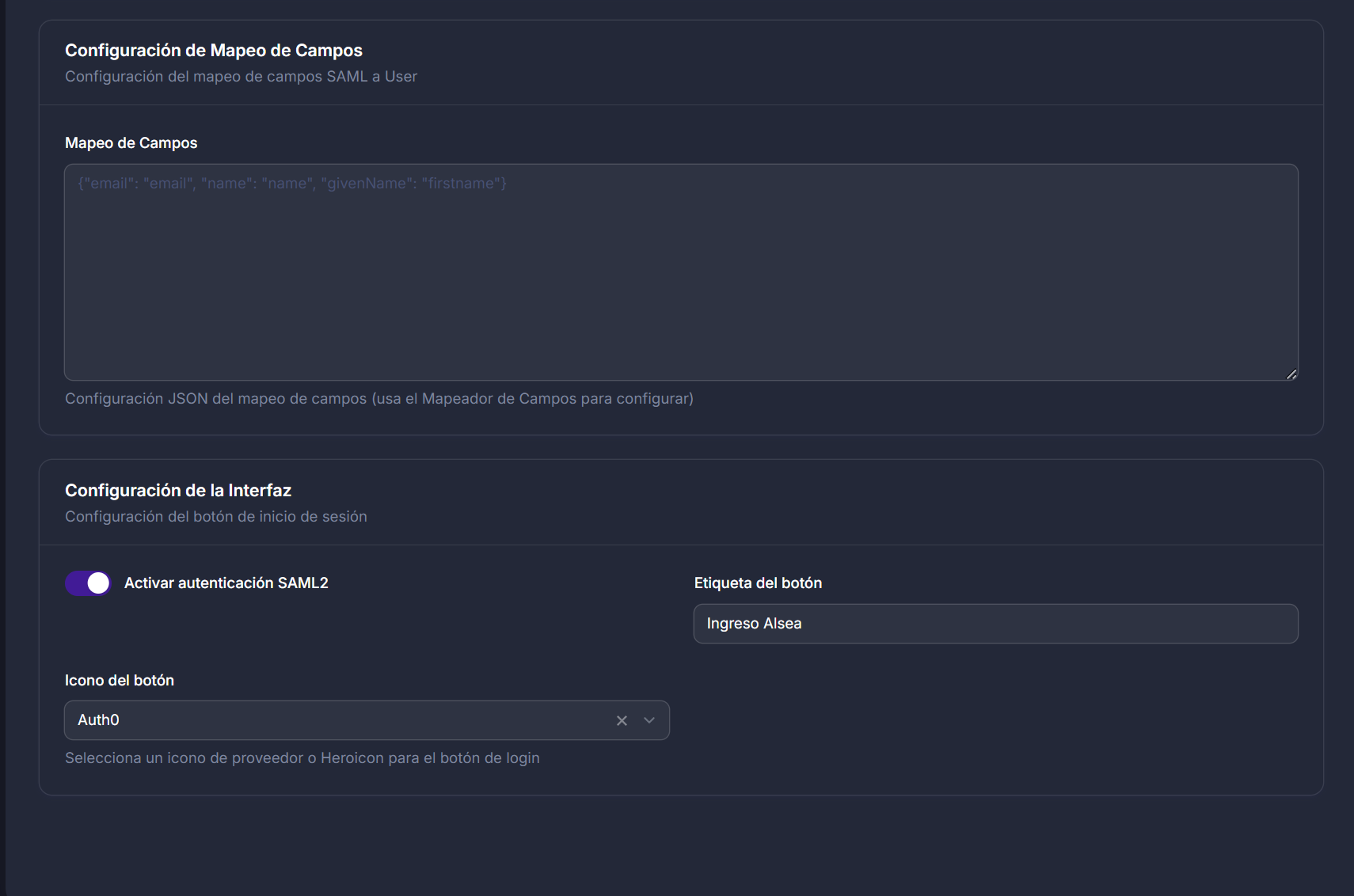
- Toggle SAML2 login on/off
- Custom button label and icon (Okta, Microsoft, Google, Auth0, or Heroicons)
#Debug & field mapper
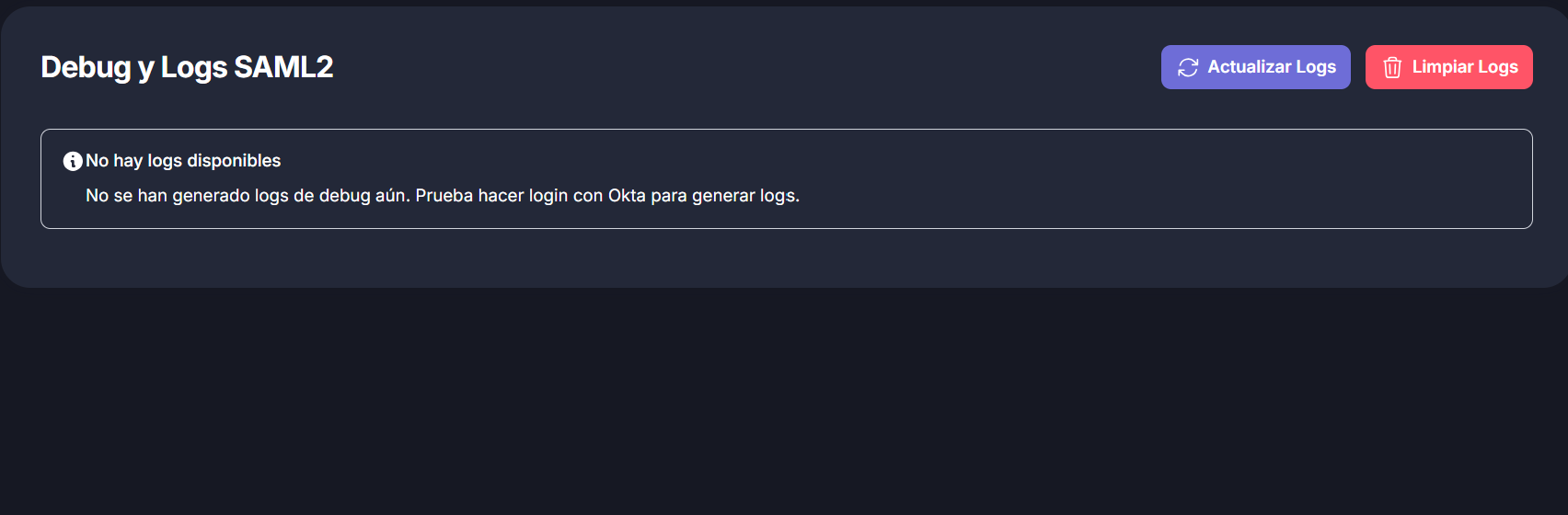
- Enable debug logging to inspect SAML attributes
- Map IdP fields to
Usercolumns with live sample data
#Production checklist
- Use HTTPS — SAML2 requires TLS in production.
- Set
APP_URLto your real domain. - Register callback URL in your IdP:
https://your-domain.com/saml2/callback - Upload SP metadata or certificate to your IdP.
- Disable debug mode after testing.
- Run
php artisan optimizeafter deployment.
#Artisan commands
php artisan saml2-okta:install
php artisan saml2-okta:extend-user-model
php artisan saml2-okta:extend-user-resource
php artisan saml2-okta:unregister-middleware   # legacy upgrades only
#Package structure
src/
├── Commands/
├── Controllers/
├── Models/
├── Pages/
├── Services/
├── Saml2OktaPlugin.php
└── Saml2OktaServiceProvider.php
database/migrations/
resources/views/
routes/web.php
lang/en|es/
#Compatible identity providers
With bundled icons: Okta, Microsoft / Azure AD, Google Workspace, Auth0
Also compatible: OneLogin, Ping Identity, Shibboleth, ADFS, and any SAML2-compliant IdP.
#Contributing
Issues and pull requests are welcome at github.com/Johnrivera7/filamentSaml2Okta.
#License
MIT © John Rivera Gonzalez
#Español
Plugin completo de autenticación SAML2 para paneles Filament. Instalación, configuración de Okta/IdP, certificados, mapeo de campos y botón de login desde la interfaz de administración. Compatible con Filament 4.x y 5.x. Ver secciones anteriores para instalación detallada.
The author
I am a full-stack developer focused on building reliable web platforms for education, enterprise, and business operations. I work mainly with Laravel and Filament, creating admin panels, reusable packages, and integrations that solve real production needs.
I also have a background in cybersecurity as an ethical hacker, which shapes how I design and review software: secure authentication flows, proper access control, hardening production environments, and thinking about real-world attack surfaces before they become problems.
I contribute to the Filament ecosystem by developing open-source panel plugins, with a strong focus on authentication, enterprise SSO, and tools that help teams manage complex workflows from a clean admin interface. I follow official Filament standards and aim to publish practical, well-documented packages that developers can adopt with confidence.
Beyond Filament, I develop Moodle plugins and customizations for e-learning platforms, including integrations, Microsoft Teams modules, learning activities, custom course formats, and automated cloud backup solutions. I also build Laravel applications for insurance, commercial, corporate, and agricultural management systems.
My infrastructure work includes high-availability setups with PostgreSQL clusters, GlusterFS, Nginx, and Consul, as well as Odoo ERP and POS implementations. I enjoy working across the full stack—from backend architecture and DevOps automation to polished admin interfaces and end-user workflows.
I publish open-source packages on Packagist and GitHub, and I plan to keep expanding my contributions to Filament with new panel plugins over time.
From the same author
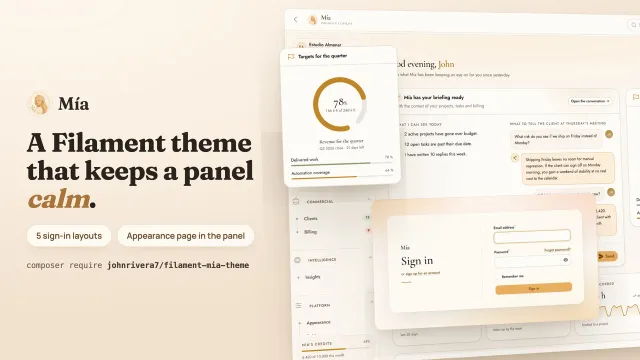
Mía Theme
A warm theme for Filament v5 that looks after the parts other themes leave bare — empty states that say why a list is empty, error and maintenance pages that still feel like your panel, five sign-in layouts and an in-panel appearance page — over cream surfaces and serif headings, shipped pre-compiled with no build step.
Author:
John Michael Rivera Gonzalez
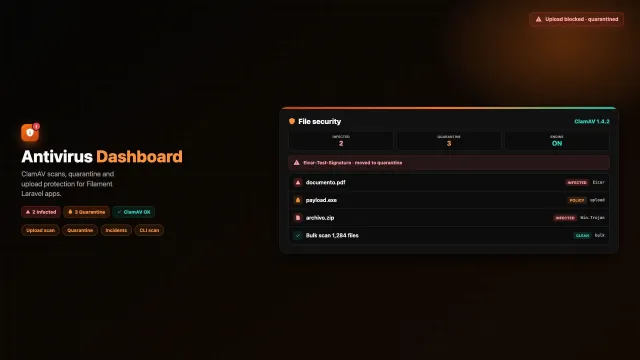
Antivirus
Antivirus for Filament: ClamAV upload scanning, quarantine, incident log and file security dashboard for Laravel.
Author:
John Michael Rivera Gonzalez
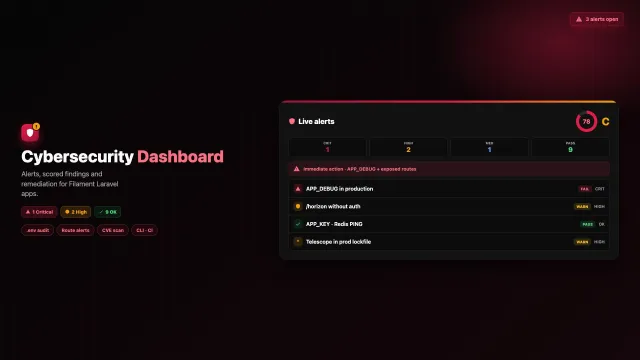
Cybersecurity
A read-only security posture dashboard that audits your Laravel environment, routes, Redis, queues, PHP runtime, and risky Composer packages, then scores findings with remediation guidance. Versions: 5.x
Author:
John Michael Rivera Gonzalez
Flow
Integrate Flow (Chile) payments into Filament with a credentials UI, HMAC signing helpers, and checkout redirects.
Author:
John Michael Rivera Gonzalez
Featured Plugins
A selection of plugins curated by the Filament team

Noir Theme
A theme that gives panels a focused, refined look with near-black surfaces, crisp actions, and restrained color.
 Filament

Spotlight Pro
Browse your Filament Panel with ease. Filament Spotlight Pro adds a Spotlight like Command Palette to your Filament Panel.
 Dennis Koch

Custom Dashboards
Let your users build and share their own dashboards with a drag-and-drop interface. Define your data sources in PHP and let them do the rest.
Filament

