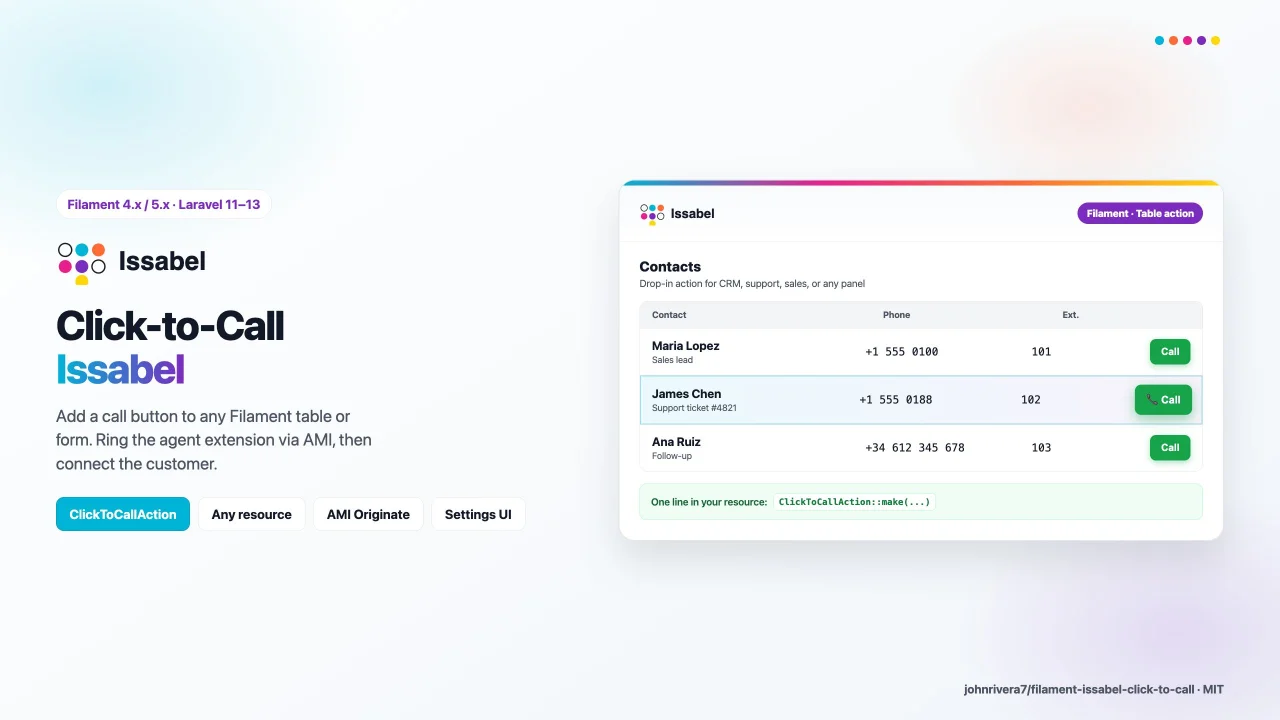
Issabel Click-to-Call
CommunityAdd a click-to-call button to any Filament table or form, connecting to Issabel PBX via Asterisk AMI to ring the agent extension and then dial the customer.
 Author:
John Michael Rivera Gonzalez
Author:
John Michael Rivera Gonzalez
Package health
BetaAutomated checks of this plugin's Composer package
15 checks
- Skipped: GitHub Actions pinned to SHA
- Skipped: GitLab CI includes pinned to SHA
- Passed: Open security advisories
- Passed: Dependabot PR responsiveness — No open Dependabot PRs.
- Skipped: Renovate MR responsiveness
- Skipped: Dependabot or Renovate configured
- Skipped: Dependency update cooldown configured
- Passed: Provides a security policy
- Passed: Abandoned or archived — No consulted source marks the package abandoned (packagist, github).
- Passed: Commit and release recency — Active: last commit 0 days ago; last release 0 days ago.
-
Passed:
composer.lock not committed by library
—
composer.lockis absent from the released dist archive. - Passed: Dist archive is lean
-
Passed:
Current Laravel version supported
—
Package dependencies resolve together with current Laravel
13.0. -
Passed:
Current PHP version supported
—
Constraint
^8.2supports current PHP8.5. - Skipped: Current Symfony version supported
filament/
namespace. Review the source and install at your own risk. Found
malware or an unresolved security issue the author won't
address?
Report it
.
Documentation
- Requirements
- How click-to-call works
- Agent phone display (required Issabel dialplan)
- Where to create AMI credentials (Issabel)
- Network / Huawei Cloud
- Does Issabel have an API?
- Installation
- Filament action (table / form)
- Multi-tenant credentials
- Programmatic
- Agent requirements
- License
- Links
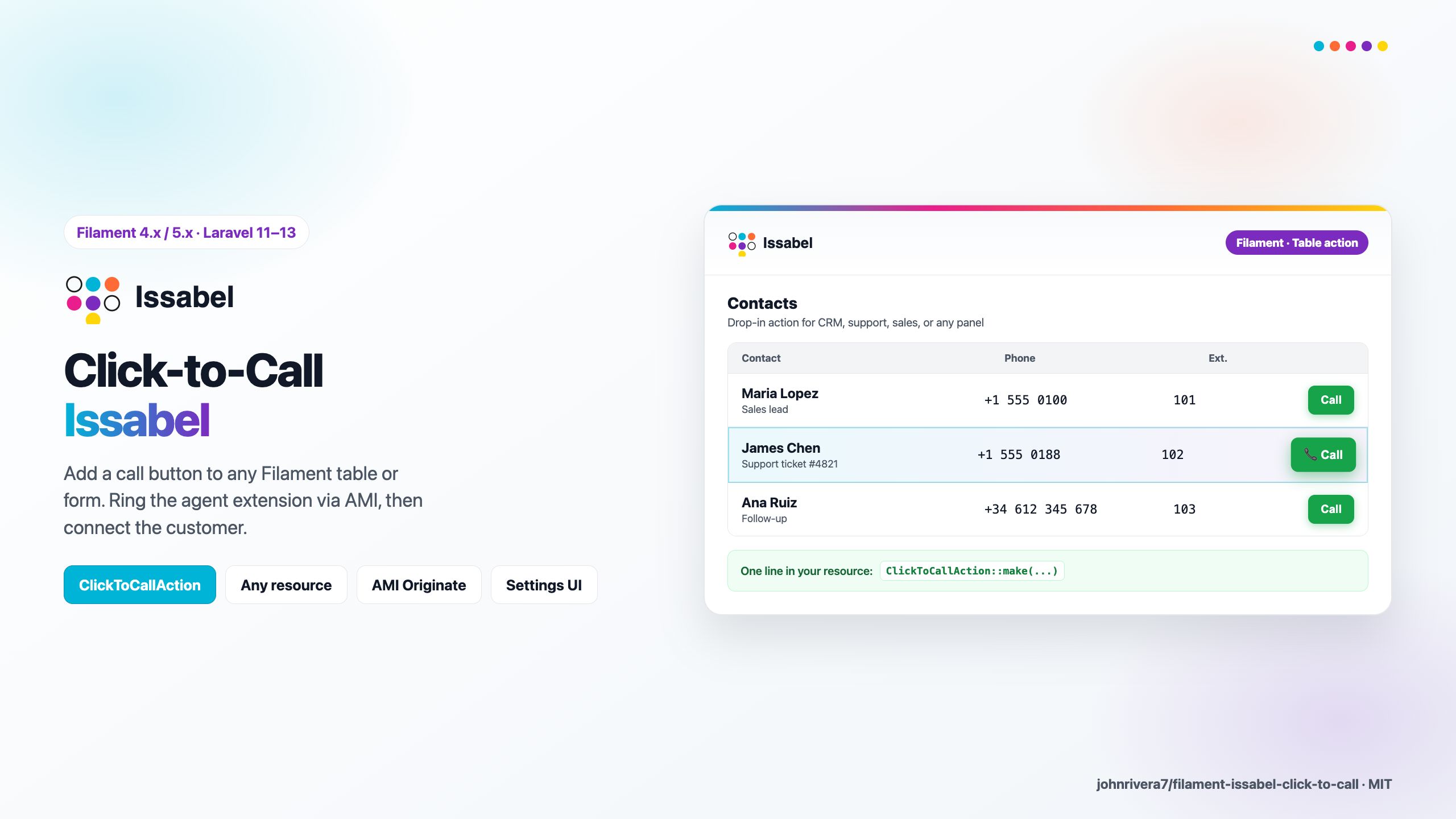




Filament plugin for Issabel PBX click-to-call via Asterisk AMI: ring the agent extension first, then dial the customer number from tables or forms.
Open source (MIT). Works with Issabel and other Asterisk/FreePBX deployments that expose AMI on port 5038.
#Requirements
| Stack | Versions |
|---|---|
| PHP | 8.2+ |
| Laravel | 11.28+ / 12+ / 13+ |
| Filament | 4.x or 5.x |
| Issabel | AMI enabled; agent softphone registered on extension |
#How click-to-call works
- User clicks Llamar / Call in Filament.
- Laravel connects to Issabel AMI (TCP 5038).
- Sends
Originate: channelPJSIP/{anexo}→ when answered, dials destination infrom-internal. - Agent answers on their softphone/IP phone; Issabel connects the customer.
Filament does not carry audio — the PBX does.
#Agent phone display (required Issabel dialplan)
Issabel/FreePBX stores a CNAM per extension (e.g. Mariela Lopez on 2150). If you originate directly to SIP/2150, the agent phone shows the extension identity, not the customer number — AMI CallerID variables alone cannot override this on stock Issabel.
We added strategy custom_agent: originate to Local/{anexo}@filament-click-to-call, set display from CTC_DEST in dialplan, then dial outbound via from-internal/{destino}.
#Why we need [filament-click-to-call] on the PBX
| Approach | Agent display | Outbound dial |
|---|---|---|
Direct SIP/anexo + AMI CallerID |
Extension CNAM (wrong) | May work |
Force CALLERID(num) = cell in AMI |
Cell on display | Often bad-number / wrong route |
custom_agent + custom context |
Cell on display | Normal outbound route |
#One-time setup on Issabel
Add to /etc/asterisk/extensions_custom.conf:
[filament-click-to-call]
exten => _X.,1,NoOp(Filament click-to-call anexo ${EXTEN} destino ${CTC_DEST})
 same => n,Set(CALLERID(name)=${IF($["${CTC_NAME}"=""]?${CTC_DEST}:${CTC_NAME})})
 same => n,Set(CALLERID(num)=${IF($["${CTC_NUM}"=""]?${CTC_DEST}:${CTC_NUM})})
 same => n,Set(CALLERID(name-pres)=allowed_not_screened)
 same => n,Set(CALLERID(num-pres)=allowed_not_screened)
 same => n,Dial(SIP/${EXTEN},30,m)
 same => n,Hangup()
Use PJSIP instead of SIP in Dial() if your extensions are PJSIP. Then:
asterisk -rx "dialplan reload"
Publish the snippet from Laravel:
php artisan vendor:publish --tag=filament-issabel-click-to-call-dialplan
Full Spanish guide: docs/ISSABEL_VISOR_DESTINO.md
#.env for correct display
ISSABEL_PBX_ORIGINATE_STRATEGY=custom_agent
ISSABEL_PBX_AGENT_DIAL_CONTEXT=filament-click-to-call
ISSABEL_PBX_CALLER_ID_DISPLAY=destination
Fallback without PBX dialplan (display stays extension CNAM):
ISSABEL_PBX_ORIGINATE_STRATEGY=application_dial
#Where to create AMI credentials (Issabel)
#Option A — Issabel web UI
- Log in to Issabel as admin.
- Open Settings → Advanced Settings → Asterisk Manager Users (wording may vary by Issabel version).
- Add user e.g.
kitinicio_originatewith a strong secret. - Restrict permit to the private IP of your Laravel server only (not
0.0.0.0/0). - Grant at least write = originate (and minimal read permissions).
- Apply config / reload Asterisk.
#Option B — /etc/asterisk/manager.conf
[kitinicio_originate]
secret = YOUR_STRONG_SECRET
deny=0.0.0.0/0.0.0.0
permit=172.16.10.20/255.255.255.255
read = system,call,log,verbose,command,agent,user,config,dtmf,reporting,cdr,dialplan
write = originate
Then: asterisk -rx "manager reload" (or restart Asterisk from Issabel).
#.env in Laravel
ISSABEL_CLICK_TO_CALL_ENABLED=true
ISSABEL_PBX_HOST=172.16.10.50
ISSABEL_PBX_AMI_PORT=5038
ISSABEL_PBX_AMI_USER=kitinicio_originate
ISSABEL_PBX_AMI_SECRET=YOUR_STRONG_SECRET
ISSABEL_PBX_CHANNEL_DRIVER=PJSIP
ISSABEL_PBX_DIAL_CONTEXT=from-internal
ISSABEL_PBX_ORIGINATE_STRATEGY=custom_agent
ISSABEL_PBX_AGENT_DIAL_CONTEXT=filament-click-to-call
ISSABEL_PBX_CALLER_ID_DISPLAY=destination
#Network / Huawei Cloud
You do not need to expose port 5038 to the public internet.
| Scenario | Recommendation |
|---|---|
| Laravel + Issabel same VPC / LAN | Security group: inbound TCP 5038 only from Laravel VM private IP → Issabel private IP |
| Laravel outside, Issabel inside | VPN or private peering; avoid public AMI |
| Public AMI | Not recommended — AMI has full call control |
Issabel AMI listens on 5038/TCP by default. Open it only between app server and PBX.
#Does Issabel have an API?
Yes, partially:
| API | Use for click-to-call? |
|---|---|
Issabel REST /pbxapi/ |
Admin (extensions, ring groups). No CDR/originate in core API. |
| Community PBXAPI v2 | Optional HTTP CDR + originate if installed on Issabel |
| AMI (this plugin) | Recommended for originate — native Asterisk, no extra modules |
This plugin uses AMI because it is stable, works on stock Issabel, and matches legacy cobranza integrations.
#Installation
composer require johnrivera7/filament-issabel-click-to-call:^1.0
php artisan vendor:publish --tag=filament-issabel-click-to-call-config
Register in your PanelProvider:
use JohnRivera7\FilamentIssabelClickToCall\FilamentIssabelClickToCallPlugin;

->plugin(
    FilamentIssabelClickToCallPlugin::make()
        ->navigationGroup('Telefonía')
)
#Filament action (table / form)
use JohnRivera7\FilamentIssabelClickToCall\Actions\ClickToCallAction;

ClickToCallAction::make(
    phoneResolver: fn (array $record) => $record['celular'],
    extensionResolver: fn () => auth()->user()->cobranzaEjecutivo?->anexo_pbx,
)
Wire extension per user from your ejecutivo mantenedor (anexo_pbx column in your app).
#Multi-tenant credentials
use JohnRivera7\FilamentIssabelClickToCall\Support\IssabelAmiCredentials;

FilamentIssabelClickToCallPlugin::make()
    ->credentialsUsing(fn (): IssabelAmiCredentials => IssabelAmiCredentials::fromArray(/* DB */))
    ->persistCredentialsUsing(function (IssabelAmiCredentials $c): void {
        /* save to DB */
    })
#Programmatic
use JohnRivera7\FilamentIssabelClickToCall\FilamentIssabelClickToCallPlugin;

FilamentIssabelClickToCallPlugin::get()->clickToCall()->call(
    extension: '2151',
    phone: '957592274',
);
#Agent requirements
Each cobranza agent needs:
- Issabel extension (anexo) assigned in your mantenedor
- Softphone (Zoiper, MicroSIP, etc.) or IP phone registered to Issabel
Without a registered endpoint, Originate will fail or ring nowhere.
#License
MIT © John Rivera. Issabel® is a trademark of its respective owners; this plugin is not affiliated with Issabel LLC.
#Links
The author
I am a full-stack developer focused on building reliable web platforms for education, enterprise, and business operations. I work mainly with Laravel and Filament, creating admin panels, reusable packages, and integrations that solve real production needs.
I also have a background in cybersecurity as an ethical hacker, which shapes how I design and review software: secure authentication flows, proper access control, hardening production environments, and thinking about real-world attack surfaces before they become problems.
I contribute to the Filament ecosystem by developing open-source panel plugins, with a strong focus on authentication, enterprise SSO, and tools that help teams manage complex workflows from a clean admin interface. I follow official Filament standards and aim to publish practical, well-documented packages that developers can adopt with confidence.
Beyond Filament, I develop Moodle plugins and customizations for e-learning platforms, including integrations, Microsoft Teams modules, learning activities, custom course formats, and automated cloud backup solutions. I also build Laravel applications for insurance, commercial, corporate, and agricultural management systems.
My infrastructure work includes high-availability setups with PostgreSQL clusters, GlusterFS, Nginx, and Consul, as well as Odoo ERP and POS implementations. I enjoy working across the full stack—from backend architecture and DevOps automation to polished admin interfaces and end-user workflows.
I publish open-source packages on Packagist and GitHub, and I plan to keep expanding my contributions to Filament with new panel plugins over time.
From the same author
Flow
Integrate Flow (Chile) payments into Filament with a credentials UI, HMAC signing helpers, and checkout redirects.
Author:
John Michael Rivera Gonzalez
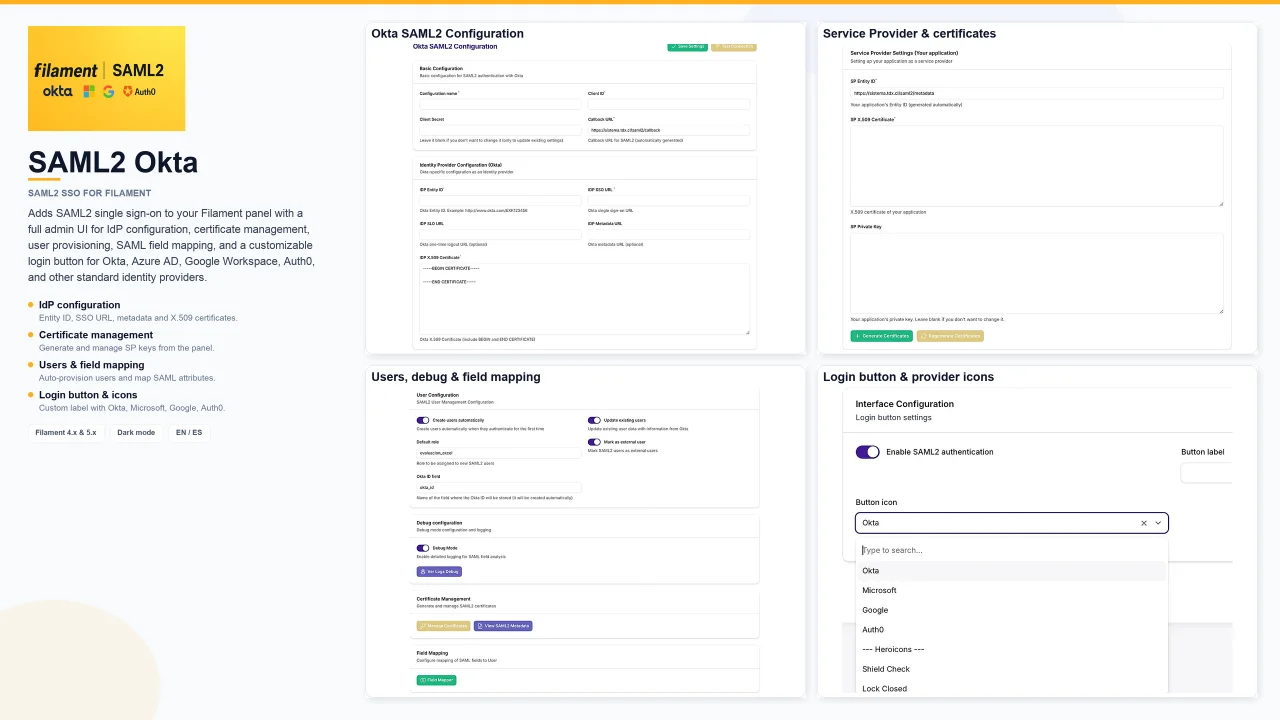
SAML2 Okta
Adds SAML2 single sign-on to your Filament panel with a full admin UI for IdP configuration, certificate management, user provisioning, SAML field mapping, and a customizable login button for Okta, Azure AD, Google Workspace, Auth0, and other standard identity providers.
Author:
John Michael Rivera Gonzalez

Transbank Webpay
Integrate Transbank Webpay Plus payments into Filament with a credentials UI, official SDK helpers, and POST token_ws redirects.
Author:
John Michael Rivera Gonzalez
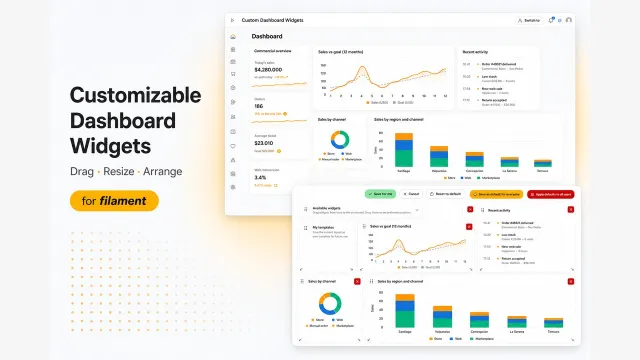
Customizable Dashboard Widgets
Let users customize Filament dashboards: drag, resize, and arrange widgets on a permission-aware collage grid.
Author:
John Michael Rivera Gonzalez
Featured Plugins
A selection of plugins curated by the Filament team

Blueprint
Filament Blueprint is a premium Laravel Boost extension that helps AI agents produce accurate, detailed implementation plans and security reports for Filament apps.
 Filament
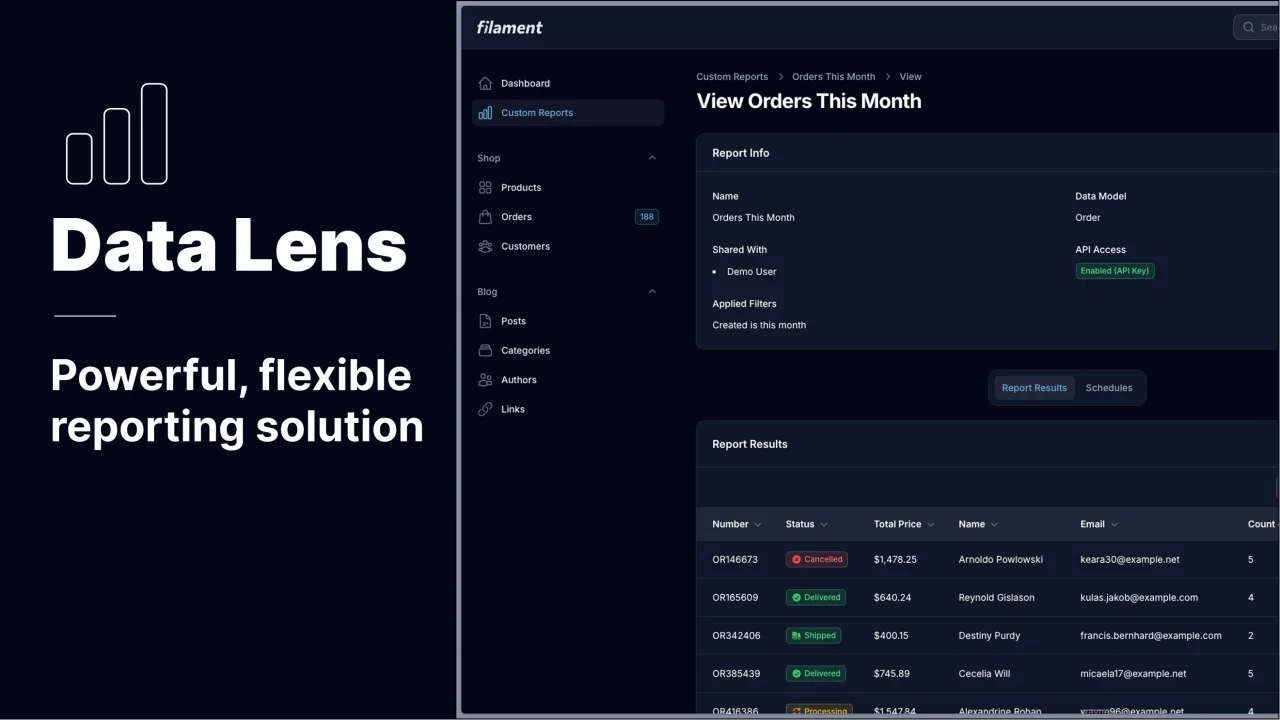
Data Lens
Advanced Data Visualization for Laravel Filament - a premium reporting solution enabling custom column creation, sophisticated filtering, and enterprise-grade data insights within admin panels.
 Padmission

Spotlight Pro
Browse your Filament Panel with ease. Filament Spotlight Pro adds a Spotlight like Command Palette to your Filament Panel.
 Dennis Koch

