
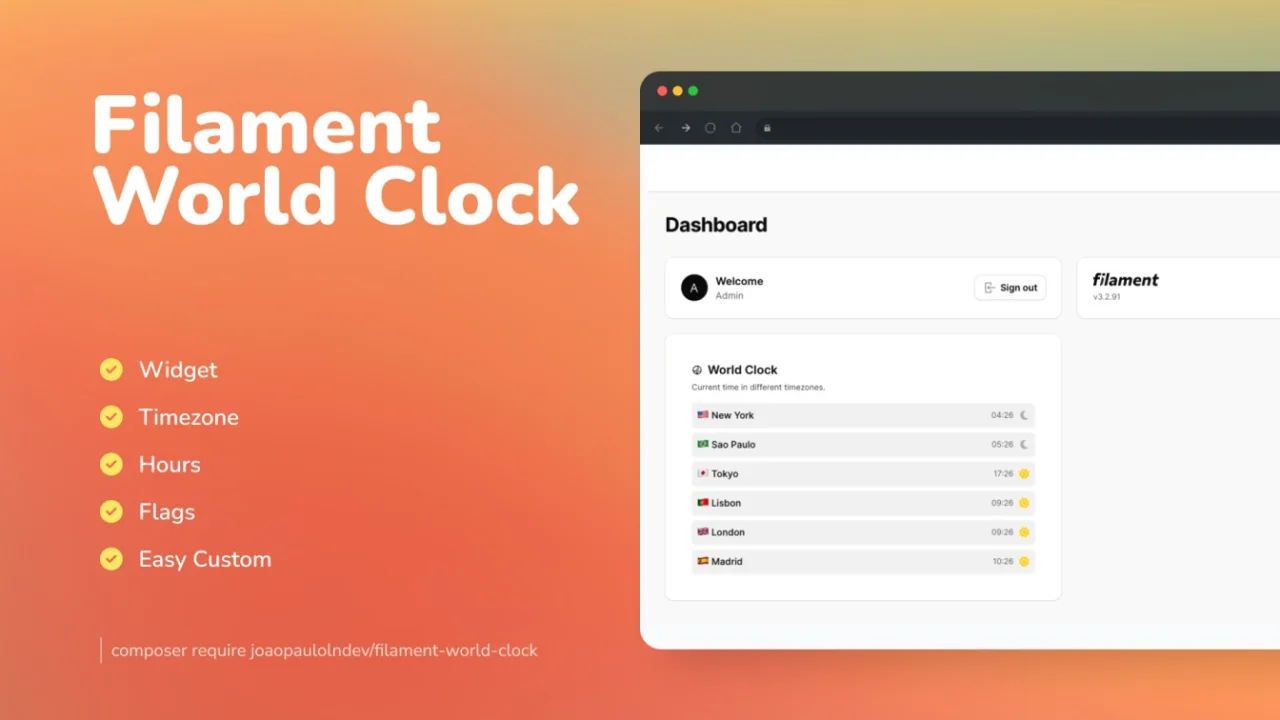
World Clock by João Paulo Leite Nascimento
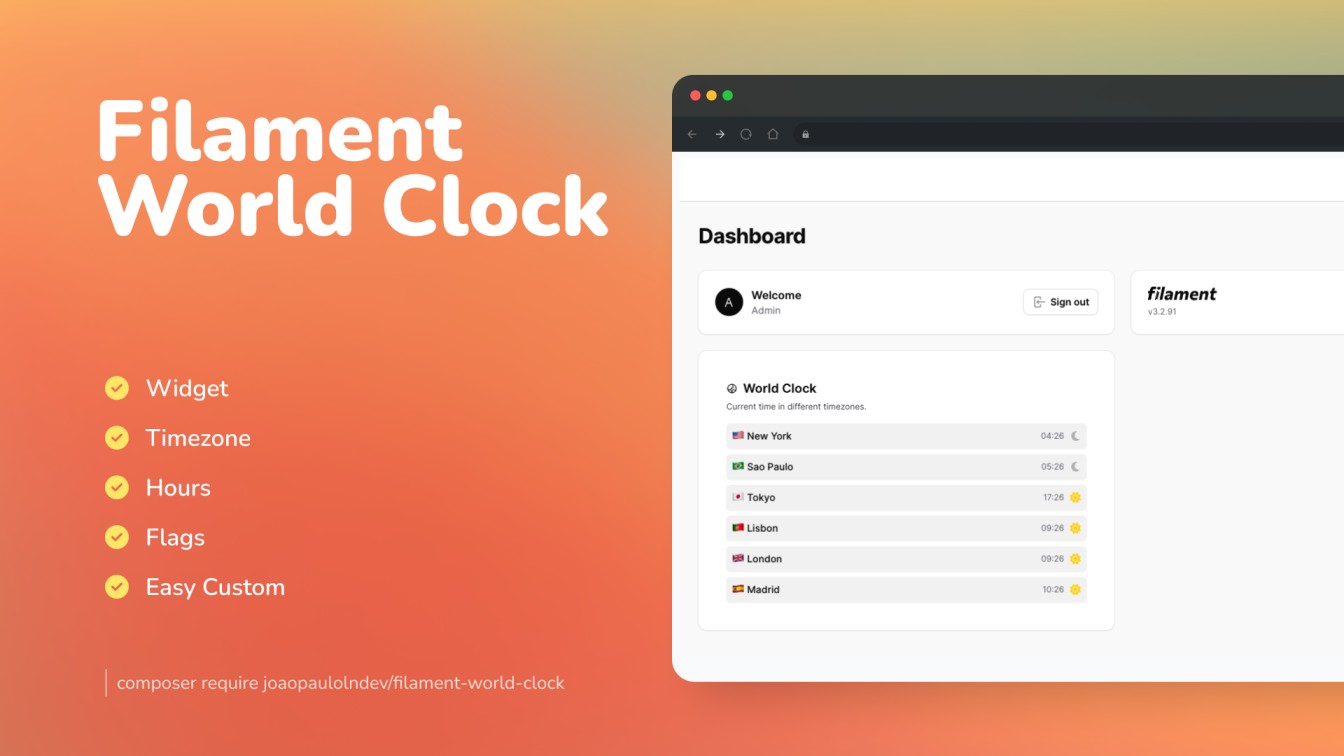
CommunityA beautiful card widget to display world clocks by timezone.
 Author:
João Paulo Leite Nascimento
Author:
João Paulo Leite Nascimento
Package health
Automated checks of this plugin's Composer package
15 checks
- Passed: GitHub Actions pinned to SHA
- Skipped: GitLab CI includes pinned to SHA
- Passed: Open security advisories
- Passed: Dependabot PR responsiveness — No open Dependabot PRs.
- Skipped: Renovate MR responsiveness
- Passed: Dependabot or Renovate configured
- Passed: Dependency update cooldown configured
- Passed: Provides a security policy
- Passed: Abandoned or archived — No consulted source marks the package abandoned (packagist, github).
- Passed: Commit and release recency — Active: last commit 1 days ago; last release 194 days ago.
-
Passed:
composer.lock not committed by library
—
composer.lockis absent from the released dist archive. - Passed: Dist archive is lean
-
Passed:
Current Laravel version supported
—
Package dependencies resolve together with current Laravel
13.0. -
Passed:
Current PHP version supported
—
Constraint
^8.2supports current PHP8.5. - Skipped: Current Symfony version supported
filament/
namespace. Review the source and install at your own risk. Found
malware or an unresolved security issue the author won't
address?
Report it
.
Documentation




The Filament World Clock plugin designed to showcase global timezones in a card format is a user-friendly tool that allows users to effortlessly display current times across various regions worldwide.
#Compatibility
| Package Version | Filament Version |
|---|---|
| 1.x | 3.x |
| 2.x | 4.x |
| 3.x | 5.x |
#Installation
You can install the package via composer:
composer require joaopaulolndev/filament-world-clock
Note
to publish the assets is necessary to run the command below:
php artisan vendor:publish --tag=filament-world-clock-assets --force
Optionally, you can publish the views using
php artisan vendor:publish --tag="filament-world-clock-views"
Optionally, you can publish the translations using
php artisan vendor:publish --tag="filament-world-clock-translations"
You can publish the flags
Note
to publish the flags is necessary to run the command below:
php artisan vendor:publish --tag=blade-flags --force
#Usage
Add in AdminPanelProvider.php
use Joaopaulolndev\FilamentWorldClock\FilamentWorldClockPlugin;

->plugins([
    FilamentWorldClockPlugin::make()
        ->timezones([
            'America/New_York',
            'America/Sao_Paulo',
            'Asia/Tokyo',
        ])
])
Optionally, you can add more configs as example below:
use Joaopaulolndev\FilamentWorldClock\FilamentWorldClockPlugin;

FilamentWorldClockPlugin::make()
    ->timezones([
        'America/New_York',
        'America/Sao_Paulo',
        'Asia/Tokyo',
    ])
    ->setTimeFormat('H:i') //Optional time format default is: 'H:i'
    ->shouldShowTitle(false) //Optional show title default is: true
    ->setTitle('Hours') //Optional title default is: 'World Clock'
    ->setDescription('Different description') //Optional description default is: 'Show hours around the world by timezone'
    ->setQuantityPerRow(1) //Optional quantity per row default is: 1
    ->setColumnSpan('full') //Optional column span default is: '1/2'
    ->setSort(10)
#Custom Flags
Flags are automatically resolved for all valid PHP timezones using DateTimeZone::getLocation(). If you need to override a specific timezone flag, you can use the customFlags() method:
FilamentWorldClockPlugin::make()
    ->timezones([
        'America/New_York',
        'America/Denver',
        'Pacific/Guam',
    ])
    ->customFlags([
        'America/Denver' => '/path/to/custom-flag.svg',
        'Pacific/Guam' => asset('images/guam-flag.svg'),
    ])
Note
Custom flags take the highest priority. For timezones without a country code (e.g. Etc/UTC), a placeholder flag is used as fallback.
#Testing
composer test
#Changelog
Please see CHANGELOG for more information on what has changed recently.
#Contributing
Please see CONTRIBUTING for details.
#Security Vulnerabilities
Please review our security policy on how to report security vulnerabilities.
#Credits
#License
The MIT License (MIT). Please see License File for more information.
The author
João Paulo is a self-taught full-stack developer who loves PHP, Laravel and Filament. He is a Brazilian developer that loves to contribute to open-source projects.
From the same author
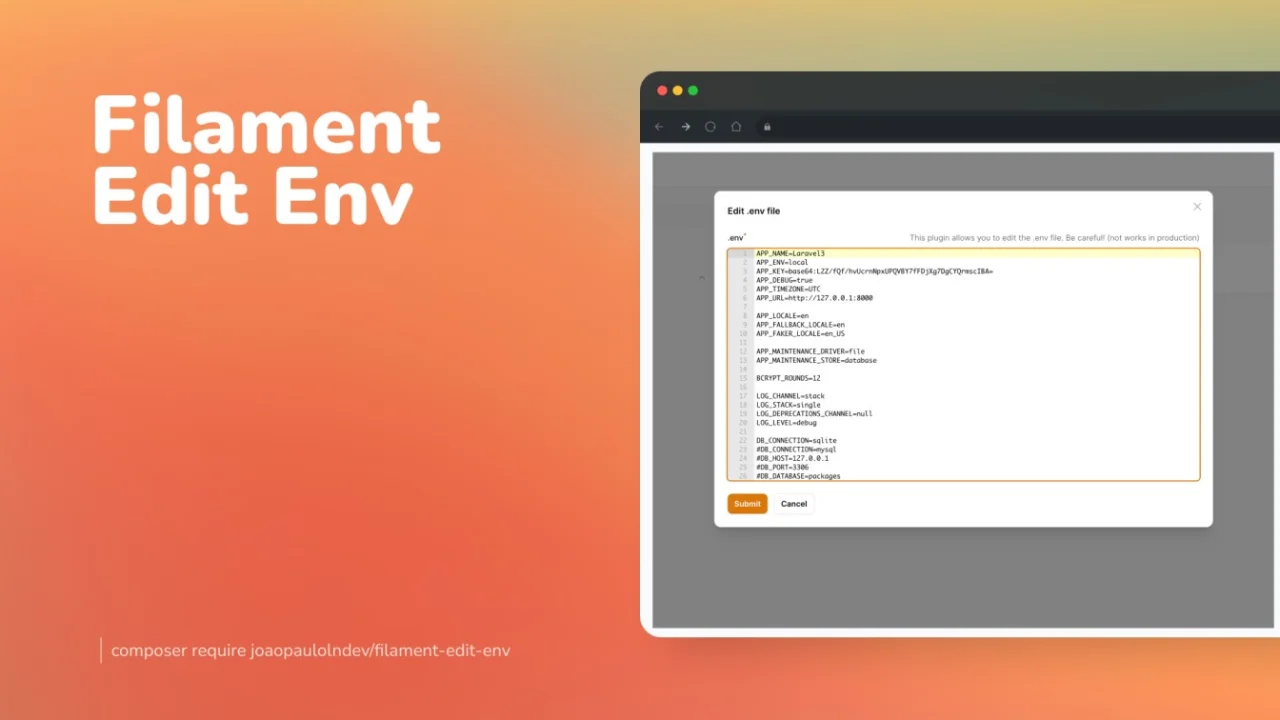
Edit Env
Edit your environment file directly from the Filament panel.
Author:
João Paulo Leite Nascimento
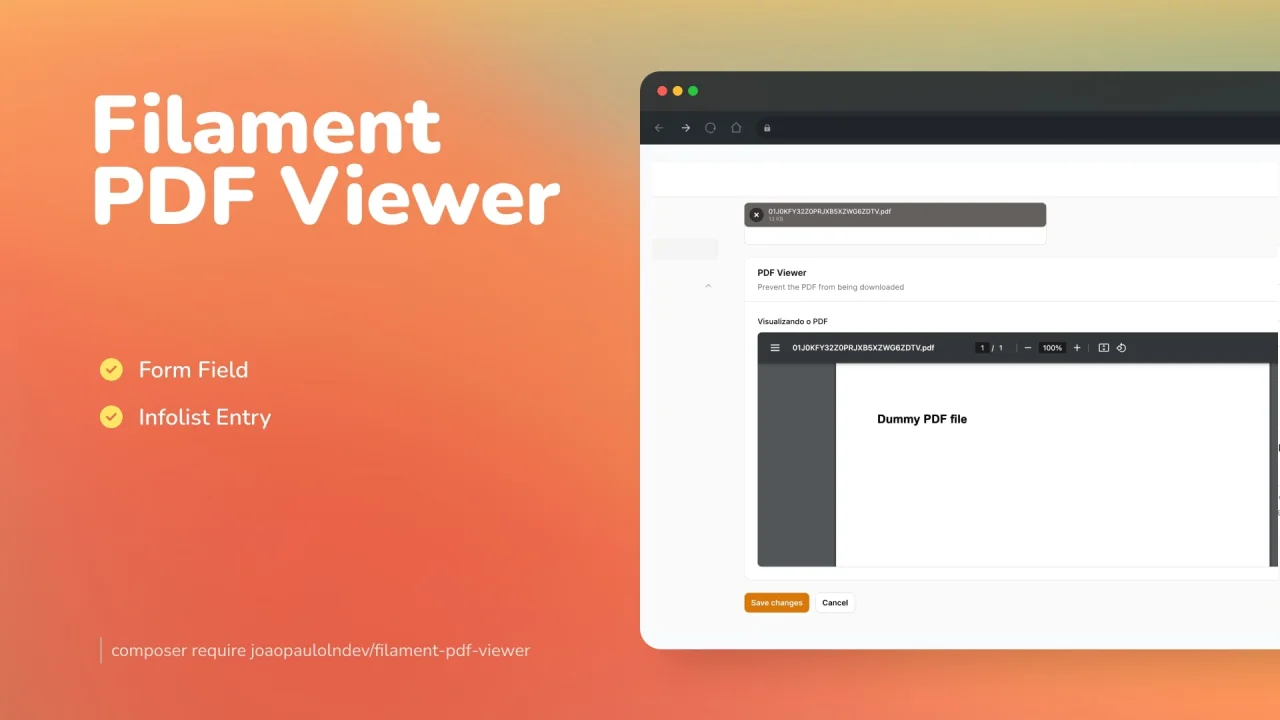
PDF Viewer
Preview PDF documents either saved in the database or in the form of your resource.
Author:
João Paulo Leite Nascimento
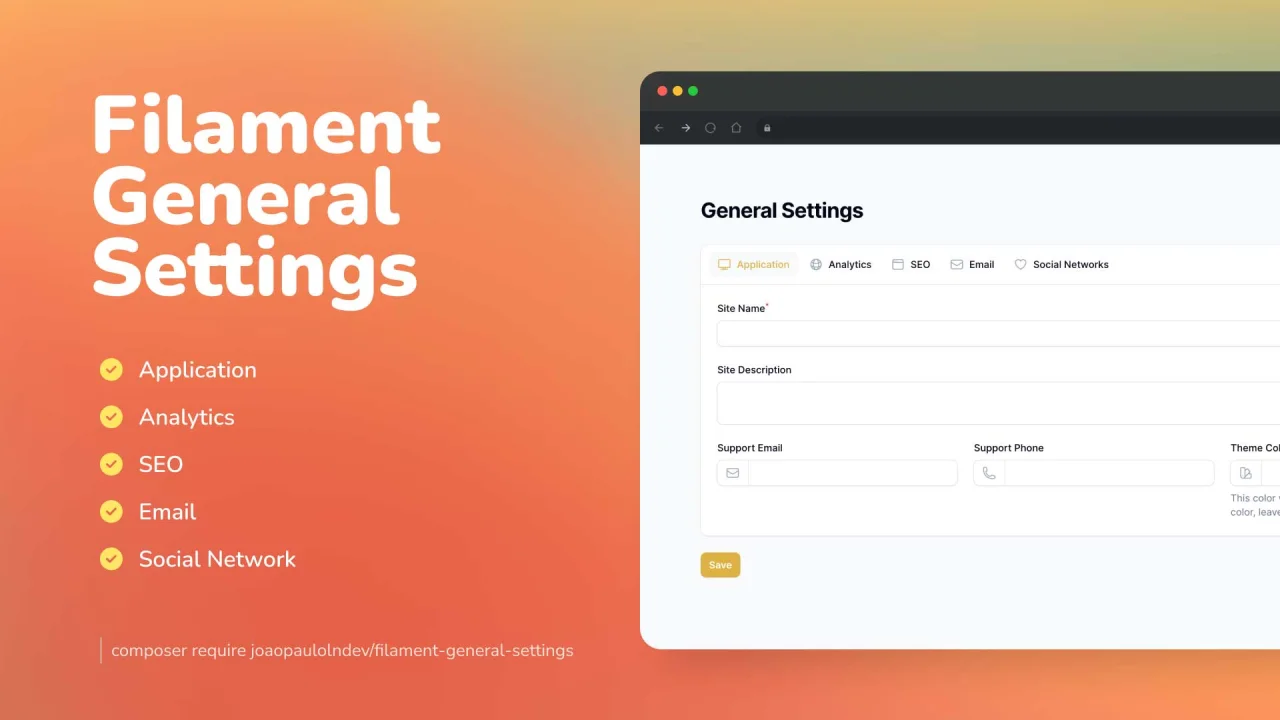
General Settings
Create really fast and easily general settings for your app.
Author:
João Paulo Leite Nascimento
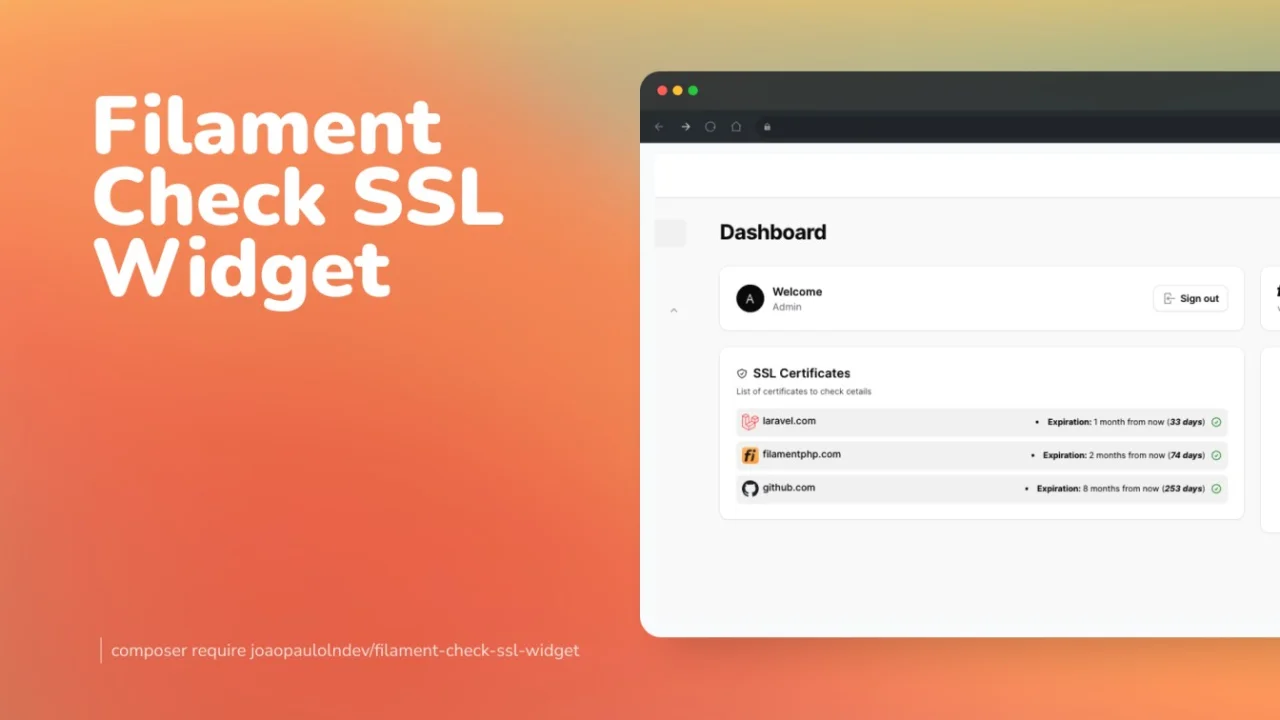
Check SSL Widget
A widget to get details about ssl certificate.
Author:
João Paulo Leite Nascimento
Featured Plugins
A selection of plugins curated by the Filament team

Custom Dashboards
Let your users build and share their own dashboards with a drag-and-drop interface. Define your data sources in PHP and let them do the rest.
 Filament

Custom Fields
Eliminate custom field migrations forever. Let your users create and manage form fields directly in Filament admin panels with 20+ built-in field types, validation, and zero database changes.
 Relaticle

Blueprint
Filament Blueprint is a premium Laravel Boost extension that helps AI agents produce accurate, detailed implementation plans and security reports for Filament apps.
Filament

