
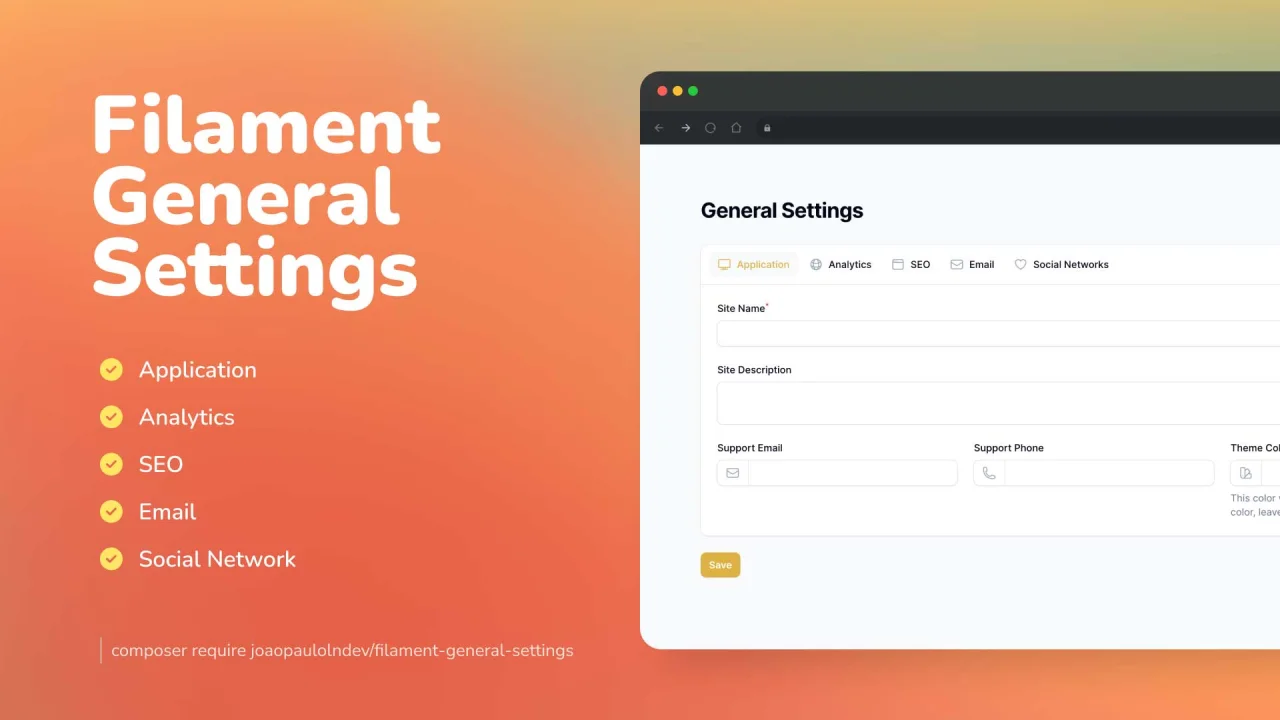
General Settings by João Paulo Leite Nascimento
CommunityCreate really fast and easily general settings for your app.
 Author:
João Paulo Leite Nascimento
Author:
João Paulo Leite Nascimento
Package health
Automated checks of this plugin's Composer package
15 checks
- Passed: GitHub Actions pinned to SHA
- Skipped: GitLab CI includes pinned to SHA
- Passed: Open security advisories
- Passed: Dependabot PR responsiveness — No open Dependabot PRs.
- Skipped: Renovate MR responsiveness
- Passed: Dependabot or Renovate configured
- Passed: Dependency update cooldown configured
- Passed: Provides a security policy
- Passed: Abandoned or archived — No consulted source marks the package abandoned (packagist, github).
- Passed: Commit and release recency — Active: last commit 1 days ago; last release 135 days ago.
-
Passed:
composer.lock not committed by library
—
composer.lockis absent from the released dist archive. - Passed: Dist archive is lean
-
Passed:
Current Laravel version supported
—
Package dependencies resolve together with current Laravel
13.0. -
Passed:
Current PHP version supported
—
Constraint
^8.1supports current PHP8.5. - Skipped: Current Symfony version supported
filament/
namespace. Review the source and install at your own risk. Found
malware or an unresolved security issue the author won't
address?
Report it
.
Documentation
- Features & Screenshots
- Compatibility
- Installation
- Usage
- Testing
- Changelog
- Contributing
- Security Vulnerabilities
- Credits
- License




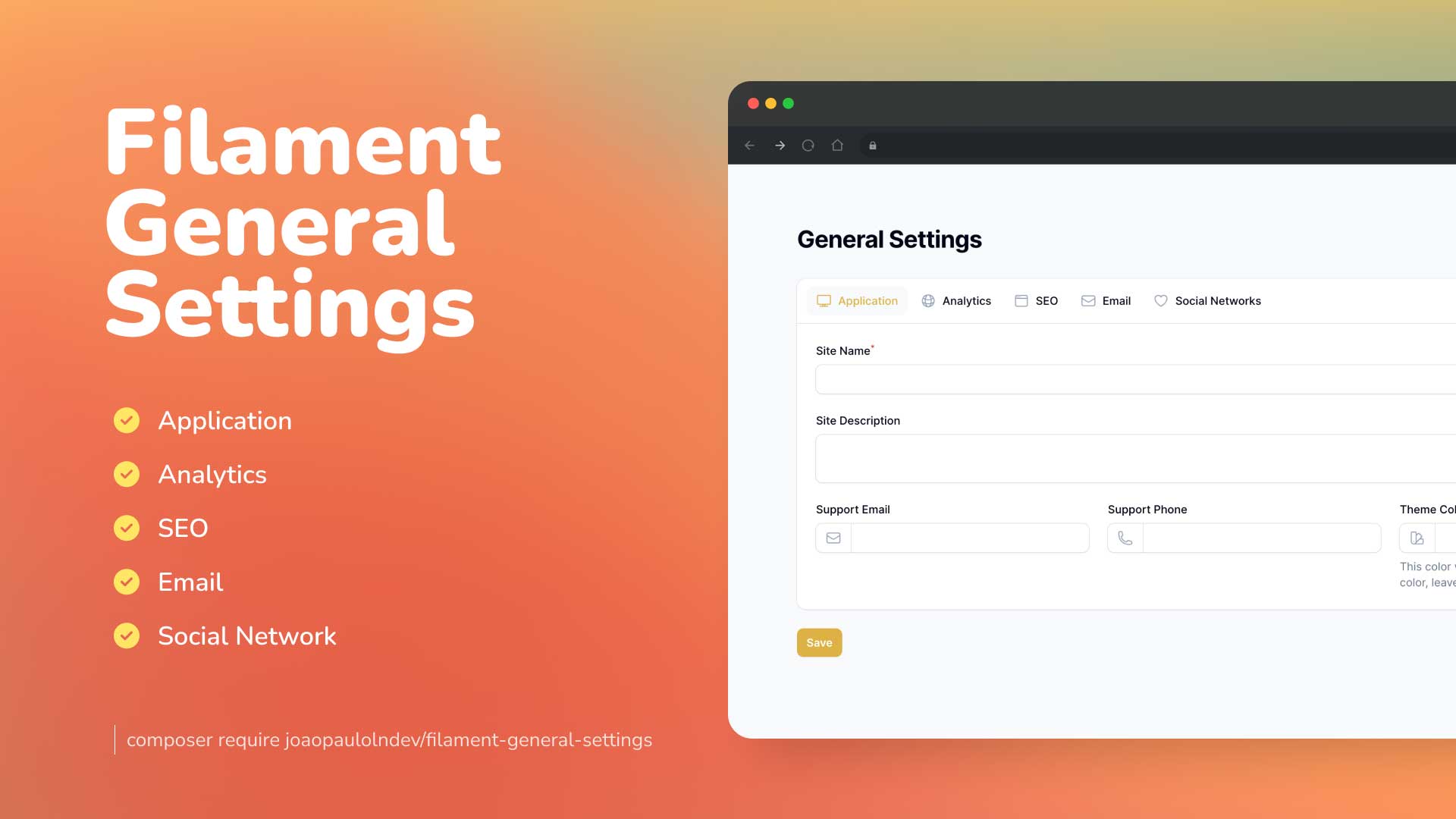
Create really fast and easily general settings for your Laravel Filament project.
#Features & Screenshots
- Application: Manage your system general settings, such as title, description, and theme color.
- Analytics: Add your Google Analytics tracking code to your system.
- SEO Meta: Manage your SEO meta tags, such as title, description, and keywords.
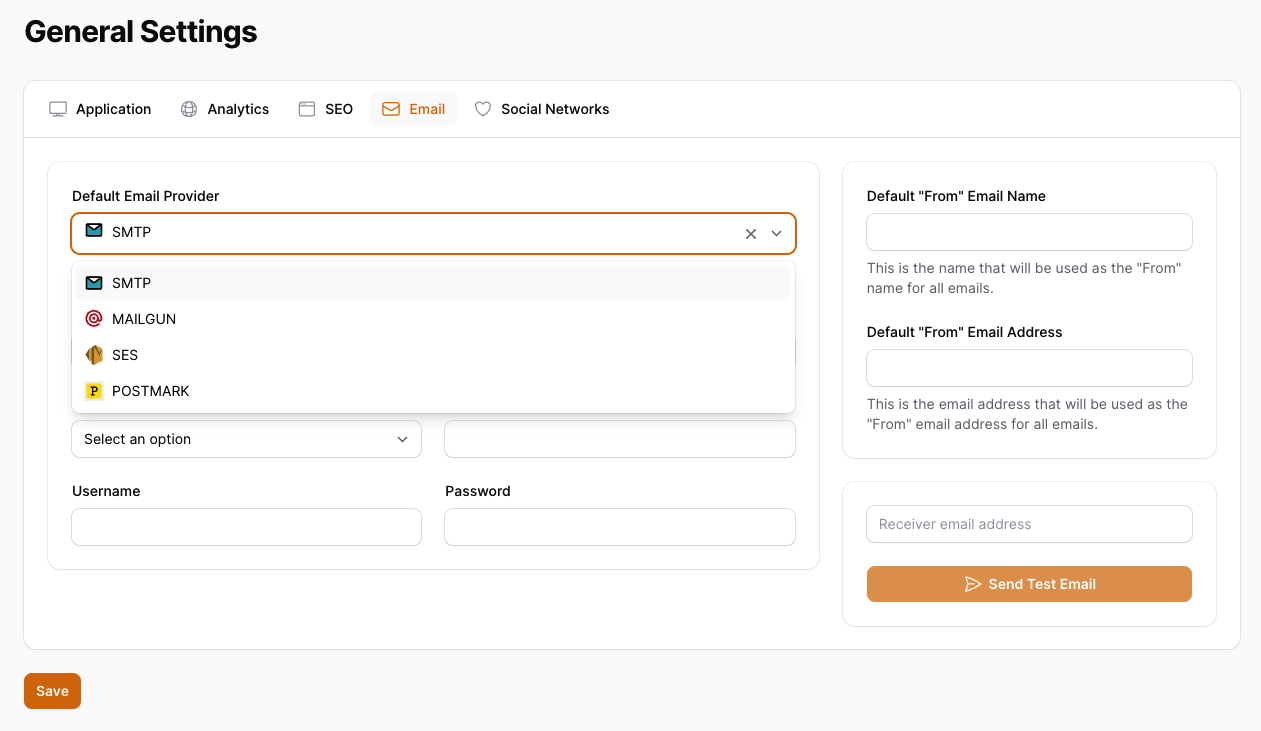
- Email: Manage your email settings, such as SMTP server, port, and credentials.
- Social Media Network: Manage your social media network links, such as Facebook, Twitter, and Instagram.
- Support: Laravel 11 and Filament 3.x
#Compatibility
| Package Version | Filament Version |
|---|---|
| 1.x | 3.x |
| 2.x | 4.x |
| 3.x | 5.x |
#Installation
You can install the package via composer:
composer require joaopaulolndev/filament-general-settings
You can publish and run the migrations with:
php artisan vendor:publish --tag="filament-general-settings-migrations"
php artisan migrate
You can publish the config file with:
php artisan vendor:publish --tag="filament-general-settings-config"
Optionally, you can publish the views using
php artisan vendor:publish --tag="filament-general-settings-views"
Optionally, you can publish the translations using
php artisan vendor:publish --tag="filament-general-settings-translations"
Optionally, you can publish the assets using. Ex: to show images in default email providers.
php artisan vendor:publish --tag="filament-general-settings-assets"
This is the contents of the published config file:
return [
    'show_application_tab' => true,
    'show_analytics_tab' => true,
    'show_seo_tab' => true,
    'show_email_tab' => true,
    'show_social_networks_tab' => true,
    'expiration_cache_config_time' => 60,
];
Optionally, if you would like to add custom tabs and custom fields follow the example on configuration using the keys show_custom_tabs and custom_tabs.
use Joaopaulolndev\FilamentGeneralSettings\Enums\TypeFieldEnum;

return [
    'show_application_tab' => true,
    'show_analytics_tab' => true,
    'show_seo_tab' => true,
    'show_email_tab' => true,
    'show_social_networks_tab' => true,
    'expiration_cache_config_time' => 60,
    'show_custom_tabs'=> true,
    'custom_tabs' => [
        'more_configs' => [
            'label' => 'More Configs',
            'icon' => 'heroicon-o-plus-circle',
            'columns' => 1,
            'fields' => [
                'custom_field_1' => [
                    'type' => TypeFieldEnum::Text->value,
                    'label' => 'Custom Textfield 1',
                    'placeholder' => 'Custom Field 1',
                    'required' => true,
                    'rules' => 'required|string|max:255',
                ],
                'custom_field_2' => [
                    'type' => TypeFieldEnum::Select->value,
                    'label' => 'Custom Select 2',
                    'placeholder' => 'Select',
                    'required' => true,
                    'options' => [
                        'option_1' => 'Option 1',
                        'option_2' => 'Option 2',
                        'option_3' => 'Option 3',
                    ],
                ],
                'custom_field_3' => [
                    'type' => TypeFieldEnum::Textarea->value,
                    'label' => 'Custom Textarea 3',
                    'placeholder' => 'Textarea',
                    'rows' => '3',
                    'required' => true,
                ],
                'custom_field_4' => [
                    'type' => TypeFieldEnum::Datetime->value,
                    'label' => 'Custom Datetime 4',
                    'placeholder' => 'Datetime',
                    'seconds' => false,
                ],
                'custom_field_5' => [
                    'type' => TypeFieldEnum::Boolean->value,
                    'label' => 'Custom Boolean 5',
                    'placeholder' => 'Boolean'
                ],
                'custom_field_6' => [
                    'type' => TypeFieldEnum::RichEditor->value,
                    'label' => 'Custom Rich Editor 6',
                    'toolbarButtons' => ['bold', 'italic', 'link', 'bulletList', 'orderedList'],
                ],
            ]
        ],
    ]
];
#Enabling Logo and Favicon Feature
To enable the feature for choosing a logo and favicon within the application tab, you need the following steps:
- Publish the migration file to add the
site_logoandsite_faviconfields to the general settings table (only if you have installed the package before this feature):
php artisan vendor:publish --tag="filament-general-settings-migrations"
php artisan migrate
- Publish the configuration file:
php artisan vendor:publish --tag="filament-general-settings-config"
- Open the published configuration file config/filament-general-settings.php and set the following key to true:
return [
    // Other configuration settings...
    'show_logo_and_favicon' => true,
];
#Usage
Add in AdminPanelProvider.php
use Joaopaulolndev\FilamentGeneralSettings\FilamentGeneralSettingsPlugin;

...

->plugins([
    FilamentGeneralSettingsPlugin::make()
])
if you want to show for specific parameters to sort, icon, title, navigation group, navigation label and can access, you can use the following example:
->plugins([
    FilamentGeneralSettingsPlugin::make()
        ->canAccess(fn() => auth()->user()->id === 1)
        ->setSort(3)
        ->setIcon('heroicon-o-cog')
        ->setNavigationGroup('Settings')
        ->setTitle('General Settings')
        ->setNavigationLabel('General Settings'),
    ])
#Testing
composer test
#Changelog
Please see CHANGELOG for more information on what has changed recently.
#Contributing
Please see CONTRIBUTING for details.
#Security Vulnerabilities
Please review our security policy on how to report security vulnerabilities.
#Credits
#License
The MIT License (MIT). Please see License File for more information.
The author
João Paulo is a self-taught full-stack developer who loves PHP, Laravel and Filament. He is a Brazilian developer that loves to contribute to open-source projects.
From the same author
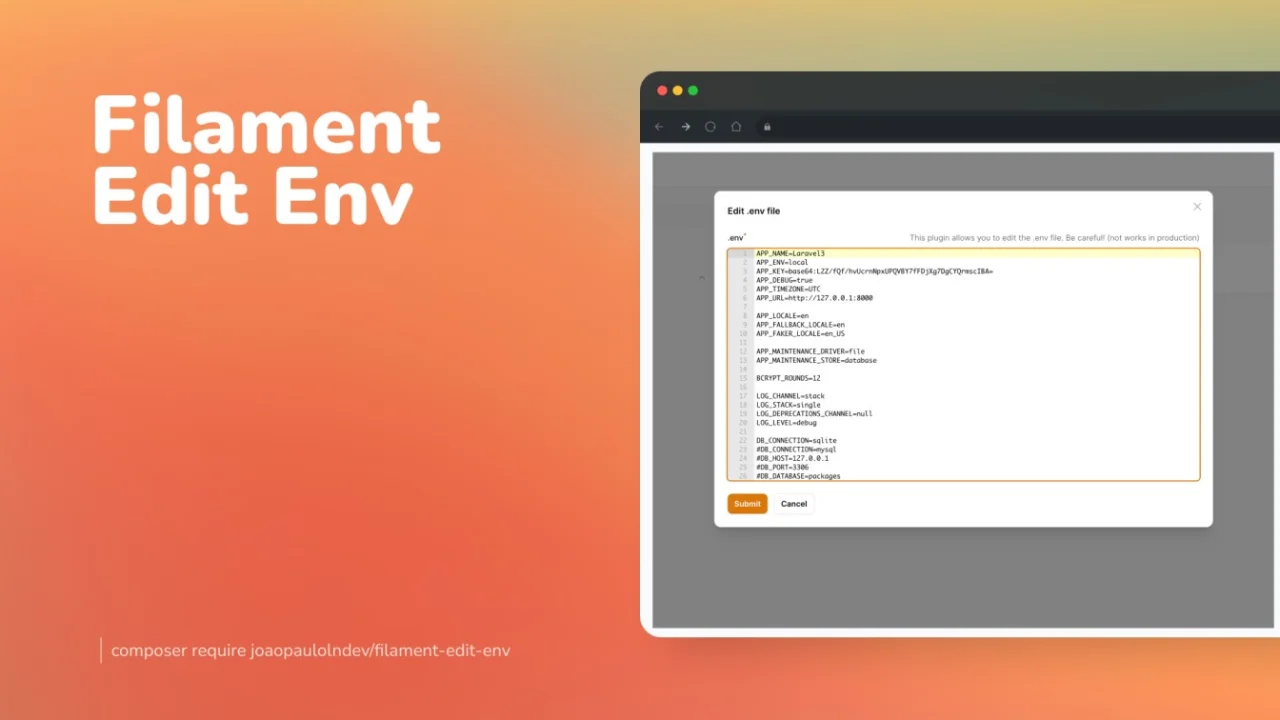
Edit Env
Edit your environment file directly from the Filament panel.
Author:
João Paulo Leite Nascimento
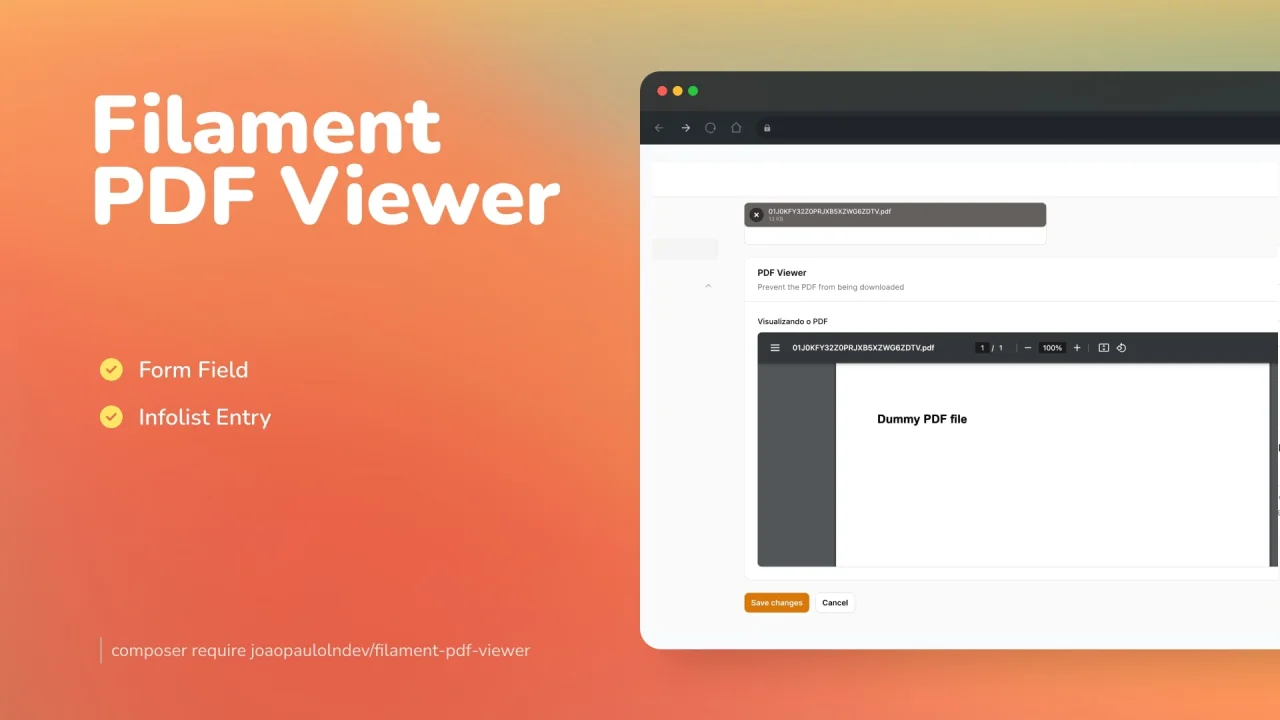
PDF Viewer
Preview PDF documents either saved in the database or in the form of your resource.
Author:
João Paulo Leite Nascimento
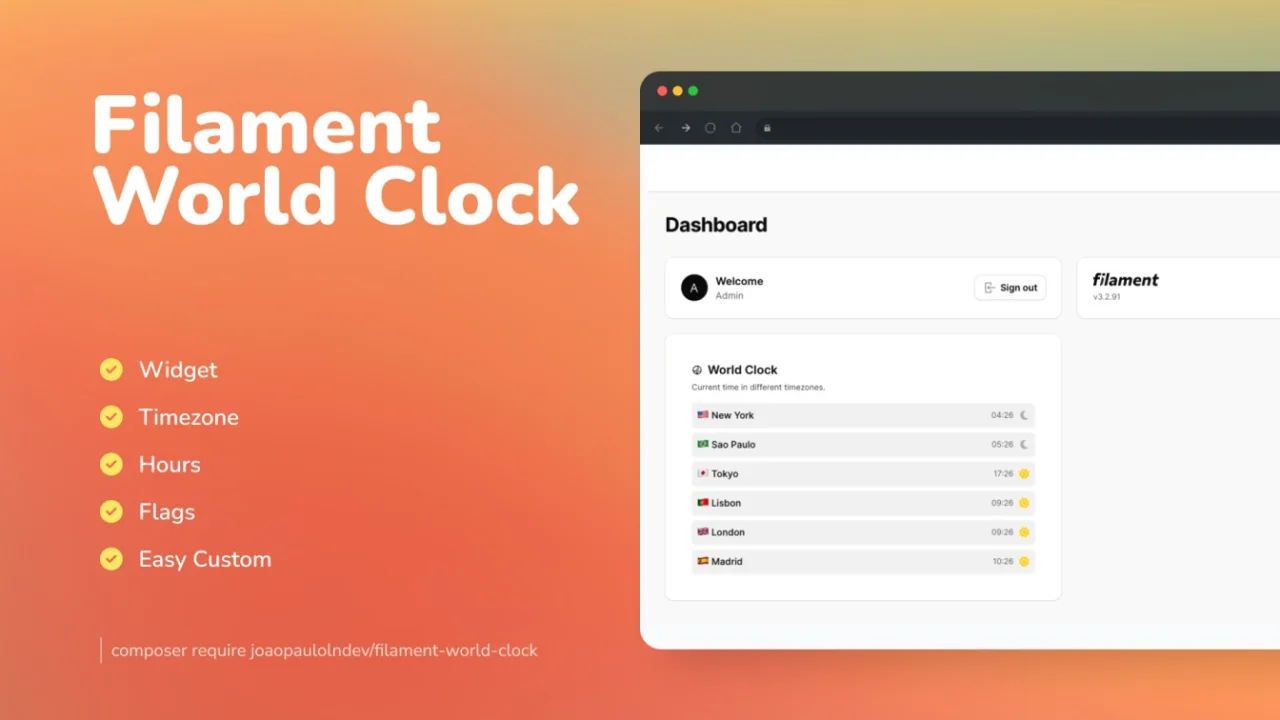
World Clock
A beautiful card widget to display world clocks by timezone.
Author:
João Paulo Leite Nascimento
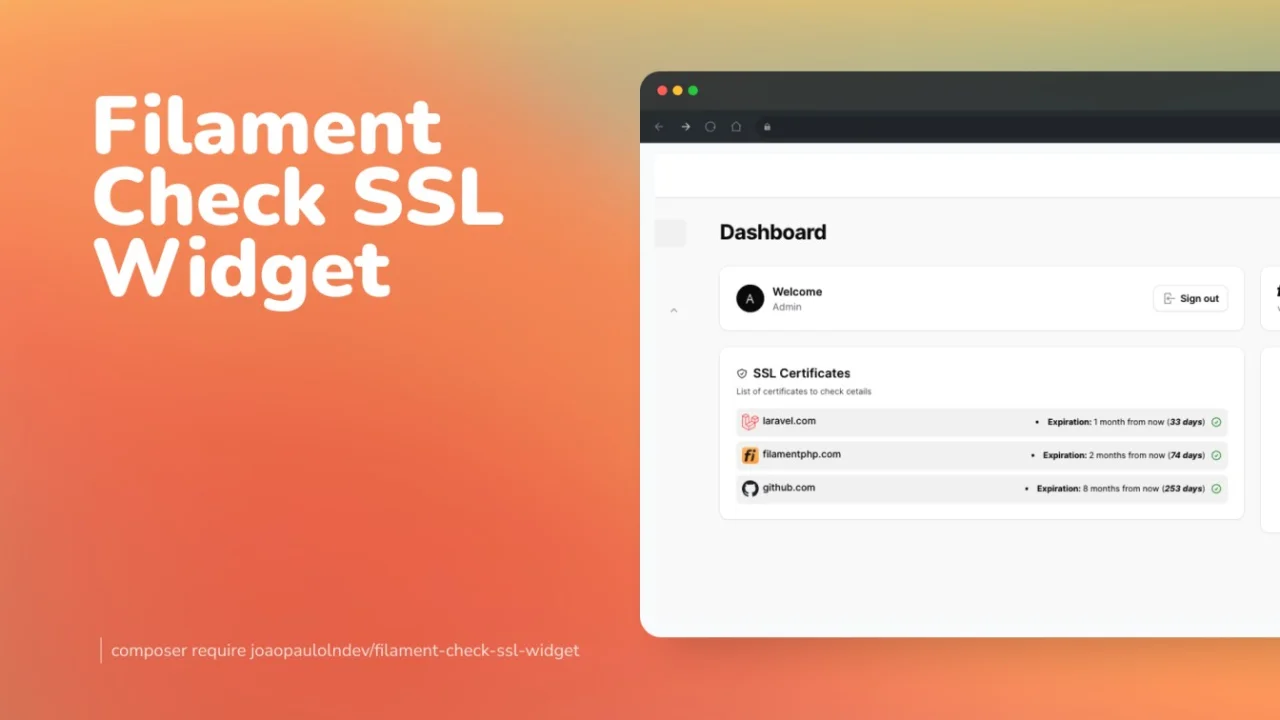
Check SSL Widget
A widget to get details about ssl certificate.
Author:
João Paulo Leite Nascimento
Featured Plugins
A selection of plugins curated by the Filament team

Sharp Theme
A theme that gives panels a precise, technical look with square corners, strong borders, and clear contrast.
 Filament

Advanced Tables (formerly Filter Sets)
Supercharge your tables with powerful features like user-customizable views, quick filters, multi-column sorting, advanced table searching, convenient view management, and more. Compatible with Resource Panel Tables, Relation Managers, Table Widgets, and Table Builder!
 Kenneth Sese

Spotlight Pro
Browse your Filament Panel with ease. Filament Spotlight Pro adds a Spotlight like Command Palette to your Filament Panel.
 Dennis Koch
