Whatsapp Widget
CommunityProvides a simple yet customizable WhatsApp widget for your website.
 Author:
Jefferson Gonçalves
Author:
Jefferson Gonçalves
Package health
BetaAutomated checks of this plugin's Composer package
15 checks
- Passed: GitHub Actions pinned to SHA
- Skipped: GitLab CI includes pinned to SHA
- Passed: Open security advisories
- Passed: Dependabot PR responsiveness — No open Dependabot PRs.
- Skipped: Renovate MR responsiveness
- Passed: Dependabot or Renovate configured
-
Failed:
Dependency update cooldown configured
—
No cooldown configured in
.github/dependabot.yml. View details on Plumb - Passed: Provides a security policy
- Passed: Abandoned or archived — No consulted source marks the package abandoned (packagist, github).
- Passed: Commit and release recency — Active: last commit 0 days ago; last release 150 days ago.
-
Passed:
composer.lock not committed by library
—
composer.lockis absent from the released dist archive. - Passed: Dist archive is lean
-
Passed:
Current Laravel version supported
—
Package dependencies resolve together with current Laravel
13.0. -
Passed:
Current PHP version supported
—
Constraint
^8.2supports current PHP8.5. - Skipped: Current Symfony version supported
filament/
namespace. Review the source and install at your own risk. Found
malware or an unresolved security issue the author won't
address?
Report it
.
Documentation
- Compatibility
- Features
- Requirements
- Installation
- Usage
- Configuration
- Customization
- Testing
- Changelog
- Contributing
- Security Vulnerabilities
- Credits
- License




This Filament package provides a simple yet customizable WhatsApp widget for your website. It allows you to easily add a clickable WhatsApp button or floating widget to connect visitors directly with your WhatsApp account. The widget is designed to be easily integrated into your Laravel application and is fully customizable to match your website's design.
#Compatibility
| Package Version | Filament Version |
|---|---|
| 1.x | 3.x |
| 2.x | 4.x |
| 3.x | 5.x |
#Features
- 🚀 Multi-agent support: Add multiple WhatsApp agents with different phone numbers and names
- 🎨 Customizable appearance: Change the widget's position, colors, and text
- 🔊 Audio notifications: Optional sound alert when the widget loads (configurable)
- 📱 Mobile-friendly: Responsive design that works on all devices
- 🌐 Localization support: Easily translate the widget to any language
- 🔄 Pre-defined messages: Set default text messages for each agent
- 🖼️ Custom agent avatars: Add profile pictures for each agent
#Requirements
- PHP 8.2 or higher
- Laravel 11.0 or higher
- Filament 4.0
#Installation
You can install the package via composer:
composer require jeffersongoncalves/filament-whatsapp-widget:^2.0
#Usage
This package is a Filament wrapper for jeffersongoncalves/laravel-whatsapp-widget.
Publish config file.
php artisan vendor:publish --tag=whatsapp-widget-config
php artisan vendor:publish --tag=filament-whatsapp-widget-config
Publish migration file.
php artisan vendor:publish --tag=whatsapp-widget-migrations
Publish assets file.
php artisan vendor:publish --tag=whatsapp-widget-assets
php artisan vendor:publish --tag=filament-phone-input-assets
Add in AdminPanelProvider.php
use JeffersonGoncalves\Filament\WhatsappWidget\WhatsappWidgetPlugin;

->plugins([
    WhatsappWidgetPlugin::make(),
])
#Manual Usage (Optional)
If you want to use the widget on non-Filament pages, add the following templates to your layout:
#Head Template
@include('whatsapp-widget::whatsapp-widget-head')
#Body Template
@include('whatsapp-widget::whatsapp-widget-body')
#Configuration
After publishing the configuration file, you can customize the widget by editing the config/whatsapp-widget.php file:
return [
    // Enable or disable audio notification
    'audio' => true,

    // Play audio notification once per day or on every page load
    'play_audio_daily' => true,

    // Filesystem disk for storing agent images
    'disk' => env('FILESYSTEM_DISK', 'local'),

    // Application URL (used for redirection)
    'url' => env('APP_URL', 'http://localhost'),

    // Application name (displayed in the widget)
    'name' => env('APP_NAME', 'Laravel App'),

    // WhatsApp API key (if needed)
    'key' => env('WHATSAPP_KEY'),

    // Widget position on the screen (left or right)
    'position' => 'right',
];
And config/filament-whatsapp-widget.php file:
use JeffersonGoncalves\WhatsappWidget\Models\WhatsappAgent;

return [
    'whatsapp_agent_resource' => [
        'cluster' => null,
        'model' => WhatsappAgent::class,
        'should_register_navigation' => true,
        'navigation_group' => true,
        'navigation_badge' => true,
        'navigation_sort' => -1,
        'navigation_icon' => 'heroicon-s-chat-bubble-left',
        'slug' => 'whatsapp/whatsapp-agent',
    ],
];
#Customization
#Translations
This package is translated into several languages:
- Arabic
- Czech
- German
- English
- Spanish
- Persian
- French
- Hebrew
- Indonesian
- Italian
- Japanese
- Dutch
- Polish
- Portuguese
- Portuguese (Brazil)
- Portuguese (Portugal)
- Slovak
- Turkish
You can customize the widget's text by editing the translation files in resources/lang/vendor/filament-whatsapp-widget/.
#Position
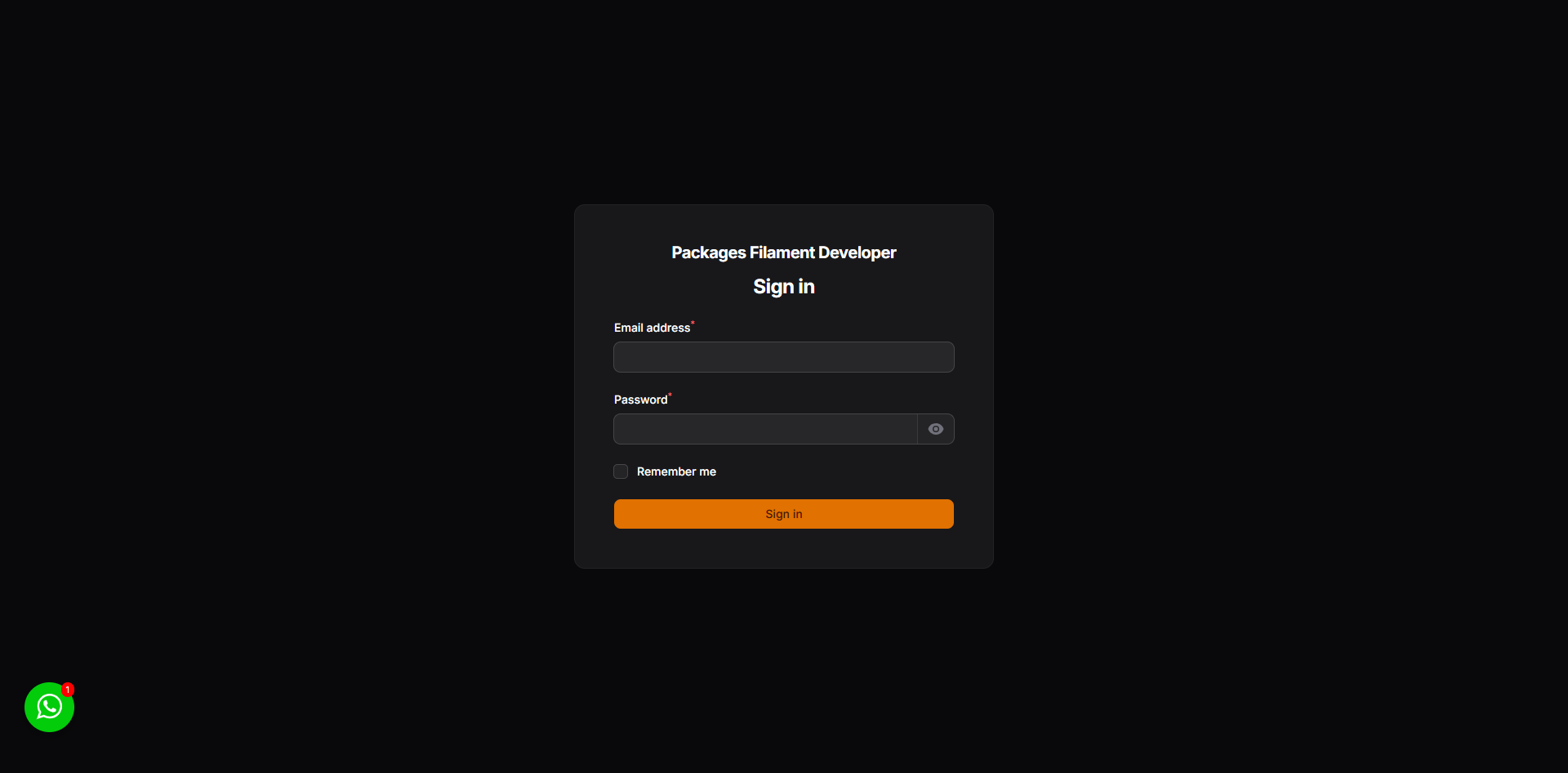
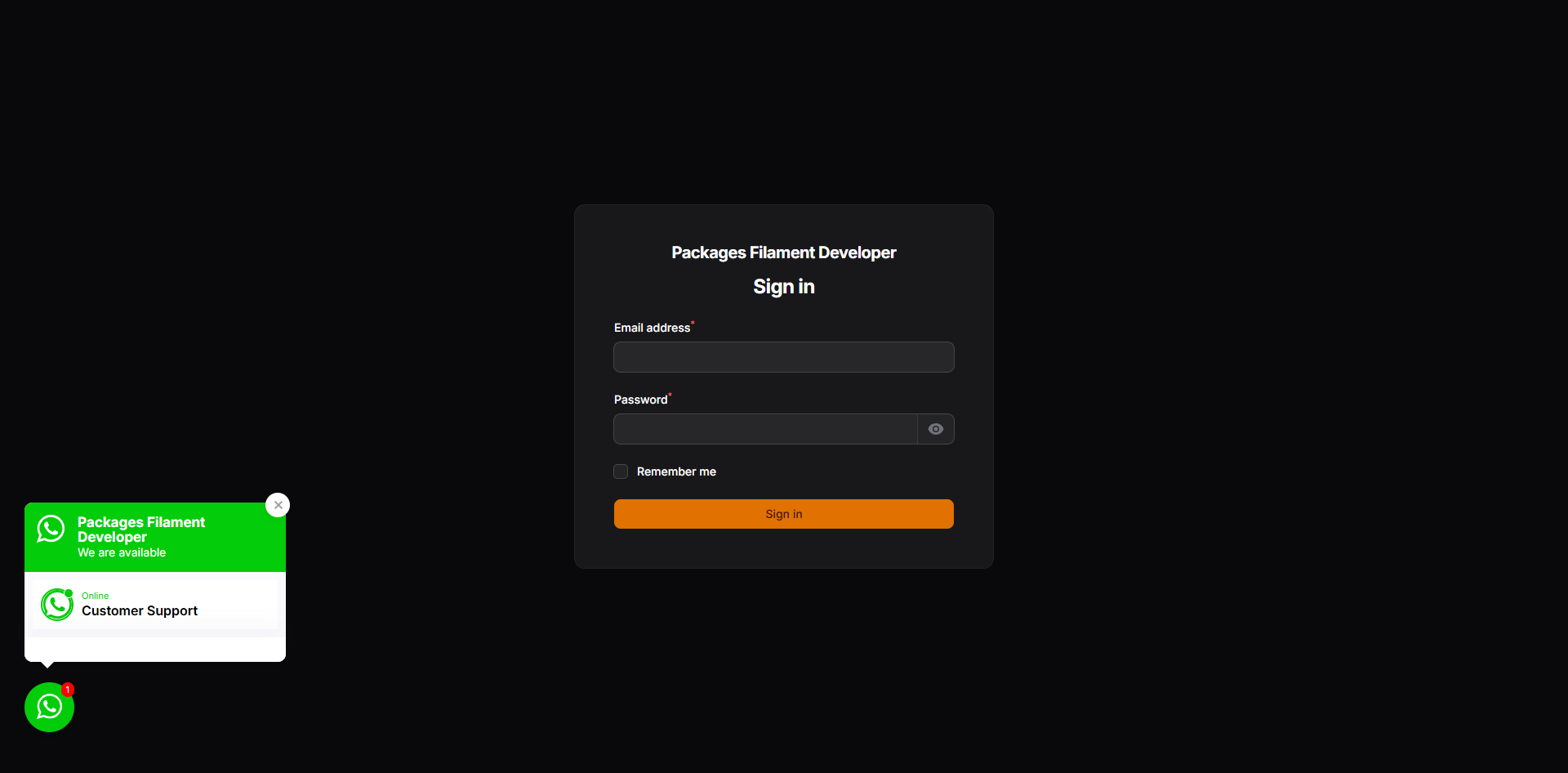
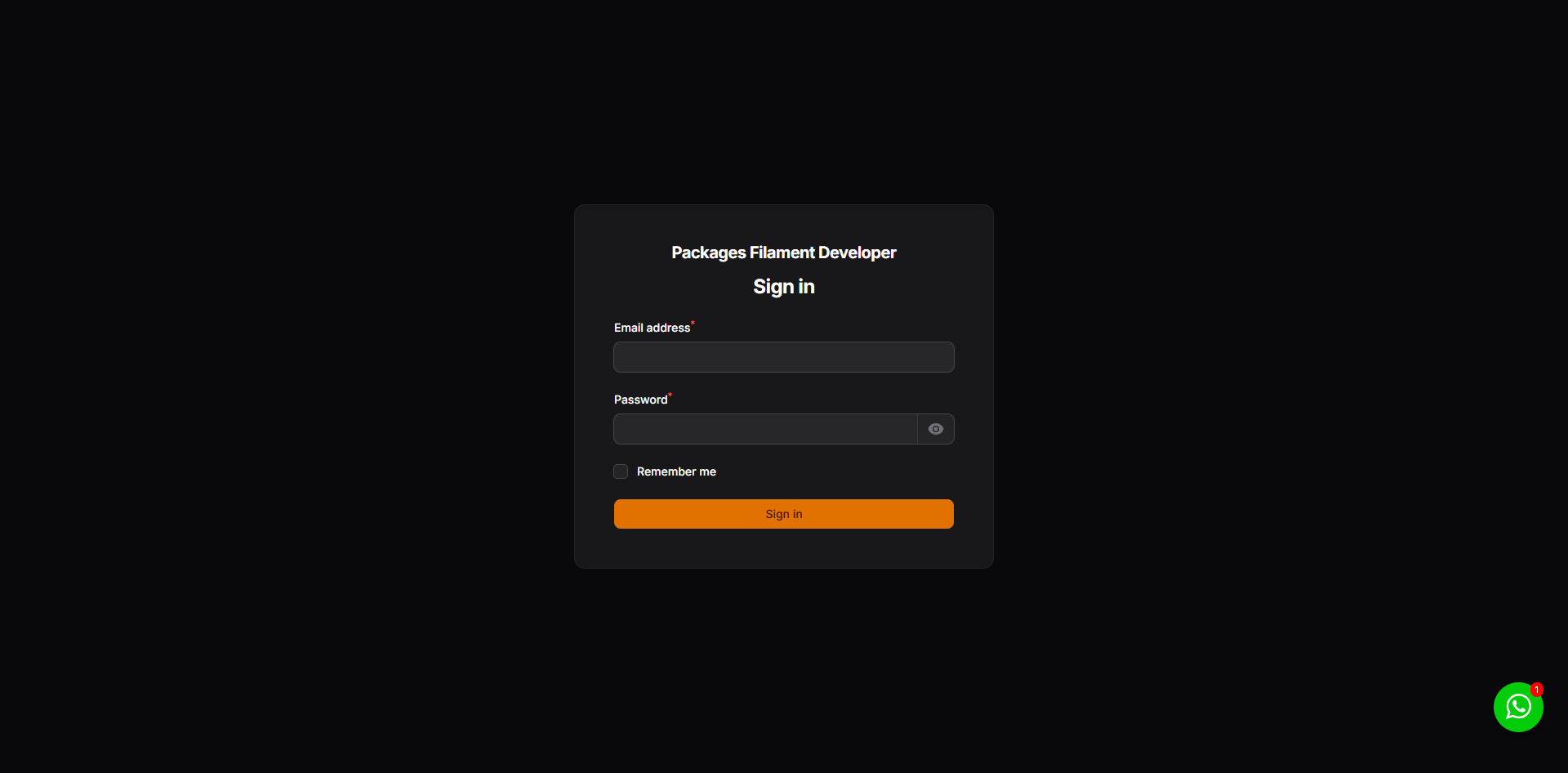
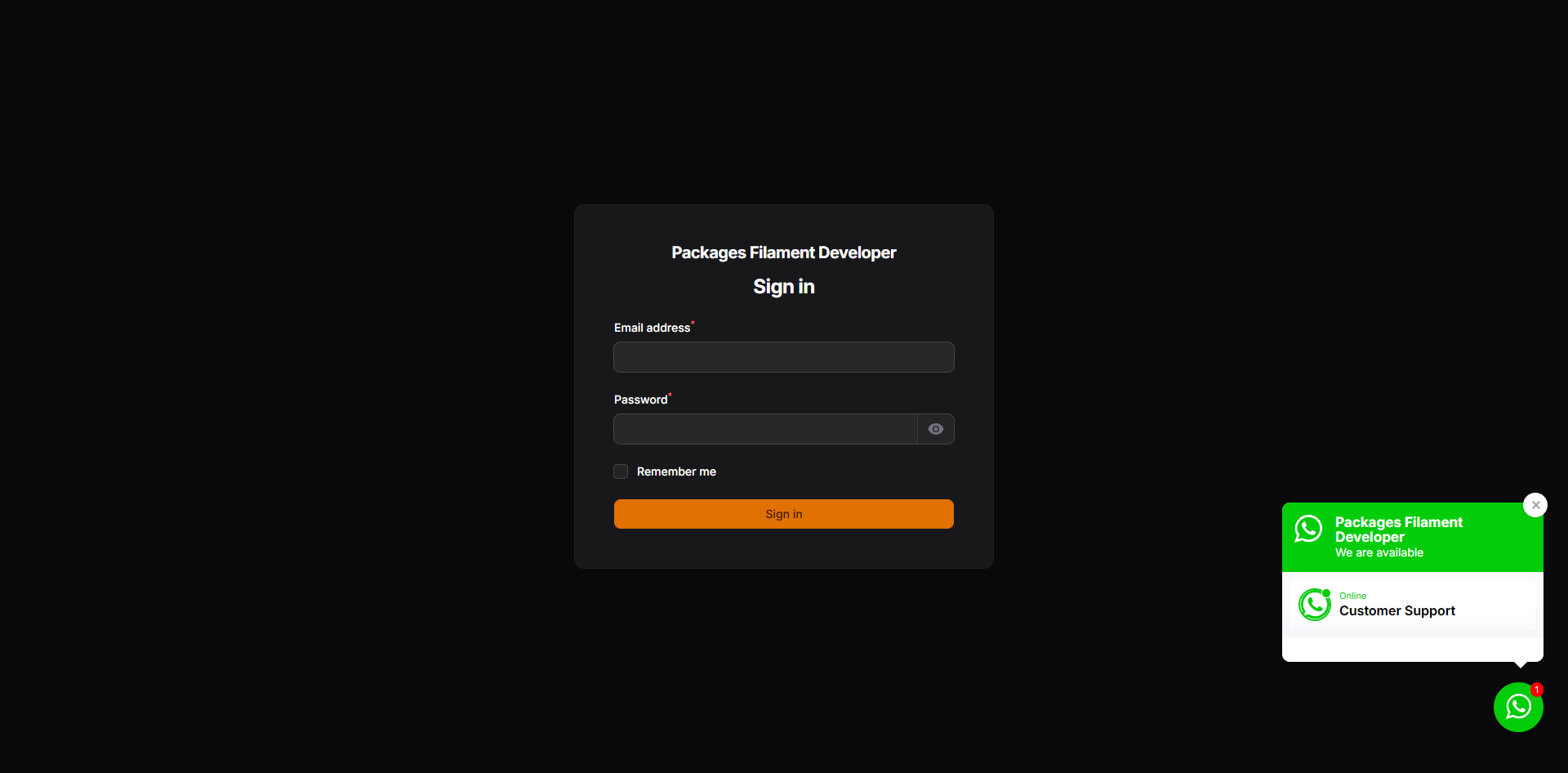
By default, the widget appears in the bottom-right corner of the page. You can change this by modifying the position value in the config/whatsapp-widget.php file.
Example for left position:
'position' => 'left',
| Default | Open |
|---|---|
 |
 |
Example for right position:
'position' => 'right',
| Default | Open |
|---|---|
 |
 |
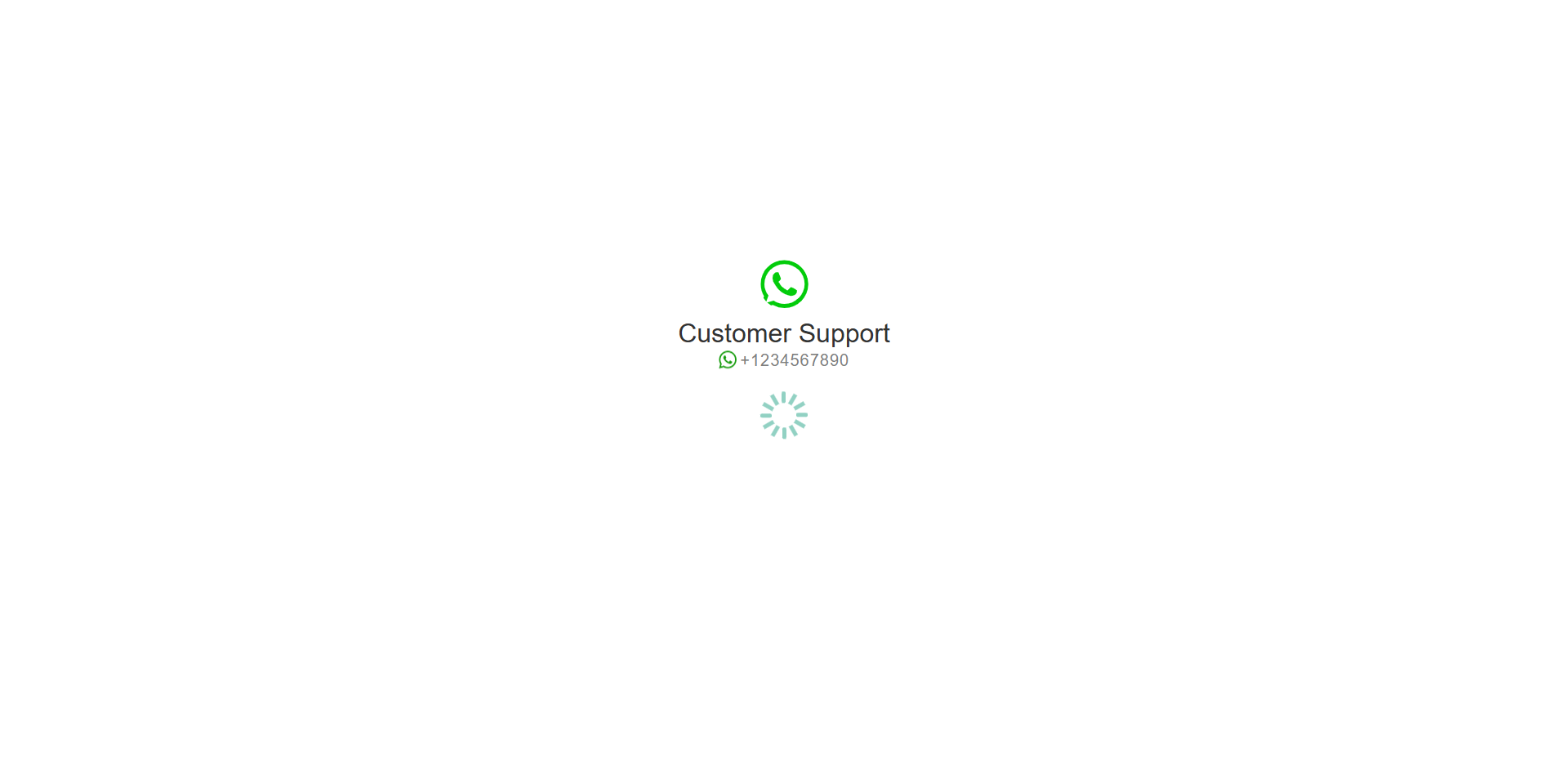
#Redirect Page
When a user clicks on an agent, they are redirected to a temporary page before being sent to WhatsApp. This page can be customized by publishing the package views.
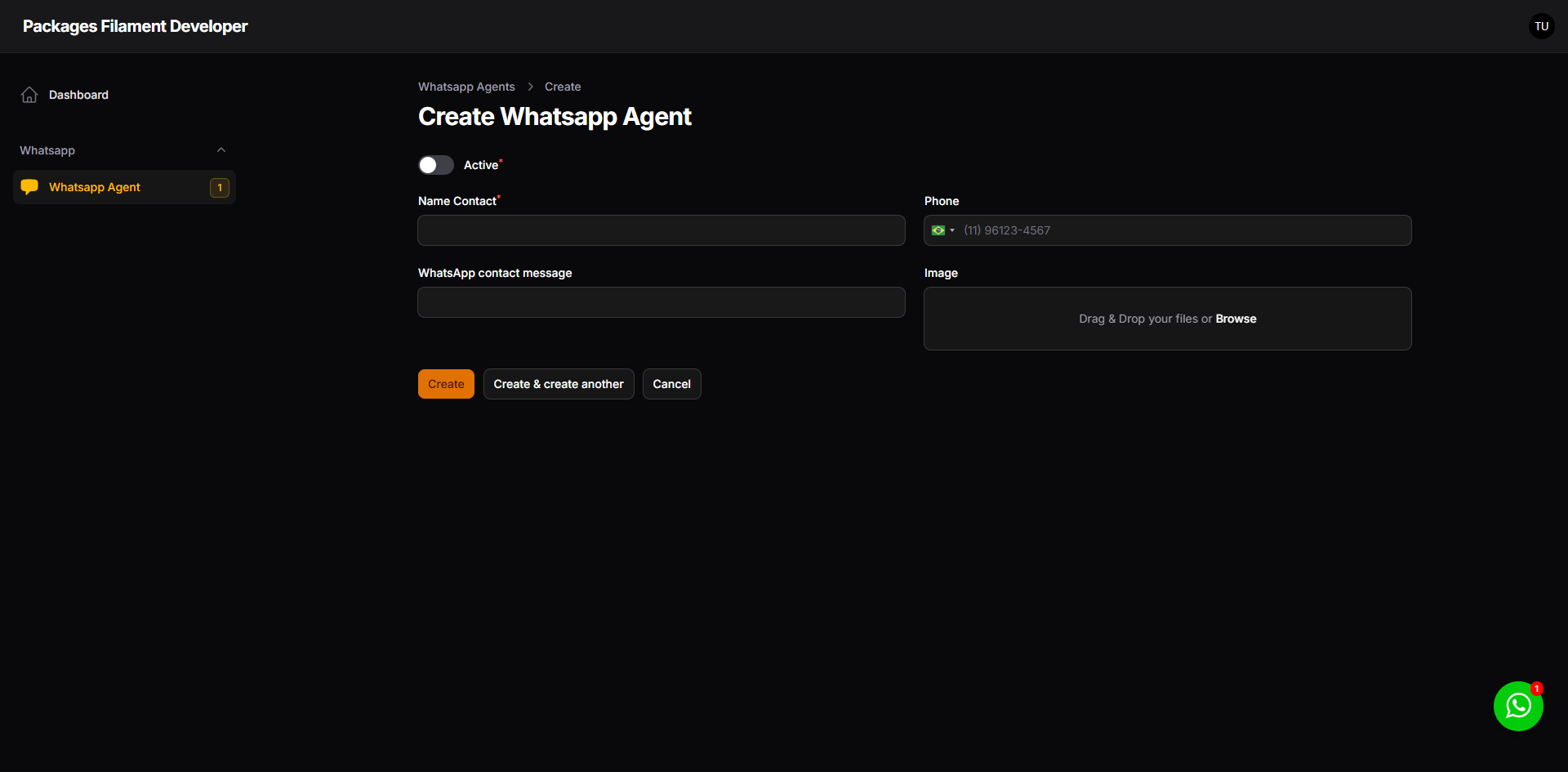
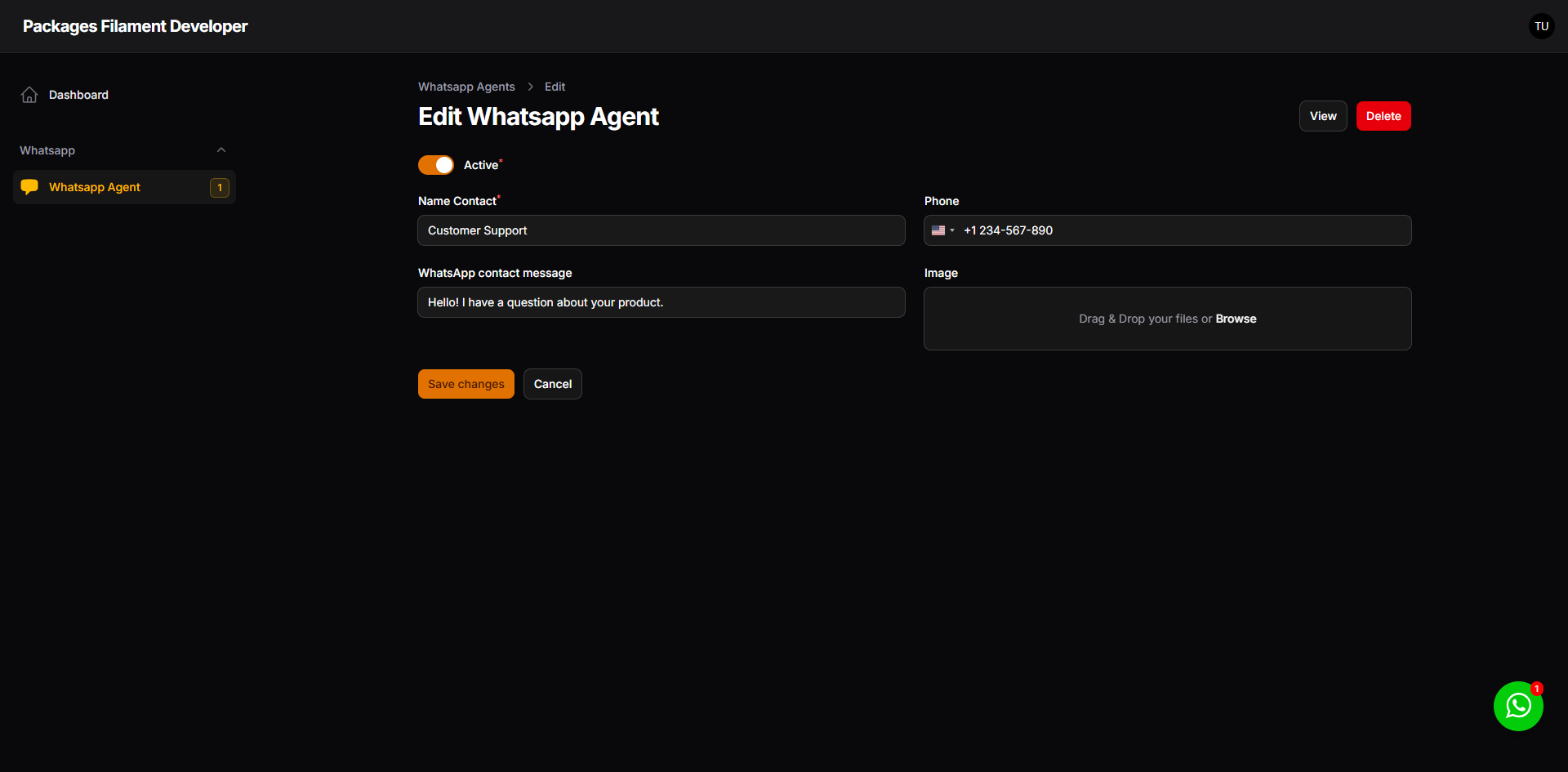
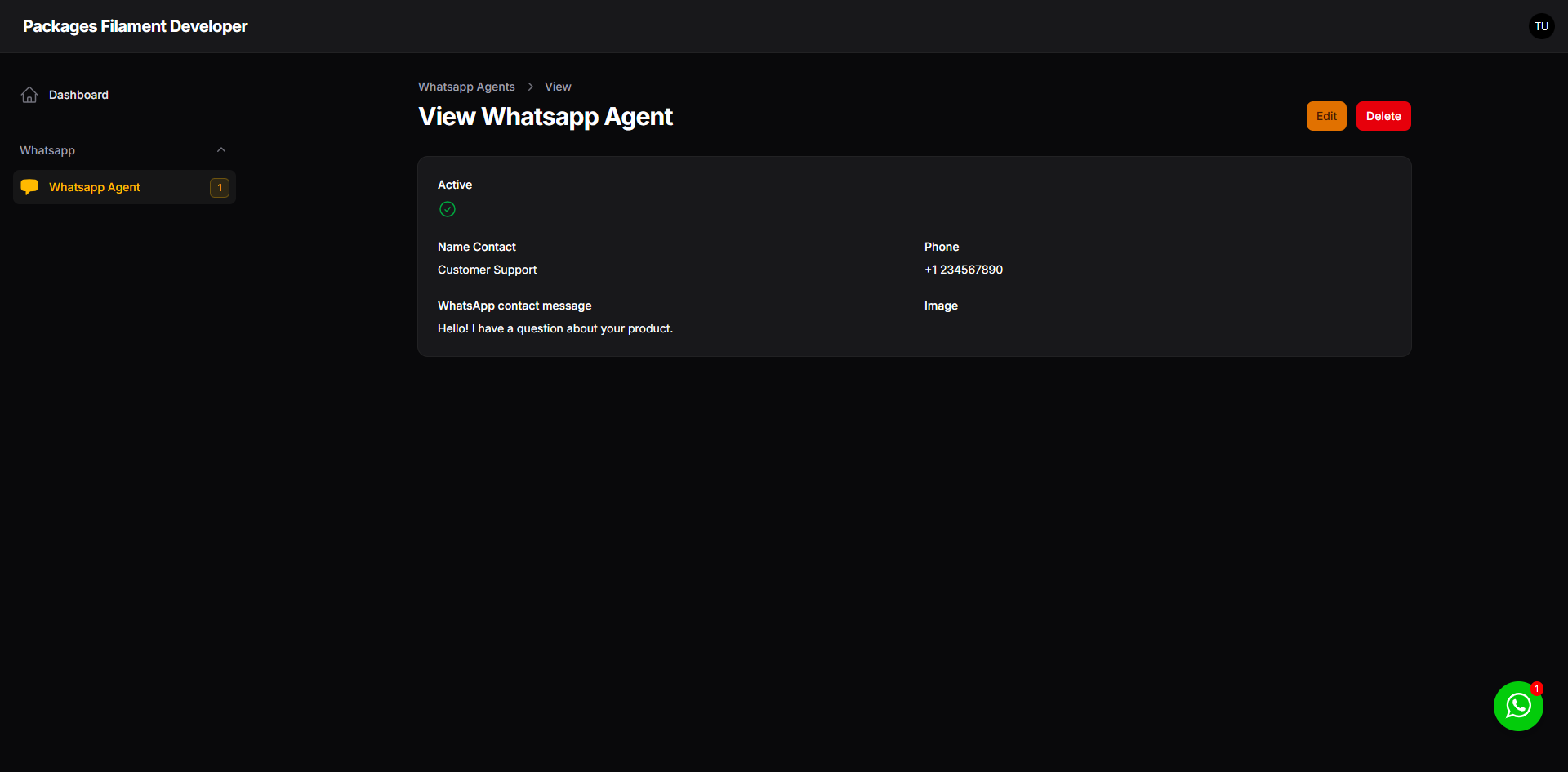
#Filament Resource
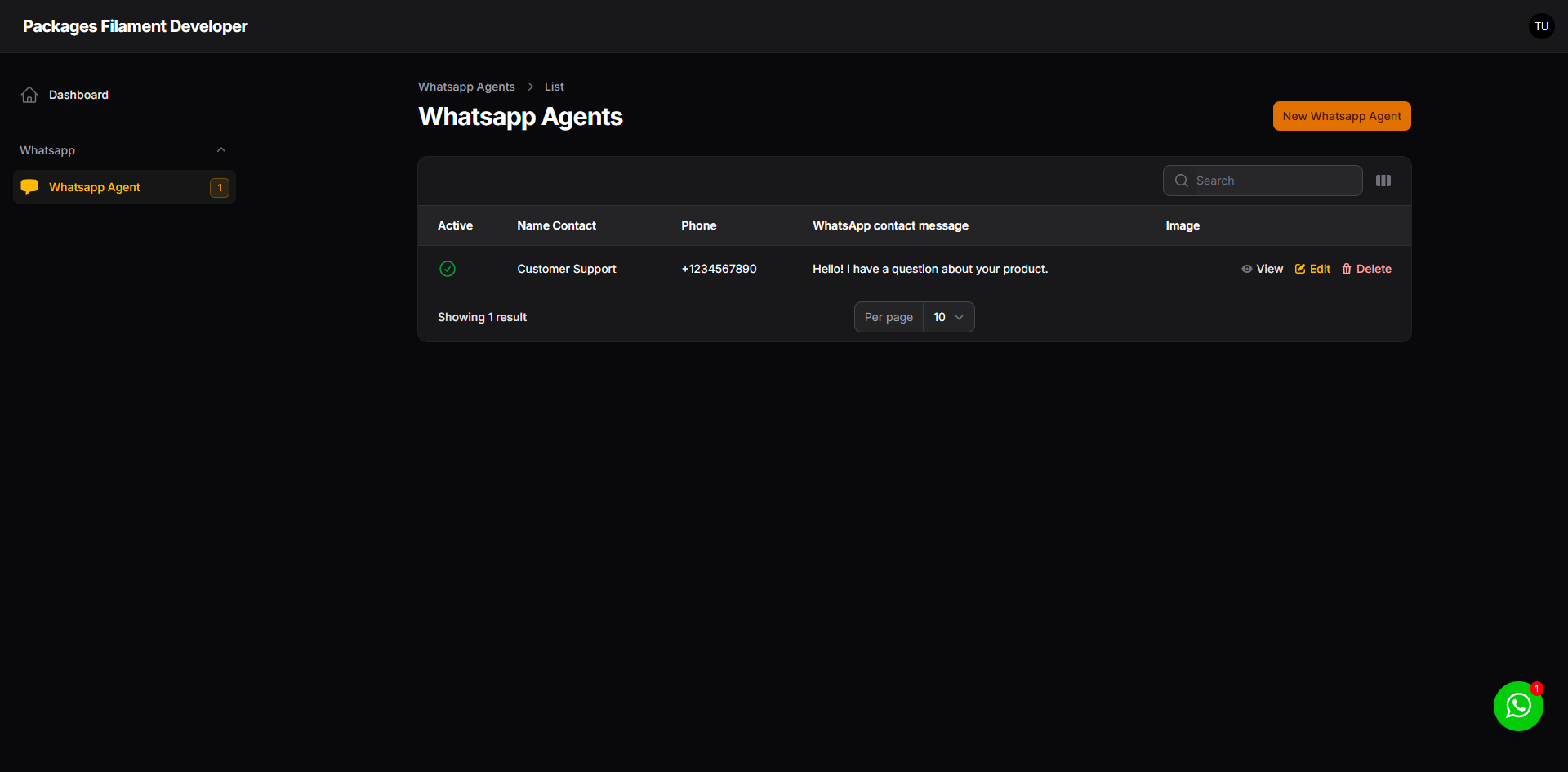
You can manage your WhatsApp agents using the Filament resource provided by this package.
| List | Create |
|---|---|
 |
 |
| Edit | View |
|---|---|
 |
 |
#Testing
composer test
#Changelog
Please see CHANGELOG for more information on what has changed recently.
#Contributing
Please see CONTRIBUTING for details.
#Security Vulnerabilities
Please review our security policy on how to report security vulnerabilities.
#Credits
#License
The MIT License (MIT). Please see License File for more information.
The author
I'm a Full Stack PHP Developer from Assis, SP, Brazil with over 18 years of hands-on experience building robust platforms, managing server infrastructures, and crafting scalable solutions for businesses of all sizes.
My passion lives in the open source world — I actively maintain 20+ Filament plugins and a growing collection of Laravel packages used by thousands of developers worldwide. I believe great software should be accessible to everyone.
From the same author
Hidden Action
A hidden action that allows you to define it without rendering it in the UI.
Author:
Jefferson Gonçalves
Keyable
API Key management functionality for any model in your web application.
Author:
Jefferson Gonçalves
Cookie Consent
A simple and elegant way to implement cookie consent on your website, ensuring compliance with privacy regulations like GDPR and CCPA.
Author:
Jefferson Gonçalves

Umami
Seamlessly integrates Umami analytics into your Blade templates. Easily track website visits and user engagement directly within your Laravel application, providing valuable insights into your website's performance.
Author:
Jefferson Gonçalves
Featured Plugins
A selection of plugins curated by the Filament team

Custom Dashboards
Let your users build and share their own dashboards with a drag-and-drop interface. Define your data sources in PHP and let them do the rest.
 Filament

Custom Fields
Eliminate custom field migrations forever. Let your users create and manage form fields directly in Filament admin panels with 20+ built-in field types, validation, and zero database changes.
 Relaticle

Advanced Tables (formerly Filter Sets)
Supercharge your tables with powerful features like user-customizable views, quick filters, multi-column sorting, advanced table searching, convenient view management, and more. Compatible with Resource Panel Tables, Relation Managers, Table Widgets, and Table Builder!
 Kenneth Sese
