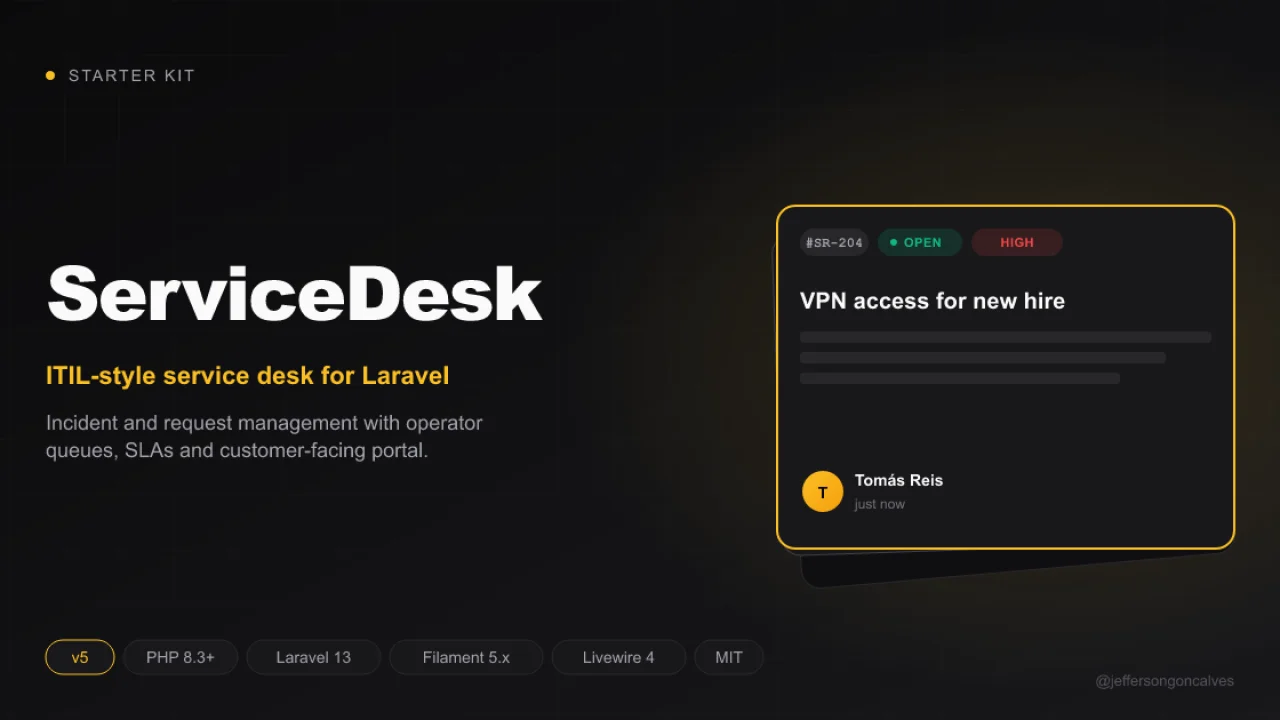
ServiceDeskKit V5
CommunityServiceDeskKit is a robust starter kit built on Laravel 13.x and Filament 5.x, designed to accelerate the development of modern web applications with a ready-to-use multi-panel structure.
 Author:
Jefferson Gonçalves
Author:
Jefferson Gonçalves
Package health
BetaAutomated checks of this plugin's Composer package
15 checks
- Passed: GitHub Actions pinned to SHA
- Skipped: GitLab CI includes pinned to SHA
- Passed: Open security advisories
- Passed: Dependabot PR responsiveness — No open Dependabot PRs.
- Skipped: Renovate MR responsiveness
- Passed: Dependabot or Renovate configured
-
Failed:
Dependency update cooldown configured
—
No cooldown configured in
.github/dependabot.yml. View details on Plumb - Passed: Provides a security policy
- Passed: Abandoned or archived — No consulted source marks the package abandoned (packagist, github).
- Passed: Commit and release recency — Active: last commit 0 days ago; last release 0 days ago.
- Skipped: composer.lock not committed by library
- Warning: Dist archive is lean
-
Passed:
Current Laravel version supported
—
Package dependencies resolve together with current Laravel
13.0. -
Passed:
Current PHP version supported
—
Constraint
^8.3supports current PHP8.5. - Skipped: Current Symfony version supported
filament/
namespace. Review the source and install at your own risk. Found
malware or an unresolved security issue the author won't
address?
Report it
.
Documentation
- About ServiceDeskKit
- Features
- System Requirements
- Installation
- Installation with Docker
- Authentication Structure
- Development
- Customization
- User Profile — joaopaulolndev/filament-edit-profile
- Service Desk Plugin — filament-service-desk
- Resources
- License
- Credits
#About ServiceDeskKit
ServiceDeskKit is a robust starter kit built on Laravel 13.x and Filament 5.x, designed to accelerate the development of modern web applications with a ready-to-use multi-panel structure.
#Features
- Laravel 13.x - The latest version of the most elegant PHP framework
- Filament 5.x - Powerful and flexible admin framework
- Multi-Panel Structure - Includes four pre-configured panels:
- Admin Panel (
/admin) - For system administrators - Agent Panel (
/agent) - For support operators/agents - App Panel (
/app) - For authenticated application users - Guest Panel (
/) - Public frontend interface for visitors
- Admin Panel (
- Environment Configuration - Centralized configuration through the
config/servicedeskkit.phpfile
#System Requirements
- PHP 8.3 or higher
- Composer
- Node.js and PNPM
#Installation
Clone the repository
laravel new my-app --using=jeffersongoncalves/servicedeskkitv5 --database=mysql
#Using FilaKit CLI
Or use FilaKit CLI for a simplified setup:
filakit new my-app --kit=jeffersongoncalves/servicedeskkitv5
Install FilaKit CLI:
composer global require jeffersongoncalves/filakit-cli
#Easy Installation
ServiceDeskKit can be easily installed using the following command:
php install.php
This command automates the installation process by:
- Installing Composer dependencies
- Setting up the environment file
- Generating application key
- Setting up the database
- Running migrations
- Installing Node.js dependencies
- Building assets
- Configuring Herd (if used)
#Manual Installation
Install JavaScript dependencies
pnpm install
Install Composer dependencies
composer install
Set up environment
cp .env.example .env
php artisan key:generate
Configure your database in the .env file
Run migrations
php artisan migrate
Build frontend assets
pnpm run build
Run the server
php artisan serve
#Installation with Docker
Clone the repository
laravel new my-app --using=jeffersongoncalves/servicedeskkitv5 --database=mysql
Move into the project directory
cd my-app
Install Composer dependencies
composer install
Set up environment
cp .env.example .env
Configuring custom ports may be necessary if you have other services running on the same ports.
# Application Port (ex: 8080)
APP_PORT=8080

# MySQL Port (ex: 3306)
FORWARD_DB_PORT=3306

# Redis Port (ex: 6379)
FORWARD_REDIS_PORT=6379

# Mailpit Port (ex: 1025)
FORWARD_MAILPIT_PORT=1025
Start the Sail containers
./vendor/bin/sail up -d
You won't need to run php artisan serve, as Laravel Sail automatically handles the development server within the container.
Attach to the application container
./vendor/bin/sail shell
Generate the application key
php artisan key:generate
Install JavaScript dependencies
pnpm install
#Authentication Structure
ServiceDeskKit comes pre-configured with a custom authentication system that supports different types of users:
Admin- For administrative panel access (/admin)Operator- For agent/support panel access (/agent)User- For application panel access (/app)
Each user type has its own database table, model, guard, and authentication flow. Default test credentials (after seeding):
| User Type | Password | |
|---|---|---|
| Admin | admin@servicedeskkit.com | password |
| Operator | operator@servicedeskkit.com | password |
| User | user@servicedeskkit.com | password |
#Development
# Run the development server with logs, queues and asset compilation
composer dev

# Or run each component separately
php artisan serve
php artisan queue:listen --tries=1
pnpm run dev
#Customization
#Panel Configuration
Panels can be customized through their respective providers:
app/Providers/Filament/AdminPanelProvider.phpapp/Providers/Filament/AgentPanelProvider.phpapp/Providers/Filament/AppPanelProvider.phpapp/Providers/Filament/GuestPanelProvider.php
Alternatively, these settings are also consolidated in the config/servicedeskkit.php file for easier management.
#Themes and Colors
Each panel can have its own color scheme, which can be easily modified in the corresponding Provider files or in the
servicedeskkit.php configuration file.
#Configuration File
The config/servicedeskkit.php file centralizes the configuration of the starter kit, including:
- Panel routes
- Middleware for each panel
- Branding options (logo, colors)
- Authentication guards
#User Profile — joaopaulolndev/filament-edit-profile
This project already comes with the Filament Edit Profile plugin integrated for the Admin and App panels. It adds a complete profile editing page with avatar, language, theme color, security (tokens, MFA), browser sessions, and email/password change.
- Routes (defaults in this project):
- Admin: /admin/my-profile
- App: /app/my-profile
- Navigation: by default, the page does not appear in the menu (shouldRegisterNavigation(false)). If you want to show it in the sidebar menu, change it to true in the panel provider.
Where to configure
-
Panel providers
- Admin: app/Providers/Filament/AdminPanelProvider.php
- App: app/Providers/Filament/AppPanelProvider.php In these files you can adjust:
- ->slug('my-profile') to change the URL (e.g., 'profile')
- ->setTitle('My Profile') and ->setNavigationLabel('My Profile')
- ->setNavigationGroup('Group Profile'), ->setIcon('heroicon-o-user'), ->setSort(10)
- ->shouldRegisterNavigation(true|false) to show/hide it in the menu
- Shown forms: ->shouldShowEmailForm(), ->shouldShowLocaleForm([...]), ->shouldShowThemeColorForm(), ->shouldShowSanctumTokens(), ->shouldShowMultiFactorAuthentication(), ->shouldShowBrowserSessionsForm(), ->shouldShowAvatarForm()
-
General settings: config/filament-edit-profile.php
- locales: language options available on the profile page
- locale_column: column used in your model for language/locale (default: locale)
- theme_color_column: column for theme color (default: theme_color)
- avatar_column: avatar column (default: avatar_url)
- disk: storage disk used for the avatar (default: public)
- visibility: file visibility (default: public)
Migrations and models
- The required columns are already included in this kit's default migrations (users and admins): avatar_url, locale and theme_color, using the names defined in config/filament-edit-profile.php.
- The App\Models\User and App\Models\Admin models already read the avatar using the plugin configuration (getFilamentAvatarUrl).
Avatar storage
- Make sure the filesystem disk is configured and that the storage link exists: php artisan storage:link
- Adjust the disk and visibility in the config file according to your infrastructure.
Quick access
- Via direct URL: /admin/my-profile or /app/my-profile
- To make it visible in the sidebar navigation, set shouldRegisterNavigation(true) in the respective Provider.
Reference
- Plugin repository: https://github.com/joaopaulolndev/filament-edit-profile
#Service Desk Plugin — filament-service-desk
ServiceDeskKit comes with the filament-service-desk plugin pre-installed, providing a complete helpdesk and support ticket system fully integrated into the Filament panels.
#Features
- Ticket Management — Create, assign, track, and resolve support tickets with comments, attachments, and full history
- SLA Policies — Define response and resolution time targets with automatic breach detection and escalation rules
- Knowledge Base — Publish articles organized by categories with versioning, feedback, and view tracking
- Service Catalog — Offer a catalog of services with custom form fields and approval workflows
- Departments & Categories — Organize tickets by department and category for better routing
- Canned Responses — Pre-defined response templates for common questions
- Business Hours — Configure work schedules that SLA calculations respect
- Email Channels — Receive tickets via email with support for IMAP, Mailgun, SendGrid, Resend, and Postmark
- Tags — Flexible tagging system for tickets
#Panel Integration
The plugin provides three specialized plugin classes, each designed for a specific panel:
| Panel | Plugin Class | Features |
|---|---|---|
Admin (/admin) |
ServiceDeskPlugin |
Full management: tickets, departments, categories, tags, SLA, knowledge base, service catalog, email channels, canned responses, business hours, escalation rules |
Agent (/agent) |
ServiceDeskAgentPlugin |
Ticket handling: view assigned tickets, respond, use canned responses, manage SLA |
App (/app) |
ServiceDeskUserPlugin |
User portal: create tickets, view own tickets, browse knowledge base, request services from catalog |
#Configuration Files
config/filament-service-desk.php— Filament plugin settings (navigation, features toggle, resource/widget overrides)config/service-desk.php— Core settings (models, ticket options, SLA, knowledge base, service catalog, email, notifications)
#Key Settings in config/service-desk.php
'models' => [
    'user' => \App\Models\User::class,      // Model that creates tickets
    'operator' => \App\Models\Operator::class, // Model that handles tickets
],

'ticket' => [
    'reference_prefix' => 'SD',       // Ticket reference prefix (e.g., SD-00001)
    'default_priority' => 'medium',    // Default priority for new tickets
    'max_file_size' => 10240,          // Max attachment size in KB
],

'sla' => [
    'enabled' => true,
    'auto_apply' => true,              // Automatically apply SLA policies
    'near_breach_minutes' => 30,       // Warning before SLA breach
],
#Required Model Traits
The following traits must be added to your models (already configured in this kit):
App\Models\User— UsesJeffersonGoncalves\ServiceDesk\Concerns\HasTickets(allows users to create and manage their tickets)App\Models\Operator— UsesJeffersonGoncalves\ServiceDesk\Concerns\IsOperator(enables operator functionality: ticket assignment, department membership, etc.)
#Customization
You can override any resource or widget by specifying your custom class in config/filament-service-desk.php:
'resources' => [
    'admin' => [
        'ticket' => \App\Filament\Admin\Resources\CustomTicketResource::class,
        // ...
    ],
],
Toggle features per-panel using fluent methods on the plugin:
ServiceDeskPlugin::make()
    ->knowledgeBase(true)
    ->sla(true)
    ->emailChannels(true)
    ->serviceCatalog(true)
    ->navigationGroup('Service Desk'),
#Reference
- Plugin repository: https://github.com/jeffersongoncalves/filament-service-desk
- Core package: https://github.com/jeffersongoncalves/laravel-service-desk
#Resources
ServiceDeskKit includes support for:
- User, operator, and admin management
- Multi-guard authentication system (admin, operator, web)
- Integrated helpdesk with tickets, SLA, knowledge base, and service catalog
- Tailwind CSS integration
- Database queue configuration
- Customizable panel routing and branding
#License
This project is licensed under the MIT License.
#Credits
Developed by Jefferson Gonçalves.
The author
I'm a Full Stack PHP Developer from Assis, SP, Brazil with over 18 years of hands-on experience building robust platforms, managing server infrastructures, and crafting scalable solutions for businesses of all sizes.
My passion lives in the open source world — I actively maintain 20+ Filament plugins and a growing collection of Laravel packages used by thousands of developers worldwide. I believe great software should be accessible to everyone.
From the same author
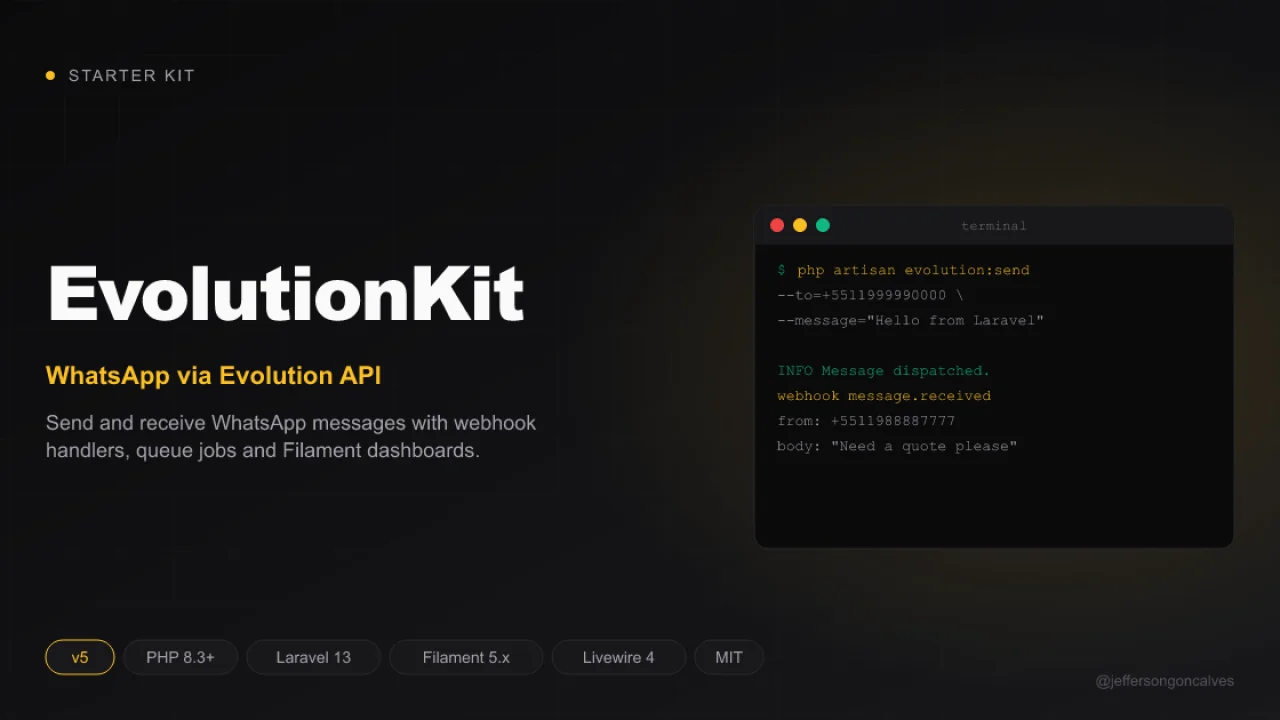
EvolutionKit v5
A robust starter kit built on Laravel 13.x and Filament 5.x, designed to accelerate the development of modern web applications with a ready-to-use multi-panel structure.
Author:
Jefferson Gonçalves
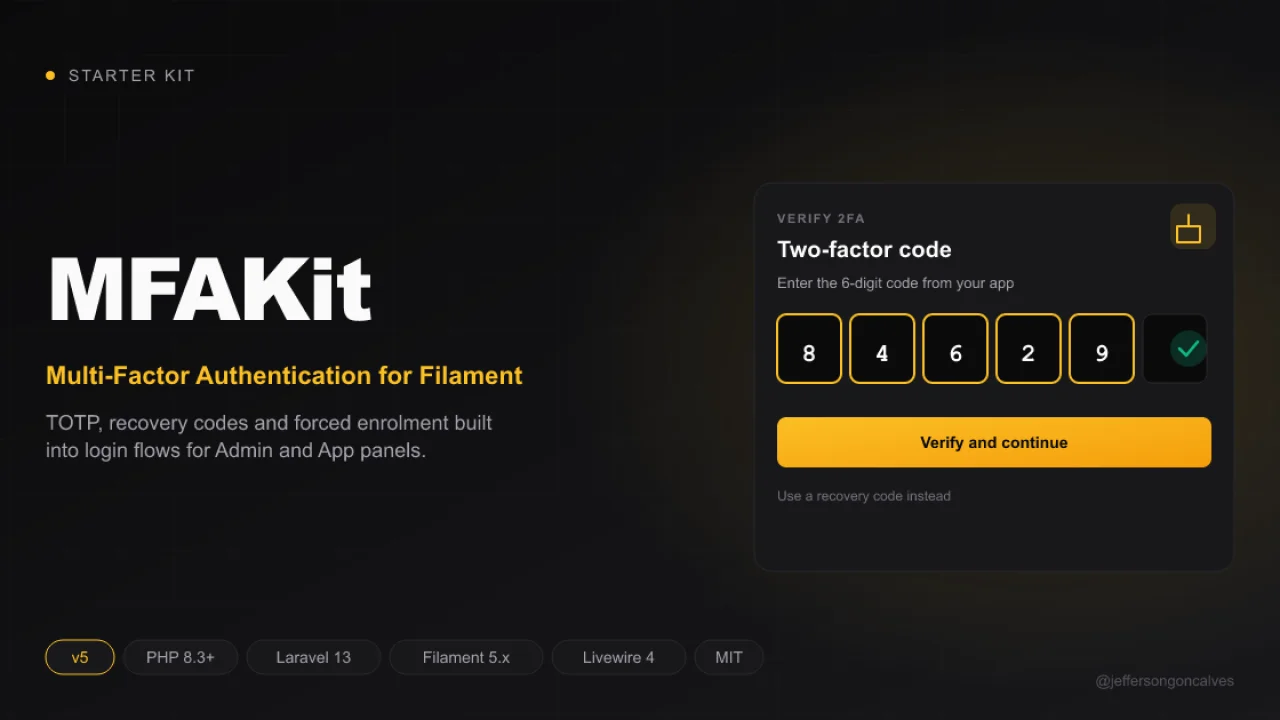
MFAKit v5
MFAKit is a robust starter kit built on Laravel 13.x and Filament 5.x, designed to accelerate the development of modern web applications with a ready-to-use multi-panel structure.
Author:
Jefferson Gonçalves
Refresh Sidebar
Automatically refresh the sidebar navigation when certain events occur, ensuring menu items and badges are always up to date.
Author:
Jefferson Gonçalves
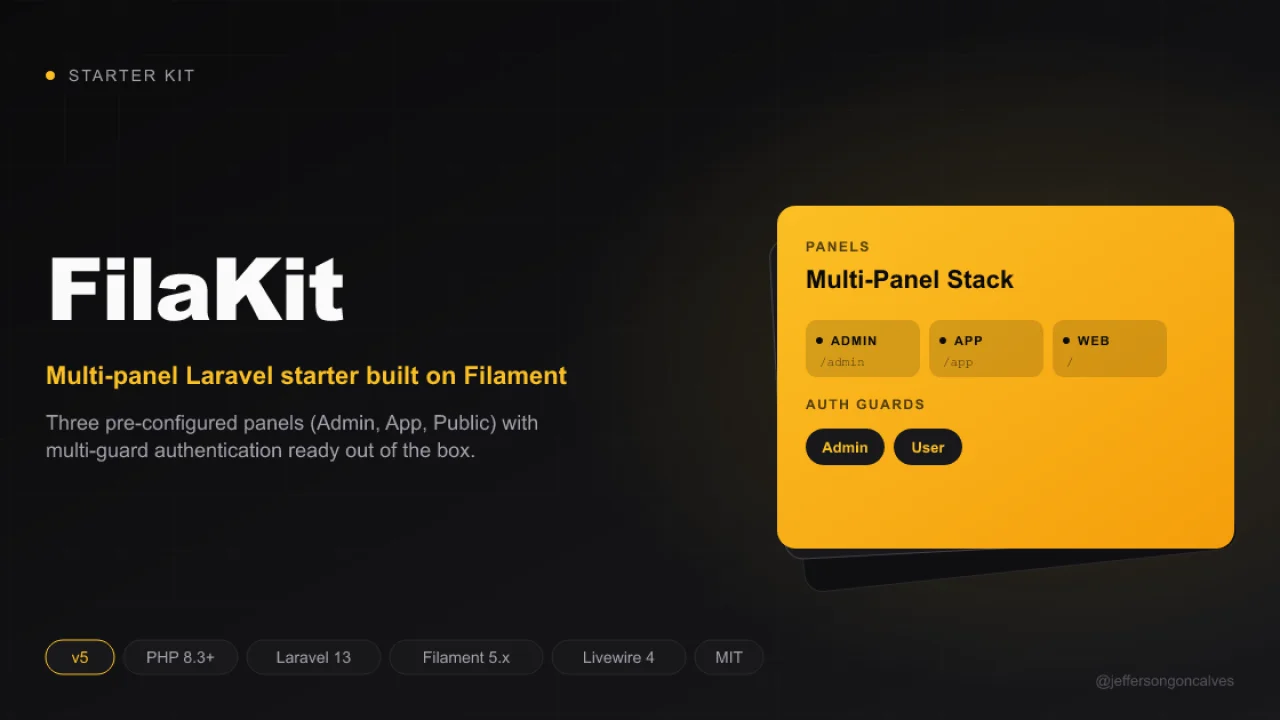
FilaKit v5
FilaKit is a robust starter kit, designed to accelerate the development of modern web applications with a ready-to-use multi-panel structure.
Author:
Jefferson Gonçalves
Featured Plugins
A selection of plugins curated by the Filament team

Blueprint
Filament Blueprint is a premium Laravel Boost extension that helps AI agents produce accurate, detailed implementation plans and security reports for Filament apps.
 Filament
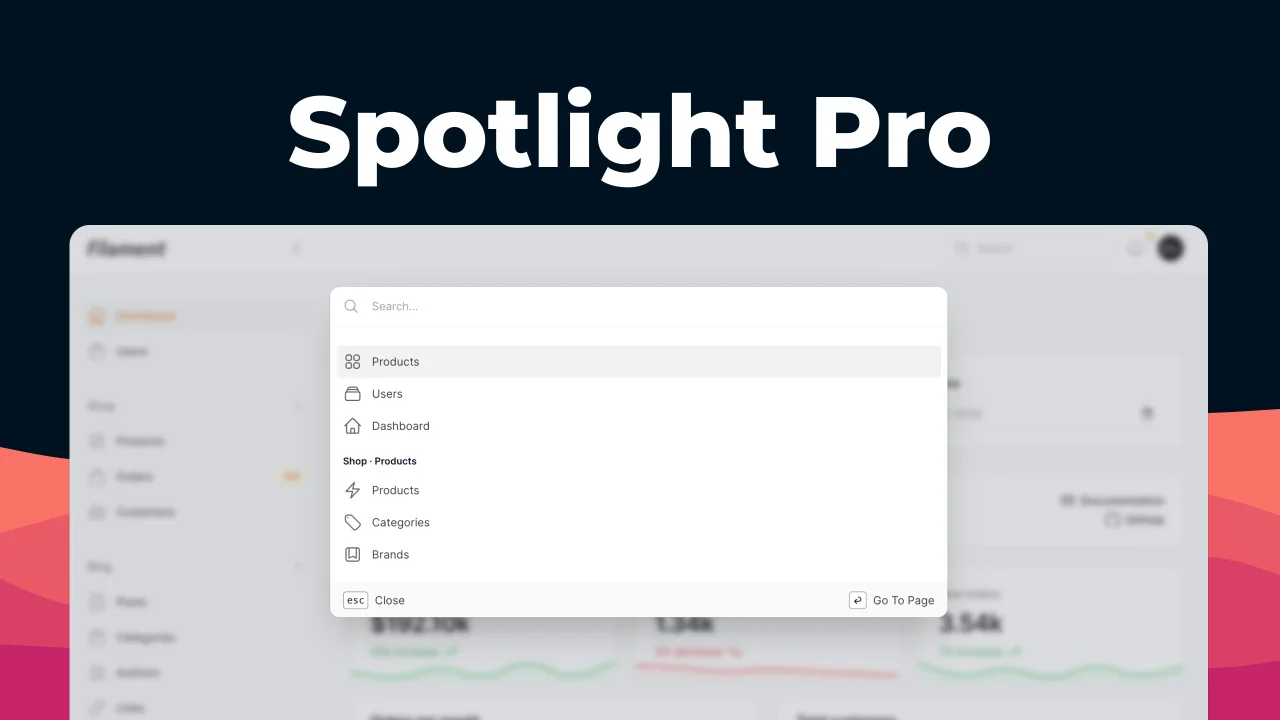
Spotlight Pro
Browse your Filament Panel with ease. Filament Spotlight Pro adds a Spotlight/Raycast like Command Palette to your Filament Panel.
 Dennis Koch

Advanced Tables (formerly Filter Sets)
Supercharge your tables with powerful features like user-customizable views, quick filters, multi-column sorting, advanced table searching, convenient view management, and more. Compatible with Resource Panel Tables, Relation Managers, Table Widgets, and Table Builder!
 Kenneth Sese

