
OIDC by Jefferson Gonçalves
CommunityDrop-in OpenID Connect single sign-on for Filament v5 panels, powered by jeffersongoncalves/laravel-oidc. Works in single- and multi-panel apps, supports per-panel guards, and stores OIDC identities in a polymorphic table so the host application's users table is never altered.
 Author:
Jefferson Gonçalves
Author:
Jefferson Gonçalves
Package health
Automated checks of this plugin's Composer package
15 checks
- Passed: GitHub Actions pinned to SHA
- Skipped: GitLab CI includes pinned to SHA
- Passed: Open security advisories
- Passed: Dependabot PR responsiveness — No open Dependabot PRs.
- Skipped: Renovate MR responsiveness
- Passed: Dependabot or Renovate configured
- Passed: Dependency update cooldown configured
- Failed: Provides a security policy — View details on Plumb
- Passed: Abandoned or archived — No consulted source marks the package abandoned (packagist, github).
- Passed: Commit and release recency — Active: last commit 0 days ago; last release 0 days ago.
-
Passed:
composer.lock not committed by library
—
composer.lockis absent from the released dist archive. - Warning: Dist archive is lean
-
Passed:
Current Laravel version supported
—
Package dependencies resolve together with current Laravel
13.0. -
Passed:
Current PHP version supported
—
Constraint
^8.2supports current PHP8.5. - Skipped: Current Symfony version supported
filament/
namespace. Review the source and install at your own risk. Found
malware or an unresolved security issue the author won't
address?
Report it
.
Documentation
- Compatibility
- Installation
- Registering the plugin in a panel
- Multi-panel setup
- Linking identities to users
- Customising user provisioning
- Logout (RP-initiated)
- Events
- Testing
- Changelog
- Security Vulnerabilities
- Credits
- License





Drop-in OpenID Connect single sign-on for Filament v5 panels, powered by jeffersongoncalves/laravel-oidc. Works in single- and multi-panel apps, supports per-panel guards, and stores OIDC identities in a polymorphic table so the host application's users table is never altered.
#Compatibility
| Plugin Version | Filament |
|---|---|
| 1.x | ^3.2 |
| 2.x | ^4.0 |
| 3.x | ^5.0 |
Releases
v1.0.0and1.1.0were published for Filament v5 before the plugin adopted the branch-per-Filament-major layout. Filament v5 users should require^3.0.
#Installation
composer require jeffersongoncalves/filament-oidc:"^3.0"
Publish and run the migration that creates the oidc_identities table (shipped by jeffersongoncalves/laravel-oidc):
php artisan vendor:publish --tag="oidc-migrations"
php artisan migrate
Optionally publish the configuration and translations:
php artisan vendor:publish --tag="filament-oidc-config"
php artisan vendor:publish --tag="filament-oidc-translations"
Configure the underlying laravel-oidc driver via the standard environment variables:
OIDC_ISSUER_URL=https://idp.example.com
OIDC_CLIENT_ID=your-client-id
OIDC_CLIENT_SECRET=your-client-secret
The plugin computes the redirect URI from the panel route, so you do not need to set
OIDC_REDIRECT_URI. Registerhttps://your-app.test/{panel}/oidc/callbackwith your Identity Provider for every panel that exposes the plugin.
#Registering the plugin in a panel
use JeffersonGoncalves\Filament\Oidc\FilamentOidcPlugin;

public function panel(Panel $panel): Panel
{
    return $panel
        ->id('admin')
        ->path('admin')
        ->login()
        ->plugin(
            FilamentOidcPlugin::make()
                ->guard('web')
                ->autoCreateUsers(true)
        );
}
#Multi-panel setup
Register the plugin once per panel. Each panel gets its own routes (filament.{panel-id}.oidc.{redirect|callback|logout}), its own callback URL, and may opt into a different guard or user model.
// AdminPanelProvider
$panel->plugin(
    FilamentOidcPlugin::make()
        ->guard('web')
        ->userModel(\App\Models\User::class)
);

// CustomerPanelProvider
$panel->plugin(
    FilamentOidcPlugin::make()
        ->guard('customer')
        ->userModel(\App\Models\Customer::class)
        ->autoCreateUsers(false)
);
Register the per-panel callback URL with your IdP:
https://your-app.test/admin/oidc/callback
https://your-app.test/customer/oidc/callback
#Linking identities to users
The plugin stores every IdP/subject pair in the oidc_identities table (the OidcIdentity model from laravel-oidc; table name set by oidc.identities_table) and links it to the authenticated model through a polymorphic relationship. Add the HasOidcIdentities trait to expose the oidcIdentities() relation on your authenticatable model:
use JeffersonGoncalves\LaravelOidc\Concerns\HasOidcIdentities;

class User extends Authenticatable
{
    use HasOidcIdentities;
}
The default callback handler:
- Looks up
oidc_identities.{issuer, subject}. - Falls back to matching the local user by email.
- Creates a new user when
auto_create_usersis enabled, otherwise throwsOidcAuthenticationException::autoCreateDisabled().
#Customising user provisioning
Override either the attribute mapping or the full resolution closure:
FilamentOidcPlugin::make()
    ->userAttributesUsing(fn (\Laravel\Socialite\Two\User $oidcUser) => [
        'name' => $oidcUser->getName(),
        'email' => $oidcUser->getEmail(),
        'tenant_id' => $oidcUser->user['tenant'] ?? null,
        'password' => bcrypt(\Illuminate\Support\Str::random(40)),
    ])
    ->resolveUserUsing(function (\App\Models\User $template, \Laravel\Socialite\Two\User $oidcUser) {
        return \App\Models\User::query()->updateOrCreate(
            ['email' => $oidcUser->getEmail()],
            ['name' => $oidcUser->getName()],
        );
    });
#Logout (RP-initiated)
Enable IdP logout to redirect users to the issuer's end_session_endpoint after the local logout completes:
FilamentOidcPlugin::make()->logoutFromIdp(true);
Use the named route from your blade templates (e.g. inside a custom user menu):
<form method="POST" action="{{ route('filament.admin.oidc.logout') }}">
    @csrf
    <button type="submit">Log out</button>
</form>
#Events
| Event | When |
|---|---|
JeffersonGoncalves\Filament\Oidc\Events\OidcUserAuthenticated |
Every successful callback, before the redirect. |
JeffersonGoncalves\Filament\Oidc\Events\OidcUserCreated |
Only when a brand-new user is provisioned. |
#Testing
composer test
#Changelog
Please see CHANGELOG for more information on what has changed recently.
#Security Vulnerabilities
Please review our security policy on how to report security vulnerabilities.
#Credits
#License
The MIT License (MIT). Please see License File for more information.
The author
I'm a Full Stack PHP Developer from Assis, SP, Brazil with over 18 years of hands-on experience building robust platforms, managing server infrastructures, and crafting scalable solutions for businesses of all sizes.
My passion lives in the open source world — I actively maintain 20+ Filament plugins and a growing collection of Laravel packages used by thousands of developers worldwide. I believe great software should be accessible to everyone.
From the same author
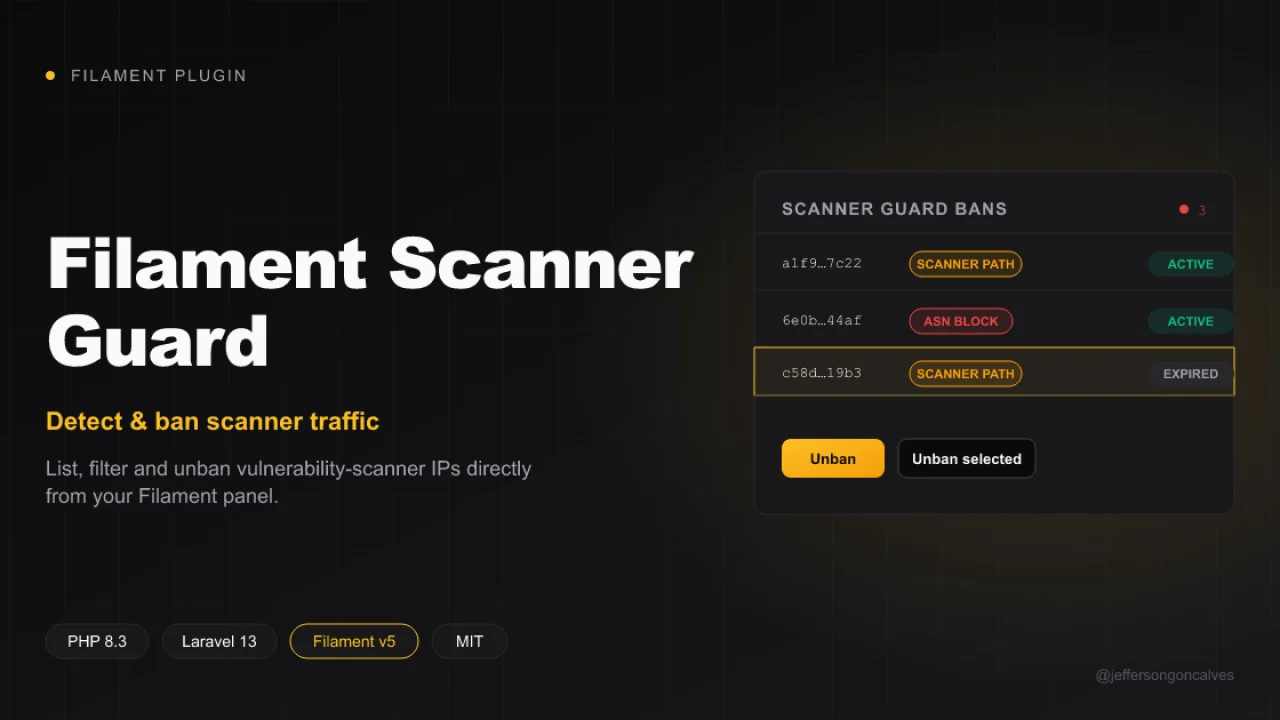
Scanner Guard
Filament UI for jeffersongoncalves/laravel-scanner-guard: list, filter and unban vulnerability-scanner IPs directly from your admin panel. This plugin ships a read-only Resource over the scanner_guard_bans table, an active/expired filter, and unban / bulk unban actions.
Author:
Jefferson Gonçalves
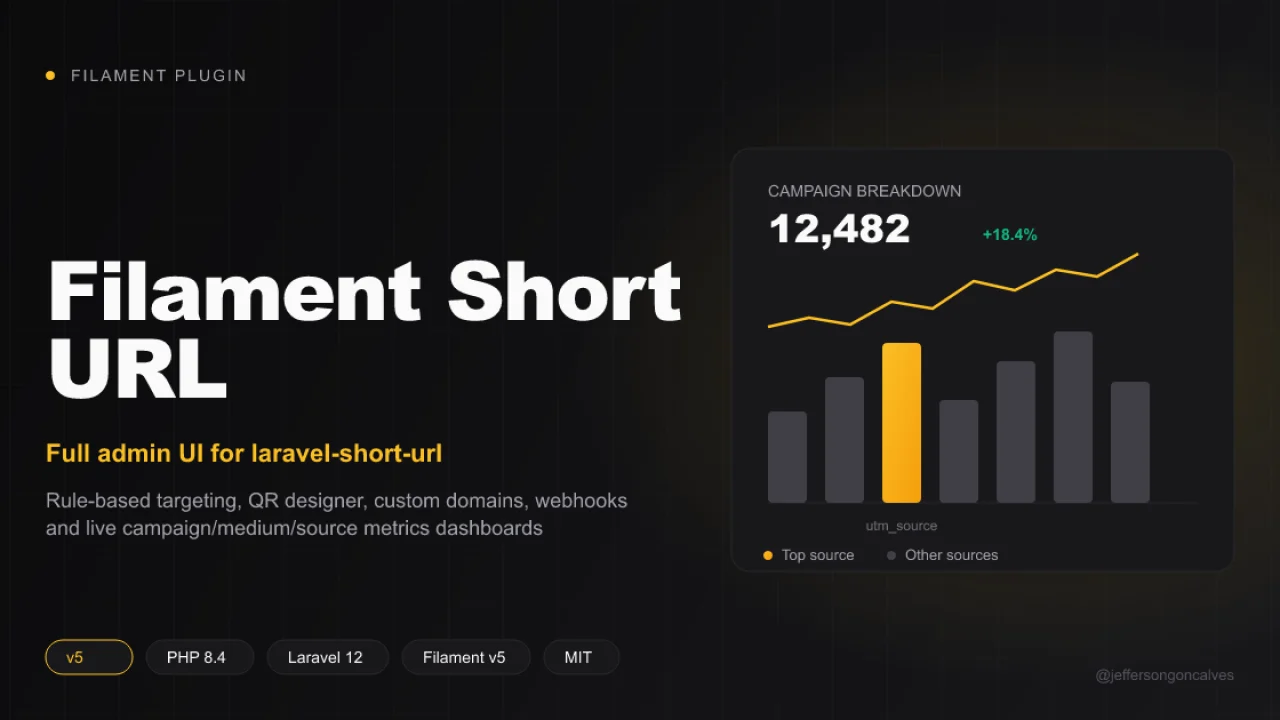
Short URL
A complete Filament v5 admin layer for jeffersongoncalves/laravel-short-url — the headless core package that owns the models, migrations, redirect pipeline, tracking and every business rule. This package duplicates none of that: it's the presentation layer (Resources, Pages and Filament components) built on top of the core's Facade and contracts.
Author:
Jefferson Gonçalves
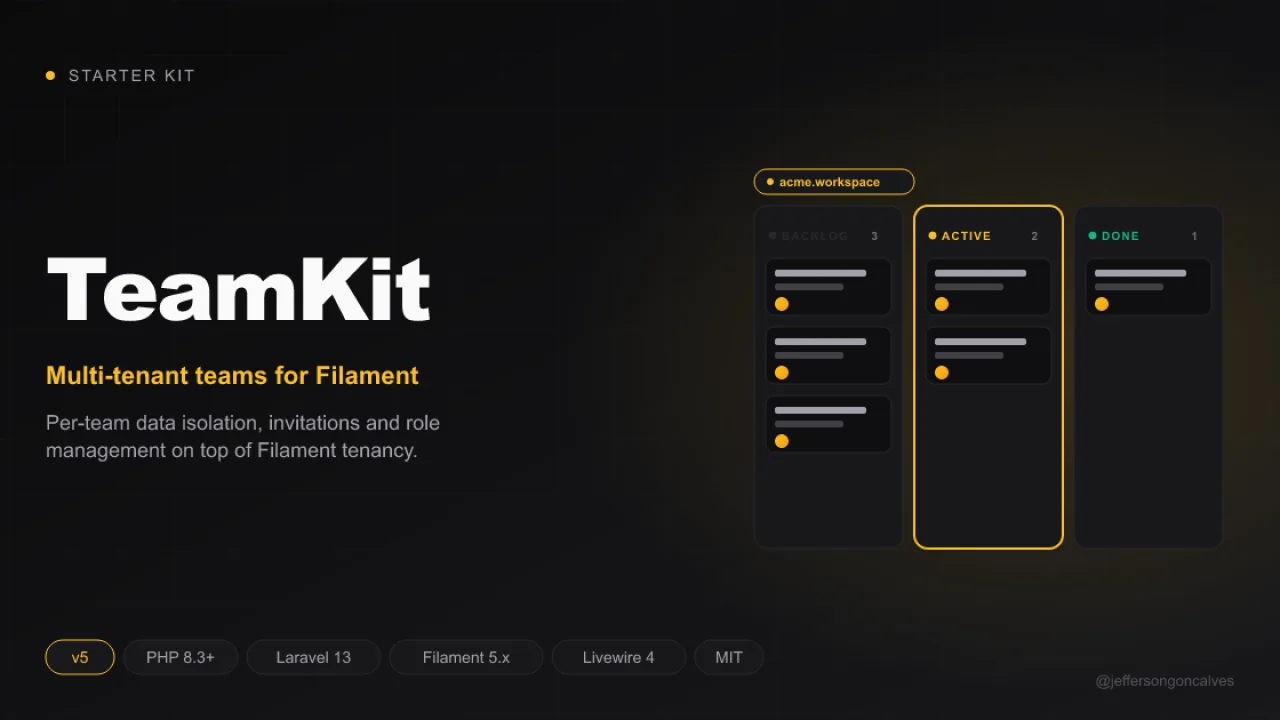
TeamKit v5
Teamkit is a robust starter kit, designed to accelerate the development of modern web applications with a ready-to-use multi-panel structure.
Author:
Jefferson Gonçalves
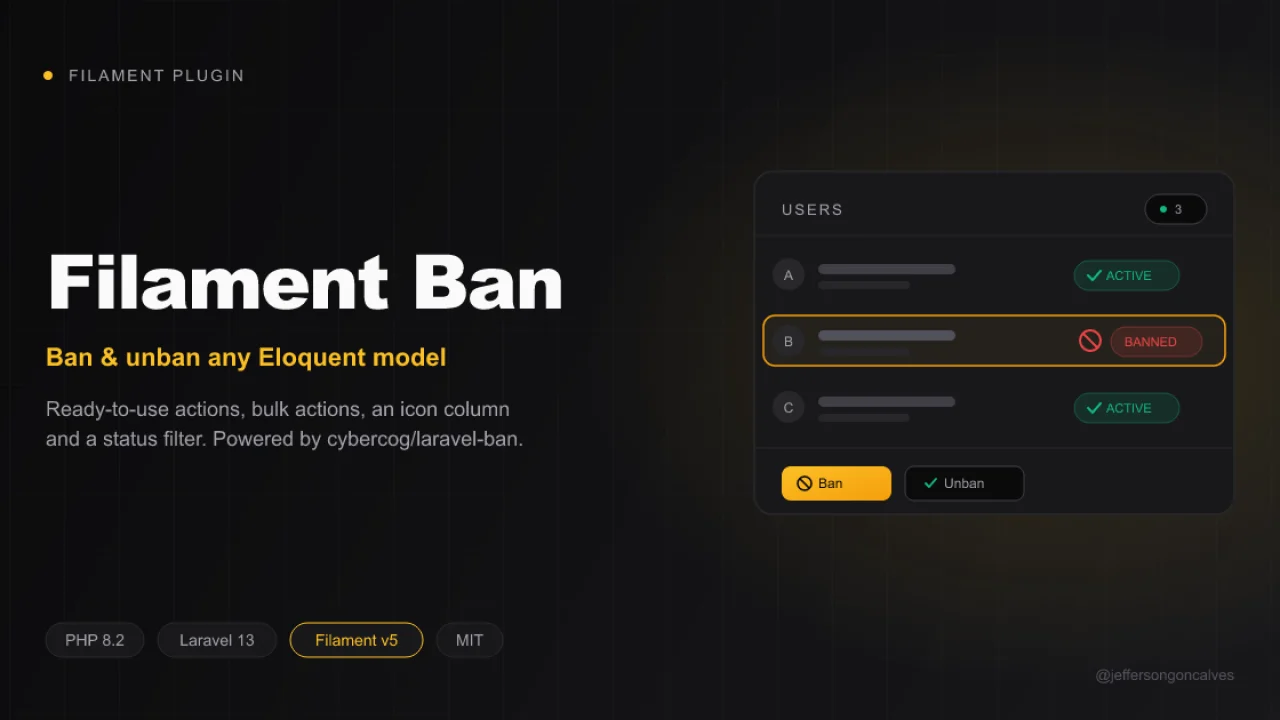
Ban
Ban and unban any Eloquent model directly from your Filament panel. This package wraps cybercog/laravel-ban and ships ready-to-use actions, bulk actions, an icon column and a status filter for your Filament resources and tables. Inspired by cybercog/laravel-nova-ban.
Author:
Jefferson Gonçalves
Featured Plugins
A selection of plugins curated by the Filament team

Sharp Theme
A theme that gives panels a precise, technical look with square corners, strong borders, and clear contrast.
 Filament

Advanced Tables (formerly Filter Sets)
Supercharge your tables with powerful features like user-customizable views, quick filters, multi-column sorting, advanced table searching, convenient view management, and more. Compatible with Resource Panel Tables, Relation Managers, Table Widgets, and Table Builder!
 Kenneth Sese

Custom Fields
Eliminate custom field migrations forever. Let your users create and manage form fields directly in Filament admin panels with 20+ built-in field types, validation, and zero database changes.
 Relaticle
