
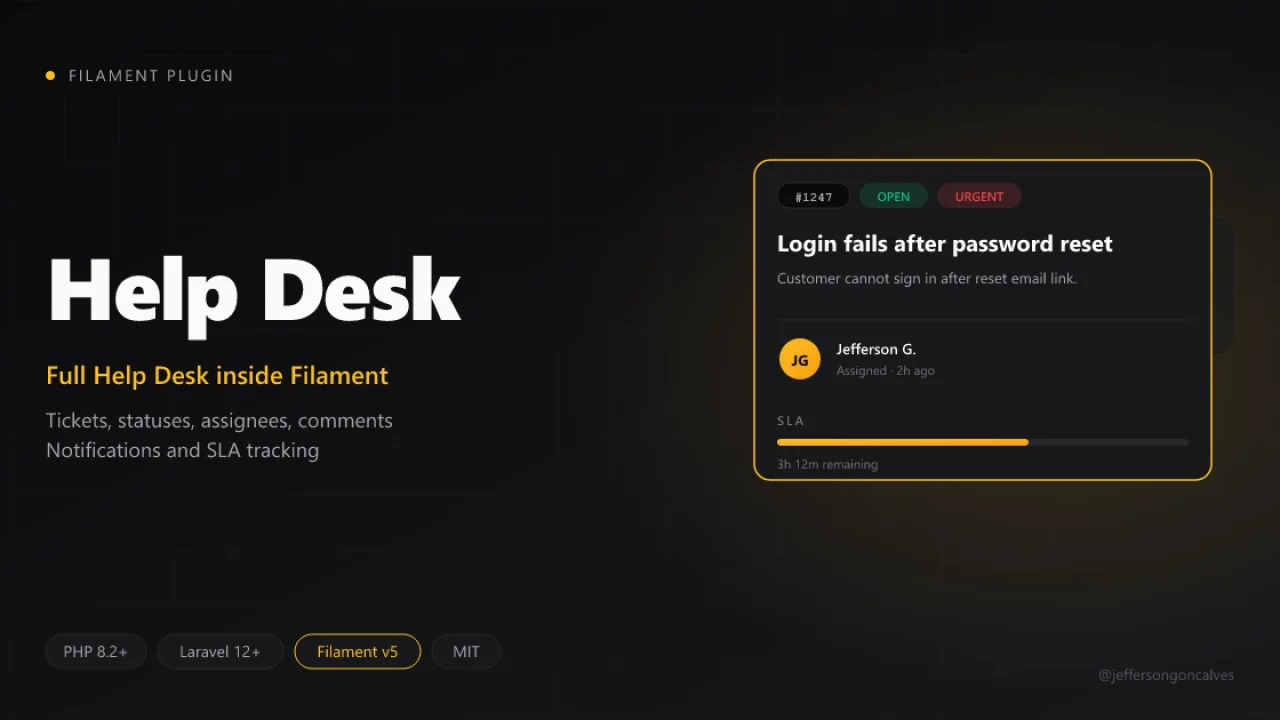
Help Desk
CommunityFilament plugin for Help Desk ticket management — User, Operator, and Admin panels with SLA tracking and priorities.
 Author:
Jefferson Gonçalves
Author:
Jefferson Gonçalves
Package health
BetaAutomated checks of this plugin's Composer package
15 checks
- Passed: GitHub Actions pinned to SHA
- Skipped: GitLab CI includes pinned to SHA
- Passed: Open security advisories
- Passed: Dependabot PR responsiveness — No open Dependabot PRs.
- Skipped: Renovate MR responsiveness
- Passed: Dependabot or Renovate configured
- Passed: Dependency update cooldown configured
- Passed: Provides a security policy
- Passed: Abandoned or archived — No consulted source marks the package abandoned (packagist, github).
- Passed: Commit and release recency — Active: last commit 0 days ago; last release 85 days ago.
-
Passed:
composer.lock not committed by library
—
composer.lockis absent from the released dist archive. - Passed: Dist archive is lean
- Skipped: Current Laravel version supported
-
Passed:
Current PHP version supported
—
Constraint
^8.2supports current PHP8.5. - Skipped: Current Symfony version supported
filament/
namespace. Review the source and install at your own risk. Found
malware or an unresolved security issue the author won't
address?
Report it
.
Documentation
- Version Compatibility
- Installation
- Setup
- Configuration
- Satellite applications (HELPDESK_DRIVER=api)
- Translations
- Testing
- Changelog
- Security Vulnerabilities
- Credits
- License





Filament plugins for jeffersongoncalves/laravel-help-desk — providing User, Operator, and Admin panels for ticket management.
#Version Compatibility
filament-help-desk |
laravel-help-desk |
Filament |
|---|---|---|
1.x |
^1.9 |
v3 |
2.x |
^1.9 |
v4 |
3.x |
^1.9 |
v5 |
#Installation
You can install the package via composer:
composer require jeffersongoncalves/filament-help-desk:^3.0
#Publish config (optional)
php artisan vendor:publish --tag="filament-help-desk-config"
#Publish views (optional)
php artisan vendor:publish --tag="filament-help-desk-views"
#Publish translations (optional)
php artisan vendor:publish --tag="filament-help-desk-translations"
Note: Make sure you have already installed and configured jeffersongoncalves/laravel-help-desk (migrations, config, etc.) before using this package. On a satellite application running
HELPDESK_DRIVER=apithere are no migrations to run at all — see Satellite applications.
#Setup
#1. Add traits to your User model
use JeffersonGoncalves\HelpDesk\Concerns\HasTickets;
use JeffersonGoncalves\HelpDesk\Concerns\IsOperator;

class User extends Authenticatable
{
    use HasTickets;
    use IsOperator; // Only needed for users who act as operators/admins
}
#2. Register plugins in your Filament panels
This package provides 3 independent plugins that can be registered in any combination across your panels — except on a satellite, where only the User plugin may be registered and the other two throw at boot.
#User Plugin
For end-users to create and track their tickets.
use JeffersonGoncalves\FilamentHelpDesk\FilamentHelpDeskUserPlugin;

class UserPanelProvider extends PanelProvider
{
    public function panel(Panel $panel): Panel
    {
        return $panel
            // ...
            ->plugins([
                FilamentHelpDeskUserPlugin::make(),
            ]);
    }
}
Provides:
- Ticket creation form (department, category, priority, attachments)
- Ticket listing with status/priority filters
- Ticket detail view with comment timeline and reply form
- Stats widget: open, pending, resolved, total tickets
#Operator Plugin
For support agents to manage and respond to tickets.
use JeffersonGoncalves\FilamentHelpDesk\FilamentHelpDeskOperatorPlugin;

class OperatorPanelProvider extends PanelProvider
{
    public function panel(Panel $panel): Panel
    {
        return $panel
            // ...
            ->plugins([
                FilamentHelpDeskOperatorPlugin::make(),
            ]);
    }
}
Provides:
- Tabbed ticket queue (My Tickets, Unassigned, All)
- Ticket management: change status, priority, assign operators
- Internal notes and canned responses
- Tickets by status chart widget
- Assigned tickets table widget
#Admin Plugin
For administrators to configure the help desk system.
use JeffersonGoncalves\FilamentHelpDesk\FilamentHelpDeskAdminPlugin;

class AdminPanelProvider extends PanelProvider
{
    public function panel(Panel $panel): Panel
    {
        return $panel
            // ...
            ->plugins([
                FilamentHelpDeskAdminPlugin::make(),
            ]);
    }
}
Provides:
- Department CRUD with operator management
- Category CRUD with hierarchical support
- Canned response CRUD
- Email channel configuration
- Full ticket management (all tickets, all statuses)
- Stats overview and priority distribution widgets
Tip: You can combine plugins in a single panel. For example, register both
FilamentHelpDeskAdminPluginandFilamentHelpDeskOperatorPluginin your admin panel.
#3. Register a morph alias when sharing one Help Desk database
Tickets store the requester and the assigned operator as polymorphic pairs (user_type/user_id, assigned_to_type/assigned_to_id). The plugin resolves the type side through getMorphClass(), so it honours any morph map you enforce.
If several applications point at the same Help Desk database (see the configurable database connection in jeffersongoncalves/laravel-help-desk), you must give each application its own morph alias. Every Laravel app calls its model App\Models\User, so without an alias user #5 of app A and user #5 of app B collapse into the same (user_type, user_id) pair and each one sees the other's tickets.
// AppServiceProvider::boot() of each application
use App\Models\User;
use Illuminate\Database\Eloquent\Relations\Relation;

Relation::enforceMorphMap([
    'app-a-user' => User::class,
]);
Single-application installs need no change: with no morph map registered, getMorphClass() returns the class name, which is what is already stored.
#4. What the panels show across applications
Two more things follow from a shared database, and both work on their own once jeffersongoncalves/laravel-help-desk is at ^1.5.
People from applications you do not have installed. The central application cannot load a requester or comment author whose model lives elsewhere — touching that relation raises Class "..." not found. The core package copies each person's name and email onto the row as it is written, and the panels read requester_name and author_name, which return the live model where it resolves and the copy where it does not.
The panels write that copy too, including for attachment uploaders, which the core package only does for attachments created through its own AttachmentService. Nothing displays the uploader today, but $attachment->uploader_name is there for anything that does. Rows written before laravel-help-desk 1.4 — 1.5 for uploaders — have no copy and read as blank.
Which application a ticket came from. Give each application a key and a label:
# .env of each application
HELPDESK_APP_KEY=app-a
HELPDESK_APP_NAME="Application A"
Tickets are stamped with the key on creation, and the label travels with the ticket, since the central application has no configuration describing the others. The Admin and Operator ticket tables then show an Application column and a filter, and the ticket detail view names the originating application. Where no ticket carries a key, none of that appears — a single-application install sees no change. The User panel never shows it: every ticket a requester sees comes from the application they are already in.
#5. Satellite applications with one central panel
The three plugins are independent, which is what lets a whole support desk be split across applications: each satellite application exposes only the end-user side, and one central application runs the queue and the administration.
| Satellite application | Central application | |
|---|---|---|
| Plugins | FilamentHelpDeskUserPlugin |
FilamentHelpDeskOperatorPlugin, FilamentHelpDeskAdminPlugin |
| Help desk migrations | never runs them | owns the schema, runs them |
HELPDESK_APP_KEY |
its own key | unset |
HELPDESK_SCOPE_TO_APP |
true |
false |
# Satellite application
HELPDESK_DB_CONNECTION=help_desk
HELPDESK_APP_KEY=app-a
HELPDESK_APP_NAME="Application A"
HELPDESK_SCOPE_TO_APP=true
# Central application — sees every application's tickets
HELPDESK_DB_CONNECTION=help_desk
Four things decide whether this works.
Only the central application migrates. Laravel records applied migrations in each application's own default connection, so a satellite that publishes and runs the help desk migrations tries to create tables that already exist. Satellites install jeffersongoncalves/laravel-help-desk, point HELPDESK_DB_CONNECTION at the shared connection, and stop there.
Every application needs its own morph alias — section 3 above. Without it the requester keys collide and each application's users read the other's tickets.
Attachments need a shared disk. help-desk.ticket.attachment_disk defaults to local, which leaves each upload on the disk of whichever application received it, so the central panel cannot serve a file a satellite stored. Point every application at the same S3-style disk.
HELPDESK_SCOPE_TO_APP belongs on the satellites only. It scopes every Ticket query to that application's key, which is what keeps a satellite's User panel honest even before the morph alias is considered. Leave it off centrally, or the Admin and Operator panels see nothing.
See Sharing One Help Desk Database Across Applications in the core package for the data side of the same topology.
#Configuration
The configuration file config/filament-help-desk.php allows you to customize:
return [
    'user' => [
        'resource' => \JeffersonGoncalves\FilamentHelpDesk\User\Resources\TicketResource::class,
        'widgets' => [
            \JeffersonGoncalves\FilamentHelpDesk\User\Widgets\UserTicketStatsWidget::class,
        ],
        'navigation_group' => 'Support',
        'navigation_icon' => 'heroicon-o-ticket',
        'navigation_sort' => null,
        'slug' => 'tickets',
    ],
    'operator' => [
        'resource' => \JeffersonGoncalves\FilamentHelpDesk\Operator\Resources\TicketResource::class,
        'widgets' => [
            \JeffersonGoncalves\FilamentHelpDesk\Operator\Widgets\TicketsByStatusWidget::class,
            \JeffersonGoncalves\FilamentHelpDesk\Operator\Widgets\AssignedTicketsWidget::class,
        ],
        'navigation_group' => 'Help Desk',
        'navigation_icon' => 'heroicon-o-inbox-stack',
        'slug' => 'tickets',
    ],
    'admin' => [
        'navigation_group' => 'Help Desk',
        'navigation_icon' => 'heroicon-o-cog-6-tooth',
        'resources' => [
            'ticket' => \JeffersonGoncalves\FilamentHelpDesk\Admin\Resources\TicketResource::class,
            'department' => \JeffersonGoncalves\FilamentHelpDesk\Admin\Resources\DepartmentResource::class,
            'category' => \JeffersonGoncalves\FilamentHelpDesk\Admin\Resources\CategoryResource::class,
            'canned_response' => \JeffersonGoncalves\FilamentHelpDesk\Admin\Resources\CannedResponseResource::class,
            'email_channel' => \JeffersonGoncalves\FilamentHelpDesk\Admin\Resources\EmailChannelResource::class,
        ],
        'widgets' => [
            \JeffersonGoncalves\FilamentHelpDesk\Admin\Widgets\TicketsByPriorityWidget::class,
            \JeffersonGoncalves\FilamentHelpDesk\Admin\Widgets\TicketStatsOverviewWidget::class,
        ],
    ],
];
#Customizing Resources
Override any resource by pointing to your own class in the config:
'user' => [
    'resource' => \App\Filament\User\Resources\CustomTicketResource::class,
],
Your custom resource can extend the default one:
namespace App\Filament\User\Resources;

use JeffersonGoncalves\FilamentHelpDesk\User\Resources\TicketResource as BaseResource;

class CustomTicketResource extends BaseResource
{
    public static function form(Form $form): Form
    {
        return $form->schema([
            ...static::getTicketFormSchema(isUser: true),
            // Add your custom fields
        ]);
    }
}
#Customizing Widgets
Each panel registers dashboard widgets that can be customized via the widgets config key. You can reorder, remove, or add your own widgets:
'admin' => [
    'widgets' => [
        \JeffersonGoncalves\FilamentHelpDesk\Admin\Widgets\TicketStatsOverviewWidget::class,
        // Remove TicketsByPriorityWidget by not including it
        \App\Filament\Widgets\CustomDashboardWidget::class, // Add your own
    ],
],
To disable all widgets for a panel, set it to an empty array:
'user' => [
    'widgets' => [],
],
#Disabling Resources
You can disable any resource by removing or commenting out its key in the config file. The navigation item will automatically be hidden for any resource whose config key is not present.
For example, to disable the email channel resource in the admin panel:
'admin' => [
    'resources' => [
        'ticket' => \JeffersonGoncalves\FilamentHelpDesk\Admin\Resources\TicketResource::class,
        'department' => \JeffersonGoncalves\FilamentHelpDesk\Admin\Resources\DepartmentResource::class,
        'category' => \JeffersonGoncalves\FilamentHelpDesk\Admin\Resources\CategoryResource::class,
        'canned_response' => \JeffersonGoncalves\FilamentHelpDesk\Admin\Resources\CannedResponseResource::class,
        // 'email_channel' => \JeffersonGoncalves\FilamentHelpDesk\Admin\Resources\EmailChannelResource::class,
    ],
],
To disable the entire User or Operator panel resource, set the resource key to null:
'user' => [
    'resource' => null, // Disables the user ticket resource
    // ...
],
'operator' => [
    'resource' => null, // Disables the operator ticket resource
    // ...
],
#Satellite applications (HELPDESK_DRIVER=api)
An application that reaches a central help desk over the signed API instead of sharing its database has no help desk tables at all. The User panel runs there unchanged:
HELPDESK_DRIVER=api
HELPDESK_API_URL=https://support.example.com
HELPDESK_APP_KEY=app-a
HELPDESK_API_SECRET=a-long-random-string
Everything the panel needs goes through the repositories, so the list, the create form, the timeline, replies and attachment downloads work on either transport with no configuration beyond the above.
Four things differ on a satellite, each because the transport cannot honestly do otherwise:
- The Admin and Operator panels refuse to register. They read operator, department and canned response data that no endpoint serves. Registering either throws at boot rather than rendering empty pages.
- Attachments are capped at
help-desk.api.max_inline_attachment(2 MB by default) rather thanhelp-desk.ticket.max_file_size. A file travels base64 encoded inside the signed body, so it grows by a third and is held in memory on both ends. - Attachments download through a package route, not a disk URL. The file sits on the central disk, which the satellite has no credentials for. The route is registered on the panel, so it is behind the same authentication as the ticket page.
- The department, category and assignee are not shown, and the list offers no department filter. The show response carries ids rather than records, and assignment is an operator concern not exposed to a satellite. Status, priority, search and sorting are all applied by the central application, never over the page already fetched.
Internal notes, assignment, arbitrary status changes, watchers and deletion are operator actions and are not offered. Closing and reopening your own ticket are, on both transports.
#Translations
The package includes translations for:
- English (
en) - Brazilian Portuguese (
pt_BR)
To add or modify translations, publish them and edit the files in resources/lang/vendor/filament-help-desk/.
#Testing
composer test
#PHPStan
composer analyse
#Code Style (Pint)
composer format
#Changelog
Please see CHANGELOG for more information on what has changed recently.
#Security Vulnerabilities
Please see SECURITY for details.
#Credits
#License
The MIT License (MIT). Please see License File for more information.
The author
I'm a Full Stack PHP Developer from Assis, SP, Brazil with over 18 years of hands-on experience building robust platforms, managing server infrastructures, and crafting scalable solutions for businesses of all sizes.
My passion lives in the open source world — I actively maintain 20+ Filament plugins and a growing collection of Laravel packages used by thousands of developers worldwide. I believe great software should be accessible to everyone.
From the same author
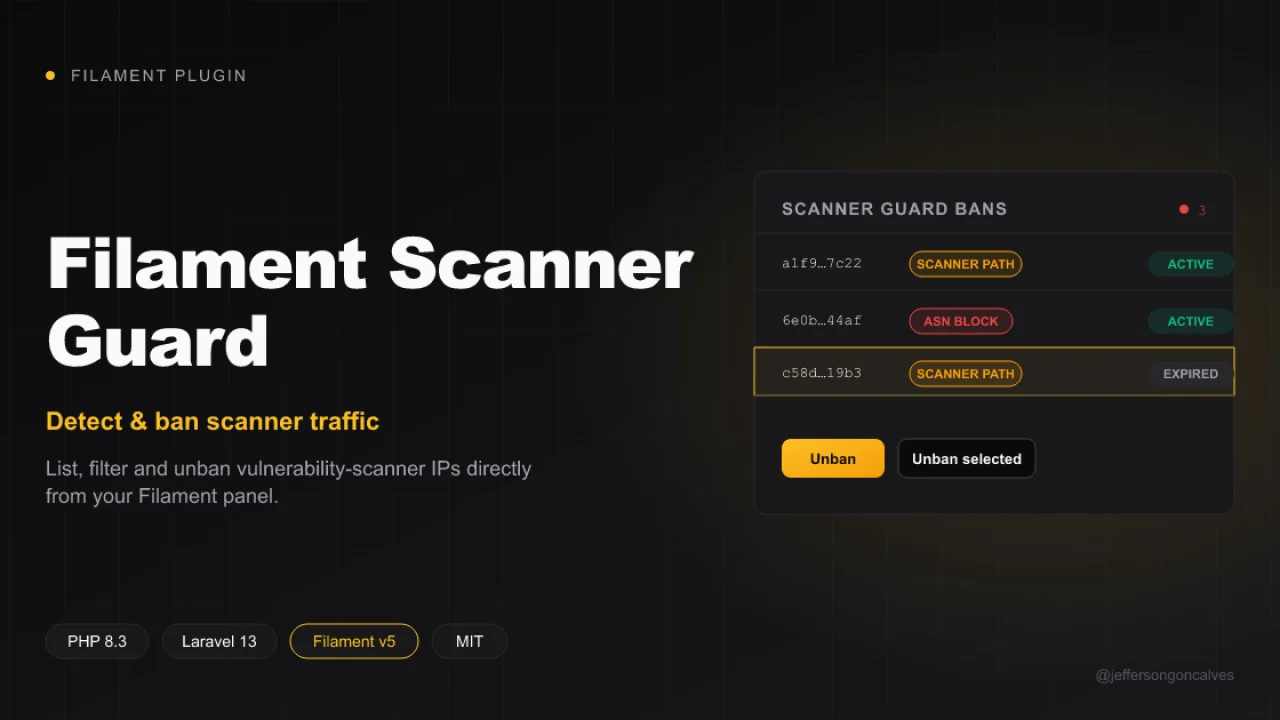
Scanner Guard
Filament UI for jeffersongoncalves/laravel-scanner-guard: list, filter and unban vulnerability-scanner IPs directly from your admin panel. This plugin ships a read-only Resource over the scanner_guard_bans table, an active/expired filter, and unban / bulk unban actions.
Author:
Jefferson Gonçalves
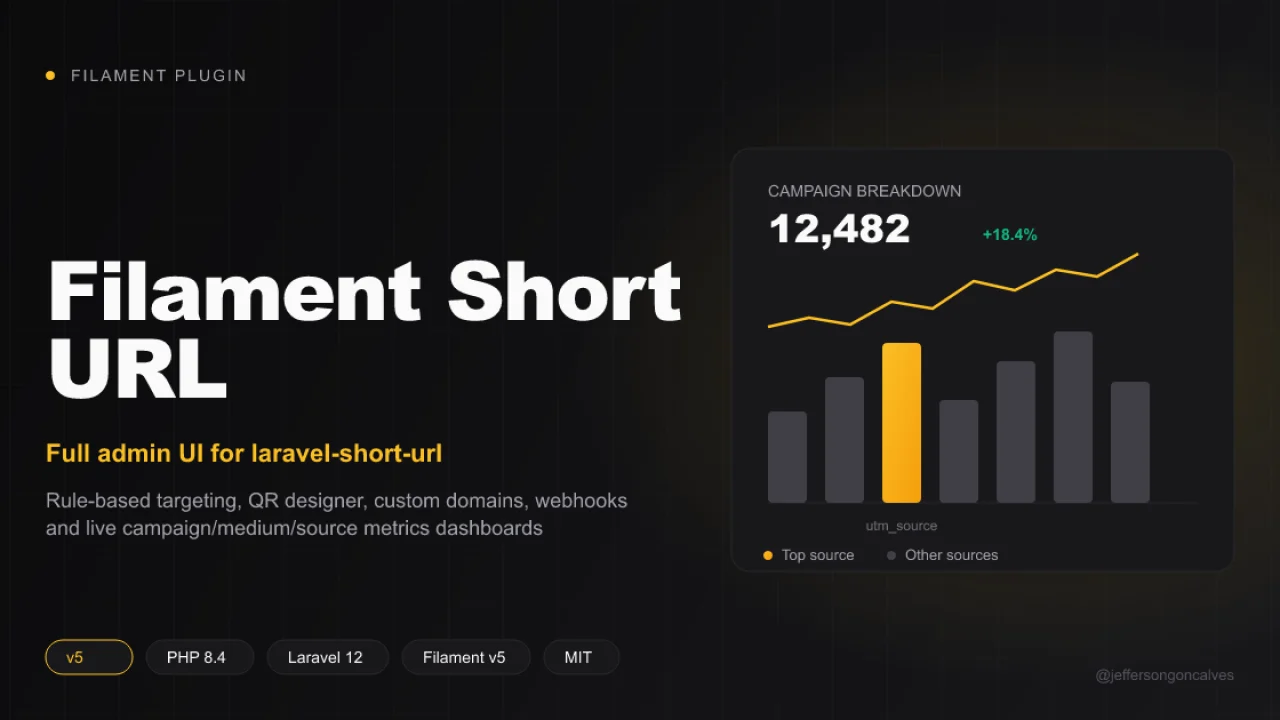
Short URL
A complete Filament v5 admin layer for jeffersongoncalves/laravel-short-url — the headless core package that owns the models, migrations, redirect pipeline, tracking and every business rule. This package duplicates none of that: it's the presentation layer (Resources, Pages and Filament components) built on top of the core's Facade and contracts.
Author:
Jefferson Gonçalves
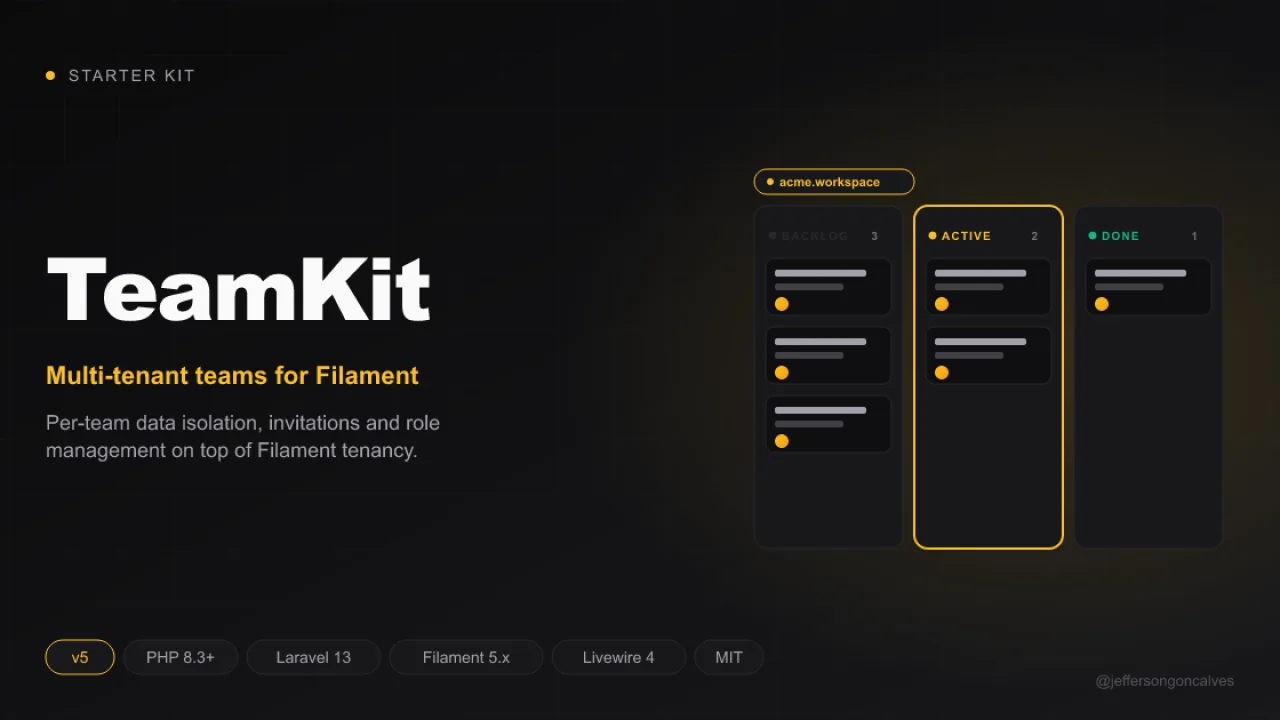
TeamKit v5
Teamkit is a robust starter kit, designed to accelerate the development of modern web applications with a ready-to-use multi-panel structure.
Author:
Jefferson Gonçalves
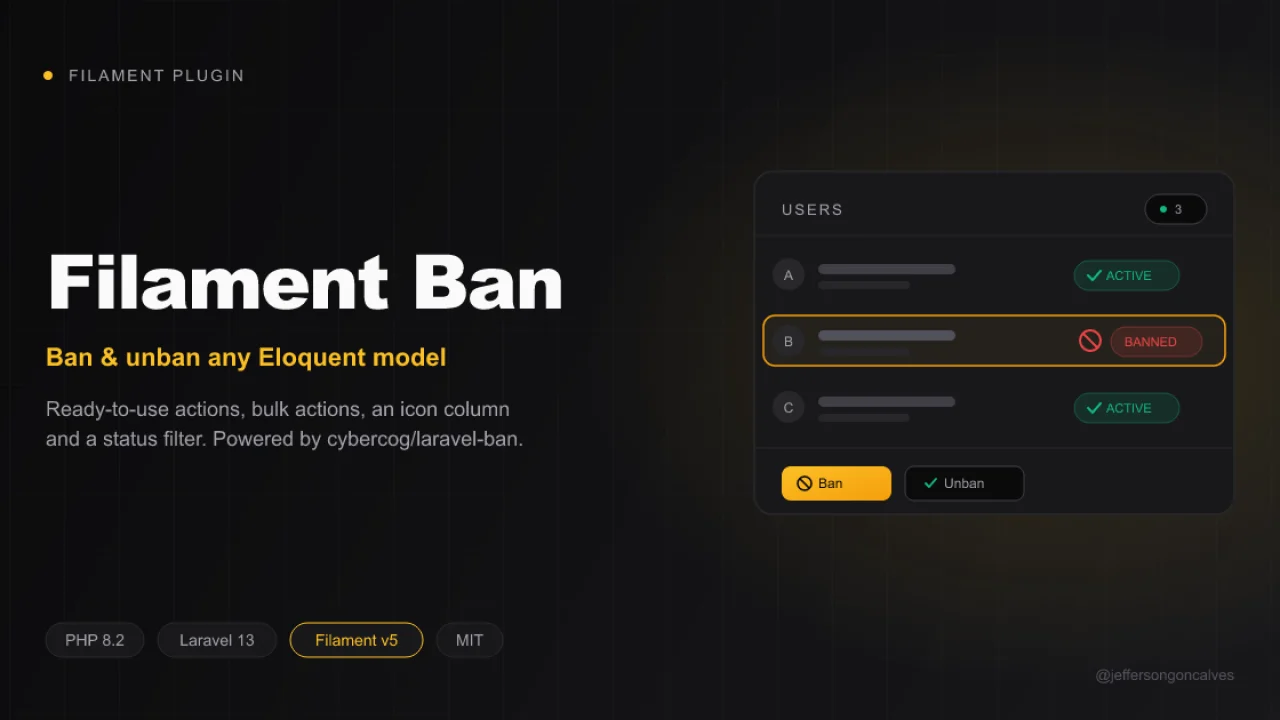
Ban
Ban and unban any Eloquent model directly from your Filament panel. This package wraps cybercog/laravel-ban and ships ready-to-use actions, bulk actions, an icon column and a status filter for your Filament resources and tables. Inspired by cybercog/laravel-nova-ban.
Author:
Jefferson Gonçalves
Featured Plugins
A selection of plugins curated by the Filament team

Noir Theme
A theme that gives panels a focused, refined look with near-black surfaces, crisp actions, and restrained color.
 Filament

Spotlight Pro
Browse your Filament Panel with ease. Filament Spotlight Pro adds a Spotlight like Command Palette to your Filament Panel.
 Dennis Koch

Custom Dashboards
Let your users build and share their own dashboards with a drag-and-drop interface. Define your data sources in PHP and let them do the rest.
Filament

