
Carve
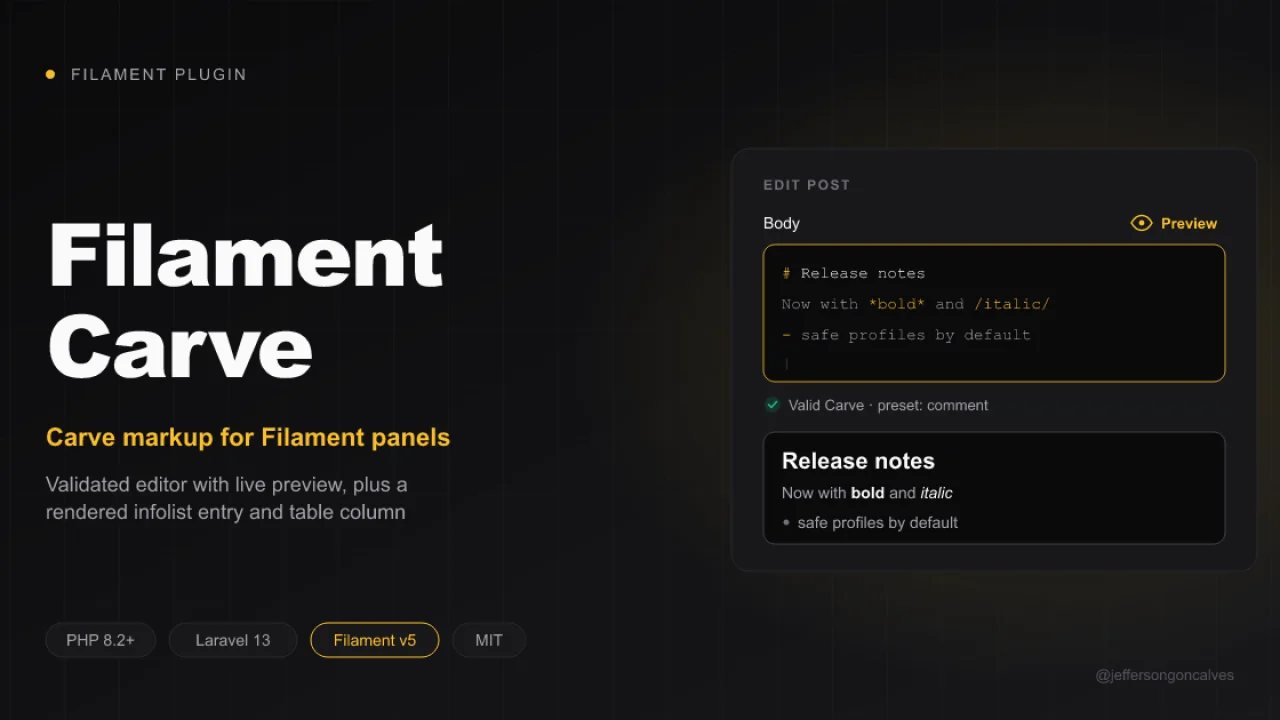
CommunityCarve markup for Filament: validated editor with preview, rendered infolist entry and table column, built on laravel-carve.
filament/
namespace. Review the source and install at your own risk. Found
malware or an unresolved security issue the author won't
address?
Report it
.
 Author:
Jefferson Gonçalves
Author:
Jefferson Gonçalves
Documentation
- Compatibility
- Installation
- Usage
- Security
- Testing
- Changelog
- Contributing
- Security Vulnerabilities
- Credits
- License
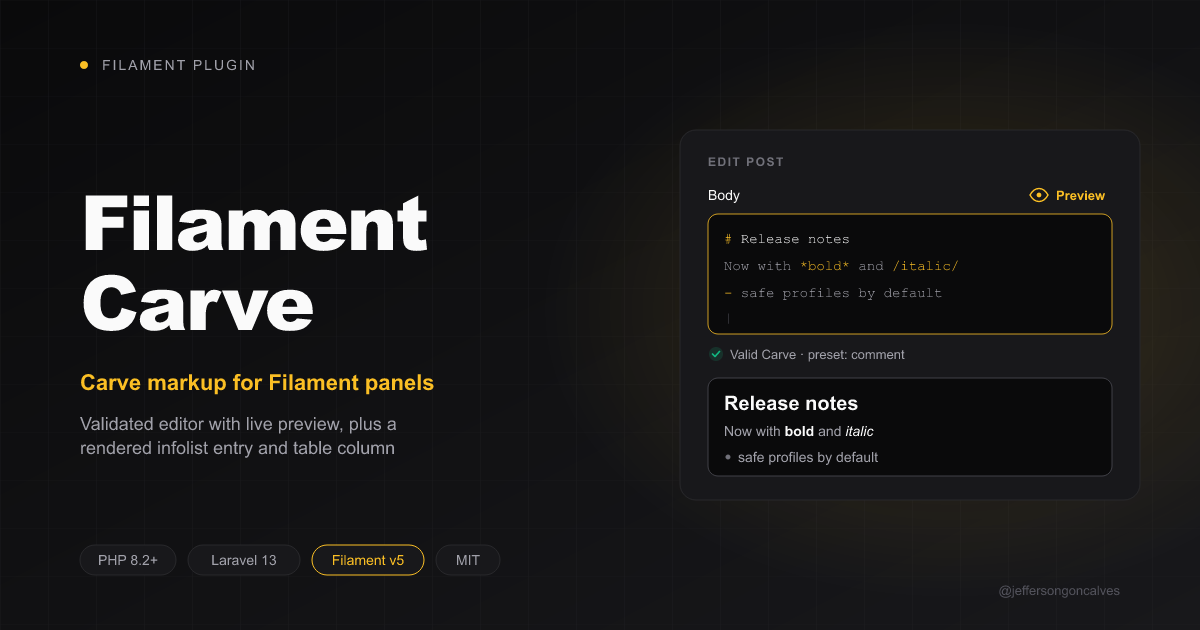






Carve markup for Filament, built on jeffersongoncalves/laravel-carve:
CarveEditor: a textarea that validates Carve source and previews the rendered HTML in a modal.CarveEntry: an infolist entry that renders Carve source as HTML.CarveColumn: a table column that shows Carve source as plain text, or as HTML.
#Compatibility
| Package Version | Filament Version |
|---|---|
| 1.x | 3.x |
| 2.x | 4.x |
| 3.x | 5.x |
#Installation
You can install the package via composer:
composer require jeffersongoncalves/filament-carve
Rendering is configured by laravel-carve. Publish its config to change the render profiles (default, comment, trusted, ...):
php artisan vendor:publish --tag="carve-config"
#Usage
#Editor
use JeffersonGoncalves\Filament\Carve\Forms\Components\CarveEditor;

CarveEditor::make('body')
    ->profile('comment')  // laravel-carve profile used by the preview
    ->preset('comment')   // fail validation on markup the preset does not allow
    ->strict()            // fail validation on parse warnings
    ->lint()              // fail validation on lint findings, such as Markdown's **bold**
    ->previewable(false); // hide the preview action
CarveEditor extends Filament's Textarea, so every textarea method (rows(), autosize(), maxLength(), ...) still works. The source is always checked with laravel-carve's ValidCarve rule.
#Infolist entry
use JeffersonGoncalves\Filament\Carve\Infolists\Components\CarveEntry;

CarveEntry::make('body')
    ->profile('trusted');
#Table column
use JeffersonGoncalves\Filament\Carve\Tables\Columns\CarveColumn;

CarveColumn::make('body')->limit(80); // plain text excerpt
CarveColumn::make('body')->html();    // rendered HTML
#Security
Rendered HTML is printed unescaped. Safety comes from the laravel-carve profile: use a safe_mode profile (the default and comment profiles are safe) for user supplied content, and a profile with safe_mode => false only for content you trust.
#Testing
composer test
#Changelog
Please see CHANGELOG for more information on what has changed recently.
#Contributing
Please see CONTRIBUTING for details.
#Security Vulnerabilities
Please review our security policy on how to report security vulnerabilities.
#Credits
#License
The MIT License (MIT). Please see License File for more information.
The author
I'm a Full Stack PHP Developer from Assis, SP, Brazil with over 18 years of hands-on experience building robust platforms, managing server infrastructures, and crafting scalable solutions for businesses of all sizes.
My passion lives in the open source world — I actively maintain 20+ Filament plugins and a growing collection of Laravel packages used by thousands of developers worldwide. I believe great software should be accessible to everyone.
From the same author
Scanner Guard
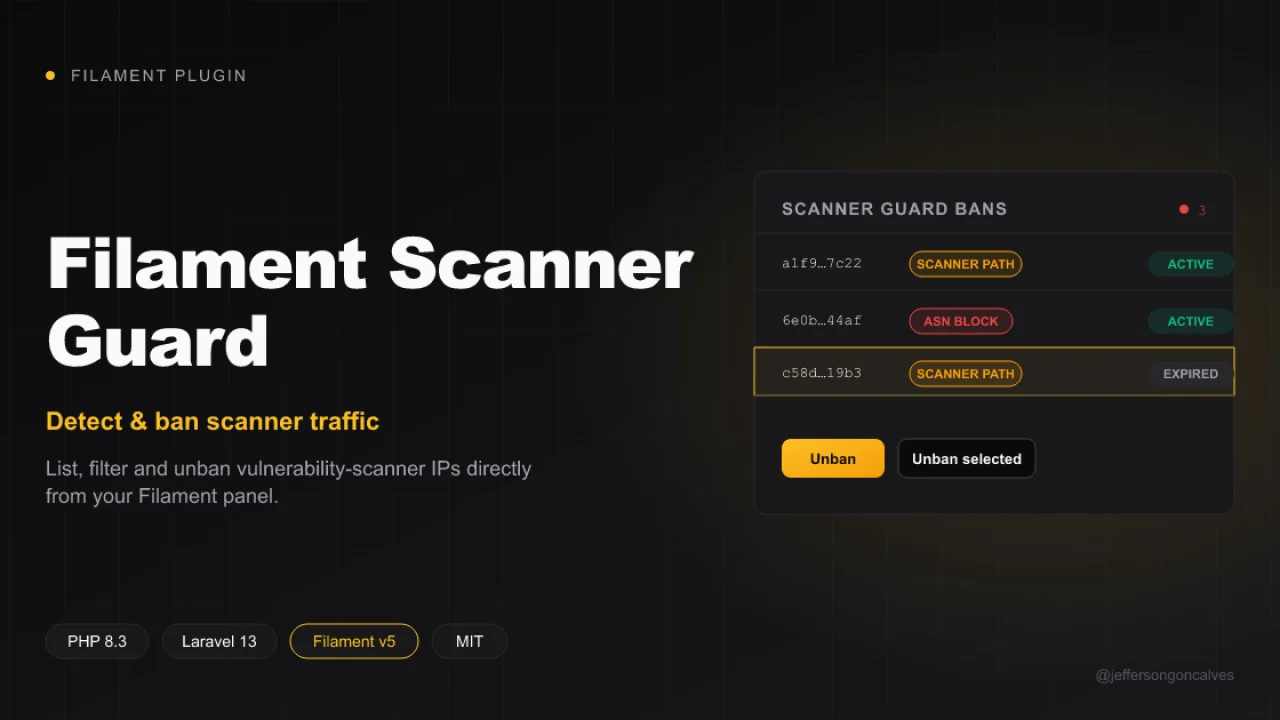
Filament UI for jeffersongoncalves/laravel-scanner-guard: list, filter and unban vulnerability-scanner IPs directly from your admin panel. This plugin ships a read-only Resource over the scanner_guard_bans table, an active/expired filter, and unban / bulk unban actions.
Author:
Jefferson Gonçalves
Short URL
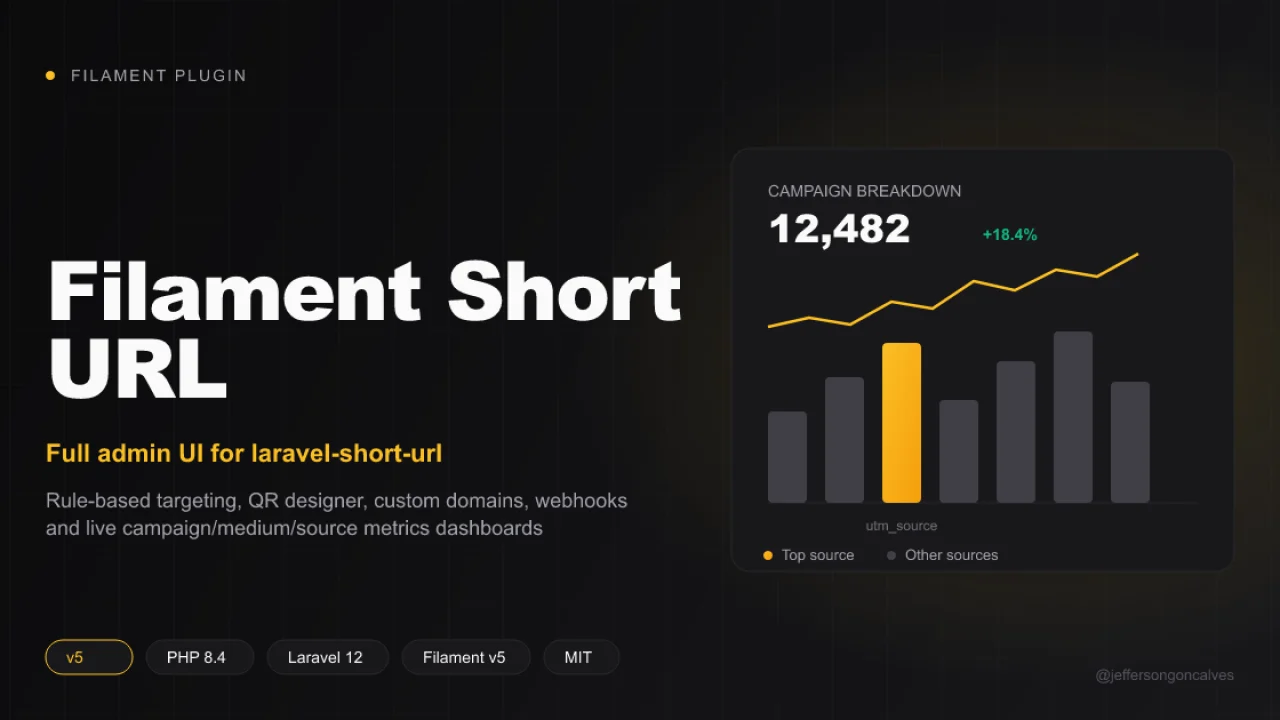
A complete Filament v5 admin layer for jeffersongoncalves/laravel-short-url — the headless core package that owns the models, migrations, redirect pipeline, tracking and every business rule. This package duplicates none of that: it's the presentation layer (Resources, Pages and Filament components) built on top of the core's Facade and contracts.
Author:
Jefferson Gonçalves
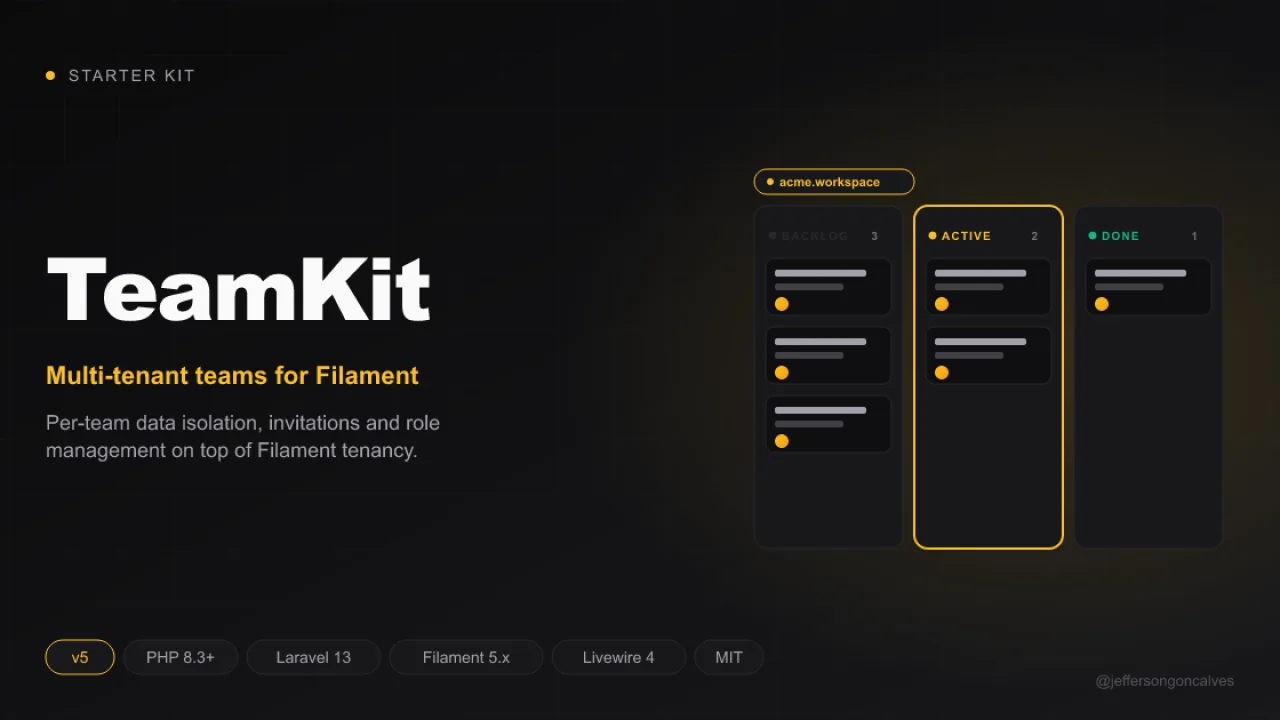
TeamKit v5
Teamkit is a robust starter kit, designed to accelerate the development of modern web applications with a ready-to-use multi-panel structure.
Author:
Jefferson Gonçalves
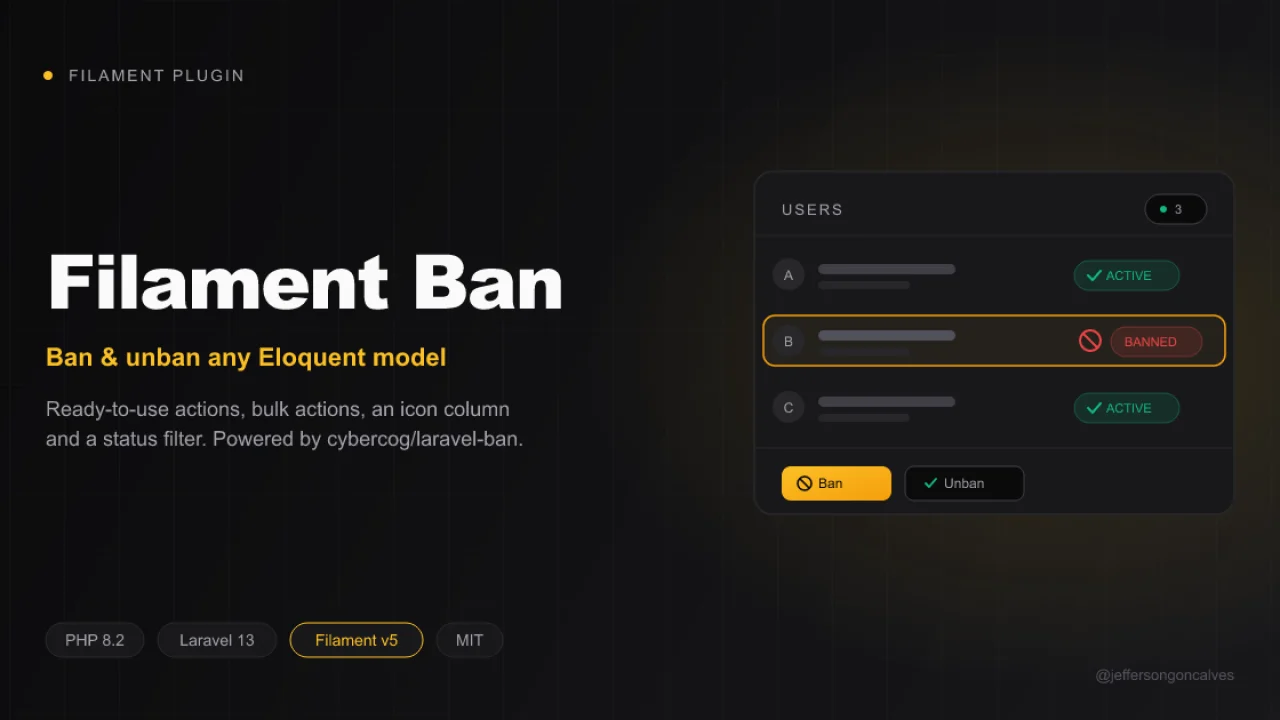
Ban
Ban and unban any Eloquent model directly from your Filament panel. This package wraps cybercog/laravel-ban and ships ready-to-use actions, bulk actions, an icon column and a status filter for your Filament resources and tables. Inspired by cybercog/laravel-nova-ban.
Author:
Jefferson Gonçalves
Featured Plugins
A selection of plugins curated by the Filament team

Noir Theme
A theme that gives panels a focused, refined look with near-black surfaces, crisp actions, and restrained color.
 Filament

Sharp Theme
A theme that gives panels a precise, technical look with square corners, strong borders, and clear contrast.
Filament

Advanced Tables (formerly Filter Sets)
Supercharge your tables with powerful features like user-customizable views, quick filters, multi-column sorting, advanced table searching, convenient view management, and more. Compatible with Resource Panel Tables, Relation Managers, Table Widgets, and Table Builder!
 Kenneth Sese

