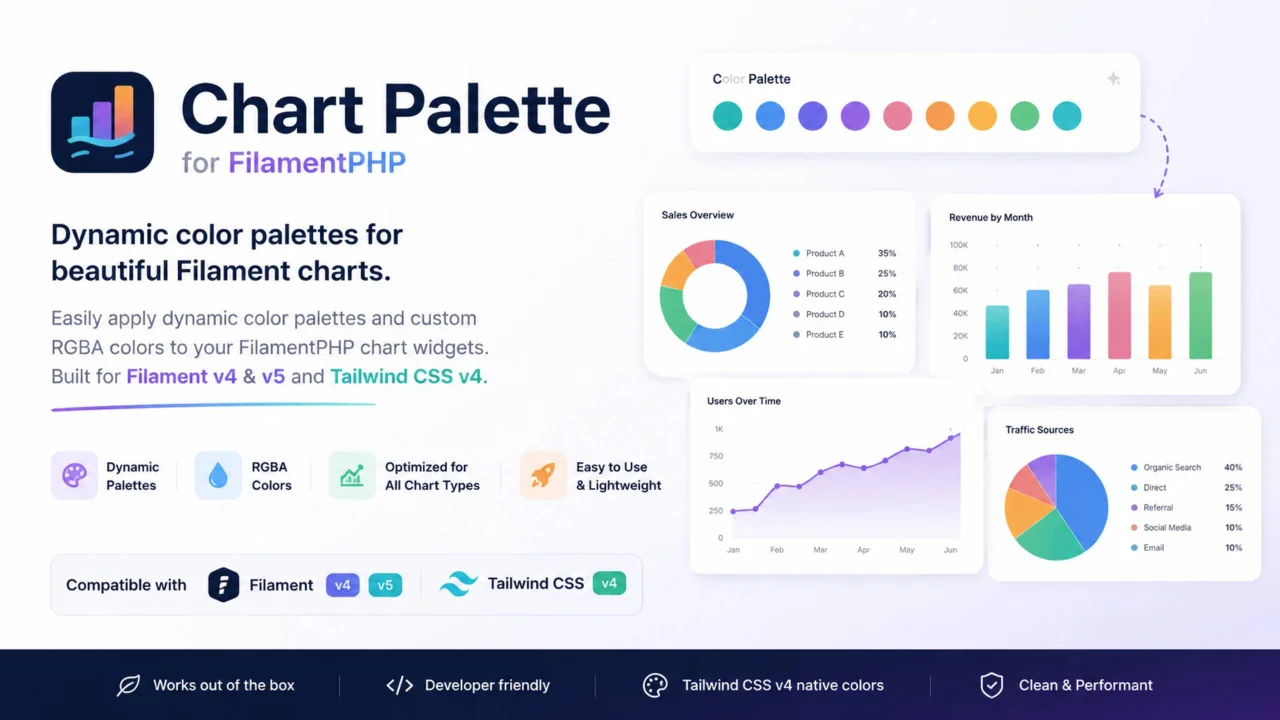
Chart Palette
CommunityA Laravel/Filament package for applying dynamic color palettes and custom RGBA colors to FilamentPHP chart widgets. Supports Filament v4/v5 and Tailwind CSS v4, with automatic palette ordering optimized for different chart types.
 Author:
JCCoca
Author:
JCCoca
Package health
BetaAutomated checks of this plugin's Composer package
15 checks
- Skipped: GitHub Actions pinned to SHA
- Skipped: GitLab CI includes pinned to SHA
- Passed: Open security advisories
- Passed: Dependabot PR responsiveness — No open Dependabot PRs.
- Skipped: Renovate MR responsiveness
- Skipped: Dependabot or Renovate configured
- Skipped: Dependency update cooldown configured
- Failed: Provides a security policy — View details on Plumb
- Passed: Abandoned or archived — No consulted source marks the package abandoned (packagist, github).
- Passed: Commit and release recency — Active: last commit 2 days ago; last release 2 days ago.
- Skipped: composer.lock not committed by library
- Skipped: Dist archive is lean
- Skipped: Current Laravel version supported
- Skipped: Current PHP version supported
- Skipped: Current Symfony version supported
filament/
namespace. Review the source and install at your own risk. Found
malware or an unresolved security issue the author won't
address?
Report it
.
Documentation



🇧🇷 Para a versão em Português, clique aqui
Easily apply dynamic color palettes and custom RGBA colors to your FilamentPHP chart widgets. Compatible with Filament v4 / v5 and Tailwind CSS v4.
#About
Filament Chart Palette provides a clean and convenient way to apply color palettes to FilamentPHP charts.
With Tailwind CSS v4 native OKLCH color definitions, charting libraries (such as Chart.js inside Filament) require explicit rgba(...) strings to properly handle opacity and canvas background rendering. This library seamlessly converts Filament's Color::class definitions into ordered RGBA color arrays optimized for each specific chart type.
#Requirements
- PHP
^8.2 - Filament
^4.0or^5.0 - Tailwind CSS
v4.x
#Installation
Install the package via Composer:
composer require jccoca/filament-chart-palette
#Usage
#Apply a Color Palette to a Specific Chart Type
Simply import and use the HasChartPalette trait in your Filament Chart Widgets:
<?php

namespace App\Filament\Widgets;

use Filament\Widgets\ChartWidget;
use JCCoca\FilamentChartPalette\Traits\HasChartPalette;

class UsersOverviewChart extends ChartWidget
{
    use HasChartPalette;

    protected static ?string $heading = 'Users Overview';

    protected function getData(): array
    {
        // Get a ready-to-use RGBA color palette optimized for 'pie' charts (shade step 400)
        $palette = $this->getChartPalette('pie', 400);
        $palette = $this->getChartPalette($this->getType());

        return [
            'datasets' => [
                [
                    'label' => 'Users',
                    'data' => [300, 50, 100, 40, 120],
                    'backgroundColor' => $palette,
                ],
            ],
            'labels' => ['Active', 'Pending', 'Banned', 'Inactive', 'Archived'],
        ];
    }

    protected function getType(): string
    {
        return 'pie';
    }
}
#Automatic Palette Based on Chart Type
You can dynamically pass $this->getType() to automatically match the palette order to the specific widget chart type (e.g., pie, doughnut, bar, line, etc.):
<?php

namespace App\Filament\Widgets;

use Filament\Widgets\ChartWidget;
use JCCoca\FilamentChartPalette\Traits\HasChartPalette;

class UsersOverviewChart extends ChartWidget
{
    use HasChartPalette;

    protected static ?string $heading = 'Users Overview';

    protected function getData(): array
    {
        // Automatically fetches the palette optimized for current chart type ($this->getType())
        $palette = $this->getChartPalette($this->getType());

        return [
            'datasets' => [
                [
                    'label' => 'Users',
                    'data' => [300, 50, 100, 40, 120],
                    'backgroundColor' => $palette,
                ],
            ],
            'labels' => ['Active', 'Pending', 'Banned', 'Inactive', 'Archived'],
        ];
    }

    protected function getType(): string
    {
        return 'pie';
    }
}
#Apply Specific Color to a Dataset
If you need a single color for a dataset in a bar, line, area, or other chart type:
<?php

protected function getData(): array
{
    return [
        'datasets' => [
            [
                'label' => 'Monthly Sales',
                'data' => [10, 20, 30, 40],
                'backgroundColor' => $this->getColorByName('Emerald', 200),
                'borderColor' => $this->getColorByName('Emerald', 500),
            ],
        ],
        'labels' => ['Q1', 'Q2', 'Q3', 'Q4'],
    ];
}
The author
From the same author

Featured Plugins
A selection of plugins curated by the Filament team

Custom Dashboards
Let your users build and share their own dashboards with a drag-and-drop interface. Define your data sources in PHP and let them do the rest.
 Filament

Spotlight Pro
Browse your Filament Panel with ease. Filament Spotlight Pro adds a Spotlight/Raycast like Command Palette to your Filament Panel.
 Dennis Koch
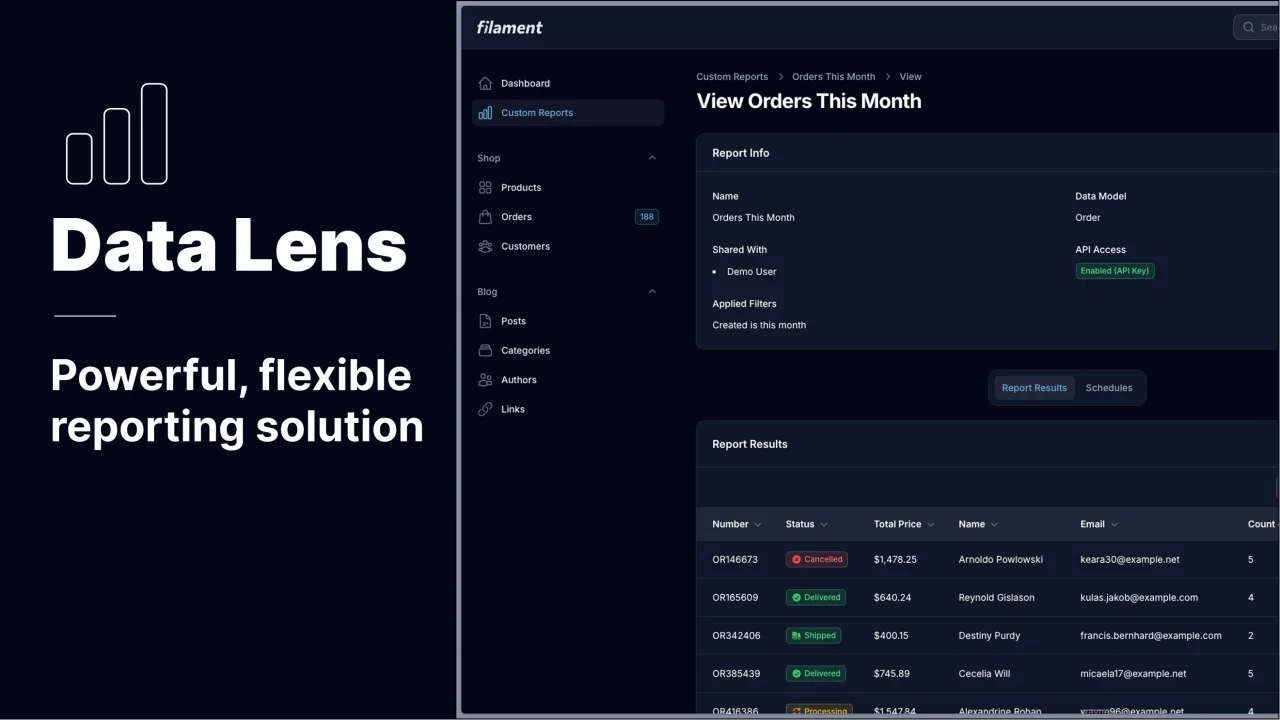
Data Lens
Advanced Data Visualization for Laravel Filament - a premium reporting solution enabling custom column creation, sophisticated filtering, and enterprise-grade data insights within admin panels.
 Padmission
