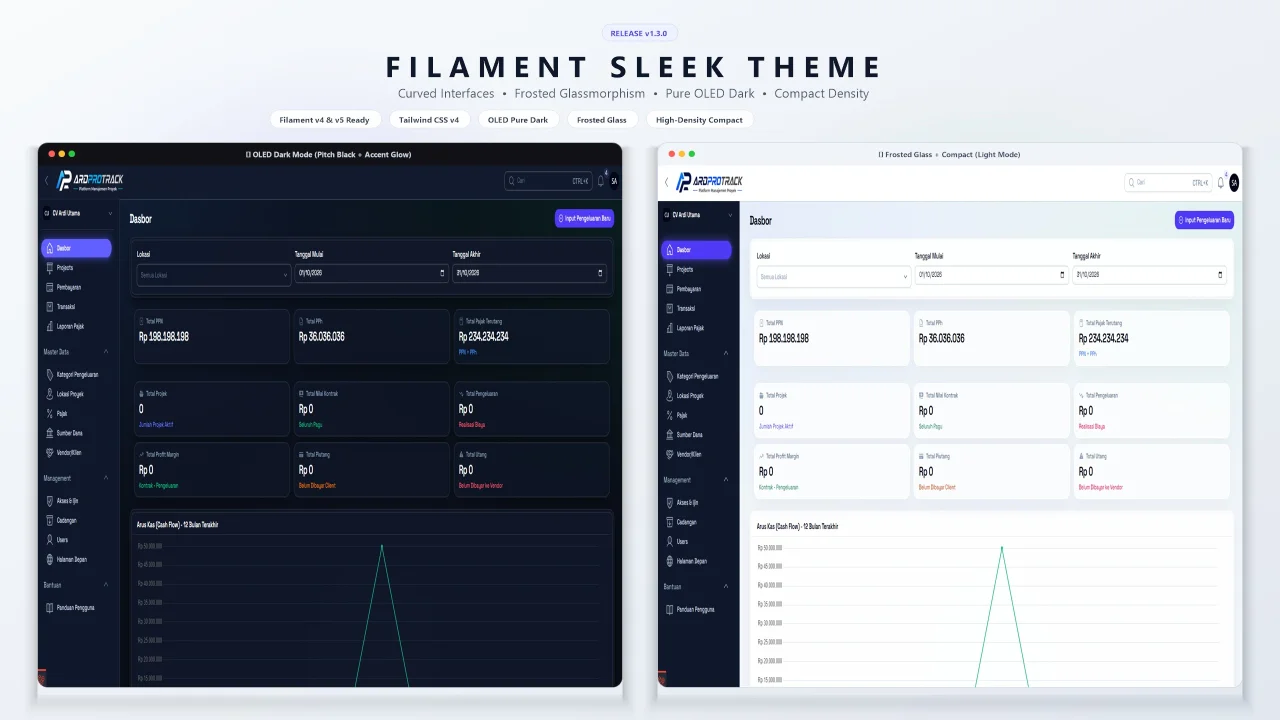
Sleek Theme by Hansen Makangiras
CommunityA modern, customizable theme for FilamentPHP v4 and v5 featuring curved interfaces, OLED pitch black, frosted glassmorphism, and compact density.
 Author:
Hansen Makangiras
Package health
Automated checks of this plugin's Composer package
15 checks
- Failed: GitHub Actions pinned to SHA — View details on Plumb
- Skipped: GitLab CI includes pinned to SHA
- Passed: Open security advisories
- Passed: Dependabot PR responsiveness — No open Dependabot PRs.
- Skipped: Renovate MR responsiveness
- Failed: Dependabot or Renovate configured — No dependency updater configuration found. View details on Plumb
- Skipped: Dependency update cooldown configured
- Failed: Provides a security policy — View details on Plumb
- Passed: Abandoned or archived — No consulted source marks the package abandoned (packagist, github).
- Passed: Commit and release recency — Active: last commit 0 days ago; last release 0 days ago.
-
Passed:
composer.lock not committed by library
—
composer.lockis absent from the released dist archive. - Passed: Dist archive is lean
-
Passed:
Current Laravel version supported
—
Package dependencies resolve together with current Laravel
13.0. -
Passed:
Current PHP version supported
—
Constraint
^8.2supports current PHP8.5. - Skipped: Current Symfony version supported
filament/
namespace. Review the source and install at your own risk. Found
malware or an unresolved security issue the author won't
address?
Report it
.
Documentation
- ✨ Features
- Installation
- 🎨 Theme Customization
- 1. Curated Aesthetic Presets
- 2. Custom Primary & Gray Colors
- 3. Custom Font / Typography
- 4. OLED / Pure Black Dark Mode
- 5. Border Radius & Subtle Style
- 6. Compact / High Density Mode
- 7. Frosted Glass / Glassmorphism
- 8. Native Thin Scrollbars
- 9. Subtle Accent Ambient Glow
- 10. Sidebar Contrast Mode
- 11. Topbar Contrast Mode
- Combine Everything Fluently
- ⚙️ Global Configuration File (Optional)
- 🛠️ Customizing Theme CSS (Optional)
- Screenshots
- License




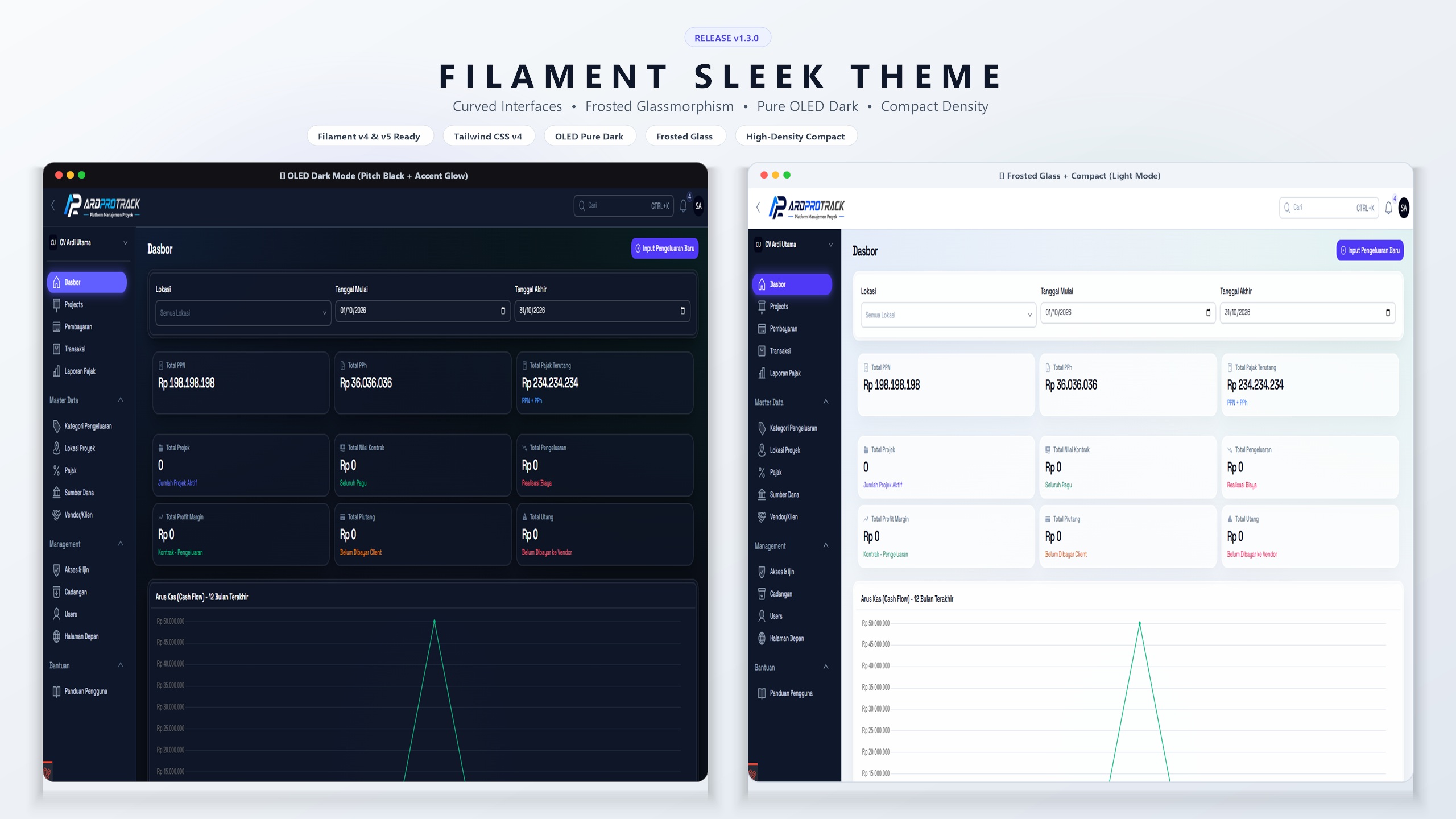
A modern, sleek, responsive, and customizable theme for FilamentPHP v4 & v5, designed to elevate your admin panel with curved interfaces, pill navigation, and minimal shadow styling.
Note
Originally forked from resmatech/filament-awin-theme. Maintained and updated by Hansen Makangiras with full Filament v5 & v4 dual compatibility, Service Provider support, and modern testing setup.
#✨ Features
- FilamentPHP v4 & v5 Ready – Fully compatible with both Filament v4 and v5
- Dark/Light Mode – Toggle between elegant color schemes
- Curved & Pill Design – Smooth rounded cards, table containers, and pill-shaped navigation
- Fully Responsive – Works flawlessly on desktop and mobile devices
- Tailwind CSS v4 – Built on modern Tailwind CSS v4 styling
- Plug & Play – Minimal setup, configure colors effortlessly
#Installation
#1. Install via Composer
composer require hansenmakangiras/filament-sleek-theme
#2. Run the Install Command (Recommended)
You can quickly install and set up the package using the Artisan command:
php artisan filament-sleek:install
Or optionally publish the CSS files directly into your project:
php artisan filament-sleek:install --publish-css
#3. Add CSS to Vite
In your vite.config.js, include the theme's CSS:
input: [
    // ...existing files,
    'vendor/hansenmakangiras/filament-sleek-theme/resources/css/theme.css'
],
Then rebuild assets:
npm run build
(Optional) If you prefer publishing assets manually:
php artisan vendor:publish --tag=filament-sleek-theme-css
#4. Register the Plugin
In your panel provider (e.g. app/Providers/Filament/AdminPanelProvider.php):
use HansenMakangiras\FilamentSleekTheme\FilamentSleekTheme;

public function panel(Panel $panel): Panel
{
    return $panel
        // ...your existing config
        ->plugins([
            FilamentSleekTheme::make(),
        ]);
}
#🎨 Theme Customization
#1. Curated Aesthetic Presets
Instantly apply harmonious colors and typography tailored for Sleek Theme:
FilamentSleekTheme::make()
    ->emerald() // Emerald primary + Slate gray + Inter font
    // or: ->indigo(), ->violet(), ->rose(), ->amber(), ->cyan(), ->sky(), ->ocean(), ->sunset()
Or specify by preset name:
FilamentSleekTheme::make()->preset('violet');
#2. Custom Primary & Gray Colors
Easily change primary accent and dark/light gray undertones (Slate, Zinc, Neutral, Stone, Gray):
use Filament\Support\Colors\Color;

FilamentSleekTheme::make()
    ->primaryColor(Color::Violet)
    ->grayColor(Color::Slate);
Or using custom hex values:
FilamentSleekTheme::make()
    ->primaryColor('#6366f1')
    ->grayColor('#64748b');
#3. Custom Font / Typography
Set your panel's typography with a single line:
FilamentSleekTheme::make()
    ->font('Plus Jakarta Sans', 'https://fonts.googleapis.com/css2?family=Plus+Jakarta+Sans:wght@400;500;600;700&display=swap');
#4. OLED / Pure Black Dark Mode
Switch dark mode from standard deep charcoal to true #000000 pitch black for high-contrast OLED displays:
FilamentSleekTheme::make()
    ->oled();
#5. Border Radius & Subtle Style
Prefer clean, subtle rounded corners instead of the ultra-curved default pill containers:
FilamentSleekTheme::make()
    ->subtle(); // or ->radius('subtle')
#6. Compact / High Density Mode
Tighten table cells, form fields, and sidebar items for data-dense applications (ERP, Finance, CRM):
FilamentSleekTheme::make()
    ->compact();
#7. Frosted Glass / Glassmorphism
Add modern translucent backdrop blur (backdrop-blur-md) to the topbar, modals, and dropdowns:
FilamentSleekTheme::make()
    ->glass();
#8. Native Thin Scrollbars
Replace bulky OS scrollbars with minimal, modern 6px curved scrollbars (enabled by default):
FilamentSleekTheme::make()
    ->thinScrollbars(); // or ->thinScrollbars(false) to disable
#9. Subtle Accent Ambient Glow
Give active navigation pills and primary button hovers a soft modern ambient neon glow:
FilamentSleekTheme::make()
    ->accentGlow();
#10. Sidebar Contrast Mode
Render a dark high-contrast sidebar in light mode while keeping your main content area bright and clean:
FilamentSleekTheme::make()
    ->sidebarContrast();
#11. Topbar Contrast Mode
Render a dark high-contrast topbar in light mode, seamlessly unifying the header frame with the sidebar:
FilamentSleekTheme::make()
    ->sidebarContrast()
    ->topbarContrast();
#Combine Everything Fluently
FilamentSleekTheme::make()
    ->emerald()
    ->oled()
    ->glass()
    ->compact()
    ->accentGlow()
    ->sidebarContrast()
    ->topbarContrast();
#⚙️ Global Configuration File (Optional)
You can publish the configuration file to define global defaults across all panels (especially useful for multi-panel applications):
php artisan vendor:publish --tag=filament-sleek-theme-config
or via the install command:
php artisan filament-sleek:install --publish-config
The published config/filament-sleek-theme.php allows you to set defaults for:
presetprimary_color&gray_colorfontoledradiuscompactglassthin_scrollbarsaccent_glowsidebar_contrasttopbar_contrast
#🛠️ Customizing Theme CSS (Optional)
If you published the CSS files via vendor:publish or --publish-css:
php artisan vendor:publish --tag=filament-sleek-theme-css
You can point the plugin to your published file:
FilamentSleekTheme::make()
    ->theme('resources/css/filament/sleek-theme/theme.css')
#Screenshots
#🌟 Frosted Glass & Ambient Glow

#🖤 OLED Pure Black Dark Mode with Accent Glow

#🌓 Combined Modes: Glass, Compact & Sidebar Contrast
| Light Mode (Glass + Compact + Accent Glow) | Dark Mode (Glass + Compact + Accent Glow) |
|---|---|

|

|
#📊 Sidebar Contrast & High-Density Compact Mode
| Sidebar Contrast | Sidebar Contrast + Compact Mode |
|---|---|

|

|
#License
The MIT License (MIT). Please see License File for more information.
The author
Full-stack web developer and open-source enthusiast passionate about building modern, intuitive, and high-performance web applications with Laravel, Filament, and Tailwind CSS. Creator of Filament Sleek Theme, dedicated to crafting refined developer tooling and visually delightful admin panel experiences.
Featured Plugins
A selection of plugins curated by the Filament team
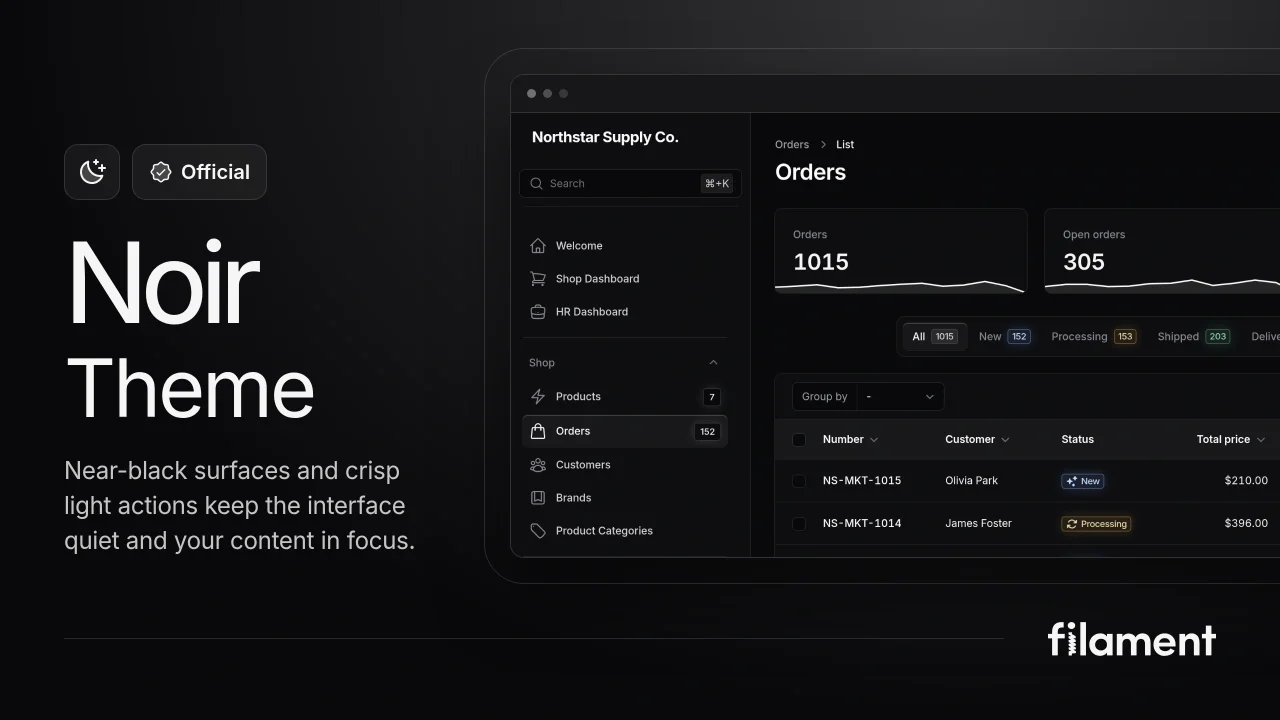
Noir Theme
A theme that gives panels a focused, refined look with near-black surfaces, crisp actions, and restrained color.
 Filament
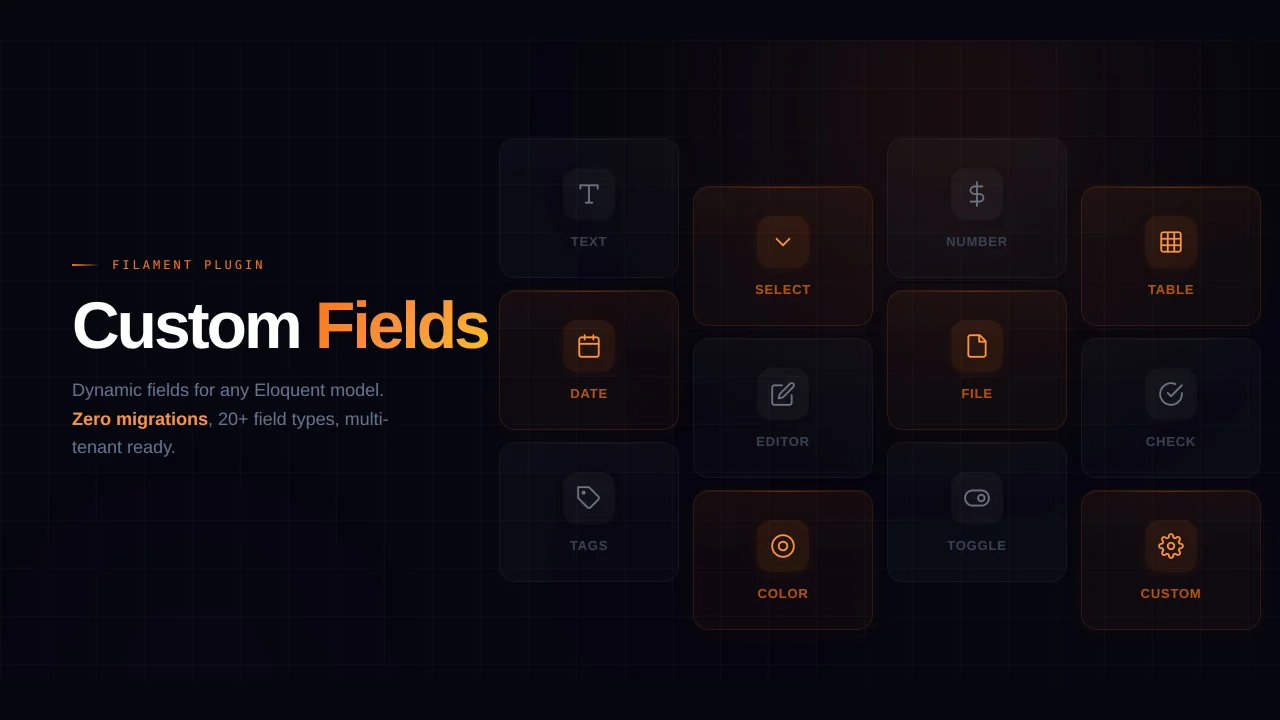
Custom Fields
Eliminate custom field migrations forever. Let your users create and manage form fields directly in Filament admin panels with 20+ built-in field types, validation, and zero database changes.
 Relaticle
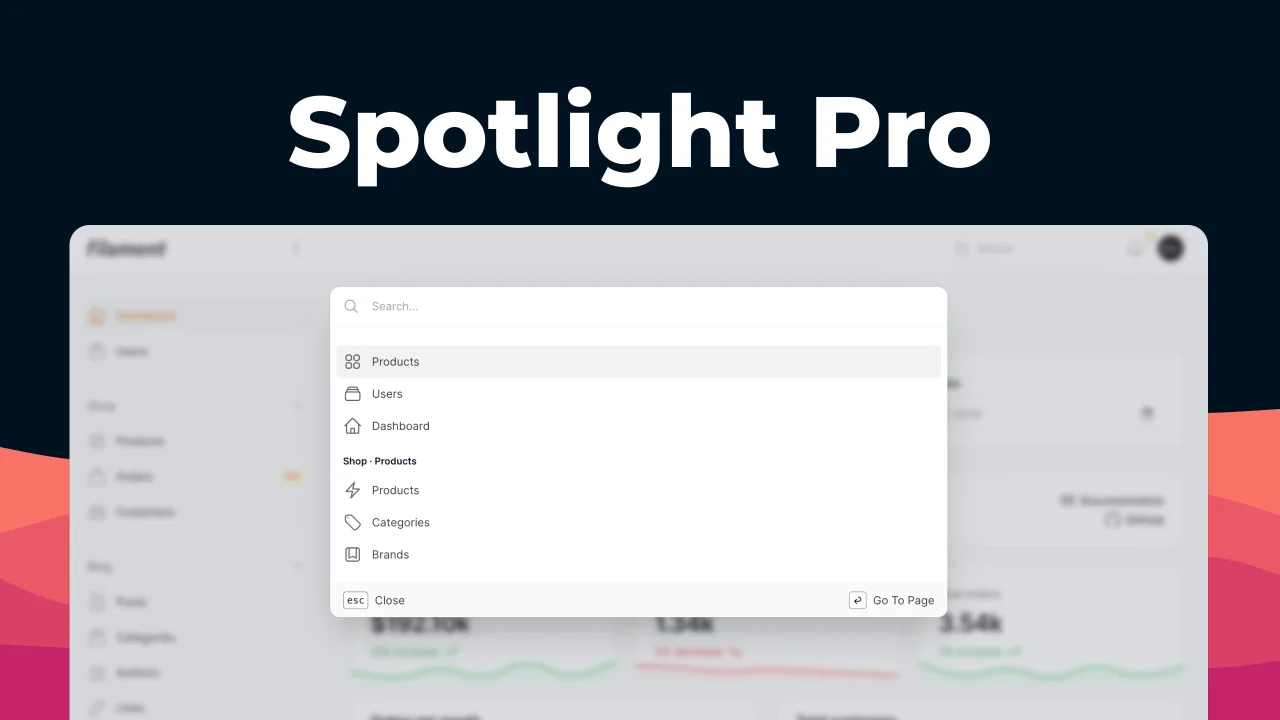
Spotlight Pro
Browse your Filament Panel with ease. Filament Spotlight Pro adds a Spotlight like Command Palette to your Filament Panel.
 Dennis Koch