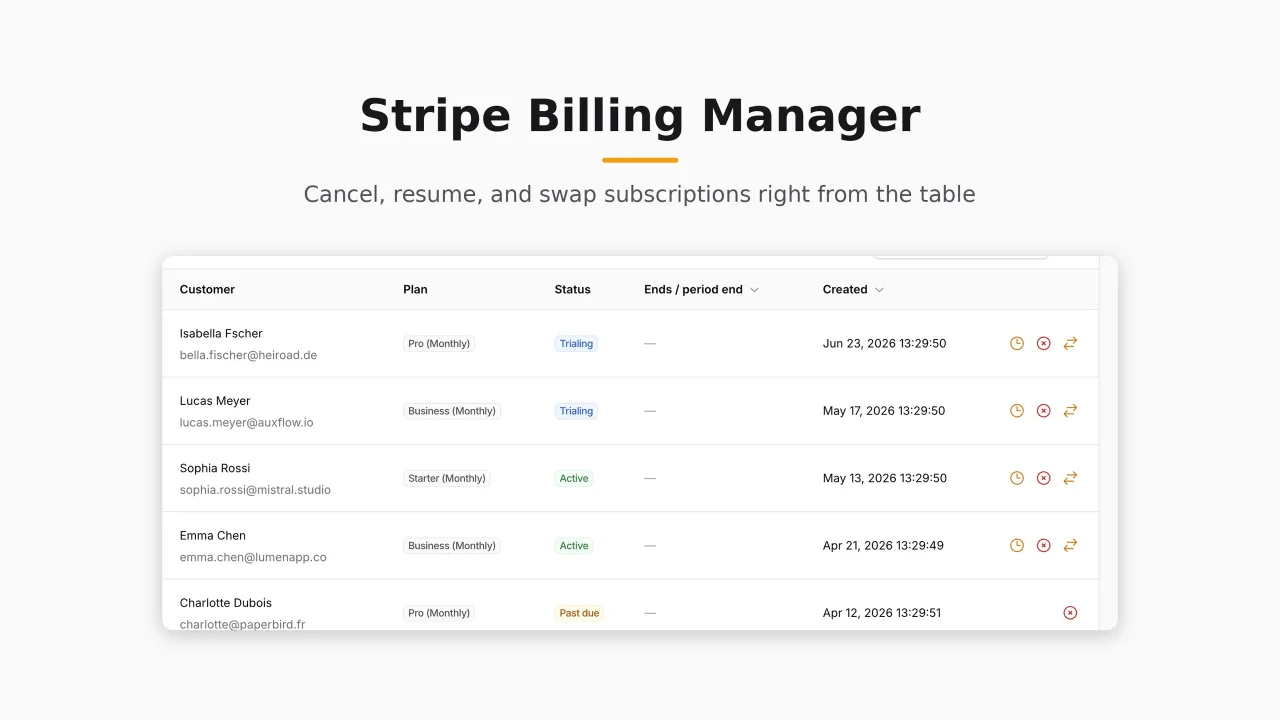
Stripe Billing Manager
CommunityManage Stripe subscriptions, plans, and MRR from inside your admin panel, built on top of Laravel Cashier.
filament/
namespace. Review the source and install at your own risk. Found
malware or an unresolved security issue the author won't
address?
Report it
.
 Author:
Hafiz Riaz
Author:
Hafiz Riaz
Documentation
#Requirements
- Filament v5
- Laravel 11 or 12
- Laravel Cashier for Stripe, already installed and configured
#What this is
An operator-side billing layer for your panel. It adds:
- A Plans resource for defining the plans you sell
- A Subscriptions resource reading your Cashier tables, with cancel at period end, cancel now, resume, and swap actions
- An MRR widget showing monthly recurring revenue, active subscribers, and in-trial counts
- Stripe webhook status sync, building on Cashier's own webhook handling
#What this is not
- Not a customer-facing checkout. Your customers still subscribe through your existing Cashier flows; this manages what those flows produce.
- Not a Paddle integration. Stripe only.
- Plans are defined in the panel, not synced automatically from the Stripe API.
#Installation
After purchase you receive a license key. Configure the private repository and install:
composer config repositories.filament-billing composer https://filament-billing.composer.sh
composer config http-basic.filament-billing.composer.sh your-email@example.com your-license-key
composer require hafizdev/filament-billing
php artisan filament-billing:install
The install command publishes the config and the billing_plans migration, and offers to run it. If you skip that prompt, run php artisan migrate yourself.
Then register the plugin on your Filament panel provider:
use Hafizdev\FilamentBilling\FilamentBillingPlugin;

public function panel(Panel $panel): Panel
{
    return $panel
        // ...
        ->plugin(FilamentBillingPlugin::make());
}
#Setup
Open the Plans page in your panel and add the plans you sell, entering the Stripe Price ID for each. The Subscriptions list and MRR widget read from your existing Cashier tables, so nothing else is needed.
Webhook status sync requires Stripe webhooks to be wired to your app in the usual Cashier way.
Access is gated by two abilities, viewBilling and manageSubscriptions, which you can wire to your policies or Filament Shield. If they aren't defined, the panel stays accessible by default. See the config file to change that.
#Support
Questions before or after purchase: contact@hafiz.dev
The author
I'm a senior full stack developer based in Turin, Italy, with over nine years of experience building production software with Laravel. Most of my work involves Filament, Vue, and AI integrations. I write about the real decisions behind shipping software at hafiz.dev, and I build developer tools and plugins for the Laravel ecosystem.
Featured Plugins
A selection of plugins curated by the Filament team

Custom Dashboards
Let your users build and share their own dashboards with a drag-and-drop interface. Define your data sources in PHP and let them do the rest.
 Filament

Blueprint
Filament Blueprint is a premium Laravel Boost extension that helps AI agents produce accurate, detailed implementation plans and security reports for Filament apps.
Filament
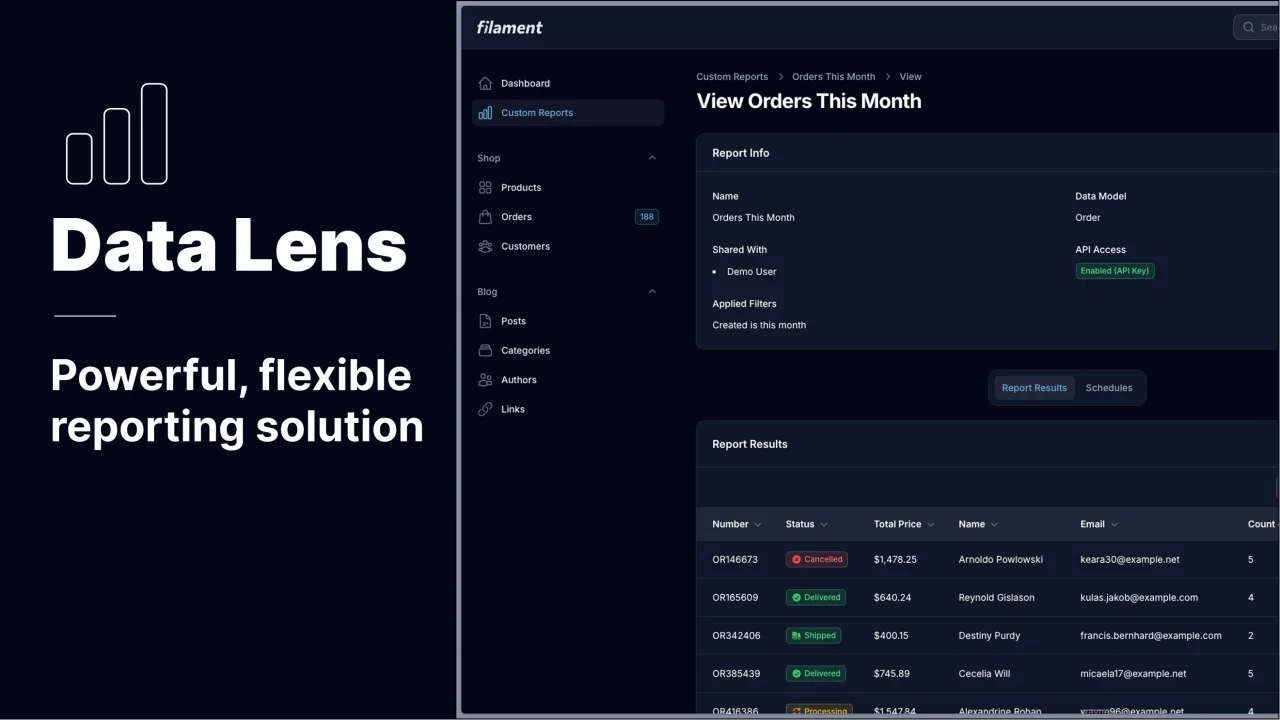
Data Lens
Advanced Data Visualization for Laravel Filament - a premium reporting solution enabling custom column creation, sophisticated filtering, and enterprise-grade data insights within admin panels.
 Padmission