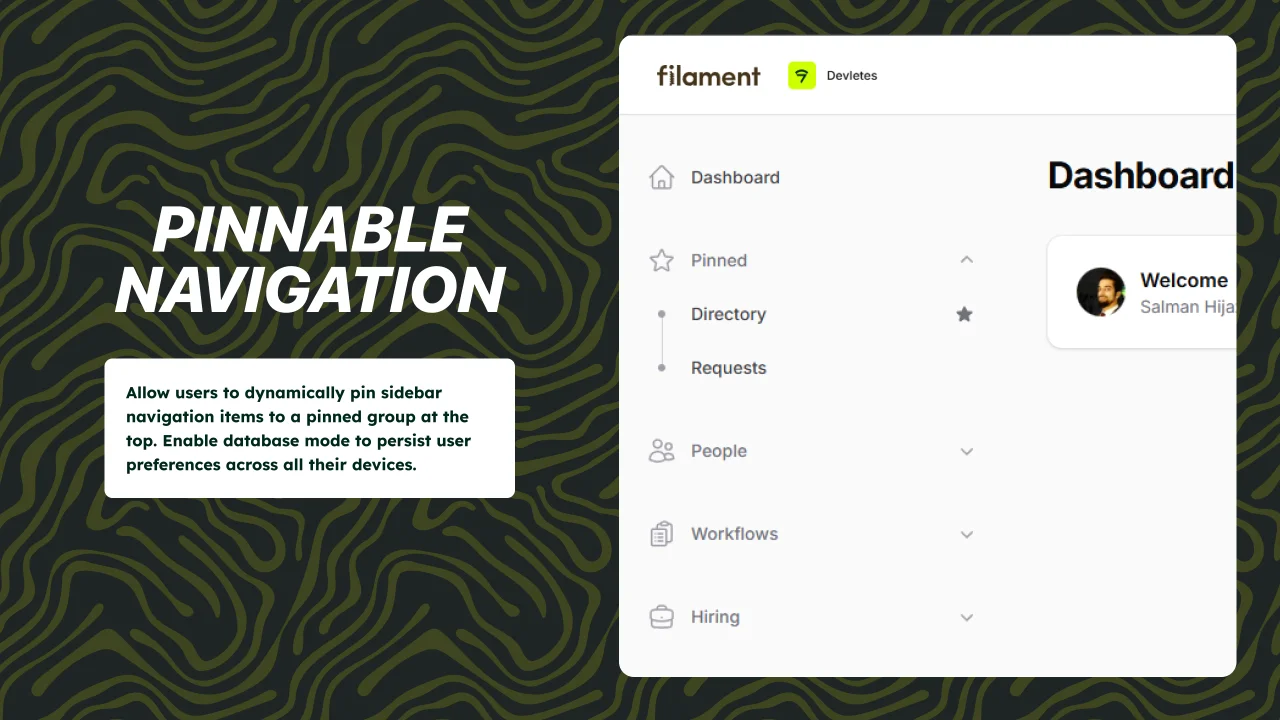
Pinnable Navigation
CommunityPinnable navigation support for Filament 5 panels.
 Author:
Devletes
Author:
Devletes
Package health
BetaAutomated checks of this plugin's Composer package
15 checks
- Passed: GitHub Actions pinned to SHA
- Skipped: GitLab CI includes pinned to SHA
- Passed: Open security advisories
- Passed: Dependabot PR responsiveness — No open Dependabot PRs.
- Skipped: Renovate MR responsiveness
- Passed: Dependabot or Renovate configured
- Passed: Dependency update cooldown configured
- Passed: Provides a security policy
- Passed: Abandoned or archived — No consulted source marks the package abandoned (packagist, github).
- Passed: Commit and release recency — Active: last commit 12 days ago; last release 12 days ago.
-
Passed:
composer.lock not committed by library
—
composer.lockis absent from the released dist archive. - Passed: Dist archive is lean
-
Passed:
Current Laravel version supported
—
Package dependencies resolve together with current Laravel
13.0. -
Passed:
Current PHP version supported
—
Constraint
^8.2supports current PHP8.5. - Skipped: Current Symfony version supported
filament/
namespace. Review the source and install at your own risk. Found
malware or an unresolved security issue the author won't
address?
Report it
.
Documentation
- Requirements
- Installation
- Configuration
- Persistence
- Usage
- Screenshots
- Need something custom?
- Credits
- License



Allow users to dynamically pin sidebar navigation items to a pinned group.
#Requirements
- PHP
^8.2 - Filament
^5.0
#Installation
composer require devletes/filament-pinnable-navigation
Register the plugin on any panel:
use Devletes\FilamentPinnableNavigation\PinnableNavigationPlugin;
use Filament\Panel;

public function panel(Panel $panel): Panel
{
    return $panel
        ->default()
        ->id('admin')
        ->path('admin')
        ->plugin(PinnableNavigationPlugin::make());
}
#Configuration
Publish the config file if you want to customize behavior:
php artisan vendor:publish --tag="pinnable-navigation-config"
Default configuration:
return [
    'database_enabled' => false,
    'table_name' => 'pinned_navigation_items',
    'group_title' => 'Pinned',
    'group_icon' => 'heroicon-o-star',
    'pin_icon' => 'heroicon-o-star',
    'unpin_icon' => 'heroicon-s-star',
    'show_in_resource' => true,
    'accordion_mode' => true,
];
Configuration options:
database_enabled: Persist pins in the database instead of browser localStorage.table_name: Database table used when database persistence is enabled.group_title: Label used for the synthetic pinned group.group_icon: Optional icon shown for the pinned group.pin_icon: Icon used when an item is not pinned.unpin_icon: Icon used when an item is already pinned.show_in_resource: Show the page-header pin toggle on Filament resource index pages.accordion_mode: Keep only one managed navigation group open at a time. Disable it to fall back to Filament's default grouped navigation behavior.
#Persistence
By default, pin state is stored in browser localStorage per panel and authenticated user. No migration is required in this mode.
If you want to persist pins in the database instead:
- Publish the config file.
- Publish the package migrations.
- Set
database_enabledtotrue. - Run migrations.
php artisan vendor:publish --tag="pinnable-navigation-migrations"
php artisan migrate
#Usage
- Grouped navigation items can be pinned from the sidebar.
- When
show_in_resourceis enabled, the current resource page can also be pinned or unpinned from the page header. - Pinned items are shown in a dedicated group at the top of the sidebar.
#Screenshots
#Pin navigation items from the sidebar

#Dedicated pinned group

#Multiple pinned items

#Need something custom?
We build production Filament panels and plugins for teams that want to ship fast without compromising on polish. If you need a custom feature, an extended variant of this package, or a fully bespoke component built for your stack, we can help.
- Browse the rest of our Filament work: filament.devletes.com
- Get in touch: salman@devletes.com
Typical engagements: new Filament plugins, custom resources/widgets/actions, theme + UX work, integrations with your existing services, and one-off tailored forks of our open-source packages.
#Credits
#License
MIT. See LICENSE.md.
The author
From the same author
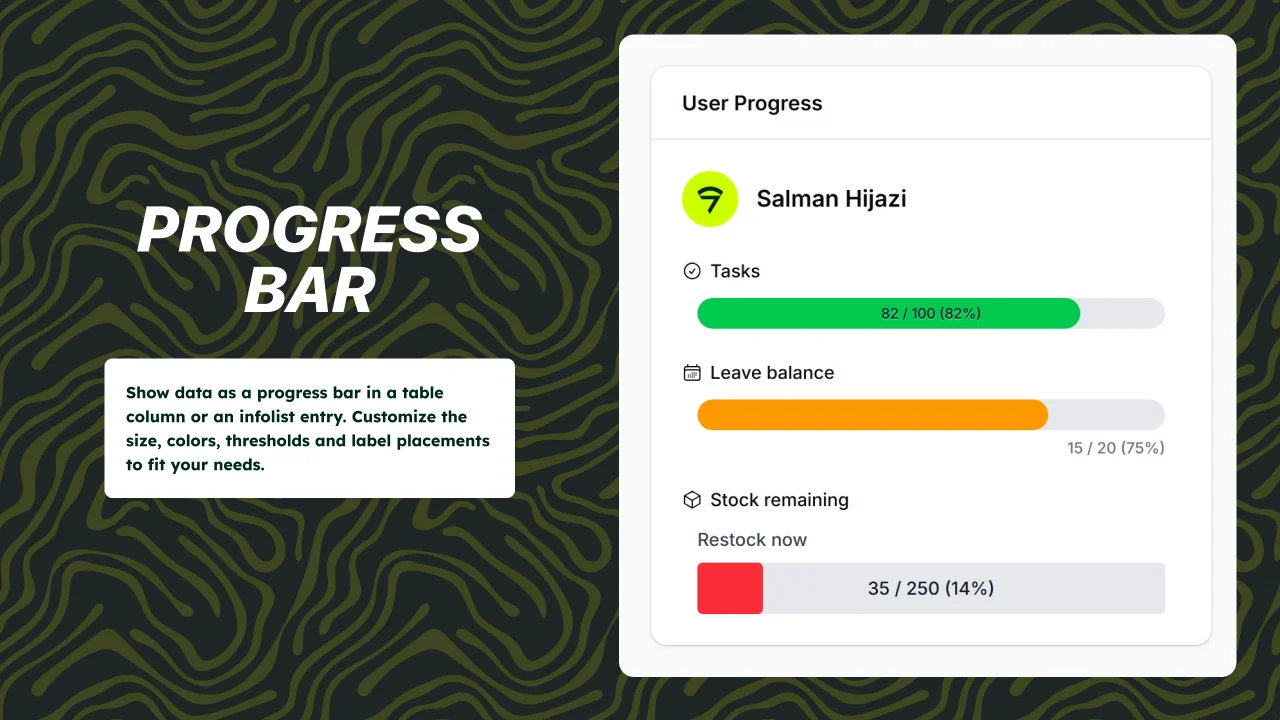
Progress Bar
Reusable and customizable progress bar components for Filament 5 tables and infolists.
Author:
Devletes
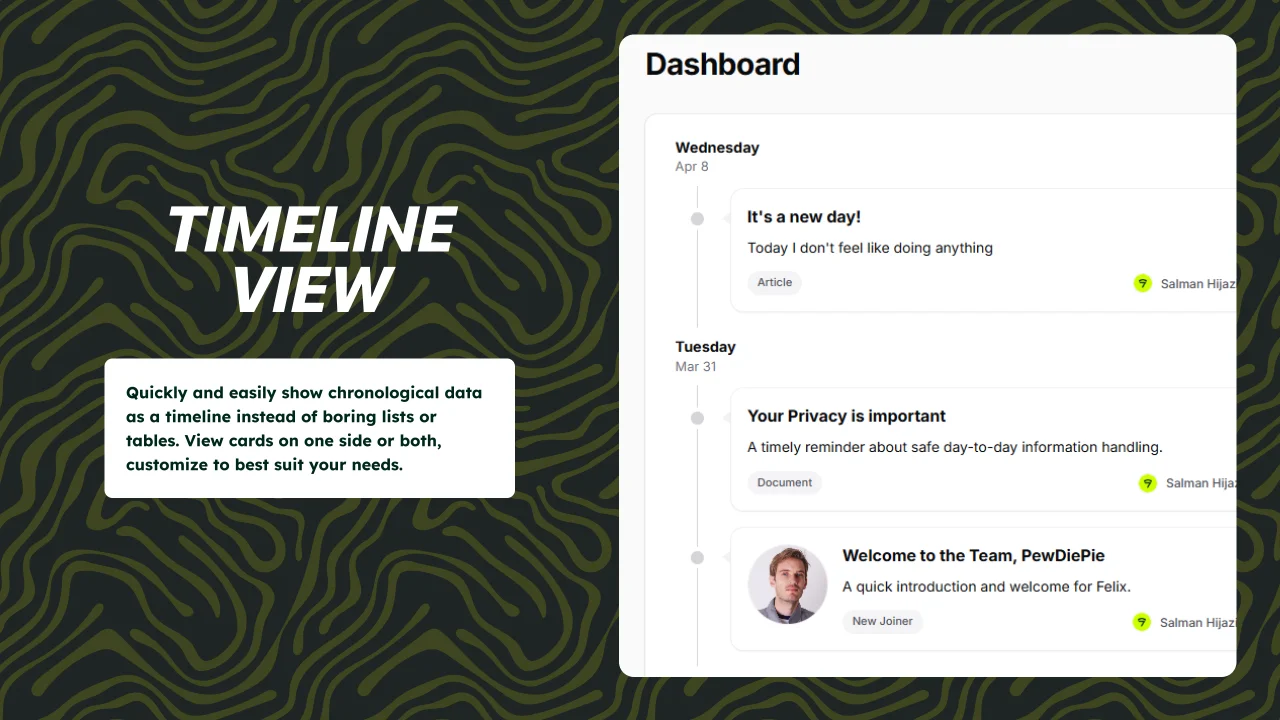
Timeline View
Quickly and easily show chronological data as a timeline instead of boring lists or tables. View cards on one side or both, customize to best suit your needs.
Author:
Devletes
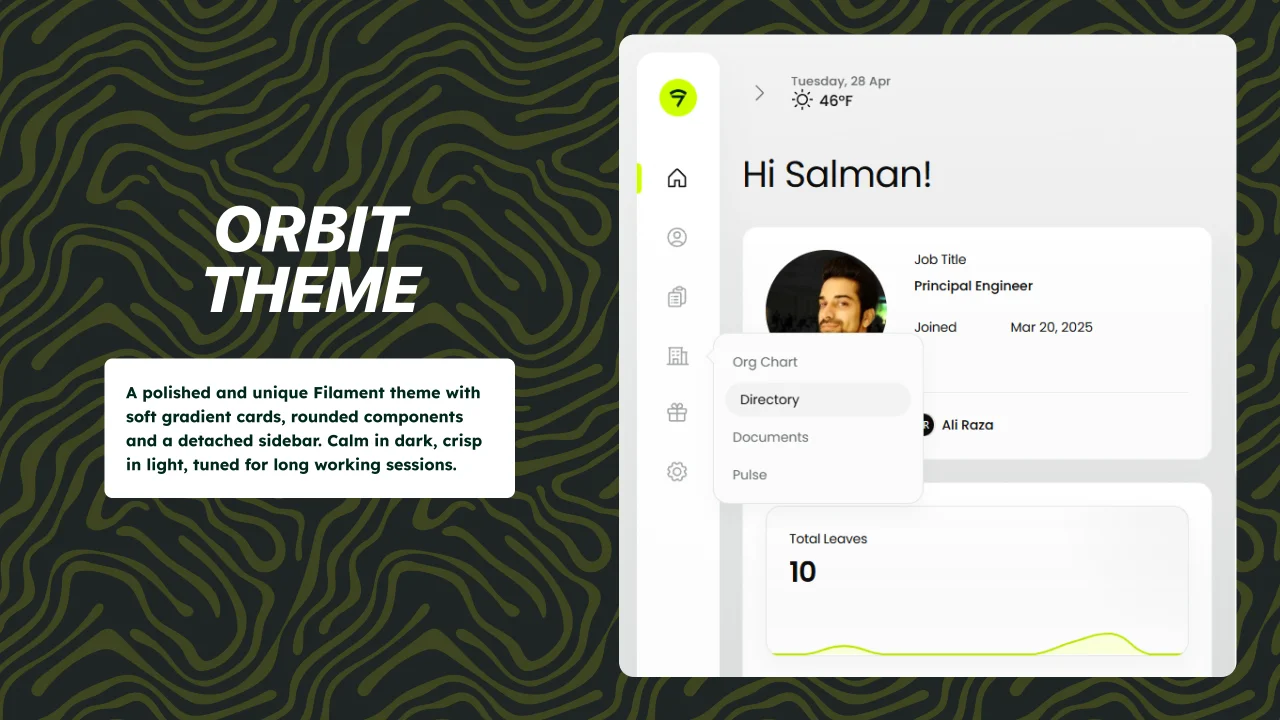
Orbit Theme
A polished and unique Filament theme with soft gradient cards, rounded components and a detached sidebar. Calm in dark, crisp in light, tuned for long working sessions.
Author:
Devletes
Featured Plugins
A selection of plugins curated by the Filament team

Blueprint
Filament Blueprint is a premium Laravel Boost extension that helps AI agents produce accurate, detailed implementation plans and security reports for Filament apps.
 Filament

Advanced Tables (formerly Filter Sets)
Supercharge your tables with powerful features like user-customizable views, quick filters, multi-column sorting, advanced table searching, convenient view management, and more. Compatible with Resource Panel Tables, Relation Managers, Table Widgets, and Table Builder!
 Kenneth Sese

Spotlight Pro
Browse your Filament Panel with ease. Filament Spotlight Pro adds a Spotlight like Command Palette to your Filament Panel.
 Dennis Koch

