
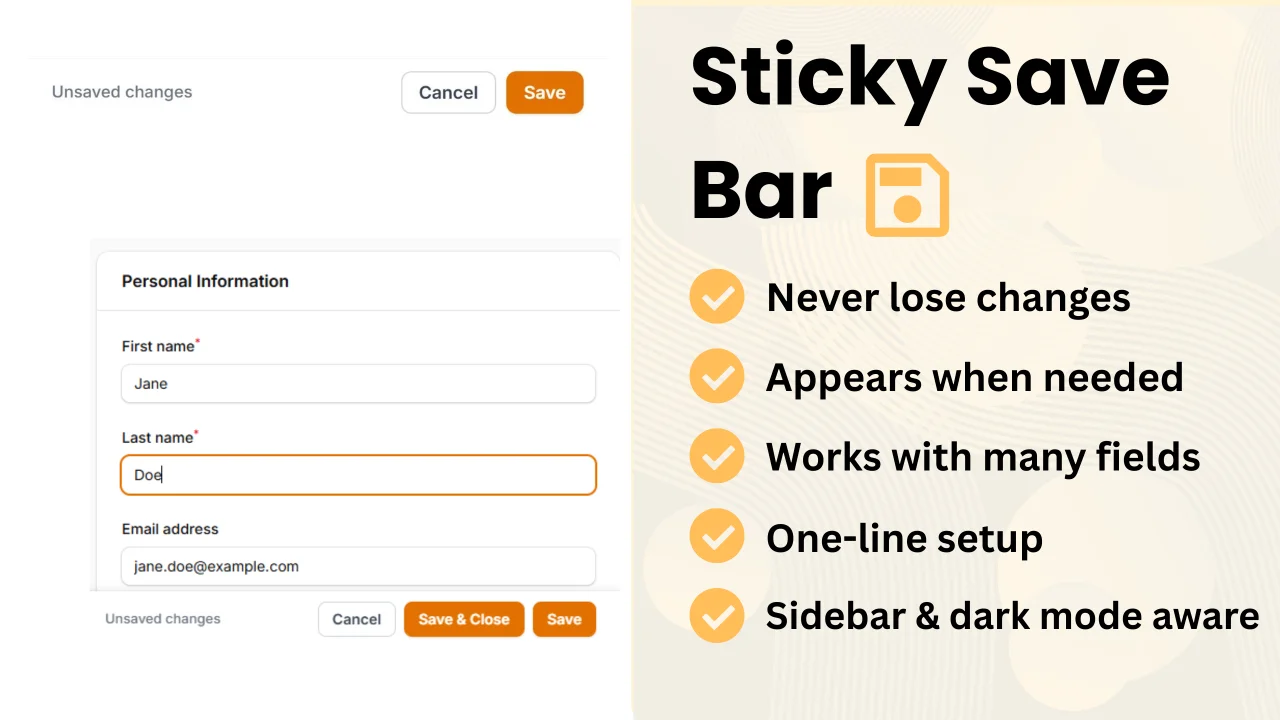
Sticky Save Bar by Cocosmos
CommunityDisplays a floating action bar at the bottom (or top) of the viewport when a form has unsaved changes.
 Author:
Cocosmos
Author:
Cocosmos
Package health
Automated checks of this plugin's Composer package
15 checks
- Passed: GitHub Actions pinned to SHA
- Skipped: GitLab CI includes pinned to SHA
- Passed: Open security advisories
- Passed: Dependabot PR responsiveness — No open Dependabot PRs.
- Skipped: Renovate MR responsiveness
- Passed: Dependabot or Renovate configured
- Passed: Dependency update cooldown configured
- Passed: Provides a security policy
- Passed: Abandoned or archived — No consulted source marks the package abandoned (packagist, github).
- Passed: Commit and release recency — Active: last commit 0 days ago; last release 46 days ago.
-
Passed:
composer.lock not committed by library
—
composer.lockis absent from the released dist archive. - Passed: Dist archive is lean
-
Passed:
Current Laravel version supported
—
Package dependencies resolve together with current Laravel
13.0. -
Passed:
Current PHP version supported
—
Constraint
^8.2supports current PHP8.5. - Skipped: Current Symfony version supported
filament/
namespace. Review the source and install at your own risk. Found
malware or an unresolved security issue the author won't
address?
Report it
.
Documentation
- Features
- Requirements
- Installation
- Basic Usage
- Configuration
- Per-Page Opt-Out
- Custom Components
- Translations
- Changelog
- License


A Filament v5 plugin that displays a floating action bar at the bottom (or top) of the viewport when a form has unsaved changes — so users on long edit pages never have to scroll back up to save.
#Features
- Automatically appears when the form is dirty (has unsaved changes)
- Disappears after a successful save
- Detects changes from all input types, including multiselect fields
- Reverts to hidden state if the user undoes all changes
- Hides when a modal is open
- Respects the Filament sidebar — never overlaps it
- Supports dark mode
- Translatable (8 languages included)
- Per-page opt-out via a trait
#Requirements
- PHP 8.2+
- Filament 5.x
#Installation
Install via Composer:
composer require cocosmos/filament-sticky-save-bar
Register the plugin in your panel provider:
use Cocosmos\FilamentStickySaveBar\StickySaveBarPlugin;

public function panel(Panel $panel): Panel
{
    return $panel
        // ...
        ->plugin(StickySaveBarPlugin::make());
}
#Basic Usage
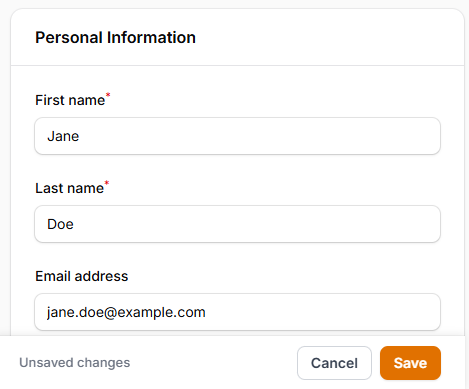
Once registered, the bar appears automatically on any page that contains a wire:submit form with unsaved changes.
#Configuration
All options are set fluently on the plugin instance.
#Label
Override the default "Unsaved changes" label:
StickySaveBarPlugin::make()
    ->label('You have unsaved changes')
#Position
Pin the bar to the top of the viewport instead of the bottom:
use Cocosmos\FilamentStickySaveBar\Enums\Position;

StickySaveBarPlugin::make()
    ->position(Position::Top)
| Value | Description |
|---|---|
Position::Bottom |
(default) Pinned to the bottom of the viewport |
Position::Top |
Pinned to the top of the viewport |
#Show On
Control when the bar becomes visible:
use Cocosmos\FilamentStickySaveBar\Enums\ShowOn;

StickySaveBarPlugin::make()
    ->showOn(ShowOn::Always)
| Value | Description |
|---|---|
ShowOn::Dirty |
(default) Only when the form is dirty and the native Save button has scrolled out of view |
ShowOn::DirtyAlways |
Whenever the form is dirty, regardless of whether the native Save button is in view |
ShowOn::Always |
Whenever the native Save button is out of view, regardless of dirty state |
#Extra Buttons
#Cancel
A Cancel button that navigates back. Enabled by default.
StickySaveBarPlugin::make()
    ->withCancel()        // enable (default)
    ->withCancel(false)   // disable
#Save & Close
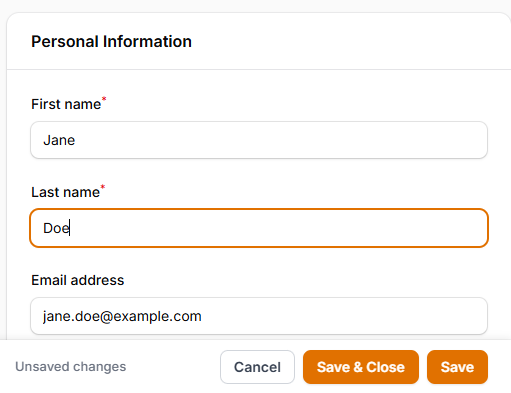
A Save & Close button that saves the form and then navigates back.
StickySaveBarPlugin::make()
    ->withSaveAndClose()        // enable
    ->withSaveAndClose(false)   // disable (default)
#Discard
A Discard changes button that reloads the page, reverting all unsaved edits.
StickySaveBarPlugin::make()
    ->withDiscard()        // enable
    ->withDiscard(false)   // disable (default)
#Enabled
Disable the plugin globally, or conditionally via a closure:
StickySaveBarPlugin::make()
    ->enabled(false)

// Or with a closure:
StickySaveBarPlugin::make()
    ->enabled(fn () => auth()->user()->isAdmin())
#Per-Page Opt-Out
To disable the bar on a specific page, add the HasStickySaveBarDisabled trait to the page class:
use Cocosmos\FilamentStickySaveBar\Concerns\HasStickySaveBarDisabled;

class EditInvoice extends EditRecord
{
    use HasStickySaveBarDisabled;

    // ...
}
#Custom Components
The bar detects dirty state from native input/change events and from Filament toggles. Some custom components change their state through Livewire actions instead — e.g. a repeater-style list with "move up", "move down", or "disable" buttons — which don't emit a native event, so the bar can't see them automatically.
For those cases, dispatch one of these events from your component. Any bubbling CustomEvent works (Alpine $dispatch, Livewire $dispatch, or plain dispatchEvent):
| Event | Effect |
|---|---|
sticky-save-bar:mark-dirty |
Force the bar to show |
sticky-save-bar:check |
Recompute dirty by comparing the form's current values against the baseline |
sticky-save-bar:reset |
Treat the current state as clean — re-baseline and hide the bar |
Example — show the bar whenever your component's Alpine state changes:
// inside your component's x-data / alpine:init
this.$watch('state', () => {
    this.$dispatch('sticky-save-bar:mark-dirty');
});
After your own save (or when the user reverts), dispatch sticky-save-bar:reset to mark the state clean again.
#Translations
The plugin ships with translations for 8 languages: ar, de, en, es, fr, id, it, pt.
To publish and customise them:
php artisan vendor:publish --tag=sticky-save-bar-translations
The published files will appear in lang/vendor/sticky-save-bar/{locale}/sticky-save-bar.php.
#Translation keys
| Key | Default (en) |
|---|---|
unsaved_changes |
Unsaved changes |
save |
Save |
cancel |
Cancel |
save_and_close |
Save & Close |
discard |
Discard changes |
#Changelog
See CHANGELOG.md.
#License
MIT — see LICENSE.
The author
I'm a passionate full-stack developer from Switzerland with extensive experience in building modern web and mobile applications. I specialize in Laravel and Filament, creating tools that enhance developer productivity and improve user experiences. My work spans across React, Vue.js, Next.js, and TypeScript on the frontend, while leveraging Laravel's ecosystem on the backend.
From the same author
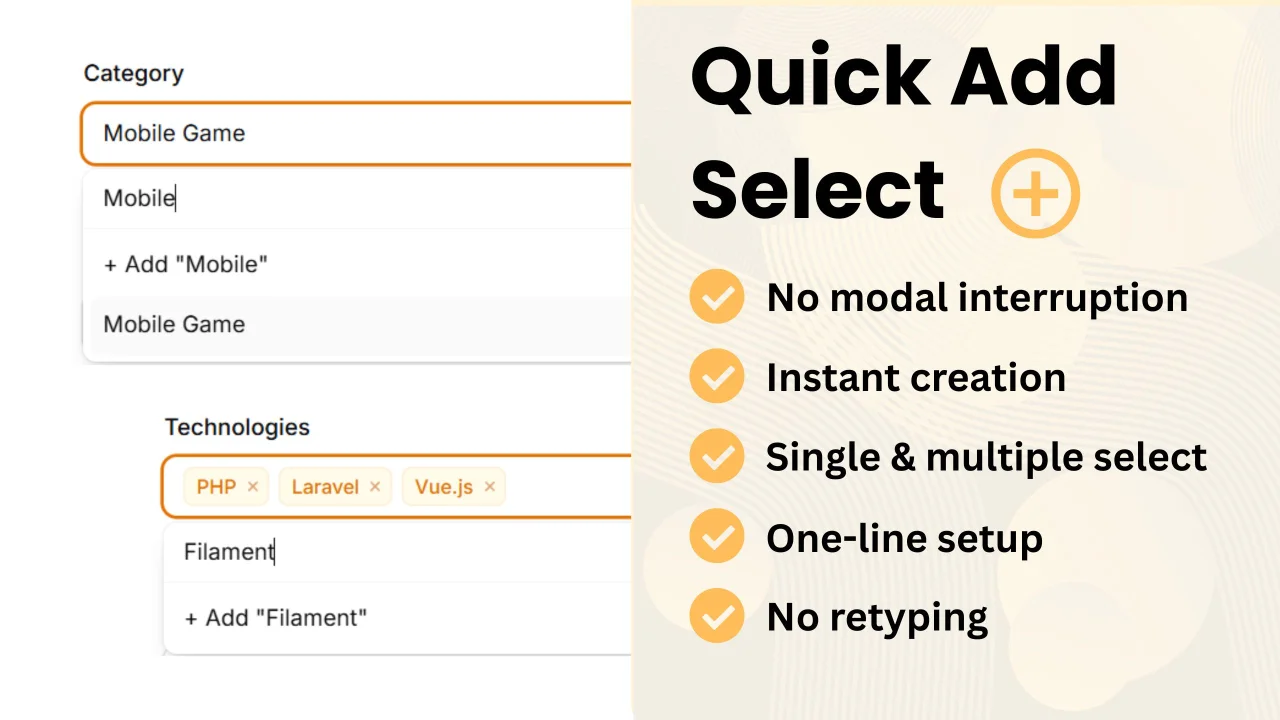
Featured Plugins
A selection of plugins curated by the Filament team

Custom Dashboards
Let your users build and share their own dashboards with a drag-and-drop interface. Define your data sources in PHP and let them do the rest.
 Filament

Compact Theme
A theme that makes data-heavy panels easier to scan by fitting more useful information on each screen.
Filament

Spotlight Pro
Browse your Filament Panel with ease. Filament Spotlight Pro adds a Spotlight like Command Palette to your Filament Panel.
 Dennis Koch

