
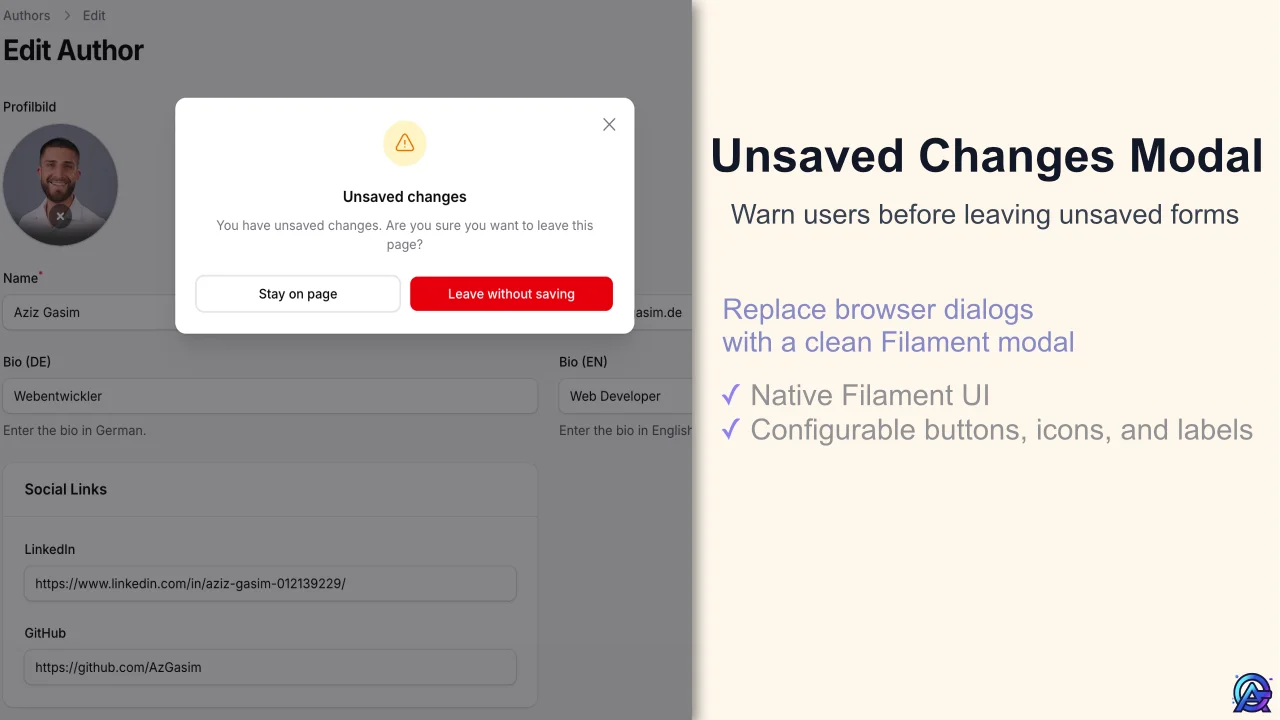
Unsaved Changes Modal by Aziz Gasim
CommunityReplace the browser’s unsaved changes dialog with a native Filament modal inside the panel.
 Author:
Aziz Gasim
Author:
Aziz Gasim
Package health
Automated checks of this plugin's Composer package
15 checks
- Passed: GitHub Actions pinned to SHA
- Skipped: GitLab CI includes pinned to SHA
- Passed: Open security advisories
- Passed: Dependabot PR responsiveness — No open Dependabot PRs.
- Skipped: Renovate MR responsiveness
- Passed: Dependabot or Renovate configured
- Passed: Dependency update cooldown configured
- Passed: Provides a security policy
- Passed: Abandoned or archived — No consulted source marks the package abandoned (packagist, github).
- Passed: Commit and release recency — Active: last commit 0 days ago; last release 0 days ago.
-
Passed:
composer.lock not committed by library
—
composer.lockis absent from the released dist archive. - Passed: Dist archive is lean
-
Passed:
Current Laravel version supported
—
Package dependencies resolve together with current Laravel
13.0. -
Passed:
Current PHP version supported
—
Constraint
^8.2supports current PHP8.5. - Skipped: Current Symfony version supported
filament/
namespace. Review the source and install at your own risk. Found
malware or an unresolved security issue the author won't
address?
Report it
.
Documentation
- Compatibility
- Installation
- Usage
- Customization
- Testing
- Changelog
- Contributing
- Security
- Credits
- License
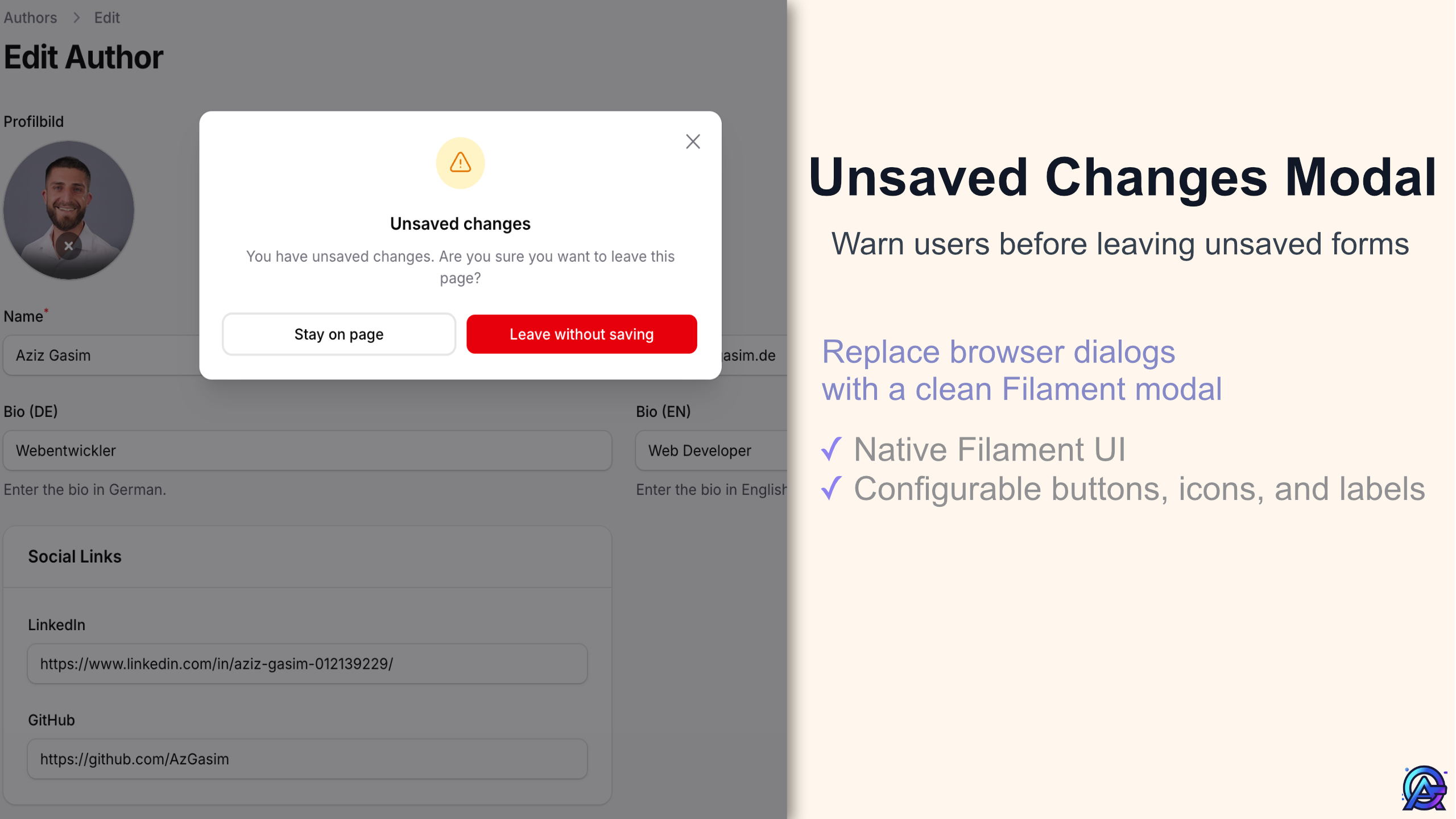



In the Filament panel, leaving a dirty form shows a Filament modal instead of the browser’s blocking confirmation dialog.
Reloading or closing the tab still uses the native browser prompt (which cannot be customized).
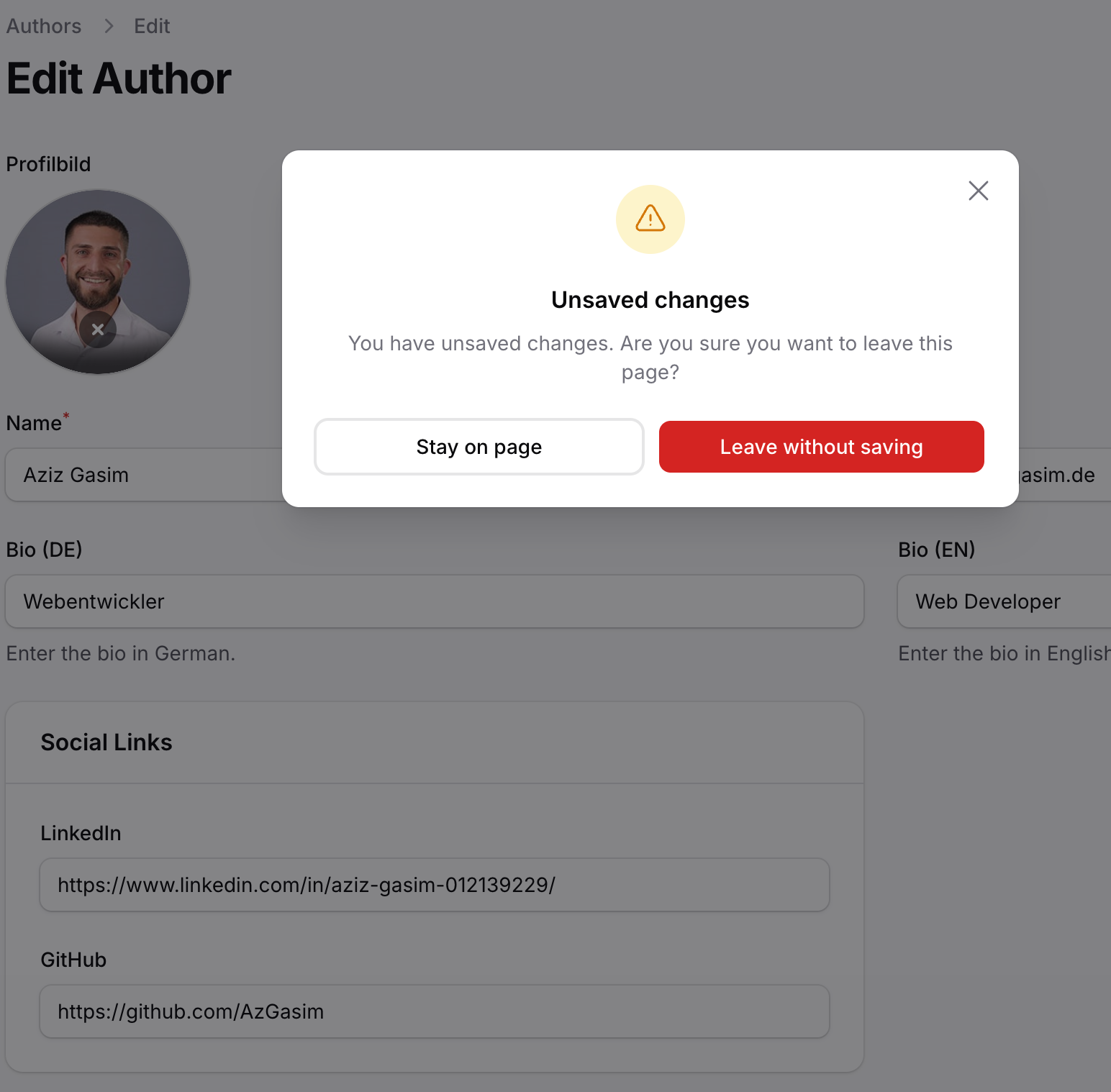
Works with Filament SPA (livewire:navigate) and normal full-page navigation (same-origin link clicks in the panel body). Uses the same dirty-state rules as Filament’s unsavedChangesAlerts(); this package only swaps the confirmation UI.
#Compatibility
| Plugin | Filament | PHP |
|---|---|---|
| 1.x | ^5.3.5 | ^8.2 |
Requires Filament 5.3.5+ due to a known XSS vulnerability (CVE-2026-33080) in earlier versions.
#Installation
composer require azgasim/filament-unsaved-changes-modal
#Usage
You need both unsavedChangesAlerts() and this plugin on the same panel.
use AzGasim\FilamentUnsavedChangesModal\FilamentUnsavedChangesModalPlugin;

return $panel
    // … your existing panel configuration …
    ->unsavedChangesAlerts()
    ->plugin(FilamentUnsavedChangesModalPlugin::make());
You can also register the plugin inside ->plugins([...]) with your other plugins.
#Customization
#Modal appearance
Defaults live on [FilamentUnsavedChangesModalPlugin](src/FilamentUnsavedChangesModalPlugin.php): DEFAULT_MODAL_WIDTH, DEFAULT_MODAL_ICON_COLOR, DEFAULT_STAY_BUTTON_COLOR, DEFAULT_LEAVE_BUTTON_COLOR, and an icon default of OutlinedExclamationTriangle when you do not call modalIcon().
FilamentUnsavedChangesModalPlugin::make()
    ->modalWidth('xl')
    ->modalIcon('OutlinedExclamationTriangle')
    ->modalIconColor('danger')
    ->stayButtonColor('gray')
    ->leaveButtonColor('warning')
| Method | Values |
|---|---|
modalWidth() |
xs, sm, md, lg, xl, 2xl, 3xl, 4xl, 5xl, 6xl, 7xl, full, min, max, fit, prose, screen-sm, screen-md, screen-lg, screen-xl, screen-2xl, screen — same string values as Filament’s Width enum (Filament\Support\Enums\Width). |
modalIcon() |
Heroicon::OutlinedExclamationTriangle or 'OutlinedExclamationTriangle' (not o-exclamation-triangle) |
modalIconColor(), stayButtonColor(), leaveButtonColor() |
primary, success, danger, warning, info, gray, … (your panel color keys) |
There is no published config file; configure the plugin with the methods above.
#Translations
Heading, description, and the Stay / Leave labels are only customizable via translations (no plugin methods for copy). Publish and edit unsaved-changes-modal.php under your locale — keys live in navigation.*; see English (package also ships de).
php artisan vendor:publish --tag="filament-unsaved-changes-modal-translations"
#Views
Only if you want to change the Blade markup, copy the package views into your app:
php artisan vendor:publish --tag="filament-unsaved-changes-modal-views"
If you change the modal’s DOM id in a published view, keep it in sync with [MODAL_DOM_ID](src/FilamentUnsavedChangesModalPlugin.php) and the script hook view (the script opens and closes the modal by that id).
#Skipping the prompt for a link
Add data-skip-unsaved-changes-modal on the <a> or on any ancestor element (the listener uses closest(...)).
#Testing
composer test
#Changelog
#Contributing
#Security
#Credits
#License
The author
I’m a web developer focused on building modern web applications, tools, and dashboards using Laravel and Filament. I care about clean structure, simplicity, and creating solutions that are practical and reliable in real-world use.
I enjoy working on systems that solve actual problems, improving workflows, and exploring new ideas around web development and AI.
I write about web development, tools, and things I learn while building on my blog: https://azizgasim.de
Featured Plugins
A selection of plugins curated by the Filament team

Custom Dashboards
Let your users build and share their own dashboards with a drag-and-drop interface. Define your data sources in PHP and let them do the rest.
 Filament

Advanced Tables (formerly Filter Sets)
Supercharge your tables with powerful features like user-customizable views, quick filters, multi-column sorting, advanced table searching, convenient view management, and more. Compatible with Resource Panel Tables, Relation Managers, Table Widgets, and Table Builder!
 Kenneth Sese

Noir Theme
A theme that gives panels a focused, refined look with near-black surfaces, crisp actions, and restrained color.
Filament

