
Matinee
OEmbed field for Filament Panel and Form Builders.
 Author:
Adam Weston
Author:
Adam Weston
Documentation
- Compatibility
- Installation
- Preparing your model
- Usage
- Forcing the preview to show
- Custom Providers
- Rendering the video
- Testing
- Contributing
- Security Vulnerabilities
- Credits
- License
OEmbed and Video field for Filament Panel and Form Builders.


#Compatibility
| Package Version | Filament Version |
|---|---|
| 1.x | 3.x |
| 2.x | 4.x |
| 3.x | 5.x |
#Installation
You can install the package via composer:
composer require awcodes/matinee
[!IMPORTANT] If you have not set up a custom theme and are using Filament Panels follow the instructions in the Filament Docs first.
After setting up a custom theme add the plugin's views to your theme css file or your app's css file if using the standalone packages.
@source '../../../../vendor/awcodes/matinee/resources/**/*.blade.php';
#Preparing your model
Matinée stores its content as JSON data in a single column on your model. So, it is vital that you cast the column to an array or json object in your model.
protected $casts = [
    'video' => 'array', // or 'json'
];
#Usage
use Awcodes\Matinee\Matinee;

Matinee::make('video')
#Forcing the preview to show
use Awcodes\Matinee\Matinee;

Matinee::make('video')
    ->showPreview()
#Custom Providers
Matinée comes with a Provider for YouTube and Vimeo, but you can add your own by creating a class and passing it into the providers modifier on the field.
use Awcodes\Matinee\Providers\Concerns\IsMatineeProvider;
use Awcodes\Matinee\Providers\Contracts\MatineeProvider;

class CustomProvider implements MatineeProvider
{
    use IsMatineeProvider;

    public function getId(): ?string
    {
        return 'custom';
    }

    public function getDomains(): array
    {
        return [
            'custom.com',
        ];
    }

    public function getOptions(): array
    {
        return [
            'controls' => 1,
            'title' => 0,
        ];
    }

    public function convertUrl(?array $options = []): string
    {
        return 'https://www.custom.com/embed/' . $this->getId() . '?' . http_build_query($options);
    }
}
Then you can use it by passing it into the providers modifier on the field instance or globally in the register method of a service provider with the configureUsing() method.
use Awcodes\Matinee\Matinee;

Matinee::make('video')
    ->providers([CustomProvider::class])
#Rendering the video
You are free to render the video in any way you see fit, but Matinée comes with a blade component you can use for convenience.
<x-matinee::embed :data="$data" />
The stored data will take the following shape:
{
    "width": "16",
    "height": "9",
    "responsive": true,
    "url": "https:\/\/www.youtube.com\/watch?v=N9qZFD1NkhI",
    "embed_url": "https:\/\/www.youtube.com\/embed\/N9qZFD1NkhI?controls=1&start=0",
    "options": {
        "controls": "1",
        "nocookie": "0",
        "start": "00:00:00"
    }
}
#Testing
composer test
#Contributing
Please see CONTRIBUTING for details.
#Security Vulnerabilities
Please review our security policy on how to report security vulnerabilities.
#Credits
#License
The MIT License (MIT). Please see License File for more information.
The author
Adam is a full-stack web developer (with a focus on Laravel) who has been coding for close to 20 years. He is a core Filament team member as well and has authored numerous plugins for Filament such as Curator, Tiptap Editor and Table Repeater, to name a few. You can learn more about Adam on his website.
From the same author
Botly
Botly is a Filament plugin to manage your site's robots.txt file directly from a Filament admin panel.
Author:
Adam Weston

Table Repeater
A modified version of the Filament Forms Repeater to display it as a table.
Author:
Adam Weston
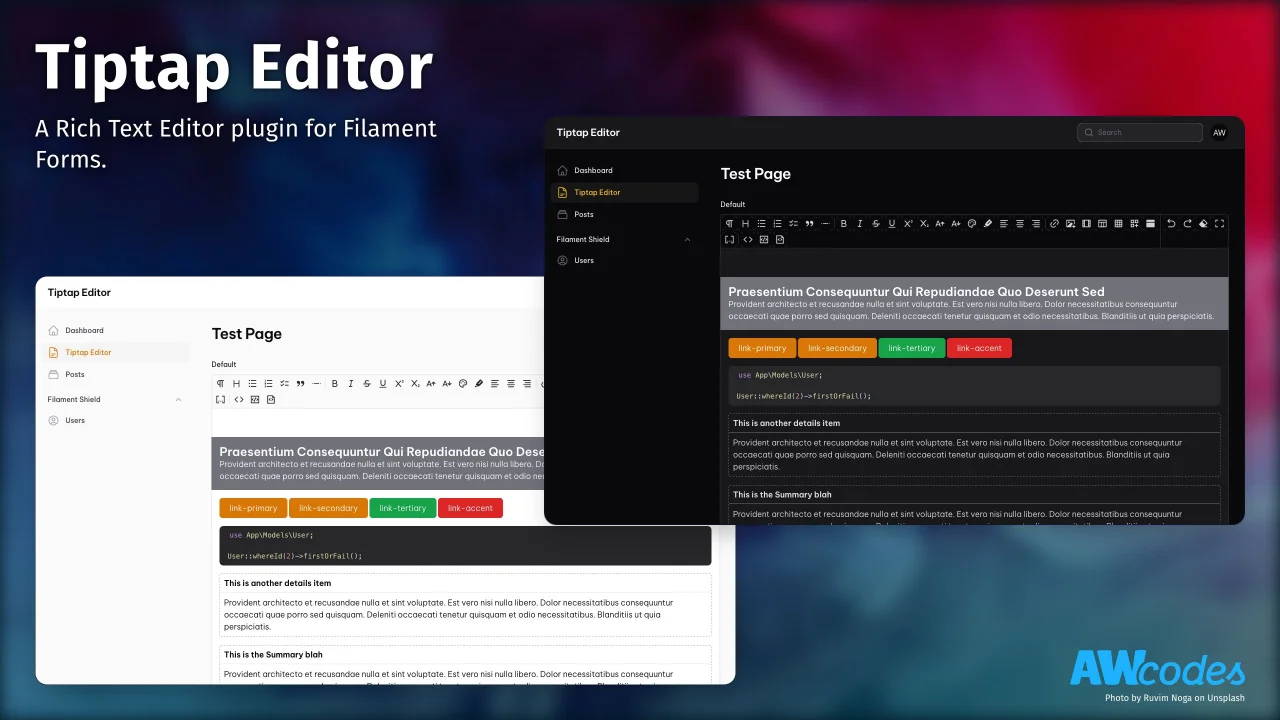
Tiptap Editor
A Rich Text Editor plugin for Filament Forms.
Author:
Adam Weston
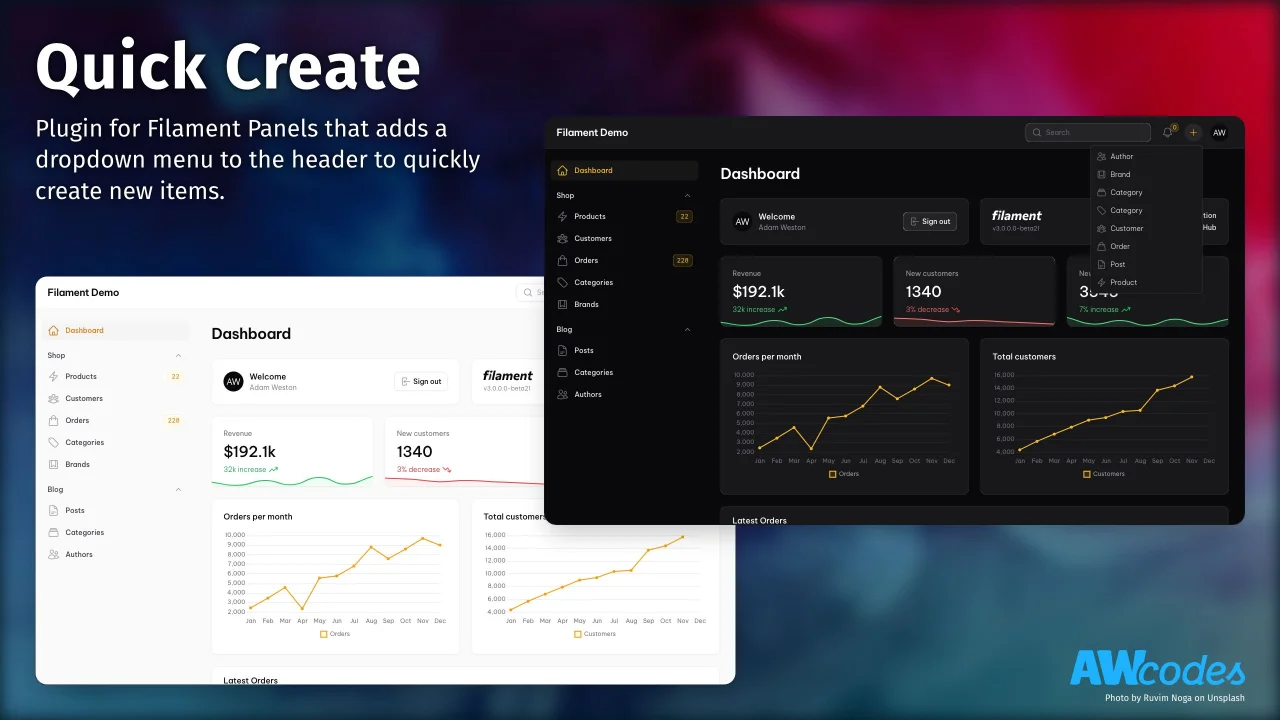
Quick Create
Plugin for Filament Panels that adds a dropdown menu to the header to quickly create new items.
Author:
Adam Weston
Featured Plugins
A selection of plugins curated by the Filament team

Custom Dashboards
Let your users build and share their own dashboards with a drag-and-drop interface. Define your data sources in PHP and let them do the rest.
 Filament

Data Lens
Advanced Data Visualization for Laravel Filament - a premium reporting solution enabling custom column creation, sophisticated filtering, and enterprise-grade data insights within admin panels.
 Padmission

Advanced Tables (formerly Filter Sets)
Supercharge your tables with powerful features like user-customizable views, quick filters, multi-column sorting, advanced table searching, convenient view management, and more. Compatible with Resource Panel Tables, Relation Managers, Table Widgets, and Table Builder!
 Kenneth Sese

