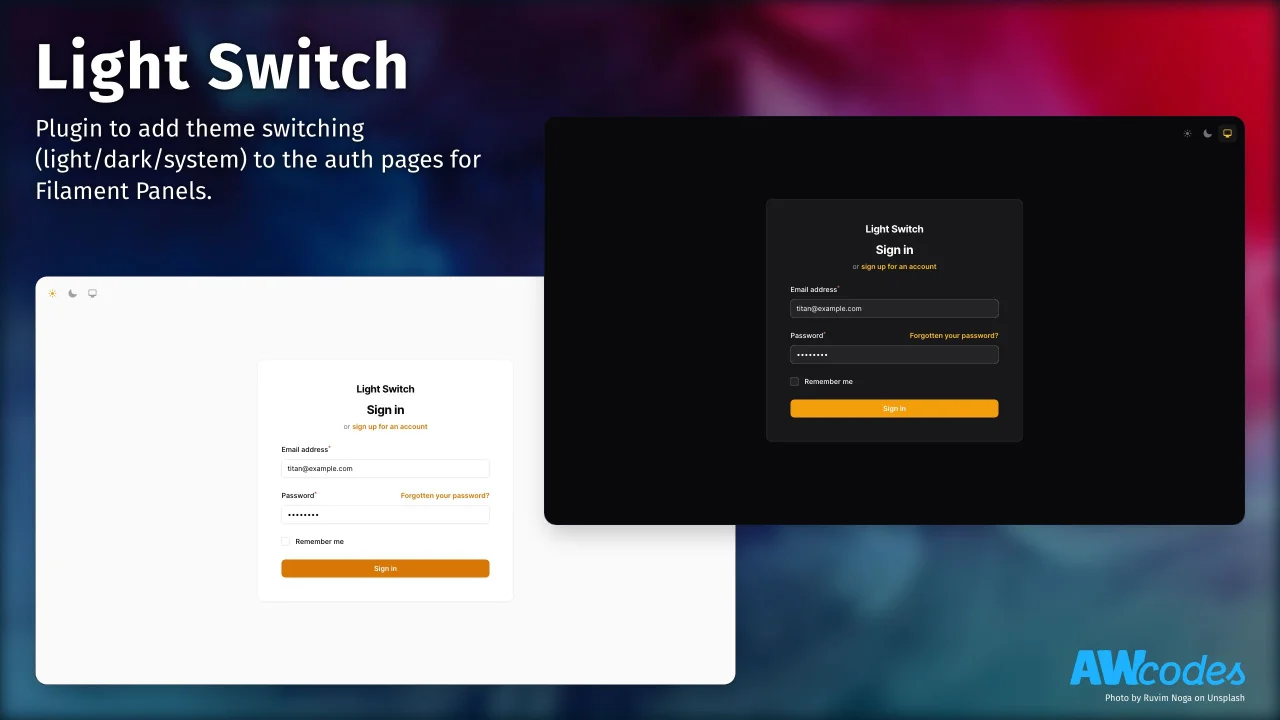
Light Switch
CommunityPlugin to add theme switching (light/dark/system) to the auth pages for Filament Panels.
 Author:
Adam Weston
Author:
Adam Weston
Package health
BetaAutomated checks of this plugin's Composer package
15 checks
- Passed: GitHub Actions pinned to SHA
- Skipped: GitLab CI includes pinned to SHA
- Passed: Open security advisories
- Passed: Dependabot PR responsiveness — No open Dependabot PRs.
- Skipped: Renovate MR responsiveness
- Passed: Dependabot or Renovate configured
- Passed: Dependency update cooldown configured
- Passed: Provides a security policy
- Passed: Abandoned or archived — No consulted source marks the package abandoned (packagist, github).
- Passed: Commit and release recency — Active: last commit 2 days ago; last release 28 days ago.
-
Passed:
composer.lock not committed by library
—
composer.lockis absent from the released dist archive. - Passed: Dist archive is lean
-
Passed:
Current Laravel version supported
—
Package dependencies resolve together with current Laravel
13.0. -
Passed:
Current PHP version supported
—
Constraint
^8.2supports current PHP8.5. - Skipped: Current Symfony version supported
filament/
namespace. Review the source and install at your own risk. Found
malware or an unresolved security issue the author won't
address?
Report it
.
Documentation
Plugin to add theme switching (light/dark/system) to the auth pages for Filament Panels




#Compatibility
| Package Version | Filament Version |
|---|---|
| 1.x | 3.x |
| 2.x | 4.x |
| 3.x | 4.x & 5.x |
#Installation
You can install the package via composer:
composer require awcodes/light-switch
[!IMPORTANT] If you have not set up a custom theme and are using Filament Panels follow the instructions in the Filament Docs first.
After setting up a custom theme add the plugin's views to your theme css file or your app's css file if using the standalone packages.
@source '../../../../vendor/awcodes/light-switch/resources/**/*.blade.php';
#Usage
use Awcodes\LightSwitch\LightSwitchPlugin;

public function panel(Panel $panel): Panel
{
    return $panel
        ->plugins([
            LightSwitchPlugin::make(),
        ]);
}
#Position
By default, the switcher will be added to the top right of the auth pages. You can change this by passing one of the Alignment enums cases to the position() method.
use Awcodes\LightSwitch\LightSwitchPlugin;
use Awcodes\LightSwitch\Enums\Alignment;

public function panel(Panel $panel): Panel
{
    return $panel
        ->plugins([
            LightSwitchPlugin::make()
                ->position(Alignment::BottomCenter),
        ]);
}
#Choosing which pages show the switcher
You can control which pages show the switcher by passing an array of route strings to the enabledOn() method. Anything in this array will get evaluated as should be shown. This replaces the default list rather than adding to it, so include every route you want.
By default the switcher is shown on routes containing auth.login, auth.password or auth.register.
When determining if the switcher should be shown the Str::contains() method is used to match the route name, so you can pass a partial route string to match multiple pages and not have to pass the complete route name. This is useful if you need to target routes containing a specific panel route, like admin.auth.email or app.auth.email.
use Awcodes\LightSwitch\LightSwitchPlugin;

public function panel(Panel $panel): Panel
{
    return $panel
        ->plugins([
            LightSwitchPlugin::make()
                ->enabledOn([
                    'auth.email',
                    'auth.login',
                    'auth.password',
                    'auth.profile',
                    'auth.register',
                ]),
        ]);
}
#Changelog
Please see CHANGELOG for more information on what has changed recently.
#Contributing
Please see CONTRIBUTING for details.
#Security Vulnerabilities
Please review our security policy on how to report security vulnerabilities.
#Credits
#License
The MIT License (MIT). Please see License File for more information.
The author
Adam is a full-stack web developer (with a focus on Laravel) who has been coding for close to 20 years. He is a core Filament team member as well and has authored numerous plugins for Filament such as Curator, Tiptap Editor and Table Repeater, to name a few. You can learn more about Adam on his website.
From the same author
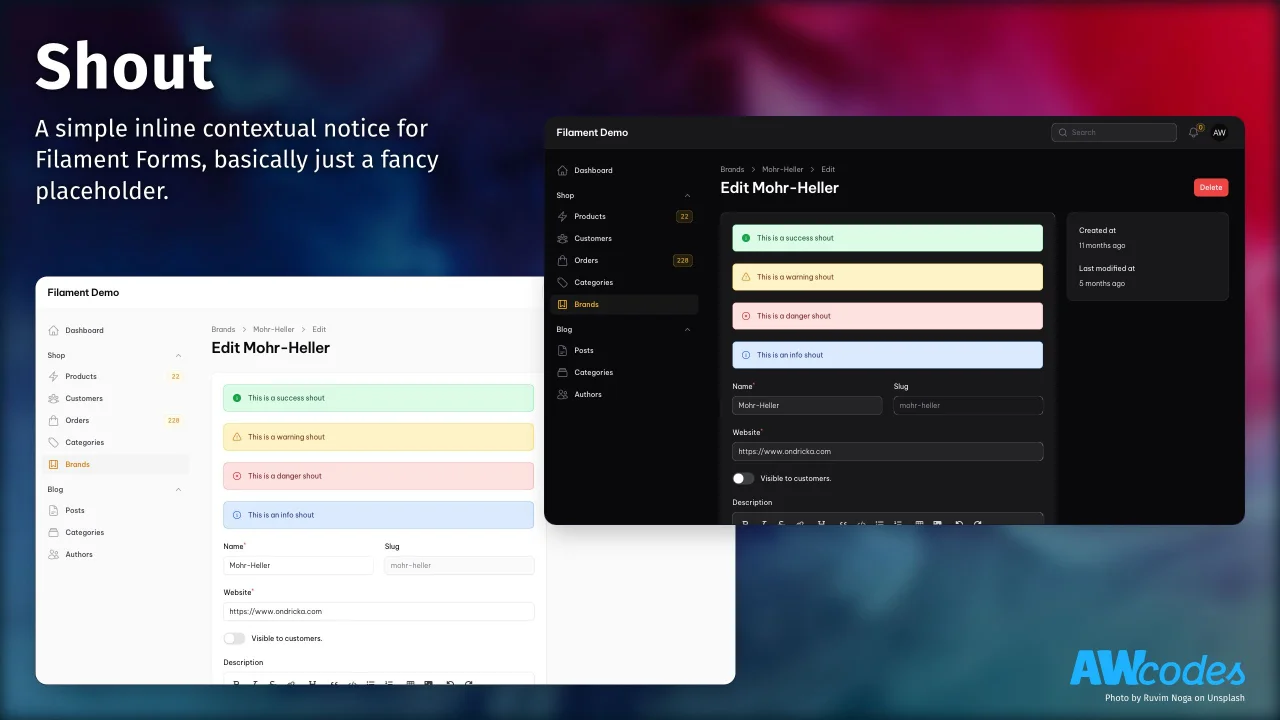
Shout
A simple inline contextual notice for Filament Forms, basically just a fancy placeholder.
Author:
Adam Weston
Botly
Botly is a Filament plugin to manage your site's robots.txt file directly from a Filament admin panel.
Author:
Adam Weston

Table Repeater
A modified version of the Filament Forms Repeater to display it as a table.
Author:
Adam Weston
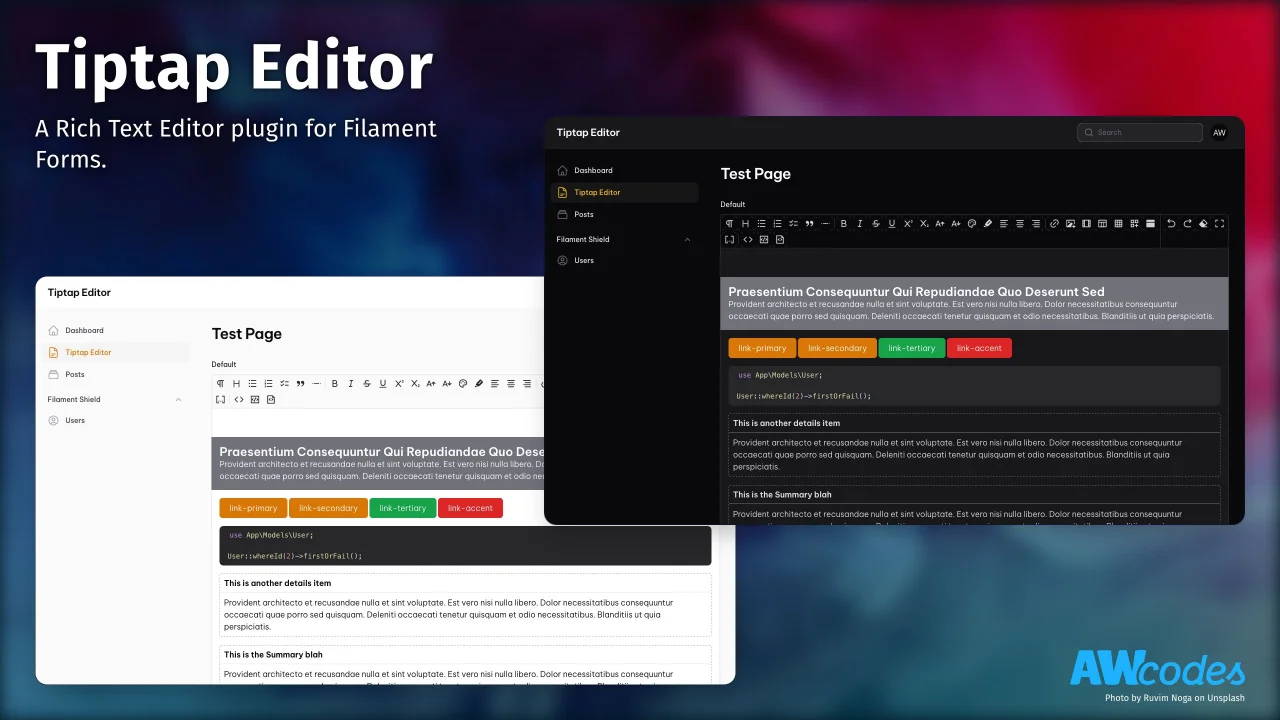
Tiptap Editor
A Rich Text Editor plugin for Filament Forms.
Author:
Adam Weston
Featured Plugins
A selection of plugins curated by the Filament team

Custom Dashboards
Let your users build and share their own dashboards with a drag-and-drop interface. Define your data sources in PHP and let them do the rest.
 Filament

Blueprint
Filament Blueprint is a premium Laravel Boost extension that helps AI agents produce accurate, detailed implementation plans and security reports for Filament apps.
Filament

Advanced Tables (formerly Filter Sets)
Supercharge your tables with powerful features like user-customizable views, quick filters, multi-column sorting, advanced table searching, convenient view management, and more. Compatible with Resource Panel Tables, Relation Managers, Table Widgets, and Table Builder!
 Kenneth Sese

