Large File Upload by Avexsoft
CommunityFilament field to overcome PHP limits when sending large files using chunked uploads
filament/
namespace. Review the source and install at your own risk. Found
malware or an unresolved security issue the author won't
address?
Report it
.
 Author:
Avexsoft
Documentation
- Features
- Requirements
- Installation
- Usage
- Screenshot
- How it works
- Server configuration
- Using normal FileUpload options
- Storage
- Important considerations
- Testing
- Contributing
- Changelog
- Security
- License
- Credits
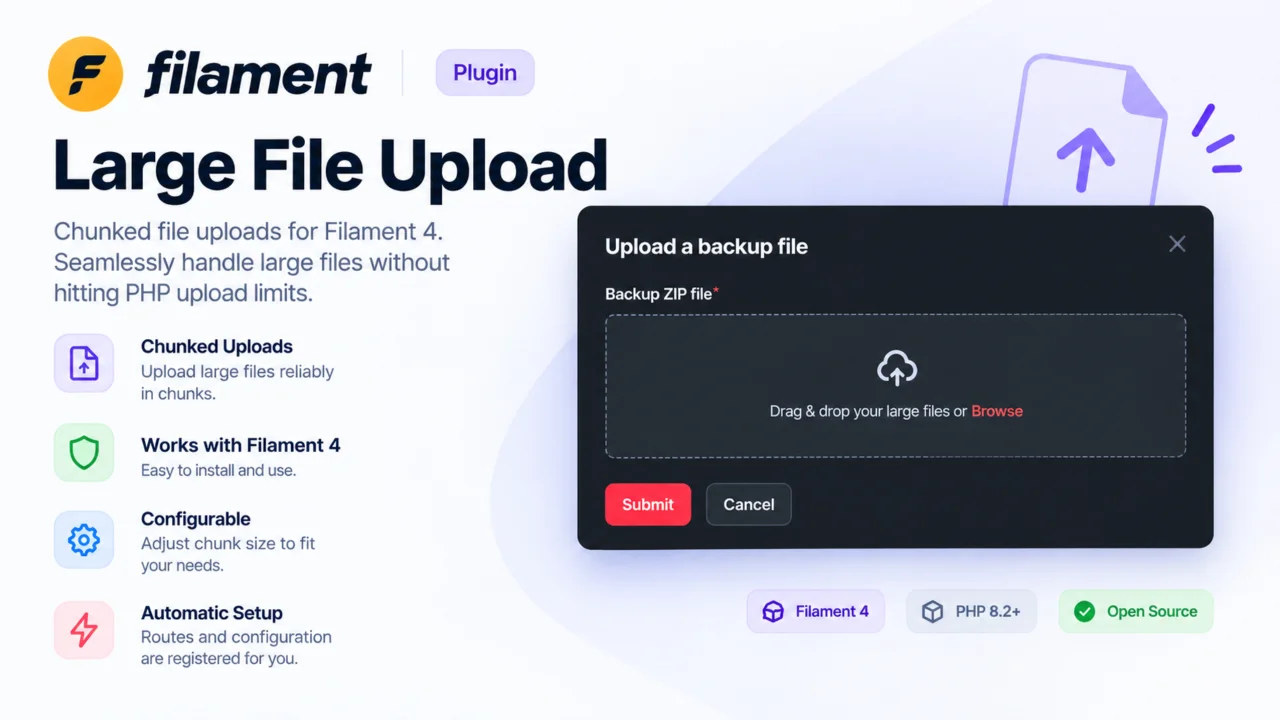
A drop-in replacement for Filament's FileUpload field that uploads files in chunks instead of sending the entire file in a single request.
This helps applications handle large uploads when normal HTTP/PHP request-size or timeout limits make a single-request upload impractical.
#Features
- Chunked file uploads
- 5 MB chunks by default
- Configurable chunk size per field
- Extends Filament's native
FileUploadcomponent - Keeps Filament
FileUploadfeatures and validation options - Uses the application's existing Livewire file-upload storage configuration
- Automatically registers the chunk-upload endpoint
- No panel provider configuration required
#Requirements
- PHP application using Filament
- Filament
^4.0
#Installation
Install the package with Composer:
composer require avexsoft/filament-large-file-upload
The package service provider and chunk-upload route are registered automatically.
#Usage
Replace Filament's FileUpload with LargeFileUpload:
use Avexsoft\FilamentLargeFileUpload\Components\LargeFileUpload;

LargeFileUpload::make('video')
    ->required();
The component can be used anywhere you would normally use Filament's FileUpload.
#Configure the chunk size
The default chunk size is 5 MB.
You can change it per field using chunkSize():
LargeFileUpload::make('video')
    ->chunkSize(10 * 1024 * 1024); // 10 MB
The value is specified in bytes.
For example:
LargeFileUpload::make('backup')
    ->chunkSize(5 * 1024 * 1024)
    ->label('Backup ZIP file')
    ->acceptedFileTypes([
        'application/zip',
    ])
    ->maxSize(1024 * 1024); // 1 GB, because Filament uses KB for maxSize()
#Screenshot
The field uses a familiar Filament-style upload interface while sending the selected file to the server one chunk at a time.
#How it works
Instead of uploading a large file as one HTTP request:
Large file
    │
    ├── Chunk 1 ──► /upload-chunk
    ├── Chunk 2 ──► /upload-chunk
    ├── Chunk 3 ──► /upload-chunk
    └── Chunk N ──► /upload-chunk
                       │
                       ▼
                  Merge chunks
                       │
                       ▼
              Livewire temporary file
Each chunk is uploaded sequentially to the package's /upload-chunk endpoint. After the final chunk is received, the package assembles the chunks into a single file and returns a signed Livewire temporary-upload key.
The route is registered automatically as:
POST /upload-chunk
It uses Laravel's web middleware, including CSRF protection.
#Server configuration
Chunked uploads reduce the size of each individual HTTP request, but the server still needs to allow a request at least as large as the configured chunk size.
For example, with a 5 MB chunk size, make sure your web server/PHP configuration permits requests larger than 5 MB.
Typical PHP settings include:
upload_max_filesize = 10M
post_max_size = 10M
If you increase the chunk size, adjust the relevant server limits accordingly.
You should also configure Filament/Livewire's file validation and storage settings for the total file size you intend to accept.
#Using normal FileUpload options
LargeFileUpload extends Filament's native FileUpload, so normal field configuration can still be used:
LargeFileUpload::make('attachment')
    ->disk('local')
    ->directory('attachments')
    ->multiple()
    ->maxFiles(5)
    ->maxSize(512 * 1024)
    ->required();
Refer to the Filament FileUpload documentation for the available FileUpload options.
#Storage
The completed upload is stored using the same Livewire file-upload storage configuration used by Filament.
You can therefore continue configuring your application's filesystem disk and Livewire temporary upload settings normally.
#Important considerations
#Chunk size vs. server limits
The chunk size determines the size of each HTTP request. A chunk that is larger than your PHP/web-server request limit will fail even though the overall file is being uploaded in chunks.
#Total file size
Chunking does not remove application-level file-size validation. Use Filament's validation options such as maxSize() when you need to restrict the total file size.
#Upload failures
Uploads are performed sequentially. If an individual request fails, the upload reports an error to the Filament field.
#Testing
Run the package test suite with:
composer test
#Contributing
Contributions are welcome. Please see CONTRIBUTING.md for development guidelines.
#Changelog
See CHANGELOG.md for the release history.
#Security
If you discover a security vulnerability, please report it privately rather than opening a public issue.
#License
This package is open-sourced software licensed under the MIT license.
#Credits
Developed by Avexsoft.
The author
From the same author

Donkey
CRUD your Laravel config() in code/any environment without giving access to the .env file. using the power of Filament UI
Author:
Avexsoft

Persistent Url
CRUD permalinks (also known as persistent URLs) to your Filament project
Author:
Avexsoft
Featured Plugins
A selection of plugins curated by the Filament team
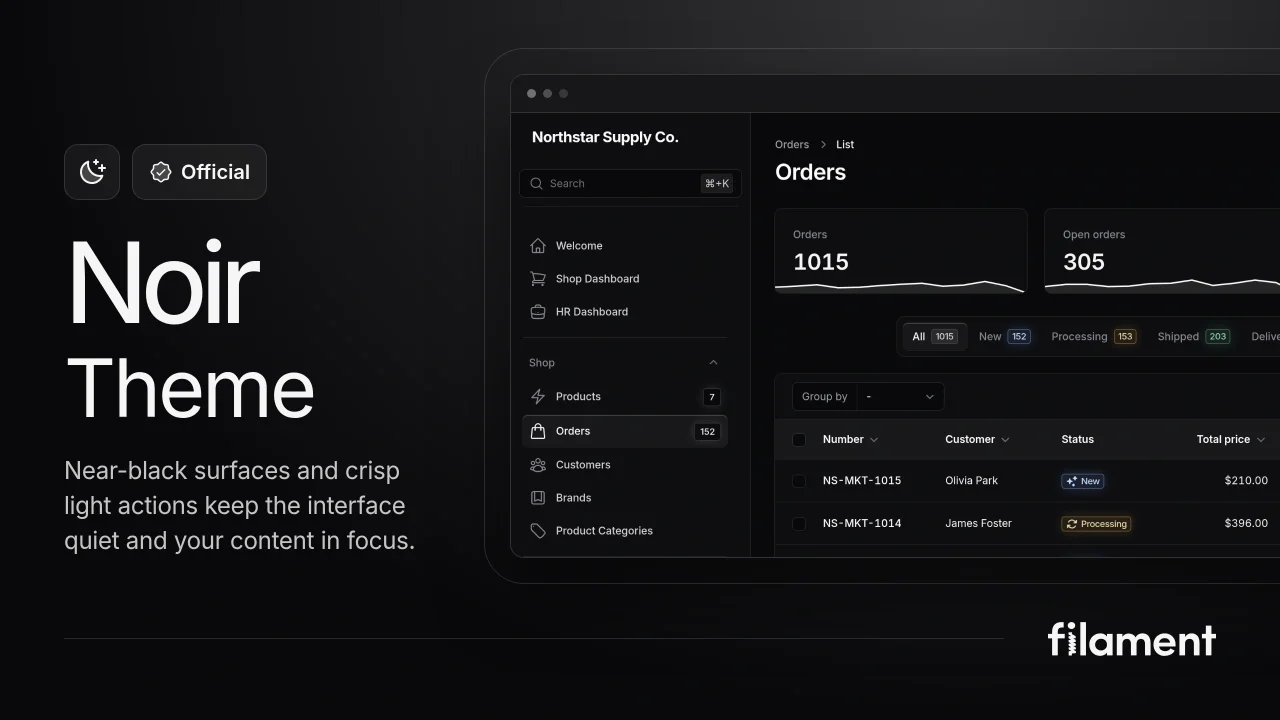
Noir Theme
A theme that gives panels a focused, refined look with near-black surfaces, crisp actions, and restrained color.
 Filament
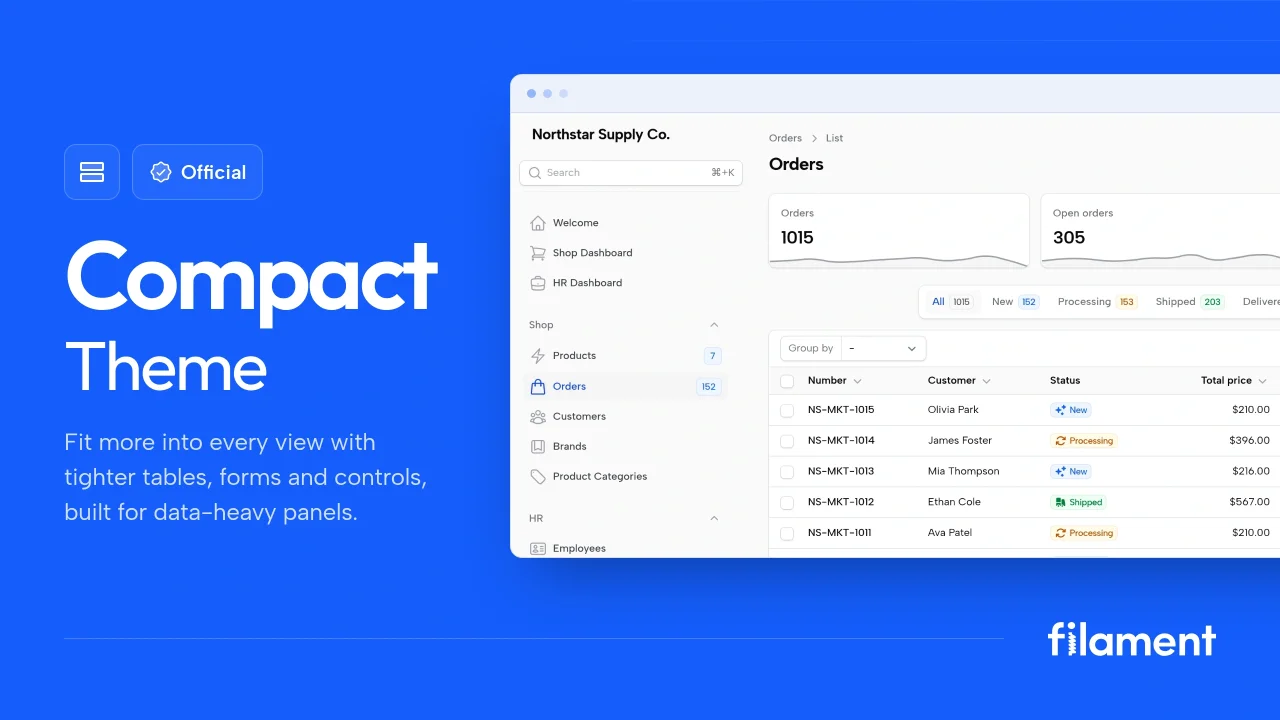
Compact Theme
A theme that makes data-heavy panels easier to scan by fitting more useful information on each screen.
Filament
Custom Fields
Eliminate custom field migrations forever. Let your users create and manage form fields directly in Filament admin panels with 20+ built-in field types, validation, and zero database changes.
 Relaticle