Anti Scam by Attargah
CommunityA Filament plugin to protect frontend forms from spam/scam bots with IP blocking and a blacklist management panel.
 Author:
Attargah
Package health
Automated checks of this plugin's Composer package
15 checks
- Failed: GitHub Actions pinned to SHA — View details on Plumb
- Skipped: GitLab CI includes pinned to SHA
- Passed: Open security advisories
- Warning: Dependabot PR responsiveness — Stale Dependabot PRs: oldest general PR is 61 days old.
- Skipped: Renovate MR responsiveness
- Passed: Dependabot or Renovate configured
-
Failed:
Dependency update cooldown configured
—
No cooldown configured in
.github/dependabot.yml. View details on Plumb - Passed: Provides a security policy
- Passed: Abandoned or archived — No consulted source marks the package abandoned (packagist, github).
- Warning: Commit and release recency — Low activity: last commit 93 days ago; last release 323 days ago.
-
Passed:
composer.lock not committed by library
—
composer.lockis absent from the released dist archive. - Passed: Dist archive is lean
-
Passed:
Current Laravel version supported
—
Package dependencies resolve together with current Laravel
13.0. -
Passed:
Current PHP version supported
—
Constraint
^8.2supports current PHP8.5. - Skipped: Current Symfony version supported
filament/
namespace. Review the source and install at your own risk. Found
malware or an unresolved security issue the author won't
address?
Report it
.
Documentation
- Features
- Installation
- Configuration
- Usage
- Middleware Components
- Database Tables
- Testing
- Security Considerations
- Contributing
- License
- Support
- Changelog
A comprehensive Laravel package that provides advanced protection against spam, scam bots, and malicious activities on your web forms. This package integrates seamlessly with Filament admin panel for easy management and monitoring.
#Features
#🛡️ Multi-Layer Protection
- Anti-Scam Protection: Detects and blocks scam bots using hidden form fields
- Anti-Spam Protection: Rate limiting with progressive ban duration
- IP Blocking: Temporary and permanent IP blocking system
- XSS Protection: Automatic input sanitization
#📊 Admin Panel Integration
- Filament Resources: Manage blocked IPs, scam IPs, and logs
- Real-time Monitoring: Track blocked attempts and scam activities
- Log Management: Detailed logging with user agent, request details, and timestamps
#🎯 Advanced Bot Detection
- Hidden Form Fields: Invisible honeypot fields to catch bots
- Hash-based Validation: Secure validation using Laravel's Hash facade
- Randomized Input Order: Prevents pattern-based bot detection
- Configurable Display: Hide fields using CSS or move them off-screen
#Installation
You can install the package via Composer:
composer require attargah/anti-scam
#Publish Configuration, Migrations and Translations
php artisan vendor:publish --tag="anti-scam-config"

php artisan vendor:publish --tag="anti-scam-migrations"

php artisan vendor:publish --tag="anti-scam-translations"
#Run Migrations
php artisan migrate
#Configure the Package
Set your secret key in the config/anti-scam.php file:
'key' => env('ANTI_SCAM_KEY', 'your-secret-key-here'),
#Configuration
The package provides extensive configuration options in config/anti-scam.php:
#Anti-Scam Configuration
'scam' => [
    'active' => true,                    // Enable/disable scam protection
    'ban' => false,                      // Permanently ban scam IPs (not recommended)
    'save_log' => true,                  // Save scam attempts to database
    'register_logs_to_panel' => true,    // Show logs in admin panel
    'order_random' => true,              // Randomize input field order
    'display' => [
        'active' => false,               // Hide fields with CSS
        'css' => 'display:none!important',
    ],
    'off_screen' => [
        'active' => true,                // Move fields off-screen
        'css' => 'position:absolute!important; left:-9999px!important; z-index:-9999!important;',
    ],
],
#Anti-Spam Configuration
'spam' => [
    'active' => true,                    // Enable/disable spam protection
    'max_requests_per_window' => 5,      // Max requests per time window
    'window_in_seconds' => 60,           // Time window length
    'ban_duration_multiplier' => 3,      // Progressive ban duration multiplier
    'permanent_ban_threshold_min' => 10080, // Permanent ban threshold (7 days)
],
#Usage
#1. Protect Your Forms
Use the @protect Blade directive in your forms:
<form method="POST" action="/contact">
    @csrf
    @protect('contact-form')

    <input type="text" name="cf_name" placeholder="Your Name" required>
    <input type="email" name="cf_email" placeholder="Your Email" required>
    <textarea name=cf_"message" placeholder="Your Message" required></textarea>

    <button type="submit">Send Message</button>
</form>
#2. Apply Middleware
Add the middleware to your routes or controllers:
// In your routes file
Route::post('/contact', [ContactController::class, 'store'])
    ->middleware(['anti-scam', 'anti-spam', 'xss']);

// and in your bootstrap/app.php
return Application::configure(basePath: dirname(__DIR__))
    ->withRouting(
        web: __DIR__.'/../routes/web.php',
        commands: __DIR__.'/../routes/console.php',
        health: '/up',
    )
    ->withMiddleware(function (Middleware $middleware) {
        $middleware->append(\Attargah\AntiScam\Http\Middleware\CheckBlockedIP::class);
    })
    ->withExceptions(function (Exceptions $exceptions) {
        //
    })->create();
You can also prevent XSS attacks using Validation.
$request->validate([
    'q' => ['required', new Xss],
]);
💡 Bot Deception / Honeypot Success Message:
To trick scam bots into thinking their request was successful, you can place the following snippet before saving any data in your controller:if ($request->input('scam_status_'.config('anti-scam.key'))){ return back()->with('success', 'your_message'); // or any success return of your choice }This ensures that:
- Legitimate users are not affected (since they won't trigger the hidden field).
- Bots see a success message and believe their request went through.
- No actual data is saved for requests flagged as scam.
#3. Filament Admin Panel
Register the plugin in your Filament panel:
use Attargah\AntiScam\AntiScamPlugin;

public function panel(Panel $panel): Panel
{
    return $panel
        ->plugins([
            AntiScamPlugin::make(),
        ]);
}
#Middleware Components
#AntiScam Middleware
- Detects scam bots using hidden form fields
- Validates hash-based tokens
- Logs scam attempts and optionally bans IPs
#AntiSpam Middleware
- Implements rate limiting with configurable thresholds
- Progressive ban duration (increases with repeated violations)
- Automatic permanent bans for persistent offenders
#CheckBlockedIP Middleware
- Blocks requests from banned IP addresses
- Supports both temporary and permanent bans
- Returns 403 status for blocked requests
#XSSProtection Middleware
- Sanitizes all input data
- Removes HTML tags and scripts
- Prevents XSS attacks
#Database Tables
The package creates three main tables:
scam_ips: Stores detected scam IP addresses and related informationblocked_ips: Manages IP blocking with expiration timesblocked_ip_logs: Detailed logs of all blocking activities
#Testing
Run the test suite:
vendor/bin/pest .\vendor\attargah\anti-scam\tests
The package includes comprehensive tests for all middleware components and functionality.
#Security Considerations
- Secret Key: Always use a strong, unique secret key for the anti-scam protection
- Rate Limiting: Adjust spam protection settings based on your traffic patterns
- IP Blocking: Be cautious with permanent IP bans as they may affect legitimate users
- Logging: Regularly review logs to identify patterns and adjust protection levels
#Contributing
Contributions are welcome! Please feel free to submit a Pull Request.
#License
This package is open-sourced software licensed under the MIT license.
#Support
If you encounter any issues or have questions, please open an issue on GitHub.
#Changelog
Please see CHANGELOG for more information on what has changed recently.
Made with ❤️ by Attargah
The author
I'm a software developer passionate about building open-source tools and solutions that make developers' lives easier.
From the same author

Featured Plugins
A selection of plugins curated by the Filament team
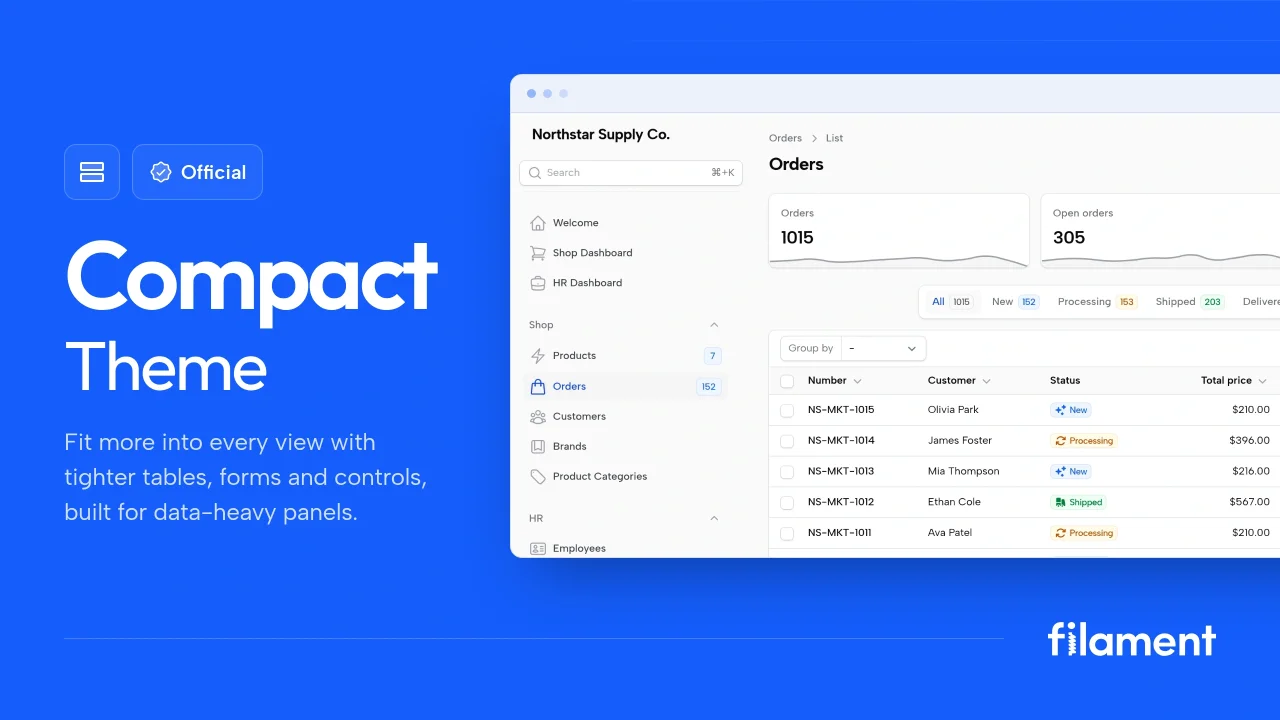
Compact Theme
A theme that makes data-heavy panels easier to scan by fitting more useful information on each screen.
 Filament
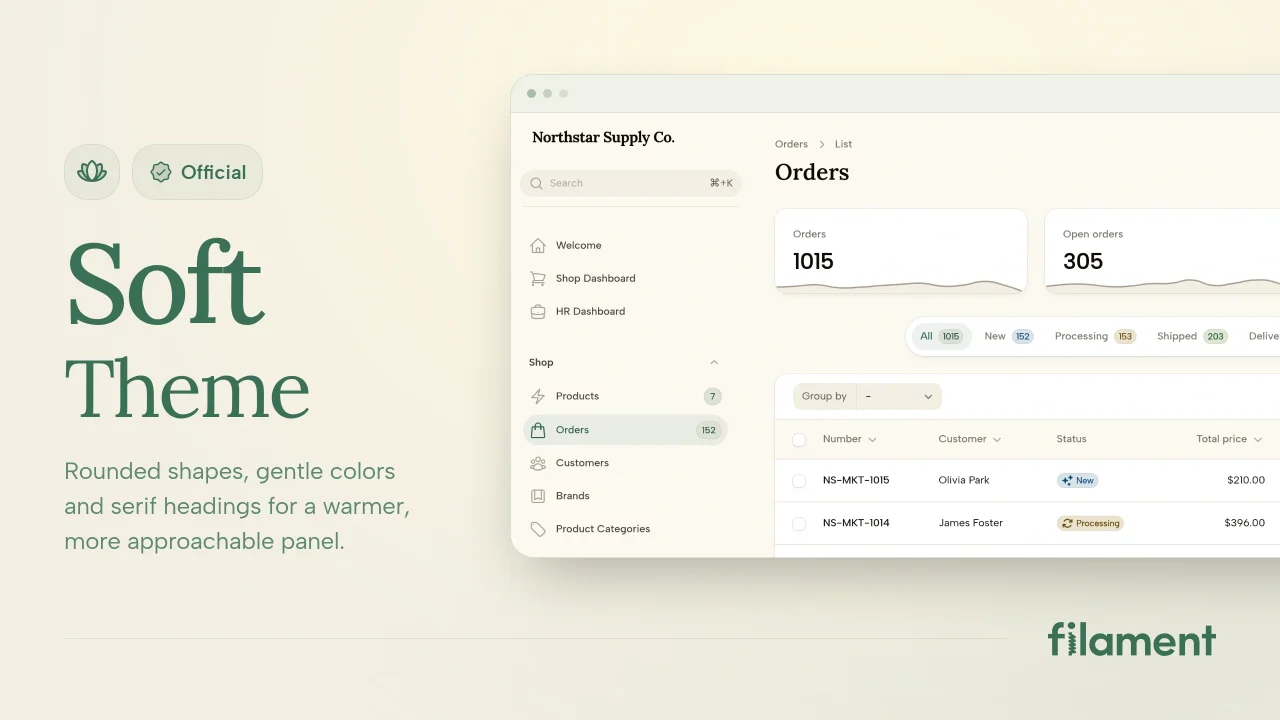
Soft Theme
A theme that gives panels a warm, approachable look with rounded shapes, gentle colors, and serif headings.
Filament
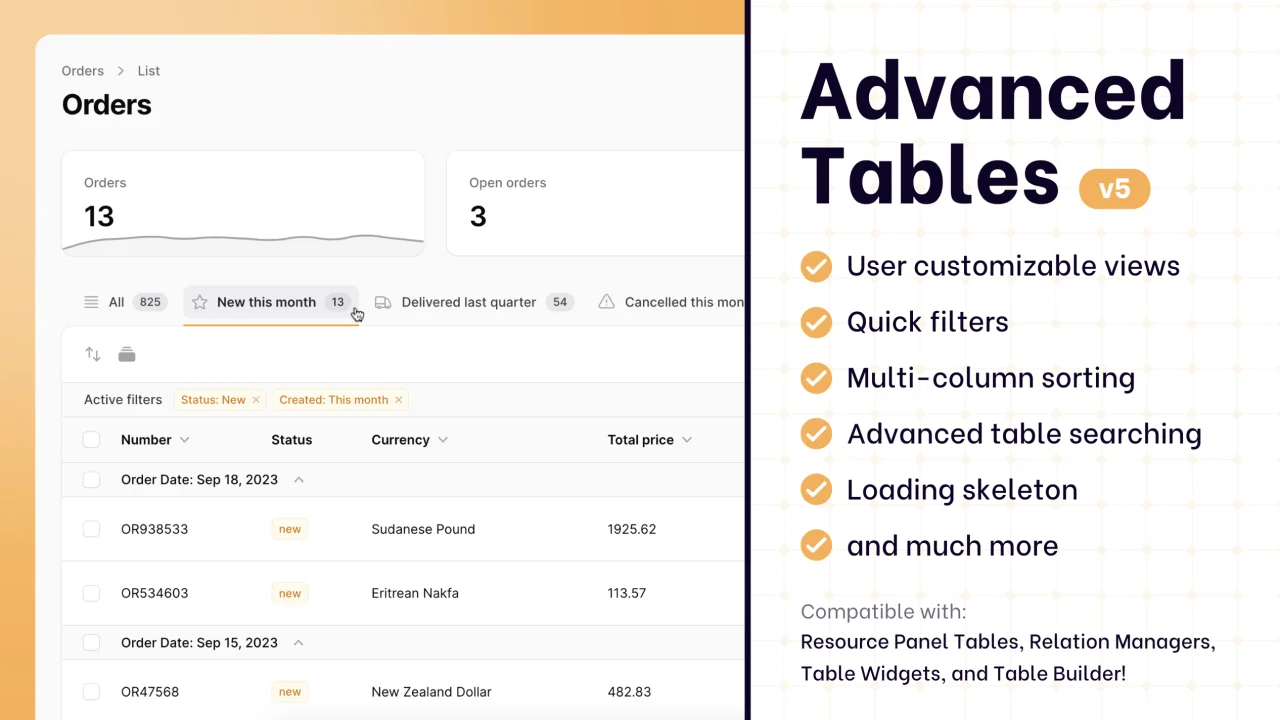
Advanced Tables (formerly Filter Sets)
Supercharge your tables with powerful features like user-customizable views, quick filters, multi-column sorting, advanced table searching, convenient view management, and more. Compatible with Resource Panel Tables, Relation Managers, Table Widgets, and Table Builder!
 Kenneth Sese