Admin Bar by Attargah
CommunityAdmin Bar is a Laravel package built for Filament that displays a fixed admin bar on the frontend of your site when a user is logged in.
 Author:
Attargah
Package health
Automated checks of this plugin's Composer package
15 checks
- Skipped: GitHub Actions pinned to SHA
- Skipped: GitLab CI includes pinned to SHA
- Passed: Open security advisories
- Passed: Dependabot PR responsiveness — No open Dependabot PRs.
- Skipped: Renovate MR responsiveness
- Skipped: Dependabot or Renovate configured
- Skipped: Dependency update cooldown configured
- Failed: Provides a security policy — View details on Plumb
- Passed: Abandoned or archived — No consulted source marks the package abandoned (packagist, github).
- Failed: Commit and release recency — Inactive: last commit 387 days ago; last release 387 days ago. View details on Plumb
-
Passed:
composer.lock not committed by library
—
composer.lockis absent from the released dist archive. - Passed: Dist archive is lean
-
Passed:
Current Laravel version supported
—
Package dependencies resolve together with current Laravel
13.0. -
Passed:
Current PHP version supported
—
Constraint
^8.1supports current PHP8.5. - Skipped: Current Symfony version supported
filament/
namespace. Review the source and install at your own risk. Found
malware or an unresolved security issue the author won't
address?
Report it
.
Documentation
- 🔧 Features
- ⚙️ Requirements
- 🚀 Installation
- 📦 Publishing (Optional)
- 🧹 Usage
- 🎨 Customization
- 🧱 Blade Component Usage
- 🔌 Render Hook Points
- 🌍 Translations
- 📄 License
- 🤝 Contributing

Admin Bar is a Laravel package built for Filament that displays a fixed admin bar on the frontend of your site when a user is logged in. This bar provides quick access to the Filament panel and can be easily integrated into various projects with its customizable structure.
#🔧 Features
- Fixed top bar display for authenticated users
- Quick access link to the Filament panel
- Customizable settings (logo, title, colors, height, etc.)
- Extendable structure with Filament Render Hook points
#⚙️ Requirements
- PHP >= 8.1
- Laravel >= 10
- Filament >= 3.0 | 4.0
- Tailwind CSS (for component styling)
#🚀 Installation
composer require attargah/admin-bar
#📦 Publishing (Optional)
To publish the default files:
php artisan vendor:publish --provider="Attargah\AdminBar\AdminBarServiceProvider"
#🧹 Usage
Add the plugin to your AdminPanelProvider:
use Attargah\AdminBar\AdminBarPlugin;

->plugins([AdminBarPlugin::make()])
#🎨 Customization
AdminBarPlugin::make()
    ->setBarTextColor('text-white')
    ->setBarBackgroundColor('bg-gray-900')
    ->setBarCustomClass('')
    ->setBarHeight('h-12')
    ->setBarTitleFont('font-bold text-lg')
    ->setBarMenuItemsFont('text-sm')
    ->setBarMenuTitleFont('uppercase')
    ->setBarTitle('Admin Panel')
    ->setAuthMenuEnable(true)
    ->setLogoHeight('h-8')
    ->setLogoUrl('https://example.com/image.png')
If a logo is defined, the title will not be shown.
If both the logo and title are not defined, the default text Admin Panel will be displayed.
All customizations are using TailwindCSS classes.
#🧱 Blade Component Usage
Add the following to the Blade file where you want the admin bar to appear:
<x-admin-bar-admin-bar />
This component needs Tailwind CSS to look correct on your page.
The bar will only appear for authenticated users.
To customize further, you can publish and modify the resources/views/components/admin-bar.blade.php file.
#🔌 Render Hook Points
To extend the admin bar, use the following render hook points:
| Hook Point | Description |
|---|---|
BEFORE_TITLE |
Before the title |
AFTER_TITLE |
After the title |
BEFORE_AUTH_MENU |
Before the auth user menu |
AFTER_AUTH_MENU |
After the auth user menu |
BEFORE_AUTH_MENU_ITEMS |
Before the menu items |
AFTER_AUTH_MENU_ITEMS |
After the menu items |
BETWEEN_AUTH_MENU_ITEMS |
Between each menu item |
#Example: Adding a new item to the auth menu
use Filament\Panel;
use Filament\Support\Facades\FilamentView;
use Attargah\AdminBar\Enums\AdminBarRenderHook;

FilamentView::registerRenderHook(
    AdminBarRenderHook::BETWEEN_AUTH_MENU_ITEMS,
    fn () => '
        <li>
            <a href="'.route('settings-route').'"
               class="block break-words whitespace-normal px-4 py-2 hover:bg-gray-100 dark:hover:bg-gray-600 dark:hover:text-white">
                Settings
            </a>
        </li>
    ',
);
For more, check out the Filament Render Hooks documentation.
#🌍 Translations
To customize translations, publish the resources/lang/en/admin-bar.php file:
php artisan vendor:publish --tag=admin-bar-translations
#📄 License
This project is licensed under the MIT license.
#🤝 Contributing
Visit our GitHub page for pull requests and bug reports:
👉 https://github.com/attargah/admin-bar
The author
I'm a software developer passionate about building open-source tools and solutions that make developers' lives easier.
From the same author
Featured Plugins
A selection of plugins curated by the Filament team
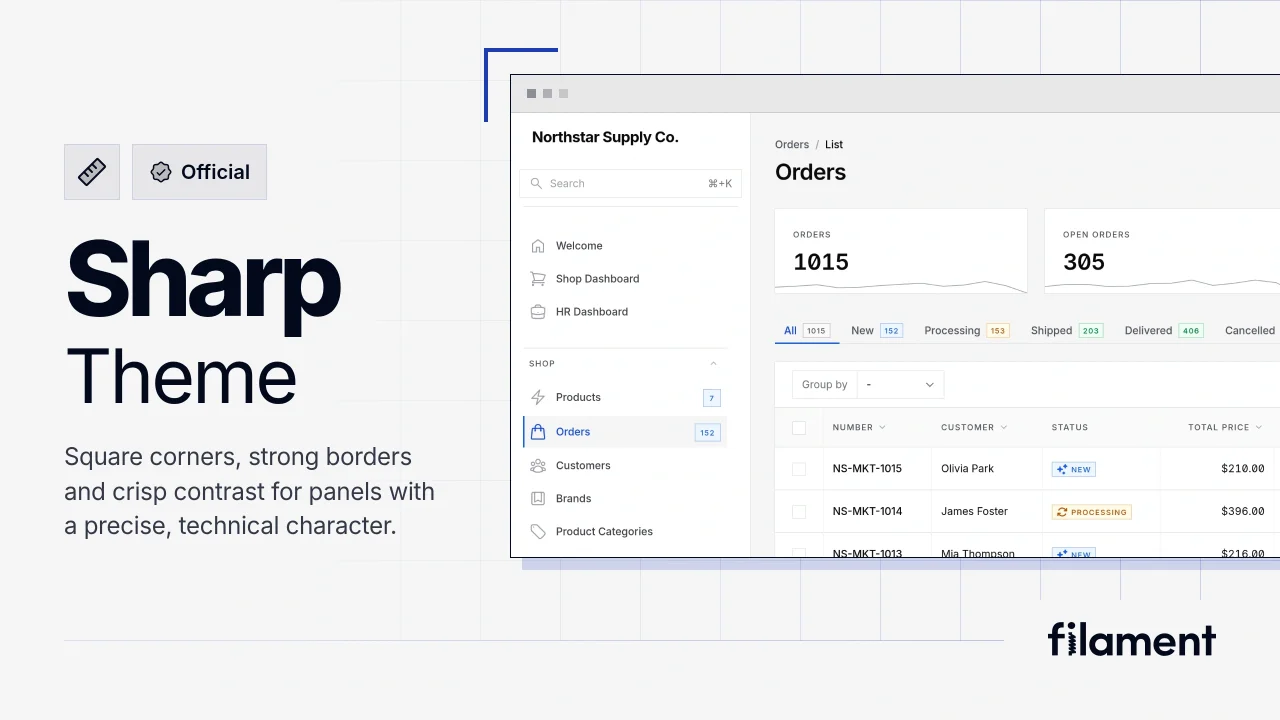
Sharp Theme
A theme that gives panels a precise, technical look with square corners, strong borders, and clear contrast.
 Filament
Custom Fields
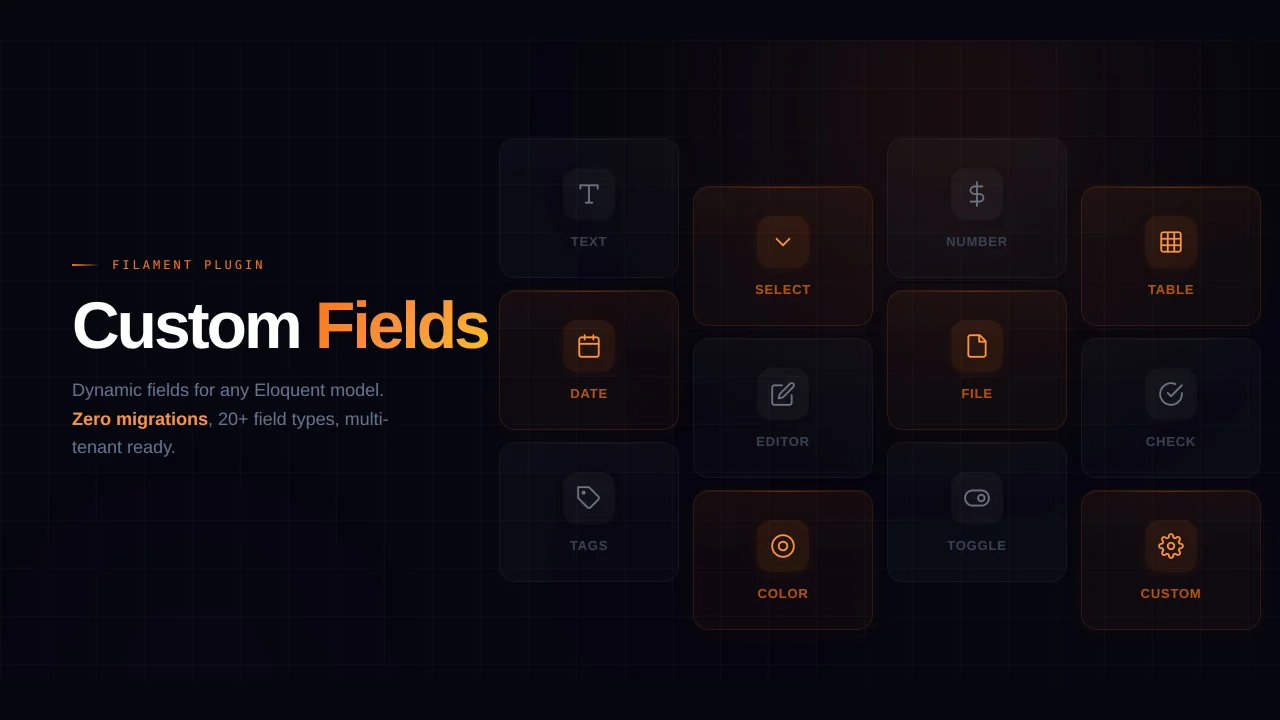
Eliminate custom field migrations forever. Let your users create and manage form fields directly in Filament admin panels with 20+ built-in field types, validation, and zero database changes.
 Relaticle
Compact Theme
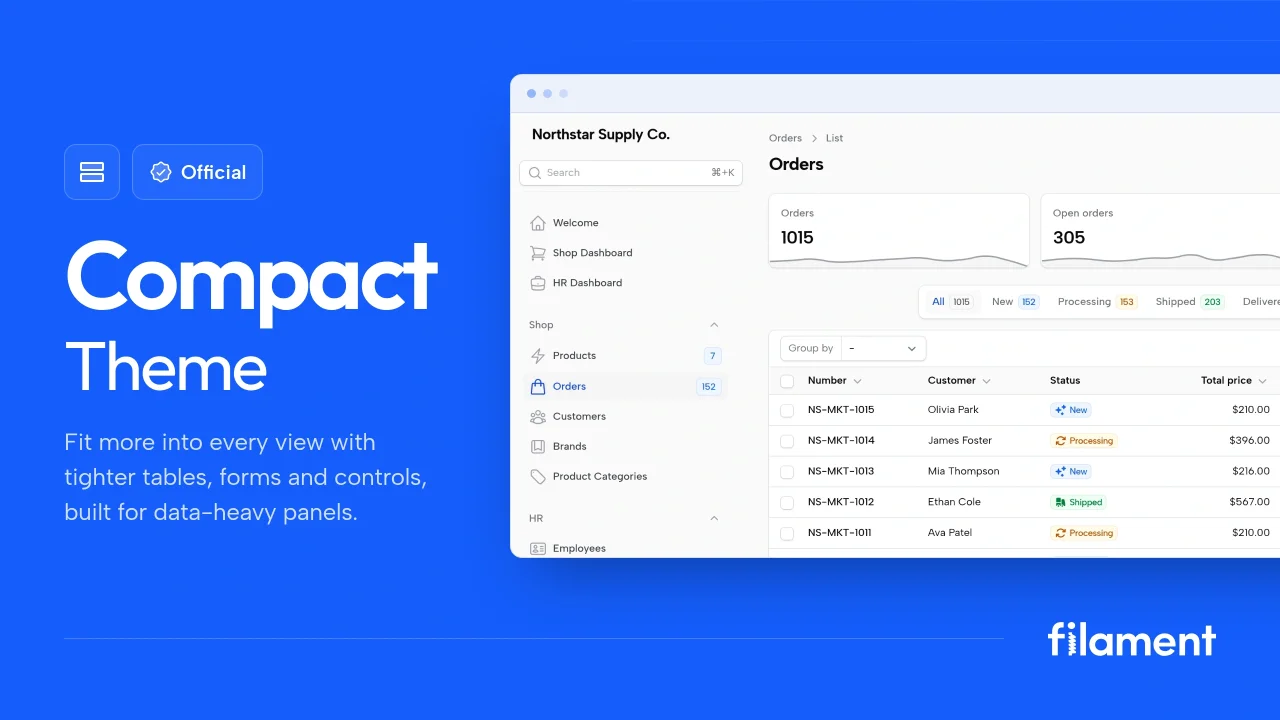
A theme that makes data-heavy panels easier to scan by fitting more useful information on each screen.
Filament