
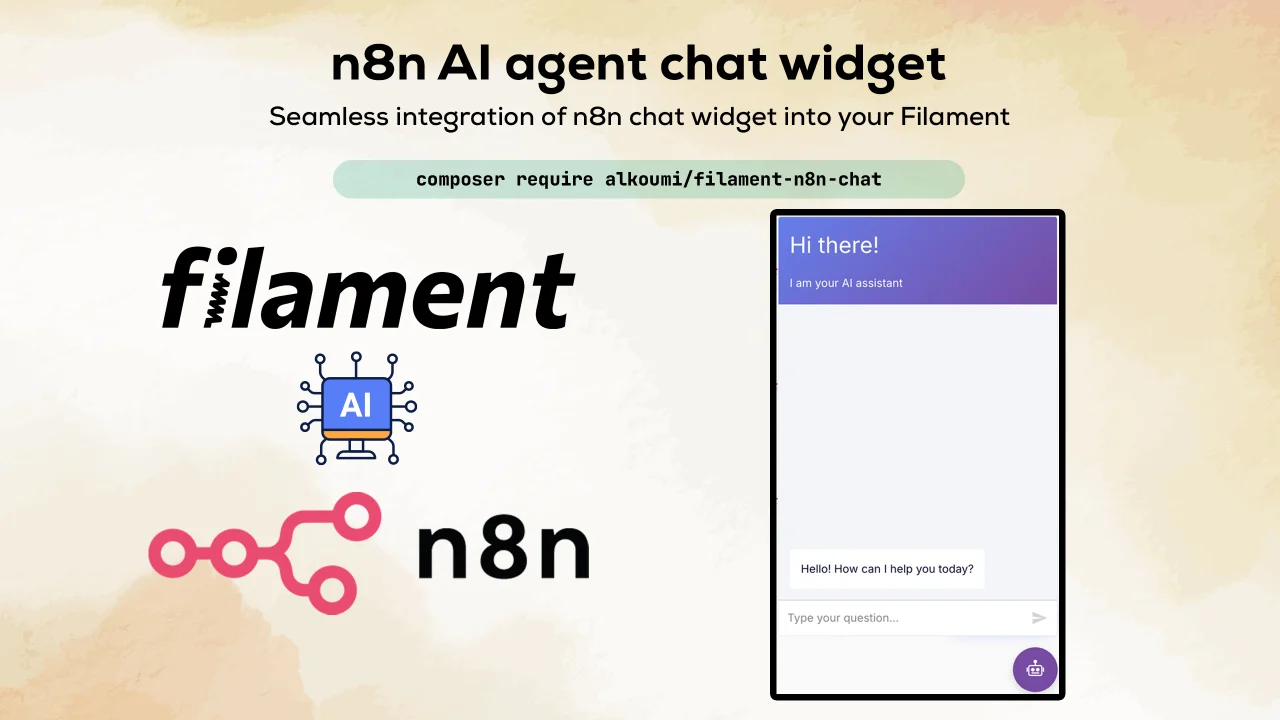
n8n chat by Mohamed Alkoumi
CommunitySeamless integration of n8n chat widget into your FilamentPHP applications with full multilingual support and theme customization.
 Author:
Mohamed Alkoumi
Author:
Mohamed Alkoumi
Package health
Automated checks of this plugin's Composer package
15 checks
- Skipped: GitHub Actions pinned to SHA
- Skipped: GitLab CI includes pinned to SHA
- Passed: Open security advisories
- Passed: Dependabot PR responsiveness — No open Dependabot PRs.
- Skipped: Renovate MR responsiveness
- Skipped: Dependabot or Renovate configured
- Skipped: Dependency update cooldown configured
- Failed: Provides a security policy — View details on Plumb
- Passed: Abandoned or archived — No consulted source marks the package abandoned (packagist, github).
- Warning: Commit and release recency — Low activity: last commit 185 days ago; last release 185 days ago.
-
Passed:
composer.lock not committed by library
—
composer.lockis absent from the released dist archive. - Passed: Dist archive is lean
-
Passed:
Current Laravel version supported
—
Package dependencies resolve together with current Laravel
13.0. -
Passed:
Current PHP version supported
—
Constraint
^8.2supports current PHP8.5. - Skipped: Current Symfony version supported
filament/
namespace. Review the source and install at your own risk. Found
malware or an unresolved security issue the author won't
address?
Report it
.
Documentation
- Features
- Requirements
- Installation
- Usage
- Configuration
- Advanced Usage
- N8n Workflow Setup
- Troubleshooting
- Security Considerations
- Support
- Contributing
- Credits
- License



A seamless integration of n8n chat widget into your FilamentPHP applications with full multilingual support and theme customization.
#Features
- 🚀 Full compatibility with FilamentPHP v4 & v5
- 🌍 Multilingual support (Arabic, English, and more)
- 💬 Full n8n chat functionality
- 🎨 Custommizable themes with updating config colors
- 🔧 Simplified configuration
- 📱 Fully responsive design with RTL support
- 🔐 Authentication-aware display options
#Requirements
- PHP 8.2+
- Laravel 11.x
- FilamentPHP 4.x
- Livewire 3.x (auto-installed with Filament)
#Installation
#Step 1: Install via Composer
composer require alkoumi/filament-n8n-chat
#Step 2: Publish Configuration and Translations
php artisan vendor:publish --tag="filament-n8n-chat-config"
php artisan vendor:publish --tag="filament-n8n-chat-translations"
#Step 3: Add Environment Variables or Your config.filament-n8n-chat
Add your n8n webhook URL to your .env file: or in config.filament-n8n-chat
N8N_CHAT_ENABLED=true
N8N_CHAT_WEBHOOK_URL=https://your-n8n-instance.com/webhook/your-webhook-id
#Usage
#Basic Setup
#Method 2: Plugin Registration (Advanced)
Register the plugin in your Panel Provider for more control:
// app/Providers/Filament/AdminPanelProvider.php

use Alkoumi\FilamentN8nChat\FilamentN8nChatPlugin;

public function panel(Panel $panel): Panel
{
    return $panel
        ->default()
        ->id('admin')
        ->path('admin')
        // ... other configurations
        ->plugins([
            FilamentN8nChatPlugin::make()
                ->config(function () {
                        $lang = app()->getLocale() ?? 'ar';

                        return [
                            'defaultLanguage' => $lang,
                            'initialMessages' => $lang === 'ar'
                                ? [
                                    'أنا مساعد الذكاء الإصطناعي',
                                    'آمر، كيف أخدمك 💐',
                                ]
                                : [
                                    'Hello! I am your AI assistant',
                                    'How can I help you today?',
                                ],
                            'i18n' => [
                                'en' => [
                                    'title' => 'Hi there! 👋',
                                    'subtitle' => 'I am AI assistant',
                                    'footer' => '',
                                    'getStarted' => 'New Conversation',
                                    'inputPlaceholder' => 'How can I help you today?',
                                ],
                                'ar' => [
                                    'title' => 'مرحبًا بك 💐',
                                    'subtitle' => 'أنا مساعد الذكاء الإصطناعي',
                                    'footer' => '',
                                    'getStarted' => 'محادثة جديدة',
                                    'inputPlaceholder' => 'آمر، كيف أقدر أخدمك 💐',
                                ],
                            ],
                        ];
                    }),
        ]);
}
#Configuration
#Simplified Configuration with i18n Support
Just take alook in // config/filament-n8n-chat.php
#Advanced Usage
#Conditional Display
Show chat only for specific user roles:
FilamentN8nChatPlugin::make()
    ->enabled(fn () => auth()->user()?->hasRole('admin'))
#Dynamic Configuration
Configure based on current user:
FilamentN8nChatPlugin::make()
    ->config(function () {
        return [
            'initialMessages' => auth()->check()
                ? 'Welcome back, ' . auth()->user()->name . '!'
                : 'Hello! How can I help you?',
        ];
    })
#Custom Styling
You can customize the chat widget appearance by adding custom config options.
#JavaScript Events
Listen to chat events:
window.addEventListener('n8n-chat-ready', (event) => {
    console.log('N8n chat is ready!', event.detail.chat);
});

// Programmatically control the chat
window.openN8nChat();
window.closeN8nChat();
window.toggleN8nChat();
window.sendN8nMessage('Hello from code!');
#N8n Workflow Setup
#Basic Webhook Setup
- Create a new workflow in n8n
- Use chat trigger
- Make Chat Publicly Available
- Copy Chat URL (this will be your webhook URL)
- Now you can use the plugin to integrate chat into your FilamentPHP application!
#Troubleshooting
#Chat Widget Not Appearing
- Check if the plugin is enabled in config
- Verify the webhook URL is set correctly
- Check browser console for JavaScript errors
#Security Considerations
- Use HTTPS: Always use HTTPS for your webhook URLs
- Validate Input: Sanitize and validate all user input in your n8n workflows
- Rate Limiting: Implement rate limiting in your n8n workflows
- Authentication: Use the user metadata feature to track users
- Environment Variables: Never commit webhook URLs to version control
#Support
#Contributing
Contributions are welcome! Please feel free to submit a Pull Request.
- Fork the repository
- Create your feature branch (
git checkout -b feature/amazing-feature) - Commit your changes (
git commit -m 'Add some amazing feature') - Push to the branch (
git push origin feature/amazing-feature) - Open a Pull Request
#Credits
#License
The MIT License (MIT). Please see License File for more information.
The author
From the same author
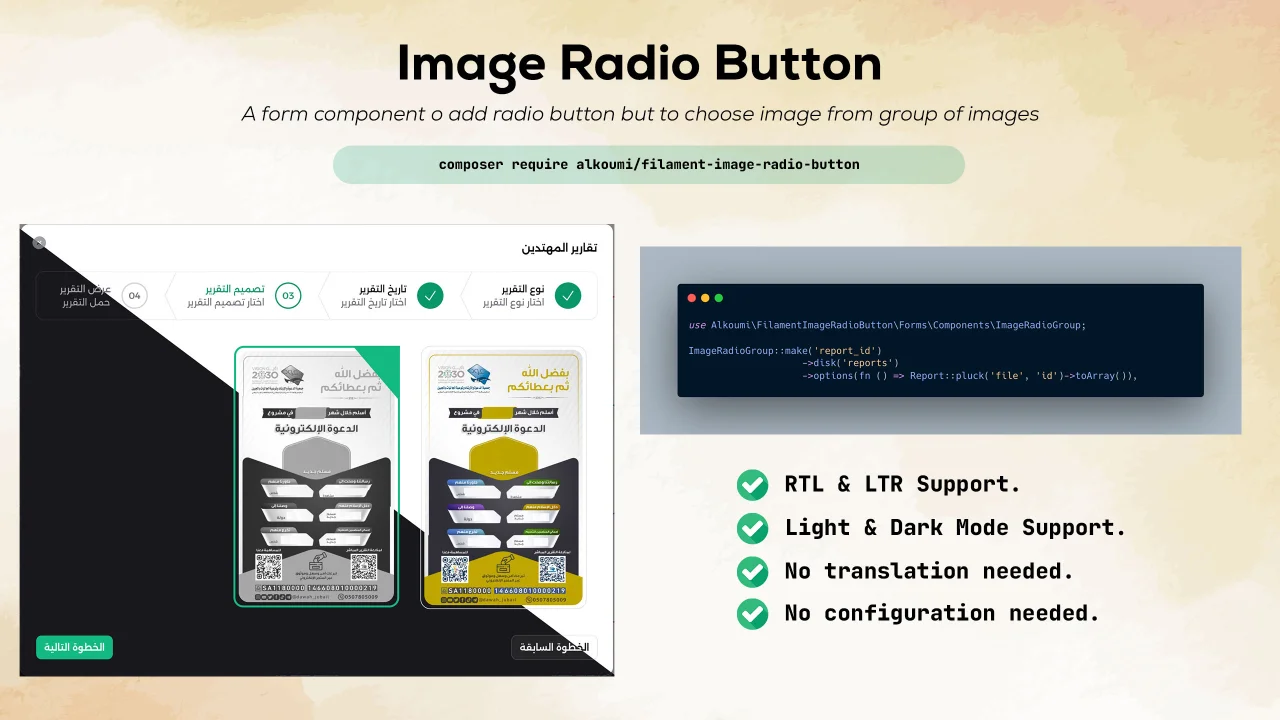
Image Radio Button
Add a radio button but with only images to filament forms.
Author:
Mohamed Alkoumi
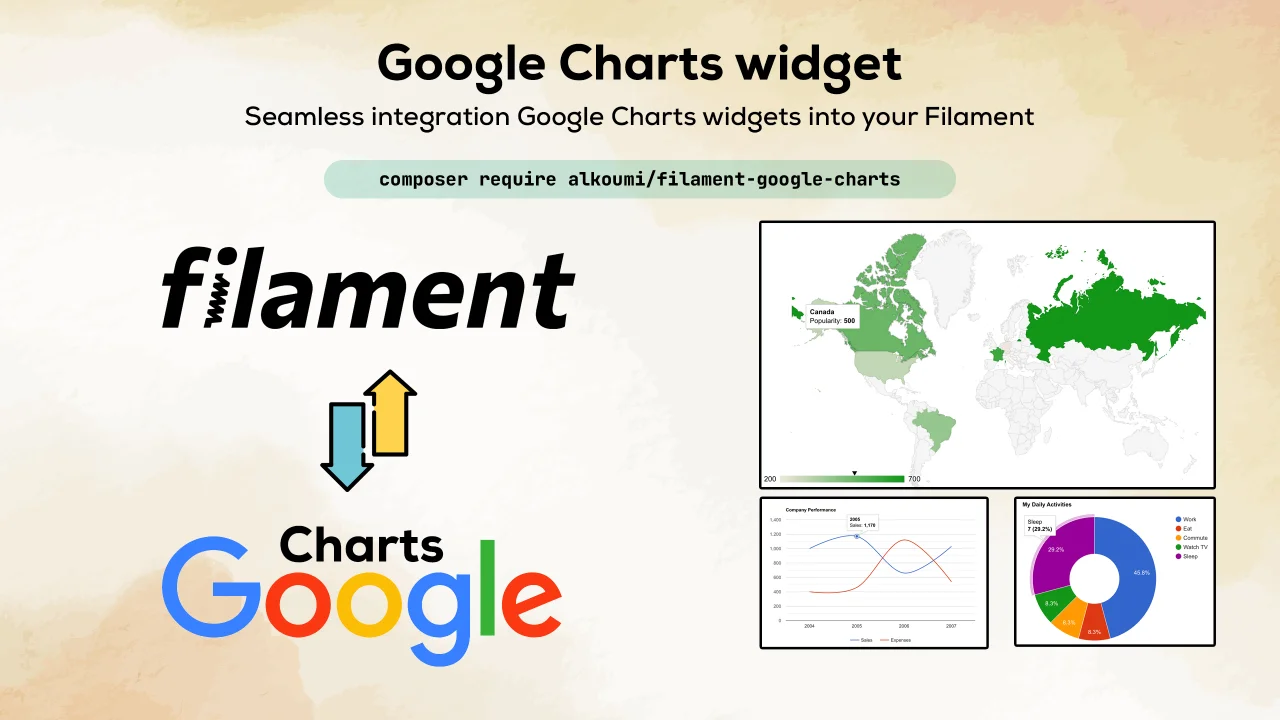
Google Charts
Seamless integration of Google Charts widgets into your Filament.
Author:
Mohamed Alkoumi
Featured Plugins
A selection of plugins curated by the Filament team

Custom Dashboards
Let your users build and share their own dashboards with a drag-and-drop interface. Define your data sources in PHP and let them do the rest.
 Filament

Custom Fields
Eliminate custom field migrations forever. Let your users create and manage form fields directly in Filament admin panels with 20+ built-in field types, validation, and zero database changes.
 Relaticle

Sharp Theme
A theme that gives panels a precise, technical look with square corners, strong borders, and clear contrast.
Filament

