
Google Charts by Mohamed Alkoumi
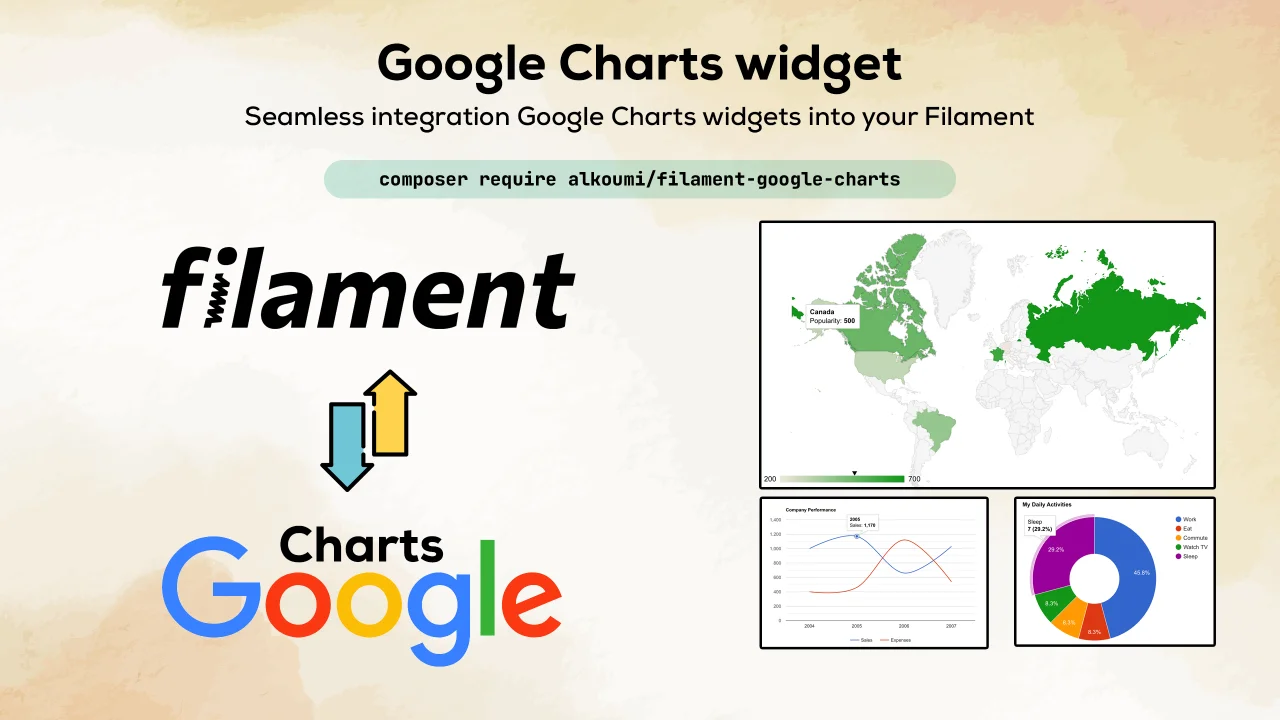
CommunitySeamless integration of Google Charts widgets into your Filament.
 Author:
Mohamed Alkoumi
Author:
Mohamed Alkoumi
Package health
Automated checks of this plugin's Composer package
15 checks
- Skipped: GitHub Actions pinned to SHA
- Skipped: GitLab CI includes pinned to SHA
- Passed: Open security advisories
- Passed: Dependabot PR responsiveness — No open Dependabot PRs.
- Skipped: Renovate MR responsiveness
- Skipped: Dependabot or Renovate configured
- Skipped: Dependency update cooldown configured
- Failed: Provides a security policy — View details on Plumb
- Passed: Abandoned or archived — No consulted source marks the package abandoned (packagist, github).
- Warning: Commit and release recency — Low activity: last commit 182 days ago; last release 182 days ago.
-
Passed:
composer.lock not committed by library
—
composer.lockis absent from the released dist archive. - Passed: Dist archive is lean
-
Passed:
Current Laravel version supported
—
Package dependencies resolve together with current Laravel
13.0. -
Passed:
Current PHP version supported
—
Constraint
^8.2supports current PHP8.5. - Skipped: Current Symfony version supported
filament/
namespace. Review the source and install at your own risk. Found
malware or an unresolved security issue the author won't
address?
Report it
.
Documentation
- See Google Charts examples Google Charts.
- Installation
- Usage
- Available chart types
- Live updating (polling)
- Chart configuration options
- Changelog
- Credits
- License



A seamless integration of Google Charts Widgets into your FilamentPHP applications.
#See Google Charts examples Google Charts.
#Installation
#Step 1: Install via Composer
composer require alkoumi/filament-google-charts
You can publish the config file with:
php artisan vendor:publish --tag=filament-google-charts-config
The config file contains default global customization options for better charts rendering in light/dark theme based on
the great work of Weekdone
Optionally, you can publish the view using:
php artisan vendor:publish --tag=filament-google-charts-views
#Usage
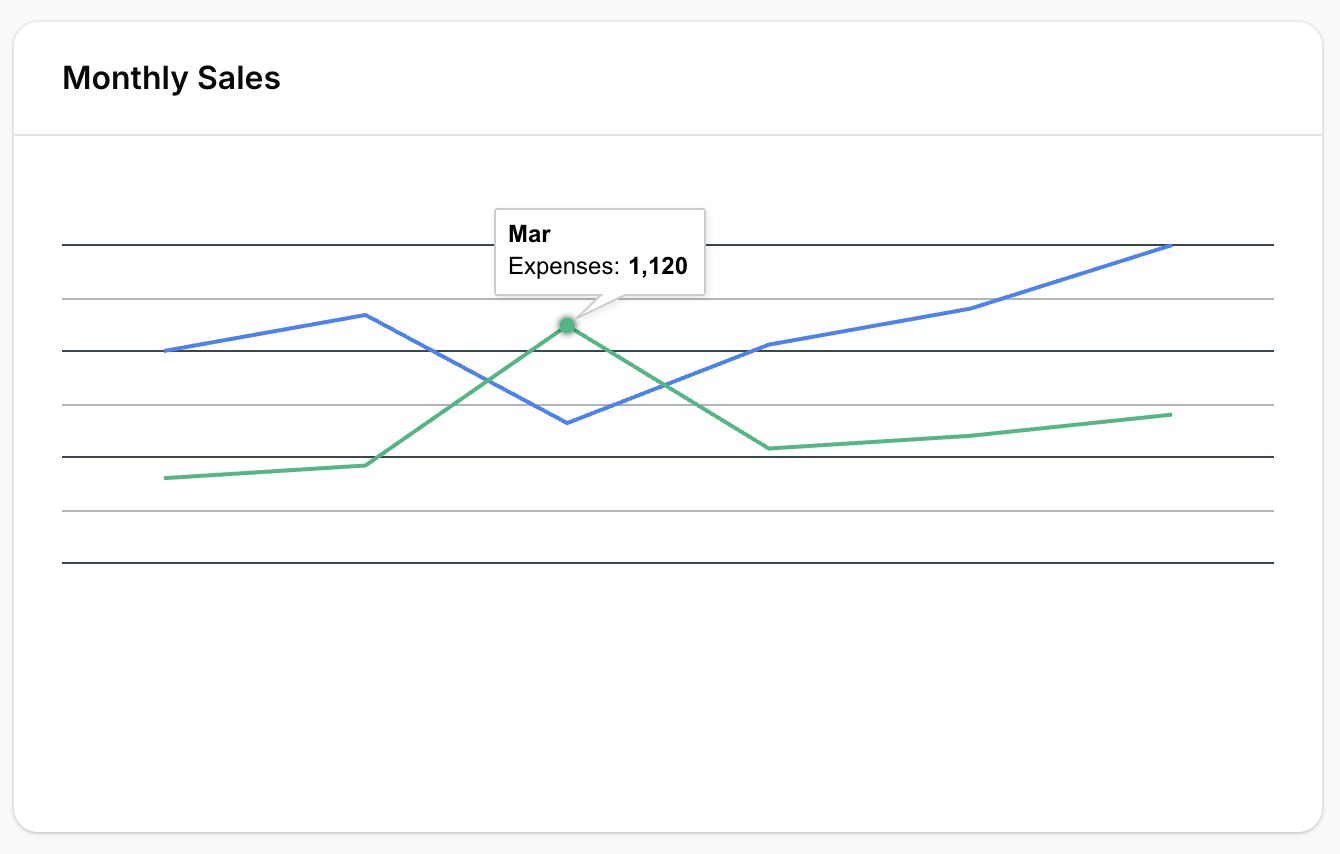
#Line charts
use Alkoumi\FilamentGoogleCharts\Widgets\LineChartWidget;

class SalesChartWidget extends LineChartWidget
{
    protected static ?string $heading = 'Monthly Sales';

    protected static ?int $sort = 1;

    protected static ?array $options = [
        'legend' => ['position' => 'bottom'],
        'colors' => ['#3b82f6', '#10b981'],
    ];

    protected function getData(): array
    {
        return [
            ['Month', 'Sales', 'Expenses'],
            ['Jan', 1000, 400],
            ['Feb', 1170, 460],
            ['Mar', 660, 1120],
            ['Apr', 1030, 540],
            ['May', 1200, 600],
            ['Jun', 1500, 700],
        ];
    }
}
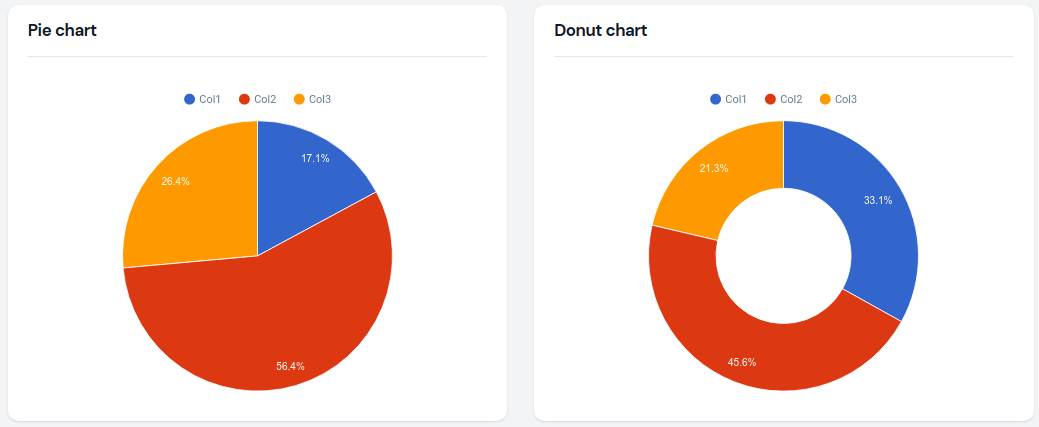
#Pie chart
use Alkoumi\FilamentGoogleCharts\Widgets\PieChartWidget;

class RegionalSalesWidget extends PieChartWidget
{
    protected static ?string $heading = 'Sales by Region';

    protected static ?int $sort = 2;

    protected int | string | array $columnSpan = 1;

    protected static ?array $options = [
        'pieHole' => 0.4,
        'colors' => ['#3b82f6', '#10b981', '#f59e0b', '#ef4444'],
    ];

    protected function getData(): array
    {
        return [
            ['Region', 'Sales'],
            ['North', 1200],
            ['South', 900],
            ['East', 1500],
            ['West', 800],
        ];
    }
}
#Donut chart
use Alkoumi\FilamentGoogleCharts\Widgets\DonutChartWidget;

class DemoDonutChart extends DonutChartWidget
{
    protected static ?string $heading = 'Donut chart';

    protected static ?int $sort = 2;

    protected static ?float $pieHole = 0.5;

    protected static ?array $options = [
        'legend' => [
            'position' => 'top',
        ],
        'height' => 400,
    ];

    protected function getData(): array
    {
        return [
            ['Label', 'Aggregate'],
            ['Col1', 17.2],
            ['Col2', 23.7],
            ['Col3', 11.1],
        ];
    }
}
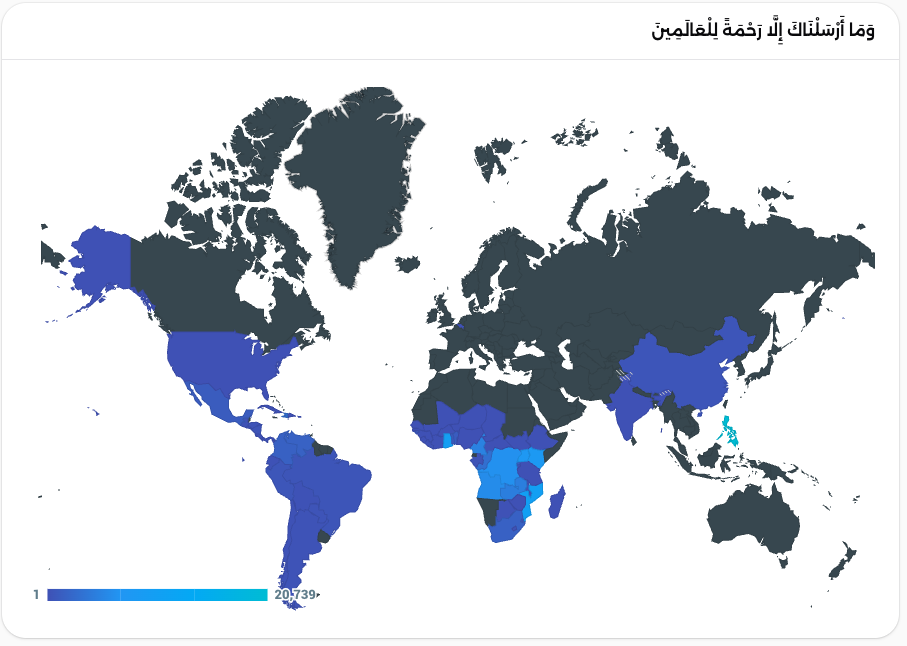
#Geo chart || Maps chart
use Alkoumi\FilamentGoogleCharts\Widgets\GeoChartWidget;

class GeoSalesWidget extends GeoChartWidget
{
    protected static ?string $heading = 'Sales by Country';

    protected static ?int $sort = 3;

    protected int | string | array $columnSpan = 'full';

    protected static ?array $options = [
        'colorAxis' => [
            'colors' => ['#bbdefb', '#1976d2'],
        ],
    ];

    protected function getData(): array
    {
        return [
            ['Country', 'Sales'],
            ['United States', 5000],
            ['Germany', 3000],
            ['Brazil', 2500],
            ['Canada', 2000],
            ['France', 1800],
            ['United Kingdom', 1500],
            ['Australia', 1200],
            ['Japan', 1000],
            ['Egypt', 800],
            ['Saudi Arabia', 600],
        ];
    }
}
#Available chart types
Below is a list of available chart widget classes which you may extend, and their corresponding Google Charts documentation page, for inspiration what to return from getData():
Alkoumi\FilamentGoogleCharts\Widgets\GeoChartWidget - Google Charts documentation
Alkoumi\FilamentGoogleCharts\Widgets\AreaChartWidget - Google Charts documentation
Alkoumi\FilamentGoogleCharts\Widgets\BarChartWidget - Google Charts documentation
Alkoumi\FilamentGoogleCharts\Widgets\ColumnChartWidget - Google Charts documentation
Alkoumi\FilamentGoogleCharts\Widgets\DonutChartWidget - Google Charts documentation
Alkoumi\FilamentGoogleCharts\Widgets\LineChartWidget - Google Charts documentation
Alkoumi\FilamentGoogleCharts\Widgets\PieChartWidget - Google Charts documentation
#Live updating (polling)
By default, chart widgets refresh their data every 5 seconds.
To customize this, you may override the $pollingInterval property on the class to a new interval:
protected static ?string $pollingInterval = '10s';
Alternatively, you may disable polling:
protected static ?string $pollingInterval = null;
#Chart configuration options
You may specify an $options variable on the chart class to control the many configuration options that
the Google Charts library provides. For instance, you could change the position
off the legend for PieChartWidget class and set a custom height:
protected static ?array $options = [
        'legend' => [
            'position' => 'bottom',
        ],
        'height' => 300,
    ];
#Changelog
Please see CHANGELOG for more information on what has changed recently.
#Credits
#License
The MIT License (MIT). Please see License File for more information.
The author
From the same author
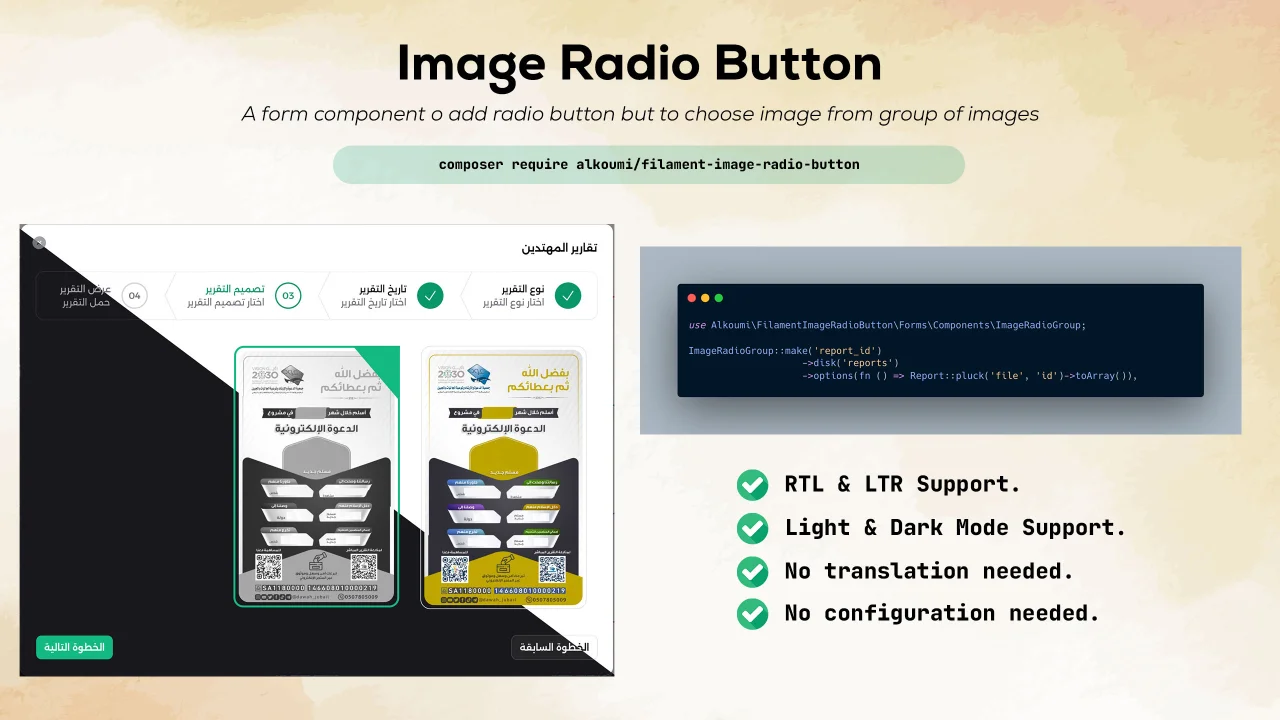
Image Radio Button
Add a radio button but with only images to filament forms.
Author:
Mohamed Alkoumi

n8n chat
Seamless integration of n8n chat widget into your FilamentPHP applications with full multilingual support and theme customization.
Author:
Mohamed Alkoumi
Featured Plugins
A selection of plugins curated by the Filament team

Soft Theme
A theme that gives panels a warm, approachable look with rounded shapes, gentle colors, and serif headings.
 Filament

Spotlight Pro
Browse your Filament Panel with ease. Filament Spotlight Pro adds a Spotlight like Command Palette to your Filament Panel.
 Dennis Koch

Advanced Tables (formerly Filter Sets)
Supercharge your tables with powerful features like user-customizable views, quick filters, multi-column sorting, advanced table searching, convenient view management, and more. Compatible with Resource Panel Tables, Relation Managers, Table Widgets, and Table Builder!
 Kenneth Sese
