Address Pro by Viewflex
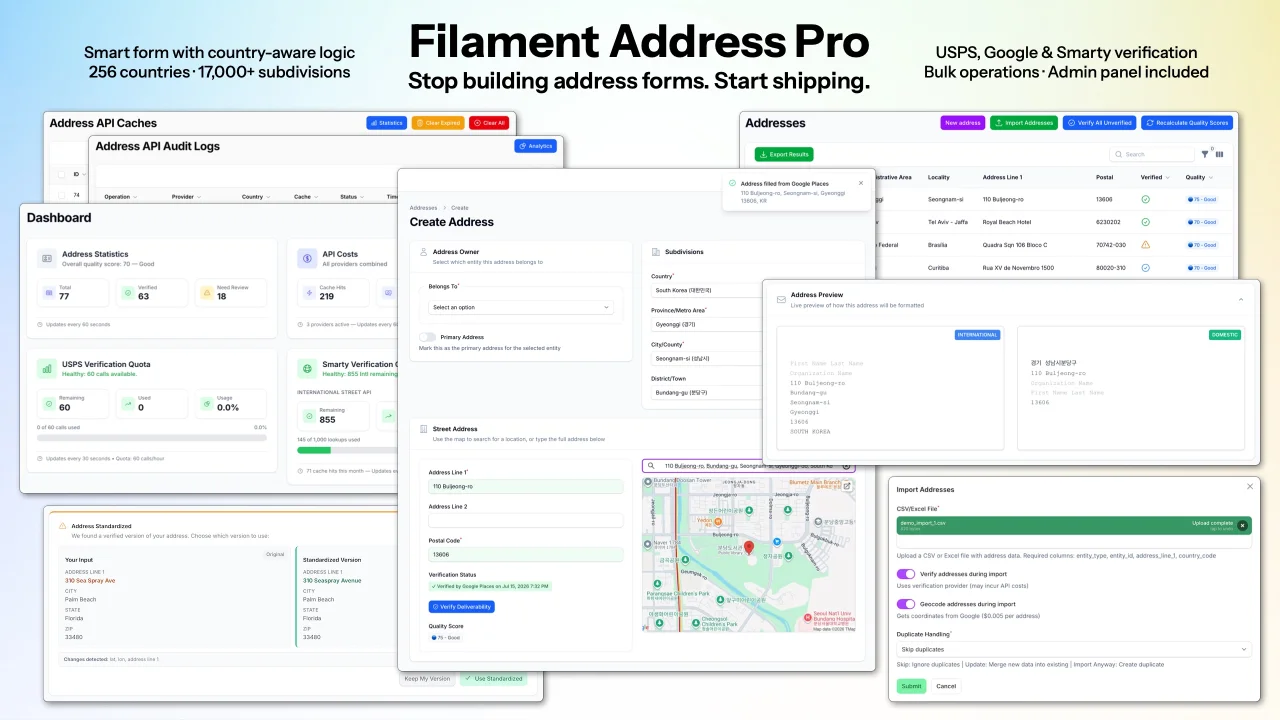
CommunityInternational address capture and management, verification, standardization and geocoding, for Filament 4 and 5 — country-aware forms, Google Maps autocomplete, postal verification (USPS, Smarty, Google), 256 countries with 17,000+ subdivisions bundled, and multiple integration patterns supported out of the box.
filament/
namespace. Review the source and install at your own risk. Found
malware or an unresolved security issue the author won't
address?
Report it
.
 Author:
Viewflex
Documentation
- Address Form
- Subdivision Reference Data
- Verification
- Bulk Operations
- Admin Panel
- Quick Start
- Requirements
- Documentation
- Support
International address capture, verification, and management — built for Filament.
Every application that handles addresses faces the same challenges: international formats vary wildly, verification APIs have different coverage and pricing, and building a form that works correctly across 256 countries is a project in itself. Filament Address Pro is the complete solution.

#Address Form
The form dynamically adapts fields, labels, and validation rules to each country's address format. Switch the country dropdown and the form reconfigures instantly — correct fields, correct labels, correct validation, every time.

- Three input modes —
autocomplete(Google Places),geocoding(blur auto-fill), ormanual. SetADDRESS_INPUT_MODE=autoto select the best available mode based on your configured API keys. - Google Places Autocomplete — fills all fields from a single selection using session-token billing (billed per selection, not per keystroke)
- Blur geocoding — auto-fills address components when users tab away; handles paste-and-tab workflows
- Live preview — formatted address updates in real time in both international and domestic formats
- Duplicate detection — warns when a new address matches an existing record on the same entity
#Subdivision Reference Data
17,000+ authoritative subdivisions (states, provinces, cities, districts) ship with the package — no external data subscription required. Each subdivision carries a stable, immutable ULID. Addresses reference subdivisions by ID, so your reporting queries remain valid as the dataset grows: GROUP BY administrative_area_id groups by canonical record, not inflated by "FL" and "Florida" landing in separate buckets.
The ability to match subdivisions at write time is what makes those IDs trustworthy — every address resolves to canonical subdivision records at each level of the hierarchy regardless of how it was entered, so the granularity is there when you need it for BI and analytics.
Dropdowns display local names (where available) alongside English, enabling search in either language.
- Subdivision matching — resolves input to a canonical record via name, local name, or ISO code - fuzzy matching handles typos and abbreviations at write time (
Masachusetts→ Massachusetts) - Multilingual resolution — a Japanese speaker searching "東京都" and an English speaker searching "Tokyo" find the same record
- Postal code resolution — typing a postal code auto-populates subdivision fields for supported countries (FR, DE, ES, IT, NL)
- Hierarchical queries — parent-child chains support country → state → city → district drill-down
#Verification

Multi-provider verification pipeline with smart auto-routing:
- USPS — DPV confirmation, US addresses
- Smarty — 240+ countries, DeliveryPoint precision
- Google Address Validation — ~40 countries
provider=auto— routes by country automatically: USPS for US, Smarty-first for 155 DPV-precision countries, Google-first for all others
Interactive mode shows a side-by-side dialog — user input vs. standardized version — so the user stays in control. Silent mode runs verification on save with no dialog, ideal for public-facing forms.
Geocoding confidence scoring flags low-confidence results for review. Sanity checks catch blank street lines, empty cities, and cross-country postal code mismatches. Quality scoring (0–100) rates each address on completeness, verification status, coordinates, and recency.
#Bulk Operations

- Import — CSV/Excel with fuzzy subdivision matching, entity type whitelisting, and per-row error reporting. Queued automatically for large files.
- Export — CSV/Excel with formatted output; includes subdivision IDs for lossless round-trip imports
- Bulk verification — verify multiple addresses in batch with change detection and review workflow; chunked and queued for large sets
- Bulk quality scoring — recalculate scores across your entire address dataset in batch
#Admin Panel

Three delivery options — zero-config built-in provider, add to an existing panel, or publish a fully customizable copy.
- Four dashboard widgets — address stats, API cost tracking, USPS and Smarty quota monitoring
- API cache browser — inspect cached geocoding and verification responses
- Audit log viewer — per-request cost analytics across all providers
- Authorization — policy-based access control with automatic Spatie Permission detection
#Quick Start
composer require viewflex/filament-address-pro

php artisan addresses:install
Add your Google Maps API keys to .env:
GOOGLE_MAPS_SERVER_KEY=your_server_key
GOOGLE_MAPS_BROWSER_KEY=your_browser_key
Add the trait to any model:
use Viewflex\FilamentAddress\Concerns\HasAddresses;

class User extends Authenticatable
{
    use HasAddresses;
}
Add the relation manager to its Filament resource:
use Viewflex\FilamentAddress\Filament\RelationManagers\AddressesRelationManager;

public static function getRelations(): array
{
    return [AddressesRelationManager::class];
}
Visit /addressing — the full address management panel is live.
#Requirements
- PHP 8.2+
- Laravel 11, 12, or 13
- Filament 4.0 or 5.0
- Google Maps API keys (for
autocompleteandgeocodingmodes; not required formanualmode)
#Documentation
Full documentation is available at docs.viewflex.net/filament-address-pro
- Installation Guide — Composer auth, CI/CD, step-by-step setup
- Configuration Guide — API keys, input modes, verification providers, UI options
- Verification Guide — provider pipeline, interactive vs. silent mode, confidence scoring
- Import/Export Guide — bulk import with fuzzy matching, round-trip exports
- API Reference — models, services, components, configuration keys
#Support
Featured Plugins
A selection of plugins curated by the Filament team
Noir Theme
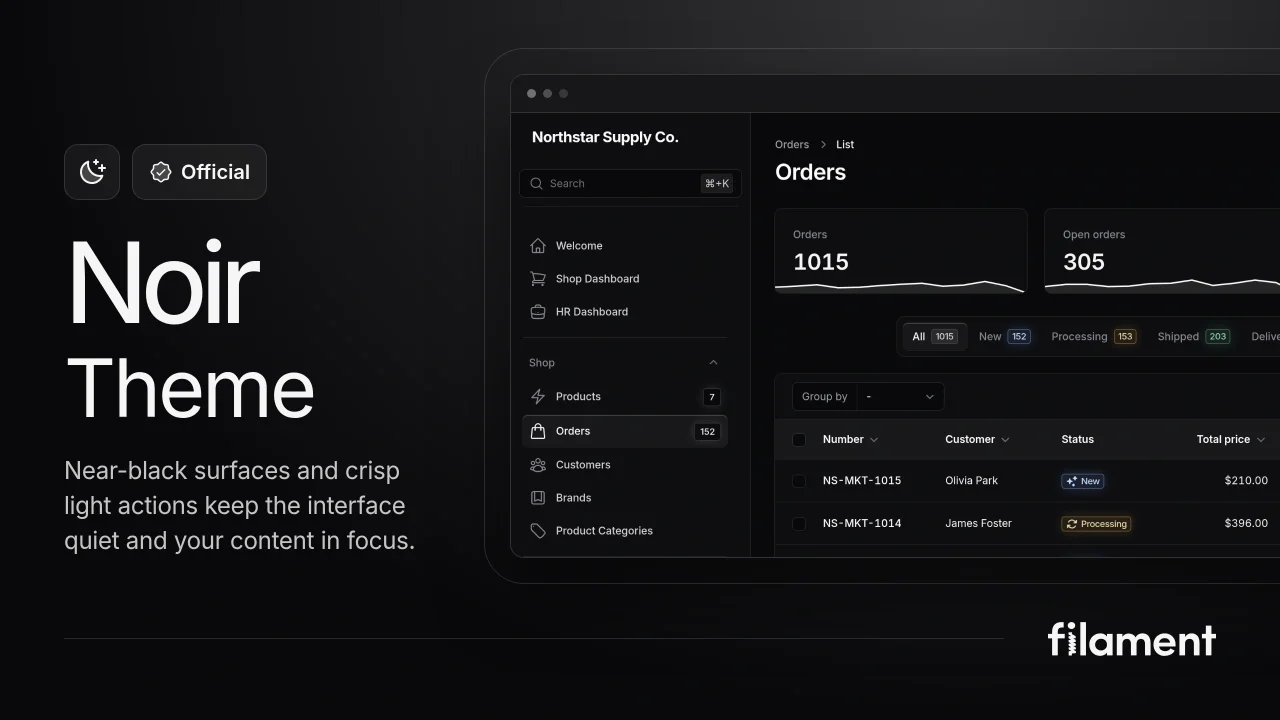
A theme that gives panels a focused, refined look with near-black surfaces, crisp actions, and restrained color.
 Filament

Blueprint
Filament Blueprint is a premium Laravel Boost extension that helps AI agents produce accurate, detailed implementation plans and security reports for Filament apps.
Filament
Custom Fields
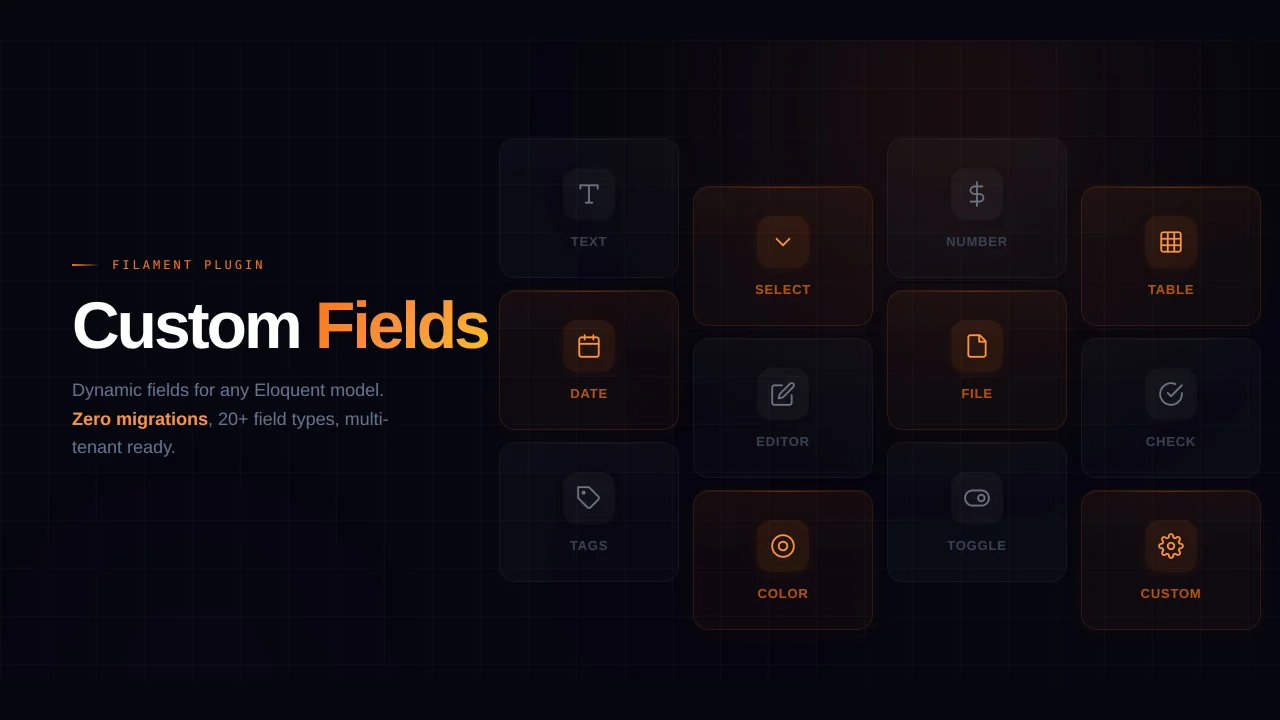
Eliminate custom field migrations forever. Let your users create and manage form fields directly in Filament admin panels with 20+ built-in field types, validation, and zero database changes.
 Relaticle