

Command Palette by Usama Muneer
CommunityA Spotlight/CMD+K style command palette for quick navigation and actions across Filament panels.
 Author:
Usama Muneer
Author:
Usama Muneer
Package health
Automated checks of this plugin's Composer package
15 checks
- Passed: GitHub Actions pinned to SHA
- Skipped: GitLab CI includes pinned to SHA
- Passed: Open security advisories
- Passed: Dependabot PR responsiveness — No open Dependabot PRs.
- Skipped: Renovate MR responsiveness
- Failed: Dependabot or Renovate configured — No dependency updater configuration found. View details on Plumb
- Skipped: Dependency update cooldown configured
- Passed: Provides a security policy
- Passed: Abandoned or archived — No consulted source marks the package abandoned (packagist, github).
- Passed: Commit and release recency — Active: last commit 0 days ago; last release 94 days ago.
-
Passed:
composer.lock not committed by library
—
composer.lockis absent from the released dist archive. - Warning: Dist archive is lean
-
Passed:
Current Laravel version supported
—
Package dependencies resolve together with current Laravel
13.0. -
Passed:
Current PHP version supported
—
Constraint
^8.2supports current PHP8.5. - Skipped: Current Symfony version supported
filament/
namespace. Review the source and install at your own risk. Found
malware or an unresolved security issue the author won't
address?
Report it
.
Documentation
- Features
- Requirements
- Installation
- Configuration
- Custom commands
- Record search
- Custom providers
- Events
- Translations
- Customising the views
- Performance
- Upgrading from v1
- Testing
- Credits
- License





Press ⌘K and go anywhere in your panel — a page, a record, or an action — without touching the sidebar.
#Features
- Fuzzy search.
crusfinds "Create User". Matched characters are highlighted. - Record search. Type an invoice number, land on the invoice. Built on each resource's existing Filament global search configuration, so most apps get this with no extra setup.
- Actions, not just links. Run a server closure or fire a browser event. Sign out, switch theme, clear a cache.
- Authorization aware. Commands are filtered by the same policies Filament uses, and every action is re-authorized on the server before it runs.
- Learns what you use. Recently run commands rank higher and appear first on an empty search.
- Search modes.
>for actions,#for records,?for the shortcut list. - Keyboard and screen reader ready. Full combobox semantics, focus trapping, focus restoration, and result announcements.
- Per panel. Every option can differ between panels in the same application.
- Three layouts.
standard,groups,preview.
#Requirements
- PHP 8.2+
- Laravel 11, 12 or 13
- Filament v4 or v5
#Installation
composer require usamamuneerchaudhary/filament-command-palette
Register the plugin on your panel:
use Usamamuneerchaudhary\CommandPalette\FilamentCommandPalettePlugin;

public function panel(Panel $panel): Panel
{
    return $panel->plugins([
        FilamentCommandPalettePlugin::make(),
    ]);
}
That is the whole setup. The palette picks up your navigation, pages and resources automatically.
#Configuration
Options can be set on the plugin, per panel:
FilamentCommandPalettePlugin::make()
    ->keyBindings(['mod+k'])
    ->template('groups')
    ->maxResults(12)
    ->recordSearch(true, maxResults: 20)
    ->recents(true, max: 5)
    ->topbarButton(false)
    ->cacheFor(60)
Or globally, in the published config file:
php artisan vendor:publish --tag=command-palette-config
Plugin options win over the config file, so the config sets your defaults and each panel adjusts from there.
maxResults() / max_results is a total cap on the ranked list, not a per-category limit. Recents are capped separately by recents.max (5 by default). Record search has its own record_search.max_results.
#Key bindings
mod means Cmd on macOS and Ctrl elsewhere. If Filament's own global search is bound to a shortcut, give the two different keys:
$panel
    ->globalSearchKeyBindings(['mod+shift+k'])
    ->plugins([
        FilamentCommandPalettePlugin::make()->keyBindings(['mod+k']),
    ]);
#Custom commands
Register commands on the plugin:
use Usamamuneerchaudhary\CommandPalette\Support\CommandItem;

FilamentCommandPalettePlugin::make()
    ->commands(fn () => [
        CommandItem::make('Billing portal', 'https://billing.example.com')
            ->group('External')
            ->openInNewTab()
            ->keywords(['invoice', 'subscription', 'payment']),
    ])
Register commands here rather than in the
custom_commandsconfig key. Config files are serialized byphp artisan config:cache, and closures cannot survive that — it fails with "Your configuration files are not serializable". The config key still works, but the plugin is the right home for anything with a closure in it.
#Running an action
Return a string to redirect afterwards:
CommandItem::make('Clear application cache')
    ->icon(Heroicon::OutlinedTrash)
    ->action(function () {
        Artisan::call('cache:clear');

        Notification::make()->title('Cache cleared')->success()->send();
    })
    ->authorize(fn () => auth()->user()->isAdmin())
The browser only ever sends the command's id. The closure, the URL and the authorization check are all resolved server-side from a freshly built registry, so a stale or tampered payload cannot run anything.
#Firing a browser event
For anything that lives purely in the client:
CommandItem::make('Open help')->dispatch('open-help-drawer', ['section' => 'billing'])
#Controlling visibility
CommandItem::make('Impersonate user', '/impersonate')
    ->visible(fn () => config('app.debug'))
    ->authorize(fn () => auth()->user()->can('impersonate'))
Or gate everything at once:
FilamentCommandPalettePlugin::make()
    ->authorize(fn (CommandItem $item) => ! str_starts_with($item->group, 'Internal'))
#Record search
Any resource that supports Filament's global search is searchable from the palette:
class OrderResource extends Resource
{
    protected static ?string $recordTitleAttribute = 'reference';

    public static function getGloballySearchableAttributes(): array
    {
        return ['reference', 'customer.name'];
    }

    public static function getGlobalSearchResultDetails(Model $record): array
    {
        return [
            'Customer' => $record->customer->name,
            'Total' => $record->total_formatted,
        ];
    }
}
Queries are debounced, run on the server, and respect the same scoping and policies as everywhere else in Filament. Details show up in the preview template's side pane.
To turn it off: ->recordSearch(false).
#Custom providers
The command list is produced by a pipeline. Add your own stage:
use Usamamuneerchaudhary\CommandPalette\Contracts\CommandProvider;

class DocumentationCommands implements CommandProvider
{
    public function commands(Panel $panel): iterable
    {
        return collect(Documentation::published())->map(
            fn ($doc) => CommandItem::make($doc->title, $doc->url)->group('Docs')
        );
    }
}
FilamentCommandPalettePlugin::make()
    ->providers([...CommandRegistry::DEFAULT_PROVIDERS, DocumentationCommands::class])
Implement SearchesCommands instead if your results depend on the search term.
#Events
use Usamamuneerchaudhary\CommandPalette\Events\CommandExecuted;

Event::listen(CommandExecuted::class, function (CommandExecuted $event) {
    Log::info('palette', ['command' => $event->command['label'], 'query' => $event->query]);
});
CommandPaletteOpened fires the first time someone opens it in a page session. Between them you can find out which commands actually earn their place.
#Translations
php artisan vendor:publish --tag=command-palette-translations
Every string is translatable. Layouts use logical properties, so RTL panels lay out correctly without further work.
#Customising the views
php artisan command-palette:publish-views
The publish-views page is registered by default, but canAccess() is local-only, so it never appears outside local. Set include_publish_views_command to false to hide it entirely.
Most appearance changes do not need this — the palette is styled entirely through CSS custom properties:
.fi-cp-root {
    --fi-cp-radius: 0.25rem;
    --fi-cp-selected-accent: rgb(var(--danger-600));
}
Published views take precedence over the package's from then on, which also means future package updates will not reach them. Prefer the variables where you can.
#Performance
The palette ships an empty shell with the page and fetches its commands the first time it opens. Nothing is embedded in every page response.
If building the list is expensive and your navigation is static, cache it:
FilamentCommandPalettePlugin::make()->cacheFor(300)
Cache keys include the panel, user, tenant and locale, so nothing leaks between users.
#Upgrading from v1
See UPGRADE.md. The short version: move custom_commands closures onto the plugin, and check any code that constructed CommandItem directly.
#Testing
composer test
composer analyse
composer format
composer slipway:compile   # regenerate .github/workflows/slipway.yml after changing slipway.php
#Credits
#License
MIT. See LICENSE.md.
The author
Coder, Blogger, Tech Speaker & Web Technologies Enthusiast. Passionate about working on open-source Programming languages & Tools while utilizing my Product Development skills.
From the same author
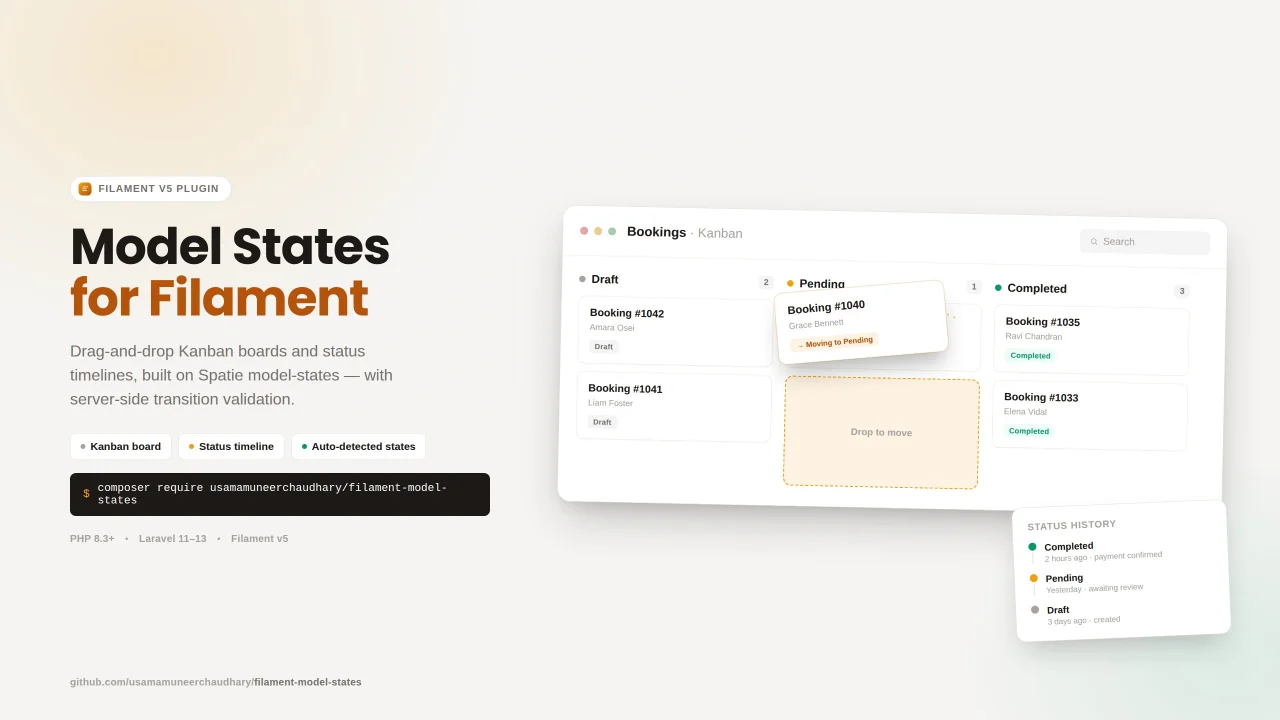
Spatie Model States Visualizer
State-aware Kanban board and status timeline components for Filament v5. Filament Model States provides a plug and play auto-detection for enums, Spatie Model States, or plain database values. Built to sit on top of: spatie/laravel-model-status > powers the timeline (status history log) spatie/laravel-model-states > powers transition validation and column discovery on the Kanban board (optional but recommended)
Author:
Usama Muneer
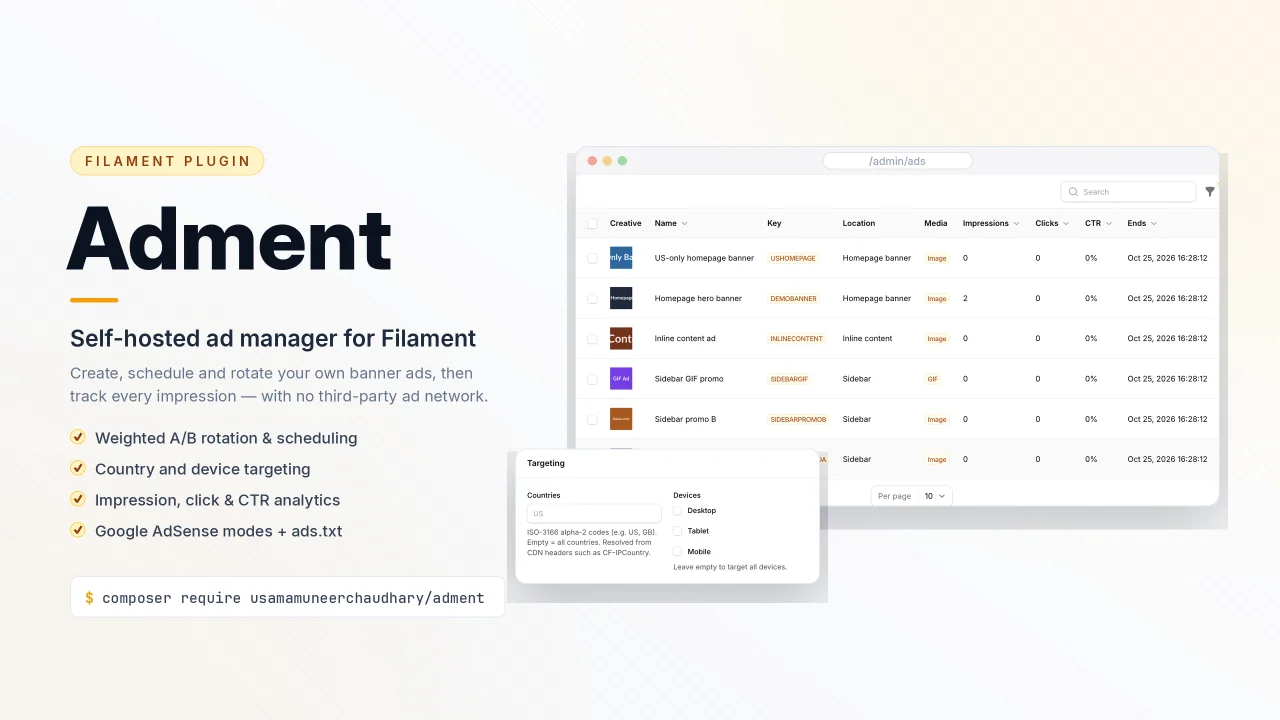
Adment
A simple custom ad & Google AdSense manager for Filament v5 with placements, responsive (and GIF/video) creatives, weighted A/B rotation, scheduling windows, geo/device targeting, impression & CTR analytics, obfuscated click tracking, AdSense Auto Ads & ad units, ads.txt management, and an optional public JSON API.
Author:
Usama Muneer

Notifier
A powerful notification system that handles multi-channel notifications with template management, scheduling, and real-time delivery. Built for developers who need enterprise-grade notifications without the complexity.
Author:
Usama Muneer
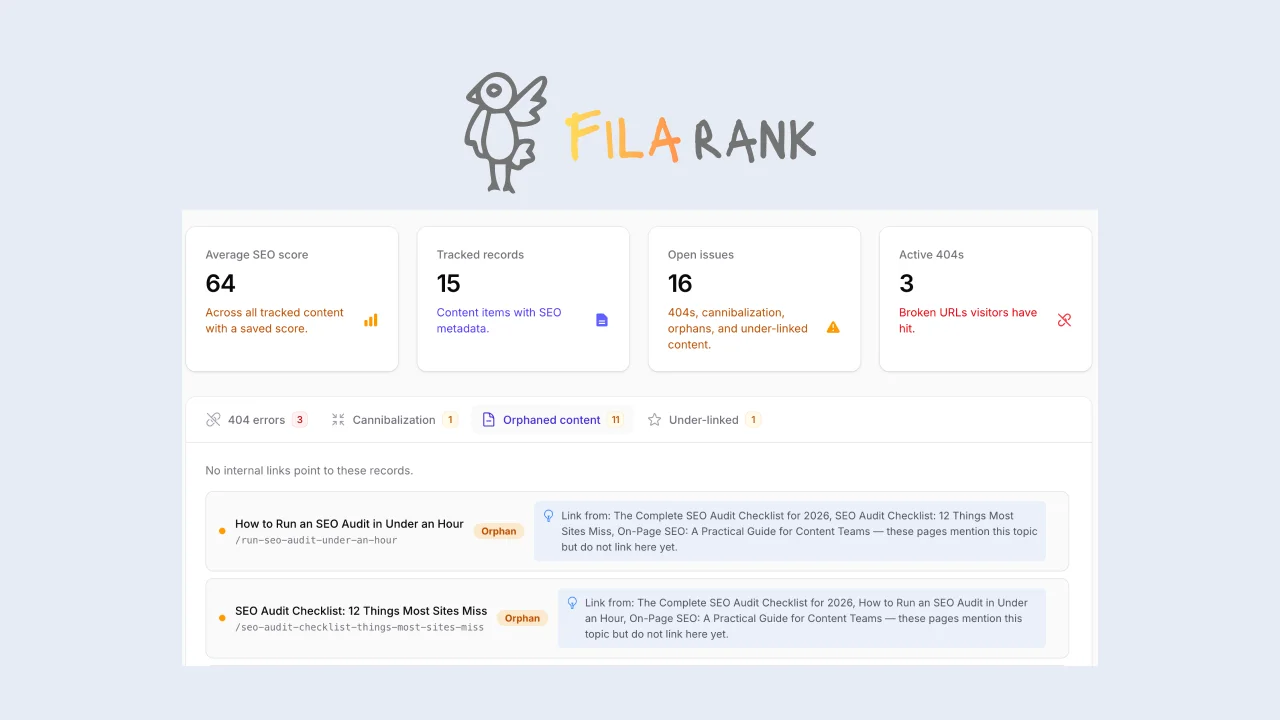
FilaRank Pro
SEO toolkit for Filament with live scoring, readability analysis, SERP preview, head tag rendering, redirect management, site-wide health reports and many more.
Author:
Usama Muneer
Featured Plugins
A selection of plugins curated by the Filament team

Compact Theme
A theme that makes data-heavy panels easier to scan by fitting more useful information on each screen.
 Filament

Spotlight Pro
Browse your Filament Panel with ease. Filament Spotlight Pro adds a Spotlight like Command Palette to your Filament Panel.
 Dennis Koch

Custom Fields
Eliminate custom field migrations forever. Let your users create and manage form fields directly in Filament admin panels with 20+ built-in field types, validation, and zero database changes.
 Relaticle
