Helpdesk
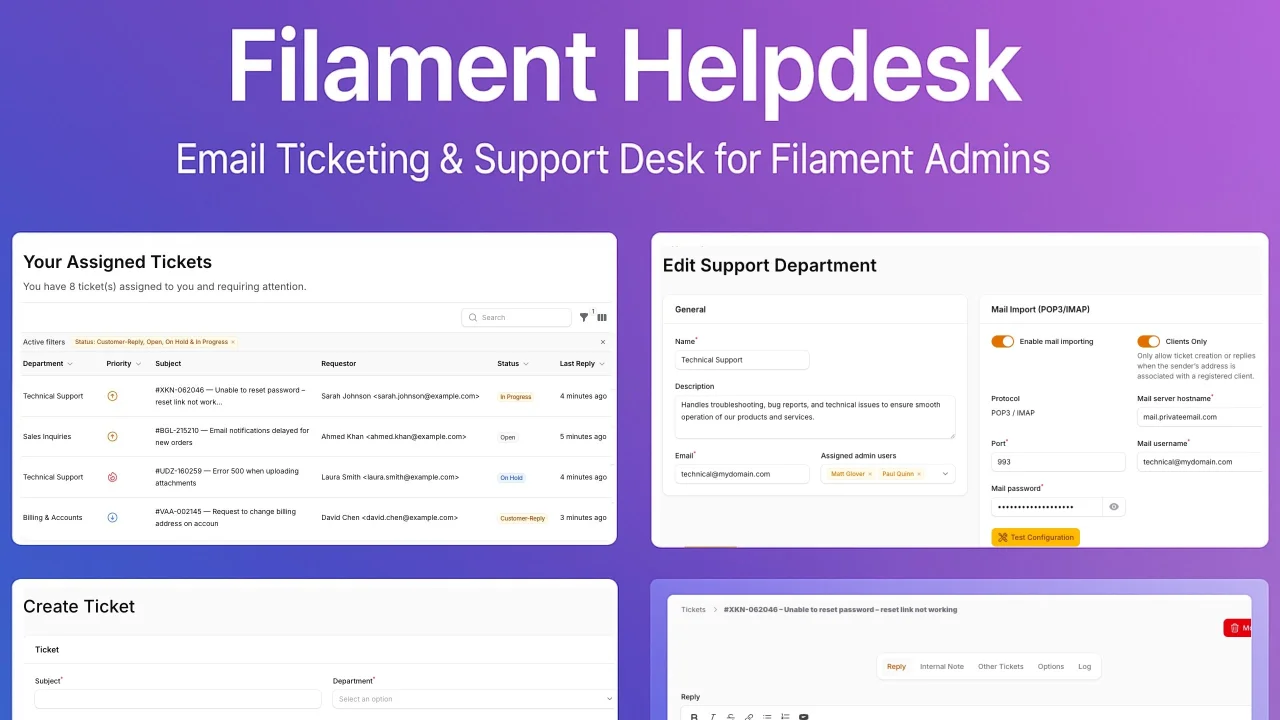
A plugin that provides a support ticket desk for your application. Designed for teams who want to manage customer tickets directly inside their admin panel.
 Author:
Umnidev
Author:
Umnidev
Documentation
A Filament plugin that provides a support ticket desk for your Laravel application. Designed for teams who want to manage customer tickets directly inside their Filament admin panel.
#Features
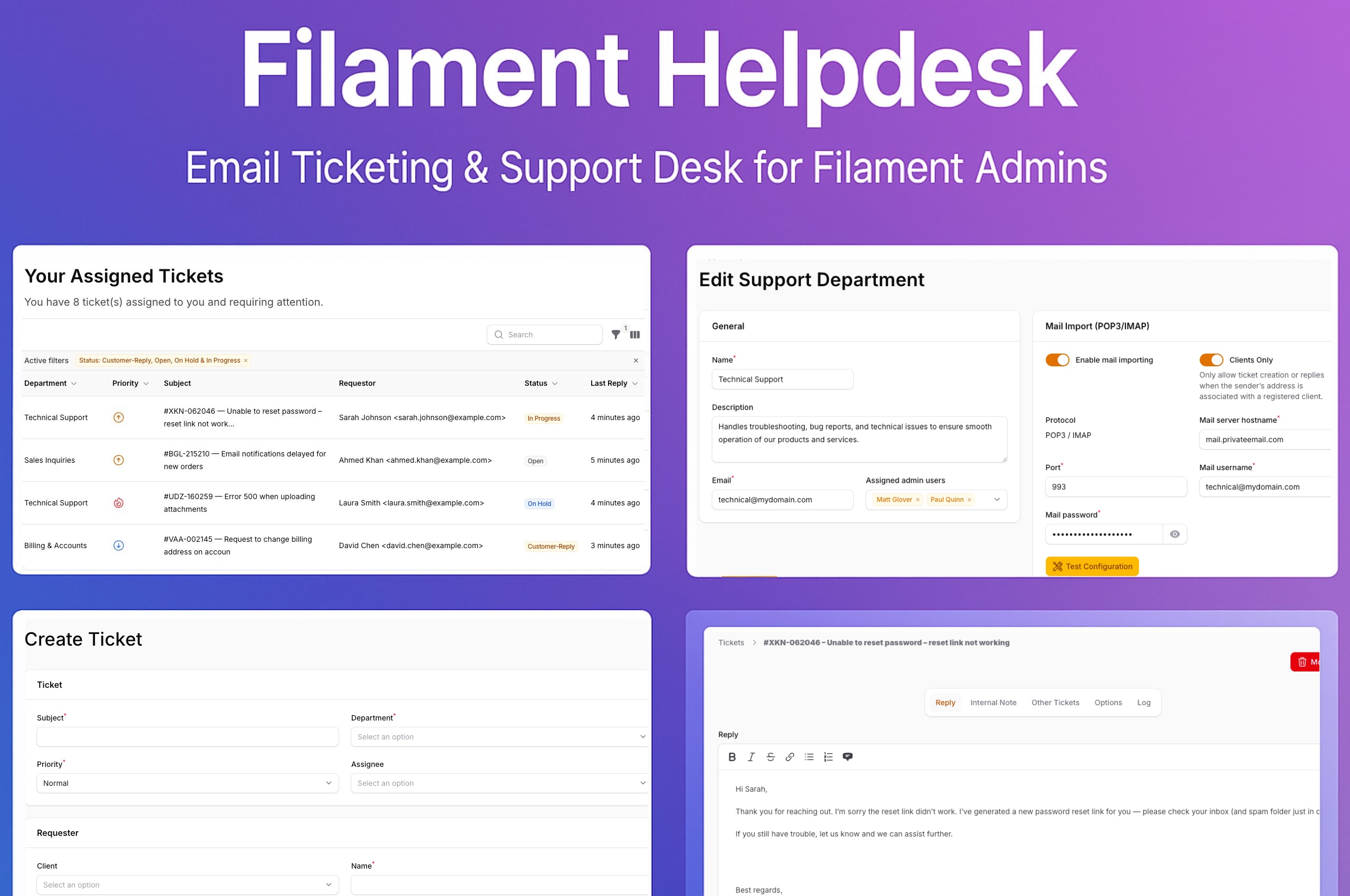
- Ticket Management: Create, assign, and track support tickets with status, priority, and department fields.
- Multi-Department with Inboxes: Manage multiple departments, each with its own email address, inbox, and ticket flow.
- Requester & Client Integration: Automatically link tickets to your application's users (clients) with name and email.
- Email Import (IMAP/POP3): Automatically fetch emails from a mailbox and convert them into tickets or replies.
- Direct Email Replies: Reply to tickets directly from the Filament panel; replies are sent to the requester via email.
- Spam Control: Block tickets from unwanted or blacklisted senders.
- Client-Only / Guest Departments: Restrict certain departments to verified clients only, or allow guest tickets in others.
- Notifications: Automated email notifications for staff and requesters, plus in-app notifications for staff assignments and replies.
- Internal Notes: Collaborate with your team by adding private notes to tickets that are invisible to the requester.
- File Attachments: Upload and manage file attachments for both tickets and individual messages.
- Dashboard Widgets: Includes "All Tickets" and "My Assigned Tickets" widgets to get a quick overview.
- Filtering & Badges: Filter tickets by status, priority, and department. The navigation badge displays the number of active tickets that require attention.
- Permission System: Restrict access based on global admin status or department membership.
- Soft Deletes: Safely move tickets to the trash, restore them, or force delete them permanently.
- Auto-Close Tickets: Automatically close inactive tickets after a configurable number of hours.
#Licences
You can buy a license for the plugin on the AnyStack website.
#Installation
Make sure you add the following repository to your composer.json file:
{
  "repositories": [
    {
      "type": "composer",
      "url": "https://filament-helpdesk-umni.composer.sh"
    }
  ],
}
Then, run the following command to install the package:
composer require umnidev/helpdesk
To activate your license, use your email address as the username. For the password, you must enter your license key followed immediately by your activation fingerprint — both are required.
Loading composer repositories with package information
Authentication required (filament-helpdesk-umni.composer.sh):
Username: info@mydomain.com
Password: 8c210f8f-6173-3932-c4ba-8bcc723ef500:mydomain.com
To clarify, the license key and fingerprint should be separated by a colon (:).
Run the migrations:
php artisan migrate
In your app/Providers/Filament/AdminPanelProvider.php add the plugin to the plugin() method:
use Umnidev\Helpdesk\HelpdeskPlugin;

public function panel(Panel $panel): Panel
{
    return $panel
    // ...
        ->plugin(
            HelpdeskPlugin::make()
        );
}
Publish the configuration file to customize the plugin's behavior.
php artisan vendor:publish --tag="helpdesk-config"
Configure client_model and global_admin_emails in published config/helpdesk.php file:
return [
    // Automatically close answered tickets after X hours of no reply.
    'autoclose_after_hours' => 168, // default: 7 days

    // Define your application's client (user) model.
    'client_model' => App\Models\User::class,

    // Global admin emails: users with these emails will have access to all tickets.
    'global_admin_emails' => array_filter(
        array_map('trim', explode(',', env('ASD_ADMIN_EMAILS', '')))
    ),
];
#Email Import (IMAP/POP3) Setup
To automatically create tickets and receive replies from incoming emails, configure a department:
In your Filament admin panel, navigate to Support > Departments.
Create a new department and fill in the Mail Import section with your IMAP or POP3 server credentials.
Enable the Mail Import Enabled toggle.
#Permissions
The plugin defines two levels of access:
- Global Admin → Can see and manage all tickets from all departments.
- Department Admin → Can only see and manage tickets assigned to their department or directly to them.
Featured Plugins
A selection of plugins curated by the Filament team

Custom Dashboards
Let your users build and share their own dashboards with a drag-and-drop interface. Define your data sources in PHP and let them do the rest.
 Filament
Advanced Tables (formerly Filter Sets)
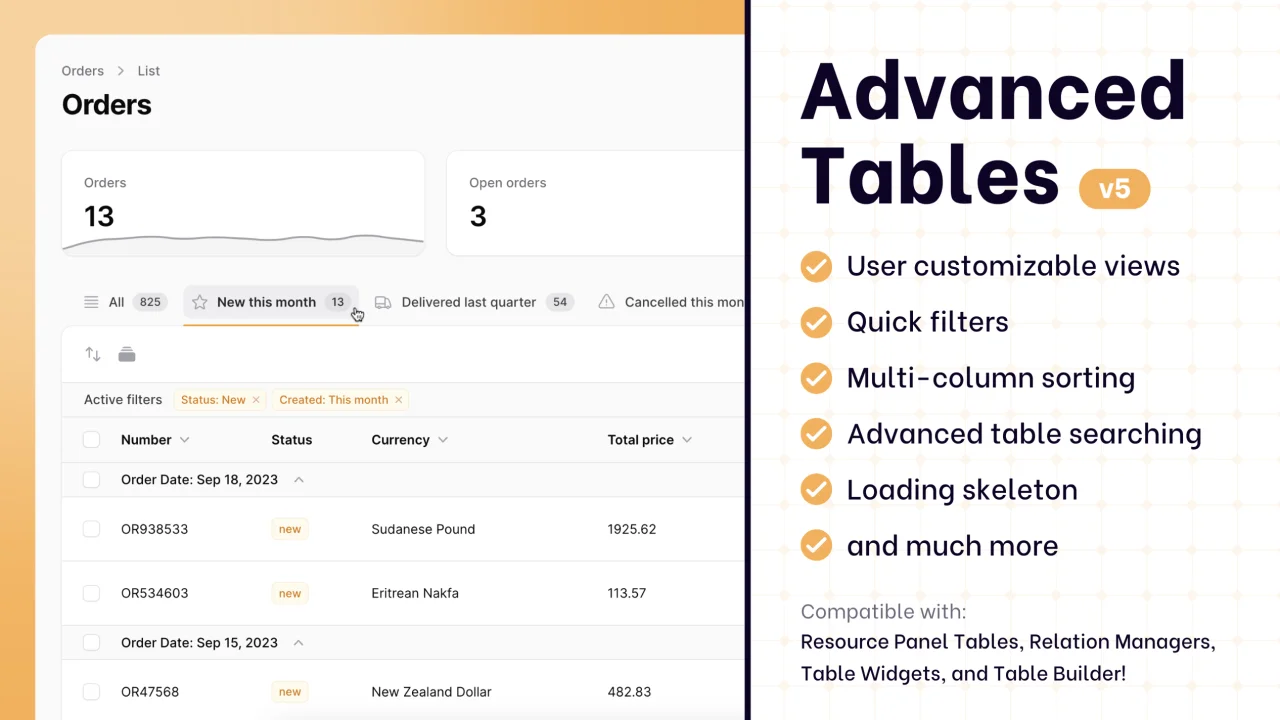
Supercharge your tables with powerful features like user-customizable views, quick filters, multi-column sorting, advanced table searching, convenient view management, and more. Compatible with Resource Panel Tables, Relation Managers, Table Widgets, and Table Builder!
 Kenneth Sese

Data Lens
Advanced Data Visualization for Laravel Filament - a premium reporting solution enabling custom column creation, sophisticated filtering, and enterprise-grade data insights within admin panels.
 Padmission

