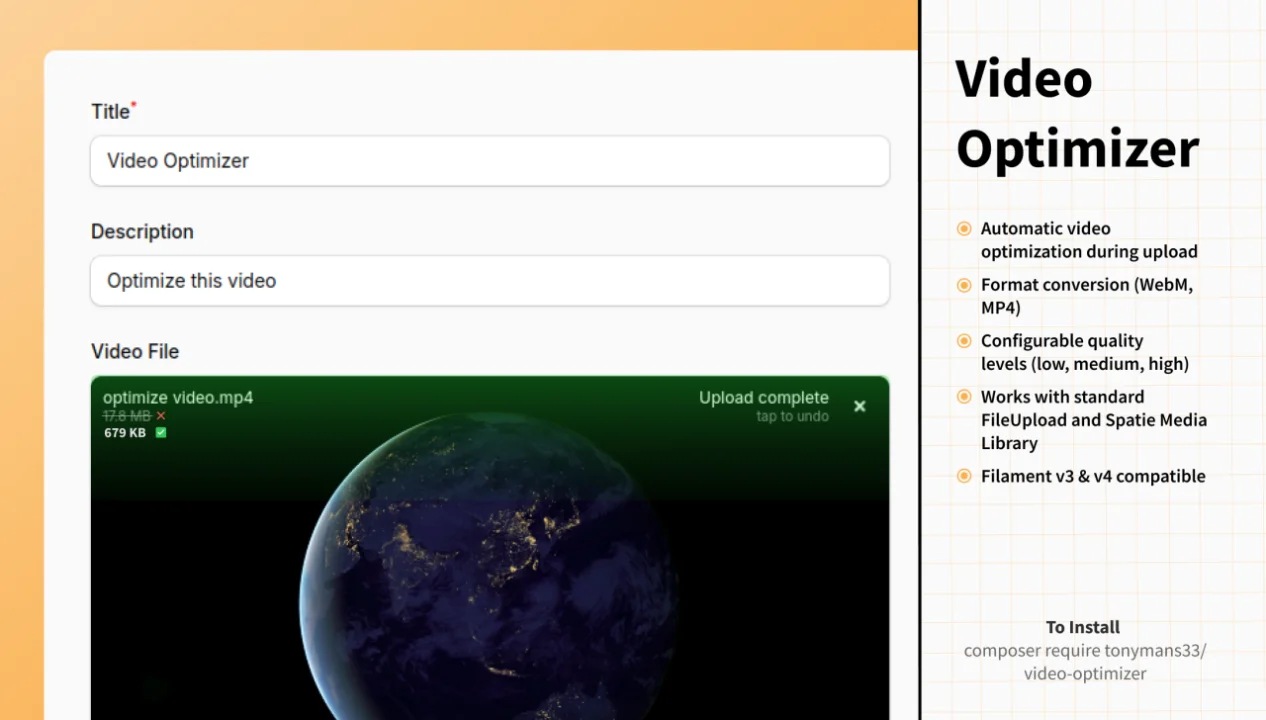
Video Optimizer
Automatically optimize and convert videos uploaded through Filament forms using FFmpeg. Reduces file sizes by up to 96% while maintaining quality.
 Author:
Tony Mansour
Author:
Tony Mansour
Documentation
- Results
- Features
- Requirements
- Installation
- Usage
- Configuration
- Optimization Levels
- Supported Formats
- How It Works
- Advanced Example
- Performance Considerations
- Troubleshooting
- Testing
- Changelog
- Contributing
- Security
- Credits
- License


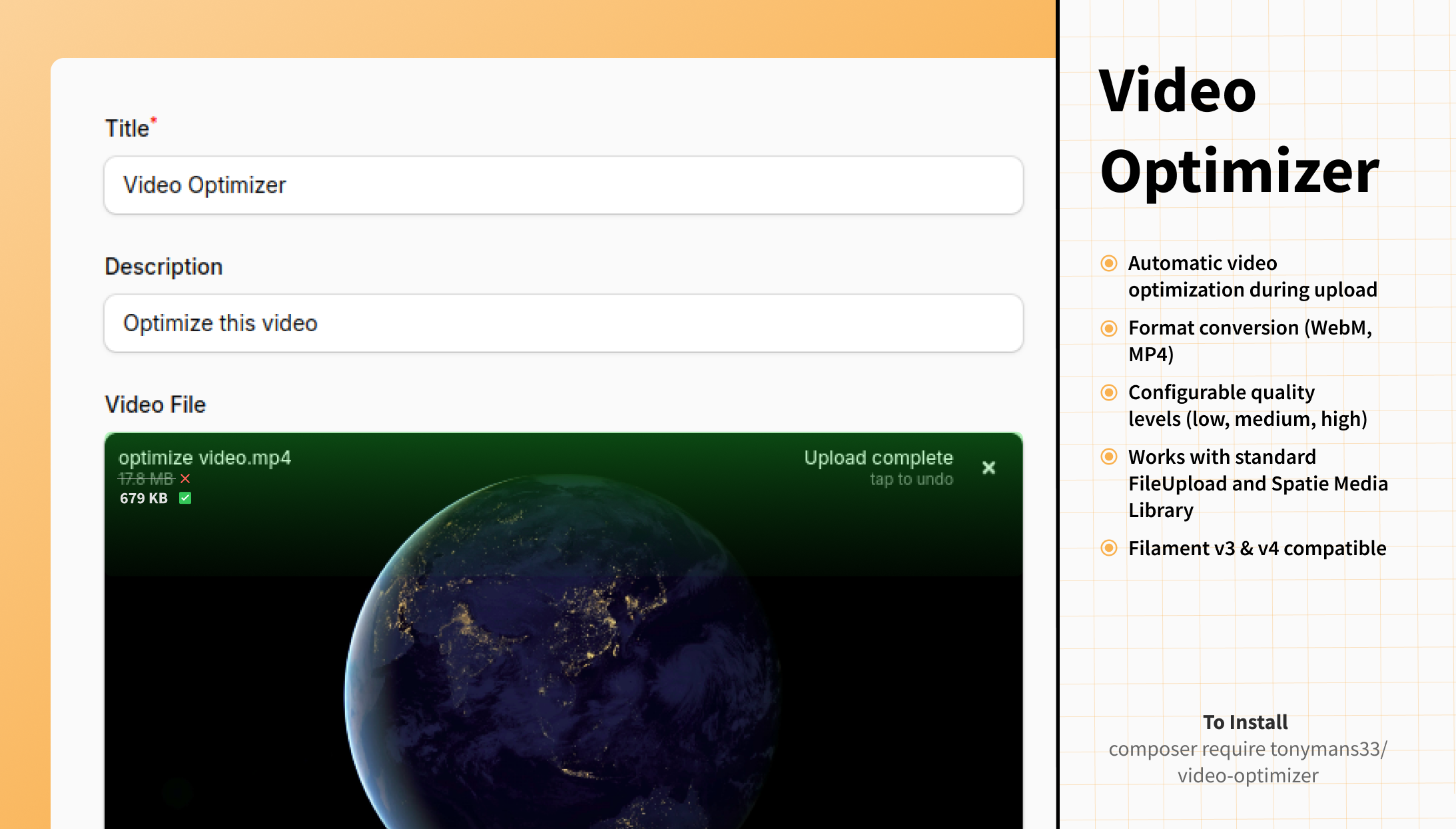
Automatically optimize and convert videos uploaded through Filament forms using FFmpeg. Reduce file sizes and standardize formats without any manual intervention.
#Results
See the dramatic file size reduction:
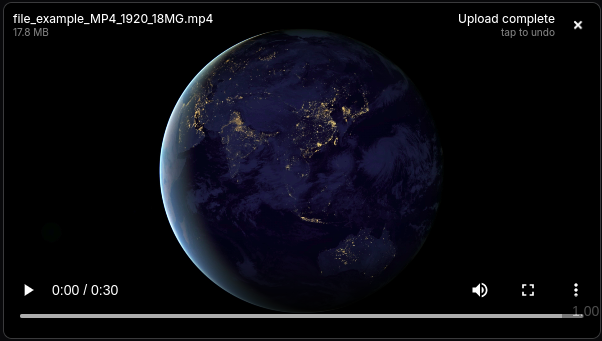
#Before Optimization
Original MP4: 17.8 MB
#After Optimization
Optimized WebM: 679 KB (96% reduction!)
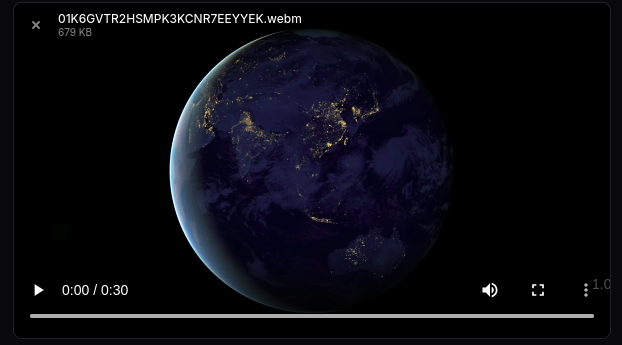
🎯 Result: Same video quality, 96% smaller file size - from 17.8 MB down to just 679 KB!
#Features
- 🎬 Automatic video optimization during upload
- 🔄 Format conversion (WebM, MP4)
- ⚡ Configurable quality levels (low, medium, high)
- 📦 Works with standard FileUpload and Spatie Media Library
- 🔌 Filament v3 & v4 compatible
- 🛡️ Graceful fallback if optimization fails
#Requirements
- PHP 8.1+
- Laravel 10.0+
- Filament 3.0+ or 4.0+
- FFmpeg installed on your server
#Installing FFmpeg
# Ubuntu/Debian
sudo apt-get install ffmpeg

# macOS
brew install ffmpeg

# Verify installation
ffmpeg -version
#Installation
Install the package via Composer:
composer require tonymans33/video-optimizer
Publish the configuration file (optional):
php artisan vendor:publish --tag="video-optimizer-config"
#Usage
#Basic Usage
Replace Filament's FileUpload with VideoOptimizer:
use Tonymans33\VideoOptimizer\Components\VideoOptimizer;

VideoOptimizer::make('video')
    ->disk('public')
    ->directory('videos')
    ->optimize('medium')  // 'low', 'medium', 'high', or null
    ->format('webm');     // 'webm', 'mp4', or null
#With Spatie Media Library
For projects using Spatie Media Library:
use Tonymans33\VideoOptimizer\Components\SpatieMediaLibraryFileUpload;

SpatieMediaLibraryFileUpload::make('videos')
    ->collection('videos')
    ->multiple()
    ->optimize('medium')
    ->format('webm');
#Using the Facade
use Tonymans33\VideoOptimizer\Facades\VideoOptimizer;

VideoOptimizer::make('video')
    ->optimize('high')
    ->format('mp4');
#Configuration
Set global defaults in config/video-optimizer.php:
return [
    // Default optimization level: null, 'low', 'medium', 'high'
    'optimize' => null,

    // Default output format: null, 'webm', 'mp4'
    'format' => null,
];
Component-level settings override these defaults.
#Optimization Levels
| Level | CRF | File Size | Quality | Use Case |
|---|---|---|---|---|
low |
36 | Smallest | Lower | Web previews, thumbnails |
medium |
28 | Balanced | Good | Recommended for most use cases |
high |
20 | Larger | Best | High-quality content, archives |
null |
- | Original | Original | No optimization |
CRF = Constant Rate Factor (lower = better quality, larger file)
#Supported Formats
- webm - Modern, efficient format with excellent compression
- mp4 - Universal compatibility using H.264 codec
- null - Keep original format
#How It Works
- User uploads a video through your Filament form
- Component detects video MIME type
- If optimization/conversion is enabled:
- Creates temporary file
- Processes with FFmpeg
- Saves optimized version
- Cleans up temporary files
- If processing fails, original file is uploaded (graceful fallback)
#Advanced Example
use Tonymans33\VideoOptimizer\Components\VideoOptimizer;

VideoOptimizer::make('promotional_video')
    ->label('Promotional Video')
    ->disk('s3')
    ->directory('marketing/videos')
    ->visibility('public')
    ->optimize('high')
    ->format('mp4')
    ->maxSize(512000) // 500MB
    ->acceptedFileTypes(['video/mp4', 'video/quicktime', 'video/x-msvideo'])
    ->downloadable()
    ->openable()
    ->deletable();
#Performance Considerations
- Processing Time: Video optimization is CPU-intensive and takes time
- For Large Files: Consider implementing queue jobs:
// Queue jobs for async processing
VideoOptimizer::make('video')
    ->optimize('medium')
    ->format('webm')
    // Process after form submission using queued jobs
    ->saveUploadedFileUsing(function ($file) {
        dispatch(new OptimizeVideoJob($file));
    });
- Disk Space: Ensure sufficient temporary storage for processing
- Memory Limits: Large videos may require increased PHP memory limits
#Troubleshooting
#FFmpeg not found
Error: Binary not found
Solution: Install FFmpeg and ensure it's in your system PATH
# Check if FFmpeg is installed
which ffmpeg
ffmpeg -version
#Videos not being optimized
- Check Laravel logs:
storage/logs/laravel.log - Verify MIME type is detected as video
- Confirm optimization level is set (not
null) - Ensure
localdisk exists inconfig/filesystems.php
#Upload fails silently
The package falls back to original file upload if optimization fails. Check logs for error details.
#Memory limit errors
For large videos, increase PHP memory:
// In your service provider or config
ini_set('memory_limit', '512M');
#Testing
composer test
#Changelog
Please see CHANGELOG for more information on recent changes.
#Contributing
Contributions are welcome! Please feel free to submit a Pull Request.
#Security
If you discover any security issues, please email mansourtony44@gmail.com instead of using the issue tracker.
#Credits
#License
The MIT License (MIT). Please see License File for more information.
Featured Plugins
A selection of plugins curated by the Filament team

Custom Dashboards
Let your users build and share their own dashboards with a drag-and-drop interface. Define your data sources in PHP and let them do the rest.
 Filament

Advanced Tables (formerly Filter Sets)
Supercharge your tables with powerful features like user-customizable views, quick filters, multi-column sorting, advanced table searching, convenient view management, and more. Compatible with Resource Panel Tables, Relation Managers, Table Widgets, and Table Builder!
 Kenneth Sese

Data Lens
Advanced Data Visualization for Laravel Filament - a premium reporting solution enabling custom column creation, sophisticated filtering, and enterprise-grade data insights within admin panels.
 Padmission

