
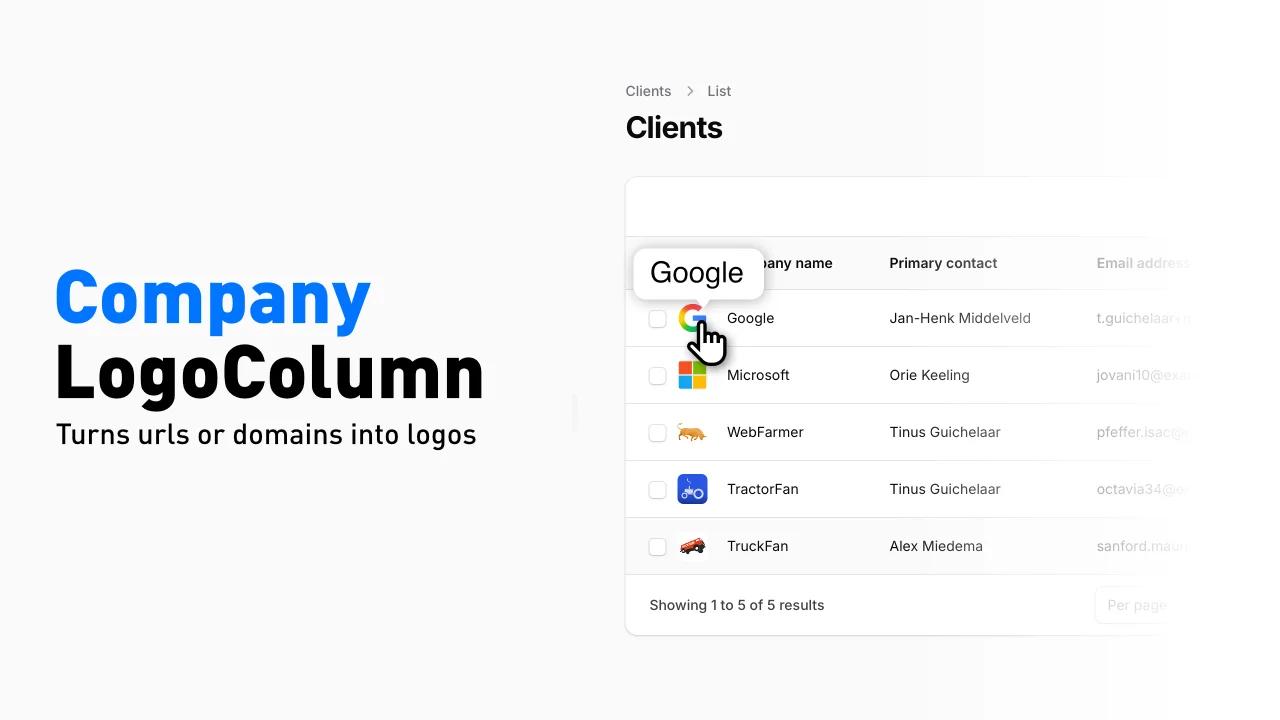
Company Logo Column by Tinus Guichelaar
CommunityA table column that renders a company logo via Logo.dev from a URL or bare domain.
 Author:
Tinus Guichelaar
Author:
Tinus Guichelaar
Package health
Automated checks of this plugin's Composer package
15 checks
- Skipped: GitHub Actions pinned to SHA
- Skipped: GitLab CI includes pinned to SHA
- Passed: Open security advisories
- Passed: Dependabot PR responsiveness — No open Dependabot PRs.
- Skipped: Renovate MR responsiveness
- Skipped: Dependabot or Renovate configured
- Skipped: Dependency update cooldown configured
- Failed: Provides a security policy — View details on Plumb
- Passed: Abandoned or archived — No consulted source marks the package abandoned (packagist, github).
- Passed: Commit and release recency — Active: last commit 96 days ago; last release 96 days ago.
-
Passed:
composer.lock not committed by library
—
composer.lockis absent from the released dist archive. - Passed: Dist archive is lean
-
Passed:
Current Laravel version supported
—
Package dependencies resolve together with current Laravel
13.0. -
Passed:
Current PHP version supported
—
Constraint
^8.2supports current PHP8.5. - Skipped: Current Symfony version supported
filament/
namespace. Review the source and install at your own risk. Found
malware or an unresolved security issue the author won't
address?
Report it
.
Documentation
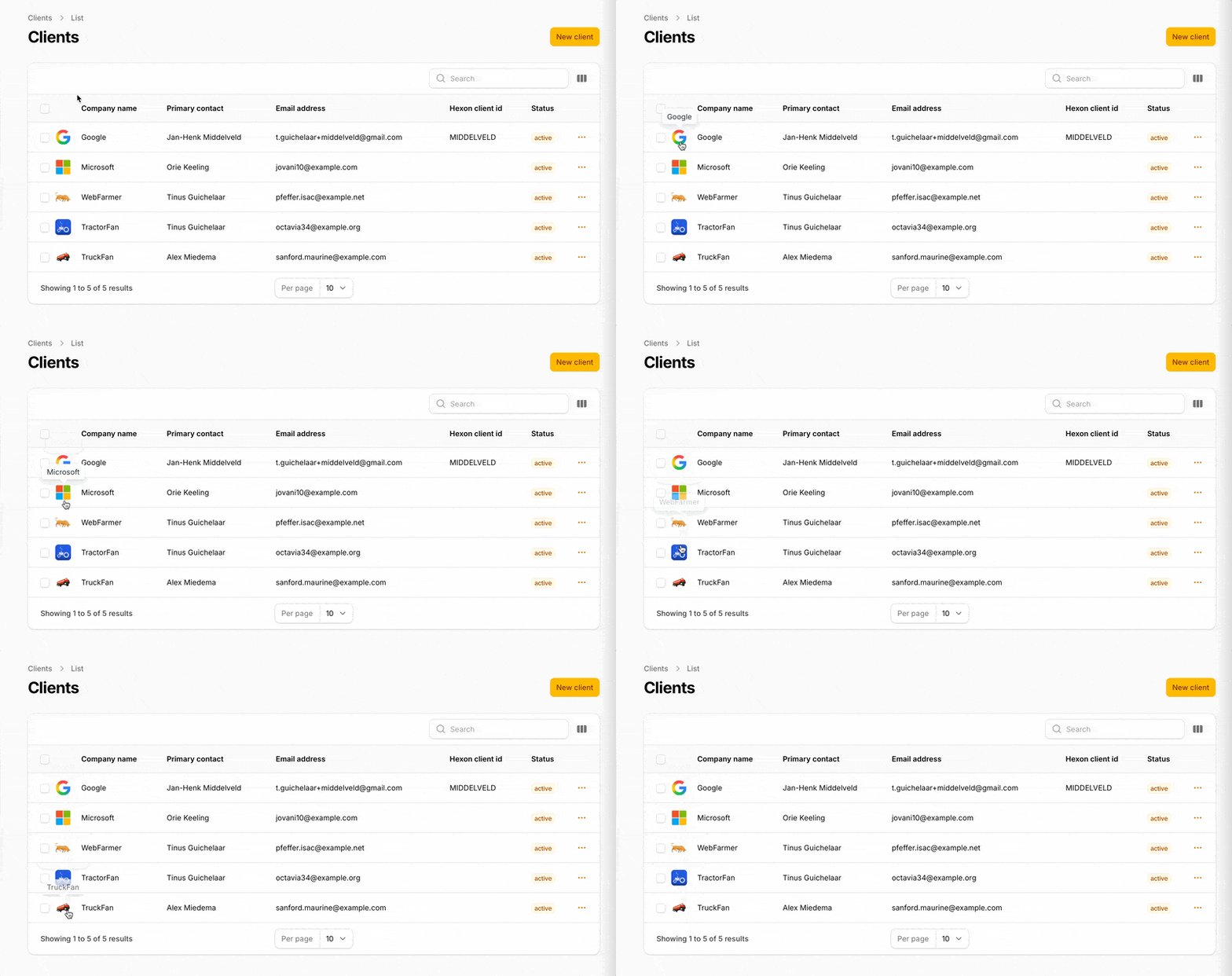
A Filament table column that renders a company logo via Logo.dev from a URL or bare domain. Supports Filament's built-in tooltip so you can show the company name on hover.
#Installation
composer require tinusg/filament-company-logo-column
#Configure the Logo.dev publishable key
Add your Logo.dev publishable key to config/services.php:
'logo_dev' => [
    'publishable_key' => env('LOGO_DEV_PUBLISHABLE_KEY'),
],
Then set the key in your .env:
LOGO_DEV_PUBLISHABLE_KEY=pk_XXXXXXXXXXXXXXXXX
If no key is configured the column renders a neutral placeholder rather than a broken image.
#Optional: publish the package config or views
php artisan vendor:publish --tag=filament-company-logo-column-config
php artisan vendor:publish --tag=filament-company-logo-column-views
#Usage
use TinusG\FilamentCompanyLogoColumn\CompanyLogoColumn;

CompanyLogoColumn::make('website')
    ->tooltip(fn ($record) => $record->name)
The column state can be either a full URL (https://example.com/about) or a bare FQDN (example.com). A leading www. is stripped automatically.
#Explicit domain
When the column state is not the domain itself, pass a closure:
CompanyLogoColumn::make('logo')
    ->domain(fn ($record) => $record->primary_url)
    ->tooltip(fn ($record) => $record->name)
#Sizing and style
CompanyLogoColumn::make('website')
    ->size(48)
    ->format('webp')
    ->theme('dark')
    ->fallback('monogram')
    ->lazy()
    ->tooltip(fn ($record) => $record->name)
#Example Filament resource snippet
use Filament\Tables\Table;
use TinusG\FilamentCompanyLogoColumn\CompanyLogoColumn;

public static function table(Table $table): Table
{
    return $table
        ->columns([
            CompanyLogoColumn::make('website')
                ->label('')
                ->tooltip(fn ($record) => $record->name),

            TextColumn::make('name')
                ->searchable()
                ->sortable(),

            TextColumn::make('website')
                ->url(fn ($record) => $record->website, shouldOpenInNewTab: true),
        ]);
}
#API
| Method | Description | Default |
|---|---|---|
domain(string|Closure|null) |
Override the source domain/URL (otherwise uses column state) | null (use state) |
size(int|Closure) |
Rendered square size in pixels | 40 |
format(string|Closure) |
Image format (webp, png, jpg) |
webp |
theme(string|Closure) |
light or dark background variant |
light |
fallback(string|Closure) |
Logo.dev fallback mode (e.g. monogram) |
monogram |
lazy(bool|Closure) |
Adds loading="lazy" to the image tag |
true |
tooltip(...) |
Inherited Filament method, use for the company name | , |
All defaults can be changed globally in config/filament-company-logo-column.php.
#How it works
- Extends
Filament\Tables\Columns\Columnand renders a custom Blade view - Normalizes the input value (URL or FQDN) via a small
HostnameNormalizerhelper, stripswww., rejects IPs and values without a TLD - Builds an
https://img.logo.dev/{domain}URL using the publishable key and the column's size/format/theme/fallback - Requests the image at 2× the render size (capped at 512px) so it stays crisp on HiDPI displays
- Falls back to a neutral placeholder
<div>if the value cannot be parsed or no key is configured - Relies on Logo.dev's built-in monogram fallback for unknown domains, no Google favicon fallback, no local proxying
#Design choices
- Base
Column, custom view. A dedicated Blade view keeps the markup easy to override viavendor:publishwithout subclassing. - Domain-first API. The column accepts any string that looks like a URL or FQDN, so it works with typical
websitecolumns without extra plumbing. - Stateless rendering. No caching, no image proxy, no local storage, Logo.dev and the browser cache are sufficient for admin tables.
- Tooltip delegated to Filament. The column does not introduce its own hover UI;
->tooltip(...)is the idiomatic way to show the company name. - Graceful degradation. Missing key, missing state, invalid hostname, and IP addresses all resolve to the same neutral placeholder instead of a broken image.
#Future enhancements
- Custom placeholder views (e.g. render initials from the company name)
- Initials fallback styling generated locally for domains Logo.dev cannot resolve
- Optional server-side domain resolution (e.g. HEAD request to follow redirects before querying Logo.dev)
clickable()helper that wraps the logo in a link to the original URL- First-class dark-mode auto-switching via
prefers-color-scheme - Support for passing an explicit
alt/ tooltip resolver without relying on Filament's generic tooltip
#Requirements
- PHP 8.2+
- Filament 5.x
- A Logo.dev account and publishable key
#License
MIT License. See LICENSE for details.
The author
From the same author
Featured Plugins
A selection of plugins curated by the Filament team

Sharp Theme
A theme that gives panels a precise, technical look with square corners, strong borders, and clear contrast.
 Filament

Compact Theme
A theme that makes data-heavy panels easier to scan by fitting more useful information on each screen.
Filament

Spotlight Pro
Browse your Filament Panel with ease. Filament Spotlight Pro adds a Spotlight like Command Palette to your Filament Panel.
 Dennis Koch

