
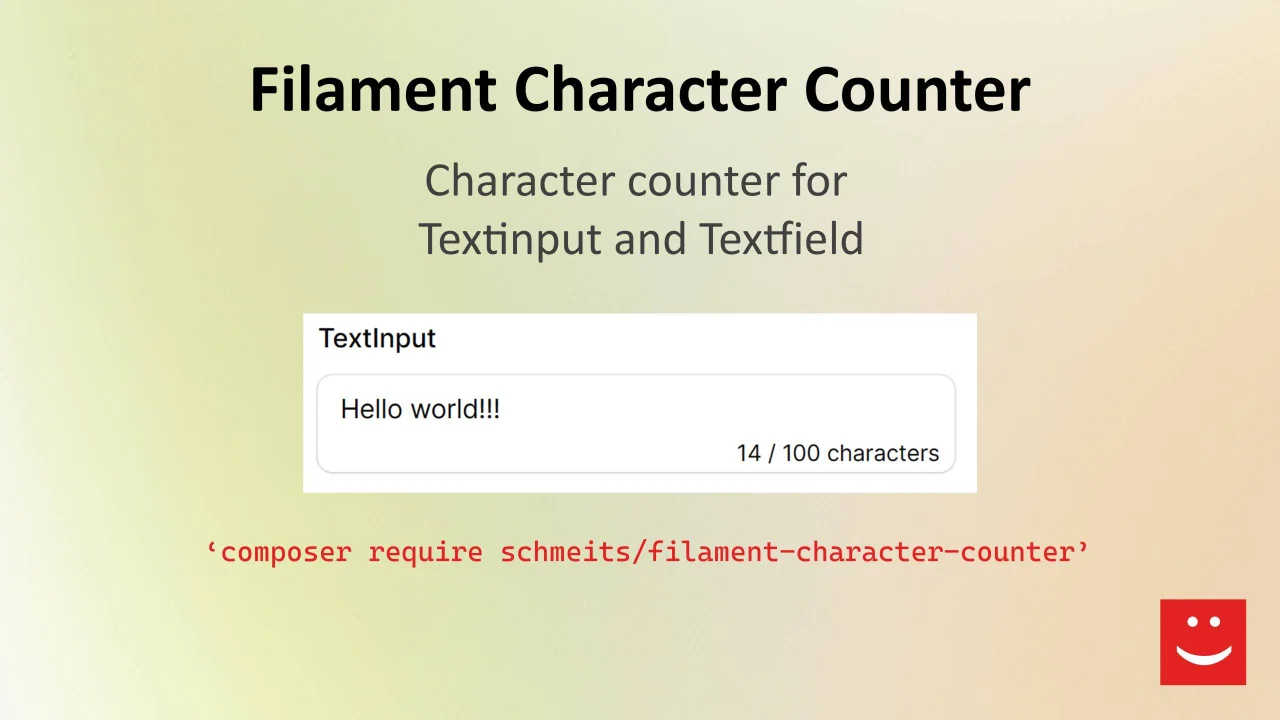
Character Counter
CommunityA character counter for Text, Textarea and RichEditor fields
 Author:
Tally Schmeits
Author:
Tally Schmeits
Package health
BetaAutomated checks of this plugin's Composer package
15 checks
- Passed: GitHub Actions pinned to SHA
- Skipped: GitLab CI includes pinned to SHA
- Passed: Open security advisories
- Warning: Dependabot PR responsiveness — Stale Dependabot PRs: oldest general PR is 61 days old.
- Skipped: Renovate MR responsiveness
- Warning: Dependabot or Renovate configured — Updater does not cover the JavaScript ecosystem, which has a committed lockfile.
-
Failed:
Dependency update cooldown configured
—
No cooldown configured in
.github/dependabot.yml. View details on Plumb - Passed: Provides a security policy
- Passed: Abandoned or archived — No consulted source marks the package abandoned (packagist, github).
- Passed: Commit and release recency — Active: last commit 1 days ago; last release 45 days ago.
-
Passed:
composer.lock not committed by library
—
composer.lockis absent from the released dist archive. - Passed: Dist archive is lean
-
Passed:
Current Laravel version supported
—
Package dependencies resolve together with current Laravel
13.0. -
Passed:
Current PHP version supported
—
Constraint
^8.2supports current PHP8.5. - Skipped: Current Symfony version supported
filament/
namespace. Review the source and install at your own risk. Found
malware or an unresolved security issue the author won't
address?
Report it
.
Documentation



This is a Filament character counter TextField, Textarea and RichEditor form field for Filament v4 and v5.
If you want to use this package with Filament v3.2 see version 1.x.

#Installation
| Plugin Version | Filament Version | PHP Version |
|---|---|---|
| 1.x | 3.2 | > 8.1 |
| 4.x | 4.x | > 8.2 |
| 5.x | 4.x - 5.x | > 8.2 |
You can install the package via composer:
composer require schmeits/filament-character-counter:"^5.0"
Note
- For Filament v4 or v5, use version
^5.0- For Filament v3.2, use version
^1.0
You can publish the translations file with:
php artisan vendor:publish --tag="filament-character-counter-translations"
This is the contents of the published translation file:
return [
    'character_seperator' => ' / ',
    'character_label' => 'characters',
];
#Usage
use Schmeits\FilamentCharacterCounter\Forms\Components\TextInput;
use Schmeits\FilamentCharacterCounter\Forms\Components\Textarea;

TextInput::make('title')
    ->characterLimit(50),

Textarea::make('description')
    ->characterLimit(155),

RichEditor::make('content')
    ->characterLimit(155),
maxLength can also be used to limit the maximum number of characters, there is no need to specify the characterLimit as well.
TextInput::make('title')
    ->maxLength(50),
As an additional option, you can place the counter within your component using:
TextInput::make('title')
    ->showInsideControl(true)
    ->characterLimit(50),
You can also conditionally show or hide the coutner on a per-field basis:
// Hide the counter on this field
TextInput::make('slug')
    ->showCharacterCounter(false)
    ->characterLimit(100),

// Conditionally display via Closure
Textarea::make('bio')
    ->showCharacterCounter(fn (Get $get) => $get('is_pulic'))
    ->characterLimit(255),
#Testing
composer test
#Changelog
Please see CHANGELOG for more information on what has changed recently.
#Contributing
Please see CONTRIBUTING for details.
#Security Vulnerabilities
Please review our security policy on how to report security vulnerabilities.
#Credits
- Tally Schmeits
- Inspired on the package by Wiebe Nieuwenhuis
- All Contributors
#License
The MIT License (MIT). Please see License File for more information.
The author
Tally is an entrepreneur, husband, and father of three beautiful children! With his deep expertise in web development, particularly in Laravel and Filament, he has established and successfully runs his own company, Schmeits websolutions. He is committed to staying up-to-date with the latest technologies and tools, such as Filament, to deliver top-notch services to his clients.
From the same author
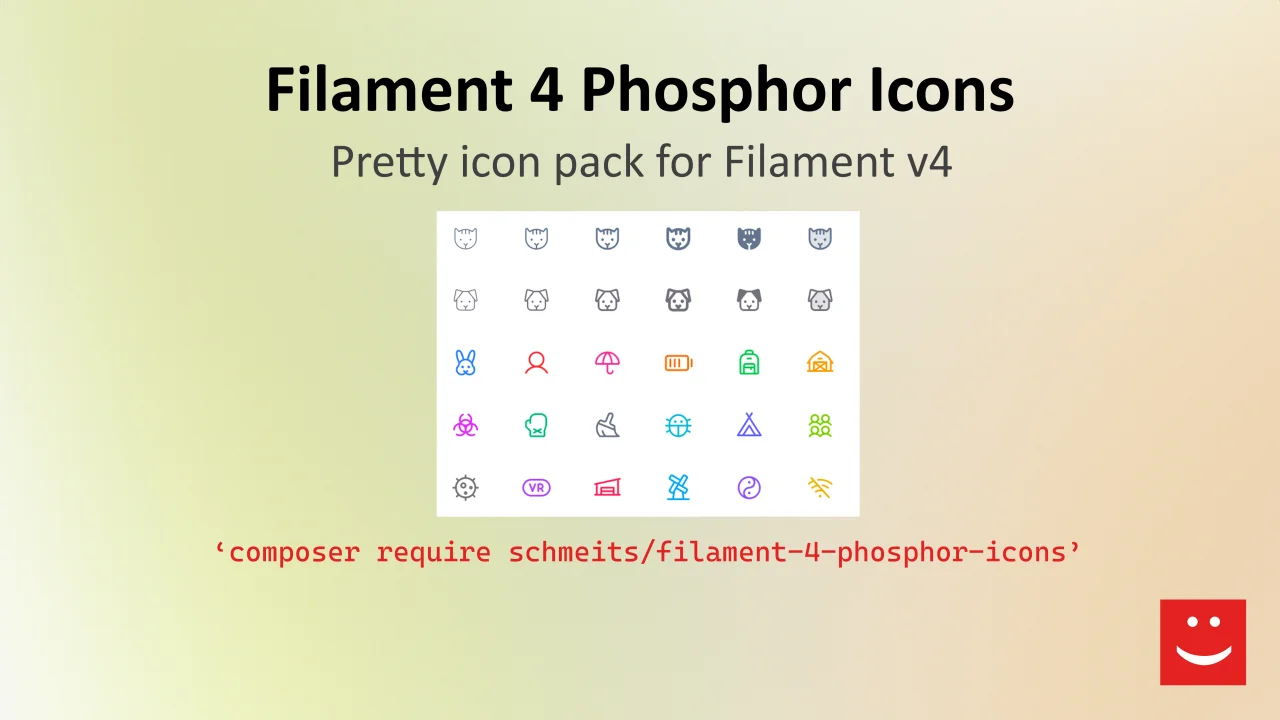
Phosphor Icon Pack
A Phosphor Icon Enum package to use the Phosphor icons everywhere in your Filament project.
Author:
Tally Schmeits
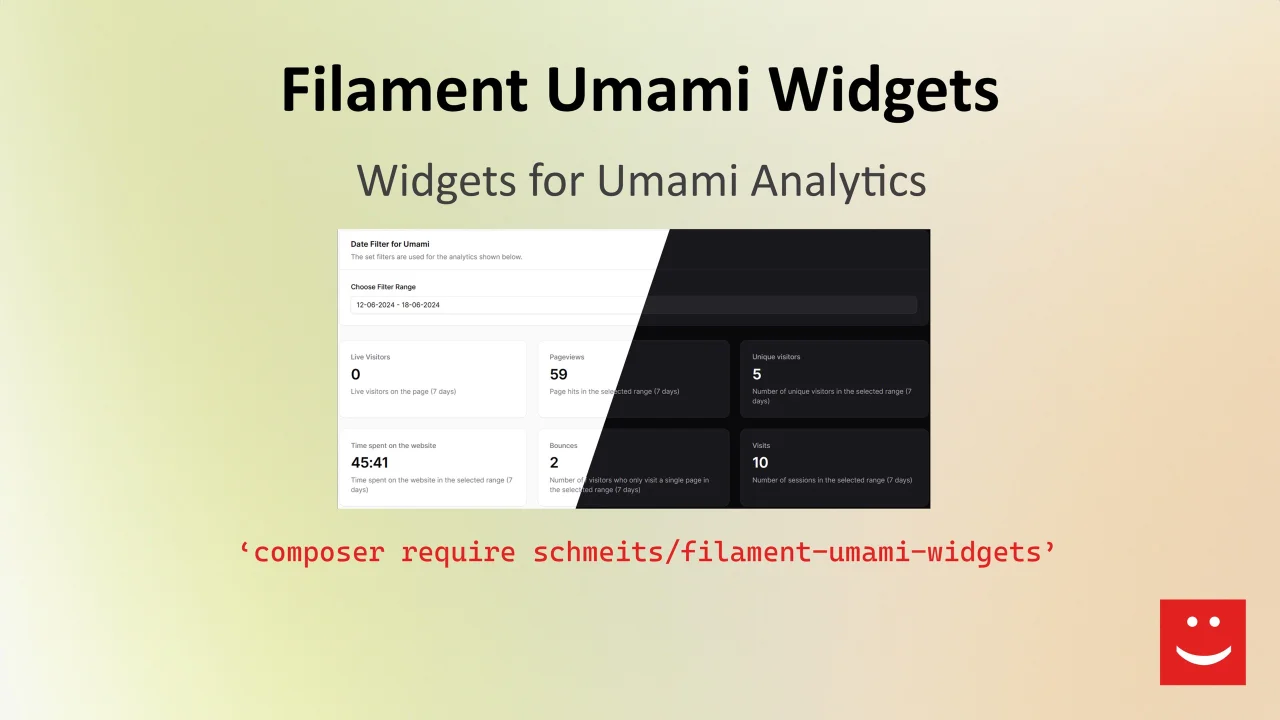
Umami Widgets
Display Umami Analytics data in your dashboard
Author:
Tally Schmeits
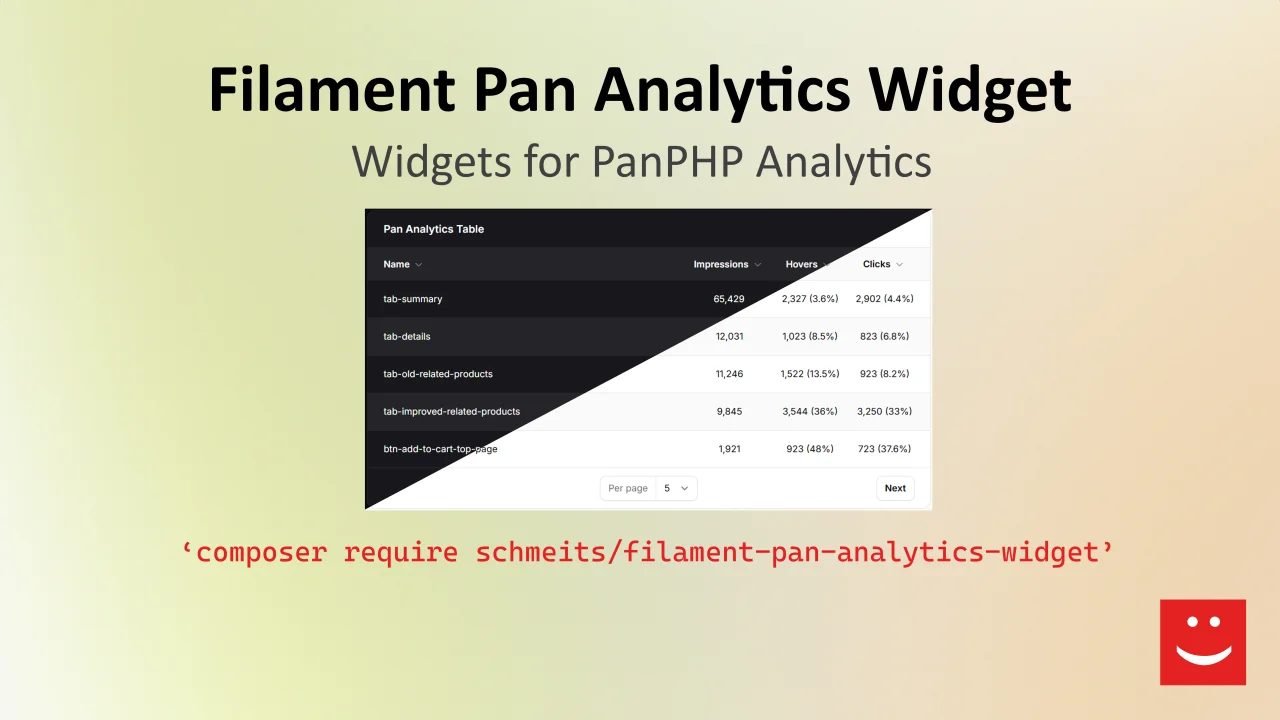
Pan Analytics Widget
Display PanPHP Analytics data in your dashboard
Author:
Tally Schmeits
Featured Plugins
A selection of plugins curated by the Filament team

Blueprint
Filament Blueprint is a premium Laravel Boost extension that helps AI agents produce accurate, detailed implementation plans and security reports for Filament apps.
 Filament

Spotlight Pro
Browse your Filament Panel with ease. Filament Spotlight Pro adds a Spotlight like Command Palette to your Filament Panel.
 Dennis Koch

Advanced Tables (formerly Filter Sets)
Supercharge your tables with powerful features like user-customizable views, quick filters, multi-column sorting, advanced table searching, convenient view management, and more. Compatible with Resource Panel Tables, Relation Managers, Table Widgets, and Table Builder!
 Kenneth Sese
