Failed Jobs
CommunityA plugin to easily retry and prune failed jobs.
 Author:
Srinath Reddy Dudi
Author:
Srinath Reddy Dudi
Package health
BetaAutomated checks of this plugin's Composer package
13 checks
-
Passed:
Current Laravel version supported
—
Package dependencies resolve together with current Laravel
13.0. -
Passed:
Current PHP version supported
—
Constraint
^8.2supports current PHP8.5. - Skipped: Current Symfony version supported
- Passed: Abandoned or archived — No consulted source marks the package abandoned (packagist, github).
- Passed: Commit and release recency — Active: last commit 21 days ago; last release 175 days ago.
-
Passed:
composer.lock not committed by library
—
composer.lockis absent from the released dist archive. - Passed: Dist archive is lean
- Failed: GitHub Actions pinned to SHA — View details on Plumb
- Passed: Open security advisories
- Passed: Dependabot PR responsiveness — No open Dependabot PRs.
- Warning: Dependabot or Renovate configured — Updater does not cover the JavaScript ecosystem, which has a committed lockfile.
-
Failed:
Dependency update cooldown configured
—
No cooldown configured in
.github/dependabot.yml. View details on Plumb - Passed: Provides a security policy
filament/
namespace. Review the source and install at your own risk. Found
malware or an unresolved security issue the author won't
address?
Report it
.
Documentation
- Installation
- Usage
- Retrying Failed Jobs
- Filtering Jobs
- Pruning Jobs
- Customization
- Testing
- Changelog
- Contributing
- Security Vulnerabilities
- Credits
- License




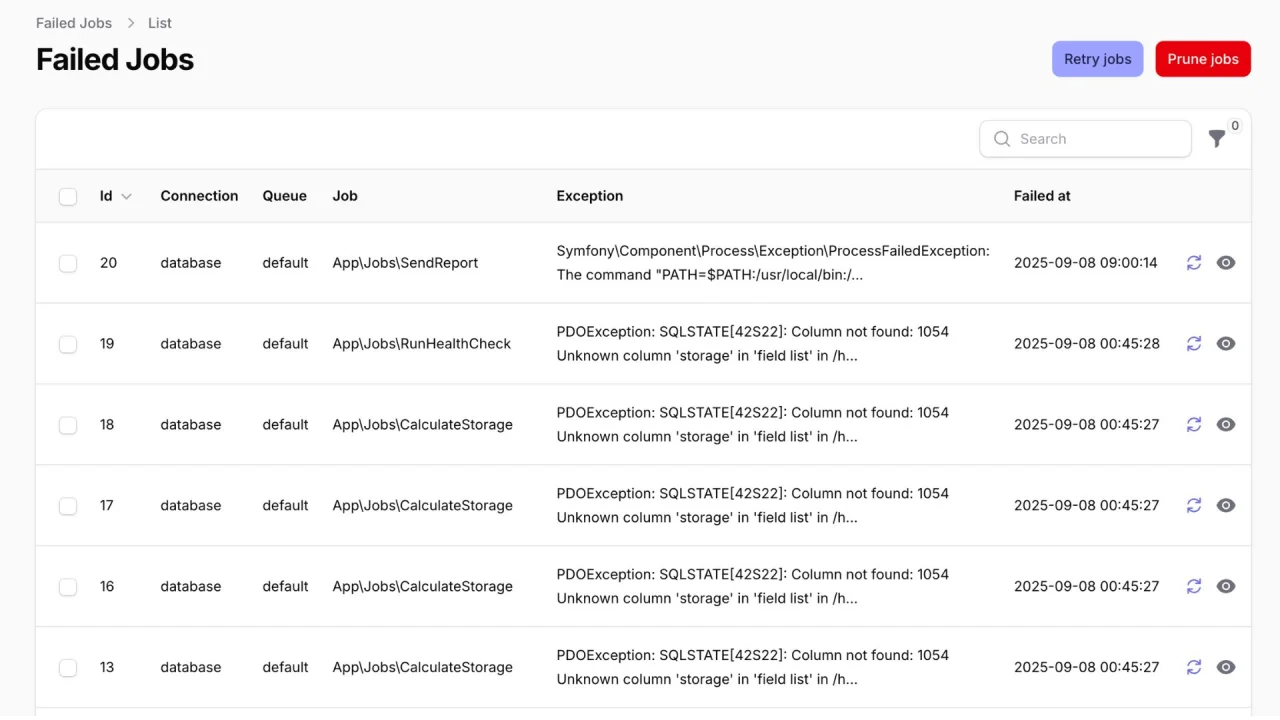
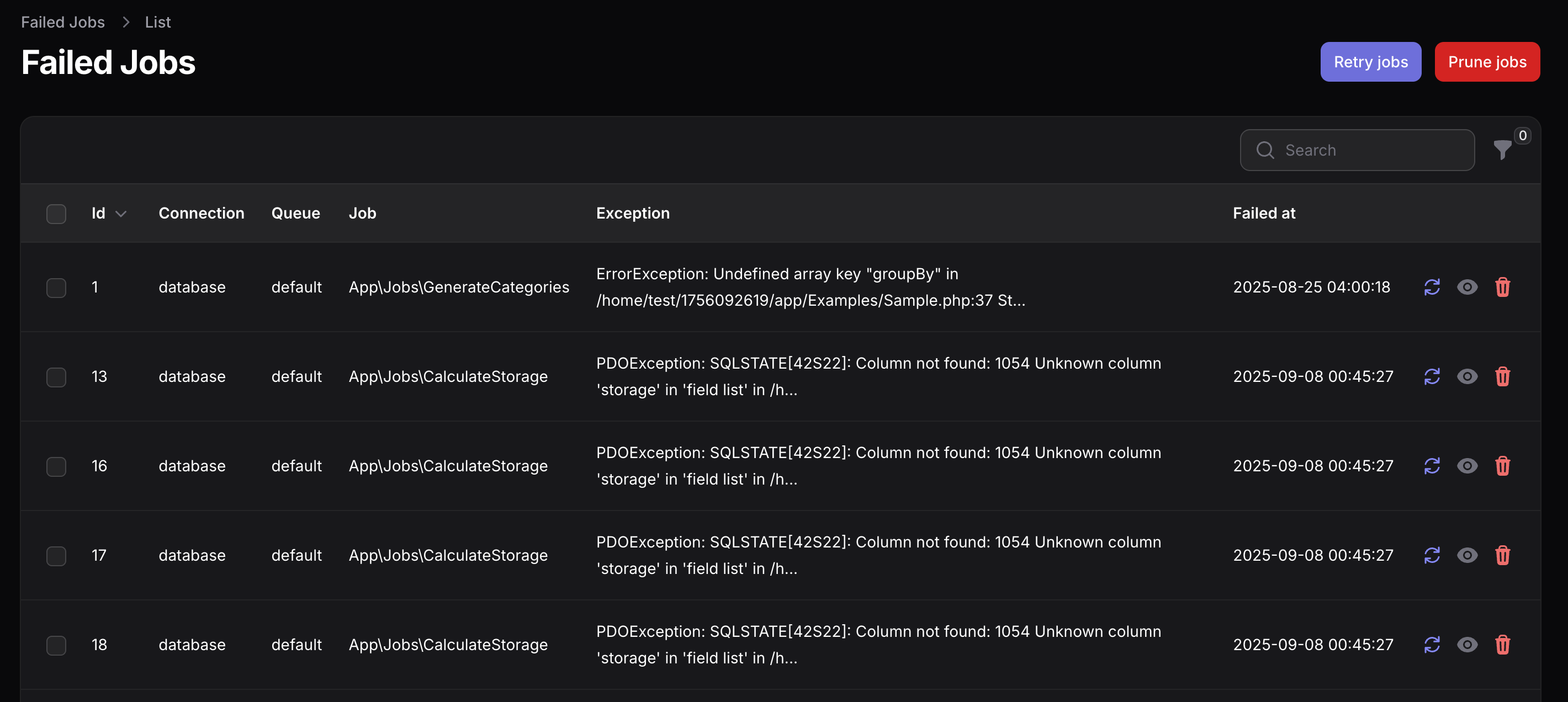
This plugin provides a failed jobs resource which can be used to retry and manage laravel failed queue jobs.
#Installation
You can install the plugin via composer:
composer require binarybuilds/filament-failed-jobs
#Usage
Register the plugin in your panel service provider as
use BinaryBuilds\FilamentFailedJobs\FilamentFailedJobsPlugin;

$panel->plugin(FilamentFailedJobsPlugin::make());
[!IMPORTANT] If you are using laravel horizon, Instruct the plugin by chaining the
->usingHorizon()method.
#Retrying Failed Jobs
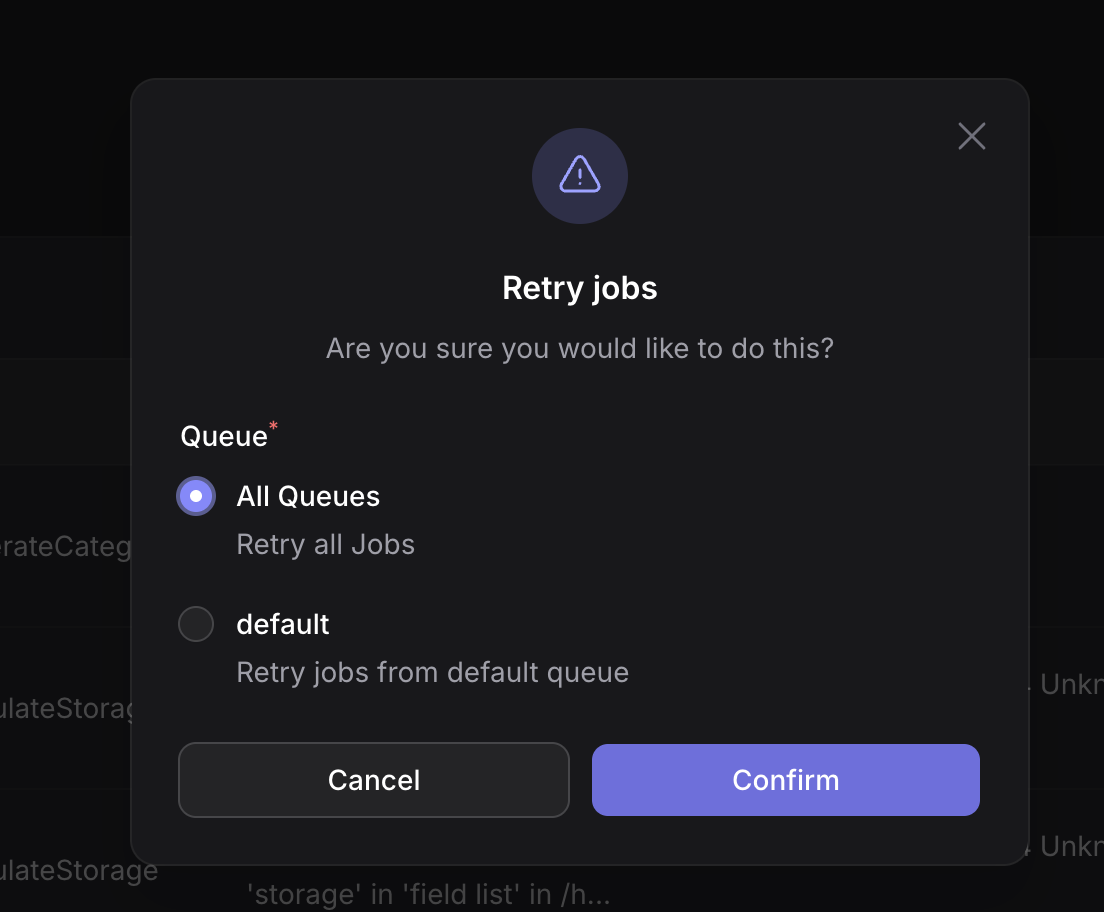
You can retry failed jobs each one separately using the retry action next to each job, or bulk retry by selecting multiple jobs and then using the bulk options' menu. You can also use the global retry action to retry all failed jobs or jobs from a specific queue.
#Filtering Jobs
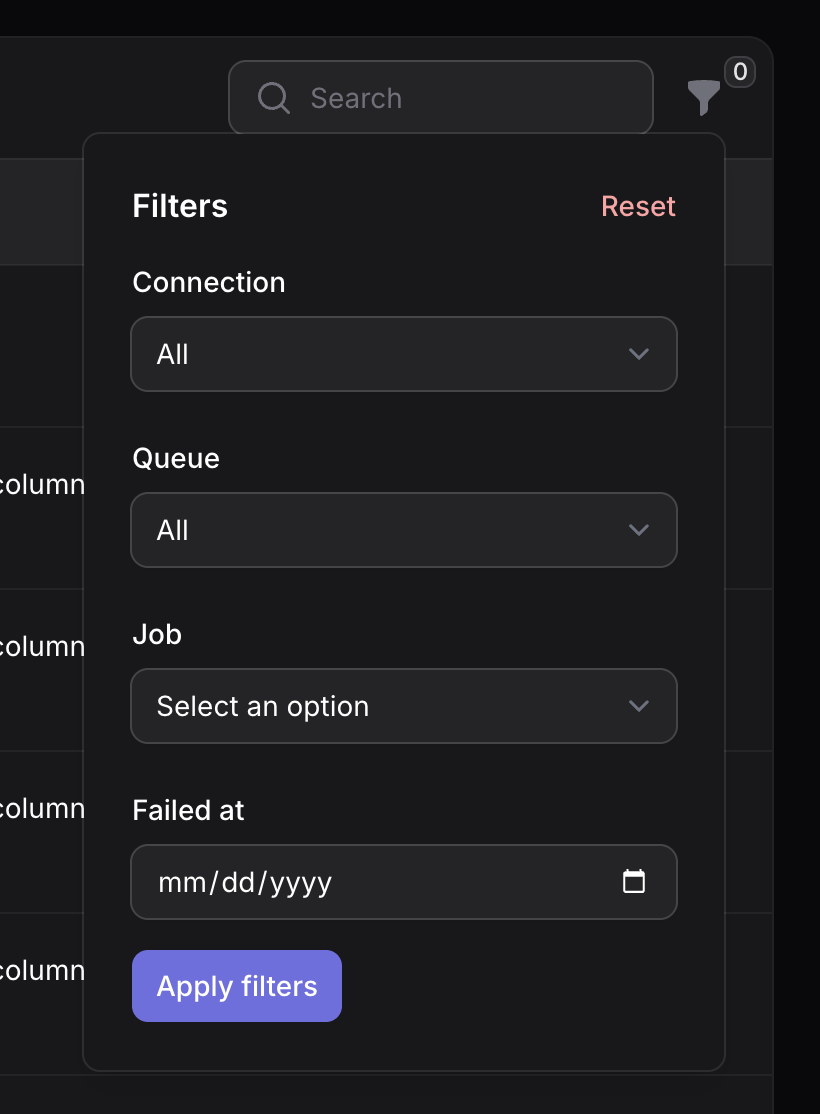
This plugin by default comes with the following filters which you can use to filter failed jobs.
- Connection
- Queue
- Job
- Failed At
#Pruning Jobs
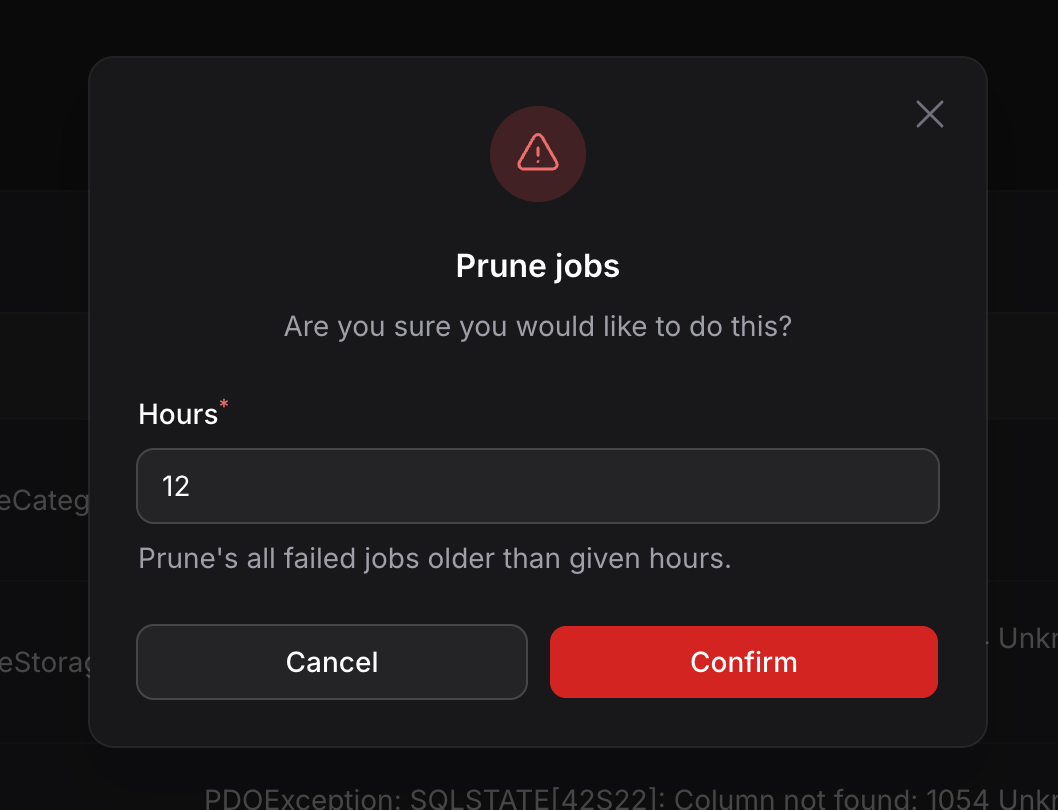
If you have too many stale failed jobs, You can use the global prune jobs action to prune stale failed jobs. This action will prompt you to input the hours to retain the failed jobs. Any failed jobs that are older than the given hours will be pruned.
For example, If you enter 12 hours, It will prune all failed jobs that are older than 12 hours.
#Customization
This plugin works out of the box and adds a Failed Jobs resource to your admin panel. You can customize the
display if needed.
#Remove connection column from index table
Most of the applications do not leverage more than one queue connection. So it would be clean to hide the connection
column in this case. You can do so by chaining the hideConnectionOnIndex method as below.
FilamentFailedJobsPlugin::make()->hideConnectionOnIndex()
#Remove queue column from index table
Similarly, if your application only pushes to the default queue, You can hide the queue column by chaining the hideQueueOnIndex method as below.
FilamentFailedJobsPlugin::make()->hideQueueOnIndex()
#Change filters layout
This plugin comes with a few filters to help you easily filter failed jobs. If you would like to change how the
filters are displayed, You can do so by chaining filtersLayout method which
accepts Filament\Tables\Enums\FiltersLayout parameter.
FilamentFailedJobsPlugin::make()->filtersLayout(FiltersLayout::AboveContent)
#Authorization
You can restrict access to the failed jobs resource using the authorize method. This accepts a boolean or a closure that returns a boolean.
FilamentFailedJobsPlugin::make()->authorize(fn () => auth()->user()->can('view-failed-jobs'))
#Navigation Group
You can change the navigation group using the navigationGroup method. This accepts a string, UnitEnum or Closure.
FilamentFailedJobsPlugin::make()->navigationGroup('System')
#Navigation Label
You can customize the navigation label using the navigationLabel method.
FilamentFailedJobsPlugin::make()->navigationLabel('Queue Failures')
#Navigation Icon
You can change the navigation icon using the navigationIcon method. This accepts a Heroicon string or a Heroicon enum value.
FilamentFailedJobsPlugin::make()->navigationIcon('heroicon-o-exclamation-triangle')
#Navigation Sort Order
You can change the navigation sort order using the navigationSort method.
FilamentFailedJobsPlugin::make()->navigationSort(10)
#Polling for new failed jobs
By default, the table will refresh (poll) every 60 seconds to retrieve new failed jobs. You can change the polling interval by passing an interval string to the pollingInterval method.
FilamentFailedJobsPlugin::make()
    ->pollingInterval('60s')
Altertavely, you can disable the polling functionality entirely by passing a false value to the withPolling method.
FilamentFailedJobsPlugin::make()
    ->withPolling(false)
#Combined Example
You can chain multiple configuration methods together.
FilamentFailedJobsPlugin::make()
    ->authorize(fn () => auth()->user()->isAdmin())
    ->navigationGroup('System')
    ->navigationLabel('Failed Jobs')
    ->navigationIcon('heroicon-o-queue-list')
    ->navigationSort(50)
    ->withPolling(true)
    ->pollingInterval('60s')
#Testing
composer test
#Changelog
Please see CHANGELOG for more information on what has changed recently.
#Contributing
Please see CONTRIBUTING for details.
#Security Vulnerabilities
Please review our security policy on how to report security vulnerabilities.
#Credits
#License
The MIT License (MIT). Please see License File for more information.
The author
Hi, I’m Srinath — a software engineer and product builder passionate about creating tools that make developers’ lives easier. I’ve been working with Laravel for years, building open-source packages and performance-focused tools to help teams ship better software faster. Through my work at BinaryBuilds, I focus on crafting reliable, developer-friendly solutions that simplify complex workflows and boost productivity.
From the same author
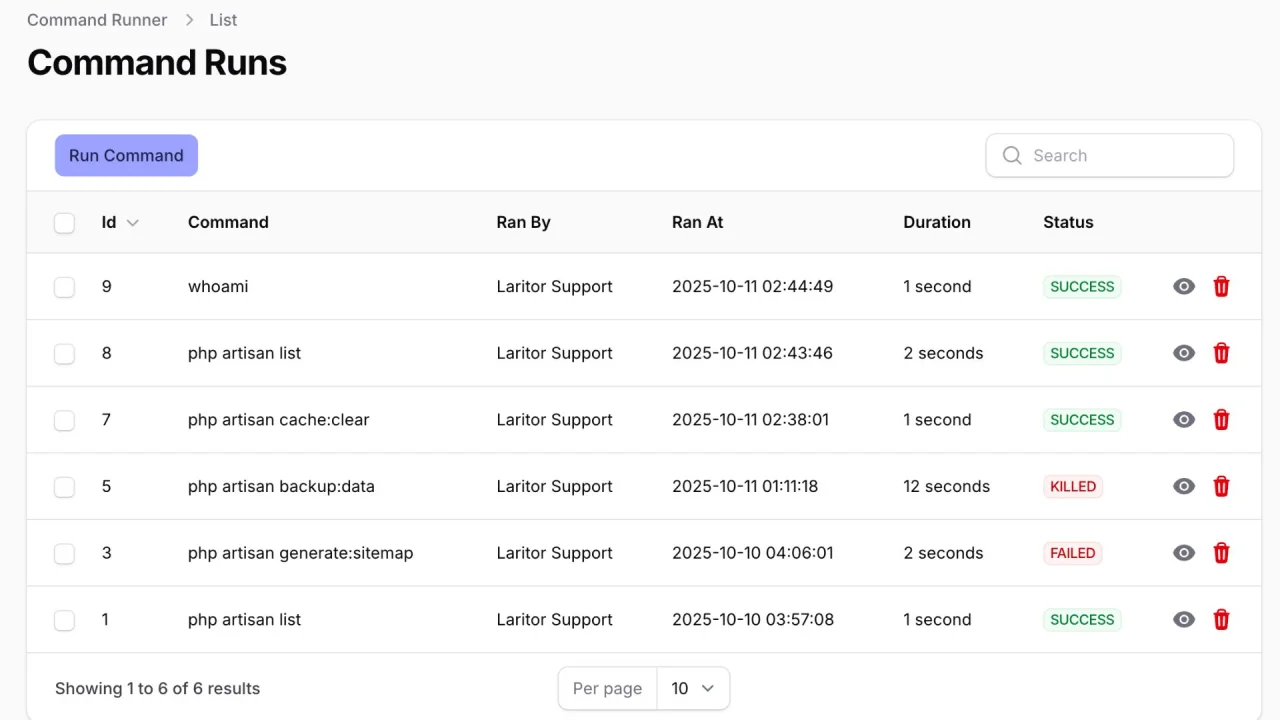
Command Runner
Run artisan and shell commands in the background from your Filament admin panel.
Author:
Srinath Reddy Dudi
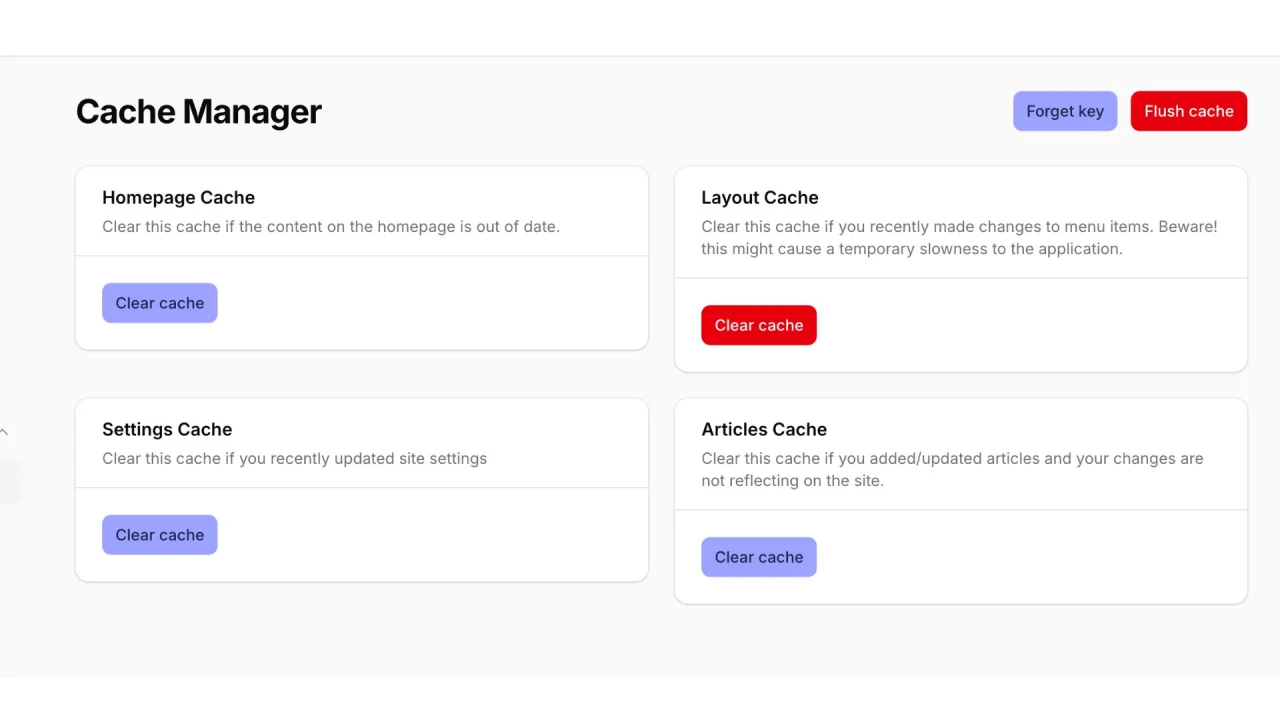
Cache Manager
Easily clear your Laravel application cache directly from the Filament admin panel.
Author:
Srinath Reddy Dudi
Featured Plugins
A selection of plugins curated by the Filament team

Custom Dashboards
Let your users build and share their own dashboards with a drag-and-drop interface. Define your data sources in PHP and let them do the rest.
 Filament

Custom Fields
Eliminate custom field migrations forever. Let your users create and manage form fields directly in Filament admin panels with 20+ built-in field types, validation, and zero database changes.
 Relaticle

Advanced Tables (formerly Filter Sets)
Supercharge your tables with powerful features like user-customizable views, quick filters, multi-column sorting, advanced table searching, convenient view management, and more. Compatible with Resource Panel Tables, Relation Managers, Table Widgets, and Table Builder!
 Kenneth Sese
