
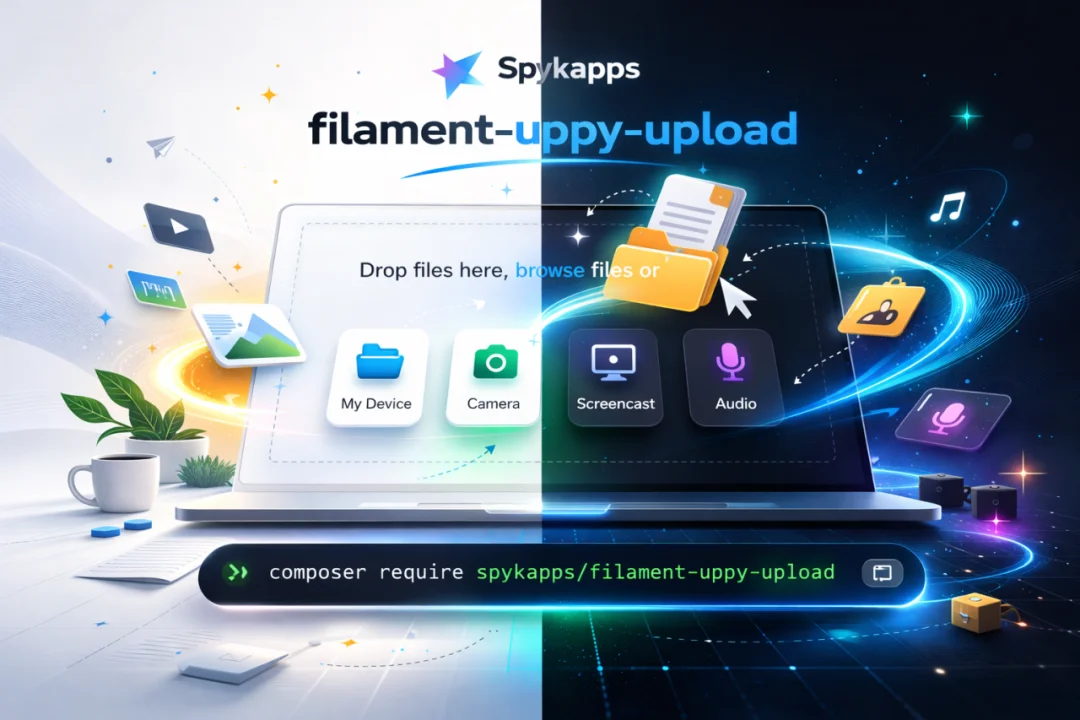
Uppy Upload Form Field by Spykapps
CommunityA powerful chunked file upload field for Filament 4 & 5 using Uppy.js
 Author:
Spykapps
Author:
Spykapps
Package health
Automated checks of this plugin's Composer package
15 checks
- Skipped: GitHub Actions pinned to SHA
- Skipped: GitLab CI includes pinned to SHA
- Passed: Open security advisories
- Passed: Dependabot PR responsiveness — No open Dependabot PRs.
- Skipped: Renovate MR responsiveness
- Skipped: Dependabot or Renovate configured
- Skipped: Dependency update cooldown configured
- Failed: Provides a security policy — View details on Plumb
- Passed: Abandoned or archived — No consulted source marks the package abandoned (packagist, github).
- Warning: Commit and release recency — Low activity: last commit 153 days ago; last release 181 days ago.
-
Passed:
composer.lock not committed by library
—
composer.lockis absent from the released dist archive. - Passed: Dist archive is lean
-
Passed:
Current Laravel version supported
—
Package dependencies resolve together with current Laravel
13.0. -
Passed:
Current PHP version supported
—
Constraint
^8.1supports current PHP8.5. - Skipped: Current Symfony version supported
filament/
namespace. Review the source and install at your own risk. Found
malware or an unresolved security issue the author won't
address?
Report it
.
Documentation
- Features
- Installation
- Usage
- Panel Plugin (optional)
- Configuration
- Companion Server (for remote sources)
- Translations
- Credits
- License







A powerful chunked file upload field for Filament 4 & 5 using Uppy.js.
#Features
- Chunked uploads — large files through Cloudflare/nginx (5MB chunks)
- S3 compatible — any Laravel disk: local, public, S3, GCS, DO Spaces
- Remote sources — Google Drive, OneDrive, Dropbox via Companion
- Built-in plugins — Webcam, Screen Capture, Audio, Image Editor, Compressor
- Multilingual — 11 languages included, auto-detects locale
- Dark mode — follows Filament theme, not OS
- Modal support — proper z-index in Filament modals
- Single & multiple — smart UI for both modes
- Zero build step — CDN-loaded, no npm needed
#Installation
composer require spykapps/filament-uppy-upload
Publish and register Filament assets:
php artisan filament:assets
#Publishing (optional)
Publish config:
php artisan vendor:publish --tag="uppy-upload-config"
This creates config/uppy-upload.php where you can set defaults for disk, directory, chunk size, companion URL, and more.
Publish translations:
php artisan vendor:publish --tag="uppy-upload-translations"
This creates lang/vendor/uppy-upload/{locale}/uppy.php files for all included languages. Edit them to customize any string.
Publish views:
php artisan vendor:publish --tag="uppy-upload-views"
This creates resources/views/vendor/uppy-upload/ so you can customize the Blade template and CSS.
Publish everything at once:
php artisan vendor:publish --provider="SpykApp\UppyUpload\UppyUploadServiceProvider"
#Usage
#Basic (single file)
use SpykApp\UppyUpload\Forms\Components\UppyUpload;

UppyUpload::make('document')
    ->directory('documents')
#Multiple files
UppyUpload::make('attachments')
    ->multiple()
    ->maxFiles(10)
    ->directory('attachments')
#Image upload with editor
UppyUpload::make('avatar')
    ->image()
    ->imageEditor()
    ->maxFileSize(5 * 1024 * 1024)
    ->directory('avatars')
#S3 upload
UppyUpload::make('files')
    ->disk('s3')
    ->directory('uploads')
    ->multiple()
#With remote sources
UppyUpload::make('files')
    ->companionUrl('https://companion.yoursite.com')
    ->remoteSources(['GoogleDrive', 'OneDrive', 'Url'])
    ->directory('imports')
#ZIP files only
UppyUpload::make('archive')
    ->acceptedFileTypes(['application/zip', 'application/x-zip-compressed'])
    ->maxFileSize(500 * 1024 * 1024)
    ->directory('archives')
#All options
UppyUpload::make('files')
    ->disk('s3')                          // Any Laravel disk
    ->directory('uploads')                 // Storage directory
    ->multiple()                           // Allow multiple files
    ->maxFiles(20)                         // Max number of files
    ->minFiles(1)                          // Min number of files
    ->maxFileSize(100 * 1024 * 1024)       // 100MB max per file
    ->chunkSize(5 * 1024 * 1024)           // 5MB chunks
    ->acceptedFileTypes(['image/*'])       // MIME types
    ->webcam(false)                        // Disable webcam
    ->screenCapture(false)                 // Disable screen capture
    ->audio(false)                         // Disable audio recording
    ->imageEditor(true)                    // Enable image editor
    ->autoOpenFileEditor()                 // Auto-open editor for images
    ->dragDrop(true)                       // Full-page drag & drop
    ->height(400)                          // Dashboard height in px
    ->theme('auto')                        // 'auto', 'light', or 'dark'
    ->locale('fr')                         // Override locale
    ->note('Upload your documents here')   // Custom note text
    ->companionUrl('https://...')          // Companion URL
    ->remoteSources(['GoogleDrive'])       // Remote sources
    ->uploadEndpoint('/custom/upload')     // Custom upload URL
    ->deleteEndpoint('/custom/delete')     // Custom delete URL
#Panel Plugin (optional)
Set panel-level defaults so you don't repeat config on every field:
use SpykApp\UppyUpload\UppyUploadPlugin;

public function panel(Panel $panel): Panel
{
    return $panel
        ->plugin(
            UppyUploadPlugin::make()
                ->companionUrl('https://companion.yoursite.com')
                ->disk('s3')
        );
}
#Configuration
After publishing, edit config/uppy-upload.php:
return [
    'disk' => env('UPPY_UPLOAD_DISK', 'public'),
    'directory' => env('UPPY_UPLOAD_DIRECTORY', 'uploads'),
    'chunk_size' => env('UPPY_UPLOAD_CHUNK_SIZE', 5 * 1024 * 1024),
    'route_prefix' => env('UPPY_UPLOAD_ROUTE_PREFIX', 'uppy'),
    'middleware' => ['web'],
    'companion_url' => env('UPPY_COMPANION_URL', null),
    'remote_sources' => ['GoogleDrive', 'OneDrive', 'Dropbox', 'Url'],
    'uppy_version' => env('UPPY_VERSION', '5.2.1'),
];
Or use .env:
UPPY_UPLOAD_DISK=s3
UPPY_UPLOAD_DIRECTORY=uploads
UPPY_COMPANION_URL=https://companion.yoursite.com
#Companion Server (for remote sources)
Required only if you want Google Drive, OneDrive, Dropbox support.
docker run -d \
  --name companion \
  --restart unless-stopped \
  -p 127.0.0.1:3890:3890 \
  -v companion_data:/output \
  -e COMPANION_PORT=3890 \
  -e COMPANION_SECRET=your-secret-here \
  -e COMPANION_DOMAIN=companion.yoursite.com \
  -e COMPANION_PROTOCOL=https \
  -e COMPANION_DATADIR=/output \
  -e COMPANION_UPLOAD_URLS="https://yoursite.com/uppy/.*" \
  -e COMPANION_GOOGLE_KEY=your-google-client-id \
  -e COMPANION_GOOGLE_SECRET=your-google-secret \
  -e COMPANION_ONEDRIVE_KEY=your-azure-client-id \
  -e COMPANION_ONEDRIVE_SECRET=your-azure-secret \
  transloadit/companion:latest
OAuth redirect URIs:
- Google:
https://companion.yoursite.com/drive/redirect - OneDrive:
https://companion.yoursite.com/onedrive/redirect
#Translations
Included languages: English, Arabic, French, German, Spanish, Portuguese (BR), Dutch, Turkish, Chinese (Simplified), Hindi, Urdu
Adding a new language:
- Publish translations:
php artisan vendor:publish --tag="uppy-upload-translations" - Copy
lang/vendor/uppy-upload/en/uppy.phpto your locale folder, e.g.lang/vendor/uppy-upload/ja/uppy.php - Translate the strings
Uppy's own UI strings (buttons, status messages) are automatically loaded from CDN based on the app locale.
#Credits
#License
The MIT License (MIT). Please see License File for more information.
The author
Spykapps is an open-source development wing focusing on building high-quality Laravel and FilamentPHP packages. We’re currently working on a collection of open-source tools aimed at improving developer experience, UI consistency, and workflow automation within the Filament ecosystem.
From the same author

Flat Theme
A simple theme for FilamentPHP based on flat design.
Author:
Spykapps
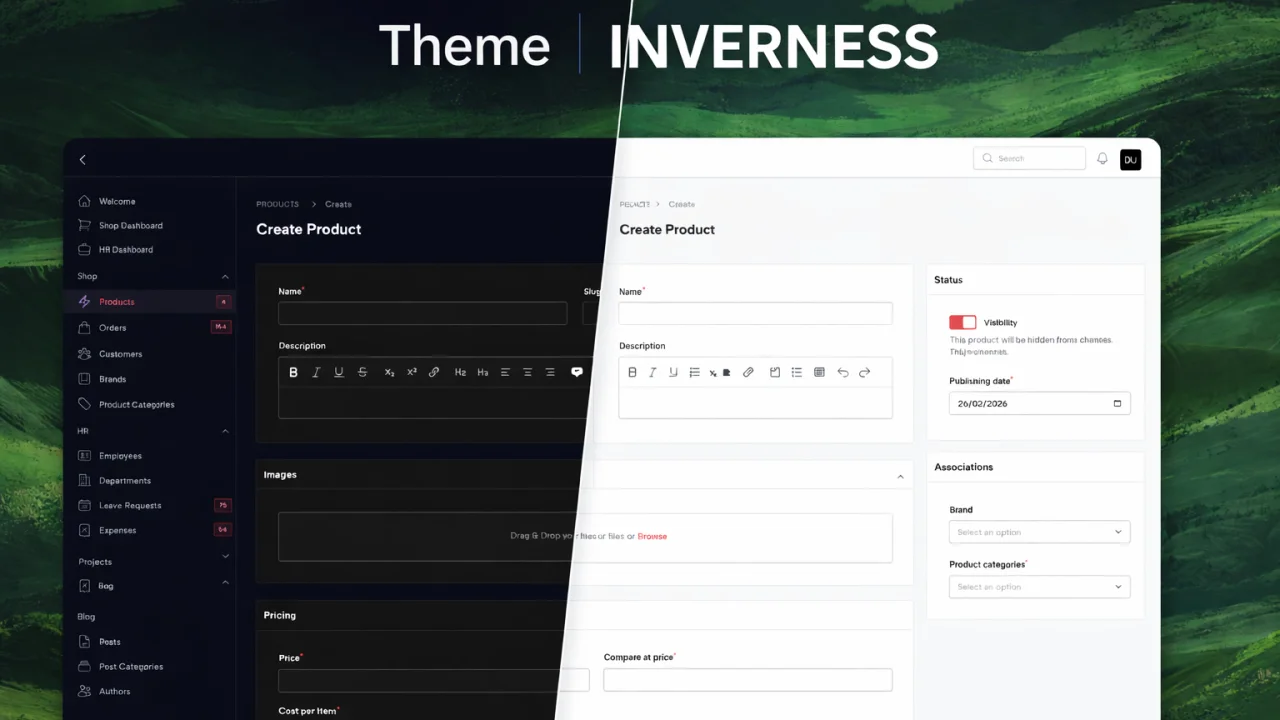
Theme Inverness
A refined, premium theme for Filament inspired by Laravel's signature red aesthetic, featuring tight spacing, subtle shadows, and dynamic primary color accents. Designed for Filament v4 and v5.
Author:
Spykapps
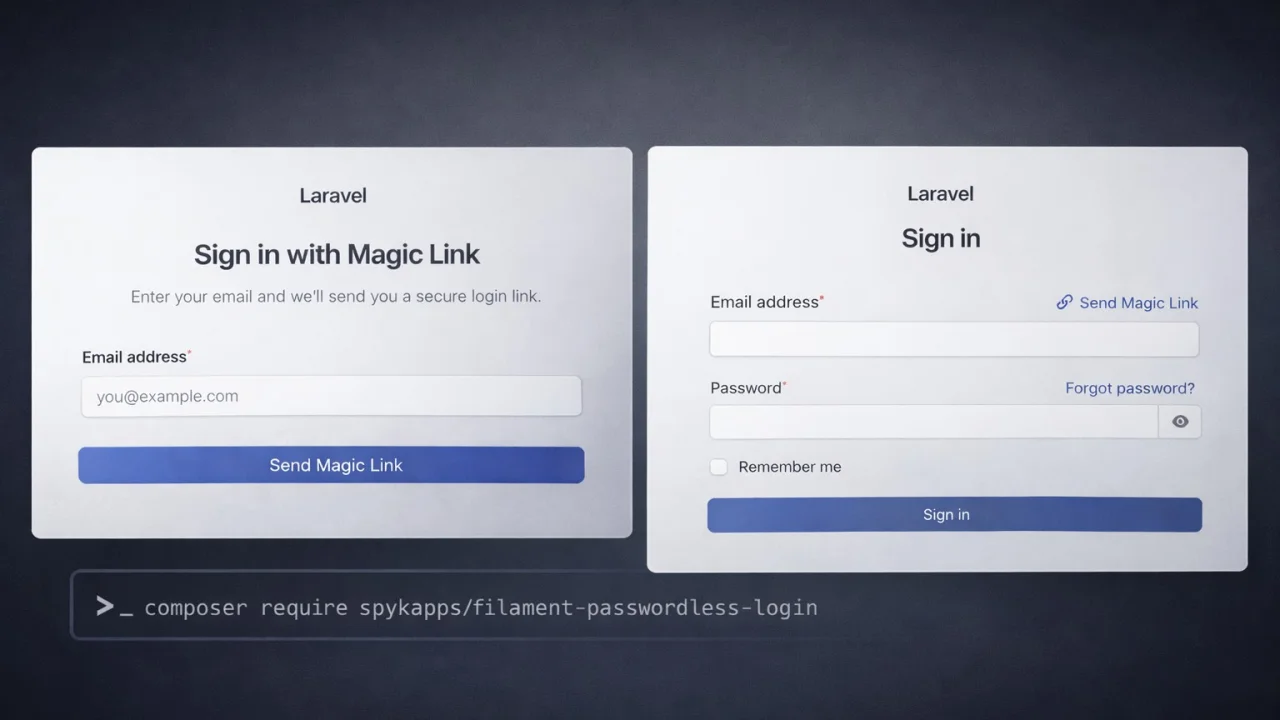
Passwordless Login
A highly customizable Filament 4 plugin for passwordless magic link authentication with login page, actions, resource management, and analytics widgets.
Author:
Spykapps
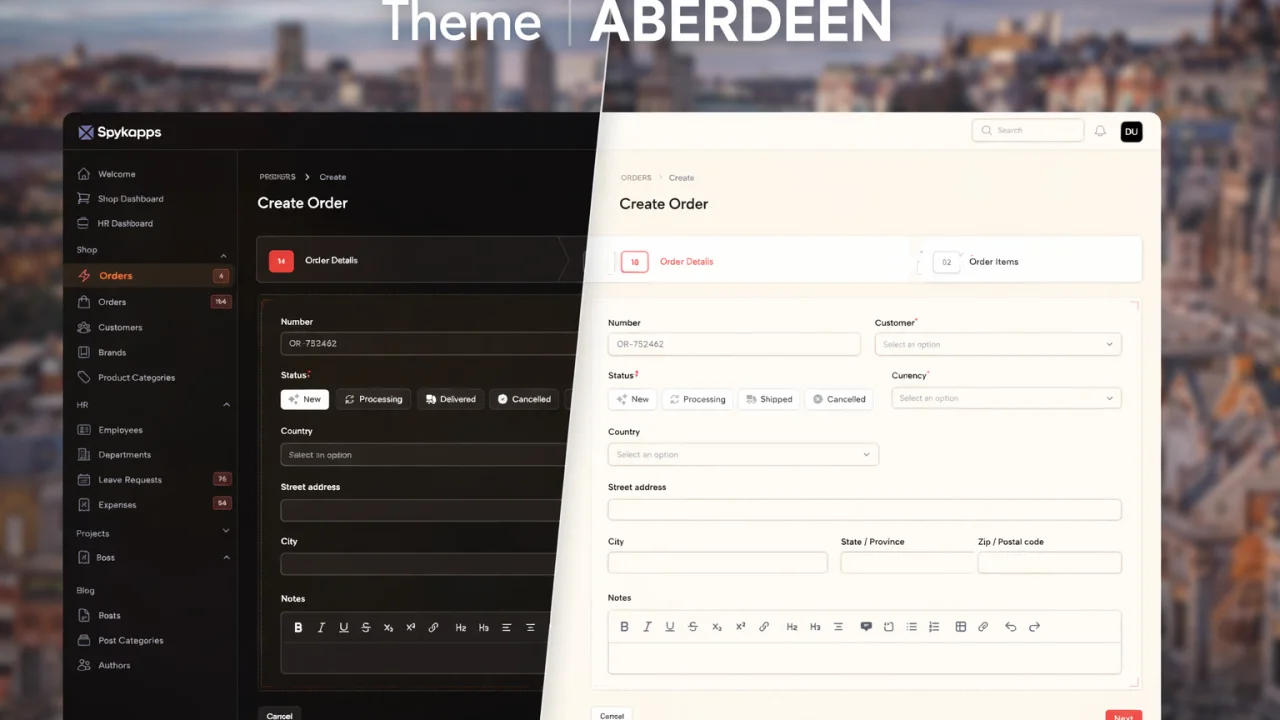
Theme Aberdeen
A refined, minimal Filament theme with tight spacing, subtle shadows, and Brand New Filament warm-amber accents. Designed for Filament v4 and v5.
Author:
Spykapps
Featured Plugins
A selection of plugins curated by the Filament team

Soft Theme
A theme that gives panels a warm, approachable look with rounded shapes, gentle colors, and serif headings.
 Filament

Advanced Tables (formerly Filter Sets)
Supercharge your tables with powerful features like user-customizable views, quick filters, multi-column sorting, advanced table searching, convenient view management, and more. Compatible with Resource Panel Tables, Relation Managers, Table Widgets, and Table Builder!
 Kenneth Sese

Custom Dashboards
Let your users build and share their own dashboards with a drag-and-drop interface. Define your data sources in PHP and let them do the rest.
Filament

