
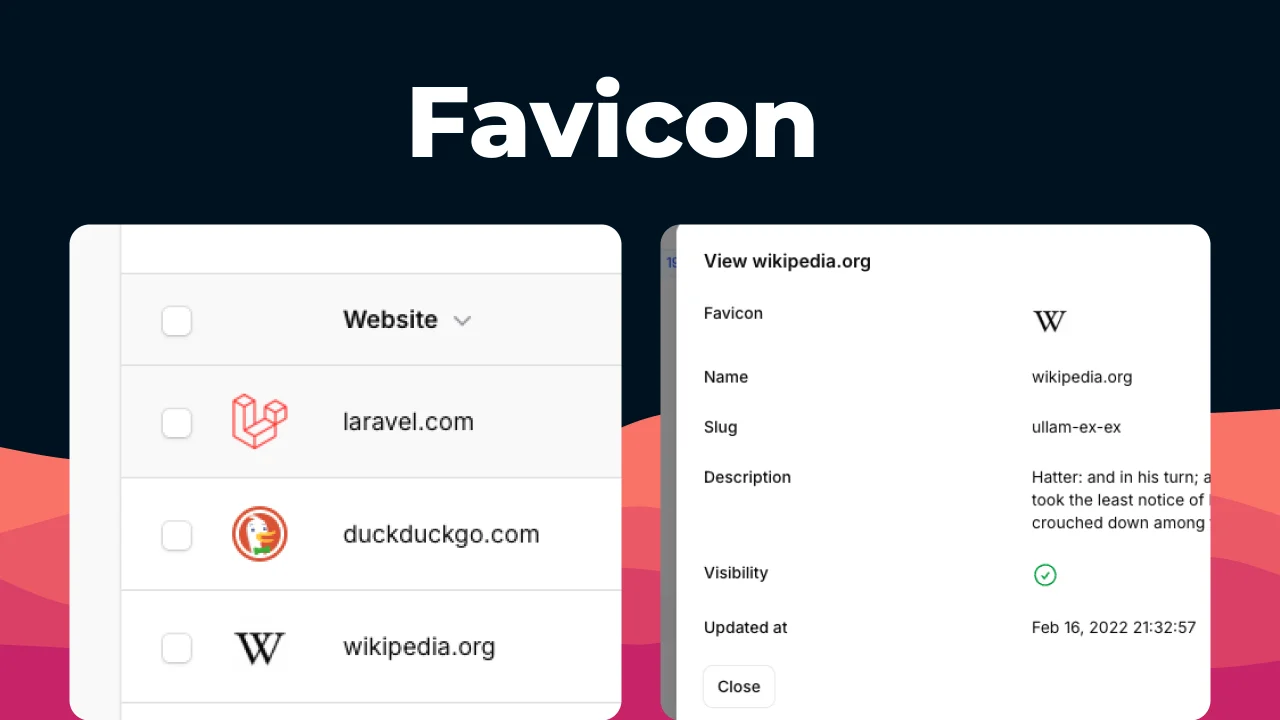
Favicon by Dennis Koch
CommunityEasiest way to add favicons to your table and schemas
 Author:
Dennis Koch
Author:
Dennis Koch
Package health
Automated checks of this plugin's Composer package
15 checks
- Passed: GitHub Actions pinned to SHA
- Skipped: GitLab CI includes pinned to SHA
- Passed: Open security advisories
- Passed: Dependabot PR responsiveness — No open Dependabot PRs.
- Skipped: Renovate MR responsiveness
- Failed: Dependabot or Renovate configured — No dependency updater configuration found. View details on Plumb
- Skipped: Dependency update cooldown configured
- Passed: Provides a security policy
- Passed: Abandoned or archived — No consulted source marks the package abandoned (packagist, github).
- Passed: Commit and release recency — Active: last commit 0 days ago; last release 279 days ago.
-
Passed:
composer.lock not committed by library
—
composer.lockis absent from the released dist archive. - Passed: Dist archive is lean
-
Passed:
Current Laravel version supported
—
Package dependencies resolve together with current Laravel
13.0. -
Passed:
Current PHP version supported
—
Constraint
^8.0supports current PHP8.5. - Skipped: Current Symfony version supported
filament/
namespace. Review the source and install at your own risk. Found
malware or an unresolved security issue the author won't
address?
Report it
.
Documentation




#Installation via Composer
composer require pxlrbt/filament-favicon
#Features
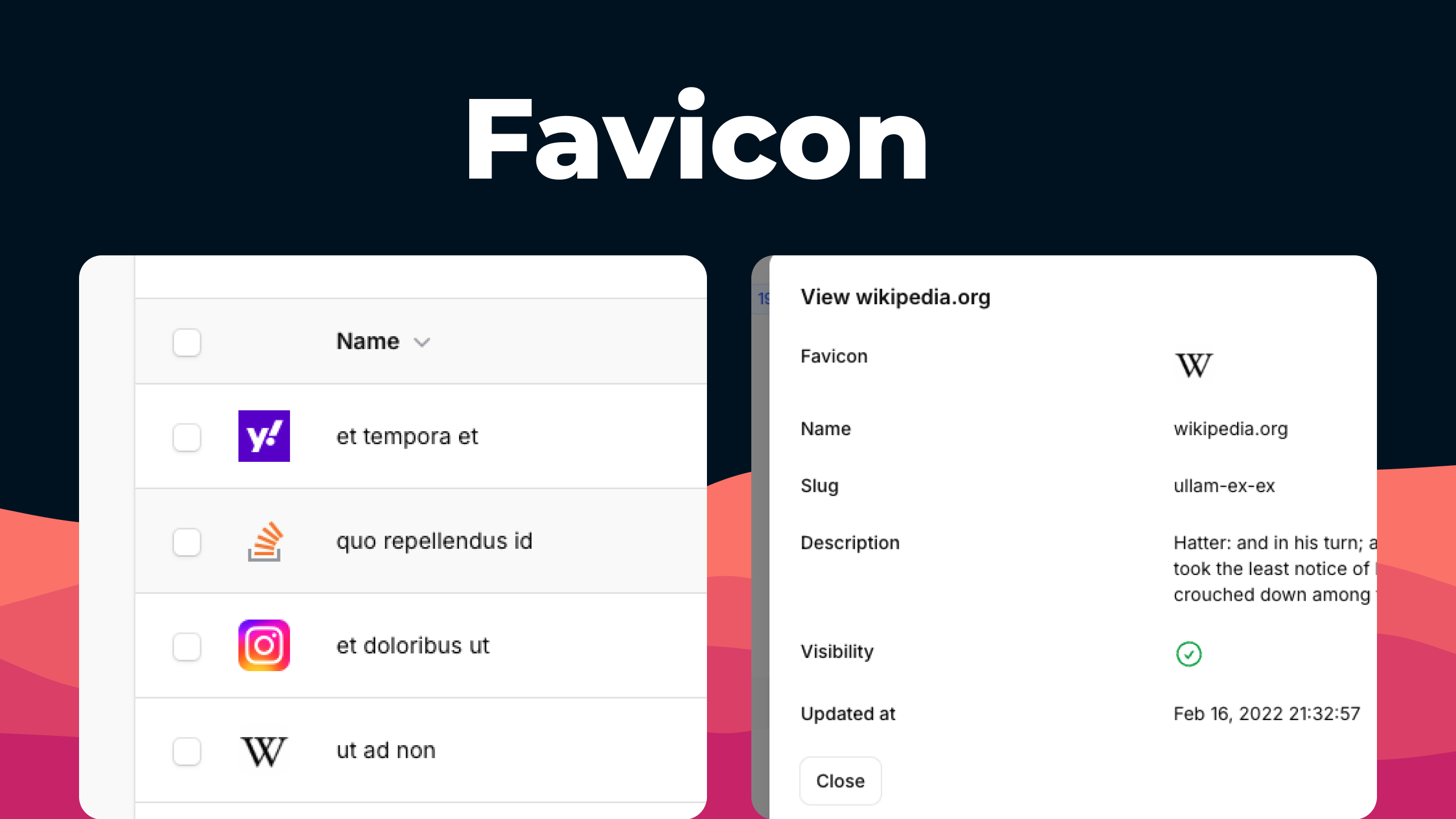
#FaviconColumn
Display website favicons in your Filament table columns:
use pxlrbt\FilamentFavicon\Filament\FaviconColumn;

FaviconColumn::make('website')
The column automatically fetches and caches favicons based on the domain value. The state must be a domain name (e.g., example.com).
If you need to extract the domain from a URL, use the state() method:
FaviconColumn::make('website')
    ->state(fn ($record) => parse_url($record->website, PHP_URL_HOST))
#FaviconEntry
Display website favicons in your Filament infolists:
use pxlrbt\FilamentFavicon\Filament\FaviconEntry;

FaviconEntry::make('website')
The entry automatically fetches and caches favicons based on the domain value. The state must be a domain name (e.g., example.com).
If you need to extract the domain from a URL, use the state() method:
FaviconEntry::make('website')
    ->state(fn ($record) => parse_url($record->website, PHP_URL_HOST))
#Configuration
Publish the config file:
php artisan vendor:publish --tag=filament-favicon-config
Available options:
return [
    // Favicon fetcher service (DuckDuckGo or IconHorse)
    'diver' => \pxlrbt\FilamentFavicon\Drivers\IconHorse::class,

    // How long to keep favicons before re-fetching
    'stale_after' => CarbonInterval::week(1),

    // How long to wait before retrying domains the driver found no favicon for
    'not_found_stale_after' => CarbonInterval::day(1),

    // Storage configuration
    'storage' => [
        'disk' => 'public',
        'directory' => 'favicons',
    ],
];
#Favicon Drivers
This package includes two favicon drivers:
IconHorse (default)
- Dedicated favicon service with enhanced reliability
- Free tier: up to 1,000 lookups per month
- Paid plans available for higher volumes
- Class:
\pxlrbt\FilamentFavicon\Drivers\IconHorse::class
DuckDuckGo
- Uses DuckDuckGo's search engine index to fetch favicons
- No rate limits or usage restrictions
- Free and unlimited
- Class:
\pxlrbt\FilamentFavicon\Drivers\DuckDuckGo::class
To switch drivers, update the driver option in your config file.
#Clear Favicons
Clear all cached favicons:
php artisan favicons:clear
#Contributing
If you want to contribute to this packages, you may want to test it in a real Filament project:
- Fork this repository to your GitHub account.
- Create a Filament app locally.
- Clone your fork in your Filament app's root directory.
- In the
/filament-favicondirectory, create a branch for your fix, e.g.fix/error-message.
Install the packages in your app's composer.json:
"require": {
    "pxlrbt/filament-favicon": "dev-fix/error-message as main-dev",
},
"repositories": [
    {
        "type": "path",
        "url": "filament-favicon"
    }
]
Now, run composer update.
#Credits
The author
Dennis, a Filament core-team member, is dedicated to delivering high-quality plugins for your Filament projects. He is a freelance full-stack developer who works on several Laravel projects either individually or as part of small teams. In his work, he utilizes both Livewire and Inertia.
From the same author
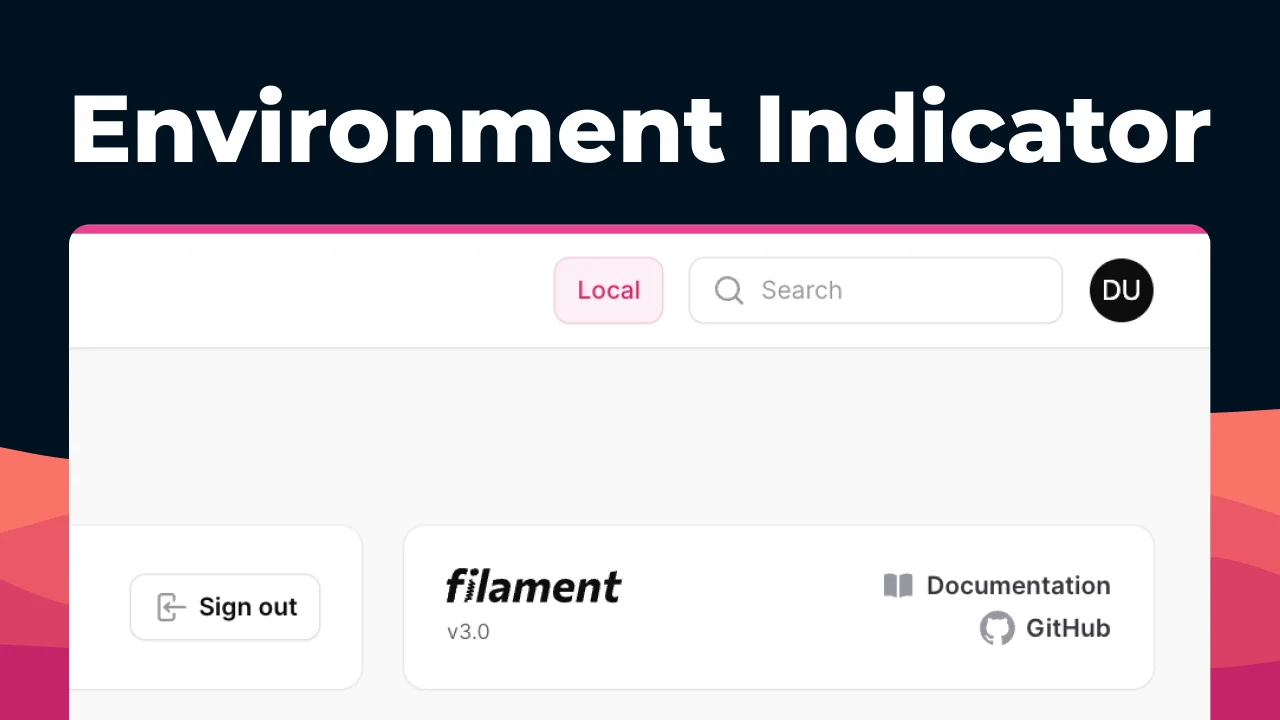
Environment Indicator
Never confuse your tabs with different Filament environments again.
Author:
Dennis Koch
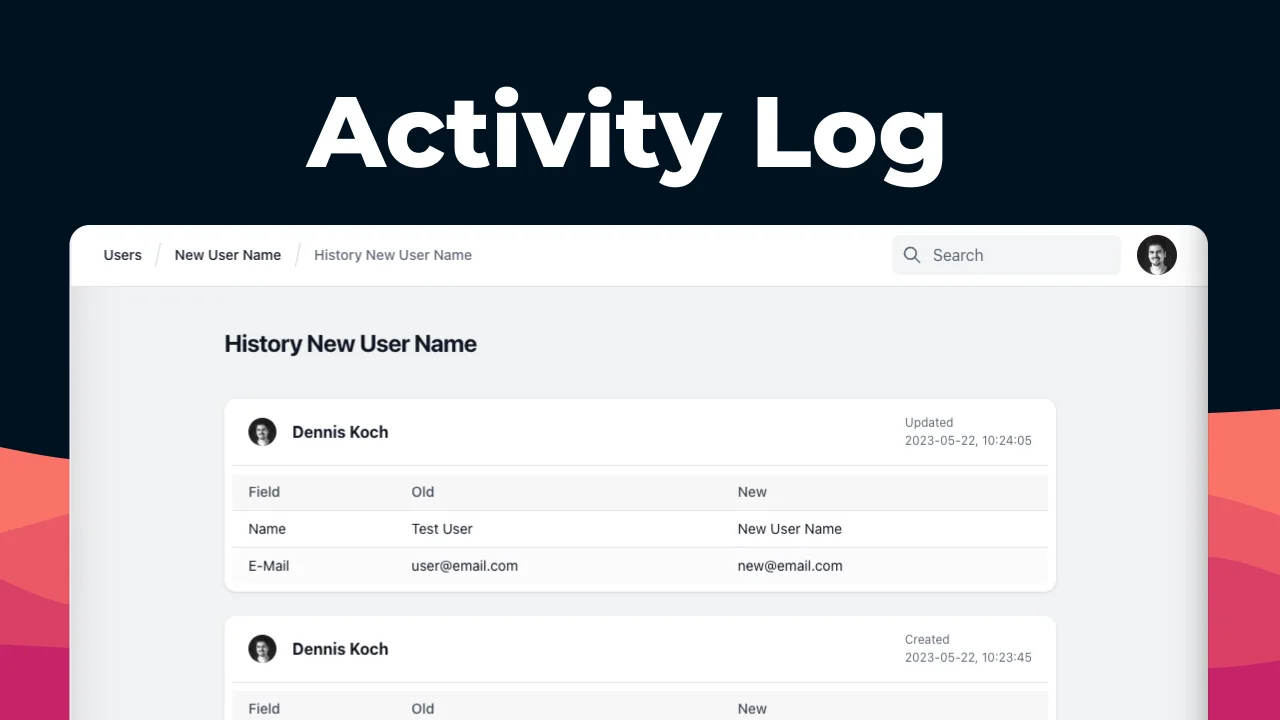
Activity Log
Add a Filament page that nicely shows your spatie/laravel-activitylog.
Author:
Dennis Koch
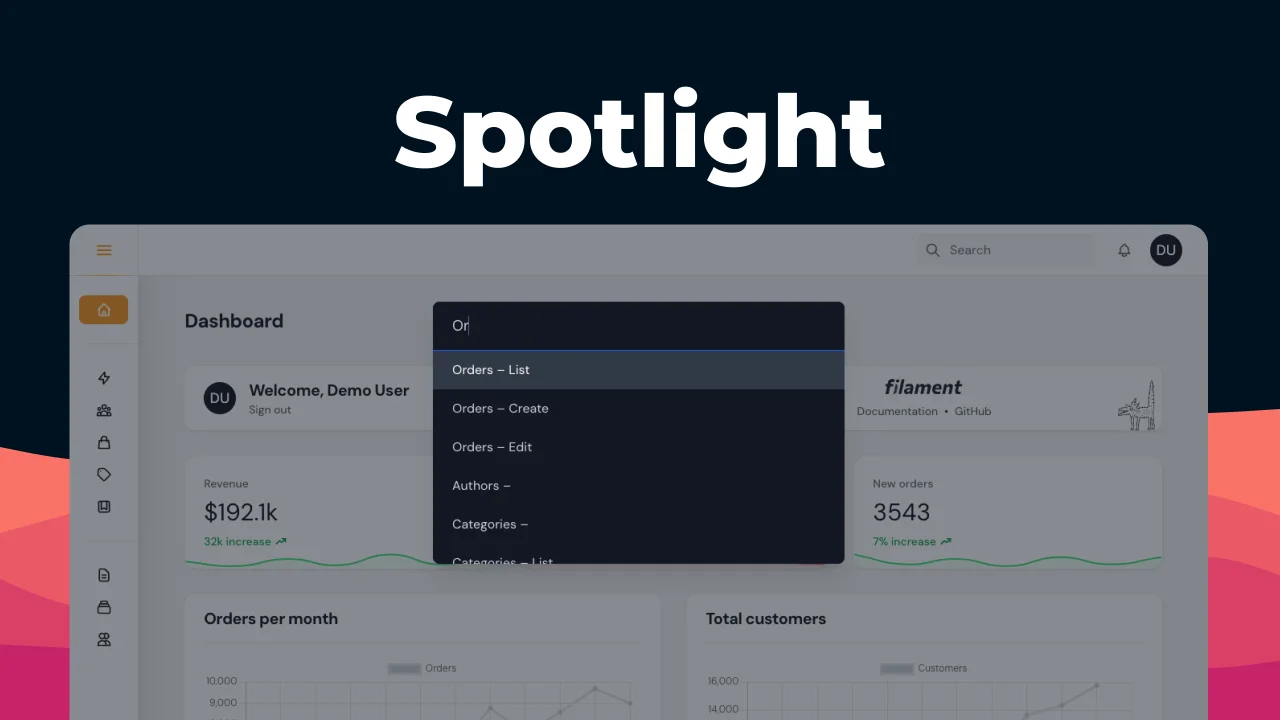
Spotlight
Quickly navigate your Filament Resources with Spotlight functionality.
Author:
Dennis Koch

Translate Action
Translate your forms content with the click of a button.
Author:
Dennis Koch
Featured Plugins
A selection of plugins curated by the Filament team

Blueprint
Filament Blueprint is a premium Laravel Boost extension that helps AI agents produce accurate, detailed implementation plans and security reports for Filament apps.
 Filament

Soft Theme
A theme that gives panels a warm, approachable look with rounded shapes, gentle colors, and serif headings.
Filament

Spotlight Pro
Browse your Filament Panel with ease. Filament Spotlight Pro adds a Spotlight like Command Palette to your Filament Panel.
Dennis Koch

