
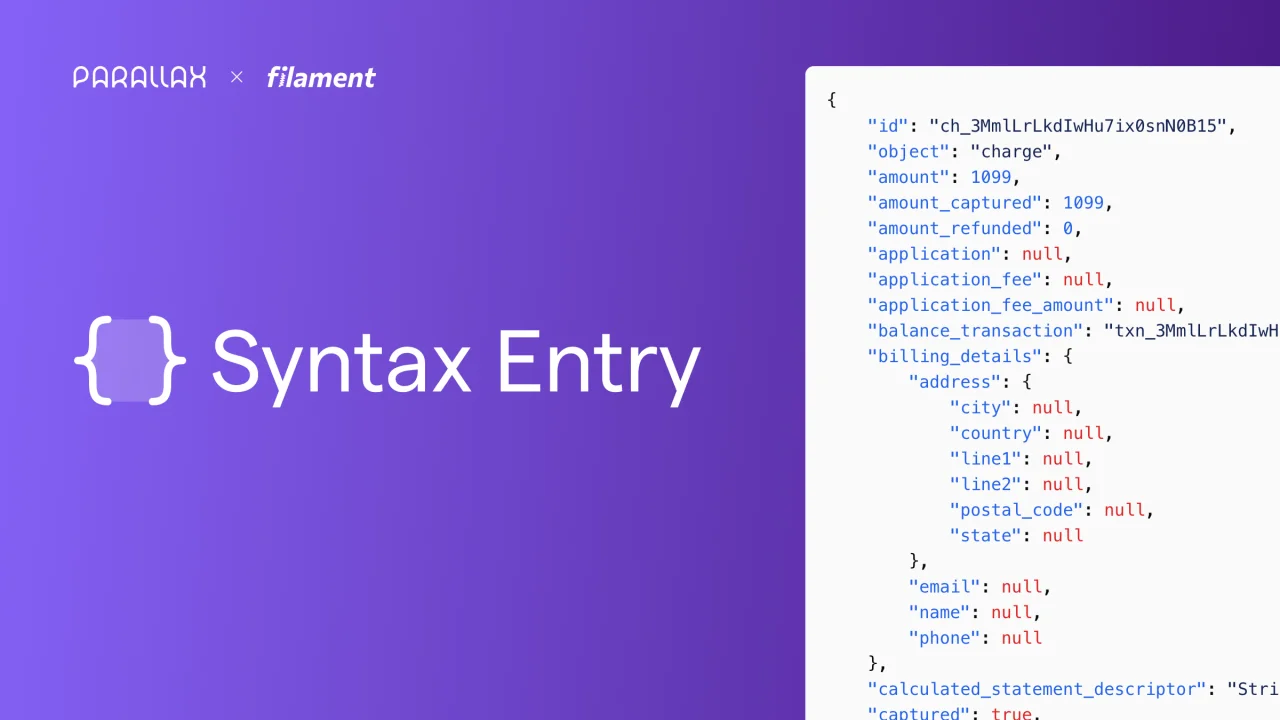
Syntax Entry
CommunityAdd a Filament infolist entry for themeable syntax highlighting using highlight.js
 Author:
Parallax
Author:
Parallax
Package health
BetaAutomated checks of this plugin's Composer package
15 checks
- Skipped: GitHub Actions pinned to SHA
- Skipped: GitLab CI includes pinned to SHA
- Passed: Open security advisories
- Failed: Dependabot PR responsiveness — Stale Dependabot PRs: oldest security PR is 134 days old; oldest general PR is 124 days old. View details on Plumb
- Skipped: Renovate MR responsiveness
- Failed: Dependabot or Renovate configured — No dependency updater configuration found. View details on Plumb
- Skipped: Dependency update cooldown configured
- Failed: Provides a security policy — View details on Plumb
- Passed: Abandoned or archived — No consulted source marks the package abandoned (packagist, github).
- Failed: Commit and release recency — Inactive: last commit 506 days ago; last release 506 days ago. View details on Plumb
-
Passed:
composer.lock not committed by library
—
composer.lockis absent from the released dist archive. - Passed: Dist archive is lean
-
Warning:
Current Laravel version supported
—
Package support for current Laravel
13.0could not be verified; the newest co-installable line is12.0, which receives security patches only (until 2027-02-24). Line13.0could not be fully verified: no solution was found among the newest package versions, and resolving the complete version pool exceeded solver resource budgets, so support there cannot be ruled out. -
Passed:
Current PHP version supported
—
Constraint
^8.3supports current PHP8.5. - Skipped: Current Symfony version supported
filament/
namespace. Review the source and install at your own risk. Found
malware or an unresolved security issue the author won't
address?
Report it
.
Documentation




Add a Filament infolist entry for themeable server-side syntax highlighting using tempestphp/highlight.

#Installation
Install the package via composer:
composer require parallax/filament-syntax-entry
Optionally, you can publish the views using
php artisan vendor:publish --tag="filament-syntax-entry-views"
#Upgrading from 1.x
There are a couple of important changes to be aware of when upgrading to version 2.x:
- PHP 8.3 is required for server-side syntax highlighting
- Highlight.js is no longer supported
- Theme selection has been replaced with the ability to create custom themes
#Quickstart
#Add the Infolist entry
Add the SyntaxEntry to the $infolist->schema() method.
<?php

namespace App\Filament\Resources;

use Parallax\FilamentSyntaxEntry\SyntaxEntry;

class ProductResource extends Resource
{
    public static function infolist(Infolist $infolist): Infolist
    {
        return $infolist
            ->schema([
                SyntaxEntry::make('metadata'),
            ]);
    }
}
#Setting the language
The default language value is set to json. To override this value you may use the language() method:
SyntaxEntry::make('metadata')
    ->language('json');
The following languages are currently available:
bladecssgdscripthtmljavascriptjsonphpsqltwigxmlyaml
#Creating a custom theme
You may override the default theme by using the theme() method:
SyntaxEntry::make('metadata')
    ->theme('smudge');
This will wrap the syntax component with a custom class like so:
syntax-entry-theme-smudge
The final step is to follow the tempestphp/highlight documentation on how to create your own theme, and use this in combination with Filament themes.
#Changelog
Please see CHANGELOG for more information on what has changed recently.
#Credits
#License
The MIT License (MIT). Please see License File for more information.
The author
From the same author
Featured Plugins
A selection of plugins curated by the Filament team

Custom Dashboards
Let your users build and share their own dashboards with a drag-and-drop interface. Define your data sources in PHP and let them do the rest.
 Filament

Custom Fields
Eliminate custom field migrations forever. Let your users create and manage form fields directly in Filament admin panels with 20+ built-in field types, validation, and zero database changes.
 Relaticle

Spotlight Pro
Browse your Filament Panel with ease. Filament Spotlight Pro adds a Spotlight like Command Palette to your Filament Panel.
 Dennis Koch
