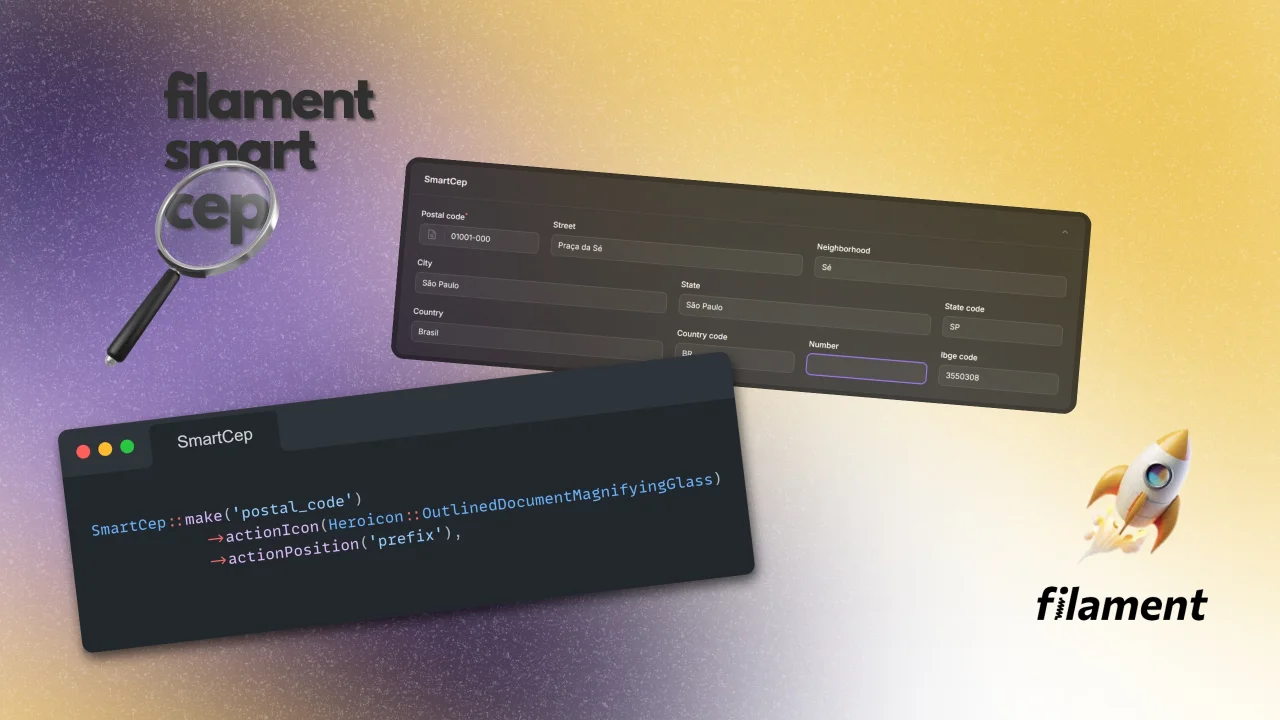
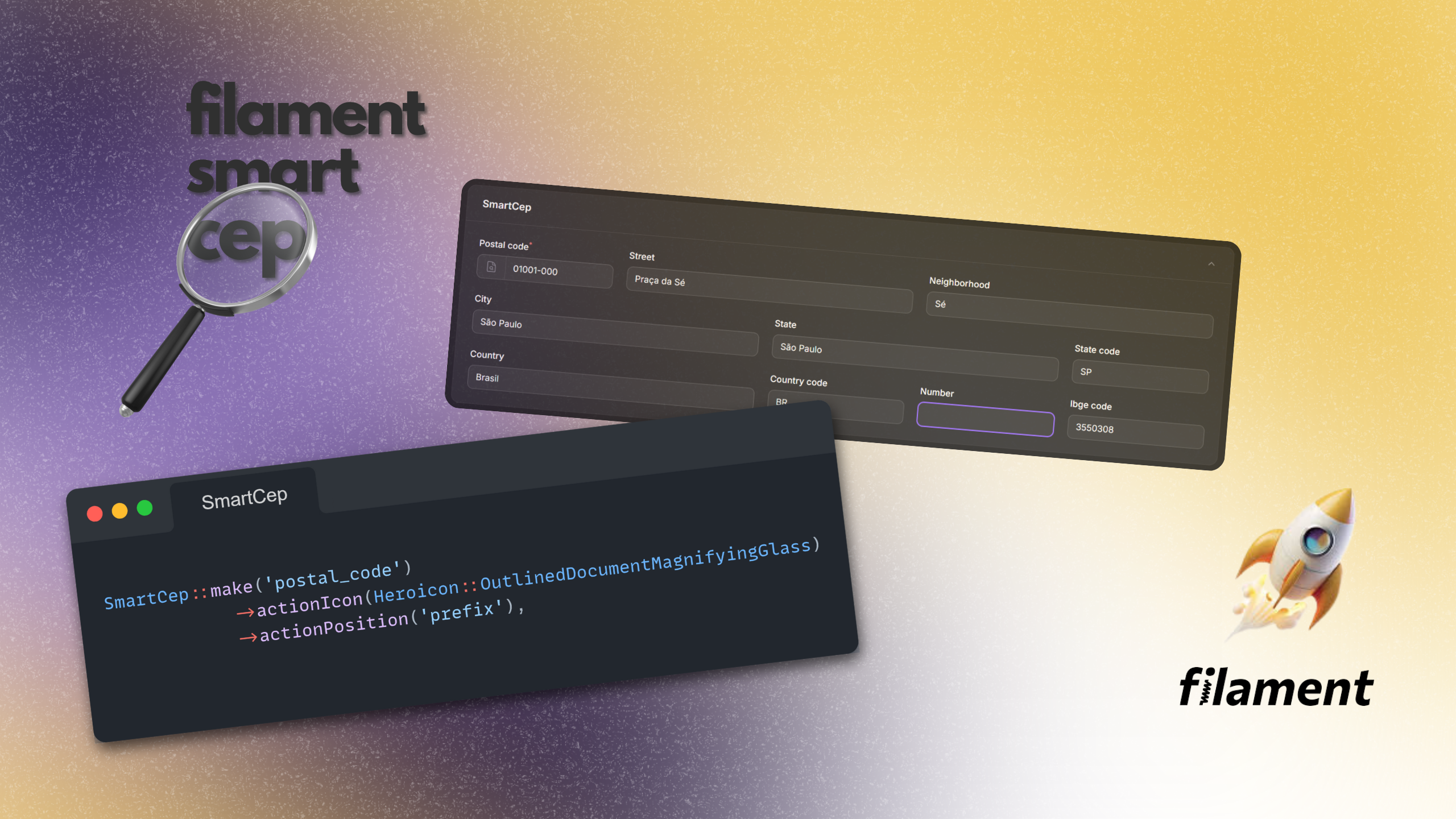
Smart CEP
A plugin that validates Brazilian postal codes (CEP) and automatically fills address fields (street, neighborhood, city, state, country) using ViaCEP as the primary source, with multiple API fallbacks for reliability.
 Author:
Otávio Araújo
Author:
Otávio Araújo
Documentation
- Filament Compatibility
- ✨ Features
- 🚀 How It Works
- 📦 Installation
- ⚙️ Configuration
- 📖 Basic Usage
- 🏷️ Using Custom Field Names
- ⏪🖌️⏩ Customize Action's Button Icon and Position
- 🎯 Set Focus on an Input After Filling up the Fields
- 👨💻 Code Quality
- 📋 Changelog
- 🤝 Contributing
- 🛡️ Security Vulnerabilities
- ⭐ Credits
- 🚨 License
Filament Smart CEP is a plugin for FilamentPHP v4 that validates Brazilian postal codes (CEP) and automatically fills address fields with accurate data. It uses ViaCEP as the primary API, with multiple backup providers to ensure reliability and uptime.




#Filament Compatibility
Compatible with Filament v4.
#✨ Features
- CEP validation with instant feedback.
- Automatic address filling: street, neighborhood, city, state, state abbreviation, country, and country abbreviation.
- Multiple API fallback: if ViaCEP is unavailable, the plugin tries alternative providers automatically.
- Seamless FilamentPHP integration — works out-of-the-box with Forms.
- Customizable field mapping to match your resource structure.
- Fast and lightweight — no heavy dependencies.
#🚀 How It Works
- User inputs a Brazilian postal code (CEP) in a Filament form.
- The plugin validates the code format.
- The plugin queries ViaCEP first.
- If ViaCEP fails, other APIs are used as fallback.
- Address fields are automatically populated.
#📦 Installation
You can install the package via composer:
composer require otavio-araujo/filament-smart-cep
#⚙️ Configuration
You can customize:
- Which fields are auto-filled.
- Which field is going to receive focus after CEP autofill.
- Use prefix ou suffix action.
#📖 Basic Usage
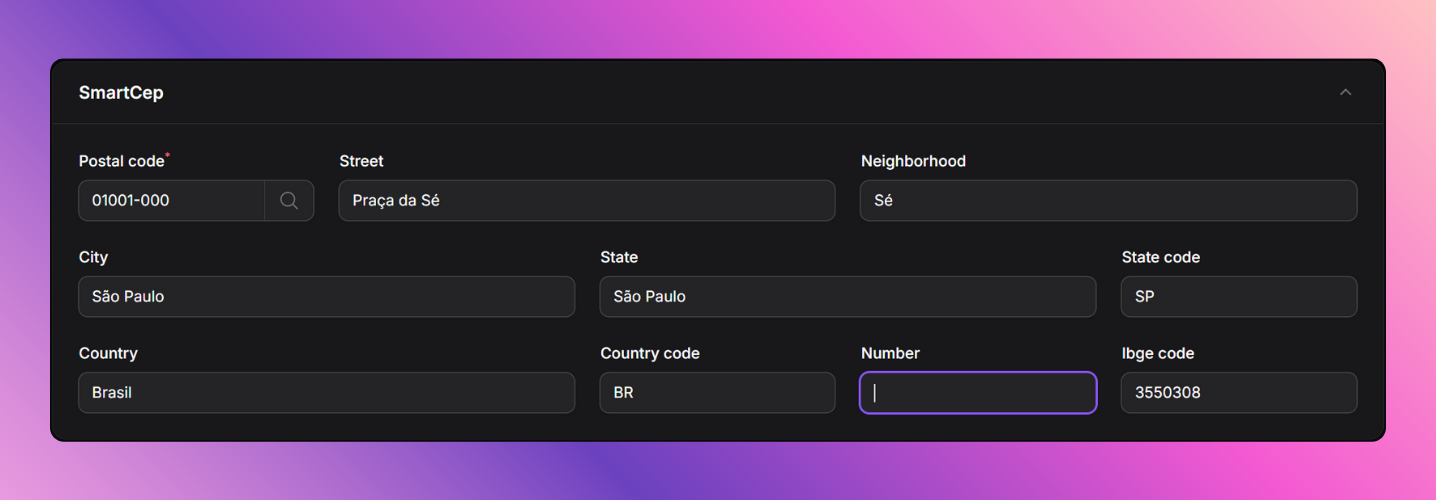
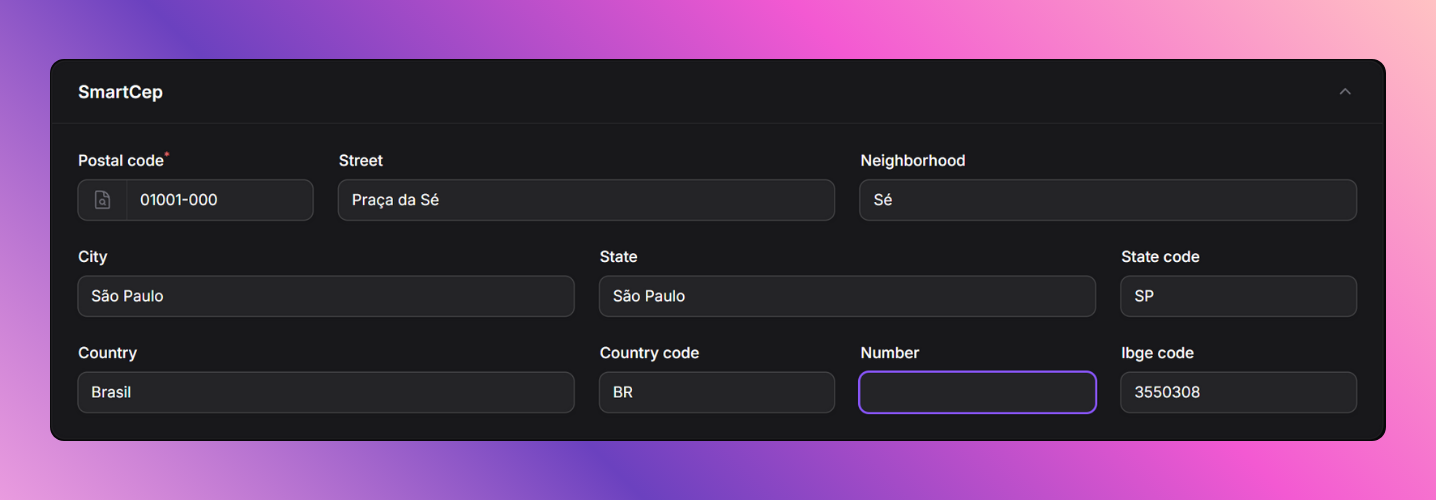
The custom field searches for CEP and fills up the form fields with the data returned by the web service.
By default, the fields that will be filled up are:
- street;
- neighborhood;
- city;
- state;
- state_code;
- ibge_code;
- country;
- and country_code.
By default, the number field is focused after field-autofill.
public static function configure(Schema $schema): Schema
    {
        return $schema
            ->components([
                SmartCep::make('postal_code'),

                TextInput::make('street'),
                TextInput::make('neighborhood'),
                TextInput::make('city'),
                TextInput::make('state'),
                TextInput::make('state_code'),
                TextInput::make('ibge_code'),
                TextInput::make('country'),
                TextInput::make('country_code'),
                TextInput::make('number'),
            ]);
    }
#🏷️ Using Custom Field Names
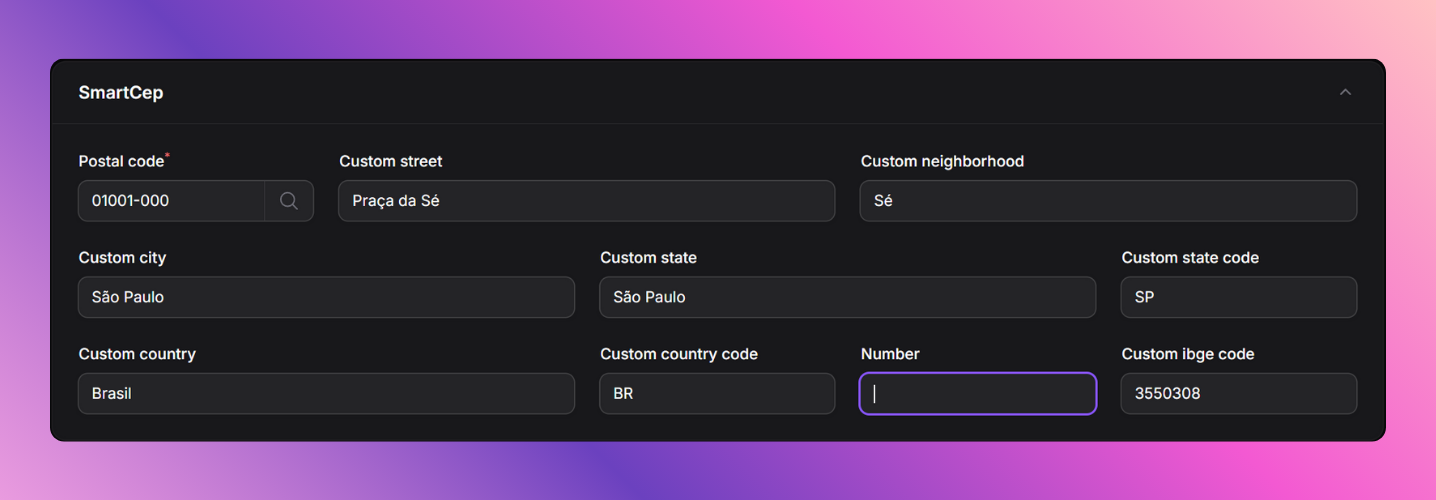
If you want to customize the fields that will be filled up, you can chain on the following methods:
public static function configure(Schema $schema): Schema
    {
        return $schema
            ->components([
                SmartCep::make('postal_code')
                    ->bindStreetField('custom_street')
                    ->bindNeighborhoodField('custom_neighborhood')
                    ->bindCityField('custom_city')
                    ->bindStateField('custom_state')
                    ->bindStateCodeField('custom_state_code')
                    ->bindIbgeCodeField('custom_ibge_code')
                    ->bindCountryField('custom_country')
                    ->bindCountryCodeField('custom_country_code'),

                TextInput::make('custom_street'),
                TextInput::make('custom_neighborhood'),
                TextInput::make('custom_city'),
                TextInput::make('custom_state'),
                TextInput::make('custom_state_code'),
                TextInput::make('custom_ibge_code'),
                TextInput::make('custom_country'),
                TextInput::make('custom_country_code'),
                TextInput::make('number'),
            ]);
    }
#⏪🖌️⏩ Customize Action's Button Icon and Position
If you want to customize the action's button icon and position, you can chain on the following methods:
public static function configure(Schema $schema): Schema
    {
        return $schema
            ->components([
                SmartCep::make('postal_code')
                    ->actionIcon(Heroicon::OutlinedDocumentMagnifyingGlass), // Default: Heroicon::OutlinedMagnifyingGlass
                    ->actionPosition('prefix') // Options: 'prefix', 'suffix' | Default: 'suffix'
            ]);
    }
#🎯 Set Focus on an Input After Filling up the Fields
If you want to set focus on an input after filling up the fields, you can chain on the following methods:
public static function configure(Schema $schema): Schema
    {
        return $schema
            ->components([
                SmartCep::make('postal_code')
                    ->nextFocusField('number'),
                ...
                TextInput::make('number'),
            ]);
    }
#👨💻 Code Quality
composer analyse
composer lint
composer test
#📋 Changelog
Please see CHANGELOG for more information on what has changed recently.
#🤝 Contributing
Please see CONTRIBUTING for details.
#🛡️ Security Vulnerabilities
Please review our security policy on how to report security vulnerabilities.
#⭐ Credits
#🚨 License
The MIT License (MIT). Please see License File for more information.
The author
Husband, father, pest control company owner and PHP/Laravel developer.
Featured Plugins
A selection of plugins curated by the Filament team

Custom Dashboards
Let your users build and share their own dashboards with a drag-and-drop interface. Define your data sources in PHP and let them do the rest.
 Filament

Custom Fields
Eliminate custom field migrations forever. Let your users create and manage form fields directly in Filament admin panels with 20+ built-in field types, validation, and zero database changes.
 Relaticle
Advanced Tables (formerly Filter Sets)
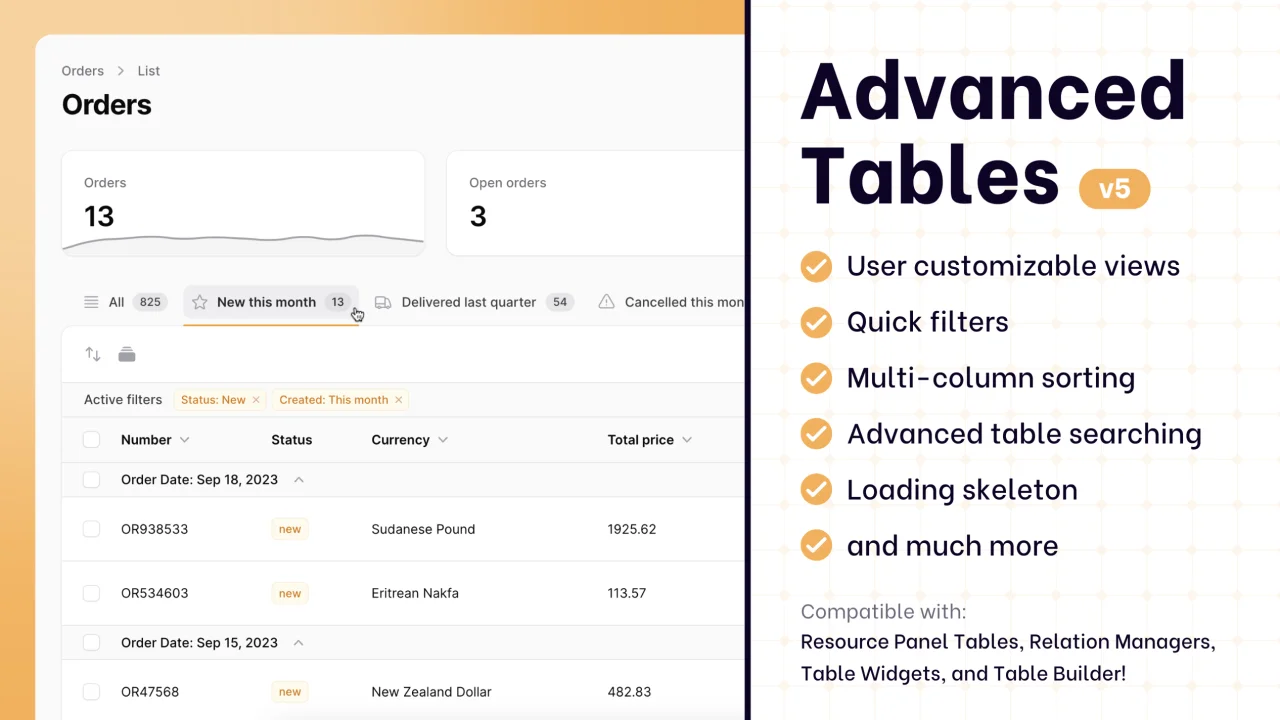
Supercharge your tables with powerful features like user-customizable views, quick filters, multi-column sorting, advanced table searching, convenient view management, and more. Compatible with Resource Panel Tables, Relation Managers, Table Widgets, and Table Builder!
 Kenneth Sese

